Album covers sell music before a single note plays. In an era where Spotify, Apple Music, and Bandcamp display your artwork at thumbnail size to millions of potential listeners, a weak visual costs you plays. The old solution was to hire a graphic designer for $500 to $2,000 and wait two weeks. The new solution takes minutes and costs a fraction of that, if anything at all.
AI image generation has matured to the point where independent artists are producing artwork that rivals what major labels commission from professional studios. The tools are available right now. What separates average results from exceptional ones is knowing exactly how to use them, what to ask for, and which model fits your specific goal.
Why Your Album Visual Is a Marketing Asset
Before getting into the how, it helps to understand the stakes.
The first three seconds
Research on streaming behavior consistently shows that visual first impressions drive click-through rates. A listener browsing a playlist makes a decision about your track in under three seconds based almost entirely on the artwork. Your cover is functioning like an advertisement, and it needs to communicate genre, mood, and identity instantly.
That three-second window is also where AI-generated art has reached full parity with commissioned work. A well-prompted AI image rendered at 8K resolution and downloaded as a clean PNG is indistinguishable from photography or professional illustration when displayed at playlist thumbnail size.
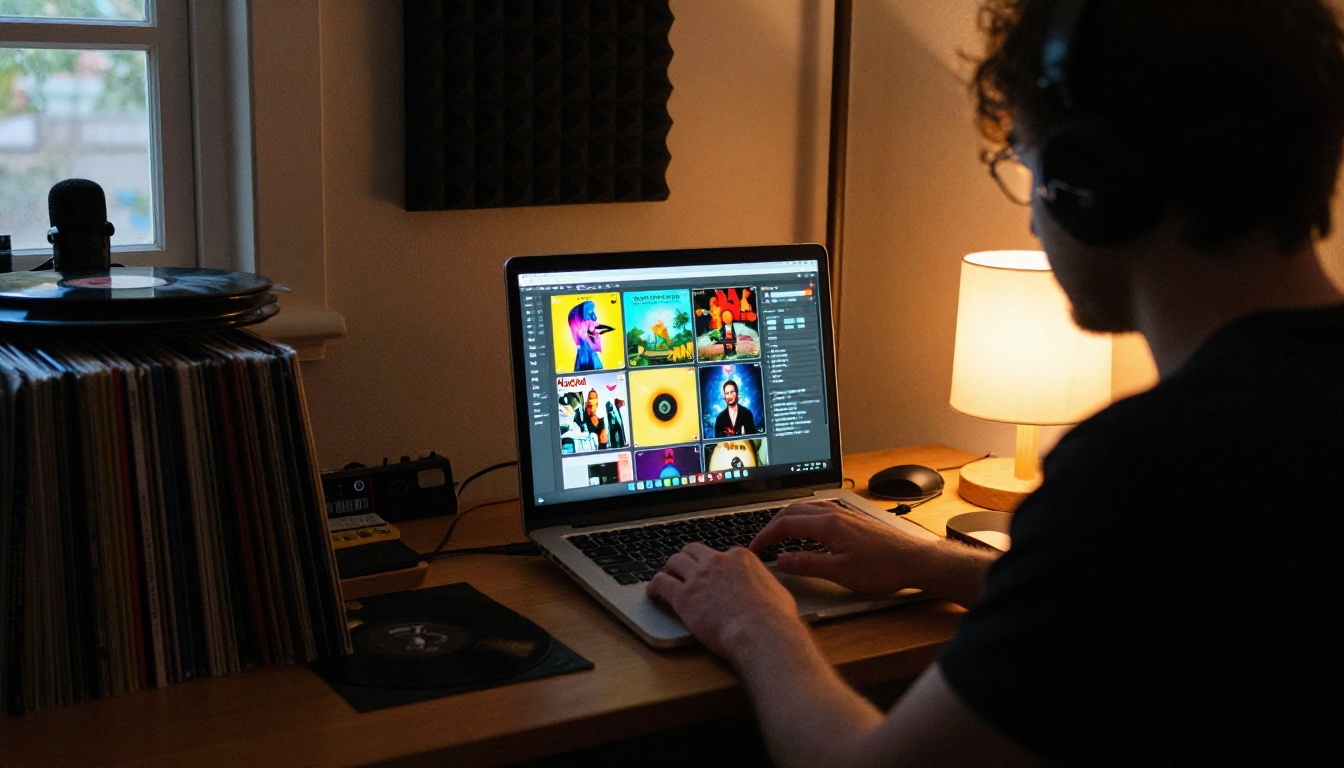
What design options actually cost
| Approach | Cost | Turnaround | Revision rounds |
|---|
| Freelance designer, mid-level | $300 to $800 | 5 to 14 days | 2 to 3 |
| Design agency | $1,200 to $3,000 | 2 to 4 weeks | Limited |
| Stock photo plus editing | $50 to $150 | 1 to 3 days | Self-managed |
| AI image generation | Free to minimal | Minutes | Unlimited |
The economics are obvious. But cost is only part of the argument. The real advantage of AI is creative control at iteration speed. You can test 20 visual directions in an afternoon and pick the one that actually fits the music. No briefing documents. No back-and-forth emails. No compromises made because another revision would cost extra.
Who is already using it
The adoption of AI in album artwork is not a future trend. Independent artists on Bandcamp, SoundCloud, and DistroKid are already shipping releases with AI-generated art. Hip-hop producers use it for single artwork. Electronic artists use it for EP packaging. Singer-songwriters who previously used stock photos are now generating exact scenes from their imagination. The tools removed a barrier that kept visual production out of reach for many musicians.
The Two Models Worth Knowing for Album Art
Not all AI image models produce the same results. For album artwork, you need photorealistic output with strong compositional control and reliable detail rendering. Two models stand above the rest for this specific use case.
Flux Dev for premium output
Flux Dev is a 12-billion parameter model built for high-fidelity image generation. When you need the final, release-ready version of your artwork, this is the right tool. It handles complex lighting, detailed surface textures, and nuanced scene compositions with accuracy that smaller models consistently miss.
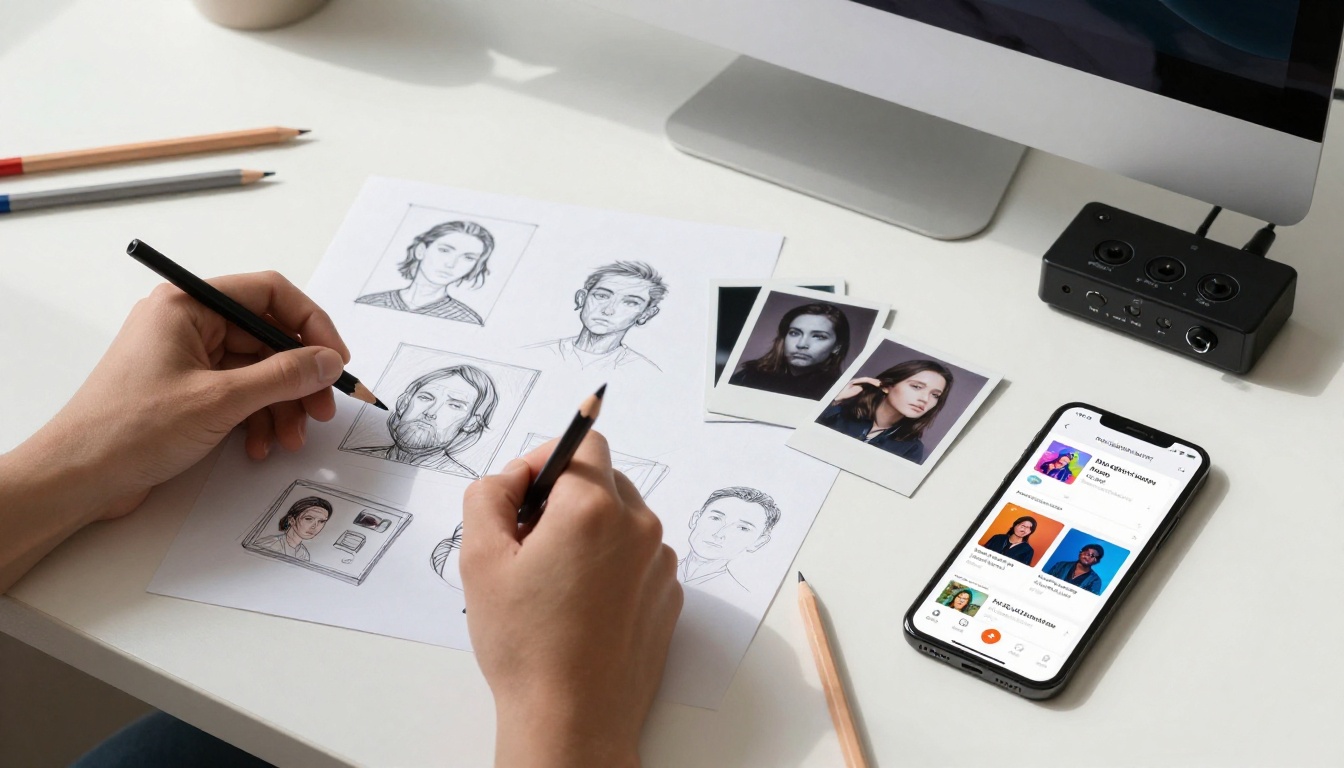
Its img2img mode is particularly useful for album artwork: upload a rough concept sketch or mood reference photo, write a prompt describing the changes you want, and the model generates a polished version that preserves the composition you already liked.
When to use Flux Dev:
- Final artwork ready for distribution upload
- Complex scenes with multiple compositional elements
- Portraits requiring accurate skin texture and directional lighting
- Any concept that needs precise atmospheric control
Flux Schnell for rapid iteration
Flux Schnell is built for speed. It generates a finished image in under five seconds using just four denoising steps. The trade-off is some fine-detail fidelity compared to Flux Dev, but for iterating through concepts and stress-testing prompt language, that trade-off is completely worth it.
Use Flux Schnell to generate 15 to 20 variations of a concept in the time Flux Dev would produce two. Once you find the direction that works, switch to Flux Dev for the final render.
When to use Flux Schnell:
- Brainstorming visual directions at the start of a project
- Testing prompt language before committing to full renders
- Rapid comparison of color palettes, compositions, and moods
- Quick mockups to share with bandmates or a label
💡 Proven workflow: Run 10 to 20 prompt variations through Flux Schnell to find your concept. Then take the winning prompt into Flux Dev for your final high-resolution image.
How to Use Flux Dev on PicassoIA
This section walks through the complete workflow from blank page to download-ready artwork.
Step 1: Define your visual concept first
Before opening any tool, write one sentence describing what you want the image to feel like. Not what it depicts, but its emotional register. Then build outward from that sentence.
For example: "This image needs to feel isolated and melancholic but strangely beautiful, like standing alone in a place that once meant everything."
From that sentence you can extract:
- Subject: a person, alone
- Environment: a location with emotional weight (empty stadium, foggy pier, abandoned house)
- Lighting: overcast or low, diffused, no harsh shadows
- Color palette: muted blues, grays, faded greens
That emotional foundation keeps every prompt iteration on track.
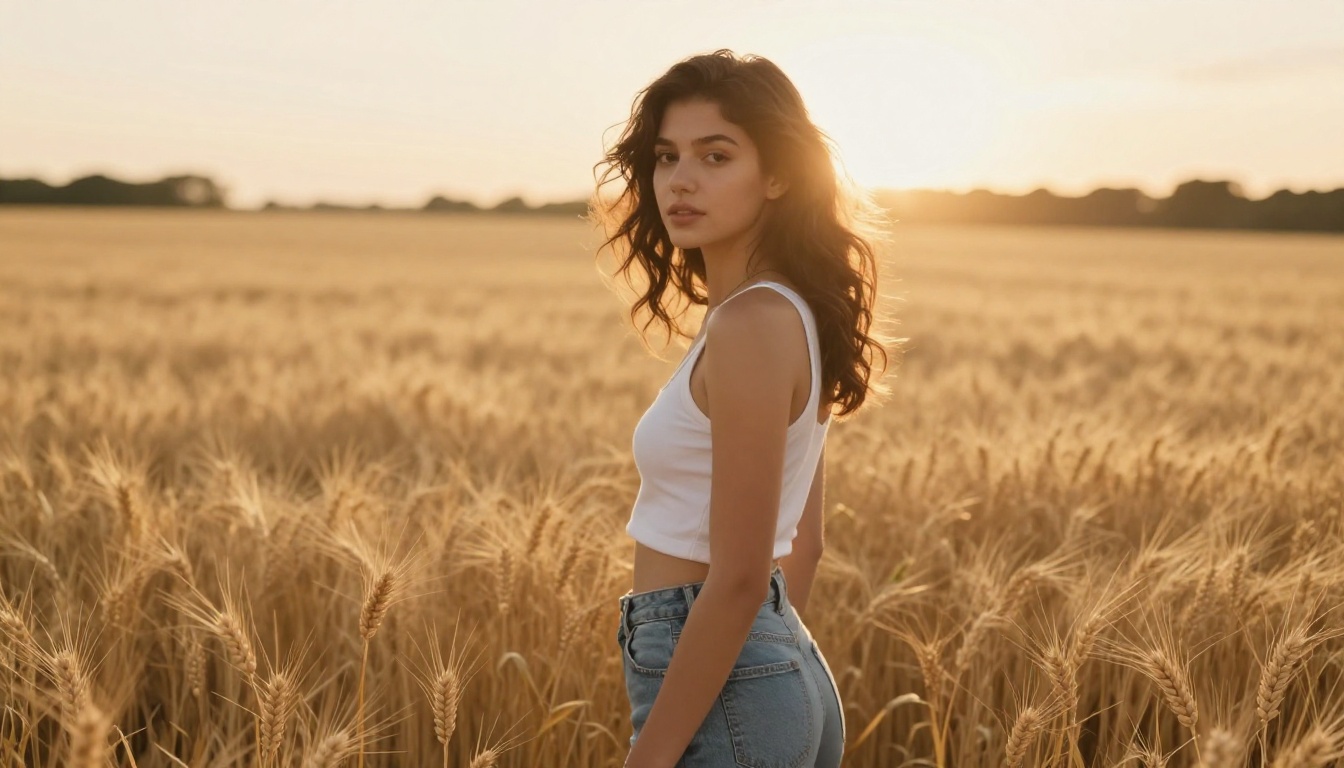
Step 2: Write a scene, not a mood
Open Flux Dev on PicassoIA. In the prompt field, structure your input using this framework:
[Subject plus action or pose] + [Environment description] + [Lighting conditions] + [Camera angle and lens] + [Texture and atmosphere] + [Style reference]
Example prompt:
"A young woman standing at the edge of a foggy pier at dawn, looking out over still grey water, long coat, hands in pockets. Soft diffused morning light from directly ahead, flat even illumination, no hard shadows. Shot from behind at eye level, 85mm f/2.8. Muted blue-grey color palette. Kodak Portra 400 film grain. Photorealistic, 8K."
This is a scene. Not "a beautiful atmospheric image." Every detail in the prompt narrows what the model can produce, pushing the result toward your specific vision.
Step 3: Set your parameters
Inside Flux Dev, configure these before generating:
- Aspect ratio: For Spotify and Apple Music, use 1:1 (square is mandatory). For YouTube thumbnails or physical inserts, try 16:9 or 3:2.
- Output format: PNG for maximum quality if you plan further editing. WebP or JPG for direct use.
- Inference steps: Keep at 28 to 50 for final renders. Lower steps produce faster but softer results.
- Guidance: The default of 3 works for most prompts. Increase to 4 or 5 if the model is ignoring specific instructions in your prompt.
Step 4: Iterate on the prompt
Generate your first image. Then ask three questions:
- Is the lighting right?
- Does the composition read clearly at thumbnail size?
- Does the color palette match the album's emotional tone?
Adjust the prompt for each element you want to change. Small wording changes produce significant result differences in Flux Dev. Replace vague language with specific technical descriptions. Instead of "nice lighting," write "volumetric morning light from upper left at 45 degrees, casting long soft shadows across the foreground."
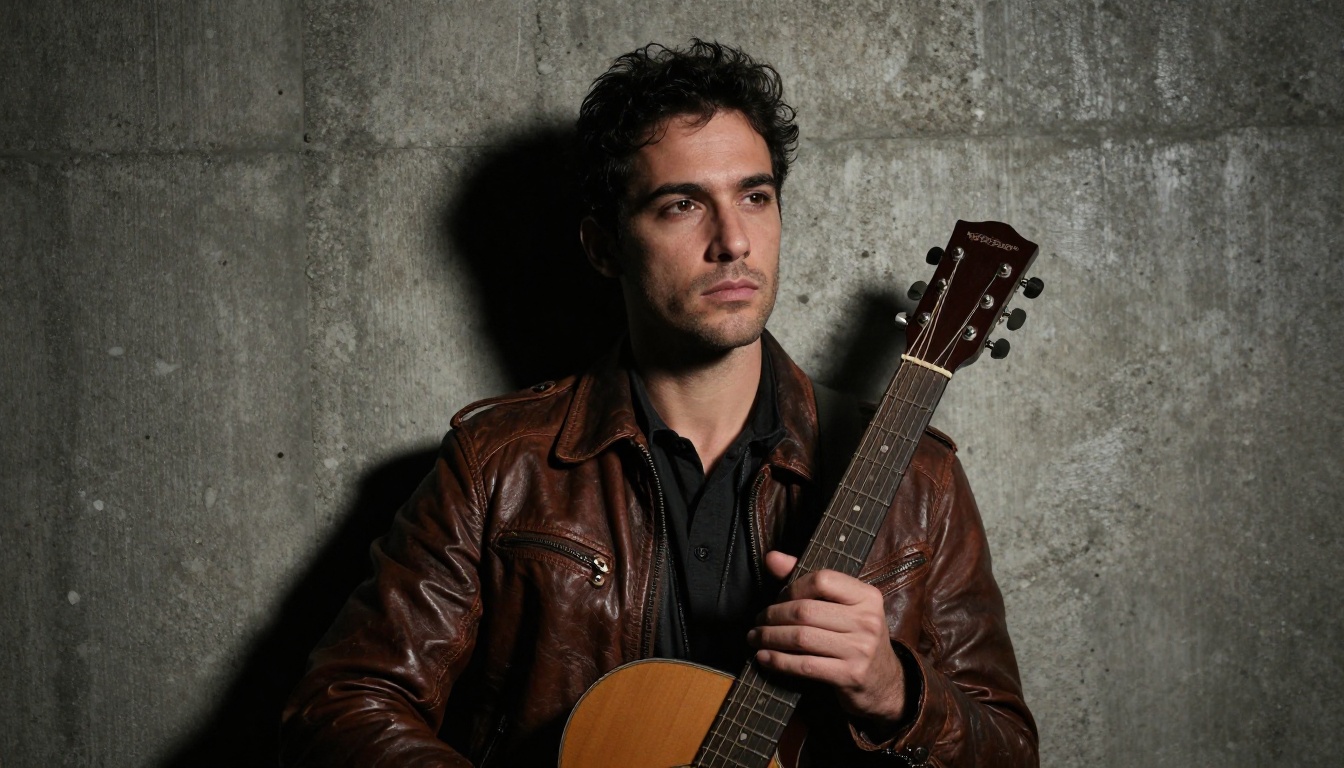
Step 5: Download and prepare for distribution
Once satisfied, download as PNG at maximum quality. Standard requirements across major distributors:
- Minimum size: 3000 x 3000 pixels for streaming platforms
- Format: JPG or PNG
- Color space: sRGB
If you need to scale up an image, PicassoIA's Super Resolution tools can upscale your output 2x to 4x without quality loss, which is useful if you generated at lower resolution during iteration.
Genre shapes everything in album artwork. The visual language of a jazz record differs from a hip-hop single as much as the music does. Here are tested prompt structures for the five most common formats.
Indie and folk
Core elements: Natural environments, overcast or golden hour lighting, film grain, muted palettes, human subjects in candid or introspective poses.
Prompt structure: "[Person or subject] in [natural setting] during [time of day], [lighting description], [emotional quality], shot on 35mm film, Kodak Portra 400, [specific lens], photorealistic."
Electronic and ambient
Core elements: Abstract or minimal compositions, geometric forms, cool-to-neutral color temperatures, wide empty spaces, no human subjects.
Prompt structure: "[Abstract subject or minimal scene], [specific lighting condition], [color palette restricted to 2 to 3 colors], extreme [close-up or wide angle], [texture description], photorealistic, 8K."
Hip-hop and R&B
Core elements: Urban environments, strong architectural frames, portrait photography with directional light, high-contrast tonal quality.
Prompt structure: "[Subject] in [urban environment], [strong single light source] from [specific direction], [clothing and texture detail], [camera angle], film grain, photorealistic."
Pop
Core elements: Bold clean compositions, strong subject presence, vibrant but controlled color, high visual impact at small sizes.
Prompt structure: "[Subject] against [simple background], [controlled colorful lighting], tight composition, [lens detail], clean and sharp, photorealistic, 8K."
Classical and jazz
Core elements: Elegant restraint, deep shadows, warm tungsten light, objects with historical texture such as instruments, architecture, aged paper.
Prompt structure: "[Instrument or minimal scene] in [intimate setting], [warm low-key lighting description], [film grain type], [specific lens], quiet atmosphere, photorealistic."
3 Common Prompt Mistakes
Most artists generating artwork for the first time hit the same three walls. Knowing them in advance saves hours of frustration.
1. Prompts that are too vague
Writing "a beautiful album cover with good lighting" gives the model almost nothing to work with. The more specific your language, the closer the output will be to what you imagined. Every adjective should earn its place by narrowing the possibility space.
2. Describing the result instead of the scene
"An emotional image" is a result. "A woman sitting on a concrete floor in an empty parking garage, knees pulled to her chest, a single overhead sodium light casting a circle around her with everything else in deep shadow" is a scene. Describe the scene. The emotion emerges from the details.
3. Ignoring camera and lens language
Specifying a focal length and aperture dramatically changes how the model frames and renders a shot. "85mm f/1.4" produces a tight, shallow-depth-of-field portrait. "24mm f/8" produces a wide, sharp environmental composition. These technical details are among the highest-value additions you can make to any prompt.
💡 If your first result misses the mark, change one element of the prompt at a time. Changing everything at once makes it impossible to understand what was working.
Certain visual archetypes repeat across successful album artwork because they communicate clearly at small sizes and stay memorable. Here are five worth testing with Flux Dev or Flux Schnell:
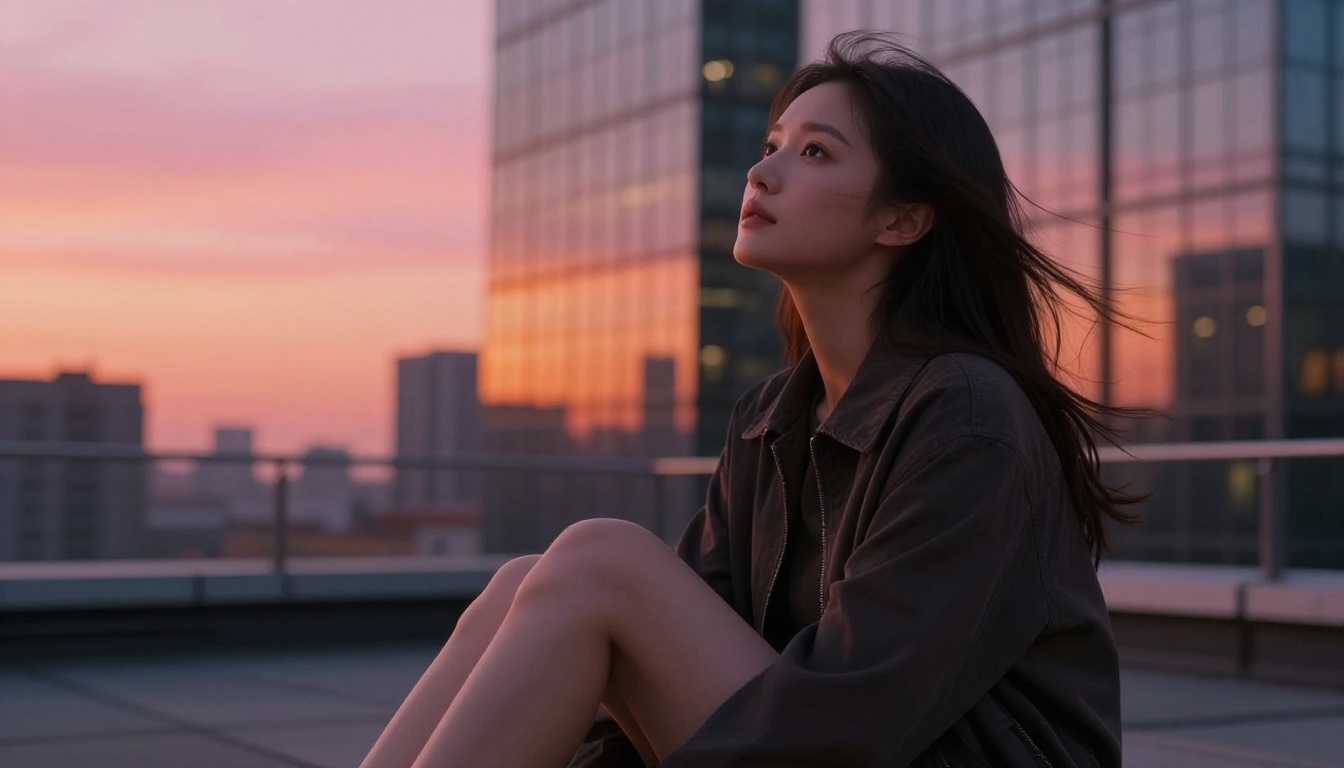
- The Solitary Figure: One person inside a large, empty environment. Works for folk, indie, and singer-songwriter. Communicates intimacy and introspection at a glance.
- The Atmospheric Landscape: No human subject. A place that evokes a specific feeling. Works for ambient, post-rock, and electronic. The landscape carries all the emotional weight.
- The Close-Up Texture: An extreme macro of any surface: fabric, skin, water, concrete, bark. Works across genres when the texture matches the sonic texture of the music.
- The Dramatic Portrait: Subject fills the frame, lighting is hard and directional, expression is held. Works for hip-hop, R&B, metal, and pop.
- The Geometric Minimal: Abstract shapes, restricted color palette, clean composition with lots of negative space. Works for electronic, jazz, and art-pop.
Both Flux Dev and Flux Schnell support 11 aspect ratios. Choosing the right one upfront saves you from reformatting later.

| Platform | Ratio | Minimum size | Notes |
|---|
| Spotify and Apple Music | 1:1 | 3000 x 3000 px | Square is mandatory |
| Bandcamp | 1:1 | 700 x 700 px | Higher resolution is always better |
| SoundCloud | 1:1 | 800 x 800 px | PNG or JPG accepted |
| YouTube single art | 16:9 | 1280 x 720 px | Wide format required |
| Physical vinyl insert | 3:2 or 4:3 | Variable | Depends on pressing specs |
| Instagram post | 1:1 or 4:5 | 1080 x 1080 px | 4:5 portrait fills more feed space |
💡 Generate in 1:1 first for streaming distribution. Then use the same seed in Flux Dev with a different aspect ratio for YouTube and social assets. The seed parameter keeps your results visually consistent across formats.
Your Visual Identity Starts With One Prompt
The point where AI-generated artwork stops looking generic is the point where your prompt specificity surpasses the model's default tendencies. That point is closer than most people expect.
Working artists using these tools are releasing records with artwork that holds up next to major-label releases. The gap between independent and professional visual production has effectively closed for artists willing to spend 30 minutes learning how to write a specific, detailed prompt.
The workflow is repeatable: define your emotional concept, write a precise scene description, use Flux Schnell to find your direction fast, then Flux Dev for the final image. Iterate on specific elements. Download. Done.
Your music deserves artwork that matches its quality. The tools to produce that are available right now, and the only thing between you and a finished image is a well-constructed prompt.
Open Flux Dev on PicassoIA, describe the scene that lives in your head, and see what comes back. Most artists are surprised by how close the first result is to what they imagined. The ones who iterate get exactly what they want.


