Static explainer videos are losing the battle for attention. Audiences scroll past robotic voiceovers and lifeless on-screen characters in seconds. The teams seeing real engagement in 2027 are those where the avatar on screen actually sounds like a person, where the mouth movements feel natural, and where the voice carries weight and rhythm that holds the viewer through a two-minute explanation. The combination of AI text-to-speech and AI lipsync makes this possible starting from nothing more than a typed script and a single photograph.
This is not about replacing human presenters across the board. It is about giving teams without recording budgets, studios, or on-camera talent the ability to make explainer avatars talk naturally with AI and produce content that competes with professionally produced video.
Why Avatars Sound Robotic
The Problem Is Always the Voice
Most avatar tools produce audio that sounds like a screen reader. Flat pitch, unnatural pacing, zero emotional variance between a sentence announcing good news and one explaining a process step. Even when the visuals are polished, the moment that voice starts, viewers register something wrong and the trust signal drops. The voice is what carries credibility in an explainer, and when it fails, nothing in the visual layer compensates.
The second problem is synchronization. A voice that sounds acceptable on its own becomes immediately painful when the mouth movements do not match the audio. Humans detect audiovisual mismatches within milliseconds. It is the same mechanism that makes poor dubbing in films unwatchable even when you understand the language being dubbed. Any gap between what the voice says and what the mouth does destroys the illusion of a real speaker.
What "Natural" Actually Looks Like
Natural speech is not smooth or uniform. It has micro-pauses between phrases, slight breath sounds before long sentences, pitch rises at the end of questions, and subtle rhythm changes depending on whether the speaker is explaining, emphasizing, or transitioning. Modern AI voice models have trained on millions of hours of recorded human speech and the best ones now reproduce these patterns reliably.
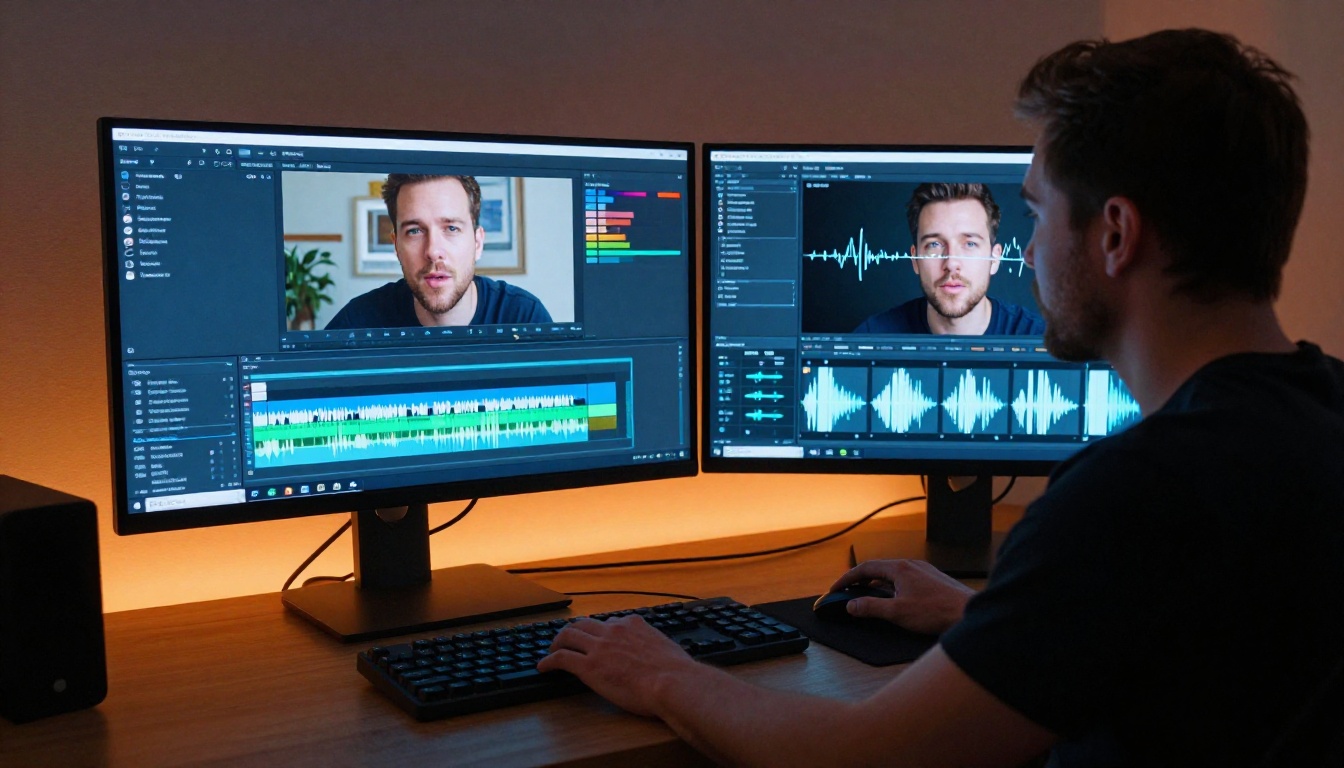
For avatars to make explainer avatars talk naturally with AI, two components have to work in tight coordination: a voice that sounds human without being processed or synthetic in tone, and lip movements that match that voice with frame-accurate precision. Neither component alone is sufficient. A perfect voice with poor lipsync fails. Perfect lipsync on a robotic voice fails. The workflow only works when both layers are solved together.
Two Technologies, One Result
Text to Speech Has Fundamentally Changed
The text-to-speech models available today are not incremental improvements on older systems. They represent a different category of technology altogether. Where earlier TTS models converted phonemes into audio mechanically, modern models generate speech as a holistic output, attending to the entire sentence structure before producing any sound. The result is intonation that rises and falls naturally with the sentence, not a string of individually synthesized words.
ElevenLabs V3 sits at the high end of this range. It interprets emotional context from the text itself, producing output where a sentence like "this is the part that matters most" sounds noticeably different from "this is step three of the process," even without any markup or special instructions. The emotional weight is inferred from the content.
Minimax Speech 2.8 HD is tuned for high-definition audio with particular attention to long-form content stability. Older models introduced a kind of vocal fatigue after the first hundred words, where the voice character subtly shifted and flattened. Speech 2.8 HD maintains consistency across scripts that run five to ten minutes without the drift.
Google Gemini 3.1 Flash TTS brings 30 voices across more than 70 languages and sits at the intersection of speed and quality. For teams producing content in multiple languages simultaneously, it is among the most practical options available.
💡 Tip: Use longer sentences in your script when you want a calm, measured tone. Short punchy sentences naturally push AI voice models toward a faster, more urgent delivery rhythm.
Resemble AI Chatterbox and its Pro variant Chatterbox Pro offer direct emotion control as a parameter. You specify whether the voice should sound warm, clinical, excited, or measured at the generation stage without changing a word of the script. This matters in marketing contexts where the same core message needs to carry different emotional weight across different placements.
Lipsync Closes the Final Gap
Once the audio is ready, the lipsync layer takes a video or image of a face and recalculates the mouth movements to match the audio frame by frame. In earlier systems, this process distorted surrounding facial features: cheeks would shift unnaturally, the chin would blur, teeth would disappear and reappear inconsistently. The current generation of models handles these surrounding regions with significantly more stability.
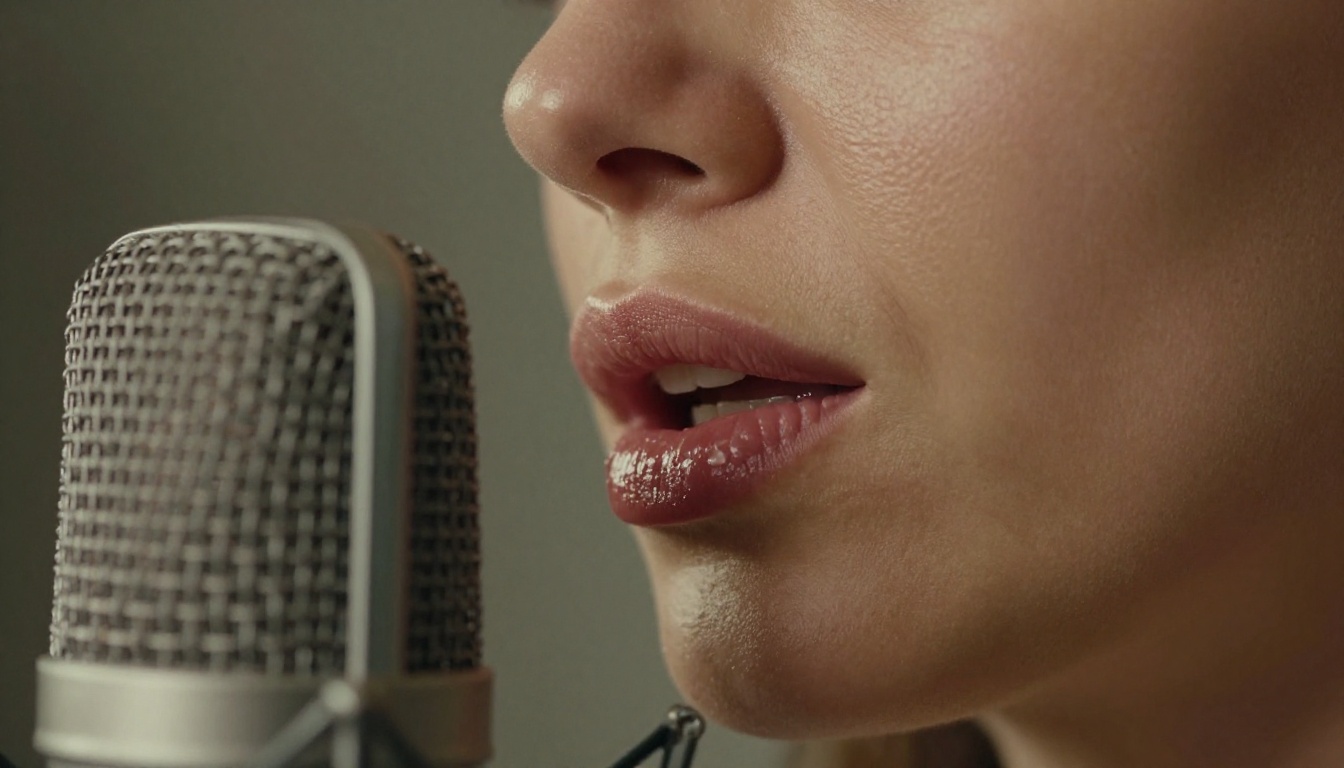
Omni Human 1.5 by ByteDance takes a single portrait photograph and an audio file and outputs a realistic talking head video. Rather than animating only the mouth region, it generates natural head micro-movements, eye blinks, and subtle facial micro-expressions procedurally throughout the clip. This eliminates the frozen-face problem that makes cheaper lipsync look like a mask. The avatar looks like someone who is actually talking.
Sync Lipsync 2 Pro is the precision tool for video-to-video workflows. If you already have a recorded presenter or existing avatar footage and need to re-dub it with new audio, whether for a script revision or a language localization, this model delivers frame-accurate synchronization on existing video input.
How to Use Omni Human 1.5
This workflow takes a portrait photograph from a still image to a fully animated talking avatar. The steps are straightforward and the output from a first attempt is usually directly usable with minor adjustments.
Step 1: Prepare Your Source Material
Start with a high-quality portrait photo. The face should be clearly visible, well-lit, and facing forward or at a slight angle. Extreme side profiles significantly reduce lipsync accuracy because the model cannot see the full mouth shape. The background should be simple and consistent. Complex or busy backgrounds make artifacts at the face boundary more visible in the output.
Write your explainer script in a natural conversational tone before generating anything. Read it aloud. If you stumble anywhere, rewrite that sentence. Wherever you run out of breath, add a period. The TTS model reads exactly what you give it.
Step 2: Generate the Voiceover
Navigate to ElevenLabs V3 or Minimax Speech 2.8 HD on PicassoIA. Paste your script and select a voice that fits the tone and authority level of your brand. Generate the audio and download it in WAV format for maximum quality going into the lipsync step. MP3 compression artifacts can occasionally introduce sync errors in some models, particularly at word boundaries.
💡 Tip: Run a test generation on just the first 30 seconds of your script before committing to the full version. Voice character can shift slightly in very long outputs, and catching this early saves significant time.
Step 3: Run Omni Human 1.5
Go to Omni Human 1.5 on PicassoIA. Upload your portrait photo and the audio file. The model generates a video of the avatar speaking the full script with natural head motion and blinking included automatically. Generation time is typically between one and three minutes depending on the length of the audio.
Step 4: Review and Refine
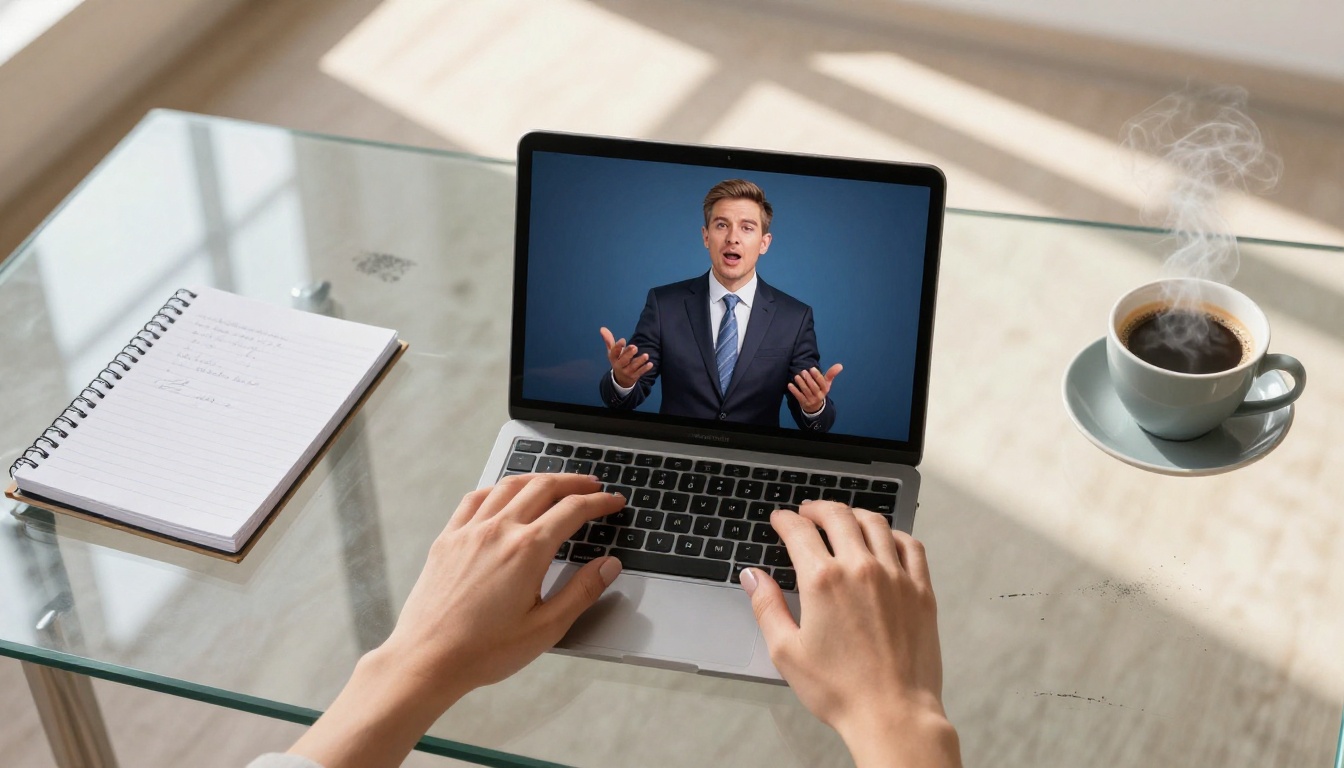
Watch the output at full resolution. Focus specifically on the first syllable, any long pauses mid-script, and the final word. These are the points where lipsync accuracy degrades most frequently. If you spot issues at these moments, adjust the pacing in the script, regenerate the audio, and run the lipsync again. Most issues resolve after one iteration.
The Best Lipsync Models for Different Jobs
The right model depends on what your source material is and what your priority is between speed and maximum accuracy.
When Speed Beats Precision
For social media content and short-form video where clips are watched on smartphones at scroll speed, HeyGen Lipsync Speed is fast enough to batch-produce content. The precision ceiling is lower, but for 15 to 30 second clips, the difference between this and a top-tier model is not perceptible at normal viewing. Save the higher-fidelity models for content where the viewer is paying sustained attention.
Picking the Right Voice for the Job
Emotion Control as a Parameter
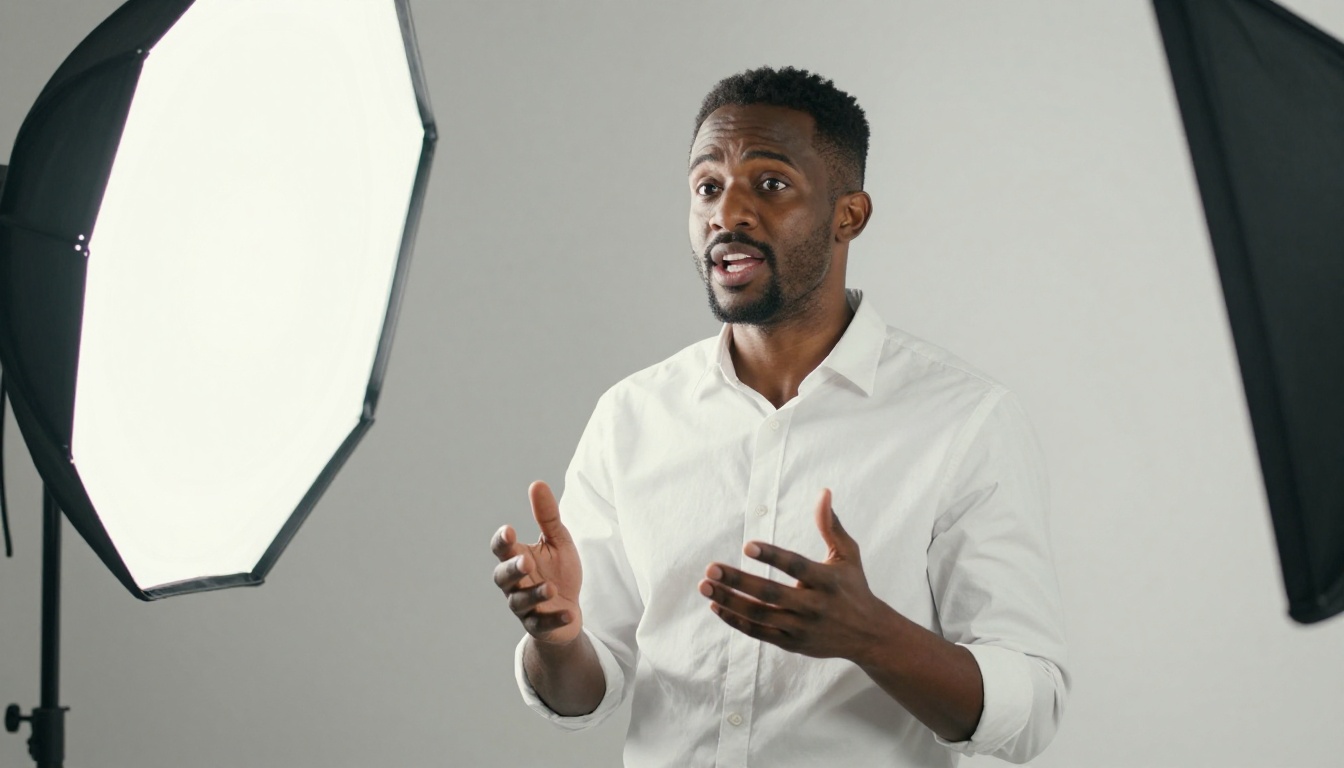
The best explainer content sounds like it was written and spoken specifically for the audience watching it. A fintech compliance video needs a different register than a fitness app tutorial. Resemble AI Chatterbox Pro exposes emotion control as a direct parameter rather than forcing you to rewrite the script to achieve a different delivery. Dial warmth up for consumer content, precision and authority for B2B content.
For maintaining a consistent branded voice across all content, Minimax Voice Cloning can produce a high-fidelity clone from an existing recorded sample. If your company already has a recognizable presenter who has recorded previous content, their voice can carry forward into AI-generated material without scheduling additional studio time.
Multi-Language Content at Scale
Producing the same explainer in multiple languages used to mean hiring separate voice actors for each market. Now the workflow is: generate a master voiceover with ElevenLabs v2 Multilingual covering 30 languages, or Google Gemini 3.1 Flash TTS covering 70 languages, then run each audio through the lipsync model separately. For a fully integrated dubbing pipeline in over 150 languages, HeyGen Video Translate handles voice replacement and lipsync in a single workflow.
💡 Tip: Always have a native speaker review lipsync output in any language you do not speak yourself before publishing. AI lipsync occasionally produces subtle artifacts that are more visible in languages with distinct mouth shapes and are easy to miss if you are not looking for them.
Where This Workflow Gets Used
Corporate Training That Stays Current
Training departments building onboarding content face a recurring problem. Material becomes outdated, but re-recording with human presenters is expensive and scheduling-intensive. A talking avatar workflow eliminates both issues: update the script, regenerate the voice, run the lipsync, and the video is current again within an hour. The cost drops from a production day to the time it takes to make a few tool calls.
AI avatars also produce consistent delivery across an entire module library. Human presenters vary in energy, tone, and pacing depending on how many takes were needed on a given day. An avatar is identical across all forty modules.

Product Explainer Videos
Product marketing teams use talking avatars to create localized videos for each market without multiple shoot days. A single visual asset of the avatar is produced once. The voiceover and lipsync layers are regenerated per language or per campaign iteration. The avatar remains consistent across all markets while the audio adapts to each audience.
Consistent Social Content
Channels built around a recognizable presenter face benefit from this workflow at publishing cadence. Pixverse Lipsync and Sync Lipsync 2 are both suited to short-form content at the pace social platforms reward. Write the script, generate the voice, sync the avatar, publish. The per-video effort drops significantly while visual consistency increases.
Common Mistakes That Hurt Results
Poor Audio Going In
The most common failure point is low-quality audio. Lipsync models analyze audio frames to determine mouth shape at each moment in time. Background noise, heavy compression artifacts, and inconsistent audio levels all degrade the accuracy of the mouth movement output. Always generate audio at the highest quality setting the model offers. Avoid heavy post-processing before the lipsync step, and use WAV over MP3 when format options exist.
Ignoring Head Movement
A face that does not move except at the mouth reads as artificial immediately, even when the lipsync itself is accurate. Use a model that adds procedural head movement, like Omni Human 1.5, or use a video source clip rather than a static photograph. Even ten seconds of a person sitting naturally with organic micro-movements produces dramatically more believable output than a frozen image.
Scripts Written for Reading, Not Speaking
Long sentences with multiple dependent clauses push TTS models toward flat, even delivery. A sentence that takes twenty words to arrive at its point loses the listener by word twelve. Write the way a real presenter speaks on camera: short sentences, clear transitions, deliberate pauses at paragraph breaks. If you would not say it that way in front of an audience, do not put it in the script.
Start Creating Your Own Talking Avatars
Every part of this workflow is accessible right now, in one place, without any setup or subscriptions to manage separately. The text-to-speech models for studio-quality voice generation, the lipsync models for turning that voice into a fully animated avatar, and the tools for multi-language content at scale are all on PicassoIA.
Start with a photo and a short script. Run the voice through ElevenLabs V3, then the lipsync through Omni Human 1.5. The first output usually needs one round of script adjustment to feel polished. After two iterations, the workflow becomes fast enough that a finished talking avatar video takes less time to produce than scheduling a recording session.
The tools are there. The workflow is straightforward. The only step that takes effort is the first one.


