Cutting hours of raw footage down to a two-minute reel used to be one of the most time-consuming jobs in post-production. AI changes that equation completely.
Whether you recorded six hours of a wedding ceremony, four sets of a live concert, or a full day of hiking footage for a travel vlog, the process used to look the same: sit down, scrub through everything manually, mark your ins and outs, cut, trim, repeat for hours. Now, AI models can scan your footage, identify the moments worth keeping, and hand you a finished reel in a fraction of the time.
This article walks you through exactly how that works, which use cases it suits best, and how to build a complete highlight reel workflow using the tools available on PicassoIA right now.
Most video creators spend more time editing than shooting. A 30-minute wedding ceremony generates at least 30 minutes of footage per camera angle, plus b-roll, cutaways, and setup shots. A single day at a sporting event can produce eight to twelve hours of material.
The math gets brutal fast. If you spend even two seconds previewing each second of footage before deciding to cut it, a three-hour recording takes six hours to manually review. That is before you have made a single cut.
The result: most raw footage never gets edited at all. It sits on hard drives, unseen and unused.
AI flips this. Instead of you watching footage and flagging moments, the model watches it for you.

Modern AI models analyze video along several simultaneous tracks to identify which moments are worth keeping.
Motion detection and scene scoring
The model calculates optical flow between frames to measure how much is happening visually. High-motion segments, a sprint, a dance move, a crowd reaction, score higher than low-motion segments. Static shots or empty frames score low.
This is why AI works so well for sports highlight reel generation: the signal is strong. A basketball dunk creates a massive spike in motion data compared to a timeout huddle.
Audio peaks as highlight signals
Sound is often the fastest path to the best moments. A crowd eruption, a punchline landing, applause, a musical crescendo: these all appear as amplitude spikes in the audio waveform. AI models trained on large video datasets learn to correlate those peaks with moments worth clipping.
For podcast highlight clips and interview content, this approach is even more precise. The model can identify emotional vocal changes, laughter, and emphasis patterns to surface the most engaging exchanges.
Face and emotion recognition
More sophisticated systems add a third layer: detecting faces and reading facial expressions. Smiling faces, open-mouth surprise, tears: all of these become positive signals in the scoring algorithm. For wedding highlight reels and family events, this layer dramatically improves clip selection quality.
💡 The best results come from combining all three signals. A clip that scores high on motion, has a loud audio peak, and shows faces with strong expressions is almost always worth keeping.
The 5-Step AI Highlight Workflow
Here is a practical, repeatable process that works across any type of footage.
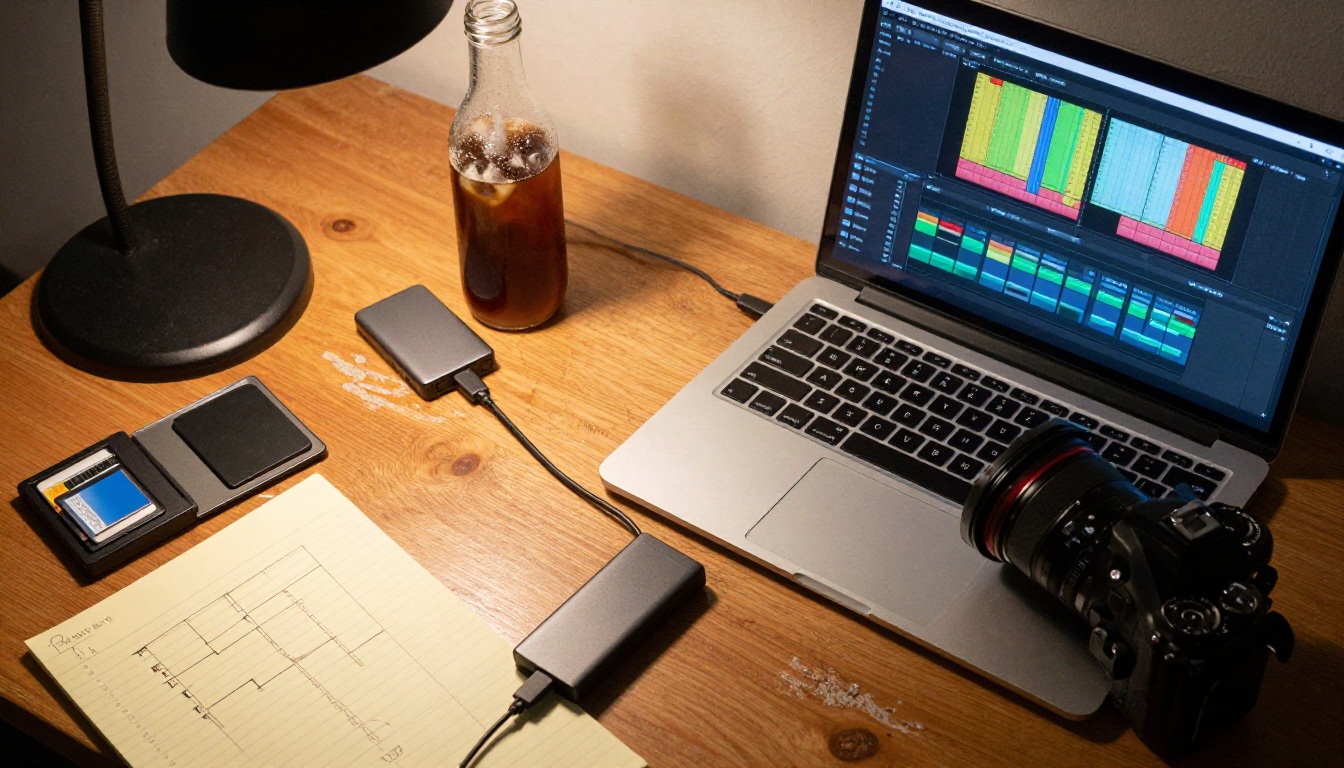
Step 1: Split your footage into segments
Before the AI can score anything, long recordings need to be broken into workable segments. Feeding a three-hour file into most tools directly causes timeout errors, bloated processing times, or poor results because the model loses context across the full duration.
The Video Split tool on PicassoIA cuts any video file into timed clips automatically. You set the segment length (30 seconds, 1 minute, 5 minutes) and it handles the rest: no re-encoding, no quality loss. This gives you a clean batch of clips that are fast to process and easy to rank.
When to use it: Any raw recording over 10 minutes. Concert footage, full-day event recordings, long interviews, uncut sports sessions.
Step 2: Score and rank each clip
Once you have segments, you can evaluate them at scale. Watch the short segments at 2-4x playback speed. This is still manual, but the time savings compared to scrubbing a full raw file are enormous. A one-hour recording becomes 60 one-minute segments. At 2x speed, you review everything in 30 minutes.
Mark each clip: keep, maybe, discard. You are building a shortlist.
For footage where the signal is very clear (sports, concerts, speeches), you can skip most maybes entirely. The strong moments will jump out immediately.
Step 3: Trim to exact moments
Your shortlisted clips still have lead-in and lead-out frames that need to go. The Trim Video tool cuts any clip to your exact start and end points with frame-level precision.
This is where you tighten a reaction shot from four seconds down to two, or cut a speech clip to start exactly on the first word instead of the three seconds of silence before it. Clean trim points are the difference between a reel that feels professional and one that feels rough.
Step 4: Merge into one reel
Now you have your best moments, each trimmed tightly. The Video Merge tool combines multiple clips into a single continuous video file in the order you specify.
This is where your reel takes shape. Sequence matters. A strong opening clip, a mix of pacing in the middle, and a powerful closing moment creates an arc even in a two-minute reel.
💡 Ordering tip: Start with your second-best clip. End with your absolute best. The viewer remembers the last thing they watched.
Step 5: Add captions and audio
A finished reel without captions reaches about half the potential audience on social platforms, because most people watch video with sound off. The Autocaption tool adds synchronized captions automatically, handling timing and word-level placement without any manual transcript work.
For the audio layer, Video Audio Merge lets you replace or layer a background music track over the original audio. A well-chosen track transforms a clip compilation into something that actually feels like a produced reel.
Best Use Cases for AI Highlight Reels
AI-assisted editing is not equally useful for every type of footage. These four categories get the most dramatic time savings.
Sports and fitness recordings

Sports footage has the clearest signal of any category. Goals, dunks, sprints, lifts, and plays all produce sharp peaks in both motion data and audio (crowd reactions, announcer calls). An AI system can identify the 10 best moments from a 90-minute match in seconds.
For fitness creators, this means turning a two-hour workout recording into a three-minute montage showing the full session: warm-up, peak effort, cool-down, without any manual scrubbing.
Best models for sports clips: Video Split for segmentation, Trim Video for tight cuts, Real ESRGAN Video to upscale older or compressed match recordings to 4K before publishing.
Weddings and events
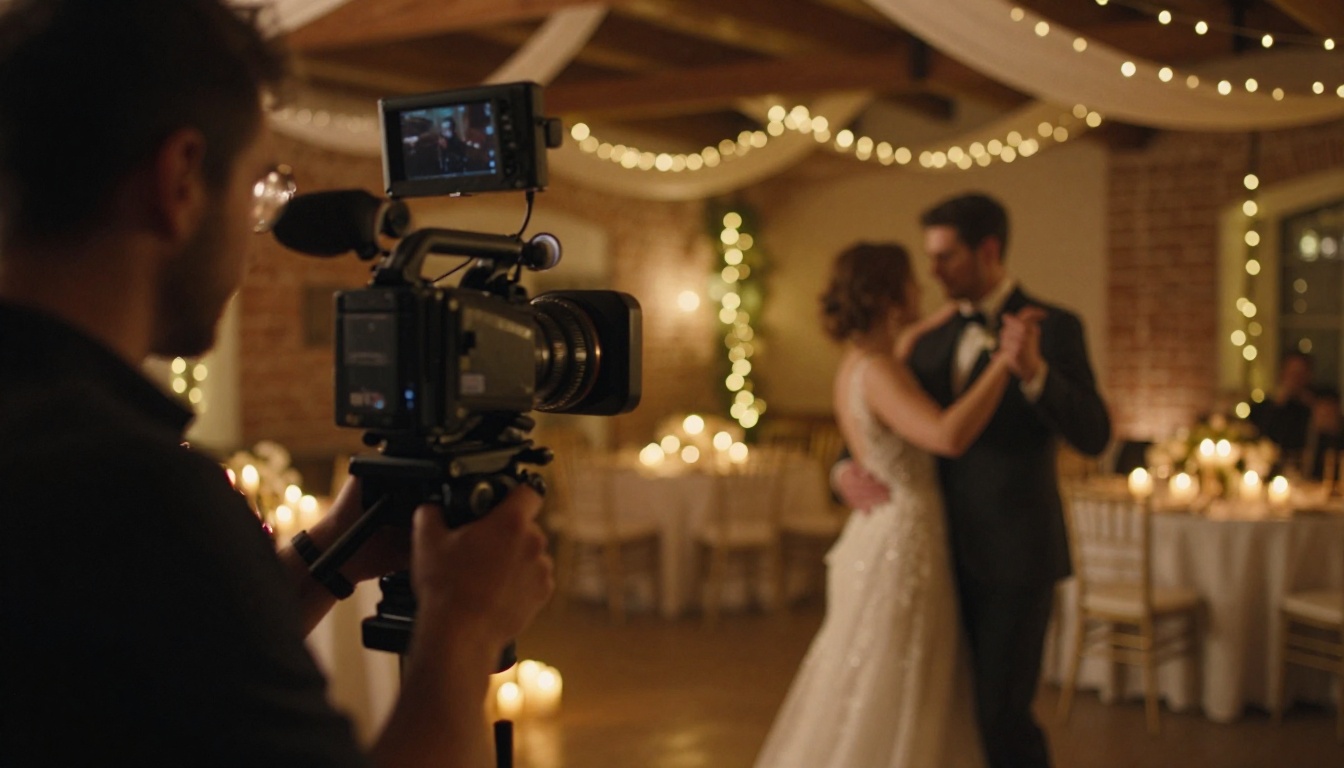
Wedding videographers typically shoot 8 to 12 hours of footage across a full day. Delivering a 4-6 minute highlight reel to the couple used to mean days of editing work. AI shortens that to hours.
For wedding footage, the face and emotion recognition layer matters most. Laughter during vows, the first tear at the altar, the parents dancing at the reception: these are the moments the couple actually wants to see. AI scoring that weights facial expressions pulls these out faster than any manual review process.
For event videographers, the same logic applies to conferences, galas, product launches, and corporate retreats.
Podcasts and interviews
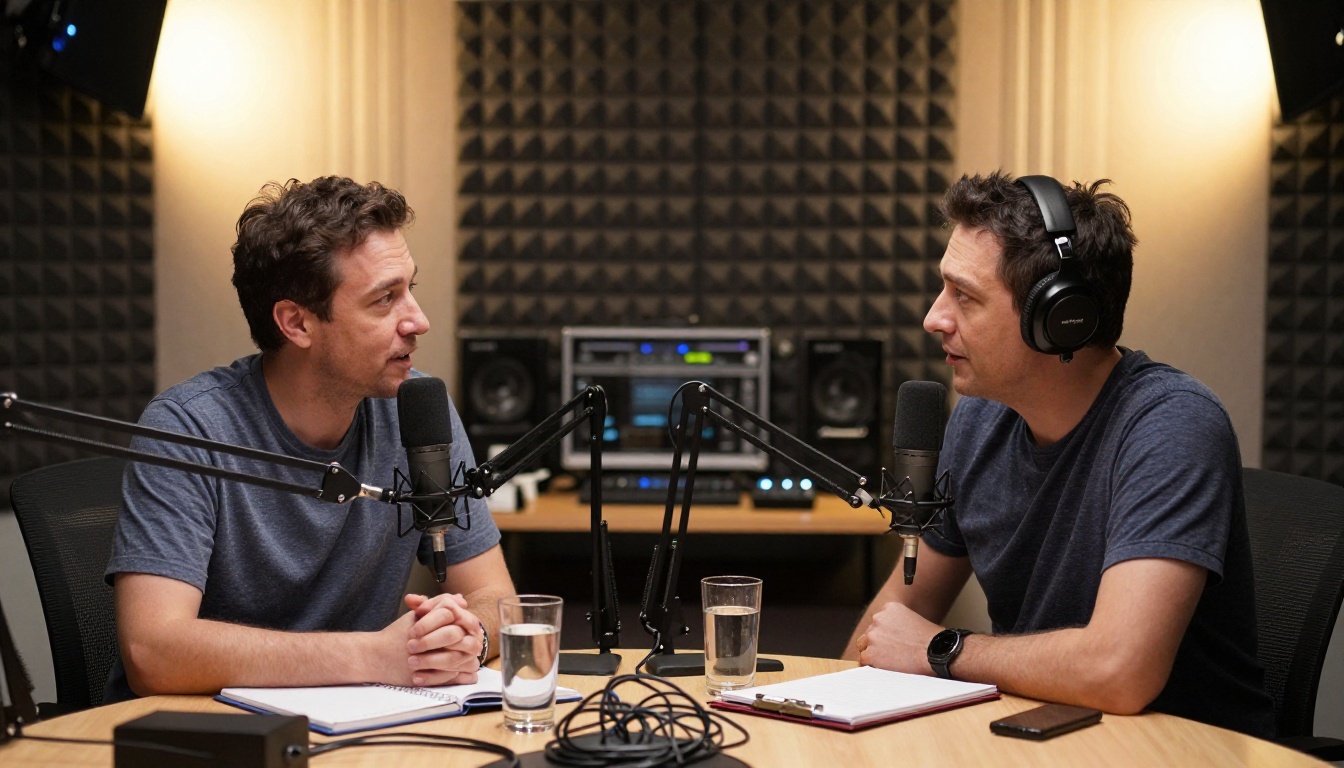
Long-form audio-visual content is one of the best candidates for AI highlight extraction. A 90-minute podcast episode has maybe 8 to 12 genuinely shareable moments. Finding them manually means re-listening to the whole thing.
AI tools that analyze audio waveforms and speech patterns can flag every point where the conversation spikes: a big laugh, a controversial statement, an emotional reveal. You end up with a shortlist of 20 potential clips that you can review in 10 minutes instead of 90.
The Frame Extractor is especially useful here: pull clean still frames from your best moments for social thumbnails without needing a separate photoshoot.
Travel and lifestyle vlogs

A travel creator might shoot 60 to 90 minutes of daily footage across a week-long trip. That is over 400 minutes of raw video to turn into a 10-minute weekly recap.
For travel content, the visual scoring layer matters most. Stunning landscape shots, unique architecture, crowd scenes, and golden-hour footage all score high on visual complexity and motion. AI segmentation pulls these out efficiently, leaving you to focus on pacing and narrative rather than clip hunting.
PicassoIA has the full set of tools to run a complete highlight reel workflow from raw footage to published video. Here is how each tool maps to the process.
| Step | Tool | What It Does |
|---|
| Segment long recordings | Video Split | Cuts footage into fixed-length clips |
| Trim to best moments | Trim Video | Frame-precise start and end point cuts |
| Combine selected clips | Video Merge | Stitches clips into one continuous reel |
| Add synchronized captions | Autocaption | Auto-generates and syncs text captions |
| Layer music or replace audio | Video Audio Merge | Mix or replace audio tracks |
| Pull thumbnail stills | Frame Extractor | Extracts clean frames from any timestamp |
Step-by-step on PicassoIA:
-
Go to Video Split, upload your raw recording, set a segment duration of 60 seconds, and run. You will get a clean batch of numbered clips.
-
Review the segments at speed. Open each one for a quick preview and mark your keepers.
-
Take your keeper clips to Trim Video. Set your exact in and out points. Export each trimmed clip.
-
Upload all trimmed clips to Video Merge in the order you want them. The tool stitches them into one file instantly.
-
Run your merged reel through Autocaption to add word-level synchronized captions automatically.
-
Add a music bed or replace the audio entirely with Video Audio Merge.
For more creative control over the visual style of your reel, Gen 4 Aleph by Runway lets you recut and restyle footage with text instructions, adjusting color grading, atmosphere, and visual tone without re-shooting anything. Kling o1 goes even further, rewriting the visual content of a clip based on a text prompt, which is useful for stylizing travel footage or giving sports clips a cinematic treatment.
Upscale Before You Publish
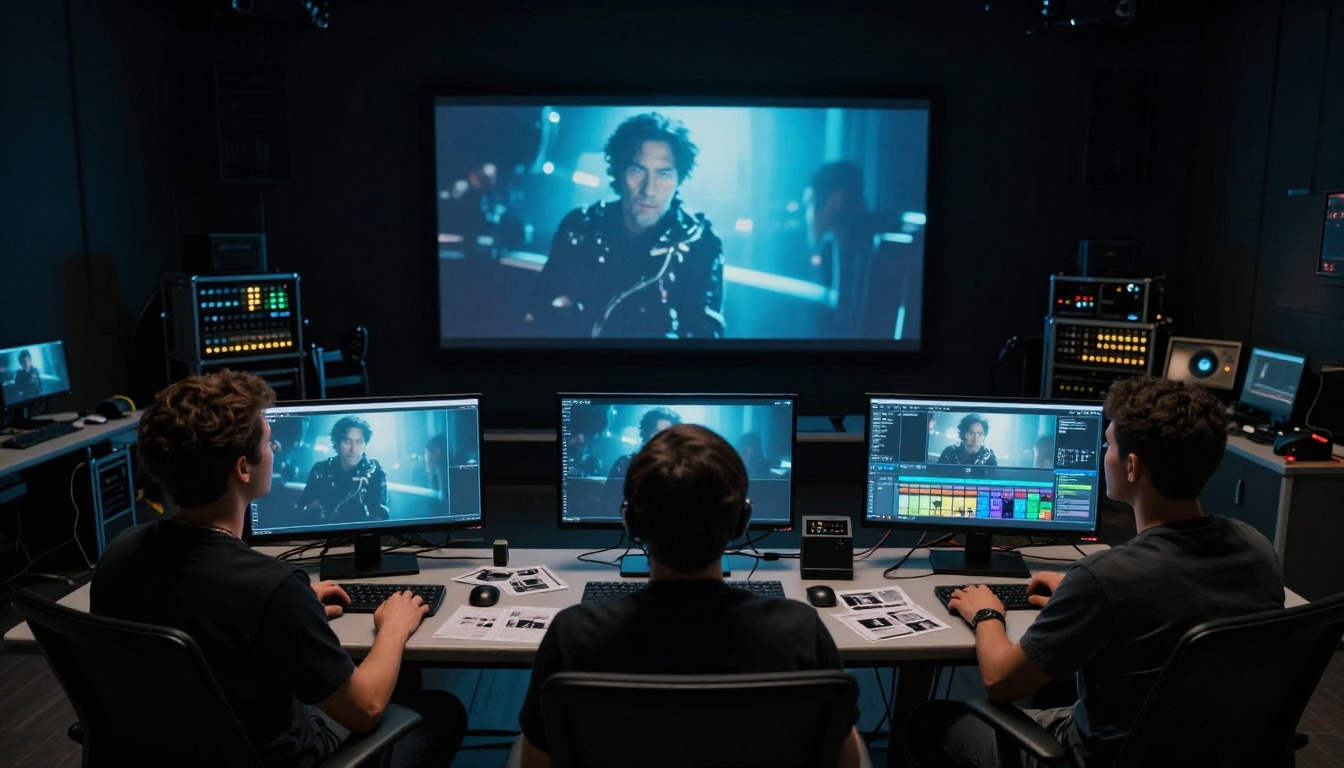
Most raw footage, especially from older cameras, action cams, or phones recording in low light, will not survive platform compression at the resolution it was shot. YouTube, Instagram, and TikTok all apply their own compression on upload. If your source footage is already soft or noisy, the final published video will look poor.
Running your finished reel through Real ESRGAN Video before publishing upscales the footage to 4K using AI, sharpening fine details and reducing compression artifacts. The difference is most visible in:
- Skin texture in close-up interview clips
- Grass and surface detail in sports footage
- Background sharpness in wide landscape shots
- Text legibility in any clip with on-screen graphics
For the cleanest possible output, Video Increase Resolution from Bria offers an alternative upscaling path with a different sharpening algorithm, worth testing on footage with heavy compression noise.
3 Mistakes People Make with AI Editing

Even with powerful tools, most people undercut their own results by making the same errors.
1. Skipping the segment step
Feeding a two-hour file directly into a trim tool creates problems: slower processing, harder to navigate, more likely to miss moments near the end. Always split first. It takes 90 seconds and saves 20 minutes of friction downstream.
2. Keeping clips too long
The number one mistake in highlight reels is clips that overstay their welcome. Each clip should make its point and cut. A goal celebration clip does not need to show the full 12-second walk. Cut to the moment the ball hits the net and the reaction, then out. Tight cuts create energy. Loose cuts create boredom.
3. Wrong clip order
Most people arrange clips chronologically because it feels logical. But chronological order almost always means your best clip appears somewhere in the middle. Reorder around emotional arc, not time. Open strong, vary the pacing, close on your best moment.
💡 Two-second rule: If a clip does not justify its own presence within the first two seconds of watching it, cut it. No exceptions.
Your Best Moments Are Already There
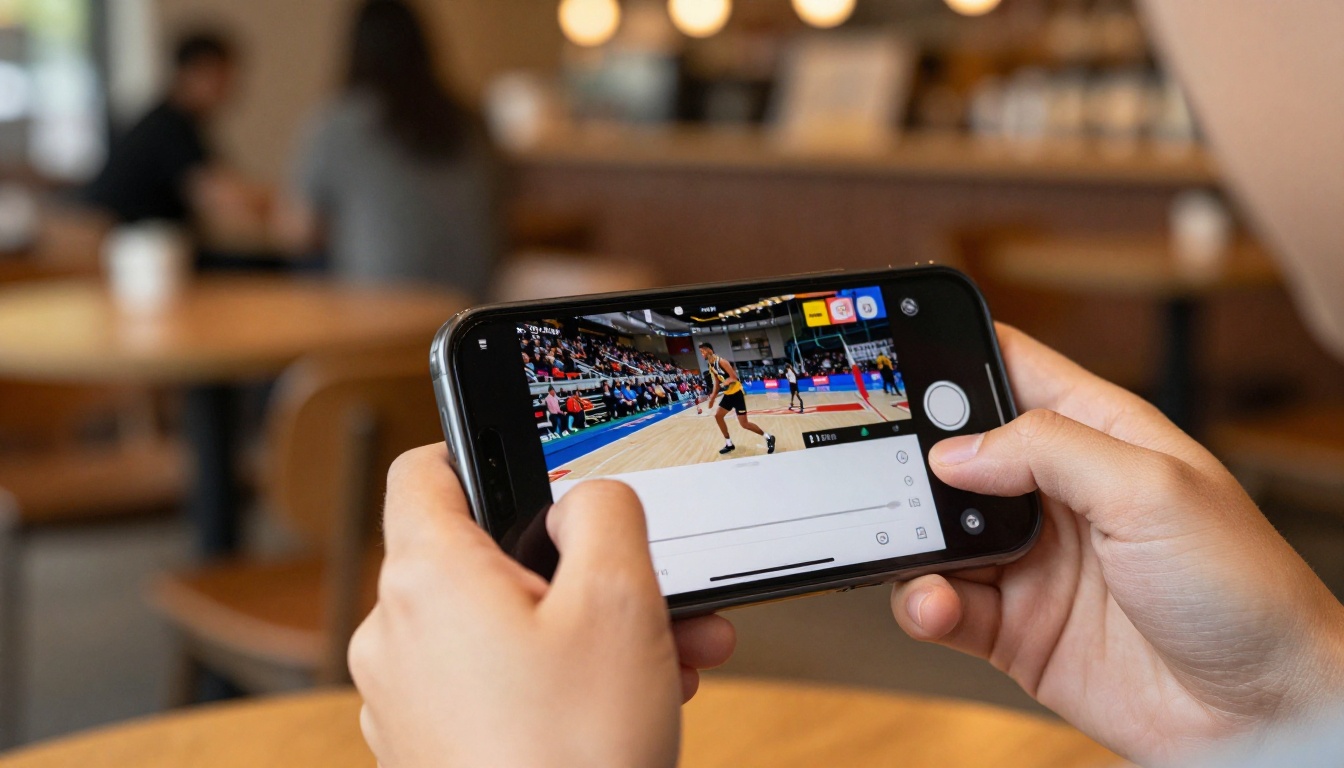
The footage is already shot. The moments already happened. The only thing between you and a finished highlight reel is the editing process, and that process no longer requires hours of manual work.
AI-assisted editing means a three-hour recording can become a two-minute reel in under an hour, even if you have never edited video before. The tools on PicassoIA handle segmentation, trimming, merging, captions, audio, and upscaling: each step a single upload away.
Start with any raw footage you have sitting on a hard drive right now. Load it into Video Split, break it into segments, identify your best moments, and build your first AI-assisted highlight reel today. The whole workflow runs in your browser, no software installation needed, no timeline experience required.
The raw footage has always had strong moments inside it. AI just makes them faster to find.


