Your YouTube channel intro is the handshake before the content. It plays every time someone clicks on your video, and within three seconds it tells viewers whether they're in the right place. A weak or generic intro track signals amateur hour. A sharp, original one signals you mean business.
The problem? Hiring a composer is expensive. Stock music sounds like everyone else's channel. And learning music production takes years.
AI changes all of that. Today you can type a description of the sound you want and get a full, polished audio track in under a minute. No instruments, no studio, no waiting.
This article covers exactly how to make intro music for YouTube with AI, which tools actually work, and what prompts to use for different channel styles.
Why Your Intro Sound Shapes First Impressions
The first three seconds of audio before your video begins are the ones viewers remember most. Psychologists call this primacy bias: the first thing you experience anchors everything that follows. On YouTube, that means your intro music is actively shaping how viewers feel about your content before they've seen a single frame.
Channels with consistent, recognizable intro audio see measurably higher return rates. Your audience begins to associate the sound with you. It becomes a trigger: they hear it, they feel ready for your content, they trust what's coming.
The best YouTube intro music has three qualities:
- Short: 3 to 8 seconds maximum. Viewers skip long intros.
- Distinct: Something they can't hear on 50 other channels.
- Emotionally consistent: The mood matches your content type.
Getting all three used to require a professional. Now it requires a text box.
What AI Music Generation Actually Does
AI music generation works differently from AI image generation, but the input is the same: a text prompt. You describe what you want, the model interprets your description, and it generates an audio file from scratch.
The underlying technology varies between models. Some use transformer-based architectures trained on massive datasets of music, learning the patterns of rhythm, harmony, melody, and structure. Others use diffusion models similar to those in image generation. What they all share: they can generate original music that belongs to no one, meaning no copyright issues for your YouTube channel.
That last point is critical. One of the biggest headaches for YouTube creators is audio content ID. Upload a track with a copyrighted song in the background, even accidentally, and you can lose monetization on that video. AI-generated music sidesteps this entirely. The track is original, the rights are yours.
💡 Tip: Always double-check the licensing terms of the specific AI tool you use. Most AI music platforms grant you full commercial rights to generated tracks, but it's worth confirming before publishing.
The Best AI Models for YouTube Intros
Not all AI music models sound the same. Each has strengths depending on what you're building. Here's a breakdown of the most capable options available right now.
Google Lyria 3 Pro: Studio-Grade Output
Google Lyria 3 Pro is currently one of the most capable AI music models available. It was trained on an enormous corpus of professional music and produces results that are genuinely difficult to distinguish from human compositions.
For YouTube intro music, Lyria 3 Pro excels at:
- Orchestral and cinematic intros with rich layering
- Jazz and acoustic compositions with natural instrument feel
- Clean lo-fi or ambient tracks with subtle variation
If your channel needs something that sounds expensive, start here. Its sibling, Google Lyria 3, offers similar quality with slightly different tonal characteristics worth testing.
MiniMax Music 2.6: Vocals and Full Songs
MiniMax Music 2.6 is the pick when you want your intro to include a short vocal hook or sung phrase. It handles lyrics well and generates tracks with strong rhythmic structure.
Its predecessor MiniMax Music 2.5 is also worth using for comparison, particularly for pop and hip-hop adjacent styles. For intro jingles with a catchy phrase that people will hum after watching, these models are in a different class.
ElevenLabs Music: Prompt-to-Beat Speed
ElevenLabs Music is the fastest iteration loop. If you're the type who wants to test 10 different vibes before committing, ElevenLabs gives you quick turnaround and solid consistency across generations.
It handles electronic, pop, and lo-fi genres particularly well. Less suited to complex orchestration, but for punchy short intros in modern styles, it's efficient and reliable.
Stable Audio 2.5: Granular Control
Stable Audio 2.5 from Stability AI gives creators the most descriptive control over their generations. You can specify BPM, key, time signature, instrumentation, and mood in a single prompt and the model follows your directions closely.
For creators who know exactly what they want, this precision is invaluable. For those still experimenting, it can be slightly overwhelming compared to the more inference-heavy models.
💡 Comparison tip: Generate the same prompt on three different models before choosing. The variation is often surprising and one will clearly fit your channel better than the others.
How to Make Intro Music on PicassoIA Step by Step
PicassoIA brings all the models above under one interface, so you don't need separate accounts or different tools. Here's how to make intro music for YouTube with AI on the platform in under five minutes.
Step 1: Pick your model. Go to the AI Music Generation collection and choose based on your style. If you're unsure, start with Google Lyria 3 for versatility.
Step 2: Write your prompt. Describe the mood, genre, tempo, and instruments. Be specific. "Upbeat electronic intro with fast BPM, punchy synth stabs, no vocals, 5 seconds" works far better than "something catchy."
Step 3: Generate and listen. Hit generate and wait seconds. Listen to the full output before judging, especially if the model generates longer tracks that need to be trimmed.
Step 4: Iterate. Adjust your prompt based on what you heard. Add or remove instruments. Change the tempo description. Specify emotional quality: "tense," "triumphant," "warm," "playful."
Step 5: Download and trim. Take the generated file into any basic audio editor (Audacity is free) and cut it to your target intro length. Export as MP3 or WAV.
Step 6: Drop it into your video editor. Add it as an audio layer at the start of your intro sequence. Fade in and fade out over 0.3 seconds for a polished result.
Writing Prompts That Actually Work
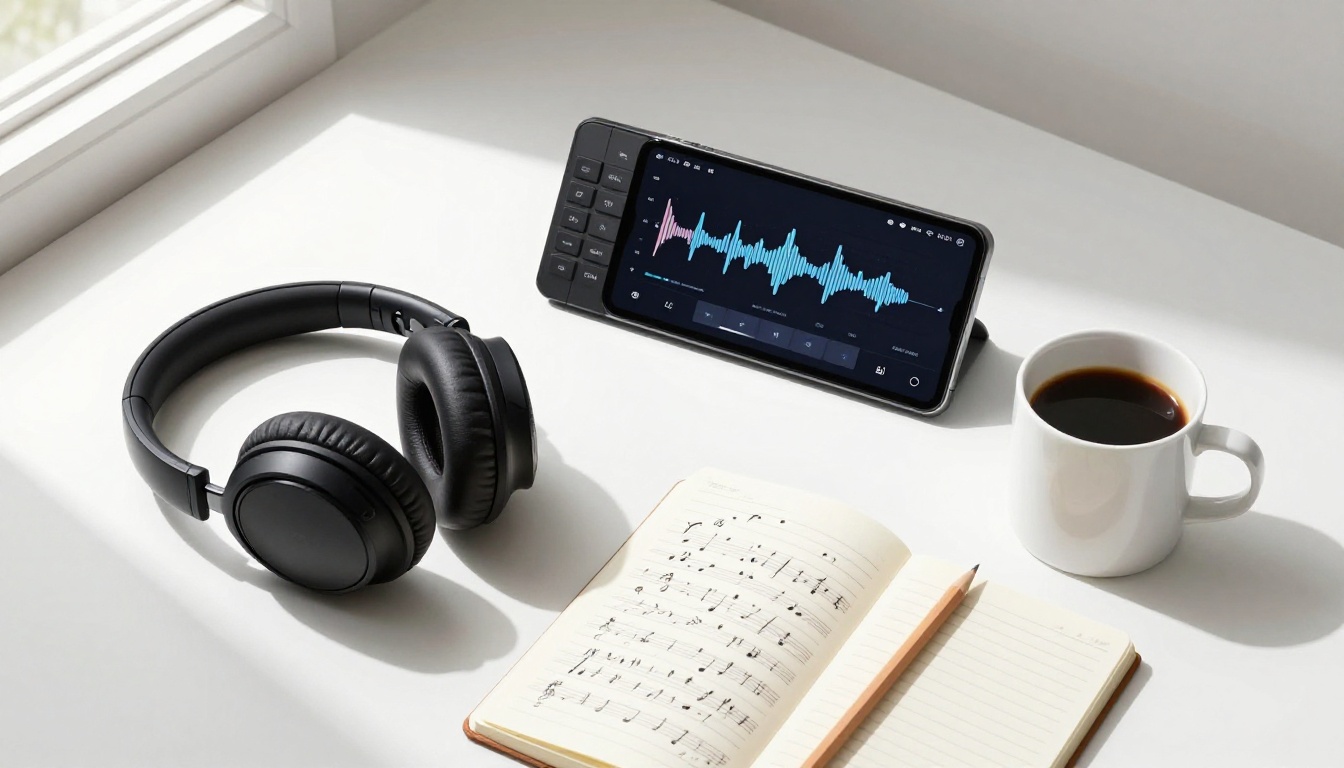
The quality of your AI-generated music is almost entirely determined by the quality of your prompt. Here's how to write ones that produce usable results consistently.
Prompts for Energetic YouTube Intros
These work well for gaming, reaction, entertainment, and sports channels:
| Goal | Sample Prompt |
|---|
| Hype gaming intro | "Aggressive electronic intro, heavy 808 bass, fast BPM 140, synth leads, no vocals, 5 seconds, triumphant ending" |
| Sports highlight feel | "Cinematic orchestral swell, brass and strings, building energy, punchy rhythm, 6 seconds, major key" |
| Fast-paced reaction | "Upbeat hip-hop intro beat, snappy snare, bouncy bassline, 120 BPM, energetic, 4 seconds" |
Prompts for Calm or Cinematic Vibes
For educational, documentary, cooking, wellness, and photography channels:
| Goal | Sample Prompt |
|---|
| Calm educational | "Soft acoustic guitar melody, warm, slow tempo 70 BPM, no percussion, gentle fade in, 6 seconds" |
| Documentary opener | "Cinematic ambient intro, deep piano notes, subtle strings, atmospheric, no lyrics, 8 seconds" |
| Wellness or yoga | "Meditative lo-fi intro, soft chimes, nature ambience, slow breathing rhythm, peaceful, 5 seconds" |
Common Prompt Mistakes
Most failed generations come from prompts that are too vague or contradictory. Avoid these patterns:
- Too vague: "Make something cool and catchy" gives the model nothing to work with.
- Contradictory mood: "Relaxing but high energy" creates confused output.
- No duration guidance: Without a time reference, models often generate 30-second tracks you'll have to hunt through.
- Ignoring instrumentation: Specifying "piano," "synth," or "drums" makes a dramatic difference in output consistency.
💡 Pro move: Include the target duration in every prompt. "5 seconds," "8 seconds," or "short loop" dramatically improves how the model structures the piece.
Matching Music Style to Your Channel Type
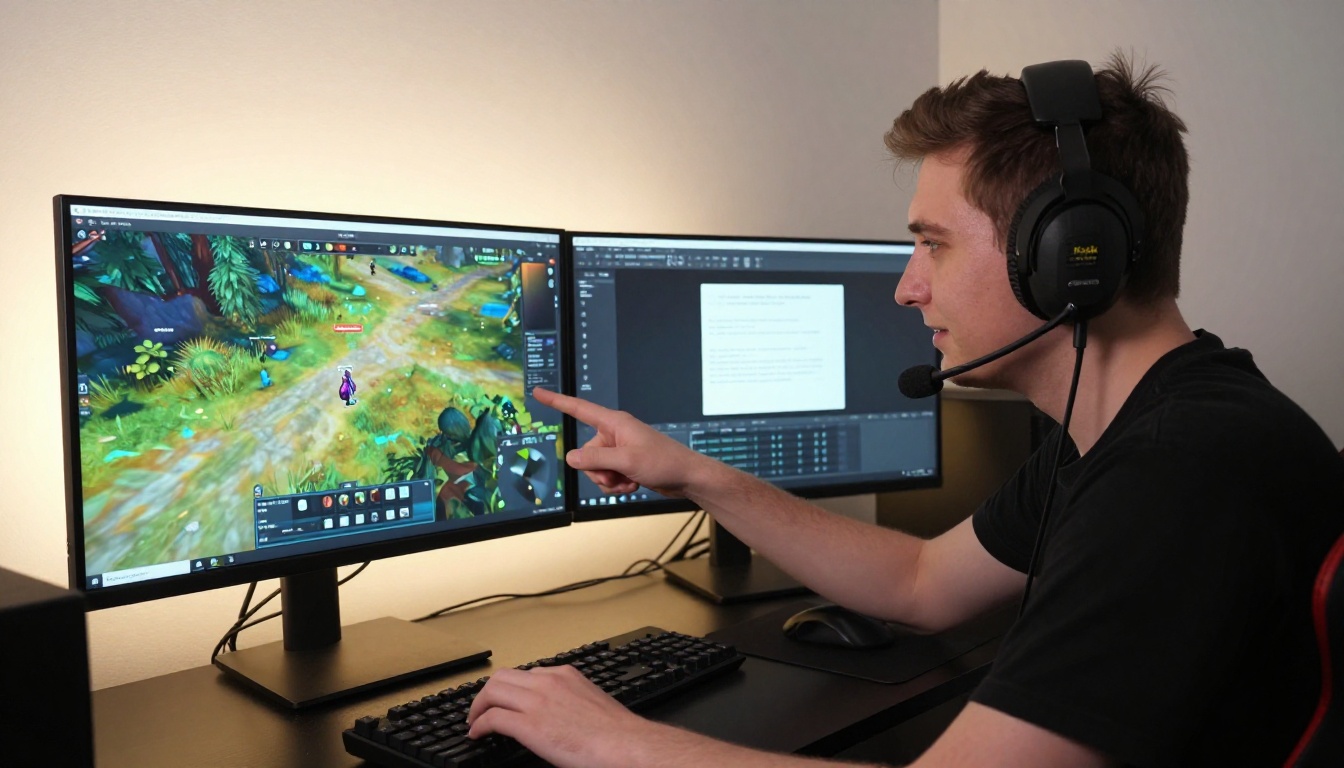
There's no one-size-fits-all approach to YouTube intro music. The right style depends entirely on who your audience is and what emotional state you want them in before your video begins.
Gaming Channels
Gaming intros need speed and impact. Your viewers are already in a heightened state of attention. The music should match that energy or exceed it briefly before dropping away.
Best picks: ElevenLabs Music for fast electronic generation, or MiniMax Music 2.6 if you want a short lyric hook.
Tempo range: 128 to 160 BPM. Genre: Dubstep, drum and bass, aggressive electronic.
Vlogs and Lifestyle
Vlog viewers show up for your personality. The intro should feel warm and personal, not like a TV show opening. Acoustic, lo-fi, or light pop works well here.
Best picks: Stable Audio 2.5 for precise acoustic tone control, or Google Lyria 3 for warm instrumental variety.
Tempo range: 70 to 100 BPM. Genre: Acoustic folk, lo-fi, indie pop.
Tech and Tutorial Channels
Tutorial viewers want to trust you. The intro should feel clean and intelligent without being cold. Minimal electronic or light orchestral works best.
Best picks: Google Lyria 3 Pro for its clean, structured compositions.
Tempo range: 90 to 120 BPM. Genre: Minimal electronic, light cinematic, ambient.
How Long Should a YouTube Intro Be?
This is one of the most argued questions in YouTube creator communities and the answer is simpler than most debates suggest.
The data is clear: intros longer than 8 seconds cause measurable drop-off. Viewers on mobile especially will tap past or swipe away if they feel the actual content hasn't started yet.
| Intro Length | Audience Effect |
|---|
| 2 to 4 seconds | Tight, punchy, minimal drop-off |
| 5 to 7 seconds | Standard, effective for established channels |
| 8 to 12 seconds | Acceptable for channels with loyal audiences |
| 12+ seconds | Consistent early drop-off in analytics |
The goal of an intro is to signal the beginning of your content, not to be the content. Keep it short. A 4-second burst of perfectly branded audio is stronger than a 15-second mini-production that delays what viewers actually came for.
AI music generators are well-suited for short formats. You can generate a crisp 4-second track with high precision because there's less the model needs to fill. For longer tracks, the generation gets harder to control consistently.
Integrating Your Intro Music Into Your Workflow
Once you've made your intro track, the goal is to use it consistently without the process becoming friction. Here's how to integrate it smoothly.
Save a master version: Keep your final intro track in a dedicated folder labeled something like "Channel Assets." Every time you edit a new video, it's one drag-and-drop.
Create a template sequence: Most video editors (Premiere, DaVinci Resolve, CapCut) allow sequence templates. Build your intro segment once, save it as a template, and open it for every new video. Your music, lower thirds, and intro animation all load automatically.
Generate backups: AI music is fast enough that you should have 3 to 5 variations of your intro ready. Use different ones seasonally or for specific content series to keep returning viewers from tuning out.
Match your thumbnail energy: Your intro music should feel emotionally consistent with your thumbnail aesthetic. If your thumbnails are bold and high-contrast, your music should be punchy and fast. If your thumbnails are calm and minimal, your music should match.
💡 Worth knowing: Some creators use MiniMax Music Cover to restyle existing tracks they love into a new genre. It's a legal way to create something that has a similar feel to music you admire without copying it.
Longer Background Music for Your Videos
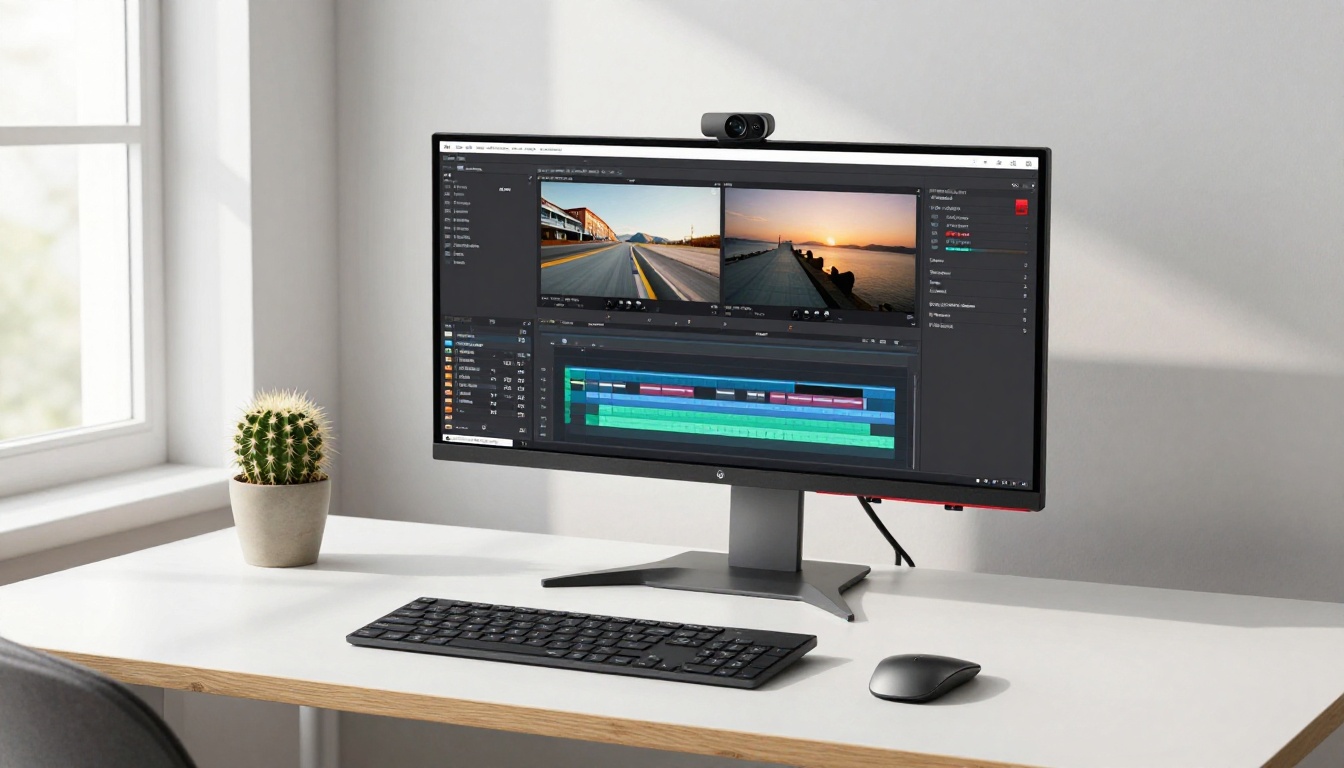
Your intro is just the beginning. Many creators also need background music for the body of their videos: quiet tracks that add atmosphere without distracting from narration.
The same AI tools that generate your intro can produce longer ambient tracks. The difference is in the prompt approach.
For background music, prompt for: minimal melodic movement, consistent energy level, no dramatic changes, no vocals, loopable structure. A track that doesn't demand attention is what you want.
Models like Stable Audio 2.5 and Google Lyria 3 Pro both handle long-form ambient generation well. You can generate a 60-second loop and repeat it throughout a 20-minute tutorial without it feeling repetitive.
If you want something with more groove and character for vlogs, MiniMax Music 2.5 and MiniMax Music 01 produce engaging tracks that work well under talking-head footage.
The entire audio layer of your channel, intro, background, and transitions, can now be generated without licensing fees, without stock libraries, and without compromise on originality.
Start Creating Your Channel Sound
Every week you publish videos without a consistent intro sound is a week your brand is slightly harder to recognize. The barrier to fixing that used to be cost and time. Now it's just a text prompt.
Go to PicassoIA's AI Music Generation collection, pick a model that fits your channel style, and write your first prompt. Start with your mood, add your genre, specify a duration, and hit generate. You'll have something usable in under a minute.
Try a few different models. Compare Lyria 3 Pro against ElevenLabs Music against Stable Audio 2.5 on the same prompt. The differences are illuminating and finding your channel's sound through that process is actually enjoyable.
Your intro music is waiting. Type the first sentence of what it should sound like.


