Every brand that has ever stuck in your head had one thing in common: a sound. A three-note melody, a chorus that repeats once and then lives in your skull for years. Jingles are not just cute extras in advertising. They are memory anchors, and brands that use them see recall rates up to 8x higher than those relying on visuals alone. The problem has always been cost and access. A professionally composed jingle, fully licensed and produced, runs anywhere from $5,000 to $50,000 depending on who writes it. Not anymore.
AI music generation has changed the math completely. Today, anyone with a text prompt and five minutes can produce a broadcast-quality jingle for their ad campaign. No session musicians, no studio rental, no composer fees. Just a description of what you want, and a model that turns it into audio.
This piece covers exactly how to make jingles for ads with AI: which models perform best, how to write prompts that actually work, real ad scenarios with sample prompts, and a step-by-step walkthrough using one of the best available tools.

What Makes a Jingle Actually Work
Before generating anything, it helps to know what you are trying to make. A jingle is not just background music. It is a compressed brand statement set to melody.
The 3-Second Rule
Radio producers have a saying: if the hook is not in the first three seconds, you have already lost. The same applies to digital ads. Pre-roll, social media videos, and podcast spots are skippable. The jingle must do its job before the skip button gets pressed.
What does that mean in practice? The melody must be immediate. No long intros, no slow build. The moment the audio starts, it should already sound like something the listener wants to keep hearing.
Melody vs. Lyrics: What Actually Sticks
There is a persistent myth that lyrics are what make jingles memorable. Research on audio branding consistently shows the opposite: melody is the primary carrier of memory. Lyrics reinforce meaning, but the tune is what gets recalled in the shower a week later.
When prompting AI music generators, this distinction matters. Specify the melodic character first: is it bright and ascending? Steady and rhythmic? Playful with a bouncing cadence? Then layer in the lyrical content if you need it.
💡 Tip: For 15-second ad formats, ask for a "melody-forward" track with lyrics only in the final 5 seconds. For 30-second spots, a verse-hook structure works well.
Why AI Changes Everything for Ad Audio
The old workflow for producing an ad jingle looked like this: brief the creative team, hire a composer, wait two weeks for a demo, give feedback, wait another week, pay a licensing fee, hope it clears legal. The new workflow takes about eight minutes.
Cost Comparison: Studio vs. AI
| Method | Average Cost | Turnaround Time | Revisions |
|---|
| Professional composer | $5,000 - $50,000 | 2 - 6 weeks | 2 - 3 rounds (extra cost) |
| Freelance musician | $500 - $5,000 | 1 - 3 weeks | Limited |
| Stock music licensing | $100 - $1,000/year | Immediate | Not possible |
| AI music generation | $0 - $50/month | Minutes | Unlimited |
The cost difference is not incremental. It is categorical. And the quality gap that used to justify the price has narrowed dramatically in the past 18 months.
Speed: From Brief to Final Cut
AI music generation is not just cheaper. It is fast in a way that changes how creative teams work. Instead of committing to a direction before you have heard anything, you can generate 10 variations of a jingle in the time it takes to write the brief. That changes the entire creative dynamic.
Try five moods before picking one. Generate upbeat, serious, quirky, emotional, and nostalgic versions of the same core concept. Listen to all of them. Pick the one that actually works.
This kind of exploratory iteration was simply not possible before AI. Now it is table stakes.
Best AI Models for Ad Jingles
Several models stand out when it comes to producing ad-ready audio. Here is what each does well.
Minimax Music 2.6
Minimax Music 2.6 is currently one of the strongest all-purpose music generators available. It handles full song structures, produces clean vocals when prompted, and has excellent genre range. For ad jingles specifically, it excels at short-form punchy tracks with clear melodic hooks. The output sounds polished without requiring post-processing.
Best for: 15 to 30-second commercial spots, brand anthems, product launch audio.
Google Lyria 3 Pro
Google Lyria 3 Pro is the high-fidelity choice. When the quality bar is non-negotiable, such as TV spots or major campaign launches, Lyria 3 Pro delivers production-level audio. The model handles complex arrangements with precision and responds accurately to emotional descriptors in prompts.
Best for: Premium brand campaigns, TV ads, cinematic audio branding.
ElevenLabs Music
ElevenLabs Music shines at composing tracks from text prompts with strong emotional consistency. If your ad needs a specific mood maintained across 60 seconds, this model is reliable. It also integrates naturally with voiceover workflows, which matters when your jingle needs to sit under narration.
Best for: Branded podcasts, social video ads, emotional campaigns.
Stable Audio 2.5
Stable Audio 2.5 by Stability AI focuses on precise control over musical structure and timing. It is particularly good at generating instrumental tracks at specific lengths, which is critical when your jingle needs to hit an exact 15 or 30-second mark.
Best for: Timed ad formats, instrumental beds, retail and in-store audio.
Google Lyria 3
Google Lyria 3 offers the same quality lineage as the Pro version but with faster generation times, making it ideal for iterative prompt testing. Use it to find your direction quickly, then switch to Lyria 3 Pro for the final output.
Best for: Rapid prototyping, prompt iteration, A/B testing audio concepts.
💡 Tip: Use Minimax Music 2.5 when you need full vocals with lyrics and a complete song structure. It handles verse-chorus-bridge formats particularly well, making it a strong choice for radio-style jingles.
How to Write Prompts That Work
The quality of your output depends almost entirely on how well you describe what you want. Vague prompts produce vague music. Specific prompts produce specific, usable audio.
Brand Tone in Text Form
Before writing your prompt, translate your brand into sonic descriptors. Ask yourself:
- Tempo: Fast and urgent, or slow and reassuring?
- Mood: Joyful, authoritative, nostalgic, adventurous, warm?
- Instrumentation: Acoustic guitar, brass band, electronic synths, strings, hand claps?
- Vocal style: Male, female, children's choir, no vocals?
- Era: 1970s Americana, 1990s pop, contemporary indie, timeless classical?
Write the answers down. Those become your prompt.
Prompt Templates That Work
Here are three templates you can adapt directly:
Template 1: Short commercial jingle
"Upbeat 15-second jingle for a [product type] brand. [Adjective] tone, [tempo] tempo, [instrumentation]. Catchy hook in the first 3 seconds. [Vocal or instrumental]. Ends with a strong resolution."
Template 2: Brand anthem
"30-second brand anthem for a [industry] company. [Emotional descriptor] feel. Starts with [instrument], builds to full arrangement at 15 seconds. [Gender] vocal, lyrics about [core brand value]. Production quality: broadcast-ready."
Template 3: Retail background audio
"60-second instrumental loop for a [retail environment]. [Mood] atmosphere, [tempo] BPM, [instrumentation]. No vocals. Seamlessly loopable. Genre: [genre]."
💡 Tip: Always specify the duration. AI music models respond well to explicit length targets, and ads have hard time requirements.
Using Minimax Music 2.6 on PicassoIA
Minimax Music 2.6 is available directly on PicassoIA with no setup required. Here is the exact workflow.

Step 1: Build Your Prompt
Go to the Minimax Music 2.6 model page on PicassoIA. In the prompt field, write your full musical description. Include: genre, tempo, mood, instrumentation, vocal style, and duration. The more detail you provide, the more precisely the model hits your target.
Example: "Upbeat 20-second jingle for a local pizza brand. Cheerful, fast-tempo, acoustic guitar and handclaps, short catchy chorus with male vocals singing about freshness and flavor. Broadcast quality."
Step 2: Set Style Parameters
Minimax Music 2.6 accepts lyrics input directly if you want to specify words. You can either write your own lyrics in the lyrics field, or leave it empty and let the model generate lyrics from context. For ad jingles, writing at least a rough lyric for the hook gives much more consistent results.
Set the audio duration to match your ad format: 15, 30, or 60 seconds. If you need a loop, indicate that in the prompt.
Step 3: Generate and Iterate
Hit generate and listen to the first output. Do not stop at one. Generate three to five variations with small prompt adjustments, changing one variable at a time. Try "female vocal" instead of "male," or "piano-led" instead of "guitar-led." Compare them side by side.
Once you have a winner, download the audio file. It comes out as a standard MP3 or WAV, ready to drop into any video editing timeline.
💡 Tip: Use Minimax Music Cover to restyle an existing reference track by genre. If you have a jingle you like but want it in a different musical style, this is the fastest way to do it.
Real Ad Scenarios and Prompt Examples
Theory is useful, but real examples are better. Here are three common ad scenarios with working prompts.
Fast Food Chain
Goal: 15-second radio spot jingle that is instantly recognizable and fun.
Prompt: "Energetic 15-second fast food jingle. 130 BPM, brass section with punchy rhythmic hits, male group vocals on a simple repeating hook. Bright, cheerful production. Ends with a confident resolve."
What to expect: The model will produce something that sounds close to classic fast food advertising audio. Generate four or five versions and pick the one with the strongest hook in the opening two seconds.
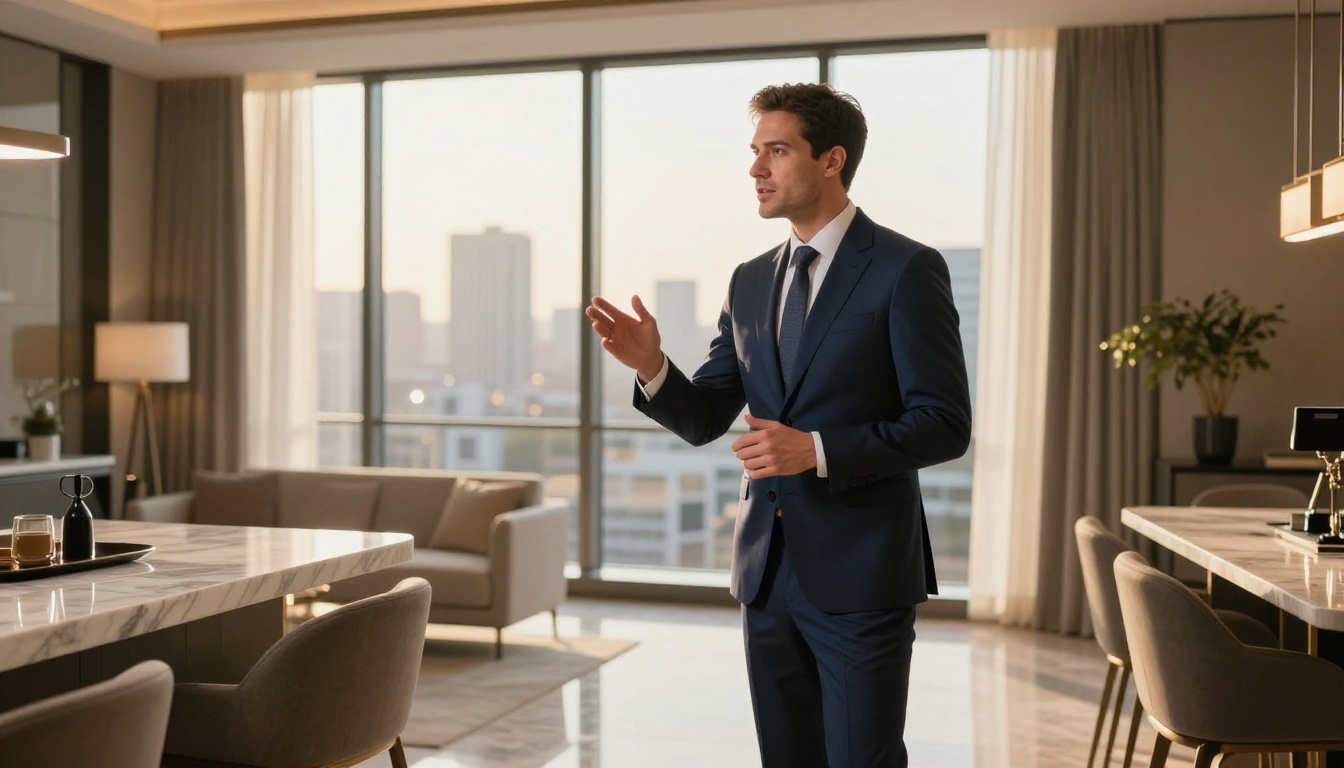
Real Estate Agency
Goal: 30-second TV spot underscore that builds trust and conveys stability.
Prompt: "30-second instrumental underscore for a real estate agency TV commercial. Warm and trustworthy tone, moderate tempo, acoustic piano with soft strings, builds gradually in the second half. No vocals. Broadcast quality."
What to expect: A clean, professional-sounding piece that sits comfortably under a voiceover without competing with it.
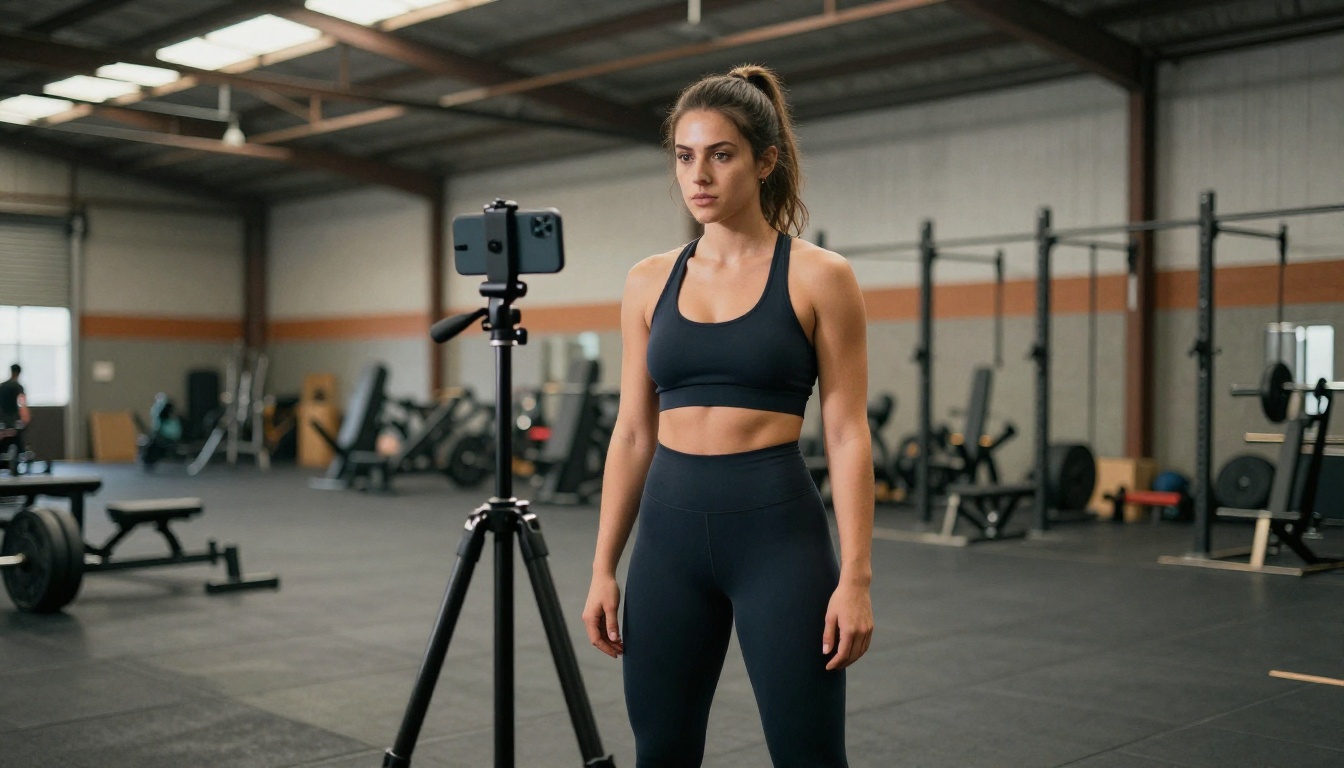
Fitness App
Goal: 20-second pre-roll ad for YouTube, high energy with a memorable hook.
Prompt: "High-energy 20-second fitness app jingle. 140 BPM electronic production with driving kick drum, motivational female vocal hook, lyrics about strength and daily progress. Intense build in final 5 seconds."
What to expect: Something that immediately signals energy and forward momentum, perfect for pre-roll where you have about 5 seconds before the skip button appears.
Audio and Visuals: The Full Ad Package
A jingle does not exist in isolation. It is part of a complete ad package, and AI can cover every element.
Pairing Jingles with AI-Generated Images
Once your jingle is ready, the visual side of the ad needs to match the energy. PicassoIA's text-to-image models, with over 91 available, let you generate the exact visual style your ad requires. Produce product shots, lifestyle scenes, and brand imagery that matches the mood of the audio. When the jingle sounds warm and inviting, the visuals should reinforce that feeling at every frame.
Adding Voiceovers with Text-to-Speech
Many ad formats combine a jingle with a spoken call to action. ElevenLabs Music integrates well with PicassoIA's text-to-speech capabilities. Generate your voiceover separately, then layer it over the instrumental version of your jingle. The result is a fully produced ad unit: music, vocals, and narration, all created without a single recording session.
💡 Tip: Use Minimax Music 01 when you want to write lyrics first and have the AI build the full song around them. It is the most lyrics-first model in the lineup and produces exceptionally tight vocal integration.
3 Mistakes That Sink AI Jingles
Even with great tools, there are common errors that produce unusable audio. Avoid these.
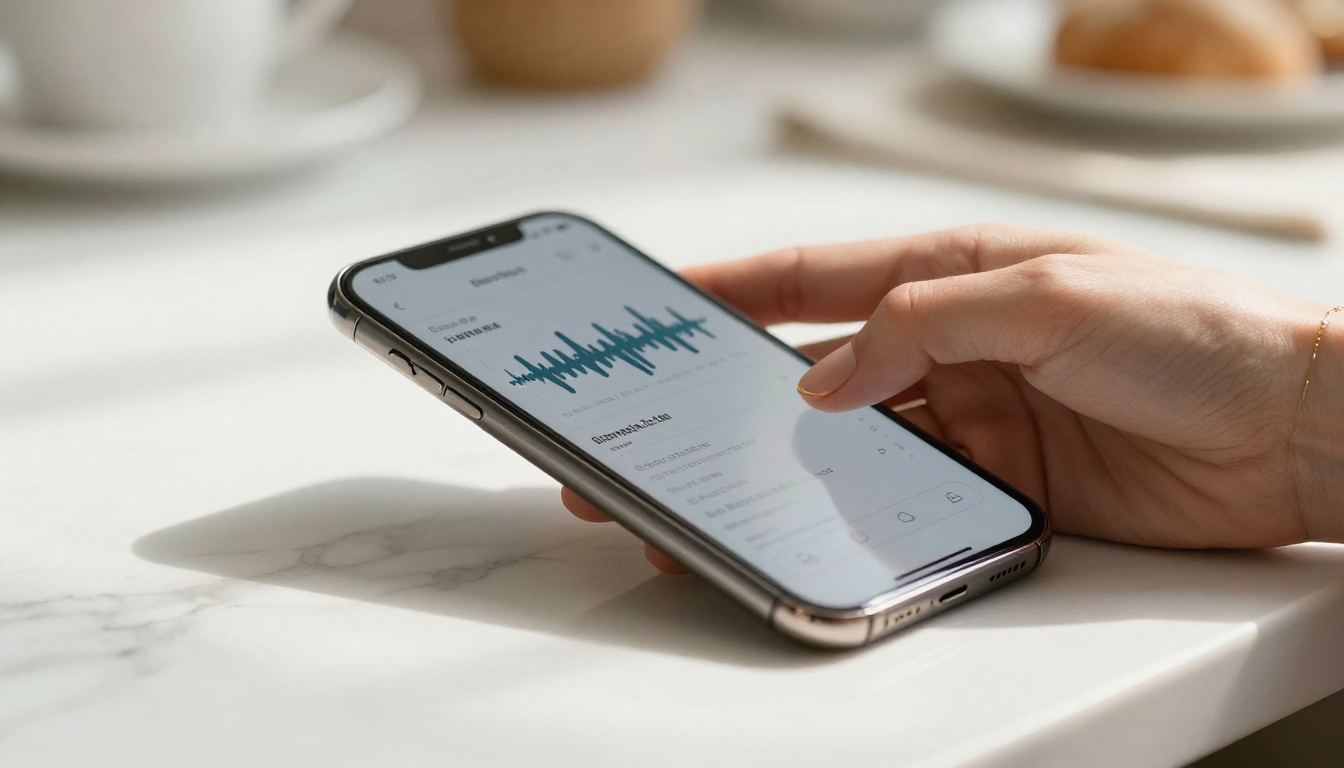
1. Prompting for "catchy" without specifics. "Catchy jingle for my brand" gives the model nothing to work with. Catchy is a result, not a description. Describe the instruments, tempo, vocal style, and emotional target instead.
2. Generating only once. The first generation is a starting point. Professionals in AI audio know that iteration is where quality comes from. Generate at least five variations before deciding on a direction.
3. Ignoring the first 3 seconds. Listen to every output from the very start. If the hook is not immediate, the jingle will not work in a skippable ad format. Filter outputs on this criterion first and everything else second.
A quick checklist before you consider any AI jingle "done":
- Does it hook within 3 seconds?
- Does the melody feel distinct and ownable?
- Does the mood match the brand's personality?
- Can it work without visuals, heard on a radio or podcast?
- Is it the right length for the format it will run in?
If you can answer yes to all five, you have something worth using.
Start Making Your Own Ad Jingles
The tools covered in this article are all live and accessible on PicassoIA right now. Minimax Music 2.6, Google Lyria 3 Pro, ElevenLabs Music, Stable Audio 2.5, and more are available without any setup or subscription to a third-party tool.
Pick one of the prompt templates from this article, adapt it to your brand, and generate your first jingle. It will take less time than reading this article took. When you hear a version you like, download it, drop it into your ad, and run it. That is the entire workflow.
The brands that figure this out now will have a significant audio identity advantage over those still waiting for a quote from a composer. The window to get ahead is open, and the barrier to entry has never been lower.


