The meeting ends. Everyone nods, gathers their things, and heads back to their desks. Somewhere in that room, decisions were made, tasks were assigned, and commitments were spoken out loud. Two hours later, half of them are forgotten.
That is the real cost of not having accurate meeting minutes. And the traditional fix, appointing someone to type notes while also trying to participate, has always been a compromise. AI changes that equation entirely. When you record a meeting and run it through a speech-to-text model, you get a word-for-word transcript in seconds. What used to take an hour of post-meeting admin takes three minutes.

What Meeting Minutes Actually Need
Before jumping into tools, it helps to know what you are actually trying to produce. Meeting minutes are not a word-for-word transcript. They are a structured record of what mattered.
The 5 Core Components
Every solid set of meeting minutes covers these five things:
| Component | What It Captures |
|---|
| Attendees | Who was present and their roles |
| Agenda items | Topics discussed in order |
| Decisions made | What was agreed upon |
| Action items | Who does what, by when |
| Next steps | Follow-up meetings or milestones |
The problem is that capturing all of this accurately during a live meeting requires splitting your attention between listening, processing context, and typing fast. Most people cannot do all three at once without losing something important.
Why Manual Note-Taking Fails
Manual note-taking introduces three consistent failure points:
- Selective capture: The note-taker records what they find relevant, not necessarily what others need.
- Lag time: Notes fall behind the conversation during fast exchanges or technical discussions.
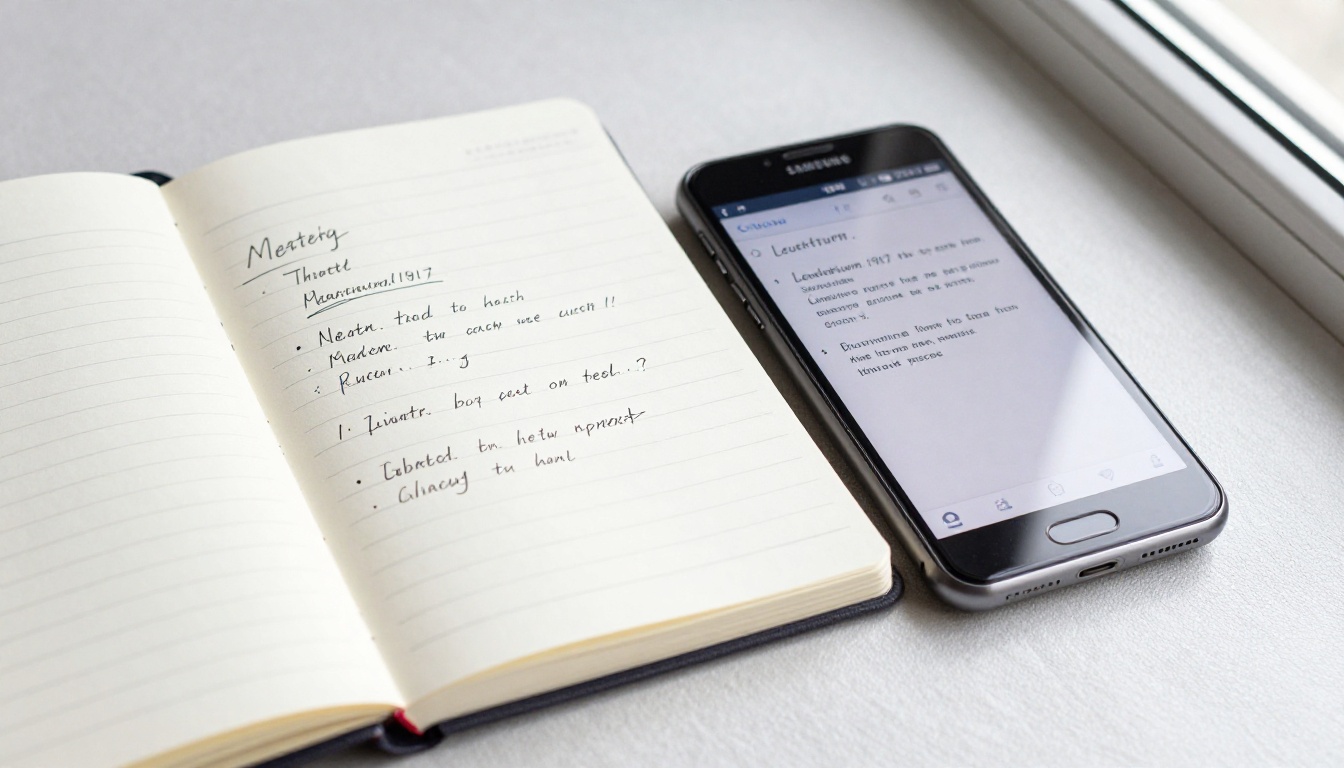
- Post-meeting fatigue: Writing up clean minutes after a long meeting means reconstructing from incomplete shorthand jottings.
💡 The fix is not a better note-taker. It is removing the note-taker from the equation entirely.

How AI Converts Recordings to Minutes
The workflow is straightforward once you understand the three-stage pipeline that AI tools use.
Stage 1: Upload Your Recording
You start with a recording. This can be an MP3, WAV, M4A, or video file from Zoom, Teams, Google Meet, or any other platform. Most AI transcription tools accept all major audio and video formats.
💡 Tip: If your recording platform has a built-in export function, use it to download the audio file before uploading to a transcription tool. This avoids compression artifacts that reduce accuracy.
Recording quality matters more than which AI model you choose. A clear recording with minimal background noise will outperform the best AI model working with muffled audio every time.
Stage 2: AI Transcription in Action
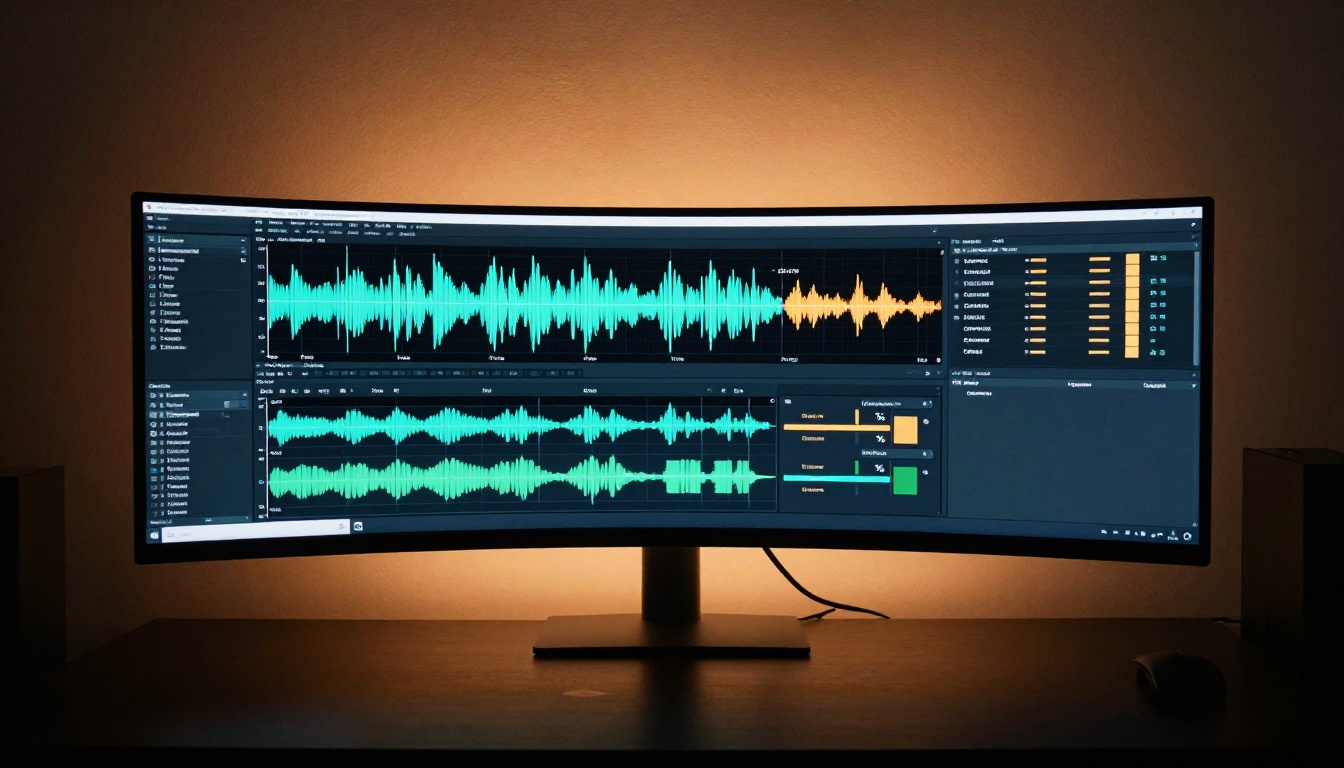
The AI processes your audio file and produces a text transcript. Modern models handle this with high accuracy across different accents, speaking speeds, and technical vocabulary.
What sets AI transcription apart from older voice recognition tools:
- Speaker diarization: The AI identifies and labels different speakers automatically (e.g., "Speaker 1:", "Speaker 2:")
- Timestamp accuracy: Every line of text links back to a specific moment in the recording
- Punctuation inference: The AI adds commas, periods, and paragraph breaks based on natural speech patterns
- Filler word filtering: Words like "um", "uh", and "you know" can be suppressed for cleaner output
Stage 3: Structure the Output
The raw transcript is the foundation. The next step is shaping it into actual meeting minutes. This means identifying where agenda items begin and end, pulling out decisions, extracting action items, and organizing everything into the standard five-component format.
Some tools do this automatically. Others require feeding the transcript into a language model with a formatting prompt. Either way, the heavy lifting is already done.
Best AI Models for Transcription
PicassoIA gives you direct access to several high-performance speech-to-text models. Each has different strengths depending on your meeting type, file length, and accuracy requirements.
GPT-4o Transcribe
GPT-4o Transcribe is OpenAI's flagship transcription model. It handles complex speech patterns, heavy accents, and domain-specific vocabulary with accuracy that makes it a strong default for most business meetings.
Best for: Executive meetings, technical discussions, multilingual teams.
GPT-4o Mini Transcribe
GPT-4o Mini Transcribe delivers the same core OpenAI speech recognition at faster processing speed. When you have a high volume of shorter recordings to process, this model is the practical choice.
Best for: Daily standups, short sync calls, high-volume batch processing.
Gemini 3 Pro
Gemini 3 Pro from Google brings exceptional multi-speaker handling and long-form audio support. If your meetings run over an hour, this model holds accuracy across the full duration without degradation.
Best for: All-hands meetings, lengthy workshops, training sessions.
Granite Speech 3.3 8B
Granite Speech 3.3 8B from IBM is optimized for enterprise environments. It handles technical and financial vocabulary better than general-purpose models, making it a strong option for IT, legal, and finance teams.
Best for: Technical reviews, financial calls, regulated industries.
Granite Speech 4.1 2B
Granite Speech 4.1 2B is IBM's lightweight model that transcribes audio in six languages with high speed and solid accuracy. It works well when processing speed matters more than perfect precision.
Best for: Multilingual teams, international calls, quick-turnaround needs.
| Model | Speed | Accuracy | Best Use Case |
|---|
| GPT-4o Transcribe | Fast | Very High | Business meetings, accents |
| GPT-4o Mini Transcribe | Very Fast | High | Standups, short calls |
| Gemini 3 Pro | Moderate | Very High | Long meetings, multi-speaker |
| Granite Speech 3.3 8B | Fast | High | Technical, enterprise |
| Granite Speech 4.1 2B | Very Fast | Good | Multilingual, quick batches |
How to Use Speech-to-Text on PicassoIA
PicassoIA makes speech-to-text transcription accessible without any technical setup, subscription, or software installation. Here is the full process.
Step 1: Choose Your Model
Navigate to the Speech-to-Text collection on PicassoIA. For most business meetings, start with GPT-4o Transcribe. If you are processing a long all-hands recording with many participants, Gemini 3 Pro is the better fit.
Step 2: Upload Your Audio File
Click the upload area and select your recording file. PicassoIA accepts MP3, WAV, MP4, M4A, and WebM formats. If your file came from Zoom or Teams, the downloaded recording works directly without conversion.
Step 3: Configure the Settings
Before running transcription, check these settings:
- Language: Set to the primary language of your meeting, or enable auto-detection for multilingual calls
- Speaker labels: Enable diarization to get speaker-labeled output. Strongly recommended for any meeting with more than two people
- Timestamps: Keep these on. They let you jump back to the exact moment in the recording when reviewing the transcript
Step 4: Run and Review
Click generate. Depending on file length and model, you will have your transcript in seconds to a few minutes. Review the output for any misheard words, particularly proper nouns, names, and product terminology that the model has not encountered in its training.
💡 Pro tip: After transcription, do one pass to fix recurring misrecognitions before extracting action items. Correcting a name or acronym takes thirty seconds and prevents confusion throughout the entire document.
Step 5: Format Into Minutes
Take the reviewed transcript and prompt a language model to structure it. A straightforward prompt works well:
"From this meeting transcript, extract: (1) attendees mentioned, (2) decisions made, (3) action items with owner and deadline if mentioned, (4) main discussion topics. Format as structured meeting minutes."
The result is a clean document ready to share with your team.
Tips for Better Transcription Results
The model does the work. You control the input quality. Here is where to focus.
Recording Quality Matters More Than You Think
- Use a dedicated microphone rather than laptop built-ins. Even an inexpensive USB condenser microphone cuts background noise significantly.
- Close unnecessary applications before recording. Notification sounds and keyboard clicks show up in the audio and can disrupt transcription.
- Ask participants to mute when not speaking during virtual meetings. This is the single most effective way to improve transcription accuracy for remote calls.
Handling Speaker Identification
If the AI labels speakers generically as "Speaker 1" or "Speaker 2", you can fix this in two ways:
- Replace labels manually in the transcript using find-and-replace
- Include a speaker roster in your formatting prompt: "Speaker 1 is Anna, Speaker 2 is David, Speaker 3 is Marcus. Substitute these names throughout."
💡 Speaker diarization accuracy improves when participants have distinct voices and do not frequently talk over each other. This is worth facilitating as a meeting practice.
Dealing with Accents and Technical Jargon
AI models handle accents well in 2027, but domain vocabulary still trips them up occasionally. Keep a short list of recurring misrecognitions and fix them at review. Common offenders include:
- Product and brand names with unusual spelling
- People's names, especially non-English names
- Acronyms the model renders as full words, or full words it collapses into acronyms
From Transcript to Real Action Items
The transcript is not the end goal. The meeting minutes are. Here is how to close that gap efficiently.
Extracting Decisions
Search the transcript for commitment language. These phrases reliably mark decision points:
- "We agreed to..."
- "The decision is..."
- "Going forward, we will..."
- "That is confirmed."
- "Yes, let us do that."
Pull them verbatim first, then clean the language into a concise decision statement. One sentence per decision, no passive voice.
Assigning Ownership to Tasks
Action items without owners are wishes, not commitments. When extracting tasks from the transcript, always capture three things:
- Who is responsible (not "the team", a specific person)
- What specifically needs to happen
- When it is due, or flag it as "deadline TBD" if not discussed
A clean format: [Name] will [action] by [date].
Sharing the Minutes
Send meeting minutes within 24 hours while the context is fresh for all participants. Include:
- The structured minutes document
- A link to the original recording for reference
- A clear subject line: "Meeting Minutes: [Topic] [Date]"
💡 If your team uses a project management tool, copy action items directly into the task tracker with assignees and due dates. Do not make people manually migrate from the minutes document into the system where work actually happens.
Where This Workflow Works Best
Remote and Distributed Teams
For teams across multiple time zones, not everyone attends every meeting live. Accurate meeting minutes from AI transcription give absent team members a reliable record without requiring anyone to summarize from memory. The transcript also serves as a reference when time zone confusion leads to missed context.
Legal and Compliance Teams
Regulated industries require documented records of decisions. AI transcription produces an accurate, timestamped record that can be stored and retrieved. Legal teams use this for client call documentation, internal review meetings, and compliance audits where accuracy cannot be approximate.
Sales Call Recaps
Sales teams record client calls to capture requirements, objections, and commitments. AI transcription turns those recordings into structured call summaries with next steps automatically extracted. This reduces admin time and improves data quality in the CRM.
HR and Performance Reviews
Sensitive conversations benefit from accurate records. HR teams can transcribe performance reviews, disciplinary meetings, and policy discussions with speaker labels and timestamps that create a reliable reference for both parties involved.

Make Your First Recording Count
Meetings happen every day. The recordings sit in folders, rarely reviewed, while teams reconstruct decisions from memory and chat messages. That is the status quo AI transcription is built to replace.
PicassoIA puts GPT-4o Transcribe, Gemini 3 Pro, Granite Speech 3.3 8B, and Granite Speech 4.1 2B in one place, accessible without setup, billed per use with no subscription required.
Take your next meeting recording, upload it to PicassoIA, and watch the transcript appear in seconds. Format it into structured minutes using a simple prompt, send it to your team before the end of the day, and that single habit change saves hours every week. It also eliminates the ambiguity that turns good decisions into forgotten commitments.
Start with GPT-4o Transcribe on PicassoIA and turn your next recording into minutes right now.


