You've got old videos sitting on a shelf, or buried in a dusty folder, that look terrible by today's standards. Grainy, blurry, washed out. But those videos hold something you can't replace: real moments from your life. The good news is that AI video restoration has reached a point where footage that was completely unwatchable can now come out looking sharp, colorful, and vivid.
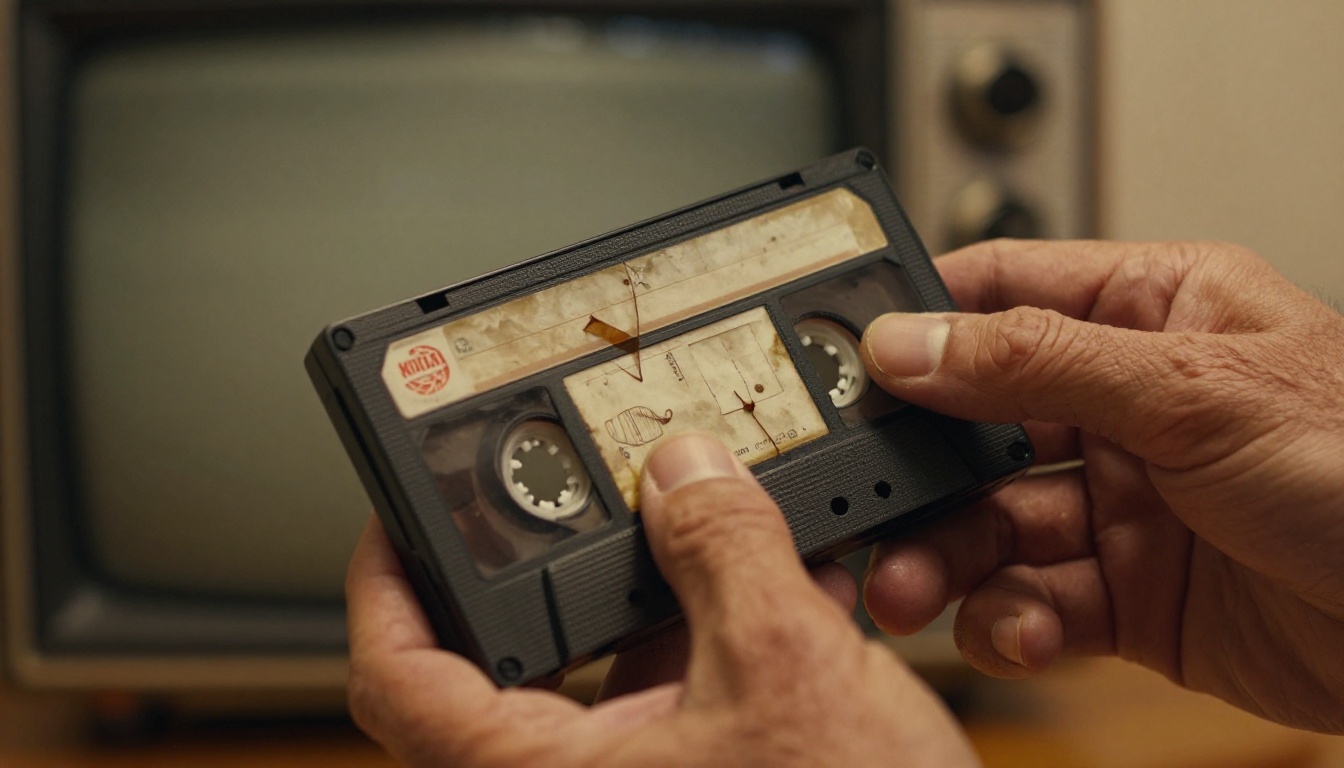
Most people assume old video quality is permanent. The tape is from 1989, it looks like 1989, and that's that. But AI doesn't see it that way. It sees a frame full of data that can be analyzed, predicted, and reconstructed into something that looks like it was filmed yesterday.
The Problem with VHS Tapes
VHS tapes record video at roughly 240 lines of horizontal resolution. For comparison, a modern 1080p screen displays 1,080 lines. That means your old tape was already at a fraction of what your TV can show today. And it gets worse over time.
Magnetic tape degrades. The particles that hold the recorded signal start losing their charge after 10-20 years. You get dropout artifacts, streaks, color bleeding, and audio deterioration. If the tape was stored in heat or humidity, the degradation accelerates. Rewatching and rewinding also causes physical wear on the tape surface.
The result is footage that looks worse than it did the day it was recorded.
Digital Compression Damage
It's not just analog tape. Early digital formats like MPEG-1 and early MPEG-2 used heavy compression that introduced blocky artifacts called macroblocking. Old camcorder footage from the early 2000s often has this: blurry patches, smeared motion, flat-looking gradients where smooth tones should be.
Even files that were "digitized" from VHS often inherited the problems of the tape plus the compression artifacts of the conversion process. The damage layers up invisibly but shows on screen.
💡 The combination of analog degradation and digital compression is what makes old footage look so poor, even when the original recording was clean.
What AI Does to Old Video
Frame-by-Frame Processing
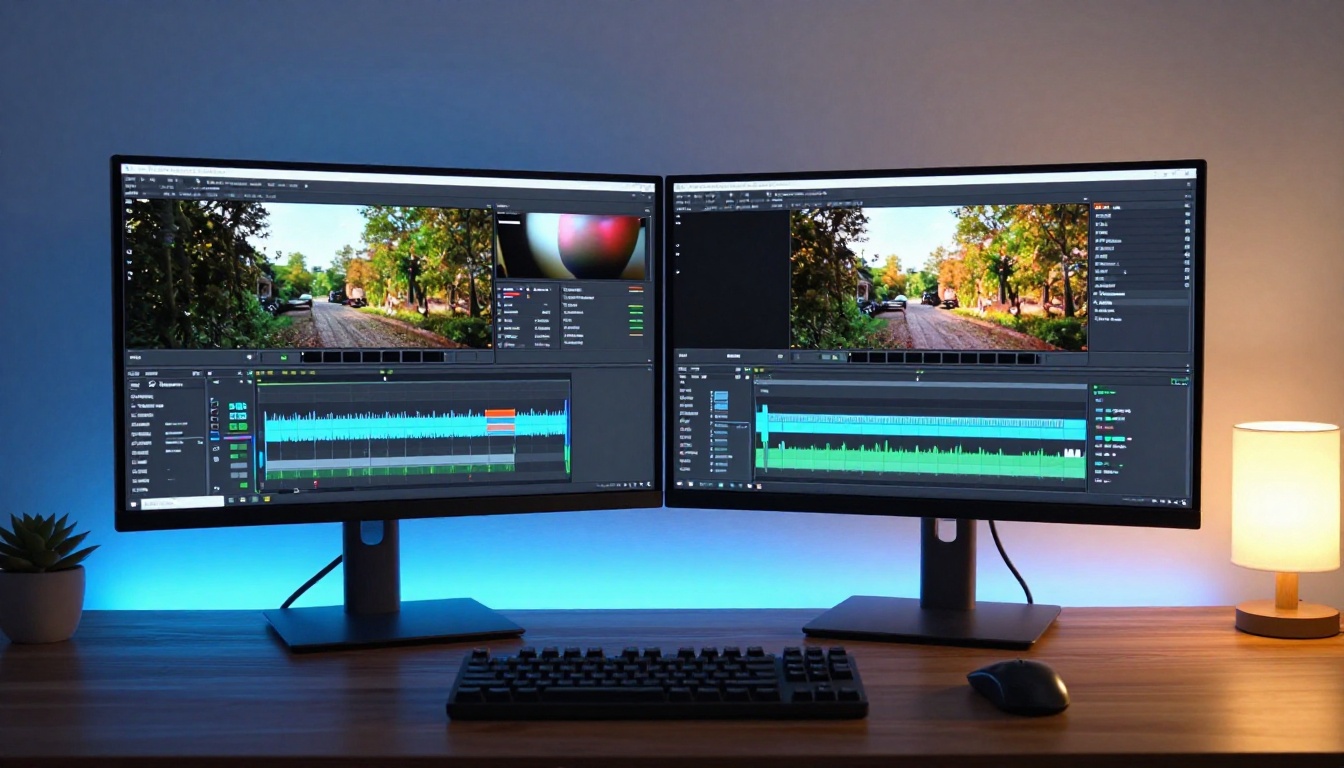
AI video restoration works differently from traditional upscaling. Traditional upscaling just stretches pixels. AI analyzes each frame independently, looking at the actual content: faces, edges, textures, motion patterns.
Using deep learning models trained on millions of high-resolution images, the AI predicts what each pixel should look like if it had been captured at full resolution. It fills in missing detail based on context. A blurry face gets sharper eyes and defined features. A smeared background gets distinct edges. Hair strands that were a blurry mass become individual.
Super-Resolution Explained
Super-resolution is the process of increasing the resolution of a video beyond its original capture quality. AI super-resolution can take a 480p video and output a version at 1080p or 4K by intelligently adding pixel detail that was never there in the original file.
This isn't random guessing. The model has learned what real textures, skin tones, fabric patterns, and architectural details look like in high resolution. It applies that knowledge to reconstruct what was missing from the original footage, producing results that are perceptually accurate rather than artificially generated.
| Original Quality | AI Upscaled Output | Improvement |
|---|
| 240p (VHS) | 1080p / 4K | 4x to 16x resolution |
| 480p (early digital) | 1080p / 4K | 2x to 8x resolution |
| 720p (HD camcorder) | 4K | 2x to 4x resolution |
Noise and Grain Removal
Old footage is often buried under a layer of noise: random pixel variations that look like static. In analog video, this comes from the tape itself. In early digital video, it comes from small camera sensors operating at high sensitivity settings.
AI denoising doesn't just blur the noise away, which destroys real detail along with the artifact. It separates signal from noise by identifying what is genuine structure and what is random variation, then removes only the noise while preserving actual image data. The result is a cleaner, sharper image that retains the fine detail you want to see.
3 AI Models That Restore Old Video
PicassoIA has three dedicated AI video restoration models available directly in the browser. No software to install. No rendering farm to manage. Just upload, process, and download.
Crystal Video Upscaler
Crystal Video Upscaler is built on a model specifically optimized for old and degraded footage. It handles VHS-quality input particularly well, targeting the specific artifacts that come from magnetic tape: horizontal streaks, color bleed, and soft focus from tape wear.
The output is clean, sharp, and true to the original content without over-sharpening or introducing artificial detail. It preserves the warmth and character of the original footage while removing the degradation that made it hard to watch.
Best for: VHS home videos, old camcorder footage, digitized tape recordings.
Video Upscale by Topaz Labs
Video Upscale by Topaz Labs is one of the most respected names in video AI processing. The Topaz Labs model on PicassoIA is their production-grade upscaling tool trained on a vast library of professional footage.
It supports output up to 4K and 120fps, meaning it can not only sharpen your footage but also smooth out choppy low-frame-rate video by predicting and inserting intermediate frames. This is especially useful for old footage recorded at 24 or 25fps that looks stuttery on modern high-refresh displays.
Best for: Documentary clips, archival footage, content where temporal smoothness matters as much as resolution.
Upscale v1 by RunwayML
Upscale v1 by RunwayML takes a more cinematically aware approach. RunwayML's model is trained with a strong emphasis on maintaining the aesthetic character of footage while improving resolution. It won't aggressively sharpen in a way that makes old film feel sterile or clinical.
This makes it the right choice when you want the video to look better but still retain the warmth and feel of the original era, which matters for creative and artistic projects.
Best for: Old film clips, creative projects where vintage character is intentional but quality needs improvement.
How to Use Crystal Video Upscaler on PicassoIA
Using Crystal Video Upscaler on PicassoIA takes about five minutes of active work. The processing itself runs on cloud servers, so your computer does nothing during rendering.
Step 1: Open the Model Page
Go to the Crystal Video Upscaler page on PicassoIA. You'll see the model interface with an upload panel and parameter controls. The layout is straightforward: input on one side, settings on the other.
Step 2: Upload Your Video File
Click the upload area and select your video file. The model accepts MP4, MOV, AVI, and most common formats. If your old footage is still on a physical VHS or tape, you'll need to digitize it first using a capture device. USB digitizers are widely available and inexpensive, typically in the $30-60 range.
💡 Convert your file to MP4 before uploading. It reduces file size without quality loss and is the most compatible format across all AI tools on the platform.
Step 3: Set the Output Parameters
The primary parameter is the upscale factor. Options are typically 2x and 4x:
- 2x: Good for footage that is already 720p or in relatively decent condition. Produces 1080p or 1440p output.
- 4x: Best for VHS-quality or heavily degraded footage. Produces 4K output with maximum detail reconstruction.
You can also enable grain reduction (recommended for VHS tape sources) and artifact removal (recommended for early digital footage with visible macroblocking or compression artifacts).
Step 4: Run and Download
Click run and wait. Processing time depends on video length and chosen upscale factor. A five-minute clip typically processes in 3-8 minutes on cloud hardware. When complete, you'll see a preview and a download link for the restored video file.
💡 Compare the before and after in the preview panel before downloading. If the result looks over-processed or artificially sharp, try 2x instead of 4x on the same footage.
Best Use Cases for AI Video Restoration
Family Archives and Wedding Footage
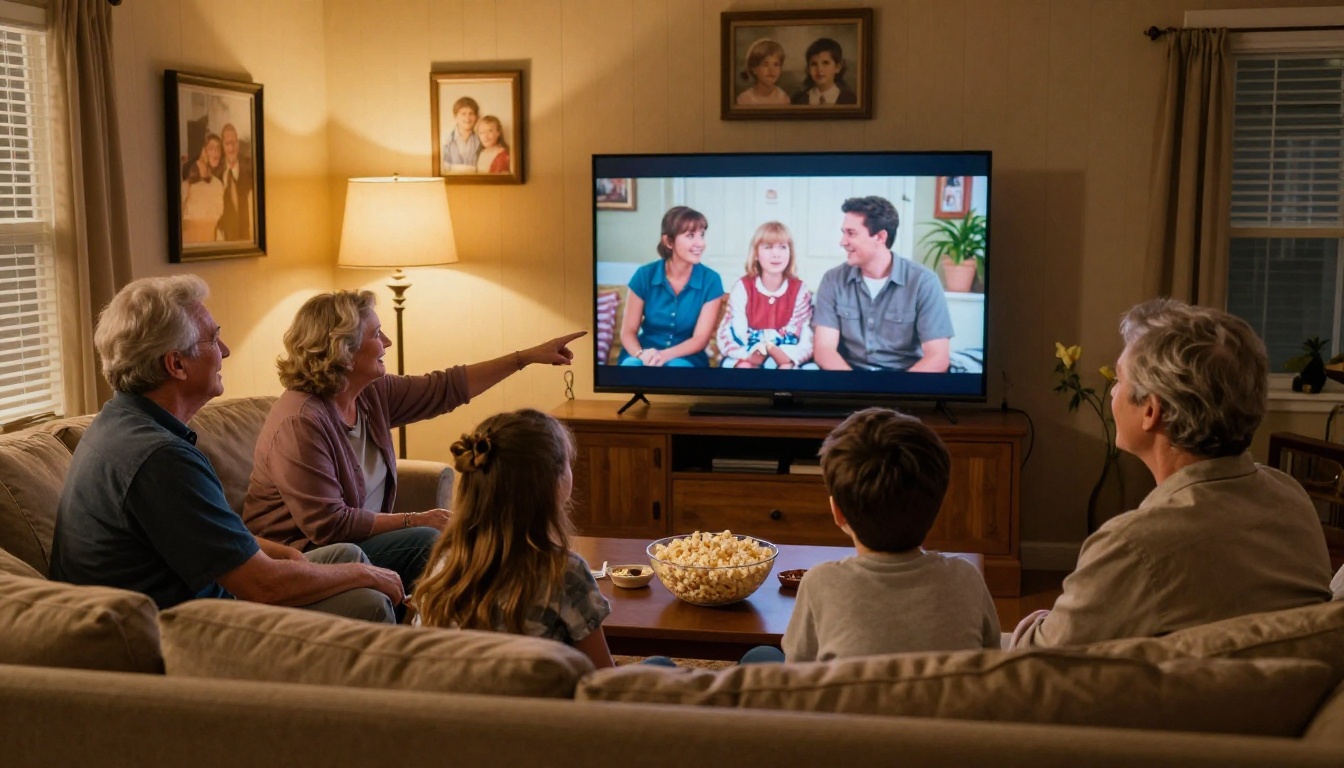
This is the most common reason people restore old video. Weddings from the 1990s, family reunions from the 1980s, birthday parties captured on a JVC camcorder. These recordings hold moments that are completely irreplaceable and exist nowhere else.
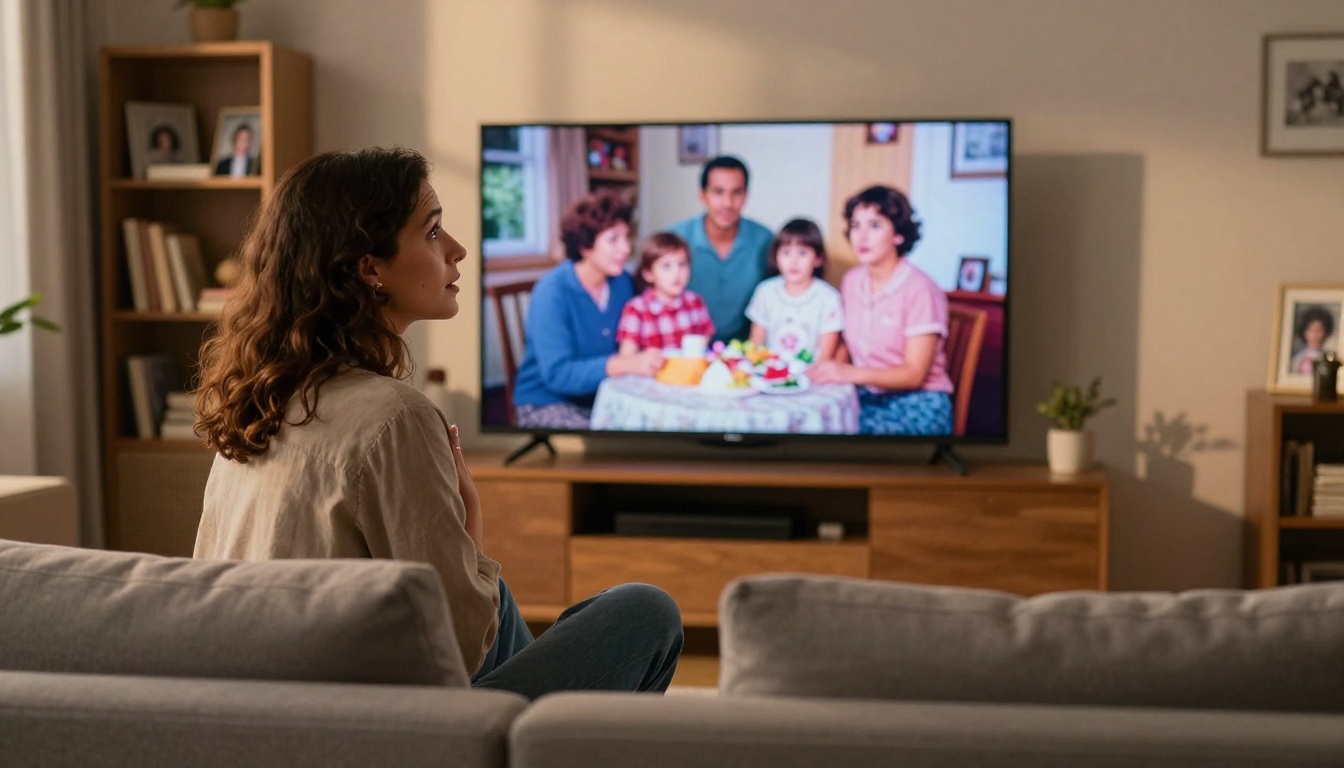
AI restoration doesn't just make them clearer. It makes them watchable again on modern screens where the quality gap is jarring. Showing 240p footage on a 4K TV is painful. Showing a fully restored version on the same screen is a completely different experience. Faces are recognizable. Details are visible. The moment finally gets the presentation it deserves.
Old Documentary and Film Clips
Researchers, filmmakers, and content creators often need to work with archival footage. Low-quality source material can kill the visual coherence of a modern production when old clips are cut against contemporary footage. AI restoration allows archival video to be integrated without the quality difference being visually disruptive.
Social Media Content from Low-Res Clips
Old footage has real value on social media: nostalgia content, historical commentary, throwback posts. But posting degraded video on Instagram Reels or YouTube Shorts competes poorly visually against modern content shot at 4K. Running old clips through AI restoration gives them a genuine chance in algorithm-driven feeds where visual quality directly affects viewer retention and watch time.
What to Expect: Real Results
Resolution Gains
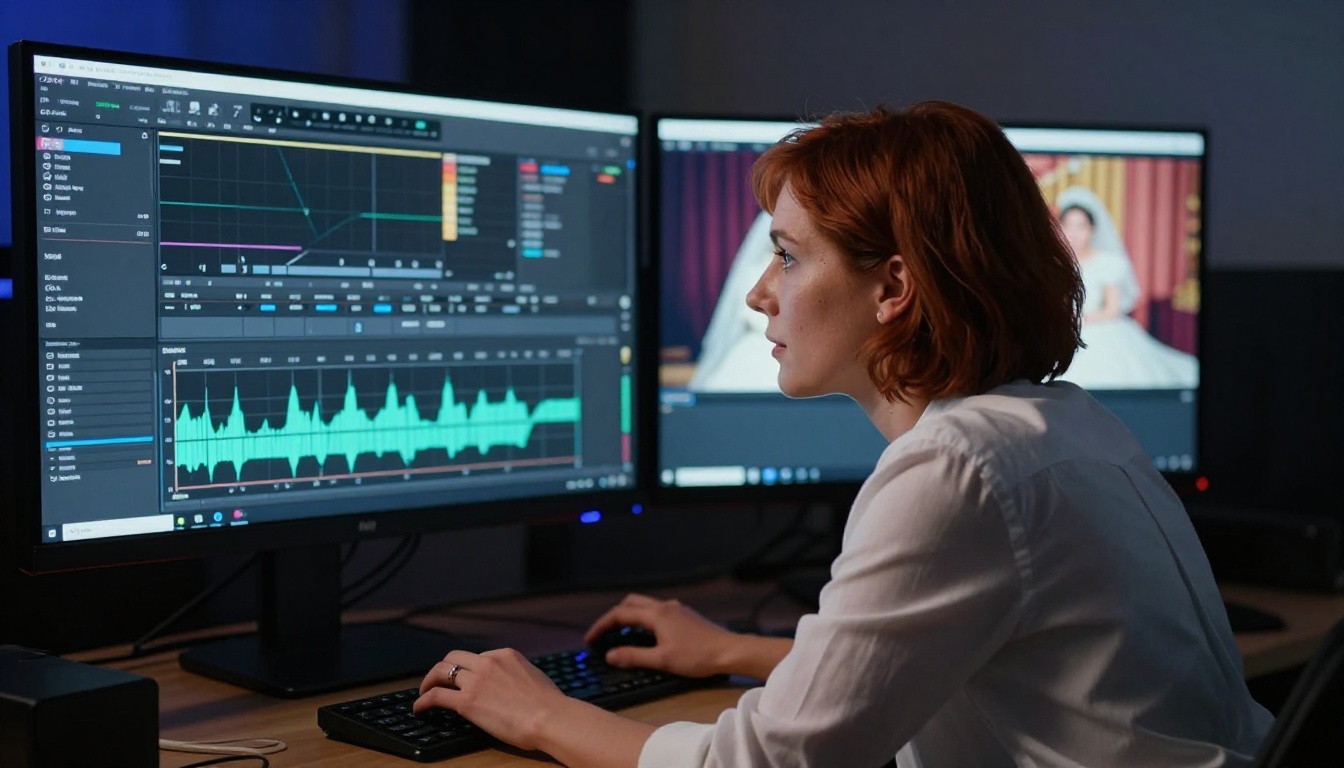
The numbers tell a clear story. Starting from VHS quality at approximately 320x240 pixels, a 4x AI upscale produces output at 1280x960, and with intelligent interpolation, effective perceived quality reaches close to 1080p. The on-screen difference is dramatic and immediate.
Old footage that was too blurry to clearly see faces often comes out of AI restoration with recognizable expressions, clothing details, and background elements that were previously invisible. People who were unidentifiable smudges become people with clear features.
Color and Contrast Recovery
Many AI restoration tools include color correction alongside resolution upscaling. Faded, yellowed, or washed-out colors can be partially recovered by the model's understanding of what natural skin tones, grass, sky, and everyday environments should look like.
This isn't the AI inventing color. It's the model pushing degraded color information toward perceptually accurate values based on context. A green lawn that reads as muddy gray in old tape footage comes back to natural green. Skin tones that have shifted warm yellow return to natural flesh tones.
💡 For maximum quality: run the video through Crystal Video Upscaler first for sharpness, then apply a color grading pass in video editing software to finalize the look.
3 Mistakes That Ruin Results
Skipping Format Conversion First
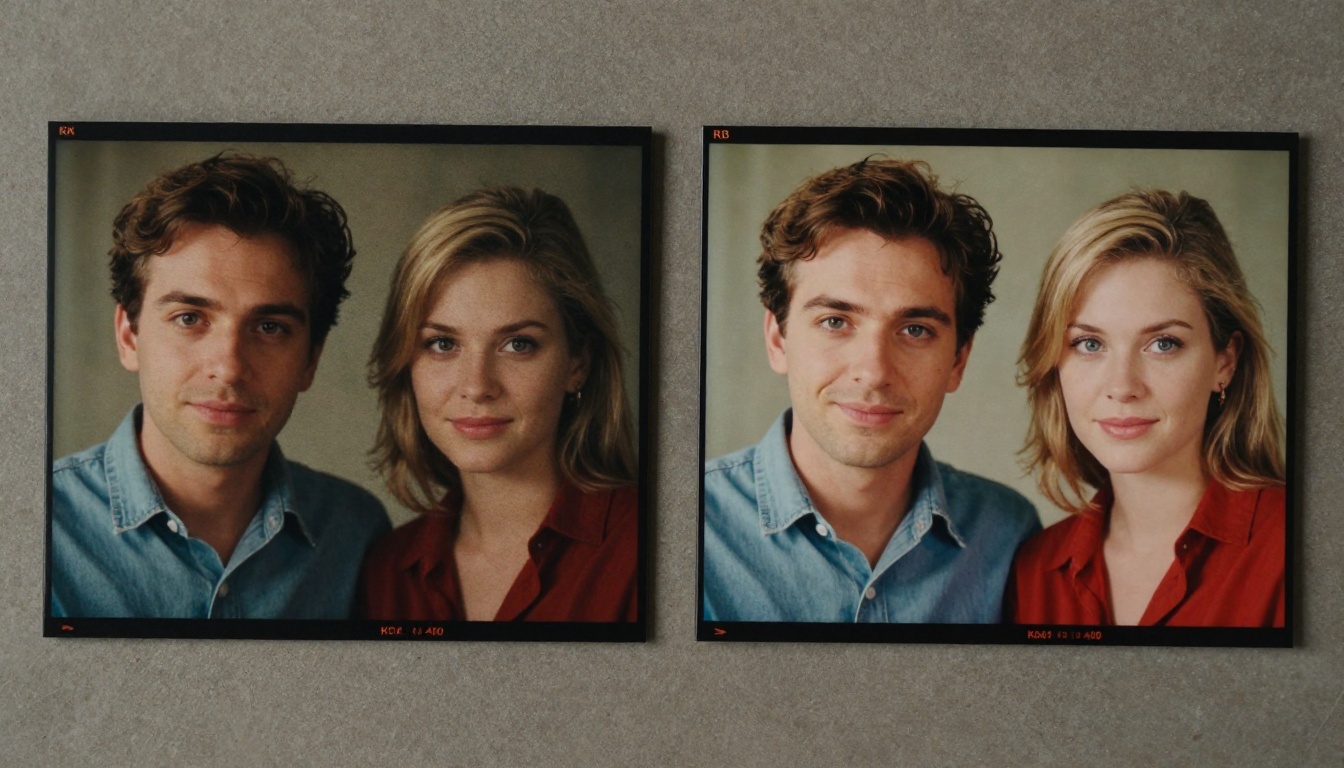
Uploading a raw AVI file directly from a capture card often causes problems. Old AVI containers can have unusual codecs, variable frame rates, or corrupted headers that confuse AI processing pipelines. Always convert to a clean MP4 using H.264 before uploading. HandBrake does this for free in minutes and produces a clean, universally compatible file.
Using 4x on Already Decent Footage
If your source footage is already 720p or 1080p, applying 4x upscaling is aggressive and will often produce artifacts or an over-sharpened, artificial look that is actually worse than the source. Start with 2x. Evaluate the result carefully. Only go to 4x if the output still looks soft and needs more sharpening.
Ignoring the Audio Track
AI video restoration fixes the visual track only. It does nothing for audio. Old tape audio is often warped, hissy, muffled, or full of magnetic noise. If audio quality matters for your project, process the audio separately using a dedicated audio restoration tool like Adobe Podcast or iZotope RX. Running clean, restored audio alongside restored video produces a result that holds up professionally.
Bring Your Memories Back to Life
Old footage holds real memories: people who are no longer around, places that no longer exist, moments that happened once and will never happen again. The technology to restore that footage now lives in a browser, accessible without any technical expertise, free to try.
Crystal Video Upscaler, Video Upscale by Topaz Labs, and Upscale v1 by RunwayML are all available on PicassoIA right now. No subscription required to try. Upload your video, pick a model, and see what AI can do.
The only thing standing between you and those old memories in sharp, vivid color is the five minutes it takes to try.
💡 PicassoIA also offers super-resolution tools for still images, and a full suite of video editing models for cutting, stylizing, and working with your restored footage once the quality is where you want it.


