Vertical video is not a trend anymore. It is the default format for the entire short-form internet, and if you are not producing 9:16 content regularly, you are invisible on Instagram Reels, TikTok, and YouTube Shorts. The problem has never been the idea. The problem has always been production time. Recording, framing, editing, color grading, and trimming a single vertical clip used to take hours. AI video models have changed that math completely. You can now type a sentence and receive a polished, post-ready vertical video in under two minutes.
This article breaks down every AI model worth using for vertical Reels, how to write prompts that force 9:16 output, a step-by-step workflow using the best current model, and the exact prompt templates that produce the highest-quality results.
Why 9:16 Changed Everything
The shift from horizontal to vertical did not happen because people chose it. It happened because smartphones are held vertically 94% of the time. Instagram, TikTok, and YouTube all responded by building their primary discovery feeds around the 9:16 format. The algorithm rewards vertical content with more surface area, more autoplay exposure, and better completion rates.
A horizontal video placed in a vertical feed gets letterboxed into 30% of the screen. A vertical video fills it entirely. That difference in screen coverage directly correlates with watch time, and watch time is what every algorithm optimizes for.
The Format Algorithms Prefer
Every major platform now has a dedicated vertical short-form feed:
| Platform | Format | Feed Name |
|---|
| Instagram | 9:16 | Reels |
| TikTok | 9:16 | For You Page |
| YouTube | 9:16 | Shorts |
| Facebook | 9:16 | Reels |
| Pinterest | 9:16 | Idea Pins |
The 9:16 aspect ratio is not optional if you want algorithmic reach. Every clip you produce should be planned and generated in this format from the start, not cropped from a horizontal video after the fact.
Why Traditional Production Falls Short
Traditional video workflows were built around 16:9 horizontal cinematography. Cameras, lenses, and editing software all optimized for wide shots. Shooting vertical meant awkward framing, wasted sensor space, and editors trained on horizontal timelines suddenly working in an unfamiliar orientation.
The result: most brands and creators either skip vertical video entirely or produce low-quality, hastily cropped horizontal footage that looks bad on mobile screens.
AI video models solve this from the ground up. They generate video natively in whatever aspect ratio you specify, meaning a 9:16 prompt produces a 9:16 video, with subjects centered, framing optimized, and motion designed for the vertical canvas.
What AI Video Models Actually Do
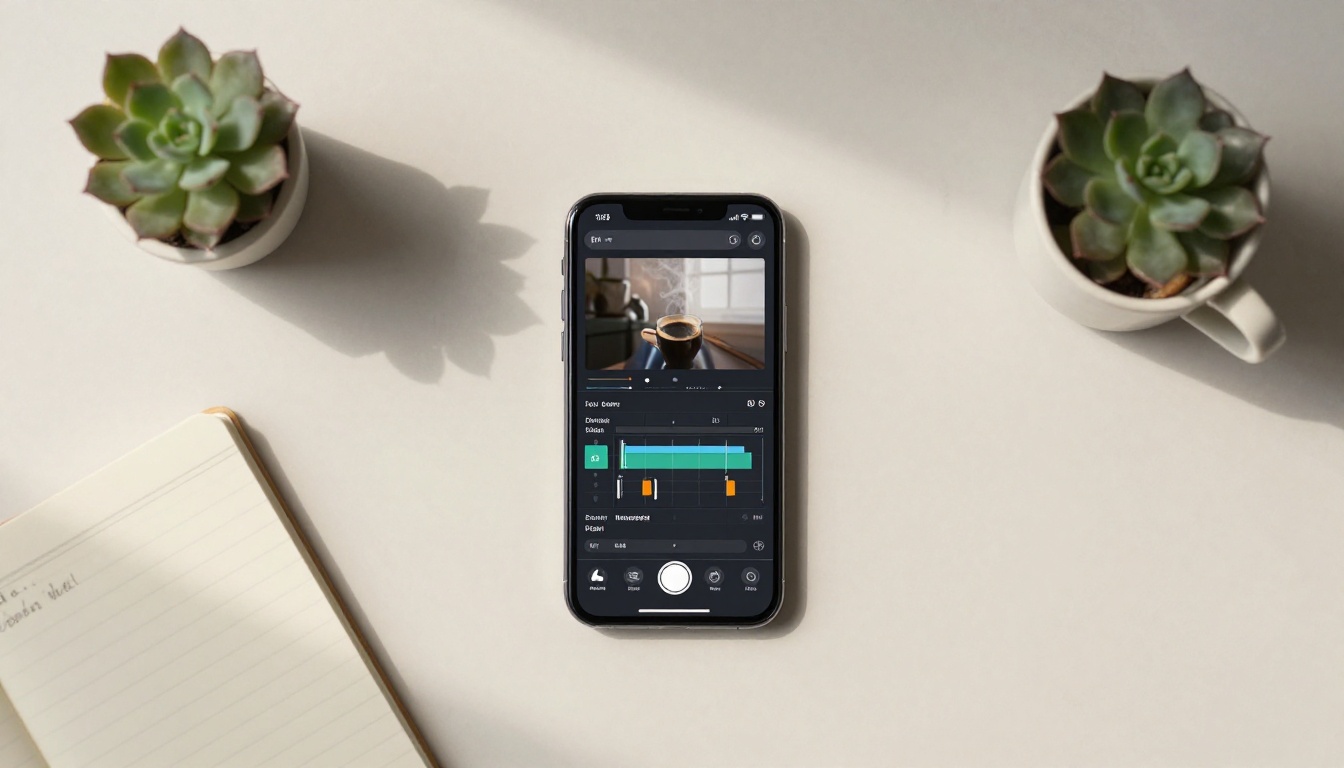
AI video generation is not the same as video editing or video filters. These models take a text prompt, an image, or both, and synthesize entirely new video footage, pixel by pixel, using patterns learned from billions of frames of real-world footage.
The output is a real video file. There is no template, no stock footage, no green screen. The AI builds motion, lighting, camera movement, and scene transitions from scratch based on your description.
Text to Video vs. Image to Video
Two main workflows exist for creating vertical Reels with AI:
Text to Video: You write a prompt describing a scene. The model generates a clip from nothing. Best for branded scenes, product concepts, abstract visual storytelling, or any scenario that would be expensive or impossible to film in real life.
Image to Video: You upload a still image (a photo, an AI-generated image, or a product shot), and the model animates it. Best for bringing portraits, product photography, or lifestyle images to life with subtle motion.
Both approaches support vertical output when you specify the 9:16 ratio in your prompt or settings.
The Aspect Ratio Is Not Automatic
One thing most beginners miss: you must explicitly request vertical output. AI video models default to 16:9 horizontal because that was the dominant format during most of their training data. To get vertical video, your prompt must include one of these:
vertical 9:16 formatportrait orientationsmartphone screen ratiovertical frame
Some models like Kling v3 Video have a dedicated aspect ratio selector in their settings panel. Others require the format specification inside the prompt text. Always specify it both places when the option exists.
The Best AI Models for Vertical Reels
Not all text-to-video models produce equally good vertical content. Some were optimized for cinematic wide shots. Others were built specifically for the short-form social media format. Here is what performs best in 2027.
Kling v3 for Cinematic Shots
Kling v3 Video from Kwaivgi is currently the most capable model for photorealistic vertical video. It supports 1080p output, handles complex motion well, and has a native aspect ratio control that includes 9:16 presets.
The model excels at:
- Human subjects with natural skin motion and clothing physics
- Environmental scenes with realistic lighting transitions
- Camera movement including slow push-ins and orbit shots
For Reels specifically, Kling v3 Video produces the kind of cinematic quality that makes content look professionally filmed rather than AI-generated. The motion is smooth, the detail retention is high, and the default export is clean enough to post directly without post-processing.
Kling v3 Omni Video is the variant that adds audio awareness, which is useful if you want background ambience synced to the visual output.
Pixverse v5.6 for Fast Iterations
Pixverse v5.6 is the fastest model for creators who need volume. If you are producing 10 Reels per week, you need a model that iterates quickly so you can test multiple prompts and select the best output. Pixverse v5.6 generates 720p vertical clips in under 60 seconds.
The tradeoff is detail. It runs slightly softer on fine textures than Kling v3, but for social media viewing sizes, the difference is largely imperceptible. The speed advantage is significant for workflow throughput.
Pixverse v5 is the previous version and still a solid choice for budget-conscious creators, producing competitive 1080p at a lower credit cost.
Seedance 2.0 for Audio-Synced Clips
Seedance 2.0 from ByteDance (the company behind TikTok) is purpose-built for the short-form format. It was trained on the kind of content that performs on vertical feeds: fast-paced, visually dynamic, with naturally synced ambient audio.
The audio integration is what sets Seedance 2.0 apart for Reels. The model generates video with background audio baked in: footsteps, ambient noise, atmospheric sound. This significantly reduces post-production time since you do not have to layer audio separately in most cases.
Seedance 2.0 Fast is the accelerated variant for creators prioritizing turnaround time over maximum quality.
Veo 3.1 for Realistic Motion
Veo 3.1 from Google is the most physically accurate model for realistic motion. Water, fabric, hair, and smoke behave according to real-world physics in ways that other models still struggle with. If your Reels content involves natural elements, outdoor scenes, or fluid motion, Veo 3.1 is the benchmark.
Veo 3.1 Fast provides the same quality floor at faster generation speeds, making it practical for daily content production.
Other Models Worth Testing
| Model | Strength | Best For |
|---|
| Wan 2.7 T2V | Scene variety | Wide range of visual styles |
| Hailuo 02 | 1080p sharpness | High-detail portrait content |
| LTX 2.3 Pro | 4K output | Premium polished content |
| Sora 2 Pro | Narrative coherence | Story-driven Reels |
| Gen 4.5 | Cinematic motion | Brand and product videos |
| P Video | Speed and cost | High-volume output |
How to Use Kling v3 Video on PicassoIA
Kling v3 Video is the recommended starting point for anyone producing Reels content. Here is the exact workflow.
Step 1: Open the Model
Navigate to Kling v3 Video on PicassoIA. You will see the prompt input field, aspect ratio selector, duration selector, and quality mode toggle.
Step 2: Set the Aspect Ratio
Before writing your prompt, set the aspect ratio to 9:16. This is the critical step most beginners skip. Without it, the model defaults to 16:9 and your vertical content becomes a cropping exercise.
💡 If you do not see a 9:16 option in the ratio dropdown, add "vertical 9:16 portrait format" to your prompt directly. Both approaches work, but using the UI selector is cleaner.
Step 3: Choose Duration
For Instagram Reels, 7 to 15 seconds is the optimal clip length. For TikTok, 10 to 30 seconds performs best. Set the clip duration accordingly. Kling v3 Video supports up to 10 seconds per generation. For longer clips, generate multiple segments and string them together in any basic video editor.
Step 4: Write Your Prompt
The prompt is where most creators lose quality. Vague prompts produce vague output. Specific, descriptive prompts produce cinematic results.
Weak prompt: A woman dancing
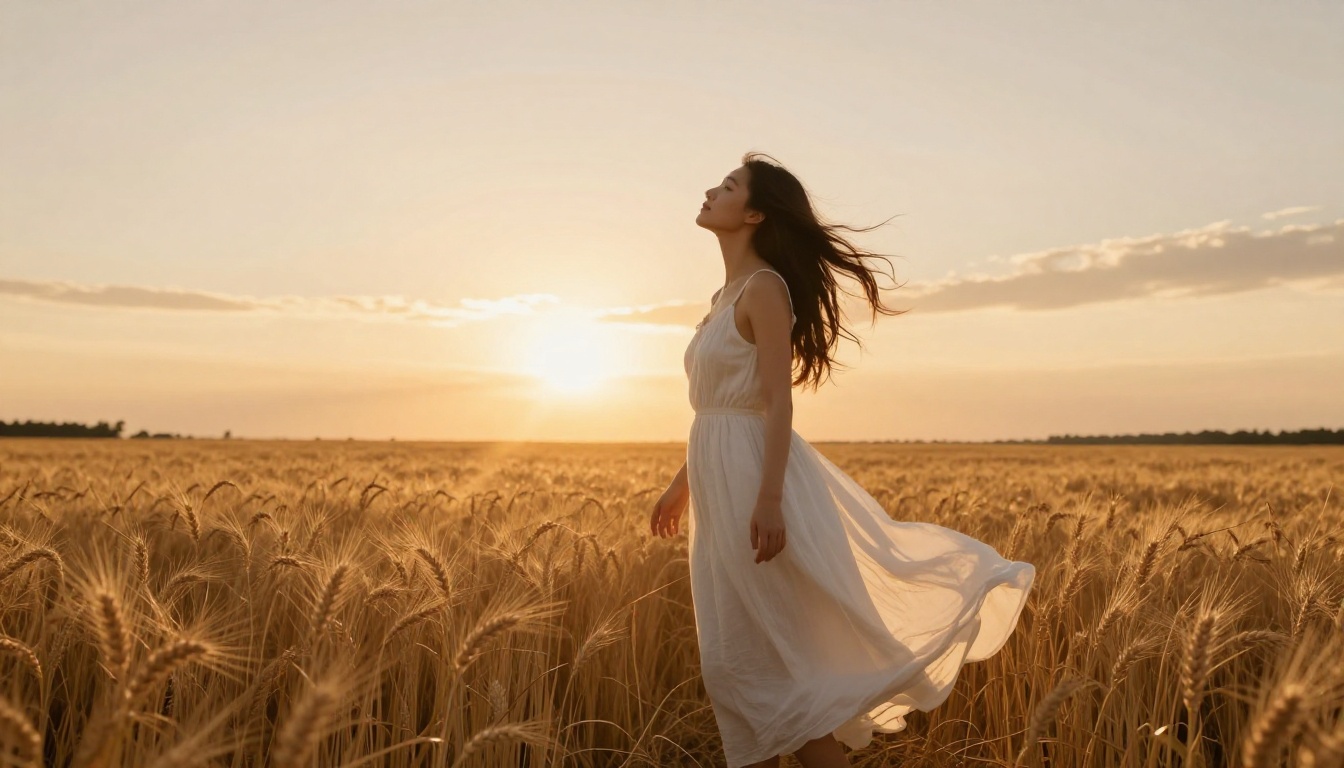
Strong prompt: A young woman in a flowing ivory sundress dancing slowly in a sunlit meadow, warm golden hour light, loose hair catching the breeze, shot from a low angle looking up, 9:16 vertical portrait format, photorealistic, 8K
The difference in output quality between these two prompts is dramatic. The model needs visual direction: lighting conditions, camera angle, subject detail, and atmosphere.
Step 5: Generate and Review
Click generate and wait for the output. Review the clip. If the motion feels off or the composition is not what you wanted, adjust the prompt and regenerate. The most common adjustments:
- Add
slow motion for more deliberate, cinematic movement
- Add
static camera to eliminate unwanted camera shake
- Add
close-up or wide shot to control subject distance
- Add
smooth skin, natural lighting for portrait-focused content
Step 6: Download and Post
Download the MP4, trim if necessary in any basic mobile editor, add captions or overlays, and post directly to your Reels feed. No color grading required. The model handles all of that in generation.
Writing Prompts That Produce Vertical Results
Prompt quality determines output quality. There is no way around this. A well-written prompt produces a post-ready vertical clip. A poorly written prompt wastes credits and time.
The Vertical Prompt Formula
Every high-quality Reels prompt follows this structure:
[Subject + Action] + [Setting + Atmosphere] + [Lighting Direction] + [Camera Angle] + [Format Spec] + [Style Modifiers]
Example:
A confident woman in a red linen blazer walking slowly along a sun-dappled city sidewalk in summer, warm afternoon sidelight from the left, shot from a low angle at street level, 9:16 vertical portrait format, photorealistic, film grain, Kodak Portra 400
This format gives the model everything it needs: who, where, what light, what angle, what ratio, and what aesthetic.
5 Prompt Templates That Work
Use these as starting points and adjust the subject and setting to fit your brand:
1. Lifestyle Portrait:
A woman in [clothing] in a [location] at [time of day], [light direction], low angle shot looking up, 9:16 vertical, photorealistic, film grain
2. Product Focus:
A [product] on a [surface] in a [setting], slow camera push-in from below, soft studio lighting, 9:16 vertical format, 8K photorealistic
3. Nature Scene:
[Natural element] in motion in a [location], [time of day light], static camera, vertical portrait 9:16, cinematic, Kodak Portra emulation
4. Urban Energy:
A [person/subject] moving through a [urban setting], [lighting], handheld camera feel, 9:16 vertical, photorealistic
5. Fitness Motion:
A [person] performing [movement] in a [location], natural light from above, low angle looking up, 9:16 vertical format, authentic, photorealistic
Comparing Output Quality Across Models
The right model depends on what kind of Reel you are producing. Here is a practical breakdown based on the type of content most creators work with:
| Content Type | Best Model | Why |
|---|
| Portrait and People | Kling v3 Video | Best human motion and skin texture |
| Fast iteration | Pixverse v5.6 | Generation under 60 seconds |
| Audio-sync content | Seedance 2.0 | Native audio generation |
| Nature and outdoor | Veo 3.1 | Best physical motion realism |
| 4K premium | LTX 2.3 Pro | Highest resolution output |
| Storytelling | Sora 2 Pro | Best narrative coherence |
| High volume | P Video | Cost-effective batch creation |
💡 For a new account starting out, try Kling v3 Video first. It is the most consistent performer across the widest range of content types. Once you have the workflow down, test Seedance 2.0 for audio-forward content.

Workflows That Actually Scale
A single great Reel does not build an account. Volume with consistent quality does. AI video generation is where that becomes possible.
The 10 Reels Per Day Workflow
This is the workflow that high-output creators use:
- Prepare 10 prompts in one session using the vertical formula above. Vary the subject, location, and time of day for each.
- Generate all 10 clips using Kling v3 Video or Pixverse v5.6 in one batch session.
- Review and select the 7 to 8 best outputs. Discard the weakest 2 to 3.
- Add captions using your phone's native editor or any caption overlay tool.
- Schedule and post across your Reels, TikTok, and Shorts accounts.
This entire workflow takes approximately 90 minutes for 10 pieces of content. The traditional equivalent would take a full production day.
Repurposing Still Images into Reels
If you already have a library of still images (product shots, lifestyle photography, brand imagery), you can use image-to-video models to animate them into vertical Reels.
The process with Wan 2.7 I2V:
- Upload your still image
- Describe the motion you want: "slow zoom in, hair moving in breeze, soft light shimmer"
- Specify vertical output: "9:16 portrait format"
- Generate
This is particularly powerful for fashion, beauty, and product brands that have invested in professional photography but lack video production budgets. Every still photo in your archive is now a potential vertical Reel.
Prompts for Specific Reel Niches
Different content categories require different visual approaches. Here are prompt orientations by niche:
Fashion and Lifestyle: Focus on clothing texture, natural light, and movement. Prompts should emphasize fabric physics, golden hour lighting, and slow deliberate camera movement that shows off the outfit.
Fitness and Wellness: Low angles looking up create the sense of power and athleticism that performs well in this niche. Emphasize natural gym light, authentic physical motion, and real sweat-damp skin texture.
Food and Hospitality: Macro details, steam, condensation, and slow push-ins work well. Vertical framing naturally suits a tall glass, a bowl of food, or a plate arranged on a table.
Travel and Outdoors: Wide environmental shots translated to vertical format. Specify what element is in motion: water, leaves, clouds, fabric. Static camera with moving subject or moving environment performs strongly.
Beauty and Skincare: Close-up portrait orientation is already inherently vertical. Natural window light, fine skin texture, and minimal camera movement create the clean aesthetic that works in this category.
Start Creating Your First Vertical Reel
The 9:16 format is not going anywhere. Every platform has committed to vertical video as the primary discovery surface, and that commitment is backed by the hard data of what mobile users actually watch and complete. Creators who can produce high volumes of compelling vertical content have a structural advantage over those who cannot.
AI video generation has removed the production bottleneck entirely. You no longer need a camera, a set, a crew, or hours of editing time to make a Reel that looks great. You need a well-written prompt and the right model.
The models are all available right now on PicassoIA. Start with Kling v3 Video for your first clip, test the 9:16 ratio selector, run through the vertical prompt formula, and see the output. Then try Seedance 2.0 for audio-forward content and Pixverse v5.6 when you need to move fast.
Your content calendar just got a lot easier to fill.


