Making your avatar speak used to require a recording studio, a professional animator, and at least a week of post-production. That is no longer the case. With AI lipsync technology, anyone can take a single photo and turn it into a fully animated, talking avatar in under two minutes, synced to any voice, in any language. This article covers everything you need to know: how the technology works, which models produce the most realistic results, and exactly how to do it on PicassoIA today.
What Talking Avatars Can Do Now
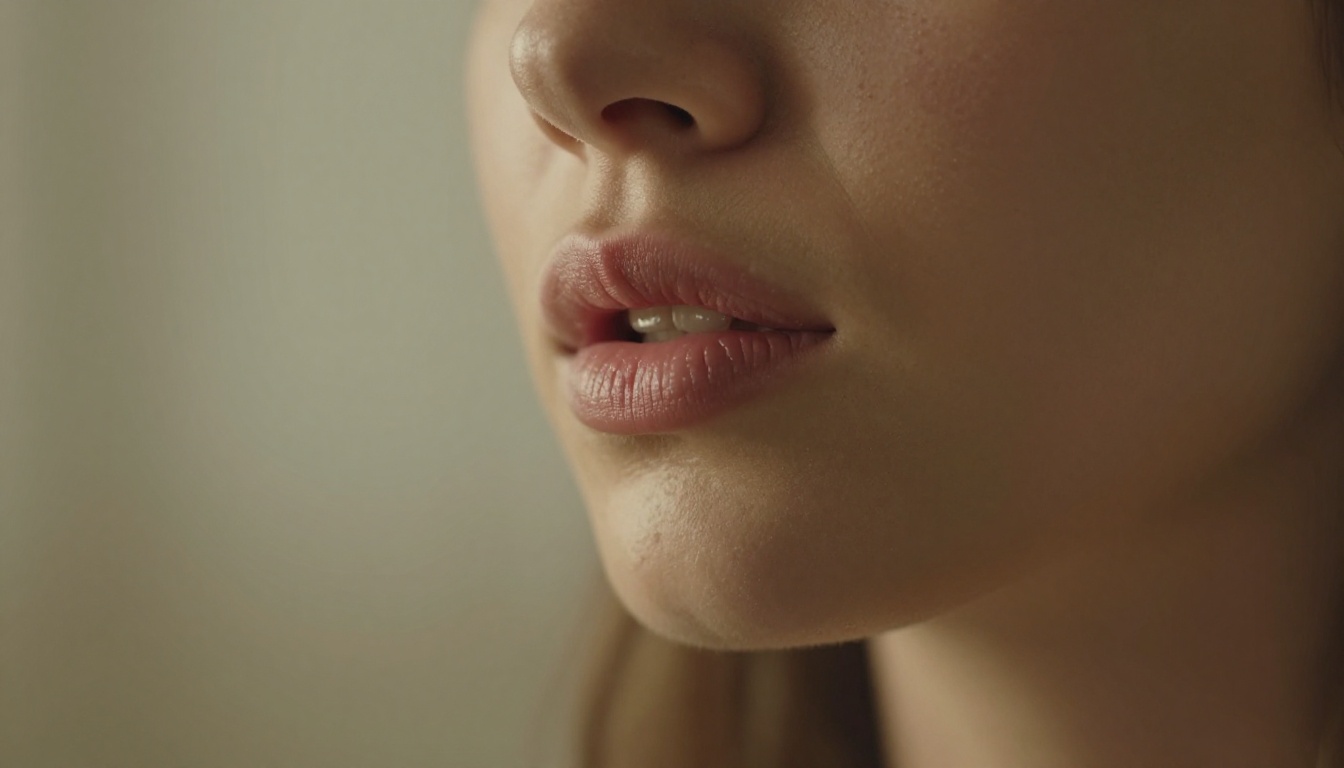
The gap between a photograph and a speaking video has collapsed. Modern AI models analyze facial geometry, predict natural jaw movement, synthesize realistic tongue and teeth positions, and blend all of that seamlessly with the original photo's lighting and texture. The result is a video where your avatar looks like it genuinely spoke those words, not a puppet with a moving mouth.
From Static Photo to Animated Speaker
The core process is deceptively simple: provide one photo of a face and one audio file. The AI does the rest. It reads the phonemes in the audio, maps them to corresponding mouth shapes, interpolates natural transitions between each shape, and renders the final video frame by frame. High-quality models like Omni Human 1.5 from ByteDance also factor in head micro-movements and eye blinks, producing output that feels genuinely alive.
Who Is Actually Using This
- Content creators producing faceless YouTube channels or narrated social clips without being on camera
- Businesses building AI-powered customer service avatars or onboarding videos
- Educators turning written lessons into spoken explainers with a consistent visual persona
- Developers prototyping AI companions or NPCs with realistic speech
- Marketing teams producing multilingual ad variations by dubbing one video into multiple languages with synced lips
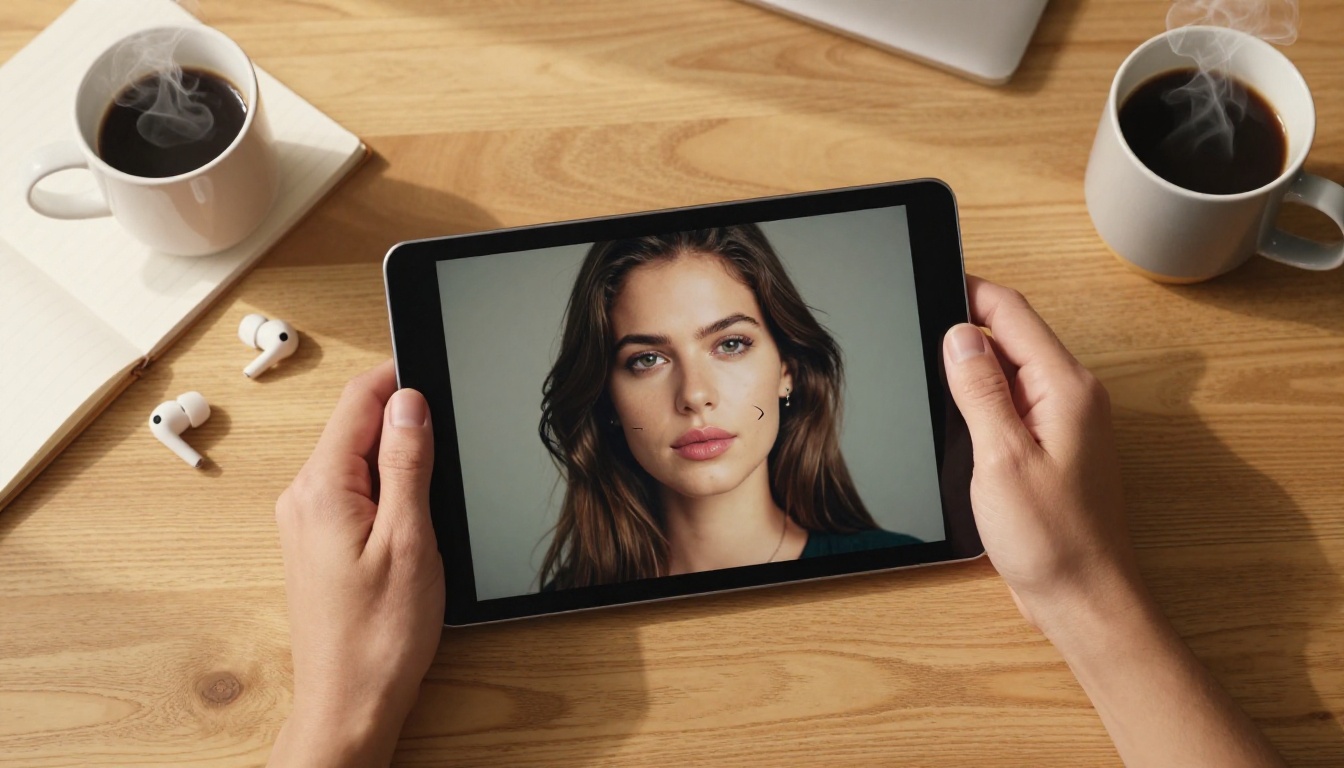
The speed advantage alone justifies the switch. A traditional talking-head video requires scheduling, lighting, reshooting, and editing. An AI talking avatar requires a good photo and a script.
The Models Powering This
Not all lipsync models are equal. Each has distinct strengths depending on your use case, your source material, and the realism level you need. Here is a breakdown of the top performers available on PicassoIA.
Omni Human 1.5 by ByteDance
Omni Human 1.5 is one of the most sophisticated photo-to-talking-video models available. It accepts a single portrait photo and an audio clip, then generates a video where the person appears to speak naturally. What separates this model is its handling of head pose variation and body movement. Most lipsync tools produce a rigid, barely-moving face. Omni Human 1.5 introduces subtle natural sway, breathing rhythm, and micro-expressions that make the result feel like footage of a real person.
💡 Best for: Realistic single-person talking avatars from portrait photos, especially when you want the result to pass as genuine video footage.
P Video Avatar by PrunaAI
P Video Avatar is built for producing polished talking avatar videos with high efficiency. It is optimized for clean output on frontal-facing photos and performs well when the source image has good lighting and a neutral expression. For creators who need quick turnaround without sacrificing quality, this is a reliable first choice.
💡 Best for: Fast, polished avatar videos for social media, presentations, and rapid content production.
Fabric 1.0 by Veed
Fabric 1.0 takes a different approach by focusing on making any photo talk with minimal friction. The interface is designed for accessibility, and the model handles a wide variety of photo types, including non-frontal angles and varied lighting conditions. If your photo is not studio-perfect, Fabric 1.0 tends to be more forgiving than models that require ideal input.
💡 Best for: Creators working with imperfect source photos or non-standard portrait angles.
Lipsync 2 Pro by Sync
Lipsync 2 Pro is built specifically for precision audio-to-lip synchronization on video input. Where other models start from a photo, Lipsync 2 Pro takes an existing video and replaces or corrects the lip movements to match a new audio track. This makes it ideal for dubbing, audio replacement, and post-production corrections. The standard Lipsync 2 version offers similar capabilities at slightly lower fidelity, useful when speed matters more than perfection.
💡 Best for: Dubbing existing videos, replacing dialogue audio, or correcting lip sync in post-production.
Kling Lip Sync by Kwaivgi
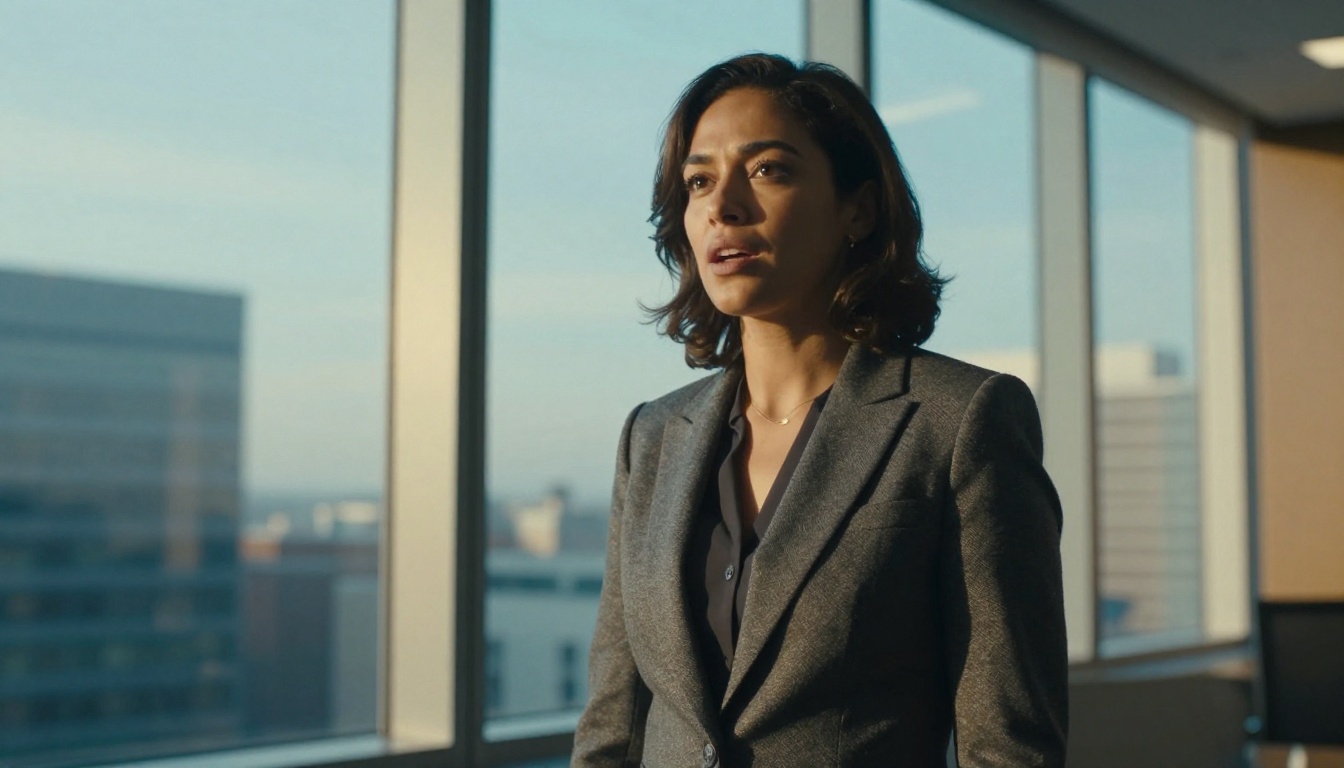
Kling Lip Sync focuses on matching mouth movements to audio across a variety of video types. It performs strongly with footage that has natural head movement and is particularly effective when the source video contains dynamic content rather than a static talking head. If you are working with action footage or content where the subject is not completely still, Kling handles that complexity better than models trained exclusively on static portraits.
💡 Best for: Dynamic video content with natural movement where static lipsync tools struggle.
How AI Lipsync Actually Works
Understanding the mechanics behind AI talking avatars helps you make better decisions about which model to use and how to prepare your source material.
Audio Phoneme Mapping
Every spoken word is made up of phonemes: the smallest individual units of sound. When you say "hello," your mouth passes through distinct shapes for the "h," the "eh," the "l," and the "oh." AI lipsync models are trained on massive datasets of synchronized audio and video footage, learning exactly which facial configuration corresponds to each phoneme. At inference time, the model parses your audio file, extracts the phoneme sequence, and generates the corresponding mouth shapes frame by frame.
The sophistication of this mapping is what separates a convincing result from a robotic one. Lower-quality models produce jerky, over-emphasized mouth movements that look mechanical. High-quality models like Omni Human 1.5 produce smooth, natural interpolations between shapes that match how actual human speech flows.
Expression and Emotion Sync
The best AI lipsync models go beyond the mouth. Natural speech involves the entire face: eyebrow movement, cheek muscle engagement, slight jaw tension, and the occasional blink synchronized with pauses. Models like React 1 by Sync are specifically designed to add reactive facial movements alongside lip sync, producing output where the avatar's whole face responds dynamically to the audio rather than only the lips moving against a frozen expression.
Language and Multilingual Capability
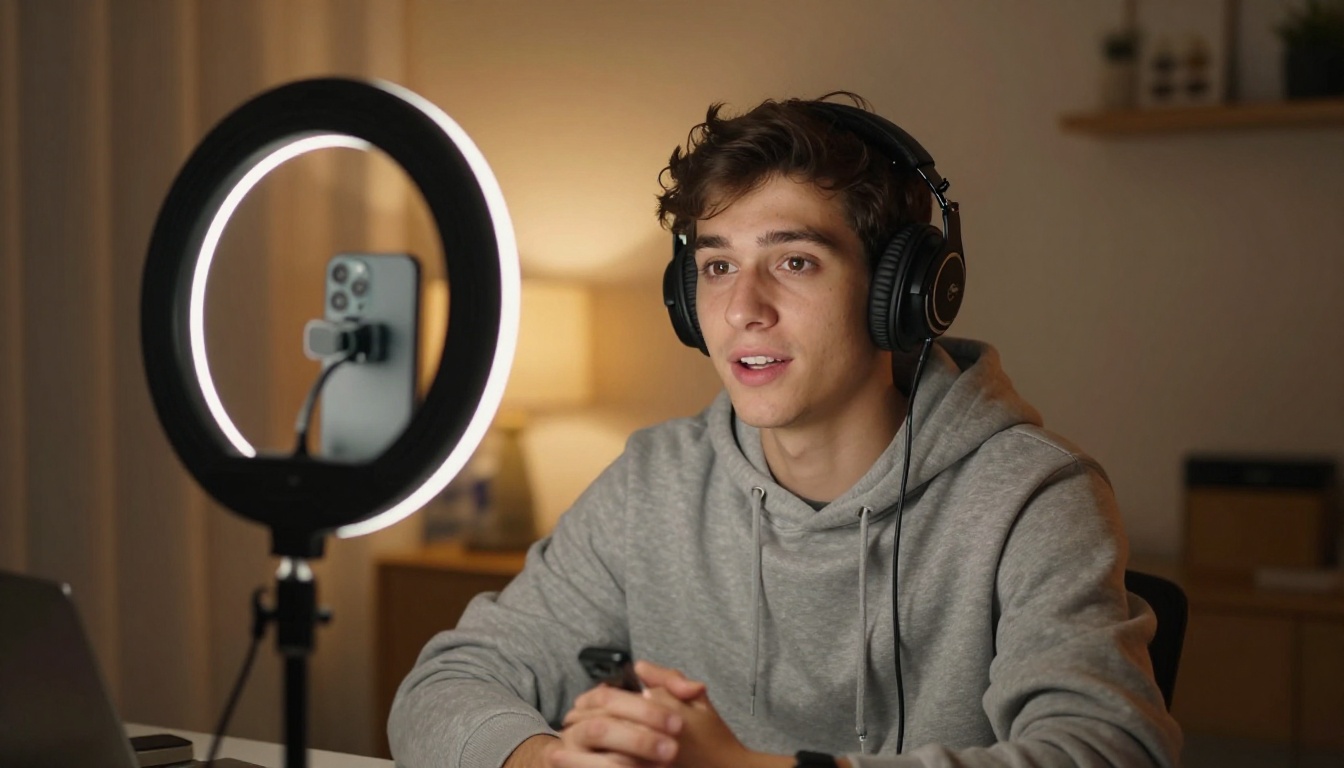
One of the most powerful applications of AI lipsync is multilingual dubbing. Models like Lipsync Precision and Lipsync Speed by HeyGen are specifically optimized for dubbing workflows, where an original video in one language needs to be re-lip-synced to a translated audio track. Video Translate takes this further, supporting over 150 languages with automatic translation and lip sync applied simultaneously.
This opens up global content distribution without expensive human dubbing pipelines.
How to Make Your Avatar Speak on PicassoIA
PicassoIA has an entire dedicated lipsync category with 12 models, each tuned for different scenarios. Here is a step-by-step process for creating your first talking avatar using Omni Human 1.5.
Step 1: Prepare Your Photo
Your source photo has a significant impact on output quality. Follow these guidelines:
| Requirement | Details |
|---|
| Resolution | At least 512x512 pixels, ideally 1024x1024 or higher |
| Framing | Face should fill 40-70% of the frame |
| Angle | Frontal or near-frontal, ideally within 30 degrees of straight-on |
| Lighting | Even, without heavy shadows across the face |
| Expression | Neutral or slight smile, mouth closed or barely open |
| Background | Clean or simple, not heavily cluttered |
A well-prepared photo produces dramatically better results than a poorly lit, low-resolution, or heavily cropped image.
Step 2: Prepare Your Audio
You have two options for audio input:
- Record your own voice: Use any recording app on your phone or computer. A quiet room is sufficient, no professional microphone required.
- Use text-to-speech: PicassoIA has a Text to Speech category with multiple voice generation models. Type your script, generate the audio, and use that as your lipsync input.
For the cleanest results, audio should have minimal background noise, a clear pace (not too fast), and natural pauses between sentences.
Step 3: Open Omni Human 1.5
Navigate to Omni Human 1.5 on PicassoIA. The interface asks for two inputs:
- Image: Upload your prepared portrait photo
- Audio: Upload your audio file (MP3 or WAV)
Some versions also allow you to adjust output duration and video resolution. Set these based on your target platform: 1080p for YouTube or professional use, 720p for quick social media turnaround.
Step 4: Generate and Review
Click generate. Processing typically takes 30 to 90 seconds depending on audio length and server load. When the output appears, review it carefully:
- Lip sync accuracy: Do the lips match the audio precisely? Pay attention to consonants and vowel sounds.
- Natural movement: Does the head move slightly? Are there blinks? A stiff, frozen expression signals the model struggled with your input.
- Edge artifacts: Check around the mouth borders for blurring, smearing, or color inconsistency.
If the result has issues, try these adjustments:
Step 5: Export and Use
Download the output video directly from PicassoIA. The file is ready to use in any video editor, upload directly to social platforms, or embed in a website. No watermarks, no format conversion needed.

Choosing the Right Model for Your Situation
With 12 models in the lipsync category alone, the choice can feel overwhelming. This table maps common use cases to the best-fit model.
Tips for Better Output
These are the actual variables that separate a convincing talking avatar from an obvious fake.
Photo Quality Is the Biggest Factor
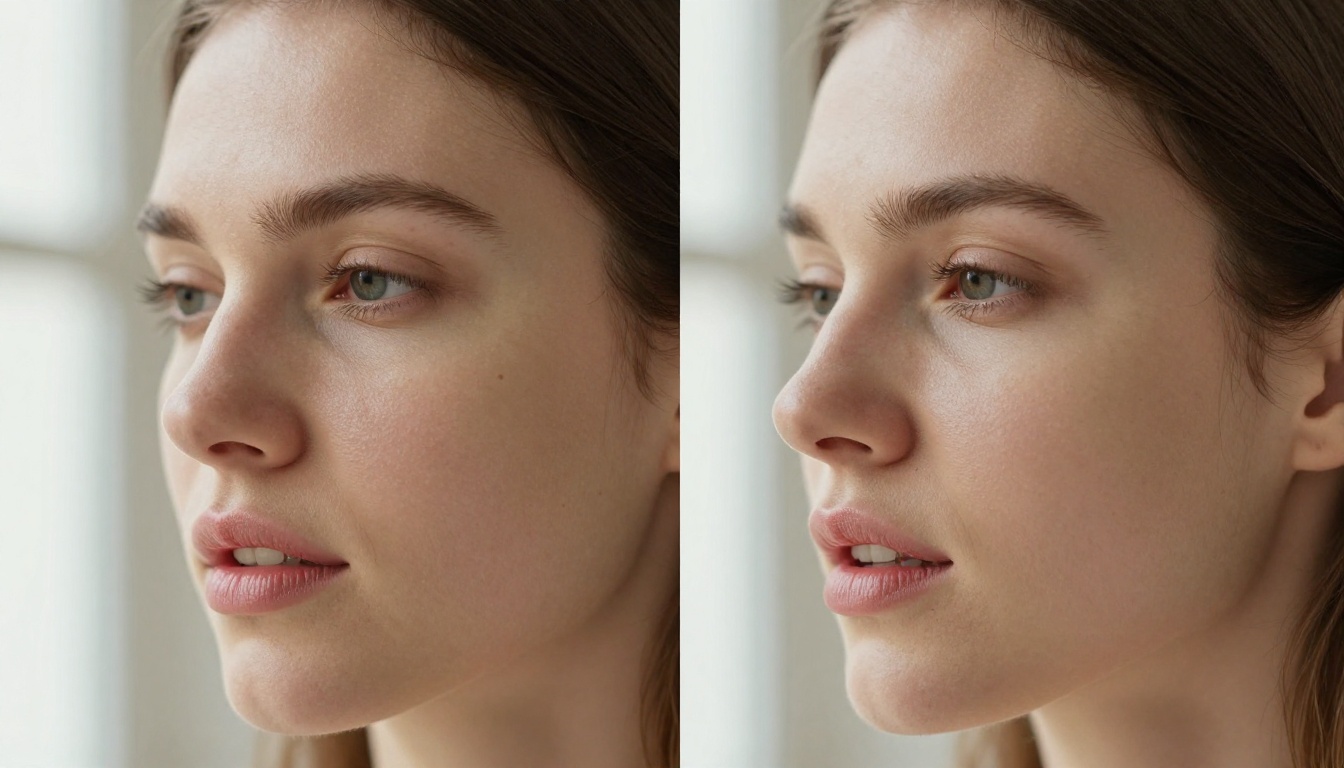
AI lipsync models are only as good as the data they receive. A blurry, low-resolution photo will produce blurry, inconsistent lip animation. A sharp, well-lit portrait gives the model clear facial landmarks to work from, resulting in tight, accurate lip sync with clean edges.
If you do not have a great photo of the face you want to animate, consider using PicassoIA's image generation tools to create a high-quality portrait first, then animate it.
Audio Pace and Clarity
Rapid-fire speech with minimal pauses is harder for lipsync models to handle accurately. Record or generate audio at a natural, clear pace. Exaggerated enunciation is not necessary, but crisp consonants help the model identify phoneme boundaries correctly.
Avoid audio with heavy reverb or echo. A dry, close-mic recording will always produce better sync than a reverberant room recording.
Match the Photo to the Voice
This sounds obvious but it matters considerably. A photo of a young woman paired with a deep male baritone creates cognitive dissonance regardless of how accurate the lip sync is. When building a consistent avatar persona, make sure the visual identity matches the voice identity. PicassoIA's text-to-speech models offer a wide range of voices to choose from, making it easy to find one that matches your chosen avatar photo.
Iterate Fast
Do not spend hours perfecting your input before running a single generation. Run a quick test with your draft photo and audio. See what the model produces. Adjust based on what you observe, then generate again. Two or three iterations typically get you to a production-quality result faster than trying to prepare perfect inputs upfront.
What You Can Build With This
The applications for AI talking avatars extend well beyond personal branding.
Faceless Content Channels
Some of the fastest-growing YouTube channels never show the creator's actual face. AI talking avatars allow you to maintain a consistent on-screen persona with a photorealistic appearance and a matched voice, without being on camera yourself. You write the script, generate the avatar video, edit the clips together, and publish.
Localized Marketing at Scale
A single marketing video can be dubbed into 10 languages using Video Translate with lip sync adjusted for each language. What would have required 10 separate shoots or expensive human voice actors becomes a workflow that takes hours, not weeks.
Interactive AI Companions
Developers building AI-powered applications can use lipsync models to give their AI characters a realistic visual presence. Instead of a static avatar image, users see a character that actually speaks their responses. Combined with a large language model for generating responses and a text-to-speech model for audio, the full pipeline produces a convincing conversational AI with a human face.
E-Learning and Corporate Training
Instructors and L&D teams can create video lessons by animating a consistent instructor avatar. The same persona can deliver every lesson in the course, maintaining visual continuity without requiring the instructor to record video for each module. A single well-crafted avatar photo can anchor an entire curriculum.
Try It Yourself
The only way to fully appreciate what AI lipsync produces is to see a result with your own photo and voice. PicassoIA's lipsync category is ready right now, with models ranging from instant draft previews to cinema-quality output.
Start with Omni Human 1.5 for your first attempt. Use a clear portrait photo, a short audio clip (30 seconds is plenty for a test), and see what the model returns in under two minutes. From there, you can experiment with the full range of models, from Fabric 1.0 for tricky source photos to Video Translate for multilingual campaigns.
The barrier to creating a speaking AI avatar has never been lower. A single photo and a few seconds of audio is all it takes. Pick your avatar, record your voice, and let the AI do the rest.


