Two AI image generators, one clear winner? Not so fast. The race between Midjourney v7 and FLUX.2 Max is closer than most people expect, and the answer changes depending on what you are actually trying to create.
Both models dropped into serious creative workflows in 2025 with major architectural overhauls. Midjourney v7 pushed its proprietary aesthetic to a new tier of coherence and detail. FLUX.2 Max, built by Black Forest Labs, took the opposite approach: a neutral, instruction-following powerhouse that prioritizes fidelity over style. These are not two versions of the same idea. They are two different philosophies about what AI-generated imagery should look like.
This comparison runs both models through the same real-world gauntlet: portrait photography, landscape realism, complex prompt accuracy, text rendering, and style flexibility. The results reveal exactly where each model wins, where it struggles, and which one belongs in your workflow.
What Midjourney v7 Actually Changed
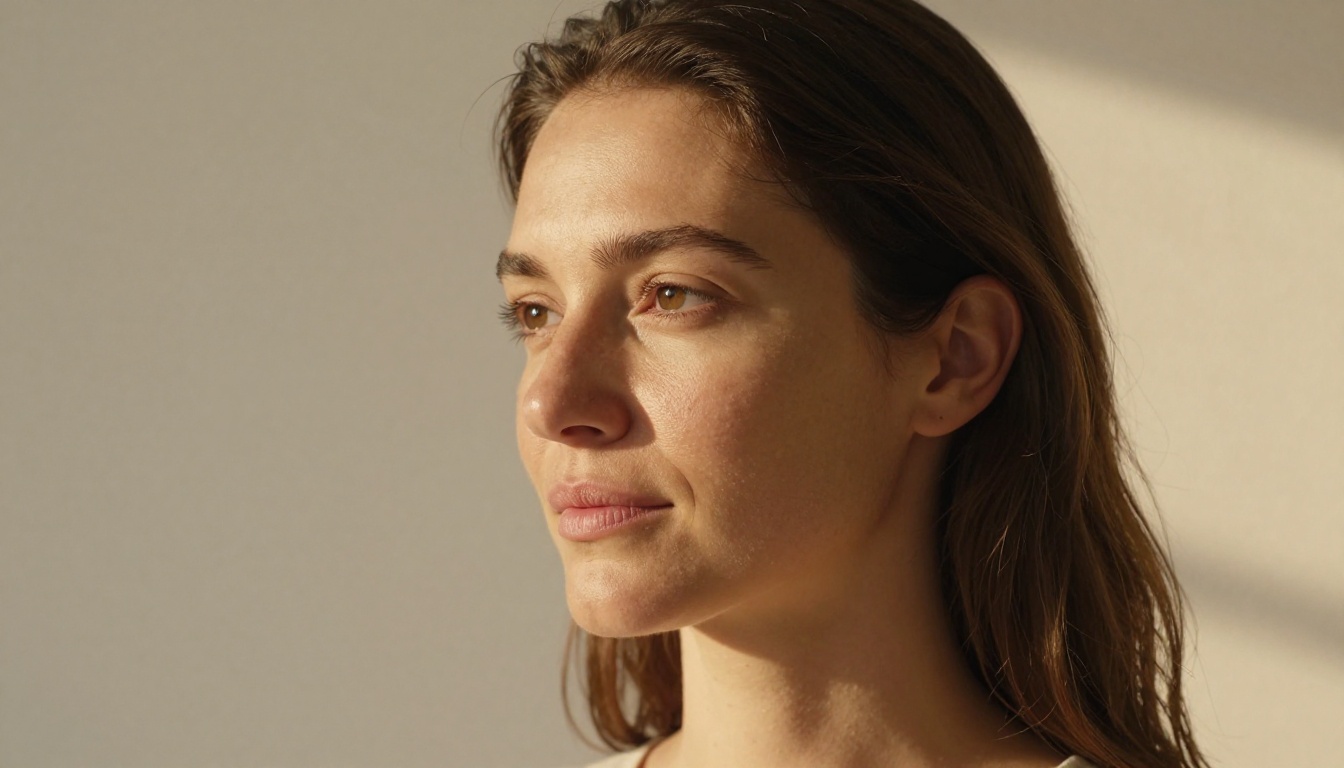
Midjourney v7 was not an incremental update. It represented a complete rebuild of the underlying architecture, replacing the original diffusion backbone with a new system that handles spatial coherence dramatically better than its predecessors. The artifacts that plagued Midjourney v5 and v6, particularly around hands, complex object interactions, and facial symmetry, are largely eliminated.
The New Architecture Shift
The v7 update introduced what Midjourney describes as a "reference understanding" layer, meaning the model now builds images from global structure down to local detail, rather than filling noise at a uniform rate across the frame. The practical result: backgrounds, midgrounds, and foregrounds behave more naturally. A face in front of a window no longer bleeds oddly at the edges. Shadows fall in physically plausible directions.
Prompt weight distribution also changed significantly. In v6, multi-subject prompts often resulted in subject merging or compositional chaos. Version 7 handles subject separation substantially better, particularly when prompts specify spatial relationships explicitly. A prompt describing "a woman standing in front of a man, both facing camera, cobblestone background" now produces that scene reliably.
The --chaos parameter behavior was also refined. Lower values produce tighter, more predictable compositions. Higher values now explore more genuinely distinct interpretations rather than just varying saturation and crop.
Stylization and Aesthetic Control
Midjourney has always carried a signature aesthetic: rich, slightly elevated color saturation, smooth tonal gradients, and an almost painterly quality in fine details. Version 7 keeps that DNA while adding more control through --style raw, which suppresses the model's natural opinionating and produces cleaner, more neutral outputs.
The --stylize parameter now operates with more granular mid-range behavior. Values between 200 and 400 tend to produce the most commercially usable results, where the model's quality engine runs at full power without over-stylizing. Creative work aimed at social media or editorial tends to land well around 300. Product and commercial photography benefits from --style raw combined with a stylize value below 100.
Character reference and style reference features, introduced progressively through 2024 and refined in v7, remain Midjourney's strongest differentiator for teams needing consistency across multiple generations.
FLUX.2 Max in Real Use
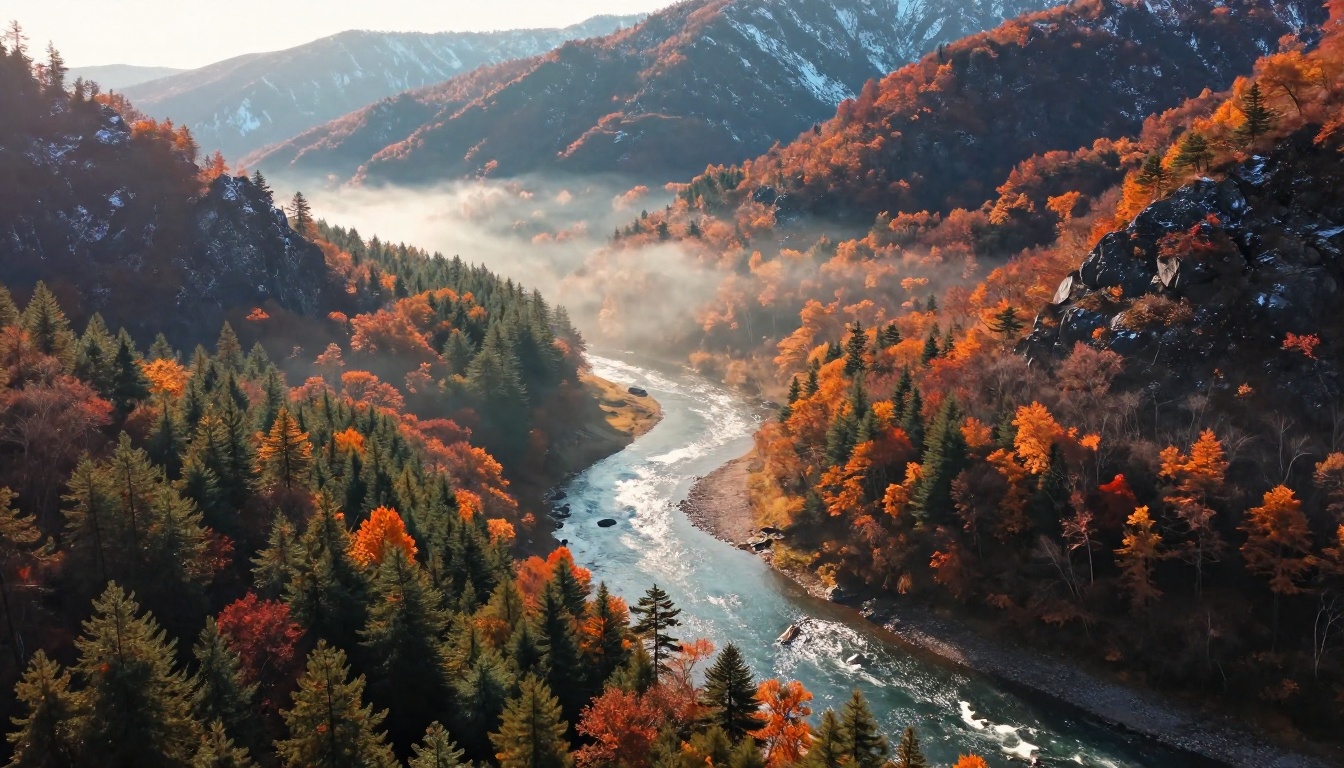
FLUX.2 Max is Black Forest Labs' top-tier release in the FLUX 2 generation. It runs a dramatically scaled parameter count compared to FLUX.1 Pro, with significantly improved training data curation and a more refined flow matching architecture. The result is a model that feels less like an AI art generator and more like a high-fidelity image synthesis engine.
What Black Forest Labs Built Different
FLUX models are built on a flow matching architecture rather than traditional DDPM diffusion. In practical terms, this means FLUX.2 Max generates more coherent images at fewer denoising steps, with better high-frequency detail preservation across textures, fabric, hair, and foliage. The sampling efficiency improvement is visible in outputs: FLUX images tend to have sharper detail at edges and more accurate color across the full dynamic range.
The training data philosophy at Black Forest Labs emphasizes photographic realism above all else. Where Midjourney's training corpus blends photography, illustration, and fine art to produce its characteristic look, FLUX models are heavily weighted toward real photography. This makes FLUX.2 Max a fundamentally different kind of output engine, one that prioritizes accuracy over aesthetic interpretation.
Where the Quality Shows
The difference becomes immediately visible in texture rendering. FLUX.2 Max produces genuinely convincing fabric weave, skin pores, weathered surfaces, and foliage that pass close inspection in ways Midjourney v7 sometimes does not. Ask both models to render a wet cobblestone surface at night and FLUX.2 Max's result holds up to pixel-peeping. Midjourney v7's will look stunning at thumbnail size but can soften on close inspection.
Material behavior is another area where FLUX excels. Glass reflections, metallic surfaces, translucent fabrics, and the subsurface scattering of skin in direct light all render with more physical plausibility. These are the properties that make an image read as a photograph versus AI-generated art.
Photorealism Face-Off
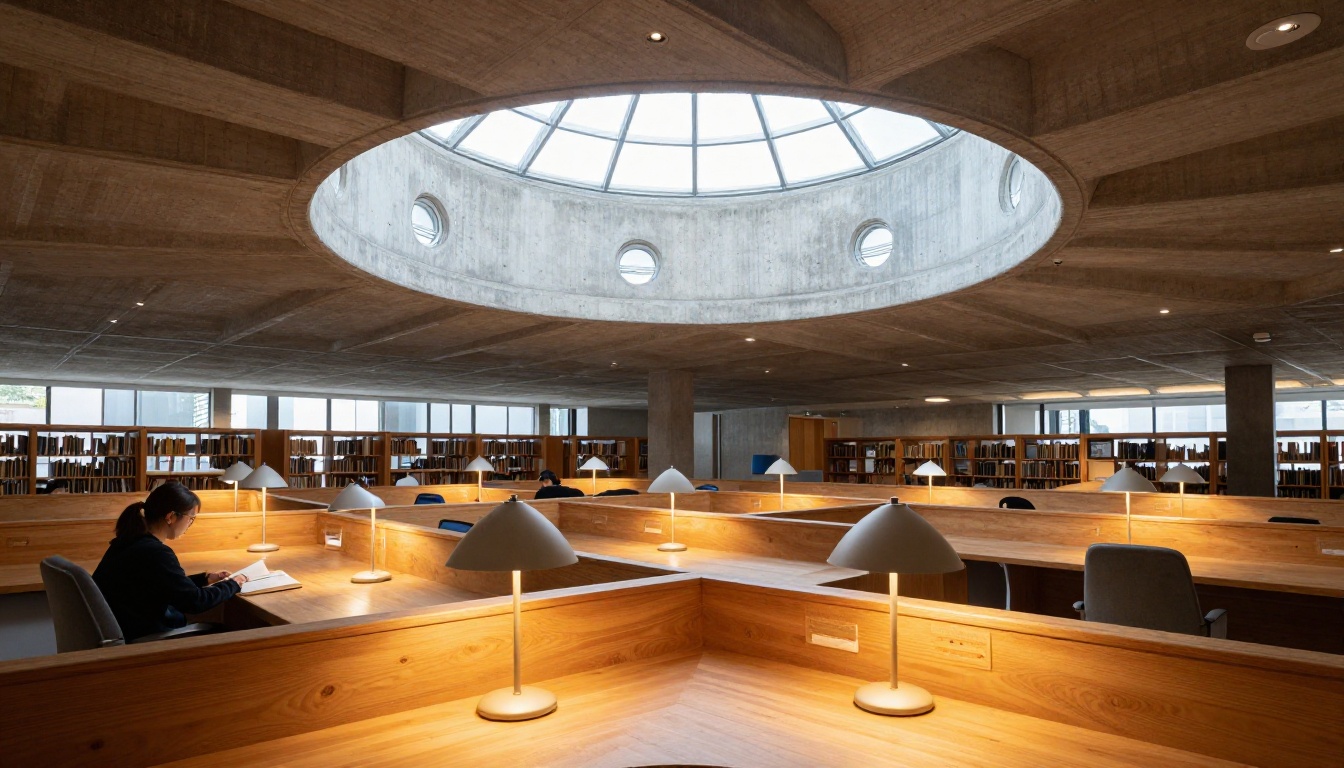
This is the category where the gap between these two models is clearest, and it is not as one-sided as most people expect.
Skin, Textures, and Faces
FLUX.2 Max wins on raw texture fidelity. Skin pores, fine hair strands, and fabric fibers render at a level of microscopic believability that frequently outpaces Midjourney v7. In portrait generation, faces produced by FLUX.2 Max tend to look more like photographs of real people and less like idealized AI composites. The slight idealization that Midjourney applies to faces, while flattering, is also what trained eyes immediately recognize as AI-generated.
Midjourney v7 counters with better facial coherence in full-body shots and group compositions. When faces are small in frame, Midjourney's global coherence system tends to produce more naturally proportioned results. FLUX can struggle with distant or non-dominant faces in complex scenes, occasionally producing inconsistencies in scale or expression.
| Test Category | Midjourney v7 | FLUX.2 Max |
|---|
| Close-up portrait detail | Very Good | Excellent |
| Full-body proportions | Excellent | Good |
| Skin texture at 100% zoom | Good | Excellent |
| Hair strands and fine detail | Good | Excellent |
| Facial expression accuracy | Excellent | Very Good |
| Group compositions | Excellent | Good |
| Material surface rendering | Good | Excellent |
Environmental Detail
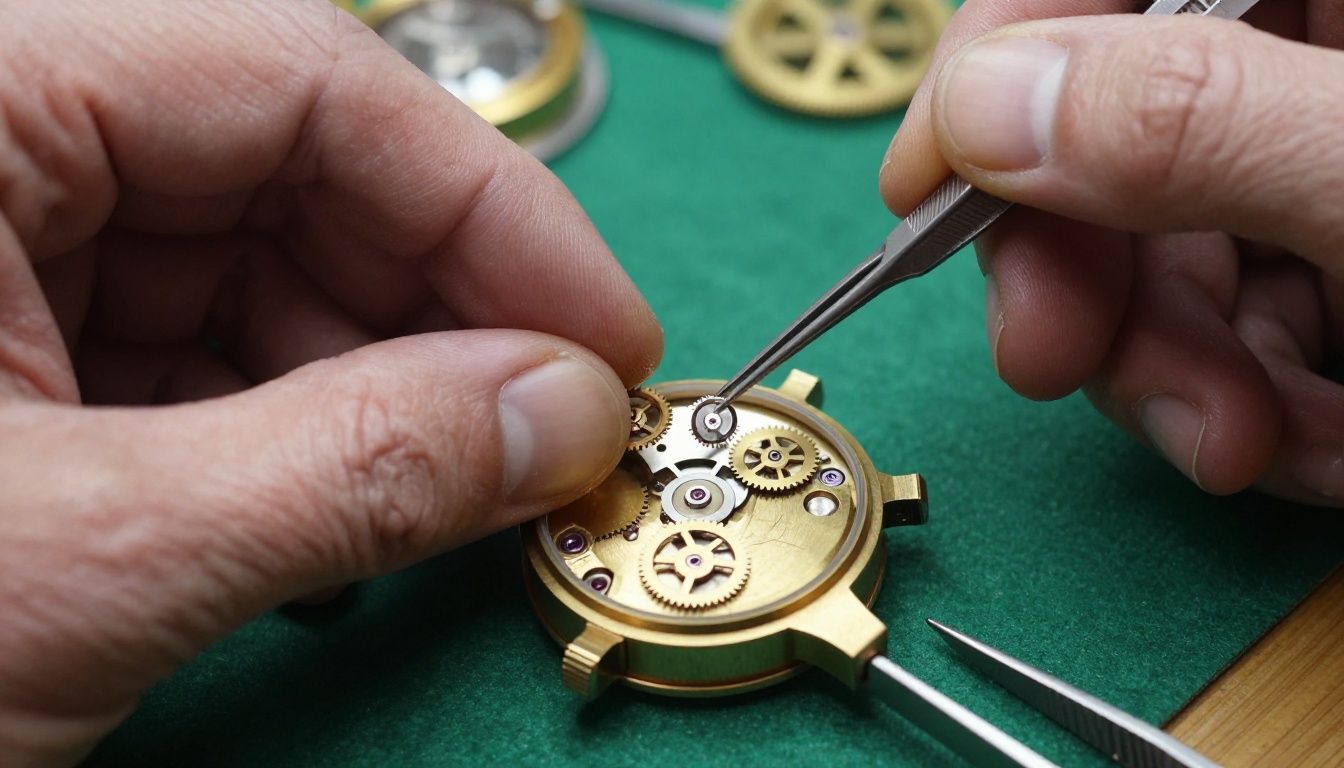
For landscapes, architectural interiors, and material surfaces, FLUX.2 Max again edges ahead on raw realism. Stone textures, weathered wood grain, and the behavior of light through foliage render with more physical accuracy. The interaction between light and complex surfaces, particularly translucent or reflective ones, follows real-world physics more closely.
Midjourney v7 wins on atmosphere and composition. Its results carry better-designed negative space, more interesting framing choices, and a generally stronger sense of visual storytelling. The model's training makes it naturally produce images that feel intentionally composed, with foreground and background elements relating to each other in cinematically satisfying ways.
The practical split: Use FLUX.2 Max when your output needs to pass as a photograph. Use Midjourney v7 when it needs to look stunning as a creative image.
Prompt Accuracy Results
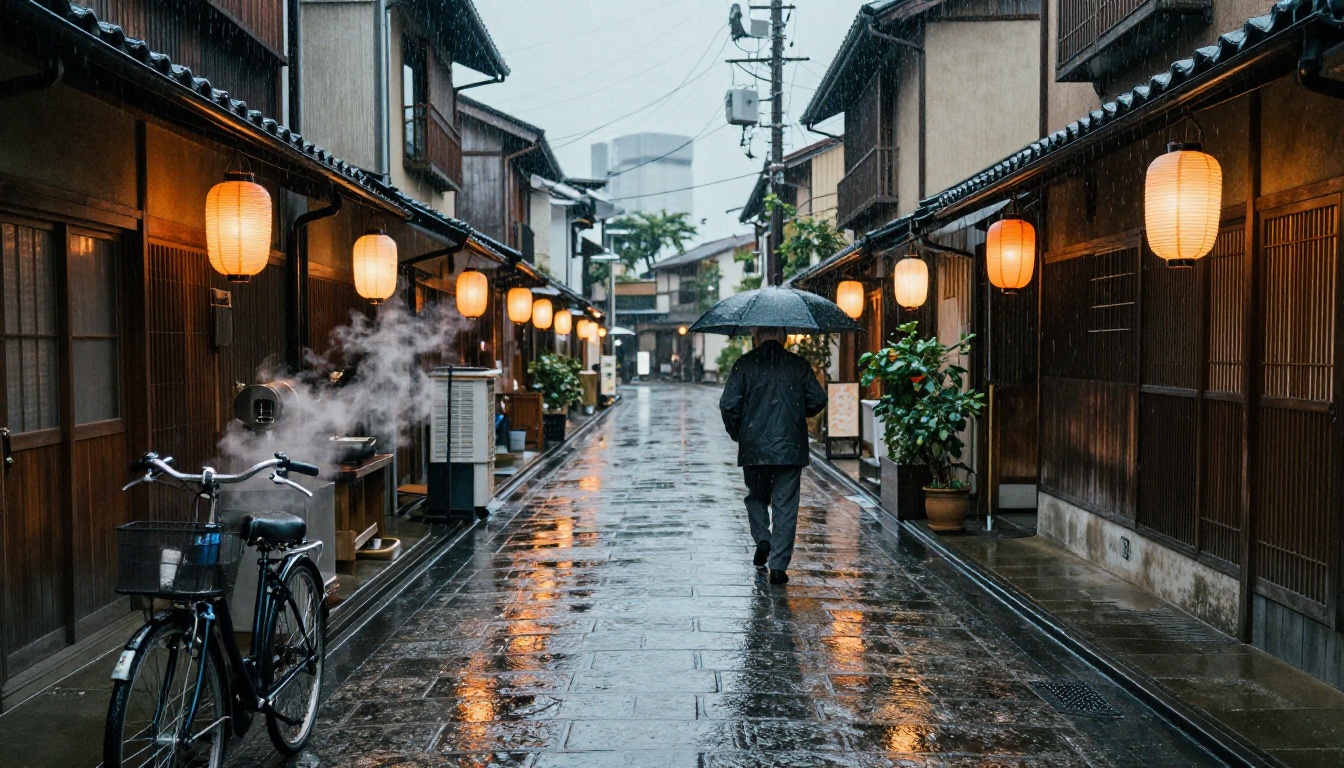
Prompt adherence is one of the clearest differentiators between these models, and FLUX.2 Max wins it convincingly.
Complex Multi-Object Prompts
FLUX models have consistently outperformed Midjourney on complex prompt fidelity since FLUX.1 Dev launched. FLUX.2 Max extends that lead significantly. When prompted with a scene containing five or more specific objects, colors, spatial relationships, and atmospheric conditions, FLUX.2 Max includes substantially more of the requested elements than Midjourney v7.
Midjourney v7 makes editorial choices. It prioritizes visual quality and coherence over literal interpretation. If your prompt describes a cluttered workshop table with twelve specific tools and a specific color of paint on each one, Midjourney will produce a beautiful workshop. FLUX.2 Max will produce the tools you asked for. Neither behavior is wrong. They are different product philosophies.
This behavior is a feature for photographers and product visualization teams who need precise control. It can frustrate creatives who prefer to describe a mood and let the model compose freely, since FLUX's literalism requires more intentional compositional language in prompts.
Where Midjourney v7 still leads on prompts:
- Emotional atmosphere and mood interpretation from sparse descriptions
- Consistent stylistic rendering across vague, open-ended prompts
- Creative interpretation that adds visual interest beyond what was described
- Handling of artistic style references and genre descriptors
Text Rendering in Images
Both models have improved significantly on in-image text generation compared to the SDXL era, but neither has fully resolved it.
FLUX.2 Max produces more legible text in most tests, particularly for short phrases in clear sans-serif or serif fonts at reasonable image size. It handles multilingual text better, including non-Latin scripts. Text under three to four words at reasonable size in the image is frequently near-perfect. The model was specifically trained with an emphasis on typographic accuracy.
Midjourney v7 still generates hallucinated letterforms on longer text strings. Short labels, single words, and simple signage work acceptably in many cases. Longer text strings remain unreliable and require iteration.
For text-heavy compositions: FLUX.2 Max is the stronger choice. For purely visual scenes where atmosphere matters: both are excellent.
Style Flexibility Compared
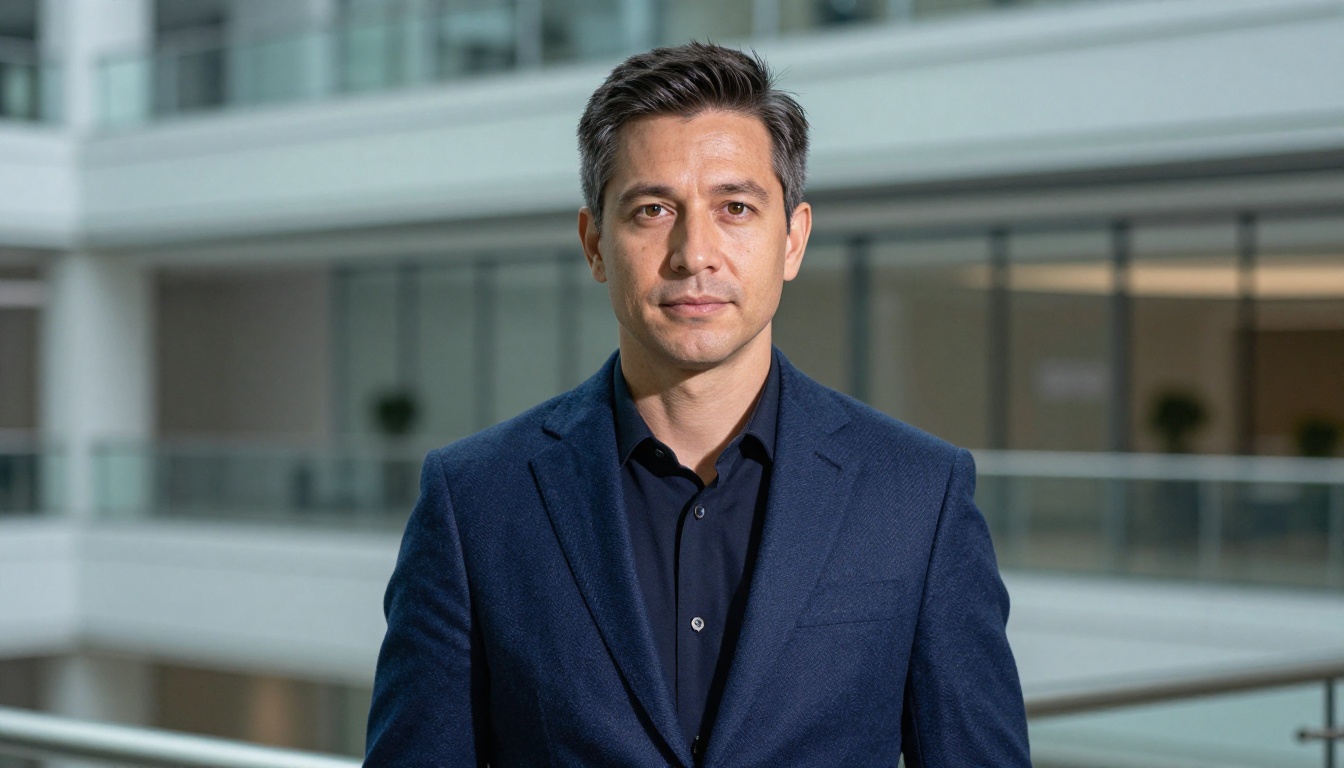
Midjourney's Signature Look
Midjourney v7 carries a strong point of view. Its defaults produce images with elevated saturation, careful tonal balance, and a distinctly premium aesthetic that makes everything look intentionally composed. This is genuinely useful for marketing, editorial, and creative work where polished outputs on the first generation are important.
The downside: Midjourney's personality can be difficult to suppress. Even with --style raw, outputs often retain a characteristic quality that experienced eyes identify immediately as Midjourney imagery. Artists building consistent visual identities over time sometimes find this a constraint, since the model's aesthetic bleeds through regardless of prompt direction.
Style transfer and maintaining visual consistency across multiple images is where Midjourney's ecosystem genuinely outshines FLUX. Character references, style references, and image prompts work together to create repeatable visual worlds that FLUX has no equivalent tooling for as of mid-2025.
FLUX.2 Max's Neutral Canvas
FLUX.2 Max has almost no inherent style. It produces images that look like they came from a high-end camera with accurate color science rather than an AI generator. This is either its greatest strength or its greatest weakness depending on your workflow.
For commercial photography replacement, product shots, and any context where the output needs to look like a real photograph, FLUX.2 Max's stylistic neutrality is a significant advantage. The image does not announce itself as AI-generated. It sits in visual contexts alongside real photography without the telltale Midjourney sheen.
For purely creative work, the lack of aesthetic opinionating means FLUX.2 Max needs more precise prompting to produce visually interesting results. It executes exactly what you describe. If your description does not include strong compositional language, lighting direction, and atmospheric detail, the result will be competent but not especially compelling.
The FLUX Kontext Max variant extends this further with image editing capabilities, letting you modify specific elements of an existing image while preserving its visual character and photographic realism. This fills part of the consistency gap compared to Midjourney's reference system.
Bottom line: Midjourney v7 makes you look good by default. FLUX.2 Max makes your prompts look exactly as you wrote them.
Speed and Accessibility
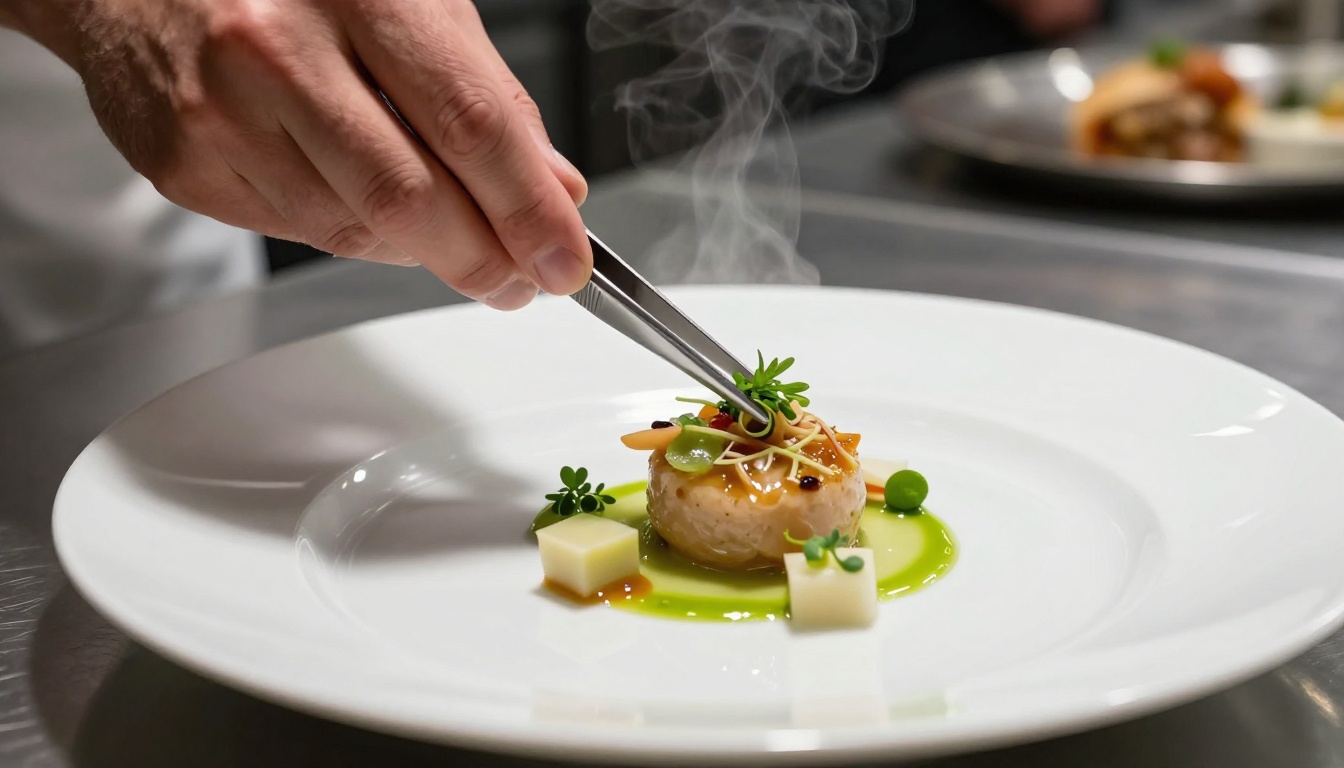
Generation Time Comparison
Midjourney v7 generates images in 15 to 45 seconds for most users through its web interface, depending on server load and quality settings. Fast mode uses credits more quickly. Relaxed mode queues longer but draws from lower-demand infrastructure. For typical creative workflows with multiple iterations, the pace is workable.
FLUX.2 Max generation time varies by platform. Through dedicated inference endpoints, FLUX.2 Max matches or beats Midjourney's speed. On shared inference infrastructure, queue depth determines actual wait time. For production use, the platform choice matters as much as the model itself.
Both models are meaningfully faster than their predecessors due to architecture efficiency improvements. Neither represents a bottleneck for standard production workflows at reasonable volume.
Platforms and Pricing
Midjourney requires a subscription starting at $10 per month and operates primarily through its web interface and Discord bot. There is no open-source version, no open API at consumer tiers, and no way to self-host. Pricing scales with faster access and higher concurrent job limits.
FLUX.2 Max is available through multiple platforms including PicassoIA, removing the need for a dedicated Midjourney subscription. Alongside FLUX.2 Pro and FLUX.2 Dev, the entire FLUX 2 model family is accessible through PicassoIA's model library. The FLUX.1.1 Pro Ultra variant adds maximum resolution output for print-quality results.
How to Use FLUX.2 Max on PicassoIA
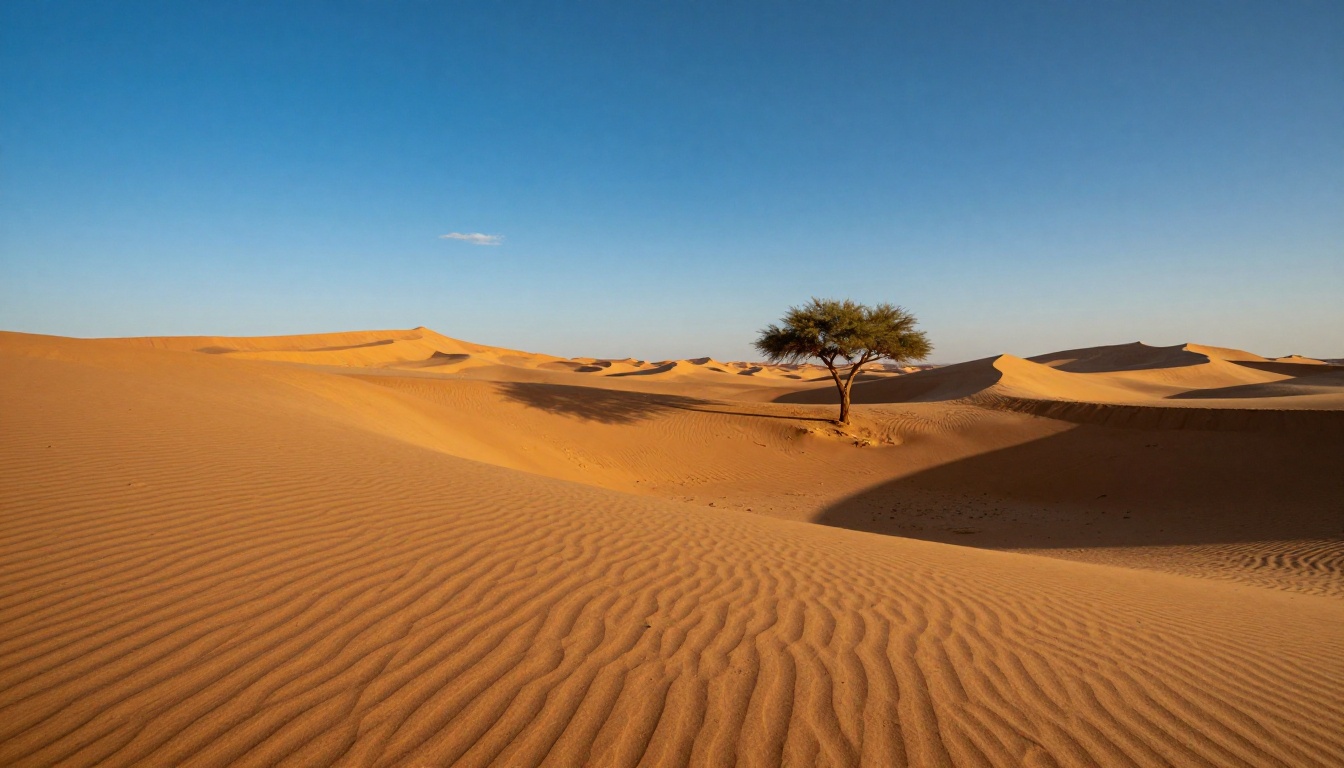
Since PicassoIA hosts FLUX.2 Max directly, you can run the same model discussed throughout this article immediately, without a separate subscription or account on another platform.
Finding FLUX.2 Max on PicassoIA
- Go to FLUX.2 Max on PicassoIA
- Enter your prompt in the text field. Be specific and detailed: FLUX.2 Max responds well to density of description.
- Set your aspect ratio. For portraits and editorial work, 4:5 is a strong default. For environmental and landscape shots, 16:9 or 3:2 are standard.
- Click Generate and inspect the output at full resolution. FLUX.2 Max images are built to hold up at 100% zoom, which is where the quality difference becomes most visible.
The full FLUX 2 lineup is also available for different needs: FLUX.2 Pro for a balance of speed and output quality, FLUX.2 Dev for open-weight experimentation, and FLUX.1.1 Pro Ultra for maximum resolution print-ready output.
Tips for Best Results
For photorealistic portraits:
- Describe lighting direction precisely: "soft window light from camera-left" outperforms "natural light"
- Include lens focal length and aperture in the prompt: "85mm f/1.8" signals expected depth of field to the model
- Add film stock references for color grading direction: "Kodak Portra 400 color palette" or "Fuji Provia tones"
- Describe the distance from subject: "tight headshot" vs. "three-quarter portrait" changes composition significantly
For complex multi-element scenes:
- Lay out spatial relationships explicitly: "a coffee cup in the foreground, a bookshelf in the midground, a window with afternoon light in the background"
- Use exact color names rather than general descriptors: "forest green linen" reads better than "greenish fabric"
- Describe surface textures directly: "weathered oak grain", "brushed stainless steel", "matte unglazed ceramic"
For maintaining consistency across generations:
- Use FLUX Kontext Max when editing an existing image: it preserves visual identity while changing specific elements
- Keep a consistent lighting descriptor across all prompts in a series
- Use seed values when you need to iterate on a specific generation
Which One Actually Wins?
Both models are excellent at what they are designed to do. The better choice is almost entirely determined by your specific use case.
Choose Midjourney v7 when:
- You want polished outputs without heavy prompt engineering
- You are building consistent visual styles with character and style references
- Atmospheric quality and emotional resonance matter more than technical accuracy
- You prefer a subscription model with a well-developed interface and active community
- Creative interpretation that adds visual interest beyond your prompt description is a feature, not a bug
Choose FLUX.2 Max when:
- You need photographic fidelity that holds up at full resolution and under scrutiny
- Prompt accuracy matters: you need what you describe, not an artistic interpretation of it
- You are replacing or supplementing commercial photography for products or editorial
- You want text in your images to be legible and correctly spelled
- You are integrating with a platform or workflow that gives you model-level control
- Your output needs to sit alongside real photography without standing out as AI-generated
The comparison is genuinely close at the top of the quality range. For aesthetic, editorial, and creative work where the AI's interpretation adds value, Midjourney v7 remains one of the most capable and user-friendly image generation systems available. For technical, commercial, and accuracy-dependent work, FLUX.2 Max is a clear step ahead on fidelity.
Both models are available to try on PicassoIA right now. The best way to know which fits your workflow is to run your actual prompts through both and compare the outputs at 100% zoom. The quality difference becomes clear quickly once you are looking at your own subject matter.
Start with FLUX.2 Max on PicassoIA and see what your prompts produce. The full FLUX 2 model family, including FLUX.2 Pro and FLUX.1.1 Pro Ultra, is available at picassoia.com/en/all-models.


