Nano Banana 2 showed up in app stores quietly, but what it promises is anything but modest. A Gemini-powered AI image generator and photo editor packed into a mobile app, it lets you type a prompt, hit generate, and get a photorealistic image in seconds. Or load one of your own photos and let the AI rework it from the ground up. For anyone who has spent time hunting for a decent AI photo tool that does both creation and editing without switching apps, that pitch is genuinely appealing.
But how well does it actually deliver? That depends on what you are expecting. Nano Banana 2 runs on Google's Gemini model, which gives it real horsepower on the generation side. The photo editing features lean on the same intelligence, though the interface is a mobile-first experience with some tradeoffs that power users will notice quickly.
This article covers exactly what Nano Banana 2 does, where Gemini AI fits in, what the photo editing workflow looks like in practice, and what options you have when you need output that goes further than a smartphone app can deliver.
What Is Nano Banana 2
Nano Banana 2 is the second major version of the Nano Banana app, a mobile AI creative tool built around Google's Gemini multimodal model. Unlike single-purpose tools that either generate or edit, Nano Banana 2 combines both into one experience.
The app is available on iOS and Android and is built for creators who want AI assistance without needing a desktop setup or technical knowledge of prompting. You can use it to:
- Generate original images from a text description
- Edit photos by typing what changes you want
- Apply AI-powered style adjustments and lighting corrections
- Remove backgrounds automatically
- Upscale or sharpen existing photos
The Gemini integration is the differentiator. Google's model understands context better than older diffusion-based approaches, which means you can write more natural language prompts and get results that match your intent without heavy prompt engineering.

What Version 2 Changed
The original Nano Banana was a lightweight image filter app with AI effects baked on top. Version 2 is a ground-up rebuild. The generation engine switched from basic diffusion to Gemini Flash and Gemini Pro tiers depending on the task, giving users a noticeable bump in:
- Prompt accuracy: Instructions like "woman in a red coat standing near a fountain" now produce results that actually match all three elements, not just one or two
- Edit coherence: When you ask the app to change hair color or replace a background, the edit looks like it belongs in the image rather than pasted on top
- Resolution output: The default output resolution jumped from 512x512 to 1024x1024, with upscaling options pushing further
These are not cosmetic updates. The quality gap between V1 and V2 is large enough that they feel like different products entirely.
How Gemini Powers the Image Engine
Google's Gemini is a multimodal model, which means it processes and generates across text, images, and other data types within the same model architecture. That multimodality is what allows Nano Banana 2 to do something older apps struggled with: understand the relationship between your existing photo and your edit instruction.
When you load a photo and type "make the sky look like dusk with orange clouds," a traditional diffusion model processes that as two separate things. Gemini processes it as one: your original image is context, and the instruction is a modification of that context. The result lands much closer to what you described.
💡 Tip: The more specific your prompt, the better Gemini responds. Instead of "make it look nice," try "warm sunset light, golden hour, soft shadows, film grain." Specificity drives quality.
Gemini Flash vs Gemini Pro
Nano Banana 2 offers two generation tiers:
| Tier | Speed | Output Quality | Best For |
|---|
| Gemini Flash | ~4 seconds | High | Quick experiments, social content |
| Gemini Pro | ~12-18 seconds | Very High | Final outputs, print-quality images |
Flash uses a smaller, faster version of the model optimized for responsiveness. Pro uses the full-weight Gemini model and produces noticeably richer detail, especially in skin texture, fabric, and lighting.
Most users default to Flash for volume and Pro for anything they actually plan to use.
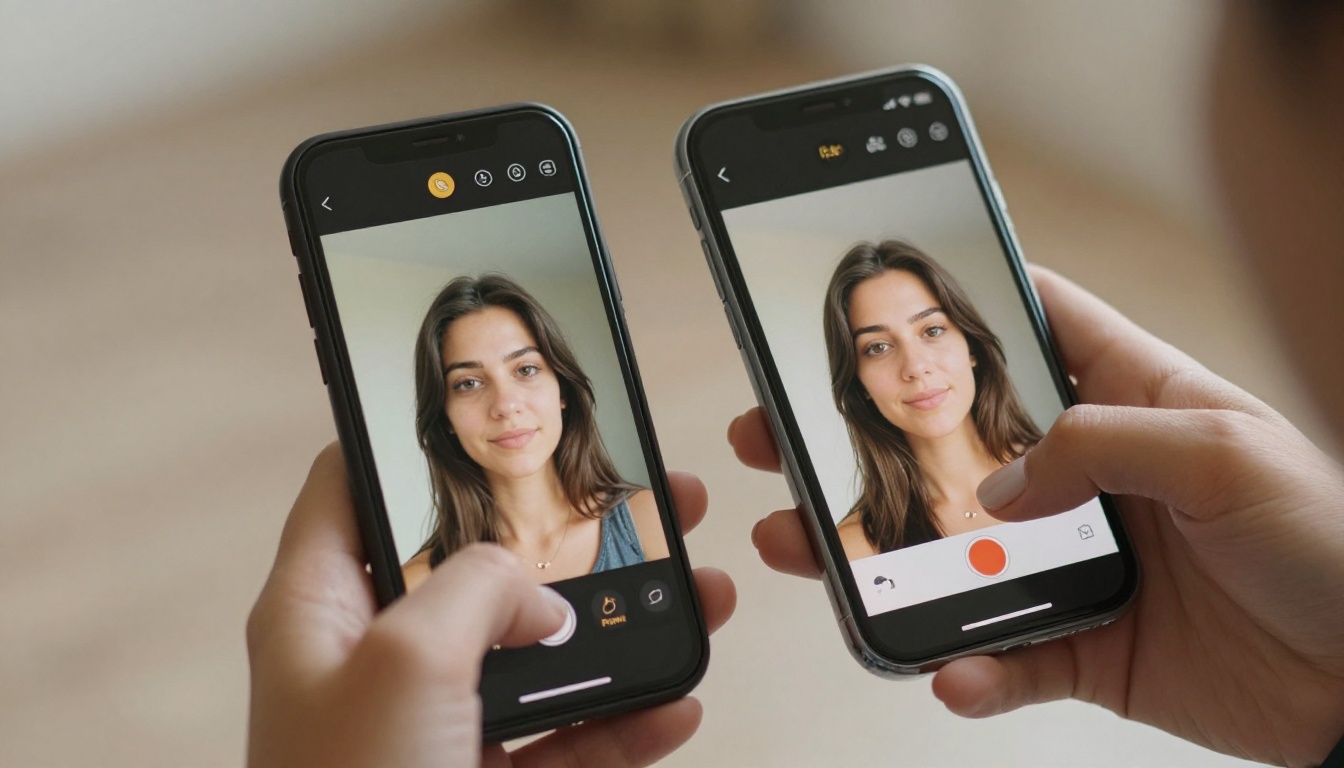
The Text-to-Image Workflow
Nano Banana 2's generation flow is designed for speed. Open the app, tap Generate, write your prompt, and choose a style preset if you want. The presets include options like:
- Photorealistic: The default for portrait and lifestyle photography
- Cinematic: Adds film-like color grading and slightly desaturated midtones
- Illustration: Flat editorial style, useful for graphics and thumbnails
- Fine Art: Painterly and textured output
For photorealistic work, the Gemini engine performs consistently well across faces, environments, and lighting conditions. Results are clean without looking over-processed, and the natural-language prompting means you do not need to memorize syntax or trigger words.

What It Gets Right
- Complex scenes with multiple subjects
- Lighting and atmospheric descriptions (morning haze, overcast, golden hour)
- Fashion and lifestyle photography prompts
- Abstract background generation
- Object placement and spatial relationships
Where It Falls Short
- Hands and fingers: Gemini still occasionally produces extra fingers or awkward hand poses. Getting specific ("hands at her sides, fingers naturally relaxed") helps considerably.
- Text in images: In-image text generation is inconsistent, especially on curved surfaces
- Very long prompts: Prompts above 100 words start producing outputs that pick one or two elements and ignore the rest
These are not Nano Banana-specific failures. They reflect current limits across most Gemini-based image generators, including Google's own tools.
The Photo Editing Side
Photo editing is where Nano Banana 2 stands apart from apps that only generate. You upload a photo from your camera roll and describe what you want changed. The AI figures out which parts of the image your instruction refers to and applies the edit regionally.
💡 Tip: For background changes, be explicit: "Replace the background with a clean white studio wall" works better than "change background." Include the texture or environment you actually want.
Practical edits that work well:
- Background replacement: Accurate segmentation even around complex hair and clothing edges
- Lighting adjustments: Add a rim light, change direction, simulate studio lighting
- Color and tonal edits: "Make this warmer" or "desaturate the background but keep subject in color"
- Object removal: Tap to select, describe what to fill with, and Gemini regenerates plausibly
- Skin and detail edits: "Smooth skin slightly while keeping natural texture" produces realistic results without the over-smoothed plastic look
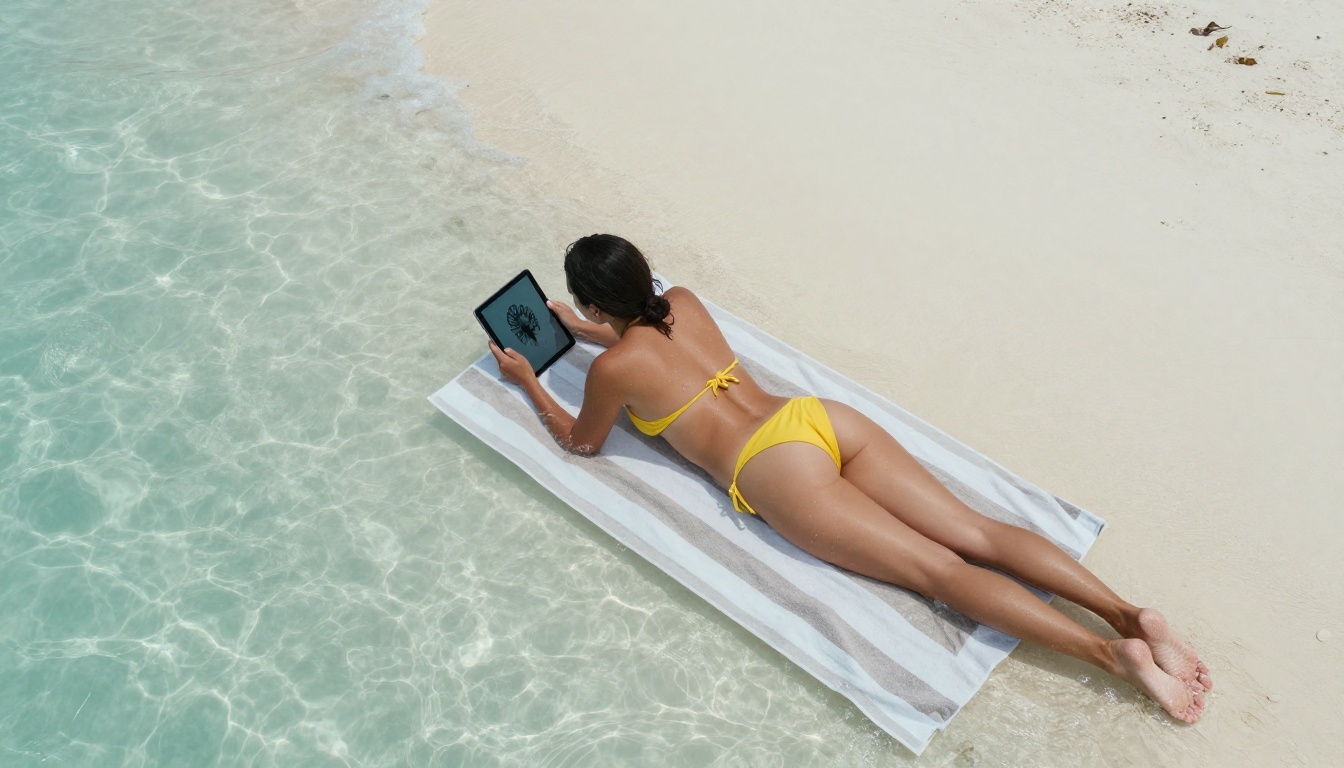
The Limits of Mobile-First Editing
The mobile interface has one fundamental constraint: precision. When you are working on a photo with a complex edit, you cannot easily mask specific regions by painting a selection. You describe what you want to change, and the AI interprets the region. Most of the time it gets this right. For surgical edits to small areas, the interpretation can be imprecise.
Desktop tools built on similar AI technology give you more control because you can combine natural language with pixel-level masking. On mobile, you are trading that precision for speed and simplicity.
Photo Generation Quality: Real-World Results
In practice, Nano Banana 2 delivers photorealistic outputs that hold up at social media resolution. At 1024x1024 or 16:9 crop, the images are sharp, properly lit, and consistent in quality.
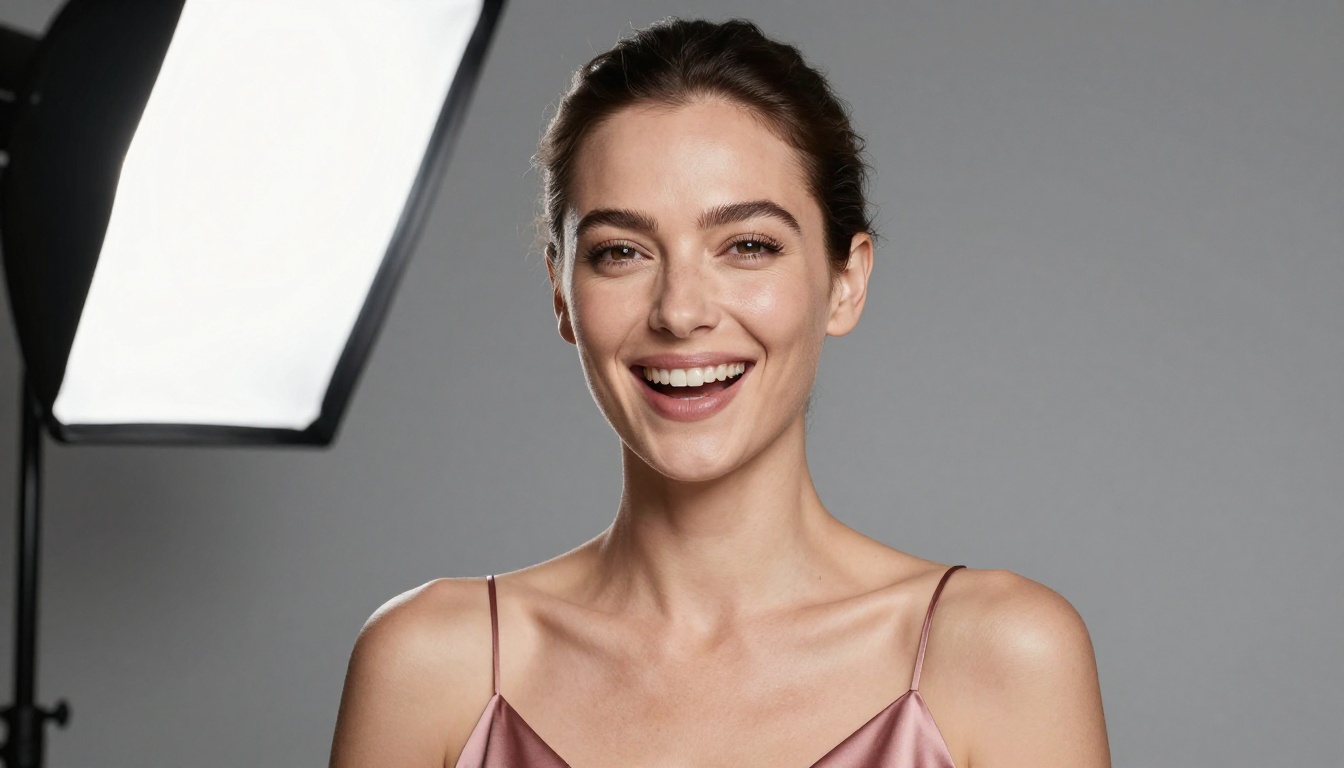
For portrait photography prompts, the output is particularly strong. The Gemini model handles lighting on skin exceptionally well, including complex setups like Rembrandt lighting, split light, or backlight with subject silhouette.
For landscape and environment prompts, results are more variable. Large open scenes with complex geometry such as cityscapes or architecture with strong perspective occasionally produce structural inconsistencies that are hard to prompt your way out of.
The sweet spot for Nano Banana 2 is:
- Portrait and lifestyle photography
- Fashion and editorial imagery
- Single-subject scenes with a clear background
- Social media content at standard resolutions
For print-resolution work, professional photo compositing, or highly specific visual directions, a browser-based tool with more model options gives you more room to iterate.
How It Compares to Other AI Photo Editors
Nano Banana 2 is not the only Gemini-based AI photo editor on the market, but it is among the most focused. Here is how it stacks up:
| Feature | Nano Banana 2 | Google Photos AI | Snapseed AI | Web-Based Platforms |
|---|
| Text-to-image | Yes | Limited | No | Yes (many models) |
| Edit from prompt | Yes | Yes | Partial | Yes |
| Model choice | No | No | No | Yes (many models) |
| Output resolution | Up to 2K | Up to 4K | Original only | Up to 4K+ |
| Mobile-first | Yes | Yes | Yes | No |
| Offline use | No | No | Partial | No |
The biggest trade-off in Nano Banana 2 is model control. You are using Gemini and only Gemini. That is great when Gemini performs well for your use case, but if you want to run a Flux-based render, a fine-tuned portrait model, or a ControlNet workflow with pose guidance, you need a platform with a broader model library.

When You Need More Than One Model
Nano Banana 2 does what it does well, but creative needs expand fast. Once you have used Gemini for a few weeks, you start wanting to try other things: a different aesthetic, higher fidelity, or a specialized model trained on a specific style.
That is where a platform with real model depth makes a difference. PicassoIA Image Editor Pro runs directly in the browser and gives you access to professional AI photo editing tools with no app installation. The editing workflows are similar to what Nano Banana 2 offers, but with more model options underneath them.
For text-to-image generation with model choice, PicassoIA Image lets you switch between generation architectures depending on what a prompt needs. Some images render better in one model than another, and having access to multiple engines in the same session means you can iterate without switching platforms.
If you want Flux-style variation generation, Flux Redux Dev produces image variations from a reference, which is useful for building consistent visual styles across a set of outputs. And Qwen Image Edit Plus handles instruction-based photo editing similar to Nano Banana 2's edit mode, but with the flexibility of a browser tool and sharper regional control.
For generation that follows GPT-based instruction understanding, GPT Image 2 is another option worth running alongside your Gemini outputs, since the two models handle certain prompt types differently and comparing them side by side often produces the clearest picture of which architecture suits your style.
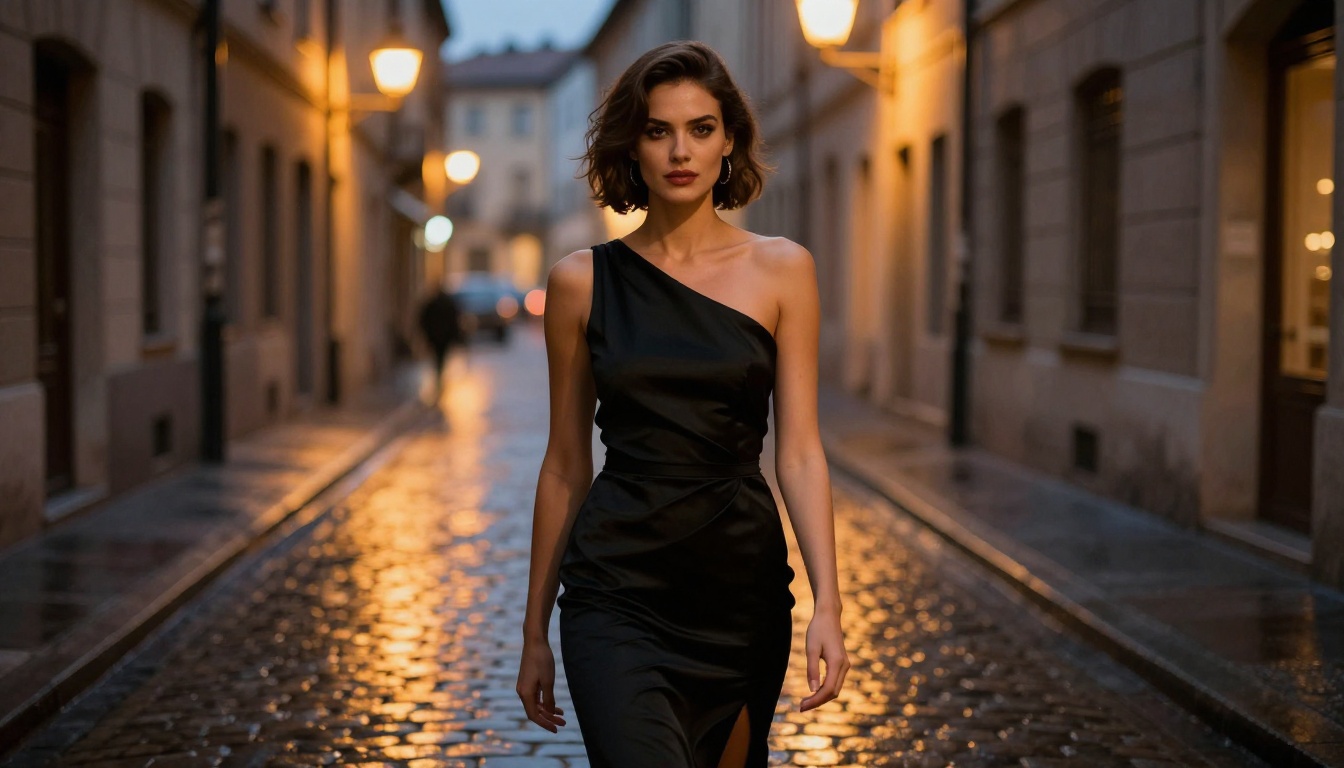
Tips for Getting Better Results from Nano Banana 2
After spending time with the app, a few patterns consistently produce stronger outputs.
For generation:
- Start with subject, then lighting, then environment: "Young woman, soft morning light, standing in a wheat field" beats "wheat field woman morning"
- Add camera language: "85mm portrait, shallow depth of field, Kodak film grain" shifts the aesthetic noticeably
- Name the lighting type: "Rembrandt lighting," "split light," "overcast diffused" all produce recognizably different results
For editing:
- Reference the change type explicitly: "Replace" vs "add" vs "adjust" all signal different operations to the model
- Include what should stay the same: "Replace background with ocean sunset, keep subject and clothing unchanged"
- Use Gemini Pro tier for editing and Flash for quick previews
💡 Tip: If an edit changes too much of the image, add a constraint like "edit the background only" or "apply to sky only" in your prompt. Gemini responds well to explicit scope limits.
For better portrait outputs:
- Describe lighting direction: "light from camera left" or "backlit from behind subject"
- Specify skin tone descriptors to avoid over-idealization
- Ask for "natural expression" or "candid" to steer away from that rigid AI-generated look
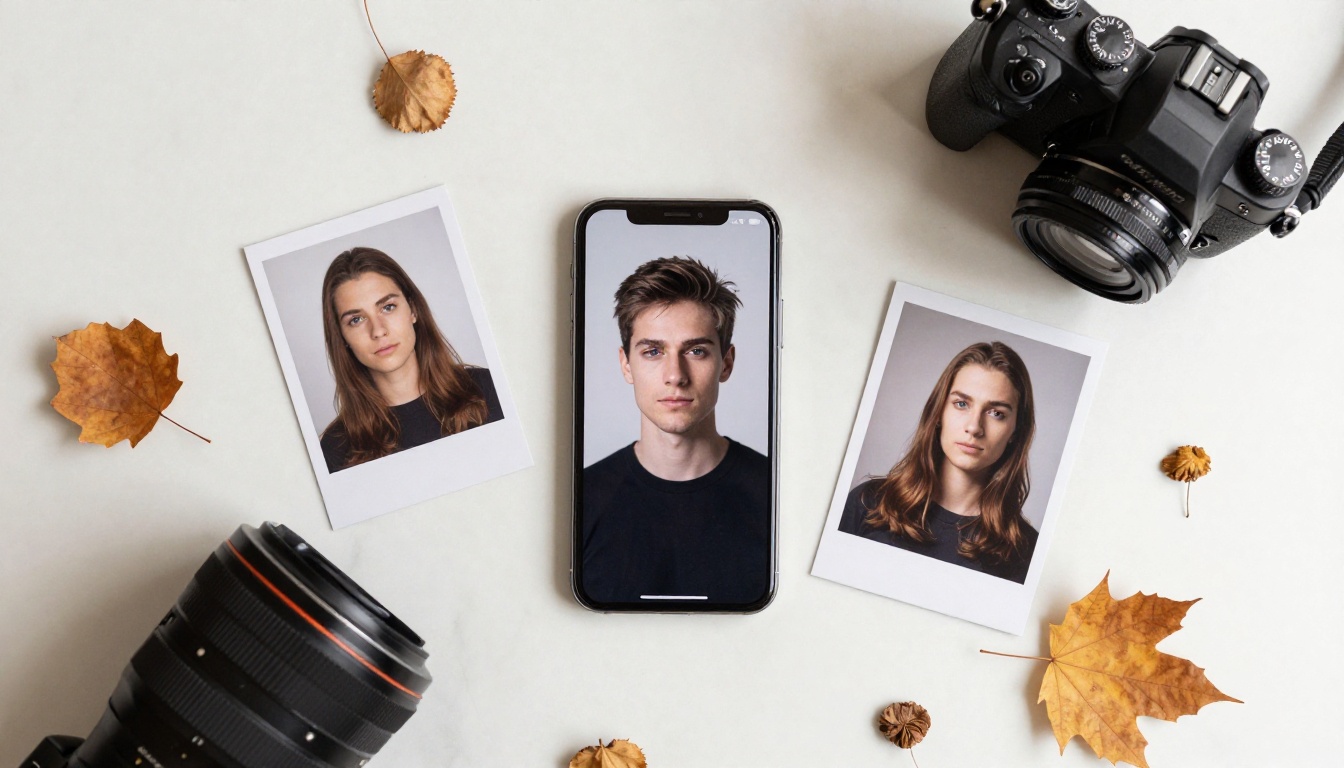
The AI Photo Editor Market in 2025
Nano Banana 2 exists in a market that has completely changed in the past two years. In 2023, a decent AI image generator was a novelty. In 2025, there are hundreds of them, and the difference between good and great comes down to:
- Model architecture: Diffusion, transformer-based, or hybrid approaches all produce different aesthetics
- Instruction following: How well the model understands what you actually asked for
- Edit coherence: Whether edits look like part of the original or an obvious overlay
- Output resolution: Whether the output is usable for real-world applications beyond social media
- Iteration speed: How fast you can go from bad output to good output
Nano Banana 2 competes seriously on points 1, 2, and 5. Its Gemini backbone is among the best for natural language instruction following, and the mobile interface is genuinely fast for quick creative work.
Where it falls back is model diversity and output ceiling. A single-model app is always limited by what that model can do. When Gemini has a difficult session on your specific prompt type, there is no fallback within the app itself.
Try It for Yourself on PicassoIA
If Nano Banana 2's Gemini-powered approach to image generation and photo editing sounds like what you need, you already know what to try. But if you want the same type of workflow with access to more than 90 text-to-image models in one place, PicassoIA is worth a session.
The platform runs entirely in-browser, no installation needed, and you can test models like PicassoIA Image Editor Pro for editing or GPT Image 2 for generation immediately. When one model does not give you what you need, you switch to another in the same session and keep going. No restarting apps, no re-uploading assets.
Start with a photo you have already taken and type what you want to change. Or write a prompt from scratch and see what dozens of different AI models do with the same description. The difference in output across models for the same prompt is often surprising, and finding the one that fits your visual style is part of the creative process.
AI image creation is now fast, accessible, and powerful enough to produce work that actually gets used. Whether you stay with Nano Banana 2's focused Gemini experience or branch out to a multi-model platform, the only real wrong move is not experimenting at all.


