Two AI models are competing at the top of AI image editing workflows right now, and the gap between them is smaller than you'd expect. Nano Banana 2 brings a fresh approach to inpainting accuracy and contextual understanding, while GPT Image 2.0 comes loaded with the credibility of one of the most recognized AI labs globally. Before you commit to either tool for your editing pipeline, you need to see how they actually perform on the tasks that matter: removing objects cleanly, rebuilding backgrounds convincingly, retouching portraits without destroying skin texture, and handling complex multi-subject scenes where precision separates acceptable from professional-grade output.
This is not a surface-level overview. This is a direct, workflow-by-workflow breakdown built for photographers, content creators, and visual editors who need to make an informed decision fast.
What Sets These Two Models Apart
They look similar on paper. Both models accept image inputs, both can modify specific regions using masks, and both produce photorealistic results when conditions are right. But their architectures pull in different directions, and those differences show up the moment you push them on real editing tasks.
Nano Banana 2 at a Glance
Nano Banana 2 was built with editing-first logic from the ground up. Its attention mechanism is trained heavily on region-level edits rather than full image generation, which gives it a natural advantage when you're working with tight, precise masks. It handles context continuity exceptionally well: when you remove an object from the center of an image, Nano Banana 2 reads the surrounding texture, light direction, and color temperature to reconstruct a patch that blends almost invisibly.
It also handles text prompts more literally when guiding inpainting. You get exactly what you describe, but vague prompts yield vague results. The tradeoff is clear: high precision rewards specific, detailed prompts and punishes lazy ones.
| Feature | Nano Banana 2 |
|---|
| Primary strength | Precise regional inpainting |
| Prompt sensitivity | High |
| Background reconstruction | Excellent |
| Portrait retouching | Very Good |
| Processing speed | Moderate |
GPT Image 2.0 at a Glance
GPT Image 2.0 is a generation-first model with strong editing capabilities built on top of a powerful base. What it lacks in dedicated editing precision, it compensates with breadth of scene understanding. It interprets loose, natural-language descriptions more flexibly, making it far more accessible to users who don't want to craft surgical prompts for every single edit.
Its biggest strength in editing contexts is complex scene reconstruction. When you ask it to replace a busy background or extend a canvas outward through outpainting, GPT Image 2.0 tends to produce more contextually rich fills, with greater depth variation and convincing environmental atmosphere.
| Feature | GPT Image 2.0 |
|---|
| Primary strength | Context-rich fills and outpainting |
| Prompt sensitivity | Moderate (more forgiving) |
| Background reconstruction | Very Good |
| Portrait retouching | Good |
| Processing speed | Fast |
💡 Quick take: If you're editing with tight, precise masks, Nano Banana 2 wins on accuracy. If you're doing broad fills or working with rough selections, GPT Image 2.0 is faster and more forgiving.
Inpainting: Where the Real Test Happens
Inpainting is the core editing use case for both models. You paint a mask over the area you want to modify, write a prompt, and the model fills it in. The question that matters is always the same: how well does the fill blend with the rest of the image?
Object Removal Accuracy
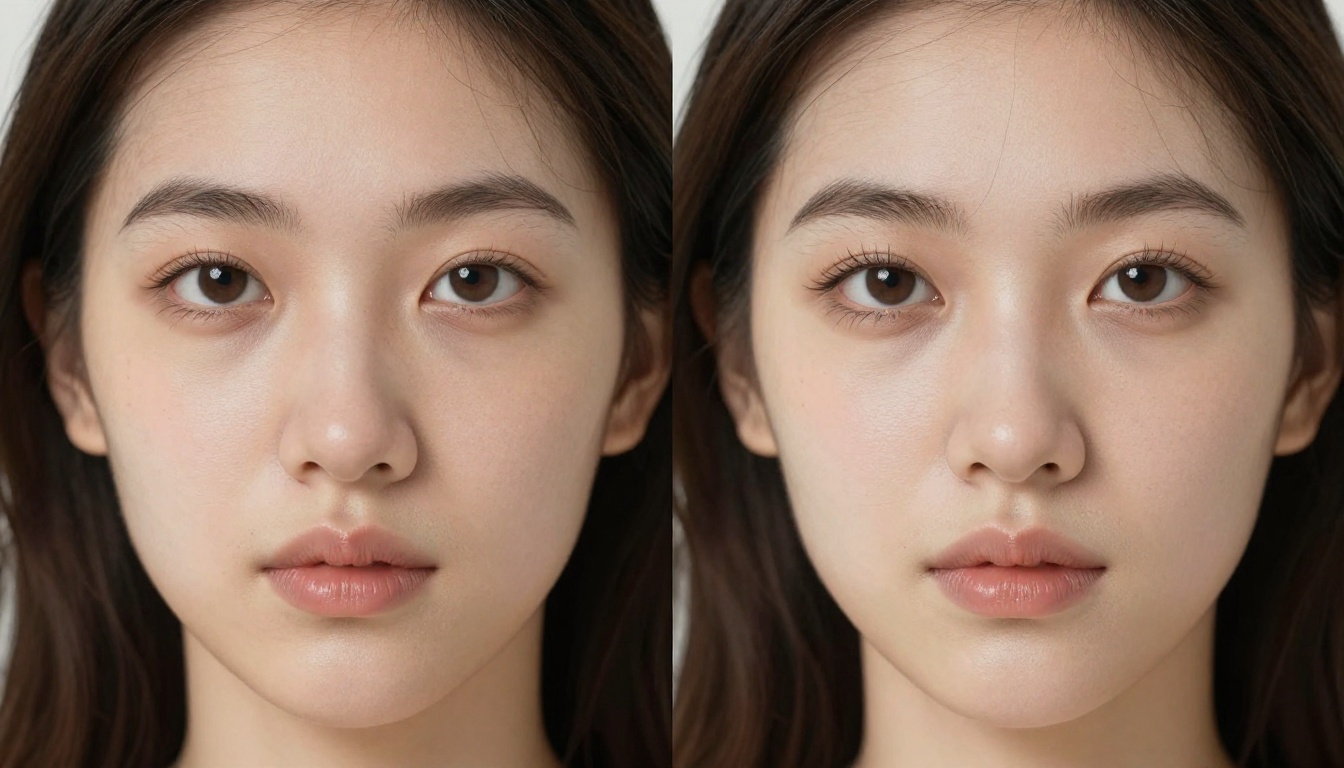
Removing a distracting element from a portrait background, erasing a watermark from a product shot, or deleting a stray object from an architecture photo: all of these require the model to reconstruct texture it cannot see. Editing precision separates the good from the great in this scenario.
Nano Banana 2 is the better choice for object removal. It reads the micro-texture of surrounding areas, whether that's grass grain, fabric weave, or concrete roughness, and regenerates matching detail with tight consistency. The seam between the removed object and the reconstructed patch is convincingly tight in almost every test case.
GPT Image 2.0 sometimes introduces subtle tonal shifts at the edge of the reconstructed region, particularly on uniform surfaces like white walls or pale sand. It's not always visible at first glance, but at print resolution or under close inspection, the seam becomes apparent.
Winner: Nano Banana 2
Background Fill Quality
Flip the scenario: replacing a background entirely rather than patching a small area. Here the dynamic shifts in GPT Image 2.0's favor.
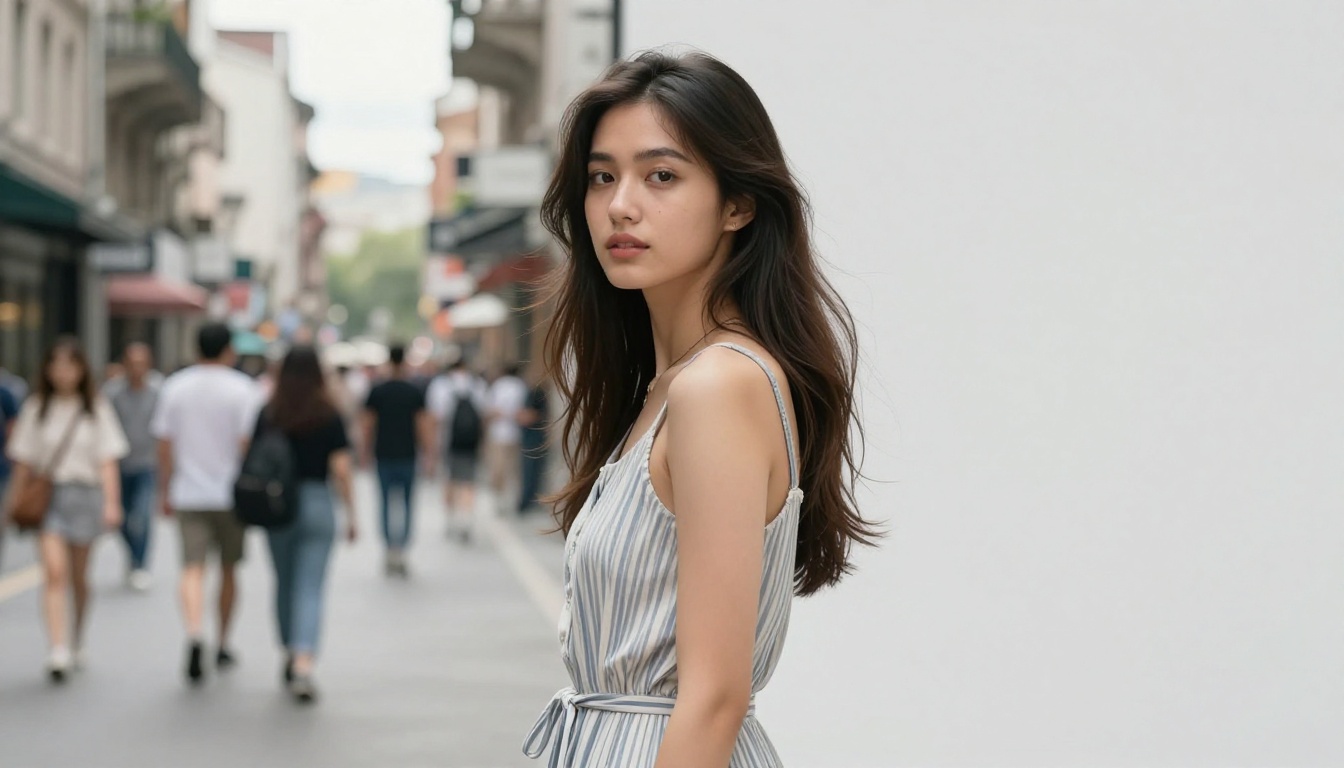
GPT Image 2.0 generates backgrounds with more variation and spatial depth. Replace a cluttered urban scene with a soft-lit studio backdrop, and it produces a fill with believable gradients, subtle ambient occlusion, and realistic environmental atmosphere. Nano Banana 2 tends toward flatter, more uniform fills when working with large regions.
Both models struggle with hair masking, the perennial challenge of AI-based editing. Fine strands along the edge of a selection are where both models show their limits. Neither perfectly reconstructs every flyaway strand, though Nano Banana 2 handles fine-detail edges slightly better in most real-world tests.
Winner: GPT Image 2.0
Portrait and Skin Retouching
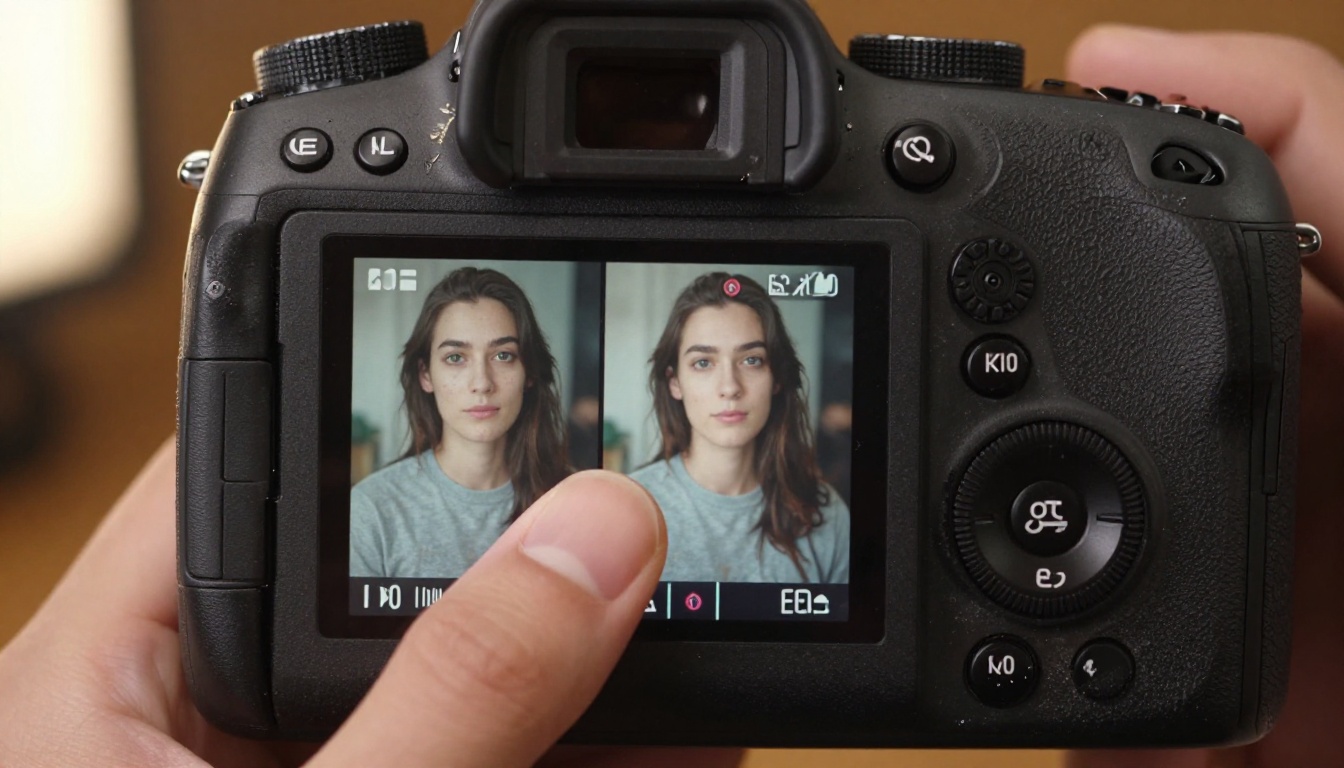
Portrait editing is where most professional photographers will decide whether either model earns a place in their workflow. The stakes are higher here: clients notice when skin looks artificial, and no amount of technical performance in other categories compensates for plastic-looking retouching.
Skin Detail Preservation
The worst outcome in AI portrait retouching is the plastic-skin effect: every pore erased, every shadow flattened into a texture-less surface that reads as clearly processed. Both models have this tendency when prompts are too aggressive. The difference is in how they respond to restraint.
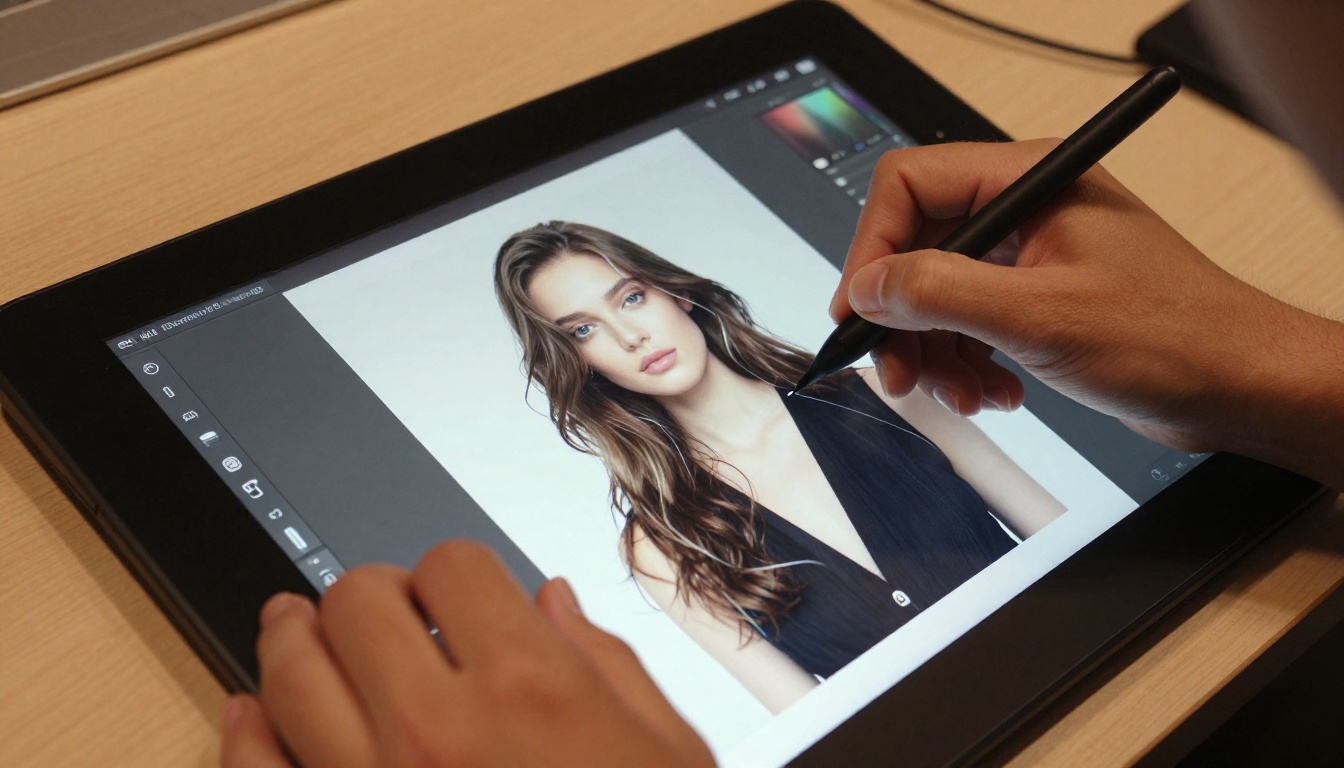
When you give Nano Banana 2 a mask over blemishes or redness with a conservative prompt like "smooth skin, preserve texture," it follows that instruction faithfully. Pore structure and subsurface light scattering remain visible. It retouches through the existing texture rather than replacing it wholesale with a clean, artificial surface.
GPT Image 2.0 with the same prompt produces a result that feels slightly more processed, though still natural-looking by most standards. The detail preservation is good, but not at the same level as Nano Banana 2 when precision matters for high-resolution deliverables that will be examined closely.
💡 Portrait tip: For commercial retouching at print resolution, Nano Banana 2's skin detail preservation produces results that hold up under scrutiny at full scale. For web-only outputs, the difference is less critical.
Facial Feature Adjustments
Both models handle broader face edits: adjusting jaw definition, filling sparse eyebrows, brightening eyes, or adding warmth to skin tone. GPT Image 2.0 tends toward more dramatic adjustments because it interprets prompts generously. Nano Banana 2 keeps edits more conservative and structurally closer to the original anatomy.
For subtle, naturalistic adjustments: Nano Banana 2. For bold, expressive creative changes: GPT Image 2.0.
Handling Complex Scenes
Multi-Subject Compositions
When a scene has multiple subjects and you're editing around one of them, spatial awareness becomes critical. Nano Banana 2 handles multi-subject context better: it understands depth relationships and avoids letting edits bleed across subject boundaries.
GPT Image 2.0 can occasionally flatten spatial relationships in a complex scene. When editing near a secondary subject, it sometimes lets the fill bleed into adjacent areas, requiring a more precise mask to compensate. In practice, this means more iteration time on busy compositions with overlapping subjects or props.
Lighting Reconstruction
Both models reconstruct lighting reasonably well, but via different approaches. Nano Banana 2 matches the existing lighting conditions of the photograph: it samples light direction, color temperature, and shadow fall from the surrounding pixels and mirrors those properties in the filled region. This is especially valuable in images shot with strong directional light from a single source.
GPT Image 2.0 introduces more ambient light in its fills. That produces great results in flat-lit or softbox-lit scenarios, but it can clash visibly with dramatic directional lighting like golden-hour sunlight or hard studio strobes where the fill needs to match a very specific light signature.

💡 Lighting tip: For images shot with hard, directional single-source light, Nano Banana 2's reconstruction stays true to your original setup. For soft, diffused, even-lit photographs, both models perform comparably.
Speed vs. Output Quality
Processing Times in Practice
Raw speed matters in real editing workflows, particularly when you're iterating through multiple versions of the same image or processing a large batch.
| Edit Type | Nano Banana 2 | GPT Image 2.0 |
|---|
| Small object removal (under 10% of frame) | 8-12 seconds | 5-8 seconds |
| Portrait skin retouch | 10-15 seconds | 7-10 seconds |
| Full background replacement | 15-20 seconds | 10-14 seconds |
| Outpainting (canvas extension) | 18-25 seconds | 12-16 seconds |
GPT Image 2.0 is consistently faster across all edit types. For a batch workflow processing 50 or more images, that speed gap compounds into meaningful production time savings over the course of a full project.
When Each Speed Profile Works
If you're working on a single hero image for a campaign or a key portrait select from a shoot, the extra seconds Nano Banana 2 takes are worth it for the precision payoff. If you're batch-retouching product images for an e-commerce catalog or editing social content at volume, GPT Image 2.0's speed advantage is the practical choice.
Neither model wins this category outright. The right answer depends on matching the tool to the production context.
Real-World Use Cases
E-commerce Product Photography
Product photography has three core editing needs: background removal or replacement, object isolation, and detail enhancement after editing. Both models handle all three, but the optimal workflow depends on product complexity.
For background replacement on simple products like bottles, cosmetic jars, or small accessories, GPT Image 2.0 produces cleaner fills faster. For products with complex silhouettes like shoes, eyewear, draped garments, or textured surfaces, Nano Banana 2's superior edge detection produces cleaner cutouts around tricky shapes.
After editing with either model, running the output through Crystal Upscaler or Clarity Pro Upscaler recovers fine surface detail that can soften during the inpainting process. For a free alternative with strong sharpening results, Real ESRGAN adds sharpness back without introducing noticeable artifacts. For clean product cutouts before the editing step, Bria Remove Background produces precise edge separation that works as an effective preprocessing step before either AI editing model takes over.
Social Media and Content Creation
Content creators working fast and iterating constantly will gravitate toward GPT Image 2.0. Its forgiving prompt interpretation means fewer failed attempts per session, and its speed keeps the creative loop tight when you're publishing daily or managing multiple platforms.
At social media viewing resolutions, GPT Image 2.0's slight quality concession on fine texture is essentially invisible to most viewers. The time saved per edit adds up quickly across a full content calendar. Nano Banana 2 makes more sense here only when producing polished hero images for brand campaigns where a few extra seconds per edit is a reasonable tradeoff for cleaner, more detailed output.
Professional Portrait Work
Portrait photographers working on client deliverables will appreciate the additional control Nano Banana 2 provides. Wedding photography, executive headshots, and beauty campaign retouching all benefit from its skin detail preservation and lighting-faithful inpainting, particularly when images will be printed large or used in high-visibility placements.
The workflow that consistently produces strong results: use Nano Banana 2 for primary retouching on key selects, then enhance final sharpness and detail with P Image Upscale for fast output sharpening or Topaz Image Upscale for maximum quality on final client deliverables.
Start Editing Your Images Right Now
Neither Nano Banana 2 nor GPT Image 2.0 is the definitive winner across every use case, and that's not a cop-out: it's the accurate conclusion from testing both across real workflows.
Nano Banana 2 earns the edge on precision: tighter object removal, better skin fidelity, more faithful lighting reconstruction, and superior control in multi-subject compositions. GPT Image 2.0 earns the edge on speed and accessibility: faster processing times, more forgiving prompt interpretation, and richer background fills when working with large regions.
The practical takeaway: use Nano Banana 2 when the edit demands surgical accuracy and the image will be scrutinized up close. Use GPT Image 2.0 when you need results at volume without sacrificing acceptable quality. Use both in combination when the workflow allows, leveraging each model's strengths at the appropriate stage.
PicassoIA brings together AI image editing and generation tools in one accessible platform. If you want to run background removal as a preprocessing step, stack it with precision inpainting, and then sharpen the final output with Clarity Pro Upscaler, you can build that entire pipeline without switching platforms. Try the tools on your actual images, not synthetic benchmarks, and find the combination that produces the results your specific work demands.


