If you've been spending thousands on product photography shoots for items that haven't even launched yet, Nano Banana Pro for product mockups changes that calculus entirely. This AI model is built specifically around generating photorealistic product visuals, with a training focus on packaging geometry, material surfaces, and commercial lighting setups that read as real photography at a glance. The result is a tool that compresses days of studio work into a prompt and a few seconds of inference time.
What Nano Banana Pro Actually Does
The Mockup Problem It Addresses
Traditional product photography has a fundamental workflow problem. You need physical samples before you can photograph them. You need a photographer, a studio, and a stylist. And after all of that, if the label changes or the client wants a different background, you start over.
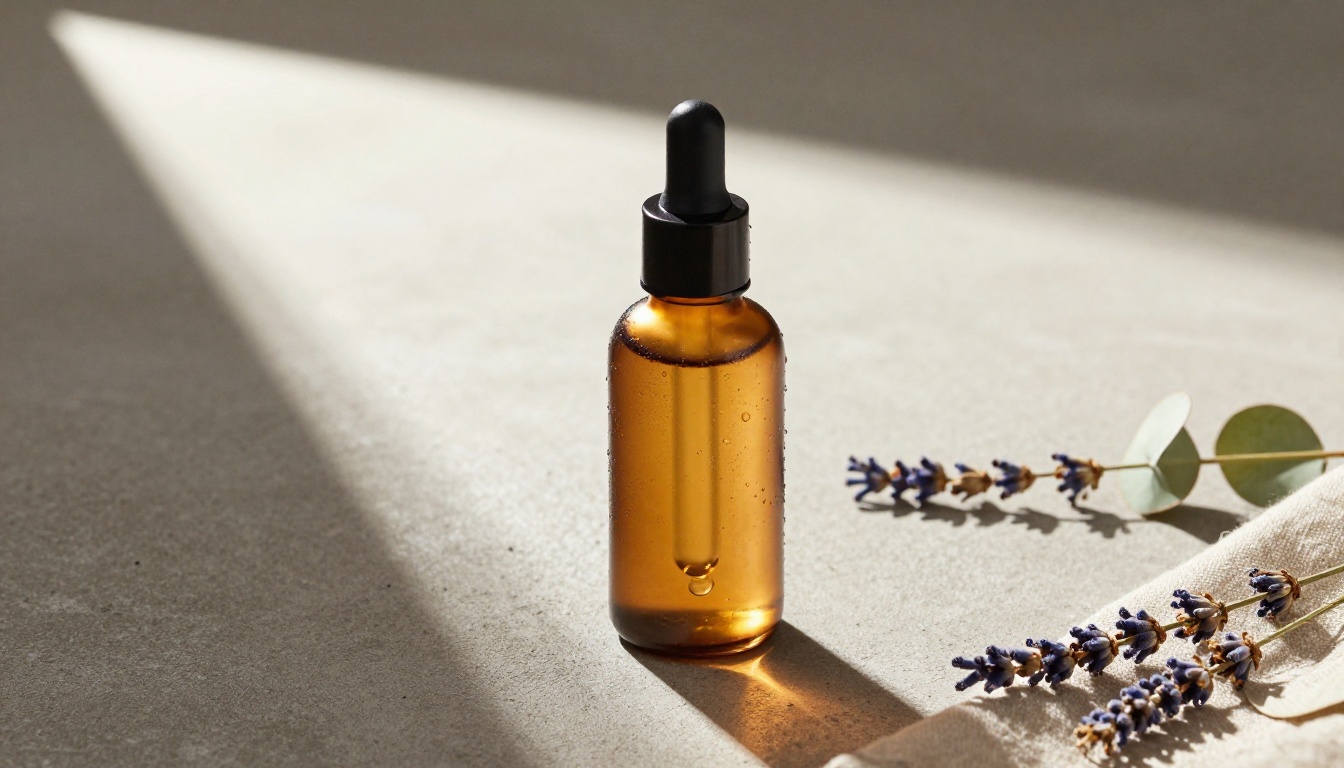
Nano Banana Pro was trained on a large corpus of commercial product photography to internalize the visual logic that makes a product shot look real: how light wraps around cylindrical surfaces, how shadows fall on different materials, how labels sit on curved versus flat surfaces, and how backgrounds interact with foreground subjects. The training data skews heavily toward professionally lit commercial imagery, which is why its default outputs look more like a Getty stock photograph than a casual snapshot.
How the Inference Works
Nano Banana Pro operates as a text-to-image model with product-specific fine-tuning. You describe the product, the surface it sits on, the lighting conditions, and the background environment. The model generates a photograph-quality render that matches those parameters.
It differs from general-purpose models by being calibrated specifically for product form factors. It handles cylindrical bottles, flat pouches, rigid boxes, flexible bags, and irregular shapes with notably more accuracy than a base model prompted with similar instructions. The fine-tuning essentially teaches the model the physics and aesthetics of commercial product photography rather than leaving that inference to a generic understanding of how objects look.
💡 Tip: Be specific about materials in your prompts. "Glass bottle with frosted finish" generates differently and more accurately than just "glass bottle." The model responds well to material science vocabulary: matte, satin, high-gloss, brushed metal, frosted, clear, translucent.
Why Product Mockups Matter More Now
E-Commerce is Visual-First
The average online shopper makes a purchase decision within seconds of viewing a product page. High-quality product imagery is one of the most significant conversion factors, outranking price in many categories. A well-lit, detailed product image communicates quality, builds trust, and reduces return rates because buyers know exactly what they're getting.
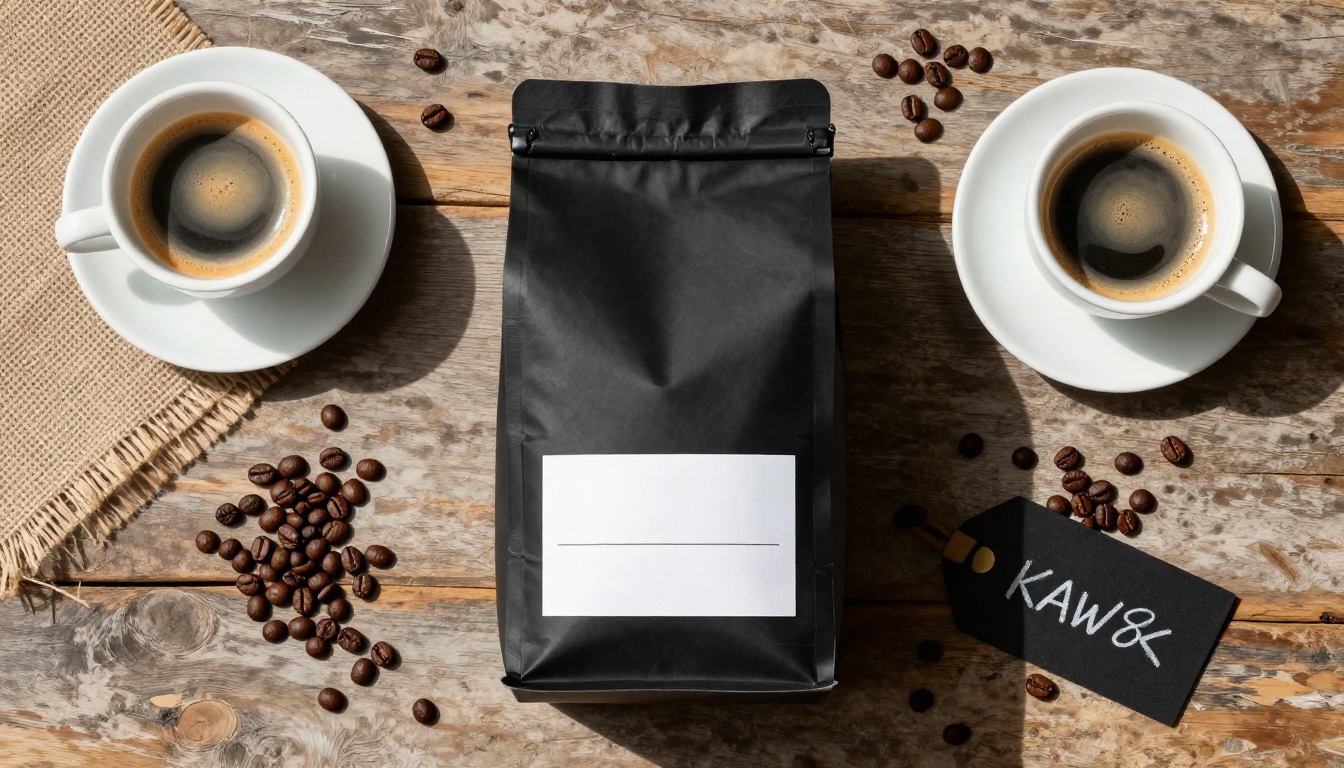
For brands launching on Amazon, Shopify, or their own DTC channel, the photography requirement is essentially table stakes. You cannot compete with blurry or amateur product shots in a category where competitors have polished studio-quality visuals. The problem is that photography at that level costs real money, and for early-stage brands or pre-launch validation, spending $3,000 on a photo shoot before you know if the product will sell is a painful proposition.
The Real Cost of a Photo Shoot
Breaking down a typical product photography budget reveals where the savings show up with AI mockups:
| Cost Category | Traditional Shoot | AI Mockup |
|---|
| Photographer Day Rate | $1,200 - $3,000 | $0 |
| Studio Rental (half day) | $400 - $800 | $0 |
| Prop Styling | $200 - $600 | $0 |
| Sample Production | $300 - $1,500 | $0 |
| Editing (per image) | $15 - $80 | $0 |
| Total (10 images) | $2,300+ | ~$30 |
For brands doing pre-launch validation, limited run tests, or seasonal catalog refreshes, these numbers are transformative. The cost model changes from a fixed studio investment to a variable per-image cost that scales with actual usage.
What Nano Banana Pro Excels At
Packaging and Label Mockups
Packaging is where Nano Banana Pro performs most consistently. The model handles flat label wrapping on cylindrical surfaces, foil finishes, embossed texture simulation, and kraft paper materials with realistic fidelity. The way it renders label edges, print grain, and surface reflections on packaging materials is where product-specific fine-tuning pays off most visibly.
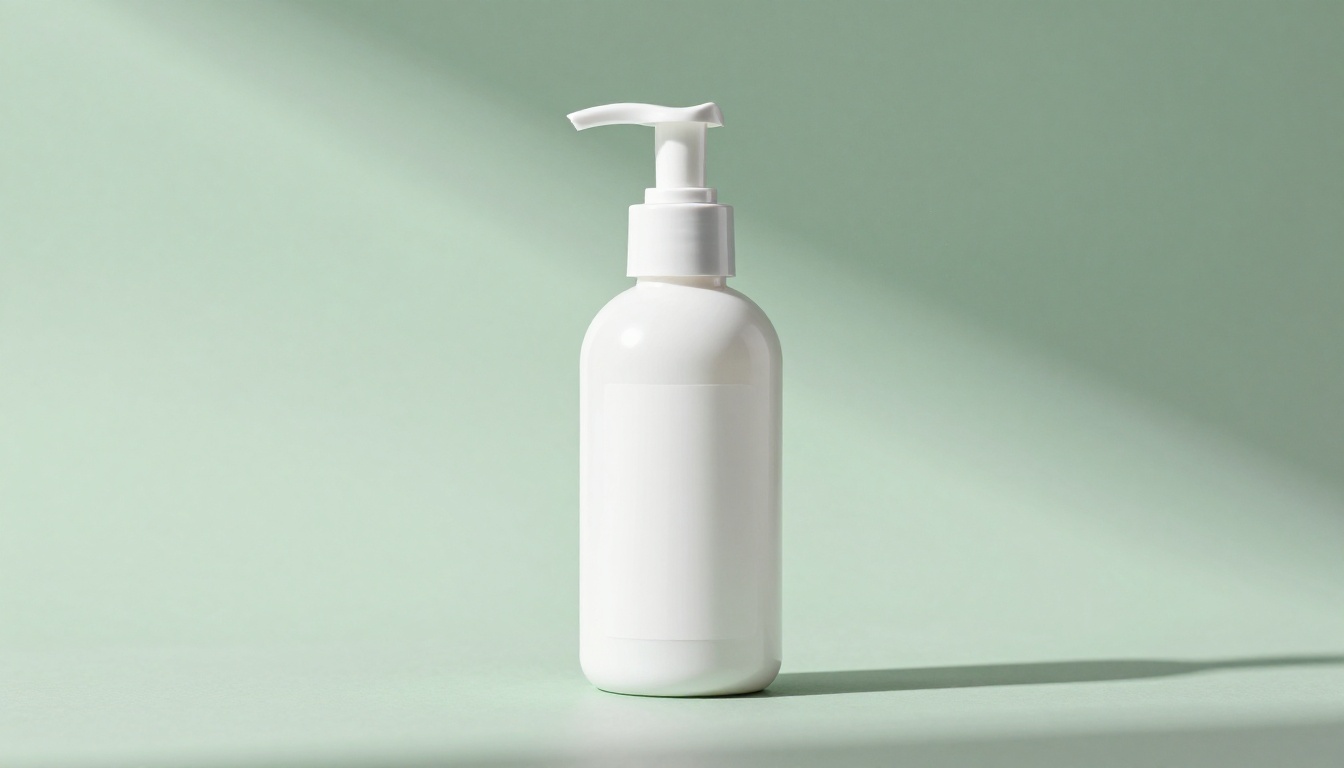
Brands in CPG (consumer packaged goods) find this particularly valuable for retailer sell-in presentations. When you're pitching a new product to a buyer at Target or Whole Foods, showing realistic mockups instead of flat 3D renders signals that the product is closer to market-ready than it might actually be. It creates the psychological impression of a finished, physical product before that product exists.
The model handles the following packaging types reliably:
- Cylindrical bottles and tubes (glass and plastic)
- Flat pouches and stand-up bags
- Rigid boxes and cartons
- Clamshell packaging
- Kraft paper bags with heat-sealed tops
- Metallic and matte finishes across all form factors
Cosmetic and Skincare Products
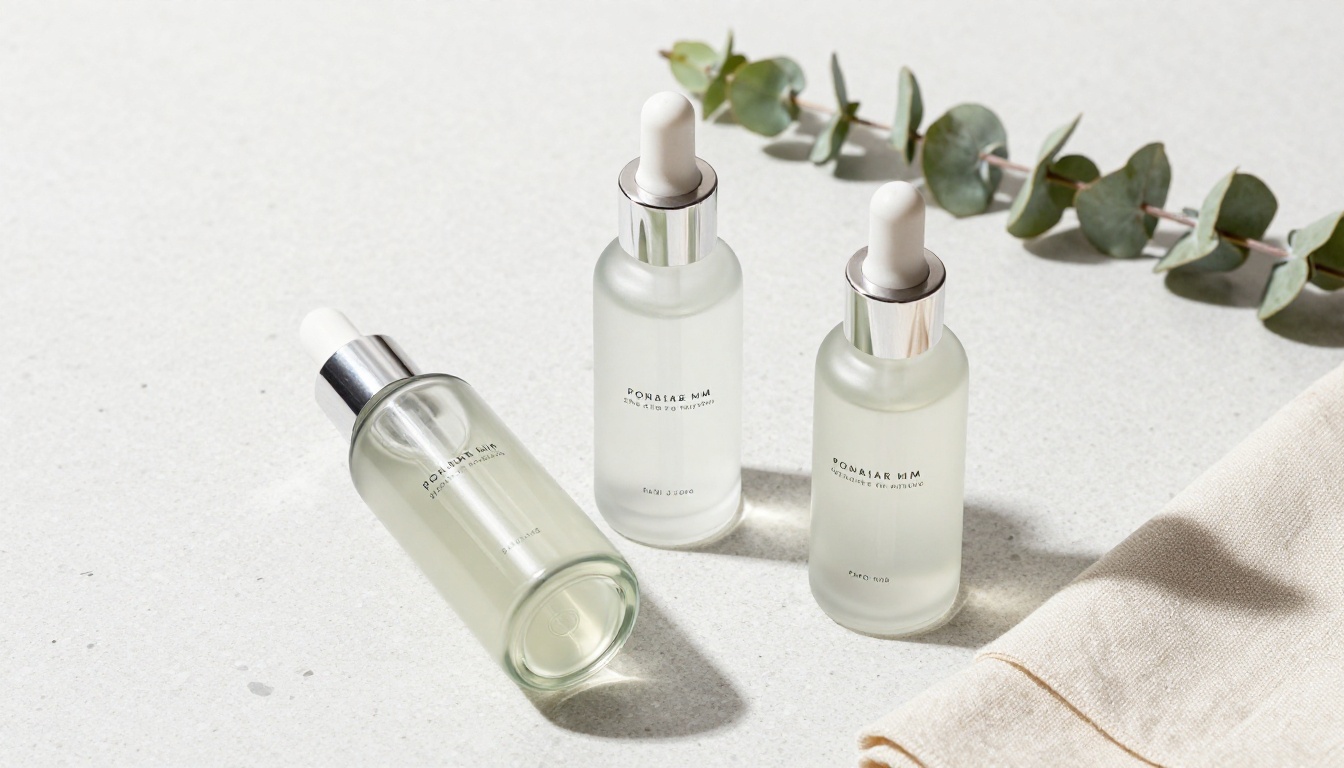
The beauty and personal care category places high demands on product photography because consumers are buying based on perceived quality. Nano Banana Pro generates the kind of imagery that communicates premiumness: clean backgrounds, soft shadow gradients, and material textures that imply quality through visual detail.
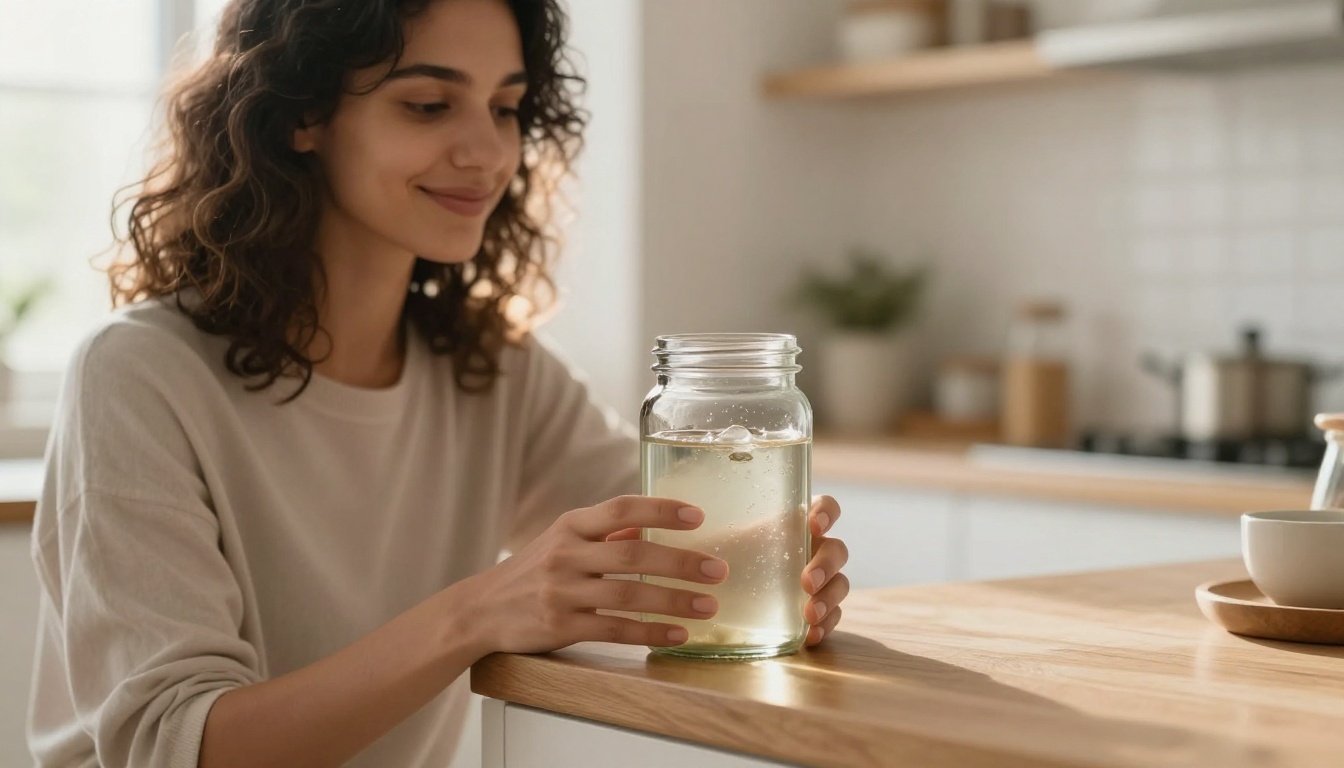
Skincare brands in particular benefit from the lifestyle context generation. You can prompt the model to place a product within a morning routine setting, a bathroom counter scene, or a flat lay with botanical props, without any of those physical elements needing to exist. The model has internalized enough visual data from beauty brand photography to understand what those scenes should look like.
Food and Beverage Shots
Food product photography is notoriously difficult because of perishability and physics. Condensation on a cold glass, a honey pour mid-drip, steam rising from a hot beverage. These moments are expensive to capture in real photography and nearly impossible to reproduce consistently across a full product line.
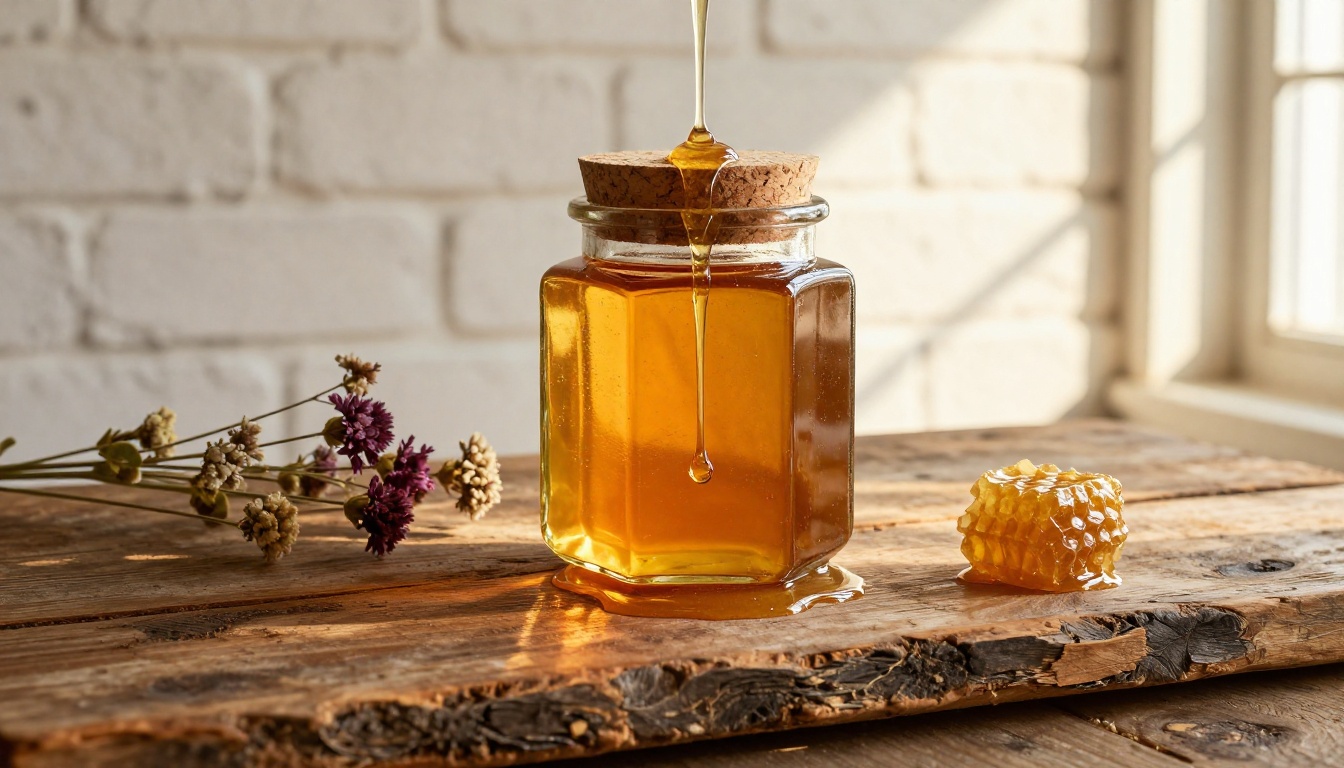
Nano Banana Pro handles food-adjacent props and contexts well. It understands the visual language of artisan food brands (raw wood, linen, ceramic, botanicals) and places products within those contexts convincingly. For shelf-stable packaged goods, spices, supplements, and specialty food brands, this is one of the highest-ROI applications of the model.
Apparel and Soft Goods
For flat-lay apparel mockups, the model produces accurate fold geometry and fabric texture rendering. Performance fabrics, denim, cotton, and athletic textiles all generate with recognizable material properties.
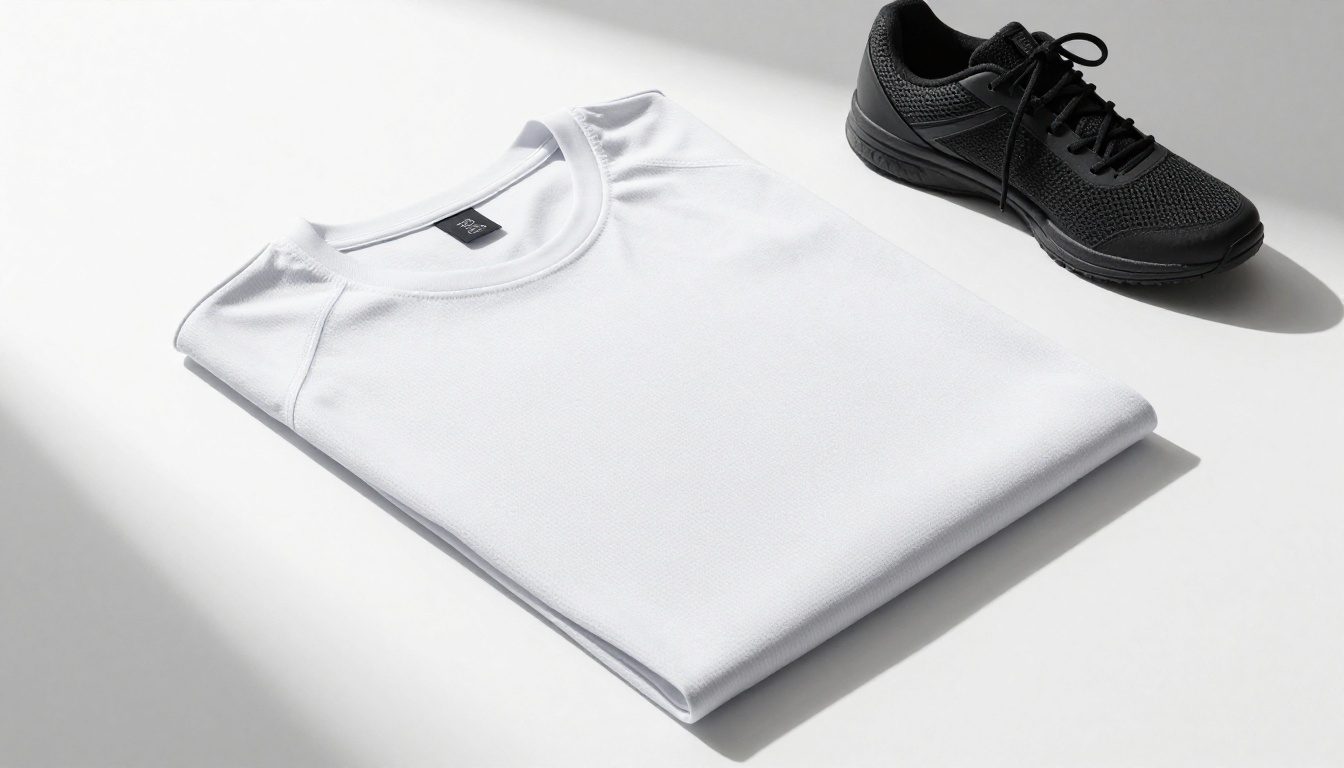
This makes Nano Banana Pro valuable for print-on-demand businesses that need to show multiple colorways or design placements without producing physical samples for each variant. A brand with 50 SKUs can generate a complete product image library in a single afternoon.
Getting Real Results
Prompt Structure That Works
The most common failure mode with Nano Banana Pro is under-specified prompts. The model generates from what you give it, so vague inputs produce generic outputs. Here's a framework that consistently produces commercial-quality results:
[Product Description] + [Surface or Environment] + [Lighting Conditions] + [Camera Angle and Lens] + [Material Details]
A weak prompt: "product bottle on table"
A strong prompt: "Matte black aluminum water bottle on white Carrara marble surface, diffused overhead studio lighting from large softbox creating a soft directional shadow, 85mm lens at f/2.4 from slightly above eye level, metallic lid showing brushed aluminum texture, clean neutral white background with subtle gradient"
The output quality difference is significant. Every additional parameter you specify is a constraint that pulls the model away from generic and toward the specific commercial aesthetic you're targeting.
Lighting Control in Prompts
Light direction, quality, and color temperature are among the most impactful variables in product photography. Being explicit about these in your prompts gives you control that even professional photographers struggle to reproduce consistently across separate shoots:
- Hard light: Use "single directional spotlight" or "harsh natural window light casting sharp crisp shadows"
- Soft light: Use "large softbox overhead" or "diffused morning light through sheer curtains"
- Dramatic light: Use "Rembrandt lighting with one fully illuminated side and deep opposite shadow"
- Neutral light: Use "evenly lit with no visible shadows, beauty-dish style, shadowless product photography"
💡 Tip: Color temperature makes a significant difference to brand feel. "Warm morning light at 3200K" creates a very different mood from "cool neutral studio light at 5600K." Specify both direction and temperature for complete control over the emotional tone of the image.
Background and Surface Tips
Product photography backgrounds communicate brand positioning before the consumer reads a single word of copy. Here's how specific surfaces read to consumers and how to prompt for them:
| Surface Type | Brand Signal | Prompt Terms |
|---|
| White seamless | Clinical, premium, DTC | "clean white seamless background" |
| Marble | Luxury, beauty, wellness | "white Carrara marble with subtle gray veining" |
| Wood | Artisan, organic, food | "weathered oak with visible grain texture" |
| Concrete | Urban, minimal, industrial | "smooth polished concrete slab surface" |
| Linen or fabric | Artisanal, soft goods | "natural linen textile, visible tight weave texture" |
| Terrazzo | Trendy, beauty, lifestyle | "white terrazzo surface with gray and tan aggregate flecks" |
Where AI Mockups Beat Traditional Photography
Speed and Iteration
The single biggest advantage of Nano Banana Pro for product mockups is iteration speed. A traditional shoot produces a fixed set of images. Changing the background color, the prop arrangement, or the lighting setup means rebooking the studio and the photographer, which typically means a minimum two-week turnaround and another full-day budget.
With AI mockups, iteration is essentially free in both time and cost. You can generate 20 background variations in the time it takes to send a single email to a photographer. This changes how brands approach pre-launch visual development, allowing for rapid visual A/B testing before committing to a final direction. Marketing teams can test which product context drives more click-throughs on paid media before investing in a real shoot of the winning concept.
Cost Per Image at Commercial Quality
There is a quality threshold that product images must clear to be usable in commercial contexts. Below that threshold, the images hurt conversion rather than help. Above it, the incremental quality difference between a very good AI mockup and a professional studio shot is often imperceptible to the end consumer scrolling through a product page on a phone.
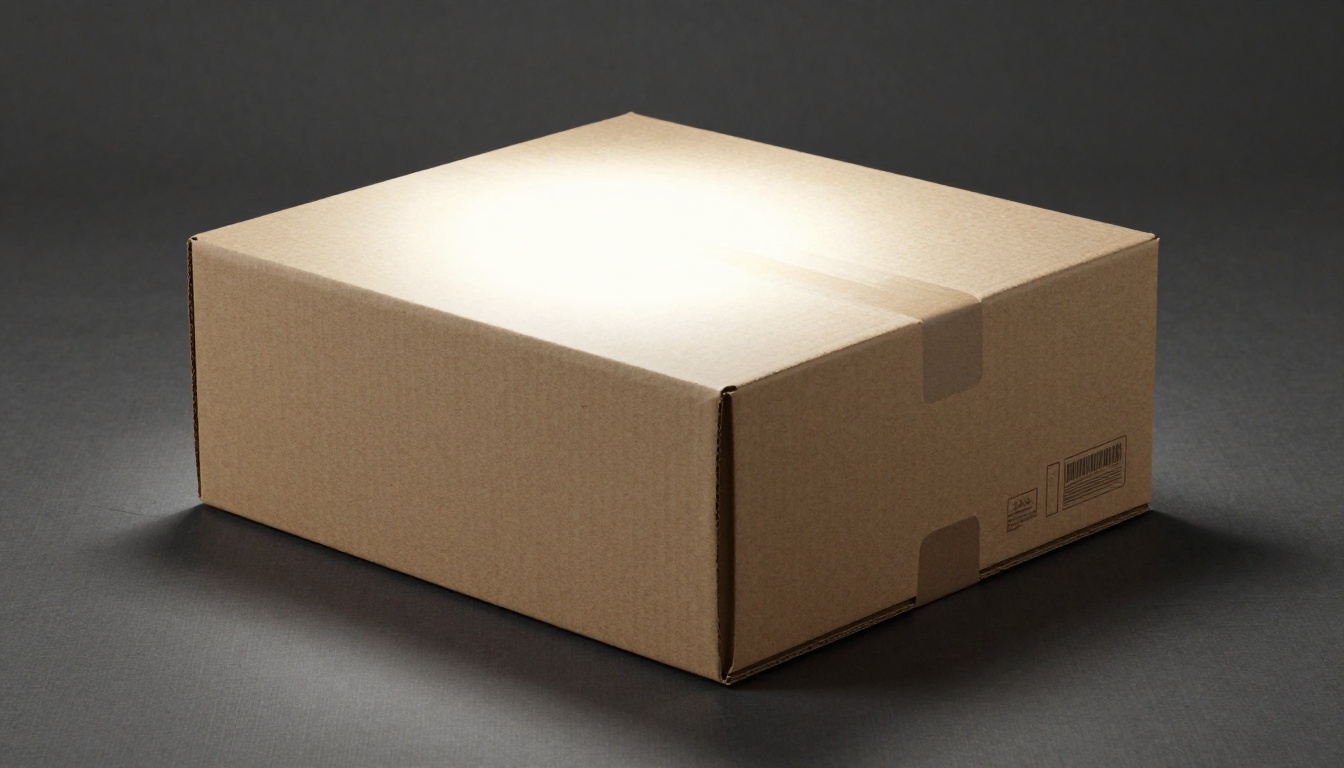
Nano Banana Pro reliably produces images that clear that commercial quality threshold. For brands in early growth stages where budget constraints are real, that's the relevant comparison, not whether the AI image matches what a $5,000 per day studio could produce.
Consistency Across Variants
If you sell a product in 12 color variants, a traditional shoot requires photographing each variant individually, then spending additional post-production time matching lighting and color consistency across all shots. AI mockups generated from the same prompt template produce naturally consistent imagery across an entire product line, because the same lighting and environmental parameters apply uniformly to every generation.
Nano Banana Pro covers core generation, but real product visual workflows involve more than generation alone. Editing, variation, and scaling are all part of the actual production process.
Generation at scale: PicassoIA Image provides the foundational text-to-image capability for product mockups, offering fine-grained prompt control and high-resolution output suitable for print and digital use.
Editing and correction: PicassoIA Image Editor Pro brings inpainting and outpainting capabilities to the workflow. If a generated mockup has a background that extends too close to the product edges for a particular crop requirement, outpainting expands the canvas. Inpainting handles targeted edits like swapping a prop or fixing an artifact without regenerating the entire image.
Variations from reference: Flux Redux Dev generates image variations from a reference image, which is valuable for creating multiple colorway versions of a product mockup while preserving the lighting and composition that made the original work. You establish the right shot once, then derive the variants from it.
Background replacement: Flux Fill Pro handles fill operations with high coherence, making it the right tool when you need to swap product backgrounds while keeping the product in place with accurate reflected light interaction preserved.
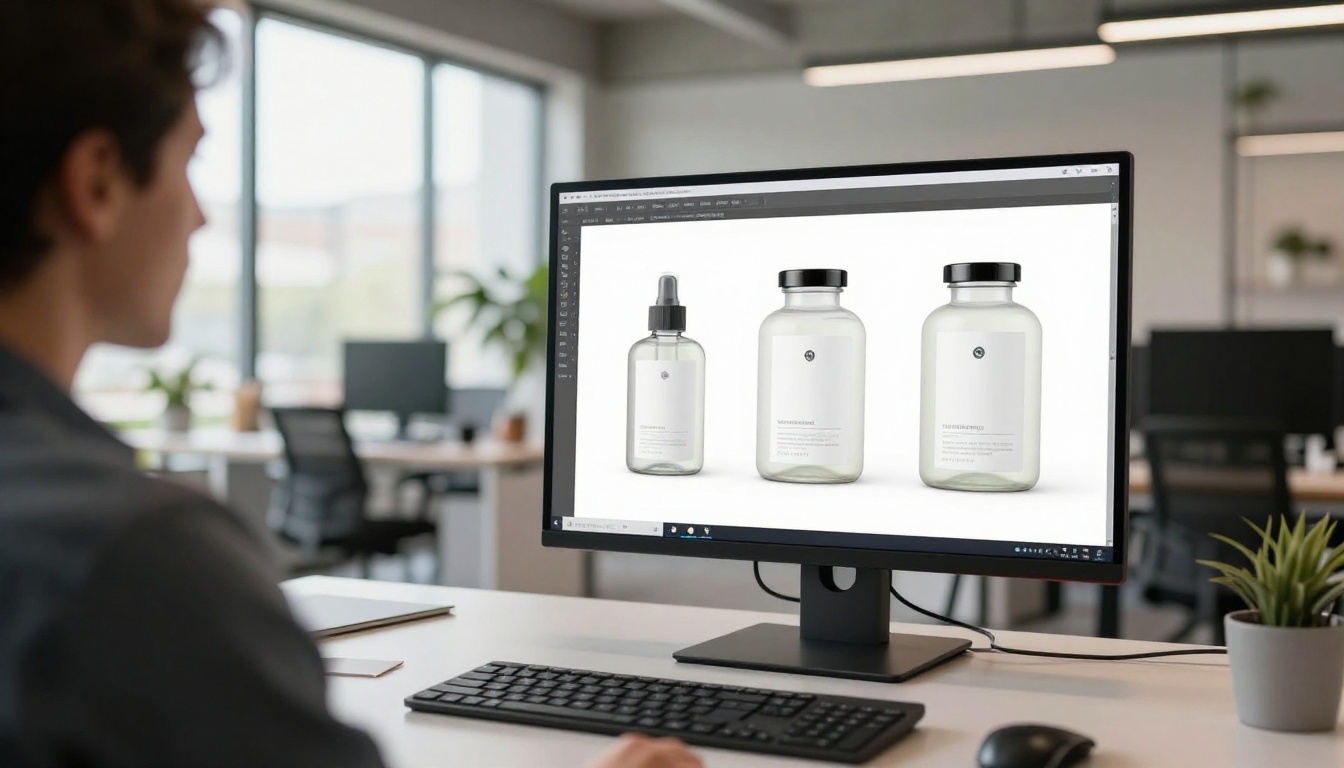
These tools combine into a complete workflow where generation, editing, variation, and scaling can all happen within a single platform, without context-switching between multiple applications.
The Limits You Should Know
When Real Photography Still Wins
Nano Banana Pro is not a replacement for every photography scenario. Understanding where it falls short prevents wasted iteration time.
Physical interaction shots remain difficult. Images showing a person actually using a product with realistic skin contact and natural body language require more prompt engineering and iteration than straightforward product-on-surface shots. Lifestyle scenes with products as props work well; close-contact product-in-use shots are harder.
Regulated categories sometimes require authentic photography. In pharmaceutical, medical device, and certain food packaging contexts, regulatory requirements or retailer policies may require that product images accurately represent the physical product. Verify requirements before using AI-generated mockups in those contexts.
Highly detailed label content needs verification. AI models can misrender small typography or distort barcodes. If your label has specific text, regulatory information, or scannable codes that must be accurate, verify each output carefully before use.
💡 Tip: Use AI mockups for context and environment, then composite the actual product or label digitally into the scene when accurate label reproduction is a hard requirement. The AI handles the lighting and background; the real label handles the accuracy requirement. These approaches work together rather than against each other.
Material Edge Cases
Certain materials generate less consistently than others. Highly transparent materials like crystal-clear glass sometimes show subtle artifacts in how light refracts through them. Highly specular materials like chrome or mirror finishes require specific prompt engineering to look right rather than washed out. Structured woven fabrics with complex patterns sometimes simplify in ways that look slightly stylized rather than photographic.
None of these are dealbreakers. They represent areas where additional prompt iteration or post-generation editing with PicassoIA's editing tools produces the best results.
Build Your Product Visual Library
The barrier to professional product photography has dropped to a level that changes the math for every brand operating outside a major corporate budget. For designers, marketers, and founders who need commercial-quality product imagery without the studio overhead, AI mockup tools represent a real shift in operational capability.
Whether you're validating a new product before committing to production, building out a complete catalog for a DTC launch, or rapidly prototyping visual concepts for client approvals, the tools to do it at professional quality are available right now.
Try generating your first product mockup on PicassoIA. The first result takes about 30 seconds. The cost of seeing your product in 12 different lighting setups, backgrounds, and contexts just became negligible.


