When you're new to AI image generation, picking the right tool can feel overwhelming. Nano Banana Pro and GPT Image 2.0 both claim to be beginner-friendly, but they work very differently, cost differently, and produce noticeably different results. This breakdown cuts through the noise so you can make the right call in the next five minutes.
Both Nano Banana Pro and GPT Image 2.0 sit in the same category: text-to-image AI generators that accept a natural language prompt and return a visual output. But their underlying architectures, default behaviors, and target audiences differ in ways that matter a lot when you're still building your prompt-writing skills.
Nano Banana Pro at a Glance
Nano Banana Pro is a standalone image generation platform built around a proprietary diffusion model. It positions itself as a creative sandbox, giving users direct sliders for things like style intensity, color saturation, and grain simulation. For beginners, this is a double-edged sword: more control means more to get wrong, but it also means the curve pays dividends quickly. Output resolution caps at 1024x1024 by default, though paid tiers unlock higher sizes.
Where Nano Banana Pro shines is in stylized output. If you're generating concept art, fantasy environments, or vintage-feel portraits, the model's default bias toward high contrast and rich saturation tends to produce stunning first drafts. Prompt sensitivity is moderate, meaning a simple "a dog on a beach at sunset" will return something genuinely attractive without much engineering.
GPT Image 2.0 at a Glance
GPT Image 2.0, integrated directly into OpenAI's ecosystem, takes a different philosophy. It prioritizes instruction following above stylistic drama. The model's strength is interpreting long, complex prompts with high fidelity, including getting text placement right inside images, something most diffusion models still struggle with badly.
Because it lives inside ChatGPT or the API, GPT Image 2.0 is accessible without adopting a new platform. You describe what you want in plain English and the model does the rest. Default outputs lean toward clean, commercial aesthetics: balanced lighting, neutral color grading, and compositions that feel safe rather than bold. This makes it ideal for product mockups, marketing visuals, and anything where accuracy beats artistry.
Image Quality That Actually Matters
Talking about "quality" in AI images means little without specifying which type of quality. Sharpness? Composition? Skin texture? Let's get specific.
Photorealism and Skin Texture
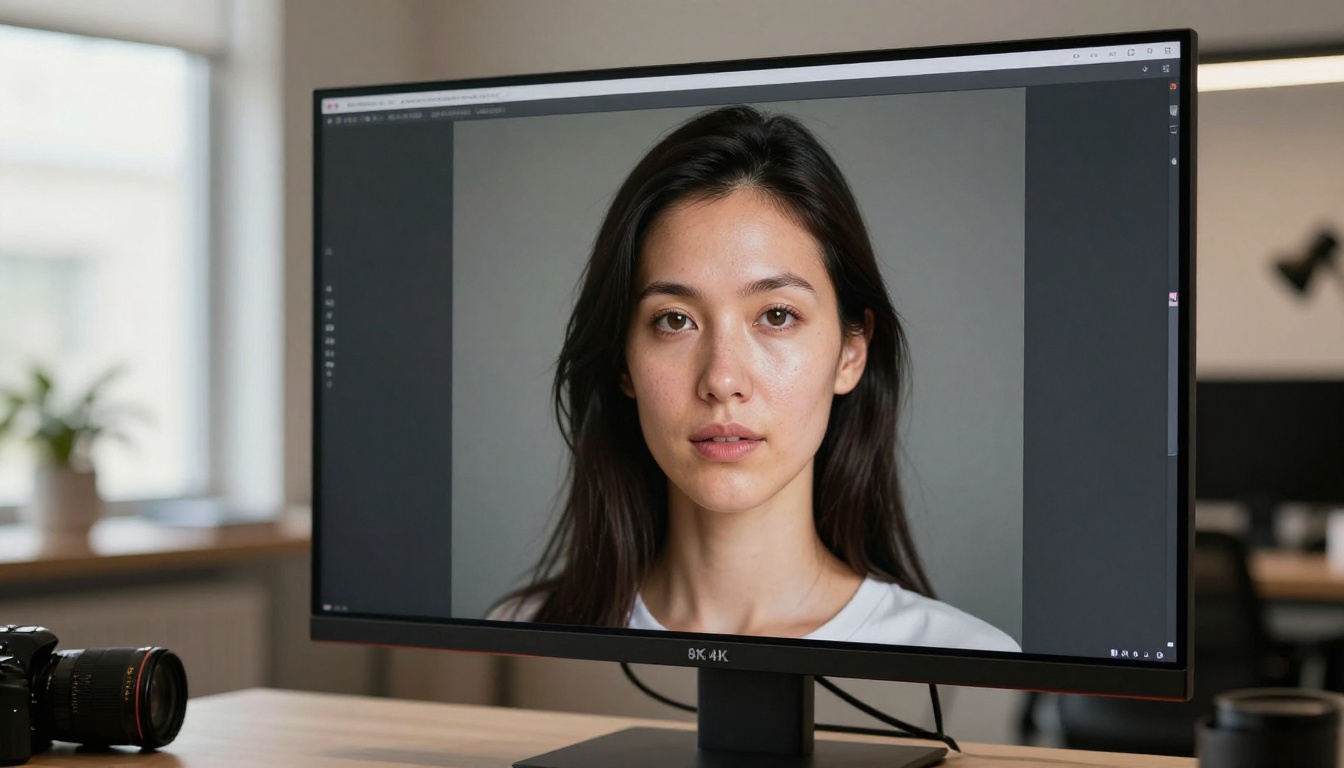
In photorealistic portrait generation, GPT Image 2.0 has a clear edge. Skin pores look natural, hair strands separate properly, and the lighting on faces follows physically plausible rules. When you describe "a woman in morning light by a window," GPT Image 2.0 tends to nail the soft, directional backlight that a real photographer would set up.
Nano Banana Pro's portraits look polished but often lean into the "hyperreal" zone where everything is a little too perfect, almost like a retouched magazine cover rather than a photograph. That aesthetic has its fans, but if you're targeting social media posts that need to feel authentic, this distinction matters.
💡 Tip: If photorealistic faces are your priority, write your prompt as if briefing a photographer. Include lighting direction, time of day, and lens type. You'll see a significant difference in output quality with either tool.
Landscapes, Objects, and Color
For non-portrait content, the gap narrows significantly. Both tools handle landscapes, product shots, and abstract scenes competently. Nano Banana Pro tends to produce more vivid, saturated colors out of the box, which works well for wallpapers and social graphics. GPT Image 2.0's landscapes look more naturalistic, closer to what a travel photographer would capture on a Sony A7.
Where Nano Banana Pro genuinely excels is in object composition. If you need multiple specific objects arranged in a scene, its model honors the spatial relationships in your prompt more reliably. "A red mug to the left of a silver laptop on a white desk" resolves more accurately in Nano Banana Pro than in GPT Image 2.0, which sometimes shuffles positions.
Text Inside Images: The Real Test
This is where most AI image tools still fall apart, and it's one of the most important differentiators for anyone creating social content, product labels, or informational graphics.
Why Beginners Struggle Here
AI image models don't "know" how to spell. They generate text as a visual pattern rather than reading and placing characters. This means letters get swapped, words get garbled, and longer phrases often dissolve into abstract letterform shapes. For a beginner asking for a birthday card with "Happy 30th!" written on it, the result can be genuinely unusable.
Which Tool Gets It Right
GPT Image 2.0 is in a different league here. Because it's built on GPT architecture with deep language processing baked in, it can actually place short phrases accurately in an image. Short labels, single-word callouts, and brief captions render with real correctness. It still struggles with paragraphs or stylized fonts, but for most beginner needs, it's reliable.
Nano Banana Pro treats text as texture rather than information. Even short words sometimes produce multiple errors. If text in images is a priority for your workflow, this alone may make GPT Image 2.0 the obvious pick for now.
Speed from Prompt to Output
When you're iterating quickly, generation time compounds across dozens of attempts. Both tools are fast compared to running local models, but they're not identical.
Nano Banana Pro Response Time
Nano Banana Pro typically delivers a 1024x1024 image in 8 to 15 seconds on its standard tier. Queuing is minimal outside of peak hours. The platform also supports batch generation, letting you run four variations of a prompt simultaneously, which dramatically speeds up your creative workflow when you're still experimenting with wording.
GPT Image 2.0 Response Time
GPT Image 2.0 runs in 15 to 30 seconds for a standard output, primarily because its generation is more computationally intensive due to the language-to-image pipeline it uses. During high-traffic periods through ChatGPT, this can push to 45 seconds or longer. For API users with dedicated rate limits, the experience is more consistent.
The speed gap matters less than it sounds for beginners who are still figuring out what prompts work. But for production workflows where you need 20 iterations per session, Nano Banana Pro's speed advantage becomes genuinely significant.

Pricing for Real People
Cost is the most concrete differentiator for beginners who aren't sure how much they'll actually use these tools.
Nano Banana Pro Costs
Nano Banana Pro runs on a credit-based model. A free tier exists with limited monthly credits, enough for casual experimentation. Paid plans typically start around $12 to $15 per month for generous credit allocations that cover several hundred standard generations. Higher-resolution outputs cost more credits per image. There are no overage surprises: when credits run out, you wait for the next billing cycle or buy a top-up.
GPT Image 2.0 Costs
GPT Image 2.0 through ChatGPT is available to Plus subscribers ($20/month), where image generation is included within usage limits. API access is priced per image: roughly $0.04 to $0.12 per image depending on resolution and quality settings. For casual beginners using ChatGPT conversationally and adding occasional image requests, the Plus plan provides solid value because image generation is just one feature among many.
| Feature | Nano Banana Pro | GPT Image 2.0 |
|---|
| Free Tier | Yes (limited credits) | No (ChatGPT free has limits) |
| Starting Price | ~$12/month | $20/month (Plus) |
| API Access | Yes | Yes ($0.04-0.12/image) |
| Batch Generation | Yes (4x) | No |
| Max Resolution | Up to 2048px (paid) | 1024px standard |
| Text in Images | Poor | Good |
| Style Sliders | Yes | No (prompt only) |
💡 Tip: If you're primarily using AI for chat and only occasionally need images, GPT Image 2.0 through a ChatGPT Plus subscription delivers better overall value. If image generation is your main use case, Nano Banana Pro's dedicated credit model will likely cost you less per image.
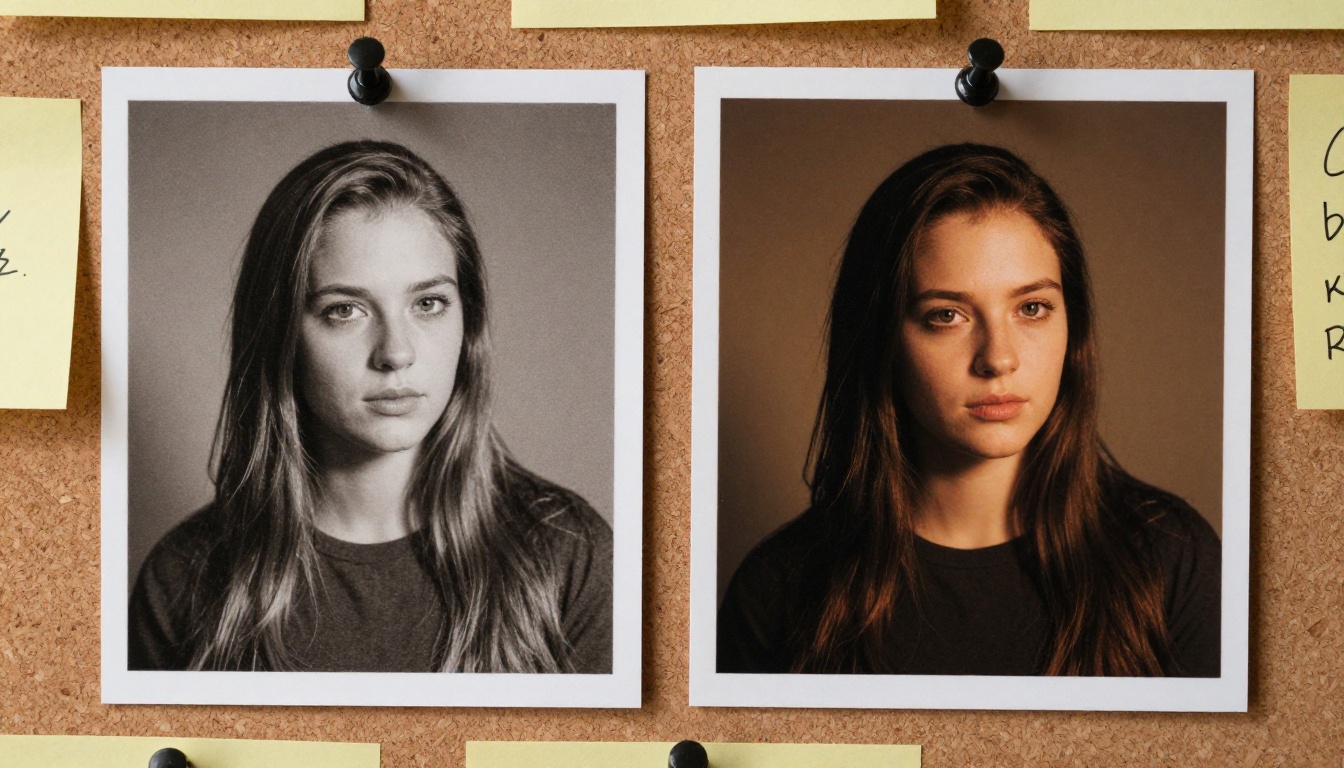
Style Variety and Control
Creative control looks very different in these two tools.
What You Can Adjust
Nano Banana Pro gives you direct style sliders and preset modes: cinematic, editorial, painterly, sketch, vintage, and more. You can lock in a style and vary only the subject, which is excellent for building a consistent visual identity across multiple posts or products. Negative prompt support is built in and encouraged for refining outputs.
GPT Image 2.0 controls style purely through natural language. There are no sliders or toggles. You write "in the style of a 1970s travel photograph, warm tones, slightly faded edges" and the model interprets it. For many beginners this is actually easier because it uses the same language you use for everything else. The tradeoff is consistency: getting the exact same style across multiple generations requires careful prompt preservation.
Default Style Tendencies
Nano Banana Pro defaults to rich, high-contrast imagery with a slight digital illustration quality even when you don't ask for it. This flatters certain subjects (architecture, fashion, nature) but can look artificial with others (documentary portraits, product photos on white backgrounds).
GPT Image 2.0 defaults to clean, balanced realism that works across a wider range of use cases without adjustment. You'll rarely get a bad output, but you'll also rarely get a spectacular one without deliberate stylistic direction in your prompt.
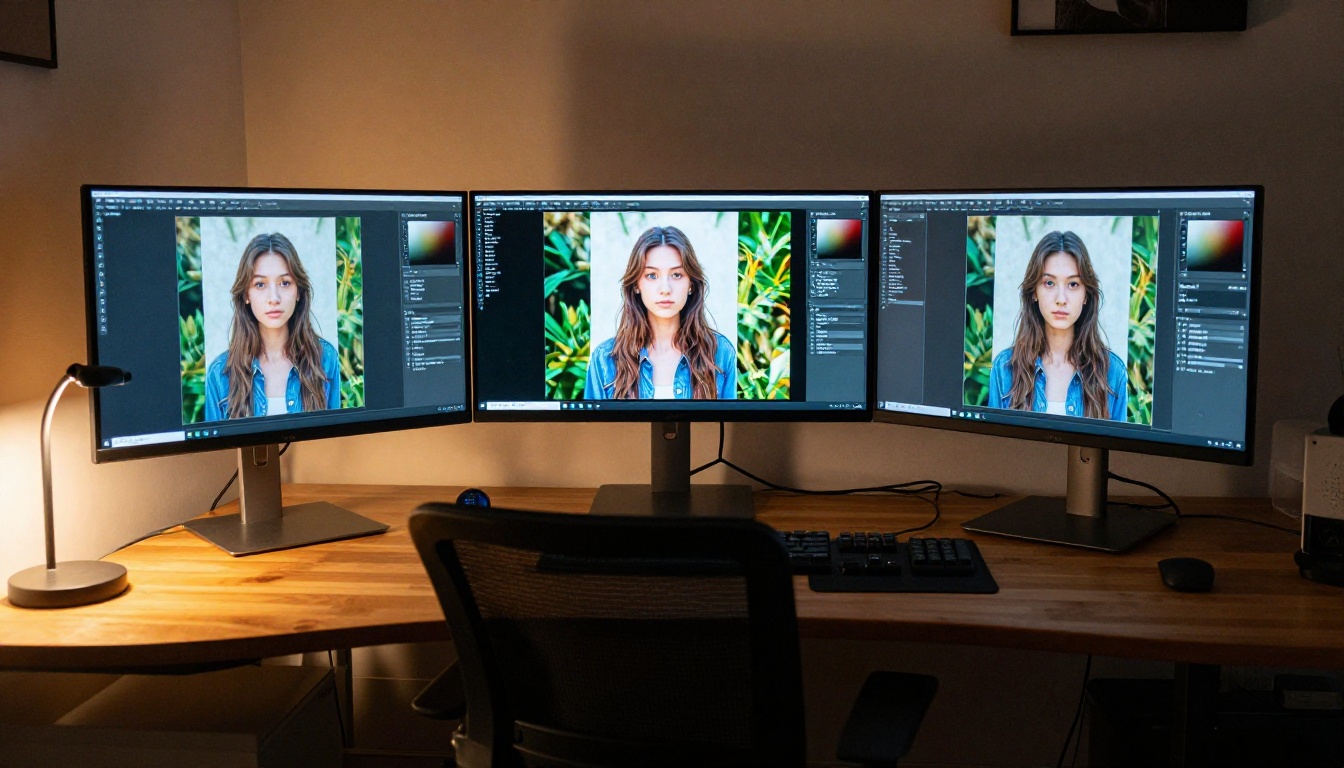
Upscaling Your Results
Both tools output images at resolutions that are sufficient for web use but can fall short for print, large displays, or detailed crops. This is where AI upscaling becomes part of the workflow.
Why Output Size Still Matters
A standard 1024x1024 image looks fine on a phone screen but can pixelate on a 4K monitor or when printed larger than 4x4 inches. Upscaling with a traditional algorithm just adds pixels without adding detail. AI-powered upscaling actually reconstructs texture, sharpens edges, and fills in plausible micro-detail, producing genuinely superior enlargements.
Best Upscaling Tools in 2027
If you're using either Nano Banana Pro or GPT Image 2.0 and need larger, higher-detail outputs, these tools on PicassoIA deliver significant quality improvements:
-
Clarity Pro Upscaler: Best for portraits and faces. Adds realistic skin texture, hair detail, and eye clarity without artifacts. Ideal for upscaling AI-generated portrait outputs.
-
Topaz Image Upscale: Industry standard for up to 6x enlargement. Excellent for landscapes and detailed product shots where fine texture needs preservation.
-
Real ESRGAN: Fast, reliable 4x upscaling for general-purpose use. A great starting point if you're upscaling for the first time.
-
Google Upscaler: Enlarges any photo up to 4x with minimal visible artifacts. Works particularly well with clean, well-lit source images.
-
Recraft Crisp Upscale: Sharp, clinical upscaling ideal for graphic design elements and product images where crisp edges matter more than organic texture.
The workflow is simple: generate your image in Nano Banana Pro or GPT Image 2.0, download the output, upload it to one of these upscalers on PicassoIA, and get a 2x to 6x enlarged version with restored detail. This two-step approach produces print-ready images from tools that don't natively support high-resolution output.

How PicassoIA Fits In
If you've been comparing just these two tools, you might be limiting your options more than necessary.
90+ Image Models, One Platform
PicassoIA aggregates over 90 text-to-image models in a single interface, which means you're not locked into the aesthetic or limitations of any single AI. You can run the same prompt through multiple models in minutes and compare which one handles your specific subject best.
For beginners, this is genuinely valuable. Instead of committing to a subscription based on marketing claims, you can test-drive many models and find the one whose output style matches your creative goals. The platform includes dedicated categories for image generation, visual effects, and upscaling so the tools you need for a full workflow are all in one place.
Some models on PicassoIA outperform GPT Image 2.0 for photorealism. Others exceed Nano Banana Pro for stylized content. Access to all of them through one platform, with consistent pricing and a unified interface, is a real advantage for anyone building a serious image generation workflow.
Super-Resolution After Generation
Once you have your output from any tool, PicassoIA's upscaling stack lets you push it further:
The right starting point is to identify what you want to create, then let the model variety work in your favor rather than committing to one tool and working around its limitations.
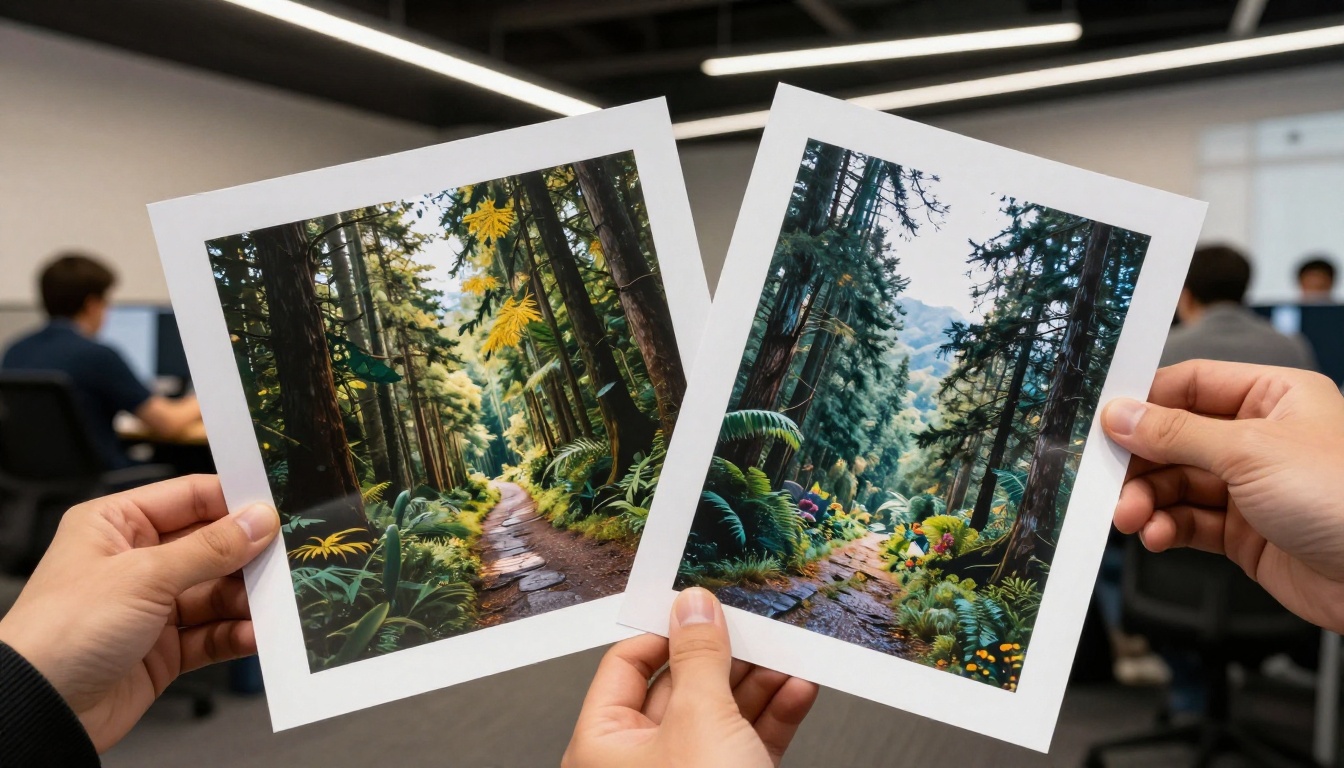
Which One Should You Pick?
The honest answer depends entirely on what you're making.
Pick Nano Banana Pro if:
- You're creating stylized or artistic content (concept art, fantasy, fashion)
- Speed and batch generation matter to your workflow
- You want hands-on style controls without writing long descriptions
- Budget is a priority and you generate images frequently
Pick GPT Image 2.0 if:
- Photorealistic portraits and faces are your primary output
- You need text to appear accurately inside your images
- You're already a ChatGPT Plus subscriber and image generation is one of many tools you use
- Clean, commercially neutral aesthetics are what you're after
Use PicassoIA if:
- You want to access dozens of models and find the best fit for your style
- You need a full workflow (generate, edit, upscale) in one place
- You're not sure which model type works for your use case yet
- You want to upscale outputs from any tool to print-ready resolution
Both Nano Banana Pro and GPT Image 2.0 are solid entry points, but neither locks you in. The best AI image workflow for a beginner is one that stays flexible. With PicassoIA's model library, you get the range to test, compare, and iterate without committing to a single tool's strengths and weaknesses. Start generating, see what resonates, and let the results tell you which direction to go next.


