Two fast-rising AI image models, Nano Banana Pro from Google and Seedream 5 Lite from ByteDance, have been generating serious buzz in the AI art community. Both promise impressive visual quality at lower computational cost than their flagship siblings, but they take very different approaches to achieving that balance. If you have spent any time testing AI image generators, you know the numbers rarely tell the whole story. This article puts both models through real-world prompts covering portraits, landscapes, complex scenes, creative styles, and speed, so you can pick the right tool without guessing.
What Sets These Two Apart
Before diving into test results, it helps to understand where each model comes from and what its designers were optimizing for. The architecture behind a model shapes everything from color rendering to how it handles instructions, and these two models represent two distinct philosophies.
Google's Nano Banana Pro at a Glance
Nano Banana Pro belongs to Google's family of efficient multimodal models. The "Pro" designation signals a step up from the base Nano Banana in terms of instruction following and visual coherence. Google trained this model with a strong emphasis on prompt adherence, meaning it tries to place every object exactly where you ask, in the right color and with the right spatial relationships between elements. The trade-off is that it can sometimes feel a little "clean" in a way that reads as slightly synthetic on complex organic textures.
ByteDance's Seedream 5 Lite at a Glance
Seedream 5 Lite is ByteDance's compressed version of the full Seedream 5 architecture. If you have tested Seedream 4 or Seedream 3 before, you already have a sense of ByteDance's signature aesthetic: rich color saturation, confident light and shadow separation, and a cinematic quality that photographs well in thumbnails. Seedream 5 Lite brings that same aesthetic fingerprint in a faster, leaner package. The occasional trade-off is struggles with very precise multi-element compositions.
| Feature | Nano Banana Pro | Seedream 5 Lite |
|---|
| Developer | Google | ByteDance |
| Optimization focus | Prompt adherence | Visual aesthetics |
| Color rendering | Natural, balanced | Vivid, high-contrast |
| Architecture | Multimodal efficient | Diffusion lite |
| Best category | Technical prompts | Creative and portrait |
| Speed tier | Fast | Fast |
Portrait and Human Realism
This is where most people start when comparing image models, and for good reason. Portrait quality separates the strong models from the mediocre ones very quickly. Human faces are the hardest subject for generative models to get right because viewers are wired to spot even subtle errors.
Skin, Hair, and Fine Detail
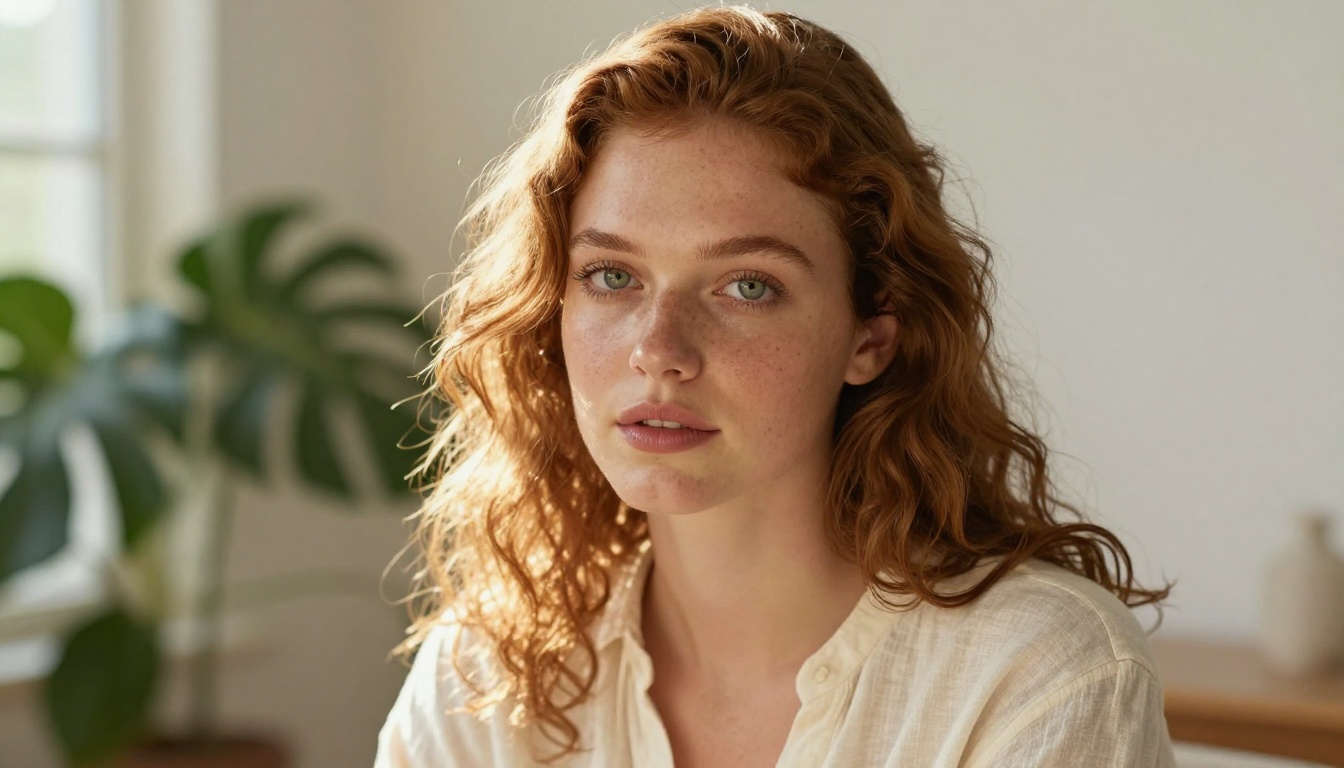
Run the same portrait prompt through both models and the differences show up almost immediately. Nano Banana Pro renders skin with a slightly smoother, more consistent texture across the face. Pores and fine hair strands appear, but they are evenly distributed rather than concentrated in specific areas of high detail. The result is flattering and technically accurate, like a very good beauty retouching job.
Seedream 5 Lite takes a different approach. The skin textures feel more unpredictably organic, with micro-variations in tone that better mimic how real skin photographs under directional light. Hair separation is sharper at the edges, and the model handles fine flyaway strands with noticeably more confidence. For portraits where you want something that feels photographed rather than generated, Seedream 5 Lite has a consistent edge.
💡 Prompt tip: For portrait work on either model, specify the exact lighting direction, lens length, and film stock. "85mm f/1.4, Kodak Portra 400, late afternoon window light from the left" will pull significantly better results than a vague portrait request.
Low-Light and Shadow Accuracy
Nano Banana Pro handles low-light portraits competently but tends to brighten shadows slightly, which means deep shadow regions lose some definition. Seedream 5 Lite preserves shadow detail more aggressively, sometimes at the cost of appearing slightly underexposed at first glance. If you are generating images intended for editorial or commercial use, Seedream 5 Lite's shadow accuracy typically reads as more professional and photographically authentic.

Landscape and Environment Tests
Wide landscape scenes demand a different skill set than portraits. Here the models have to manage atmospheric perspective, realistic foliage, water behavior, and light direction simultaneously without any single element dominating incorrectly.
Natural Scenes at Different Times of Day
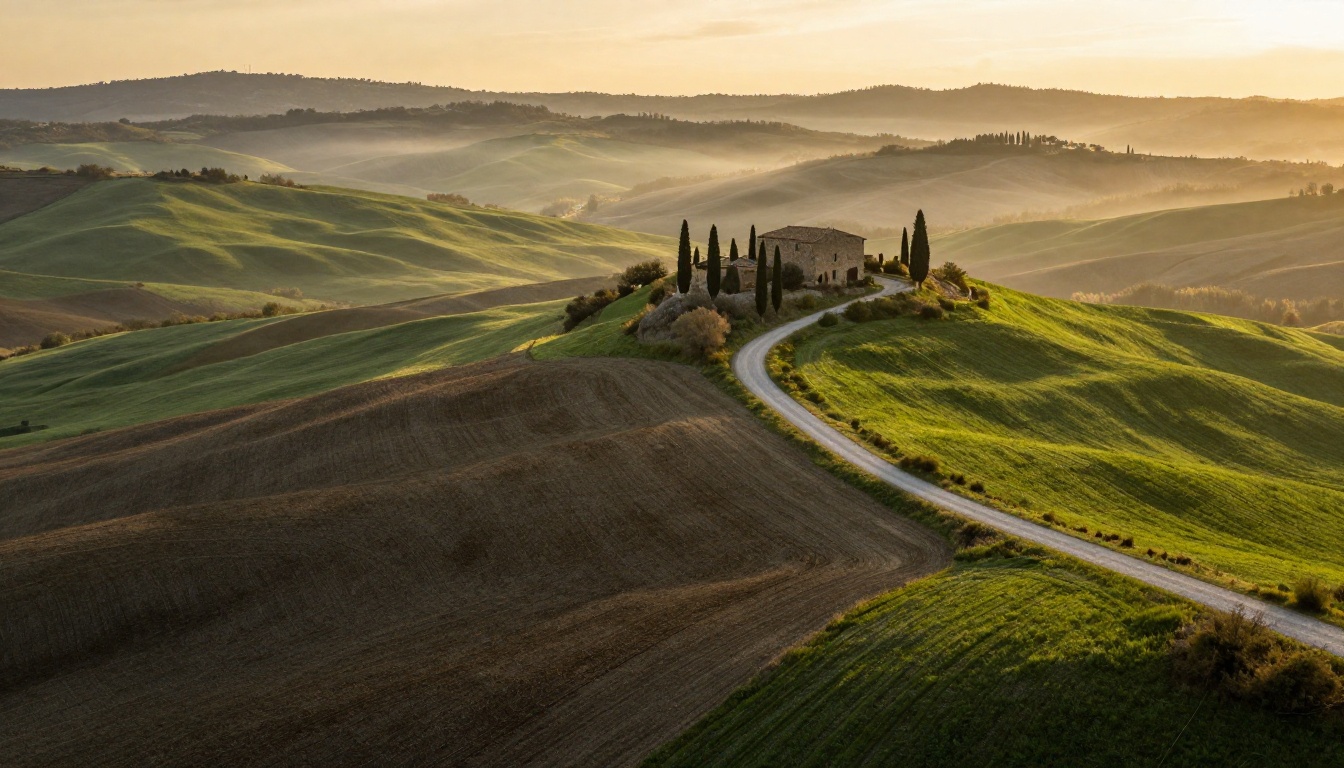
Nano Banana Pro produces very clean landscape compositions. The placement of elements follows your prompt closely, and the model rarely hallucinates structures or objects you did not request. Golden hour light is handled accurately, and atmospheric haze layers properly in the distance. The weakness is that foliage, grass, and earth textures sometimes look repeated or tiled at very high detail levels, which breaks the illusion on close inspection.
Seedream 5 Lite's landscapes feel more alive. The color grading is more aggressive, leaning toward the warm-cool contrast that cinematographers use deliberately. Foliage textures are more varied and the model handles water surfaces, whether ocean, river, or dew on leaves, with particular confidence. If you are generating landscapes for backgrounds, covers, or social content, Seedream 5 Lite's outputs tend to look striking at thumbnail size and hold up at larger display sizes.
Urban and Architectural Prompts
In urban scenes, Nano Banana Pro's strength in prompt adherence becomes very apparent. If you describe a specific street layout, the model follows the geometry. Sign placement, window count on buildings, and vehicle positioning all correspond closely to what you specified. For architectural visualization or scene planning, this accuracy is genuinely useful.
Seedream 5 Lite makes urban scenes look visually compelling but sometimes takes creative liberties with the geometry. It adds visual interest by adjusting light angles, deepening reflections on wet surfaces, or introducing atmospheric elements like steam or haze that you did not request. This is a distinct advantage for creative work and a limitation for technical accuracy.

Artistic Styles Beyond Photorealism
Both models produce photorealistic output as their default mode, but AI image generation spans far more than straight photography. Here is how both handle close-up detail work and documentary styles.
Macro and Close-Up Work
Macro photography prompts reveal how each model handles extreme close-up detail with precise depth of field. Nano Banana Pro produces clean, sharp macro images with accurate depth of field simulation. Water droplets, pollen, and fiber textures all appear with technical accuracy and consistent spacing. Seedream 5 Lite adds more visual drama to macro shots, with stronger light refraction in water droplets and more saturated color in organic surfaces like petals and leaves.

Cinematic and Documentary Styles
Documentary-style prompts with multiple people in active environments challenge both models in different ways. Nano Banana Pro manages crowd scenes with better individual human accuracy, meaning faces in the background are less likely to be distorted or malformed. Seedream 5 Lite handles the overall mood of crowded scenes more convincingly, with better light mixing between warm and cool sources and more natural body language in figures.
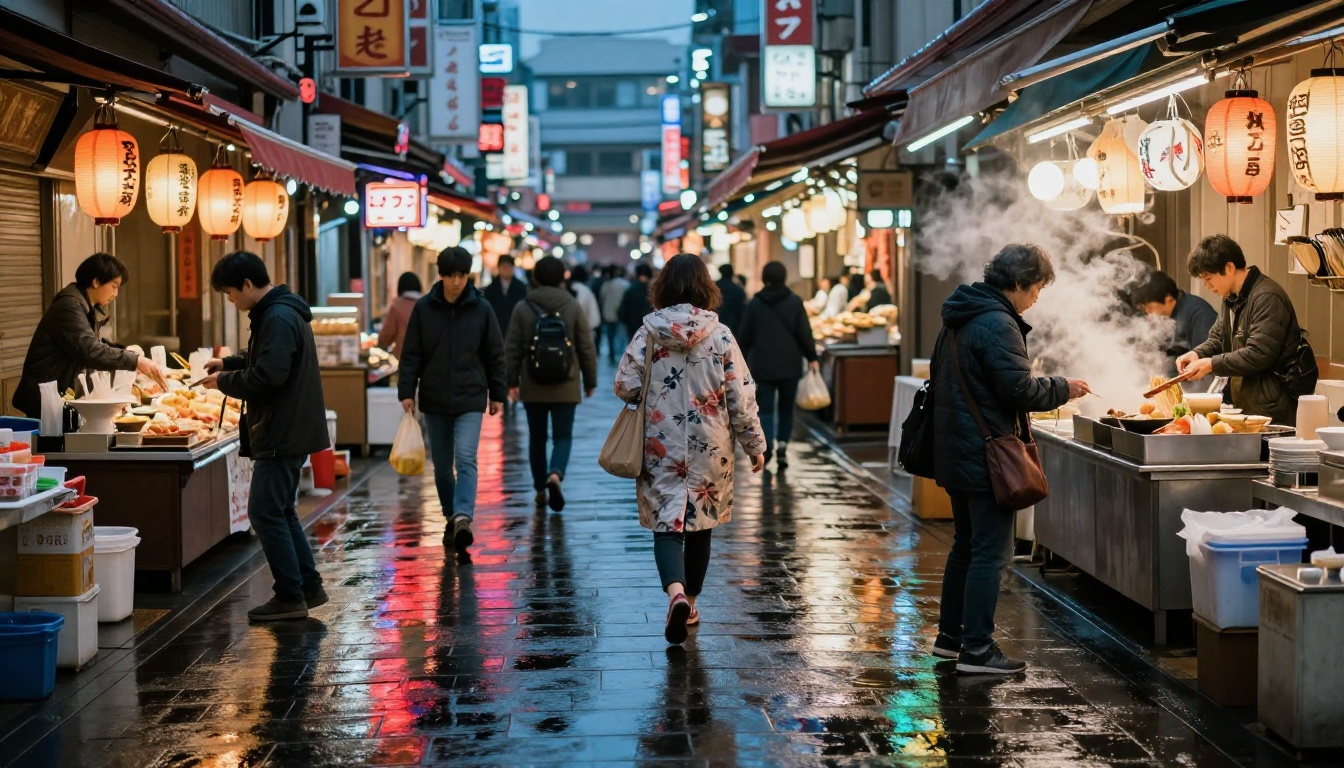
💡 For street photography prompts, adding "f/5.6, 1/125s, natural light, no flash, documentary style" tends to reduce AI artifacts in crowd scenes on both models.
Prompt Accuracy Under Pressure
This is where the real separation between the two models appears in day-to-day use. Prompt adherence affects not just image quality but your overall workflow speed, since poor adherence means more retries and wasted credits.
Single-Subject Prompts
For simple, focused prompts describing one subject in one setting, both models perform very well. Nano Banana Pro has a small but consistent edge on attribute binding, meaning when you specify "woman in a red dress standing next to a white car," the red stays on the dress and the white stays on the car. Attribute binding is a known weakness across most diffusion architectures, and Nano Banana Pro addresses it more reliably across multiple runs.
Multi-Element Complex Scenes
As prompt complexity increases, Seedream 5 Lite starts to struggle with precise element placement. Ask for "three people sitting at a round table with food" and you might receive two people or a rectangular table. Nano Banana Pro handles counting and spatial prompts with noticeably better consistency.
The practical implication is straightforward: use Nano Banana Pro when your prompt has specific compositional requirements. Use Seedream 5 Lite when you are writing mood-driven prompts where exact placement matters less than overall visual feel.
| Prompt Type | Better Choice | Why |
|---|
| Portrait with specific lighting | Seedream 5 Lite | Richer shadow and skin detail |
| Scene with exact element count | Nano Banana Pro | Better attribute binding |
| Landscape for thumbnails or covers | Seedream 5 Lite | More cinematic color grading |
| Architectural accuracy | Nano Banana Pro | Follows geometry reliably |
| Fashion and beauty photography | Seedream 5 Lite | More organic skin texture |
| Technical reference images | Nano Banana Pro | Stronger prompt fidelity |
Speed, Cost, and Accessibility
Performance in isolation does not tell you much. What matters is how fast a model runs in real workflows and what it costs to run it repeatedly across a full project.
How Fast Each Model Actually Runs
Both models sit in the "fast" tier, producing images noticeably quicker than heavyweight models like Flux Dev or Stable Diffusion 3. In practice, Nano Banana Pro tends to complete slightly faster on standard prompts, while Seedream 5 Lite can take an extra second or two when processing high-detail scenes with complex multi-source lighting.
For bulk generation workflows, those extra seconds accumulate. If you are generating batches of 20 or more images for a project, Nano Banana Pro's speed advantage becomes meaningful over the course of a session.
Token and Credit Efficiency
Neither model demands premium tier credits on PicassoIA, which makes both good choices for extended creative sessions where you want to iterate quickly without burning through your allocation. The cost parity means your model choice should be based purely on output quality for your specific use case, not on budget constraints.
How to Use Both on PicassoIA
Both models are available directly in the PicassoIA collection. Here is how to get the best results from each without spending time on trial and error.
Running Nano Banana Pro Step by Step
- Open Nano Banana Pro in the PicassoIA collection
- Write a structured prompt in this order: subject, action, environment, lighting, camera specs
- For scenes with multiple elements, list them with explicit spatial relationships ("on the left," "in the background," "next to the door")
- Set aspect ratio to 16:9 for landscape content or 1:1 for social and profile images
- Run at default settings before tweaking, since the model is well-calibrated from the start
- To add more texture, append "film grain, Kodak Portra 400, natural imperfections" to the prompt
Running Seedream 5 Lite Step by Step
- Open Seedream 5 Lite in the PicassoIA collection
- Write mood-first prompts: start with the emotional quality, then layer in physical details
- Include film stock and lighting references for the best photorealistic results (Kodak Portra, Fujifilm Provia, golden hour, diffused window light)
- To tone down the saturation, add "muted palette, slightly desaturated, film negative look" to the prompt
- For portraits, specify the subject's approximate age range, a specific eye color, and one defining physical characteristic to avoid generic outputs
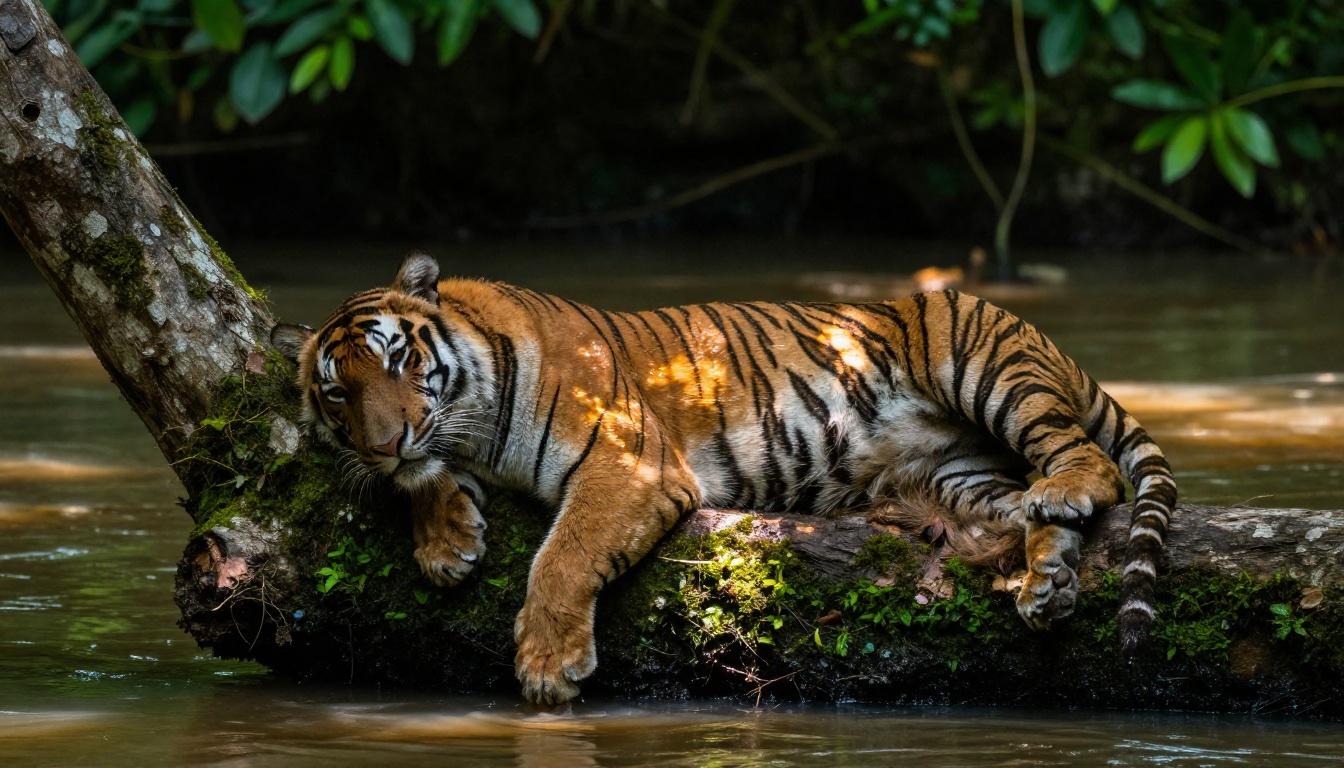
💡 Both models respond well to negative-space prompt additions. Appending "no text, no watermarks, no lens flare, no vignette, no borders" reduces common AI artifacts significantly on both.
Which One Is Right for Your Work
After running both models through the same set of prompts across categories, the picture becomes clear. These are not competing models so much as complementary ones with different strengths that suit different creative workflows.
Use Nano Banana Pro when:
- Your prompt requires precise placement of multiple elements
- You are generating reference images where compositional accuracy matters
- You need fast generation for batch workflows
- Your subject involves architecture, product photography, or scenes with specific object counts
Use Seedream 5 Lite when:
- You are working on portraits, beauty, or fashion imagery
- Your priority is visual impact over technical precision
- You want cinematic color grading without post-processing
- The prompt is mood-driven rather than specification-driven
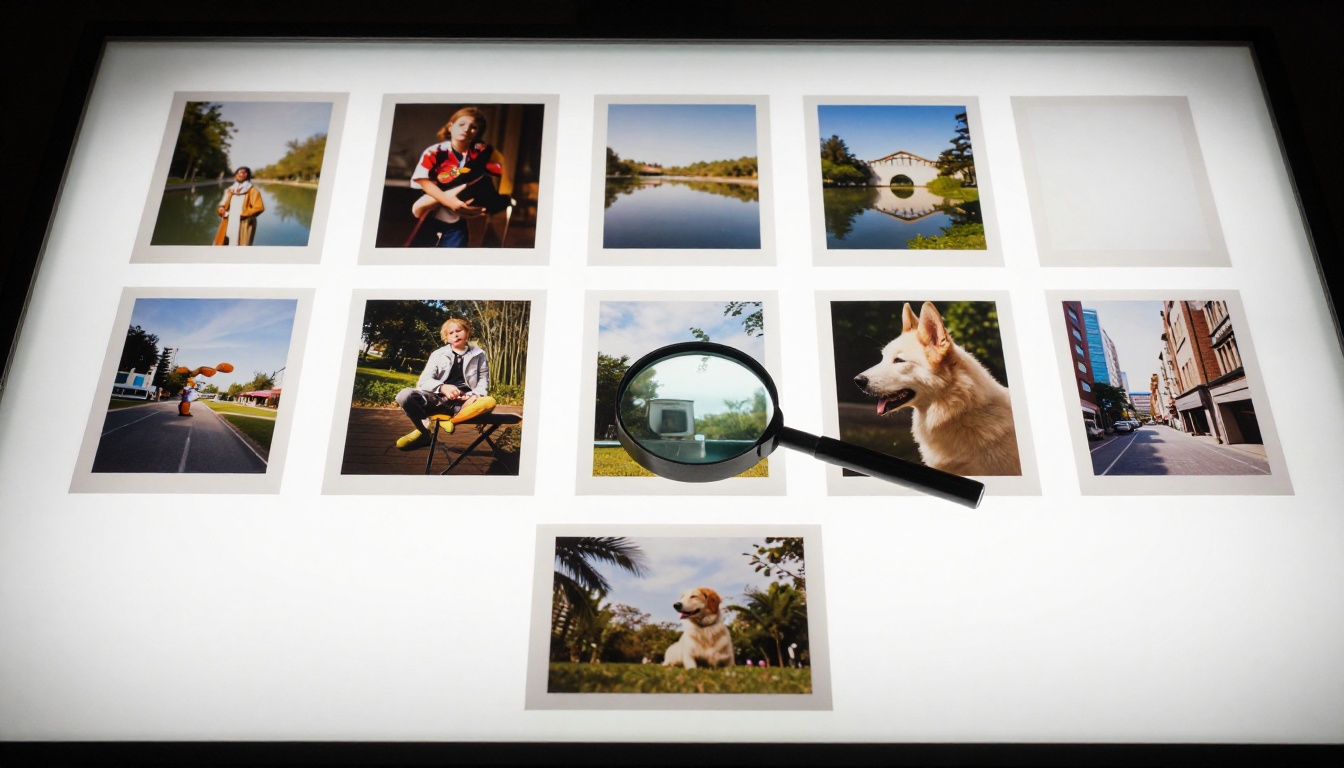
If you want to push further in either direction, PicassoIA also has the full Nano Banana 2 for more complex Google architecture tasks, or Seedream 4 and Seedream 4.5 for higher-fidelity ByteDance outputs when Seedream 5 Lite leaves you wanting more detail. For high-end photorealism at any cost tier, Flux Pro and Flux Schnell remain strong reference points to benchmark against.
Neither model needs expert-level prompting to produce strong results. Both reward specificity, respond well to photography-style prompt structures, and are fast enough to use in real production workflows without feeling like you are waiting. The most honest advice: try both on the same prompt and trust what your eyes tell you. The model that produces the output closest to what you imagined, with the fewest corrections needed, is the right one for your work.
Start Creating on PicassoIA
The fastest way to form your own opinion is to run the comparison yourself. PicassoIA gives you access to both Nano Banana Pro and Seedream 5 Lite without needing to configure APIs, manage local environments, or pay per-image rates for casual testing.
Try a portrait prompt with specific lighting conditions. Then try a landscape with a mood in mind. Run the same prompt through both models back to back and compare the results side by side. The differences will be immediately visible, and that direct comparison, rather than any benchmark score, will tell you exactly which model fits the kind of work you actually produce.
PicassoIA also offers the full Seedream lineage from Seedream 3 through Seedream 4, alongside a wide range of Flux Schnell and Stable Diffusion 3 variants to compare against. Whatever your creative direction, there is a model calibrated for it. The only way to know which one is yours is to start creating.


