If you've spent time scrolling through AI art communities, you know the feeling: most NSFW AI images look obviously fake. Plastic skin, dead eyes, impossible geometry, lighting that makes no physical sense. But the tools have gotten dramatically better in 2027, and a handful of models now produce output that passes the "is this real?" test at first glance.
This article is for people who want results that actually hold up, not blurry softcore with hands that have six fingers.
What Makes AI Art Look "Real"?
Most people assume realism is about detail, but that's only part of it. A highly detailed image can still look completely artificial. True photorealism lives in three things: consistent lighting physics, skin texture behavior, and depth of field accuracy.
The Anatomy of a Convincing Image
When a photographer takes a picture, light behaves according to physical laws. Shadows fall in consistent directions. Highlights bloom naturally on skin. The lens creates a specific compression of space depending on focal length. The best AI models have learned to simulate all of this convincingly.
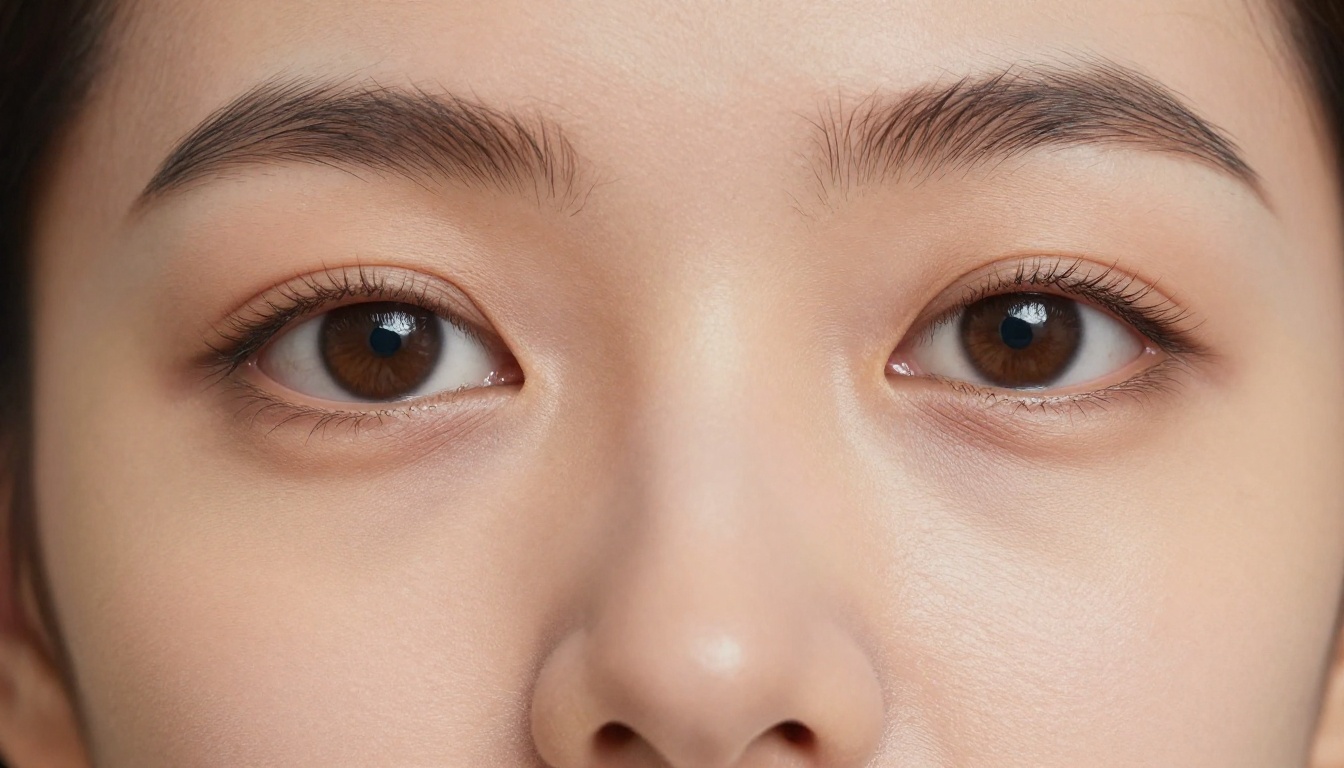
What trips up most generators is the micro-level: individual pores, the way hair catches light from behind, the specific way a fabric wrinkles under tension. These aren't random textures, they're physics-based behaviors. Models trained on massive curated datasets of real photography have learned these patterns well enough to reproduce them.
Why Most AI Tools Still Fail
The average free-tier generator fails because it was trained to produce aesthetically pleasing but physically inaccurate images. They optimize for "looks nice" rather than "looks real." That's fine for fantasy art, but not for photorealism.
The common failure modes are predictable:
- Skin looks like silicone: No pore detail, too uniform, reflects light like a plastic mannequin
- Eyes are too perfect: Symmetrical in an uncanny way, with fake-looking specular highlights
- Anatomy goes wrong at edges: Fingers, ears, hairlines, and shoulder transitions are where most generators break down
- Lighting is inconsistent: The face is lit from the front but the background shadows suggest a completely different light source
The Three Pillars: Resolution, Lighting, Anatomy
The models that win are the ones that nail all three consistently. Resolution matters because low-res images hide failures, but when you zoom in, everything falls apart. Lighting accuracy is what separates a good result from a great one. And anatomy, particularly around the face and body transitions, is what kills realism faster than anything else.
Seedream 4.5: The Top Pick for Real-Looking NSFW Art
Seedream 4.5 is, as of mid-2025, the single strongest model for photorealistic human figures available on the platform. Built by ByteDance and running at 4K native resolution, it has been trained specifically on photography, not illustration or mixed-media datasets.
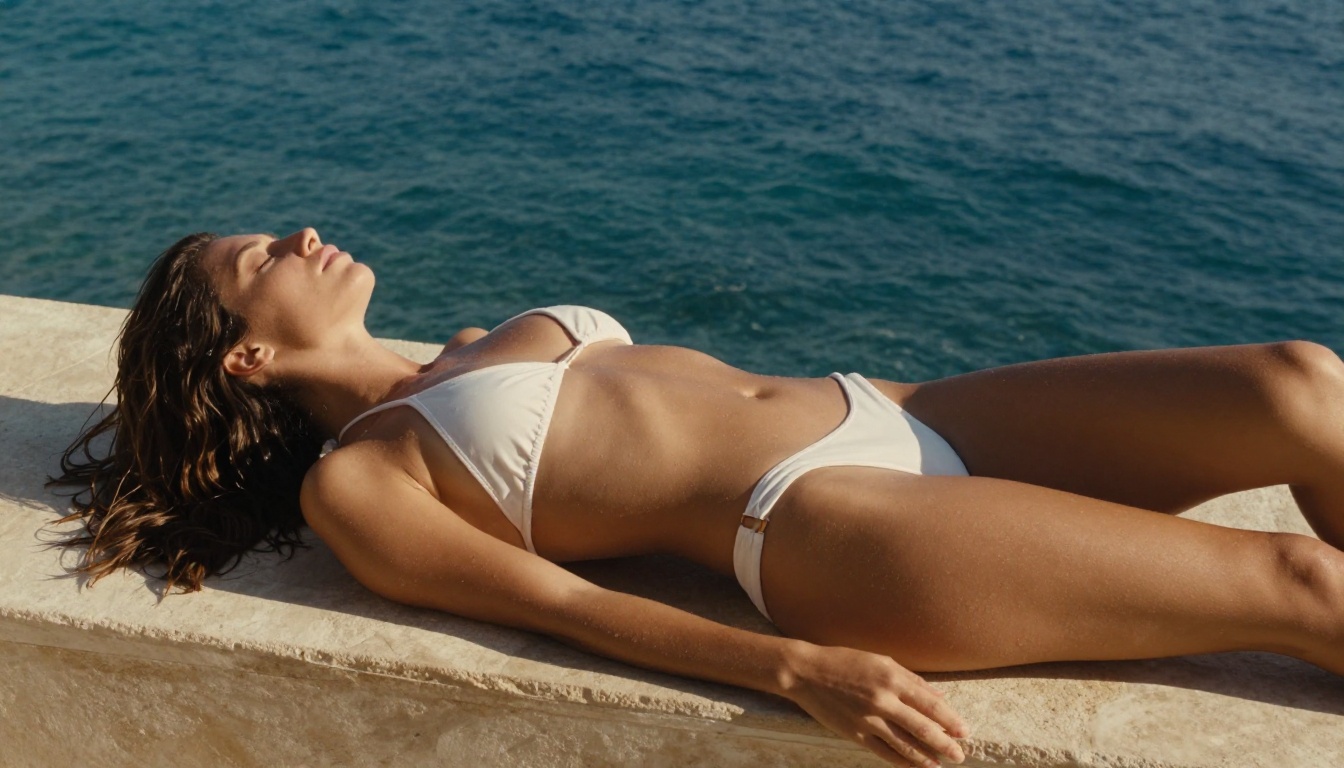
The result is striking: Seedream 4.5 produces skin that actually looks like skin. You get pores, natural color variation, subsurface scattering that mimics how real flesh handles light. Hair looks like individual strands rather than a solid mass. And crucially for NSFW work, it handles the anatomy of the human body with accuracy that other models still struggle with.
Why Seedream Leads the Pack
What sets Seedream 4.5 apart from the competition is its depth of training on real-world photography. Most models that produce realistic results have been fine-tuned from a base model, which means they carry that base's limitations. Seedream was designed from the ground up with photographic fidelity as the primary goal.
For NSFW content specifically:
- It has no built-in content restrictions that would water down suggestive imagery
- The 4K output means you can crop heavily and still have print-quality resolution
- Generation speed runs around 15-20 seconds per image at full quality
💡 Tip: For the most realistic skin, include lighting descriptors in your prompt. "Volumetric afternoon light from camera-left" will give you dramatically better results than just "natural lighting."
How to Prompt Seedream for Maximum Realism
The biggest mistake people make with Seedream 4.5 is under-prompting. A short prompt gives the model too much freedom, and it defaults to its training distribution averages, which is "acceptable" but not "stunning."
Winning prompt structure:
- Subject description (physical features, pose, expression)
- Clothing and context (fabric type, fit, environment)
- Lighting specification (direction, quality, color temperature)
- Camera/lens parameters (focal length, aperture, shooting distance)
- Film stock/quality modifiers (Kodak Portra 400, 8K RAW, photorealistic)
A prompt that includes all five elements consistently outperforms one that skips any of them.
PicassoIA Image Editor Pro: Unlimited Generations
PicassoIA Image Editor Pro serves a different but equally important purpose. Where Seedream 4.5 is your primary generation engine, Image Editor Pro is where you refine and perfect the results.
The unlimited generations aspect is practically significant. Most platforms meter your API calls heavily, which means every iteration costs you. When you're trying to dial in a specific look, you might run 20-30 variations on a prompt before you nail it. With Image Editor Pro, that experimentation is free.
Why Unlimited Matters for NSFW Work
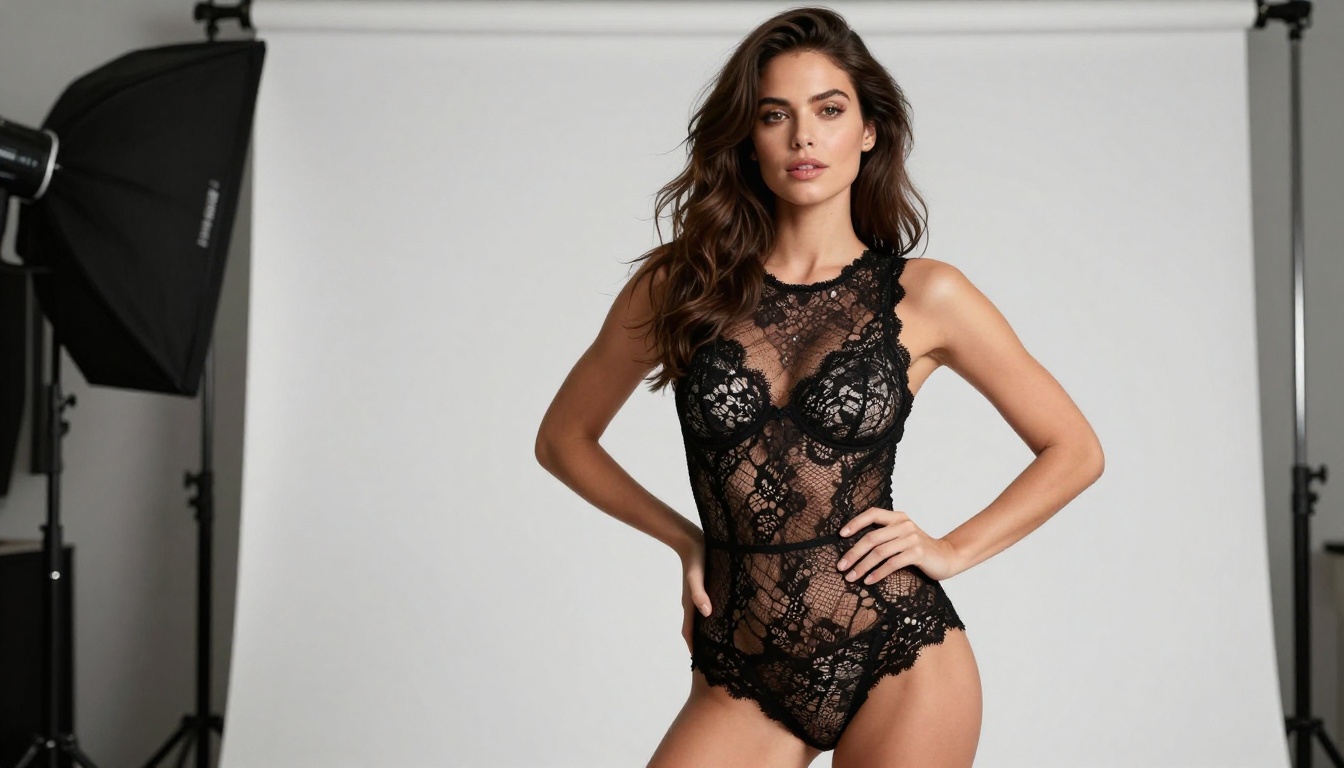
NSFW content is particularly iteration-heavy. You're often working with specific composition requirements, specific aesthetic targets, and content that needs to land in a very specific range between tasteful and explicit. That range requires experimentation.
With Image Editor Pro, you can:
- Run the same seed with different prompt variations to isolate what's driving specific results
- Use inpainting to fix specific areas (a face that doesn't quite work, a hand that went wrong)
- Expand the canvas via outpainting to reframe a composition that's close but not quite right
Editing and Refining Your Best Shots
The inpainting capability deserves special attention. Once you generate a strong base image with Seedream 4.5, you can bring it into Image Editor Pro and mask off any problem areas. Paint over a face that's almost right, reprompt just that region, and blend the result seamlessly into the rest of the image.
💡 Workflow: Generate 5-10 candidates with Seedream 4.5, pick the best composition, then use Image Editor Pro to fix any anatomical issues or refine the lighting in specific areas.
Other Models Worth Using on PicassoIA
Flux Dev and Flux Pro
Flux Dev and Flux Pro from Black Forest Labs are the gold standard for photorealistic image generation in the open model ecosystem. Both handle human anatomy with remarkable accuracy, and they respond extremely well to photography-style prompting.
Flux Dev is the open-weights version, more flexible for experimentation. Flux Pro is the commercial version, which tends to produce slightly cleaner results out of the box at the cost of some flexibility. For NSFW work where you need clean output without post-processing, Flux Pro is usually the better pick.
The Flux 1.1 Pro Ultra takes this further with native 2K output and improved anatomy handling at extreme crop distances. If you're generating full-body portraits that need to hold up at 100% zoom, Ultra is worth the extra generation time.
Krea 2 Large
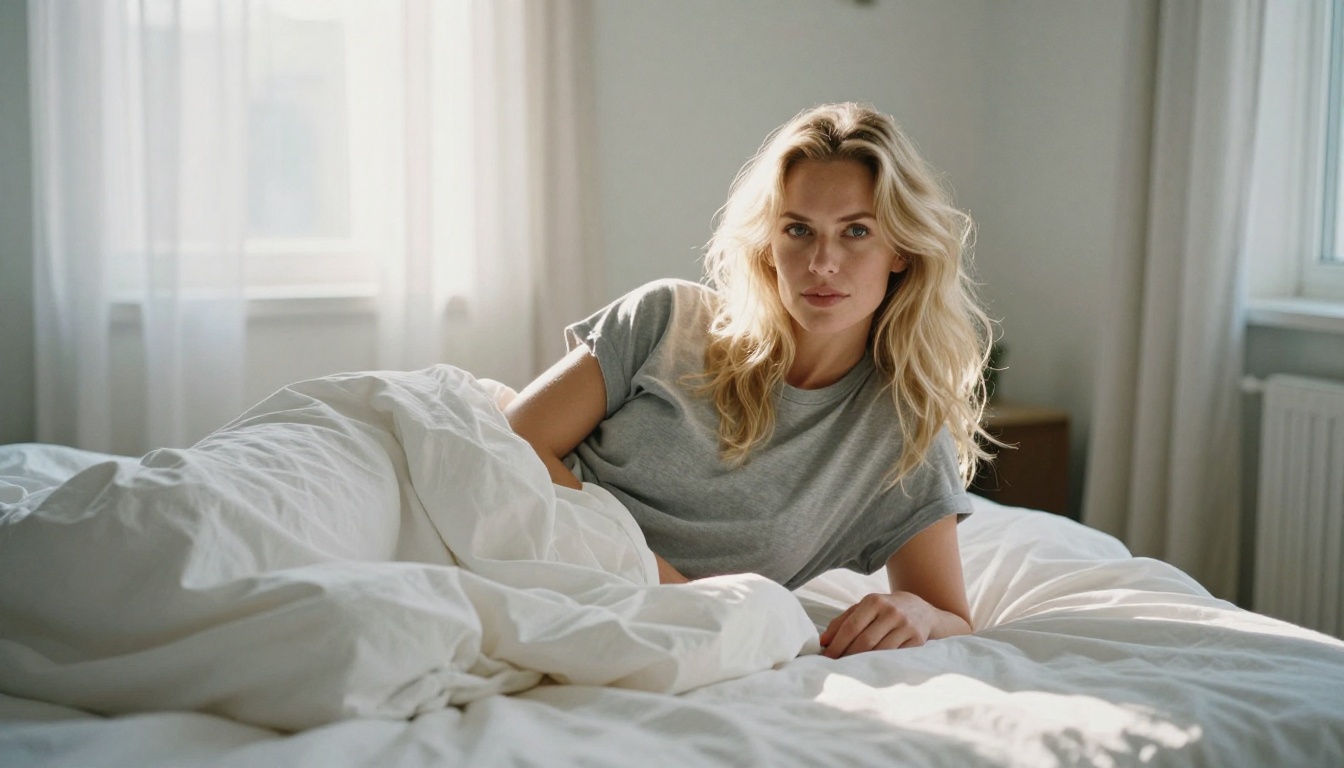
Krea 2 Large is an interesting model for a specific use case: moody, editorial photography style. Where Seedream and Flux tend toward crisp commercial photography aesthetics, Krea 2 Large has a slightly more organic quality to it, reminiscent of film photography.
If you're going for a more intimate, less polished look (think candid rather than magazine shoot), Krea 2 Large often produces more convincing results because the slight organic quality reads as real rather than engineered. The model's training skews toward natural, unposed imagery, which is exactly what you want when "this looks like a real photo" is the goal.
Dreamina 3.1
Dreamina 3.1 from ByteDance (the same team behind Seedream) is built specifically for cinematic portrait photography. Its training dataset skews heavily toward cinema, fashion editorial, and commercial photography, which makes it excellent for images that have a strong sense of atmosphere and intentional lighting.
At 4-megapixel output, it's not quite at the resolution ceiling of Seedream 4.5, but for images where mood matters more than technical sharpness, it's often the better pick.
Prompt Engineering for Photorealistic NSFW Art
The model is only half the equation. The other half is what you ask it to do. Most people dramatically underestimate how much the prompt structure affects the final result.
The Vocabulary of Realism
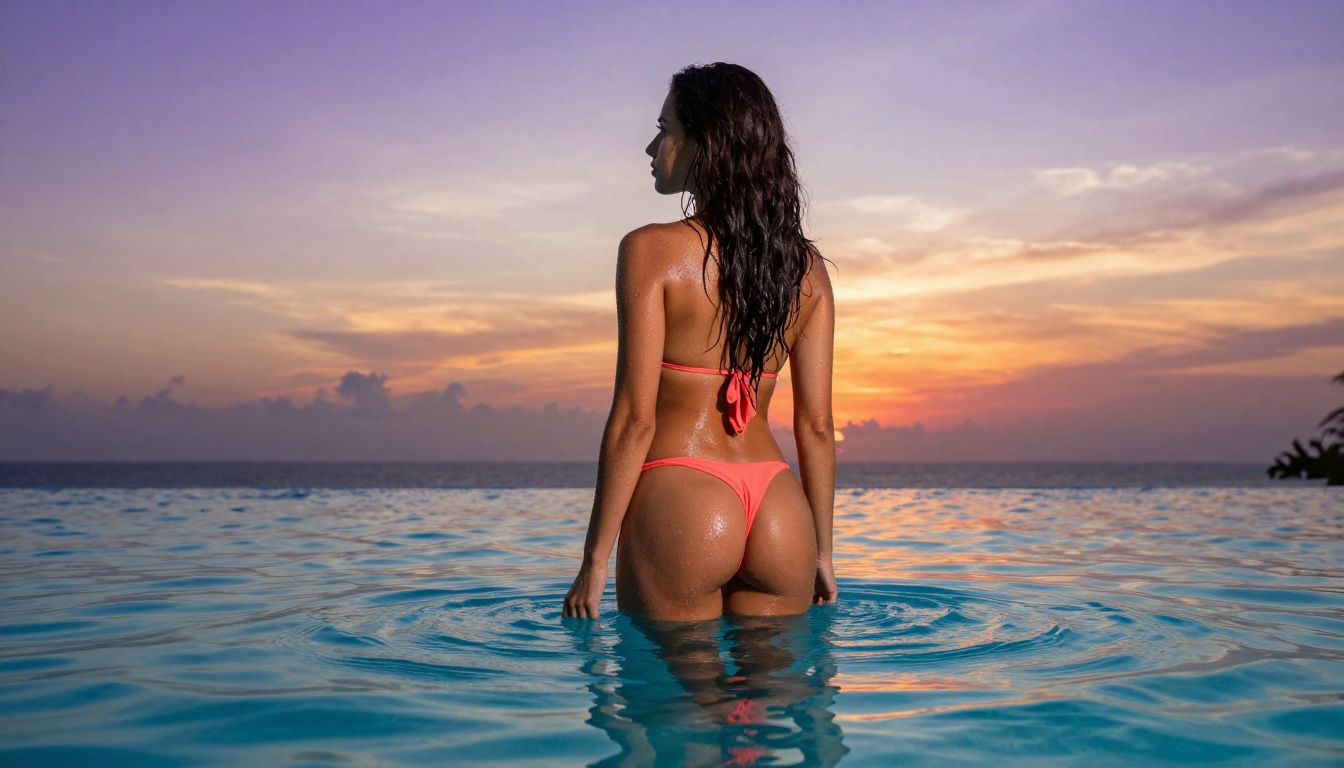
Certain words and phrases reliably push models toward more photorealistic output. These aren't magic keywords, they're semantic anchors that activate learned associations with real photography:
| Category | Effective Terms |
|---|
| Camera/Lens | 85mm f/1.8, 50mm f/2, 100mm macro, 35mm f/1.4 |
| Film Stock | Kodak Portra 400, Fuji Superia 400, Ilford HP5 |
| Quality Modifiers | 8K RAW, photorealistic, natural photography |
| Lighting | Volumetric light, chiaroscuro, practical lighting |
| Texture Markers | Skin pores, individual hair strands, fabric weave |
Lighting Terms That Change Everything
Lighting is the single variable with the highest impact on perceived realism. Vague lighting descriptions produce vague results. Specific lighting descriptions produce images that look like they were taken in a real space with a real light source.
The most impactful lighting descriptors:
- "Volumetric [direction] light": Creates the sense of light passing through atmosphere, giving images that soft haze quality seen in real photography
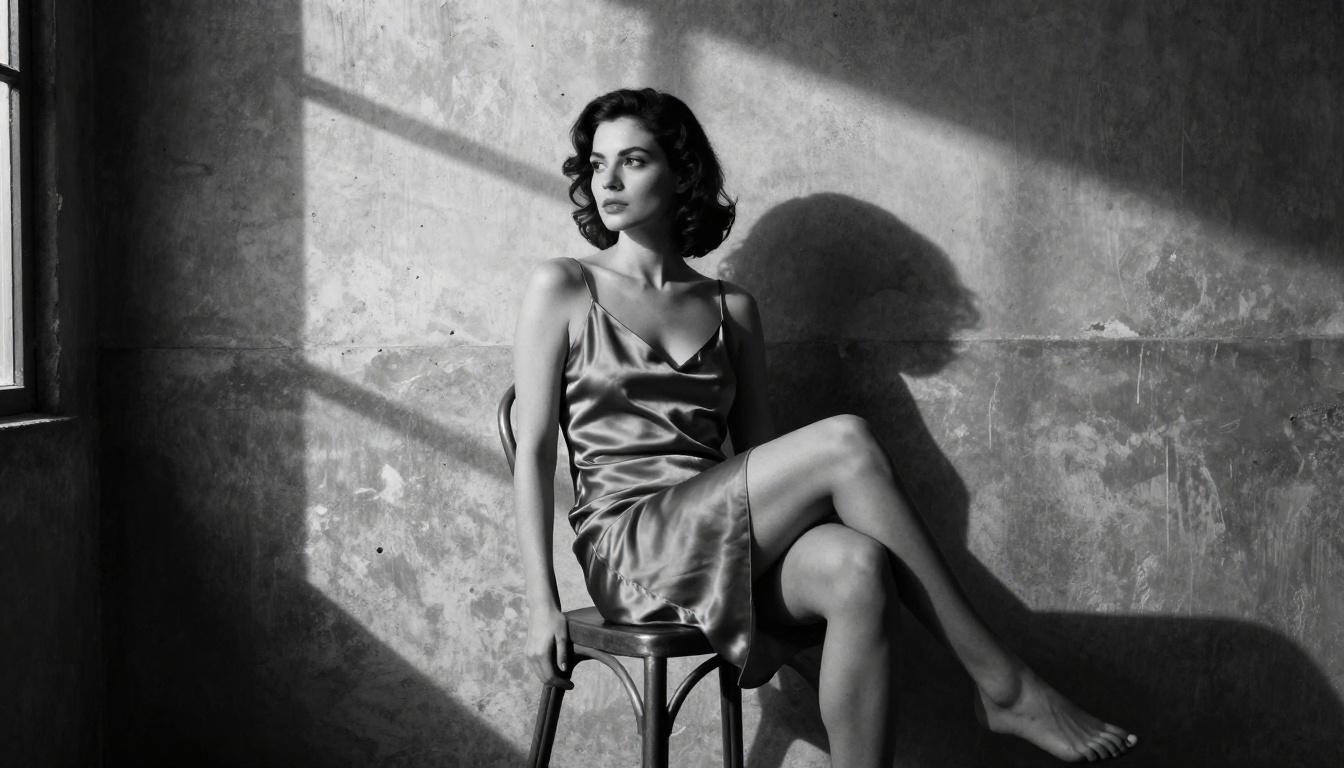
- "Hard directional light": Single-source shadow pattern, very convincing in black-and-white work
- "Practical lighting from [source]": Tells the model to simulate light coming from a specific in-scene source (a lamp, a window, a fireplace)
- "Golden hour from camera-[left/right]": The most universally flattering real-world lighting condition, and one every major model handles well
Common Mistakes That Kill Realism
These are the prompt patterns that reliably produce fake-looking output, even on top-tier models:
- Using "beautiful" without specifics: This tells the model nothing about how to render beauty. Replace with specific physical attributes and lighting.
- Vague emotional direction: "Seductive look" produces generic AI face output. "Eyes half-closed, chin slightly raised, mouth slightly parted" produces something specific and photographically grounded.
- No camera context: Without lens and aperture information, the model defaults to an undefined perspective with inconsistent depth of field.
- Contradictory style modifiers: "Cinematic, photorealistic, 8K, HDR, film grain, bokeh, studio lighting, natural lighting" is self-contradicting. Pick a lane and commit to it.
💡 Rule of thumb: If your prompt reads like a list of adjectives, it's too vague. If it reads like a photography brief someone would hand to a cinematographer, it's going in the right direction.
Comparing the Best Free vs. Paid Options
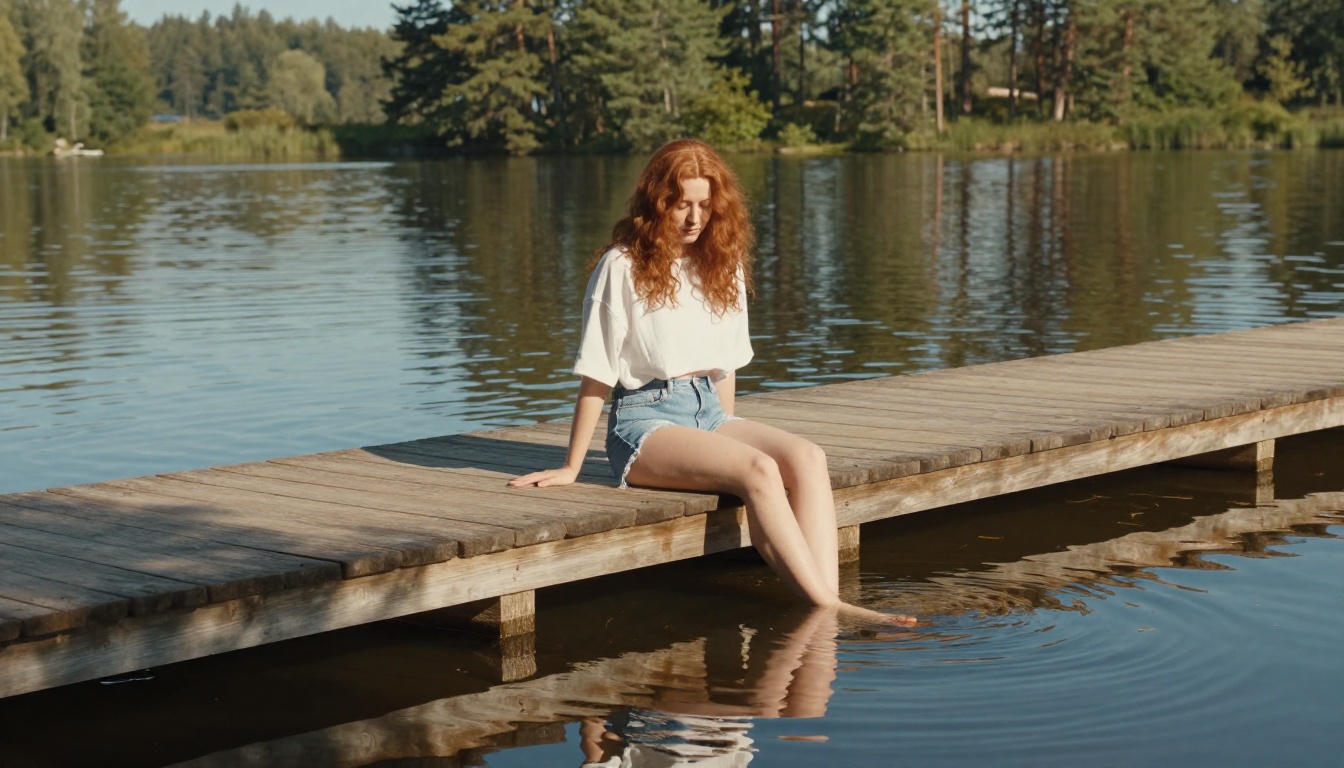
Understanding what you get at each tier helps you spend your credits where they matter most.
A practical usage pattern: generate with Seedream 4.5, refine with Image Editor Pro. Save Flux Pro for when you want a slightly different aesthetic, crisper and more commercial, or when Seedream's output isn't hitting the right vibe for a particular prompt.
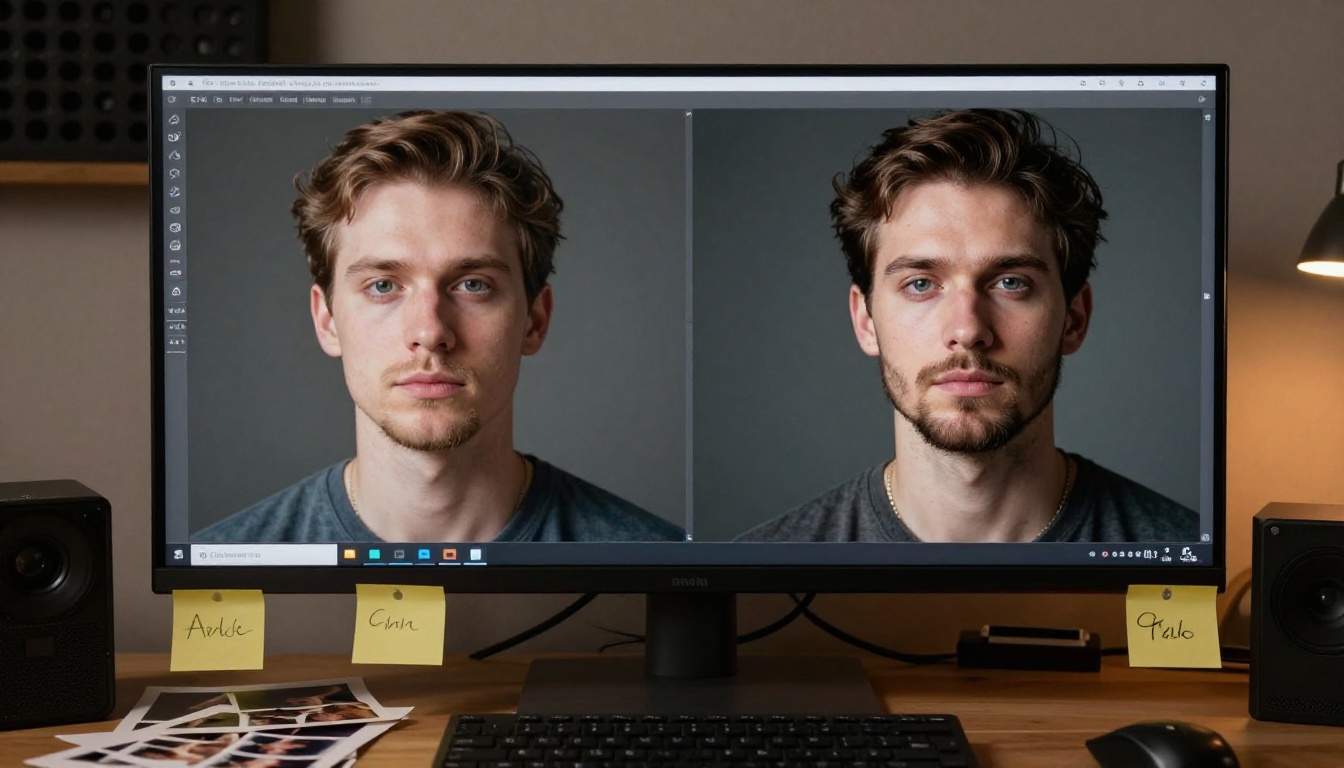
What the AI vs. Real Test Actually Looks Like
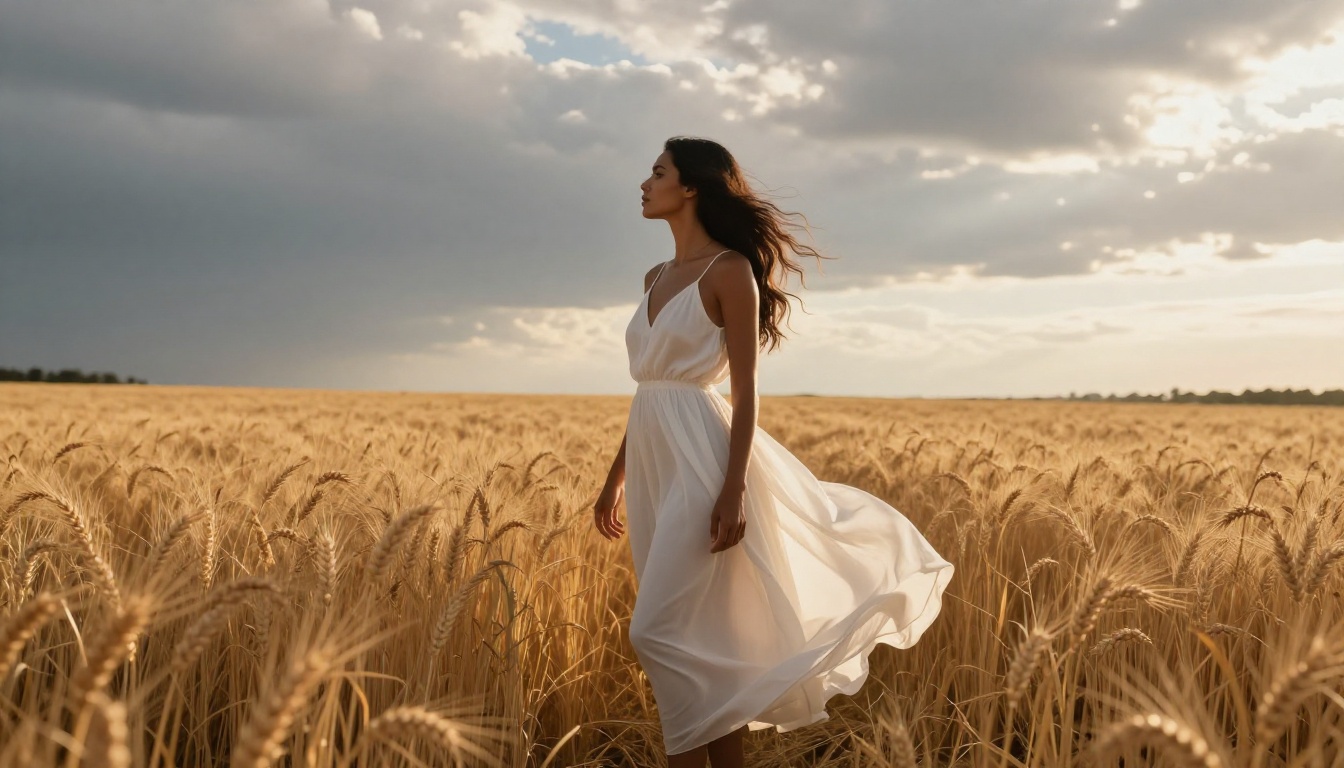
The useful test isn't "does this fool me when I'm looking for fakes" but rather "does this pass if I'm not actively scrutinizing it." By that standard, the best outputs from Seedream 4.5 and Flux Pro pass consistently in 2025, something that wasn't true even 12 months ago.
The markers that still give away AI origin in lower-quality outputs:
- Background coherence: Real photos have environments that make physical sense. AI images sometimes have backgrounds that appear to exist in a different light source reality than the subject.
- Fabric physics at tension points: Where fabric pulls against a body (buttons, waistbands, straps), real photography shows very specific deformation patterns that most generators still get wrong.
- Hairline transitions: Where hair meets skin is microscopically complex. The best models handle this. Most still don't.
Seedream 4.5 handles all three of these better than any alternative available right now. That's why it's the starting point for anyone serious about photorealistic NSFW output.
Start Generating Your Own
The gap between "looks obviously AI" and "looks like a real photograph" comes down to three things: the right model, specific prompting, and a willingness to iterate. The tools covered here, particularly Seedream 4.5 and PicassoIA Image Editor Pro, are currently at the top of what's achievable with AI image generation for realistic human subjects.
If you want to see the full range of what's available, including the complete library of text-to-image, editing, and enhancement models, the place to start is picassoia.com/en/all-models. New models are added regularly, and the gap between "good" and "photographic" continues to close with every update.
The best way to see what a model can do is to run it. Start with Seedream 4.5, use the prompt structure outlined here, and adjust based on what you see. The results at this point speak for themselves.


