A nude character maker used to mean a clunky doll builder with a dozen sliders and a plastic look. Today it means something far better: you type a description, pick a model, and get a photorealistic adult character with believable skin, natural light and the exact mood you had in mind. The catch is that results vary wildly. Some tools refuse half your prompts, others give you melted hands and flat lighting, and most "free" options hide a paywall behind the second image.
This article sorts through that mess. You will see which online tools are worth your time, how to build prompts that return tasteful, non-explicit glamour instead of random noise, and which customization options change the result the most. Everything below is aimed at adult characters, artistic or glamour framing, and clean photographic quality.
What a Nude Character Maker Does
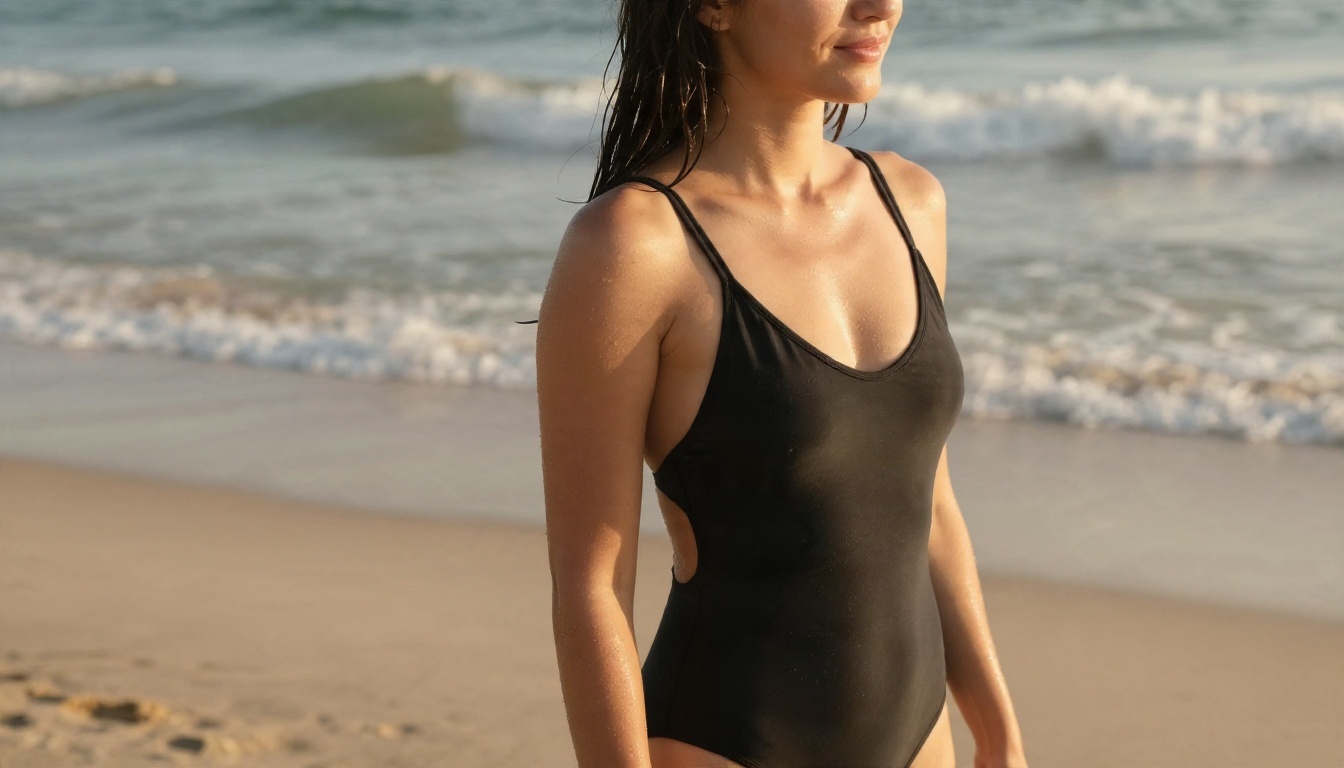
At its core, a character maker turns a text description (or a reference photo) into a consistent figure you can reuse. For adult and glamour work, the goal is a body-positive, artistic result: skin that looks like skin, fabric that behaves like fabric, and a pose that feels natural rather than stiff.
Two Types of Makers
There are two very different families of tools, and mixing them up wastes a lot of time.
| Type | How it works | Best for | Weak point |
|---|
| Slider based builders | You drag body, face and hair sliders on a pre-made 3D figure | Quick posing references, game prototypes | Plastic look, limited variety |
| AI image generators | You write a prompt or upload a photo and the model draws a new image | Photorealistic characters, editorial glamour | Needs good prompts and a good model |
The second type is where the real quality is. A modern text-to-image model understands anatomy, lens behavior and lighting well enough that the output reads as a real photograph. That is the approach this article focuses on.
Why People Use Them
The use cases are broader than most people expect:
- Character reference sheets for illustrators, comic artists and writers who need a believable starting point.
- Figure and pose study for painters and sculptors.
- Fashion and swimwear mockups for small brands that cannot afford a shoot.
- Storyboarding for novels, games and short films.
- Personal creative projects where the goal is simply an attractive, well-lit portrait.
💡 Tip: Treat the first output as a draft. The best creators generate four to eight variations, pick the strongest composition, and then refine only that one.
Not every generator handles adult glamour well. Many mainstream apps block anything beyond a fully dressed portrait, and some silently blur the output. The tools below are the ones to test first, in this order.
Seedream 4.5 Comes First
Seedream 4.5 is the strongest starting point for this kind of work. It renders skin with real pores and subtle shine, handles hair strands cleanly, and follows long, detailed prompts without dropping half the instructions. It also outputs sharp, high resolution images, which matters when you plan to crop or print.
What stands out in practice:
- Skin realism: no waxy filter look, even in close-ups.
- Fabric behavior: silk, lace and satin fold and catch light correctly.
- Prompt obedience: pose, lens, lighting and wardrobe all land in one pass.
- Speed: results arrive in seconds, so iteration stays cheap.
Image Editor Pro for Unlimited Runs
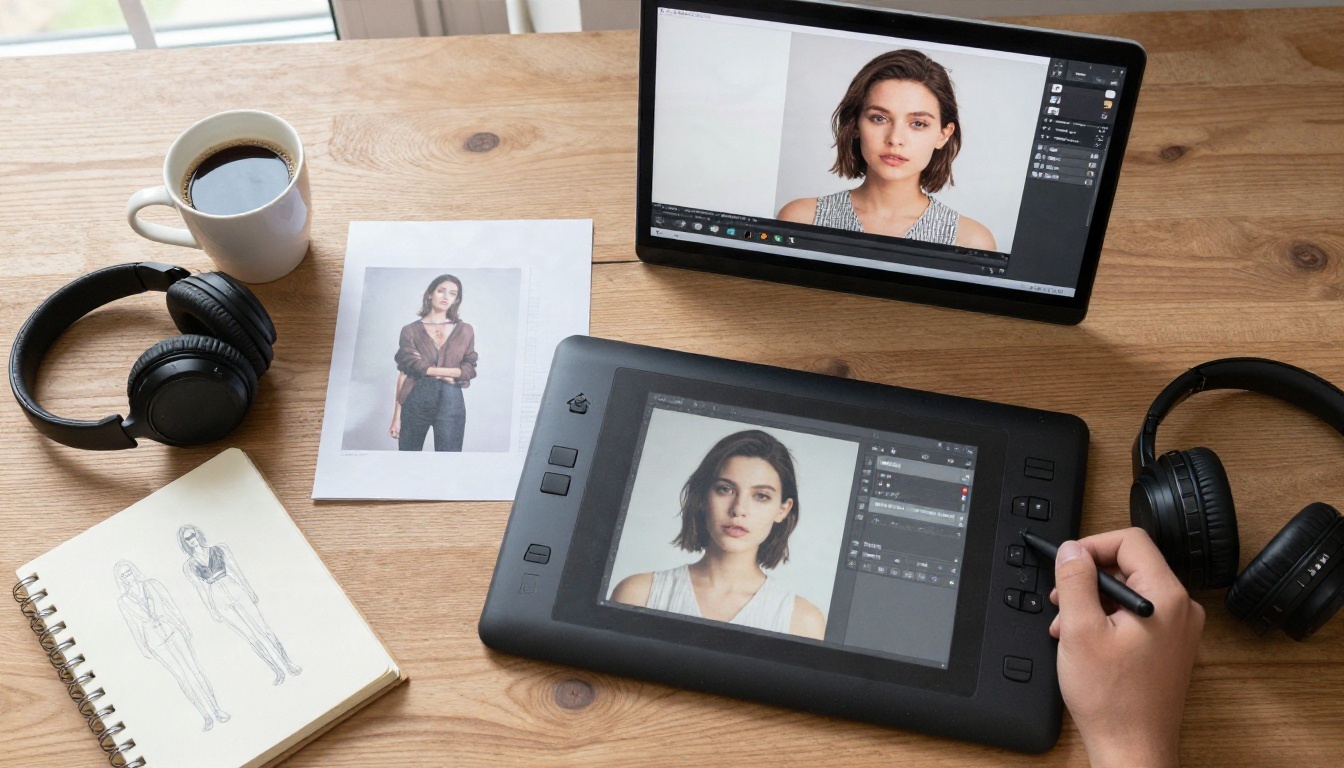
PicassoIA Image Editor Pro is the second tool to open. Its biggest advantage is that generations are unlimited, so you can test fifty prompt variations without watching a credit counter. It also works as an editor: upload a portrait you already like and ask for a new outfit, a different background, another hairstyle or warmer lighting.
That edit-first workflow is how most consistent characters are built. You keep the face you like and change everything around it.
Other Models Worth a Test
Once the first two are in your rotation, these are good additions, each with a different strength:
💡 Tip: Run the same prompt through two or three models. Each one interprets lighting and skin a little differently, and the best result is often not from the model you expected.
How to Use Seedream 4.5 on PicassoIA
Seedream 4.5 is the model to learn first, so here is the exact workflow. It takes about two minutes.
Step-by-Step Setup
- Open the Seedream 4.5 page on PicassoIA.
- Paste your prompt into the text box. Start with the subject, then wardrobe, setting, light and lens.
- Choose a 16:9 ratio for wide editorial scenes or a portrait ratio for full-body character sheets.
- Press generate and wait a few seconds.
- Pick the best frame, then send it to Image Editor Pro to adjust outfit, background or color grade.
Settings That Matter
| Setting | Recommended value | Why |
|---|
| Aspect ratio | 16:9 for scenes, 3:4 for portraits | Matches the composition you describe |
| Prompt length | 60 to 120 words | Long enough for detail, short enough to stay focused |
| Seed | Fixed once you find a winner | Keeps the face and framing stable while you tweak details |
| Variations | 4 per round | Gives you choice without wasting time |
A fixed seed is the single most useful trick for character consistency. Change one phrase at a time, such as the robe color or the time of day, and the rest of the image stays recognizable.
Prompts That Work
Most bad results come from vague prompts. "Beautiful woman, sexy" gives the model nothing to build on, so it falls back on generic stock poses. A structured prompt fixes that.
The Prompt Formula
Use this order every time:
- Subject: age range, hair, build, expression.
- Pose and action: sitting, turning, leaning, walking.
- Wardrobe or draping: silk robe, bedsheet, swimsuit, lace.
- Setting: loft, beach, balcony, studio.
- Light: direction, softness, time of day.
- Camera: lens, angle, depth of field.
- Texture and film look: skin detail, grain, color tone.
Always state that the subject is an adult, and give an age range such as "mid twenties". It keeps the output consistent and responsible.
Ready-to-Use Examples
Copy these and swap the details:
- "Adult woman, mid twenties, long chestnut hair, sitting on the edge of a rumpled linen bed in a silk robe slipping off one shoulder, soft morning window light from the left, 85mm f/1.8, natural skin texture, Kodak Portra 400 grain."
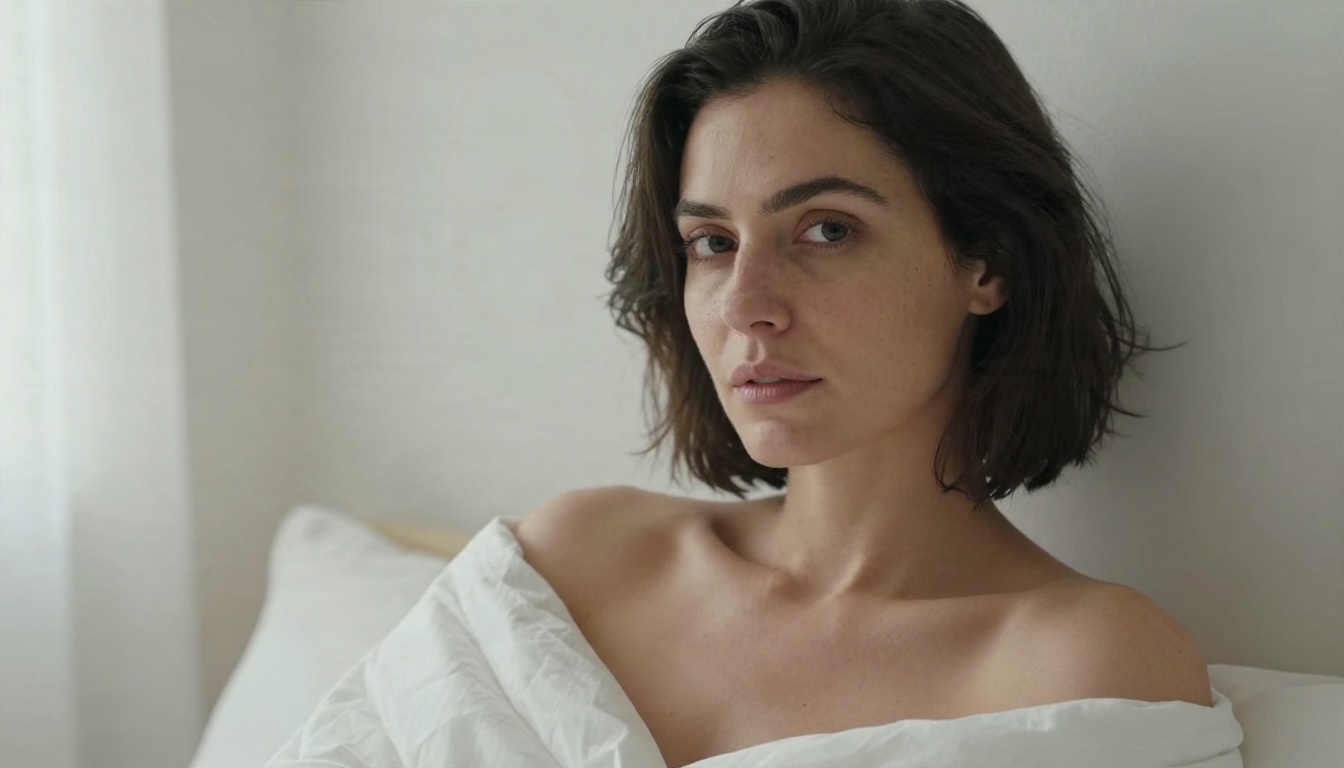
- "Adult woman with short dark hair, bare shoulders, white bedsheet held at her chest, minimalist plaster wall, close-up, 105mm lens, shallow depth of field."
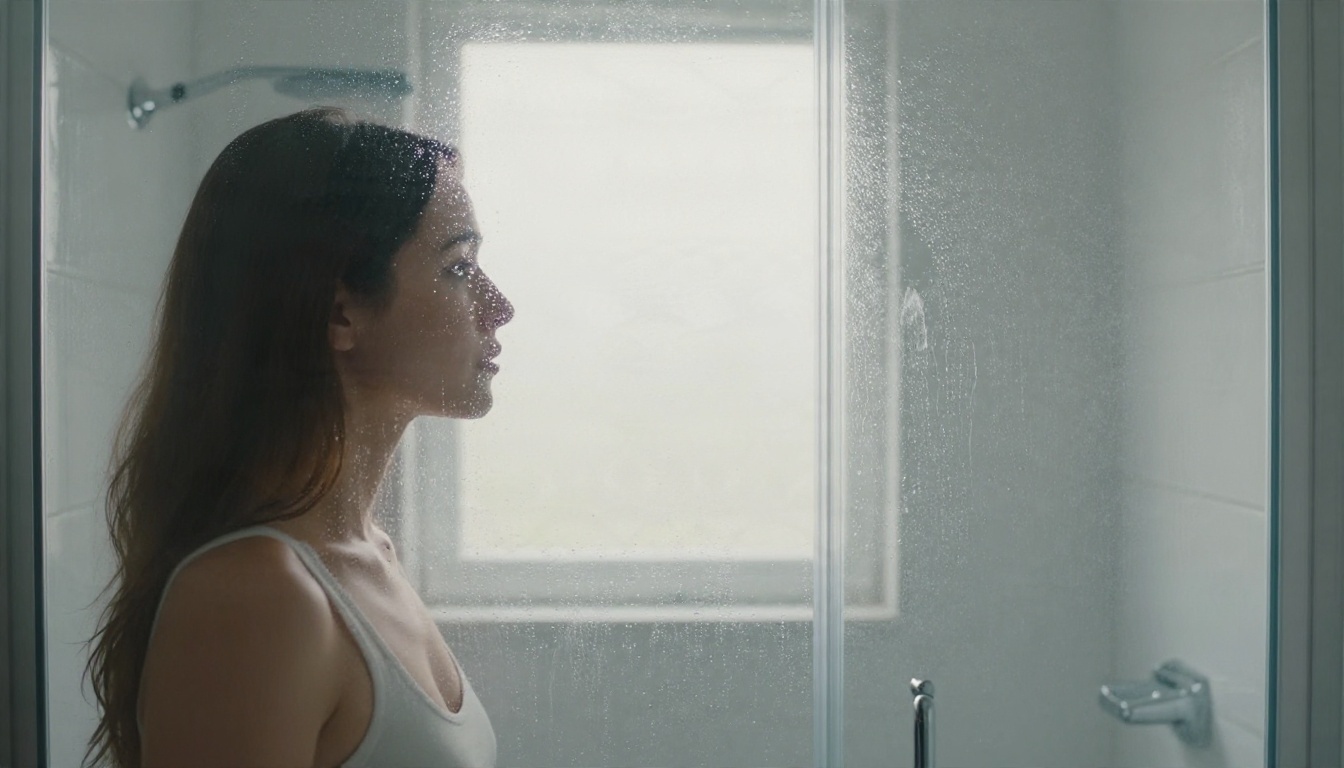
- "Adult woman behind a frosted glass door, soft silhouette only, steam on the glass, cool daylight, 85mm lens."
The third example is a useful one. Implied framing, such as silhouettes, draped fabric and frosted glass, often looks more elegant than anything explicit, and it keeps the image artistic.
Words to Avoid
Some phrases quietly damage results:
- "Perfect," "flawless," "ultra smooth": pushes the model toward plastic skin.
- "Hyper detailed 8K masterpiece" stacked three times: adds noise rather than detail.
- Long lists of contradictory styles: the model averages them into mush.
Replace them with concrete photographic language: "visible pores," "soft peach fuzz," "linen weave," "window light." Specific beats superlative every time.
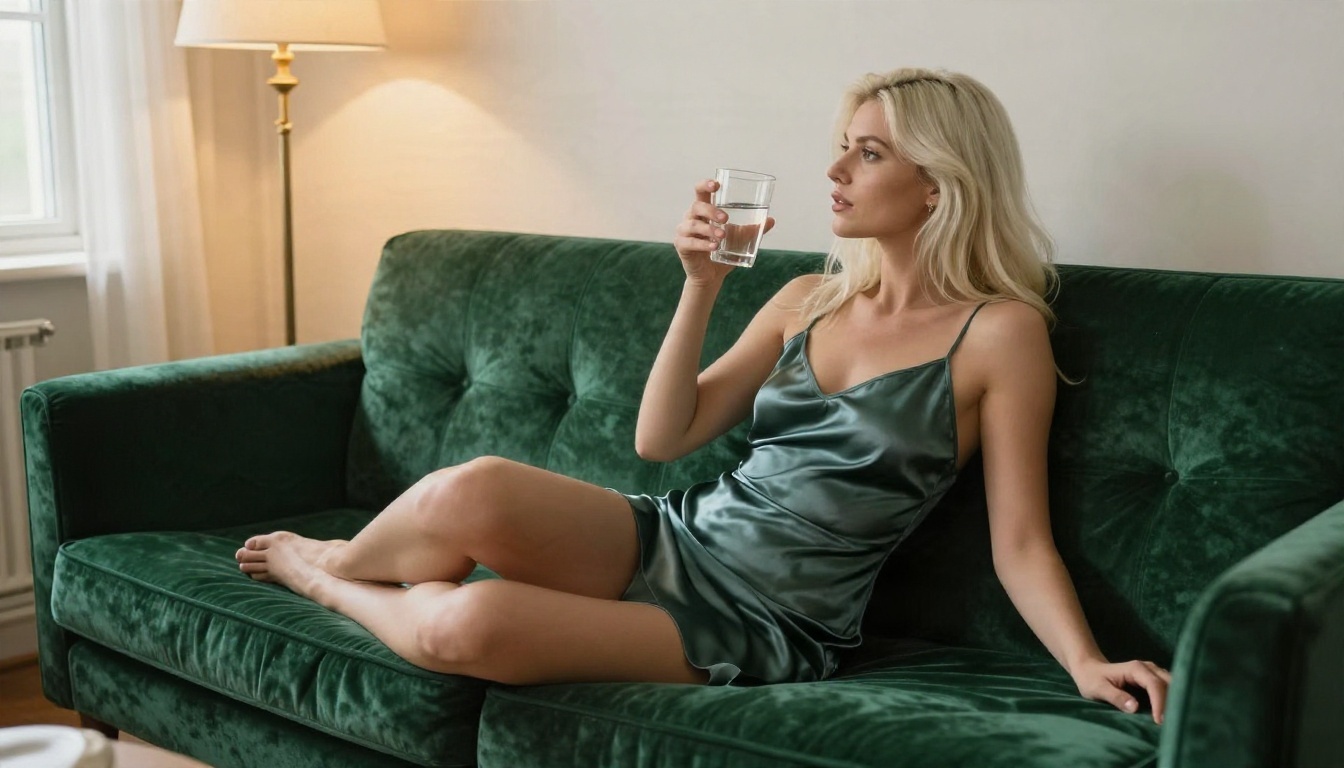
Customization Options Breakdown
A good character maker gives you control over far more than body shape. These are the options that move the needle.
Body and Face
You can describe build in plain words: athletic, petite, curvy, tall, soft, toned. Skin tone, freckles, beauty marks, tan lines and hair texture all respond well to direct description. Name the hair length, color and style in the prompt, and add one or two small identifying details, such as a mole or a slight gap in the smile. Those details are what make a character feel like a person and keep them recognizable across multiple images.
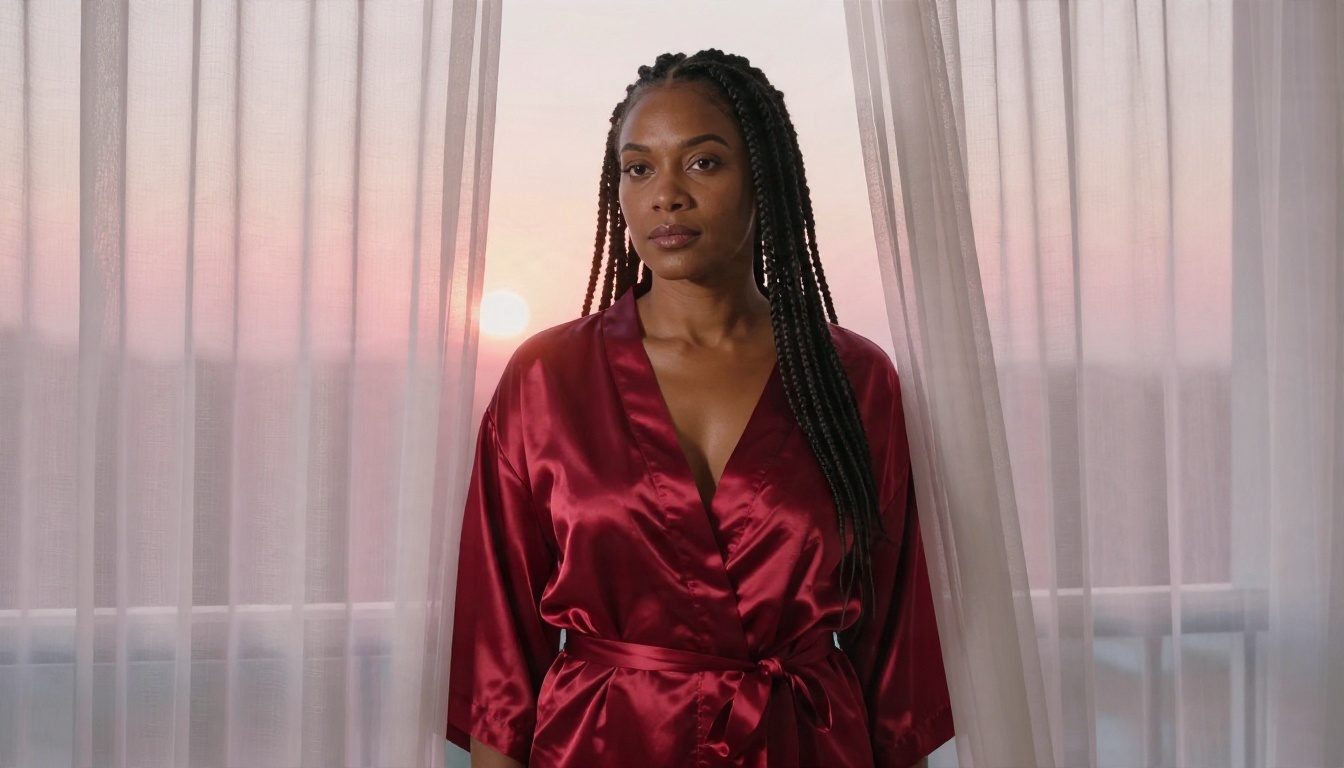
Wardrobe and Clothing Levels
This is where you decide the tone of the whole image. A simple ladder works well:
| Level | Examples | Mood |
|---|
| Soft | Silk robe, oversized shirt, slip dress | Romantic, relaxed |
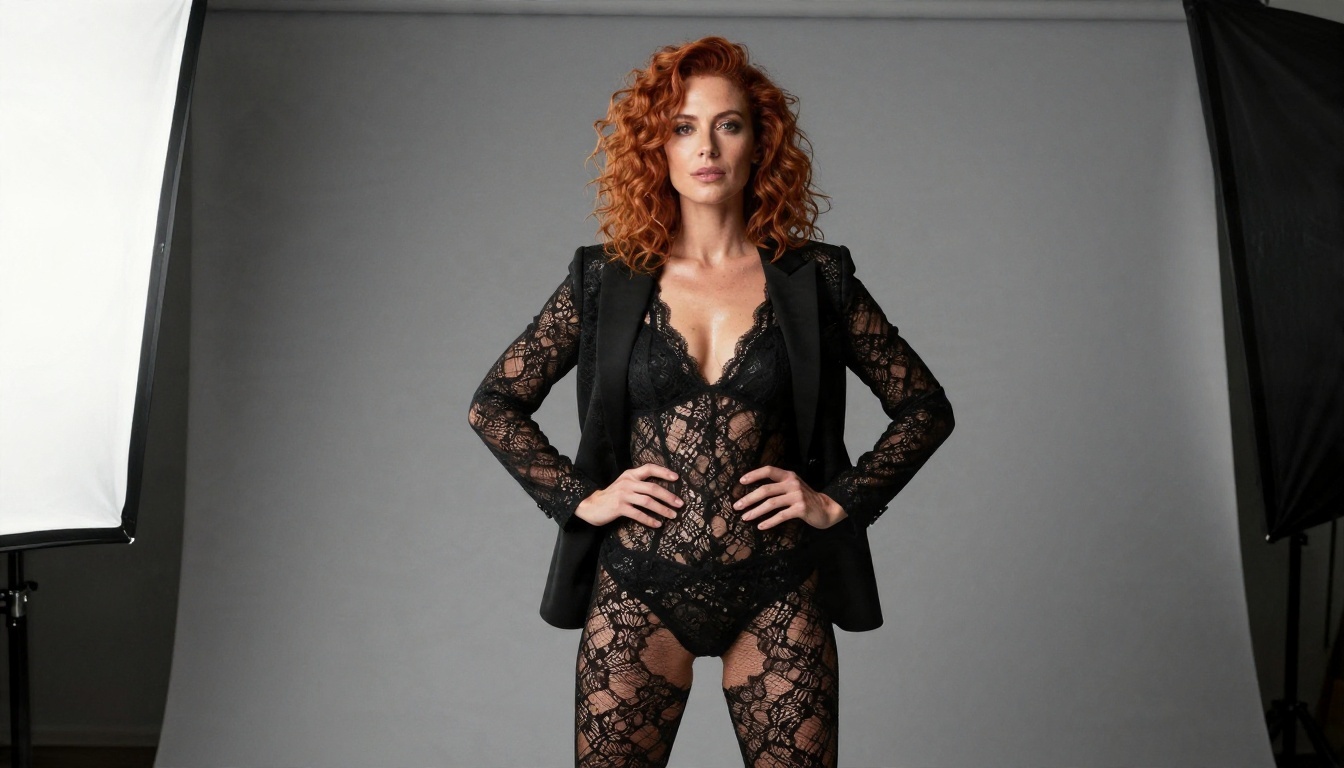
| Medium | Swimsuit, bikini, lace bodysuit | Confident, summery |
| Implied | Draped sheet, silhouette, frosted glass | Artistic, intimate |
Change only this one line in your prompt and keep everything else identical. You will quickly see how much wardrobe alone changes the feeling of a scene.
Lighting and Camera
Lighting is the biggest quality lever after the model itself.
- Soft window light gives gentle shadows and natural skin.
- Golden hour adds warmth and a glowing edge to hair.
- Studio softbox creates clean, fashion-style separation.
- Warm lamp light gives a cozy, intimate tone.
For camera, an 85mm lens flatters faces, a 50mm feels natural, and a 24mm wide lens suits full scenes like piers or rooms. Add an aperture such as f/1.8 for soft backgrounds.
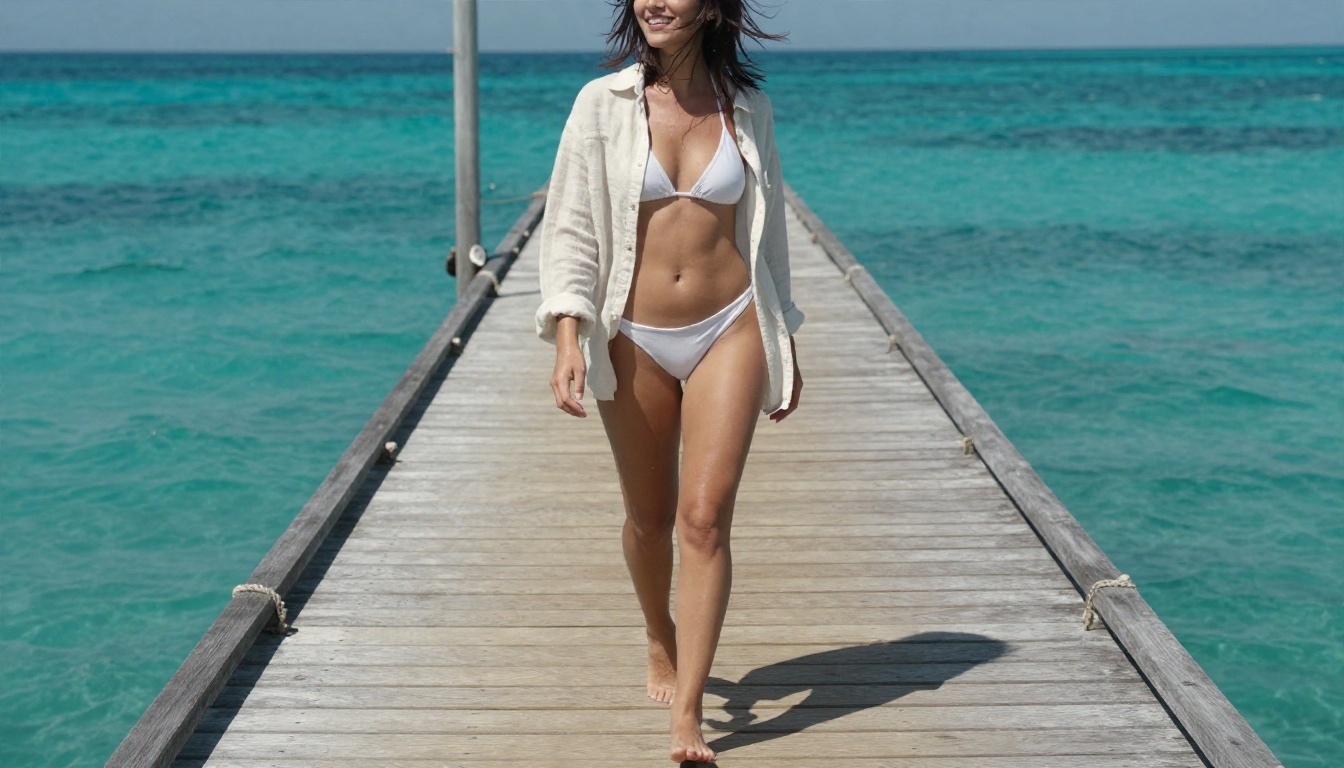
Fixing Common Problems
Even the best models slip. Here is how to recover quickly instead of regenerating blindly.
Hands and Anatomy
Hands cause the most trouble. Two fixes work reliably. First, write the hand position into the prompt ("one hand resting on her collarbone") rather than leaving it open. Second, if the image is otherwise perfect, send it to Image Editor Pro and ask it to correct only the hand. Editing beats regenerating when you already like the face.
Plastic Skin and Flat Light
If skin looks airbrushed, remove words like "perfect" and add "visible pores, natural skin texture, light film grain." If the light feels flat, specify a direction: "window light from the left, soft shadow on the right cheek." One direction word often rescues a dull image.
Keeping the Same Character
Consistency is the hardest part. Three habits help:
- Reuse the same seed and the same base description.
- Edit an existing image instead of starting over.
- Keep a short "character card" with hair, build, face details and a signature accessory, and paste it at the start of every prompt.
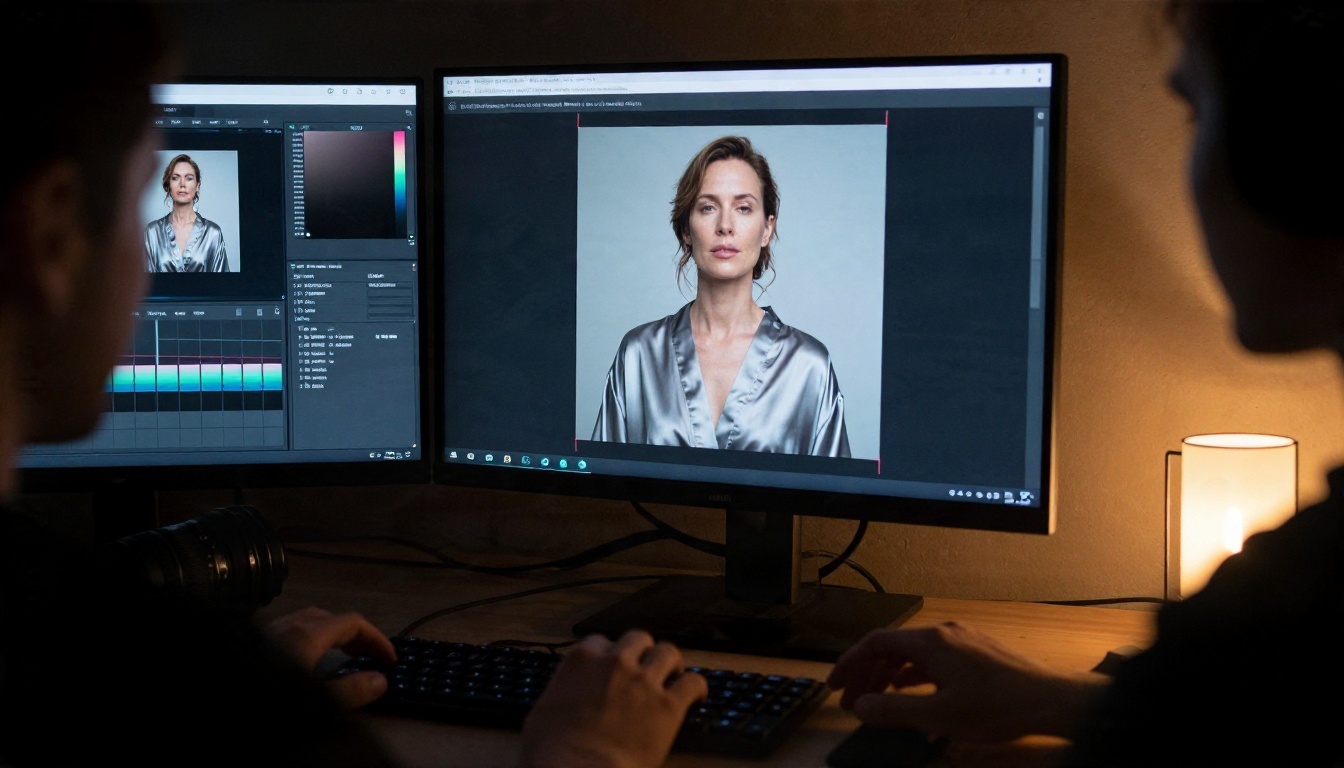
💡 Tip: Generated images can be sharpened afterward. If a favorite result looks soft, run it through an upscaler on PicassoIA before printing or posting.
Rules Worth Following
A few simple rules keep this creative work safe and respectable:
- Adults only. Every character should be clearly an adult, and your prompt should say so.
- No real people. Never build a character from a real person's face or name without their clear permission.
- Stay non-explicit. Suggestive and artistic is the target. Draped fabric, silhouettes and glamour framing give the strongest images anyway.
- Respect platform rules. If you publish your images, check what each site allows before posting.
- Label AI work. Tell your audience when an image is generated, especially if it looks like a real photo.
Following these rules also tends to improve quality. A clear, adult, original character reads as more intentional and more professional than a vague one.
Start Creating Your Own Characters
You now have the full workflow: pick a strong model, write a structured prompt, control wardrobe and light, and refine with edits instead of random rerolls. The fastest way to improve is to run a few experiments of your own.
Open Seedream 4.5 on PicassoIA, paste one of the example prompts above, and change a single detail: the robe color, the lens, the time of day. Then send your favorite result to PicassoIA Image Editor Pro, where unlimited generations let you keep refining without a counter ticking down. When you want a different look, try Nano Banana Pro, Z Image Turbo or Qwen Image 3 Pro with the same prompt and compare.
For every text-to-image model available, browse picassoia.com/en/all-models and build your own character toolkit.


