Everyone searching for PixVerse V6 NSFW wants the same three answers: will it animate a glamour photo without refusing, how many clips can you make for free, and which prompts actually produce something worth posting. This article gives you those answers, and it also tells you where the model says no, because that is what saves your credits.
PixVerse V6 is a serious video model. It turns a single still into a clip of up to 15 seconds, and it can add synchronized sound on its own. It also runs content moderation, so "uncensored" needs an honest definition. Think of it as relaxed on suggestive glamour (swimwear, lingerie-style looks, boudoir light) and strict on anything explicit. Everything below is written for that non-explicit lane, which is also where the best-looking results live.
💡 Quick answer: Start from a strong still, animate it with a short motion prompt, keep the first test at 540p, and only pay for 720p or 1080p once the motion looks right.
What PixVerse V6 Actually Does
PixVerse V6 launched at the end of March 2026 and handles text to video, image to video, first and last frame transitions, and clip extension. It supports multi-shot sequences, where one prompt becomes several cuts, plus camera control and native audio that includes music, sound effects and dialogue.
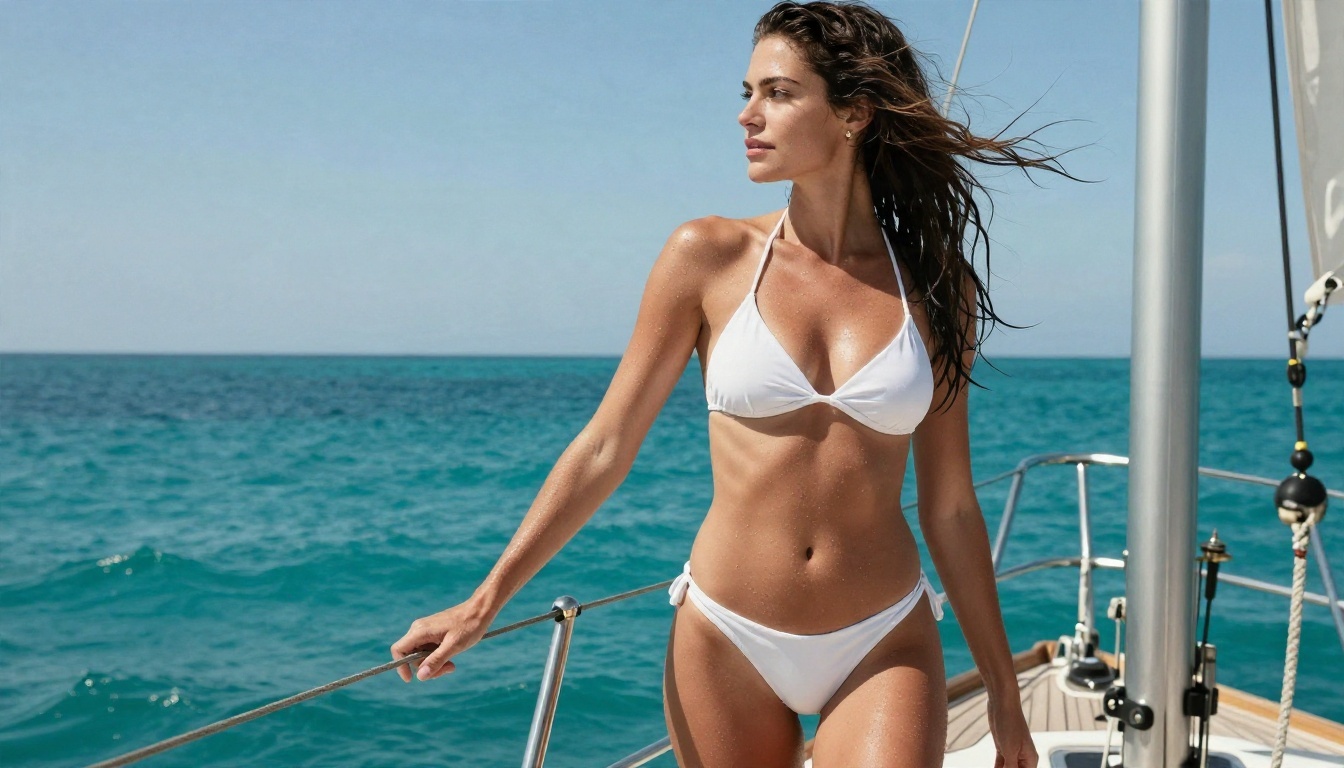
Specs at a glance
| Feature | PixVerse V6 |
|---|
| Inputs | Text, one image as first frame, optional last frame image |
| Resolutions | 360p, 540p, 720p, 1080p |
| Durations | 5, 8, 10 or 15 seconds |
| Audio | Optional AI audio (music, effects, voices) |
| Multi-shot | Yes, one prompt can chain scene cuts |
| Aspect ratios | 16:9, 9:16, 1:1 for text to video; image to video follows your picture |
You can run it directly on PicassoIA through the PixVerse V6 model page, no install and no coding.
Where it sits among rivals
Older PixVerse releases such as PixVerse v4.5 top out at shorter clips and lack the built in audio. Against Wan 3, V6 feels more "directed": faces stay stable, fabric moves believably, and the camera obeys short instructions. Wan 3 is often the better pick when you want longer, looser motion.
How Uncensored Is It Really?
Let's be direct. No mainstream hosted video model is a free for all, and PixVerse V6 is no exception. What people call "uncensored" in practice means the filter tolerates adult glamour aesthetics. A woman in a bikini on a yacht, a silk robe slipping off a shoulder, a lace bralette at a vanity: these are fair game visually, and V6 animates them with convincing skin, hair and fabric.
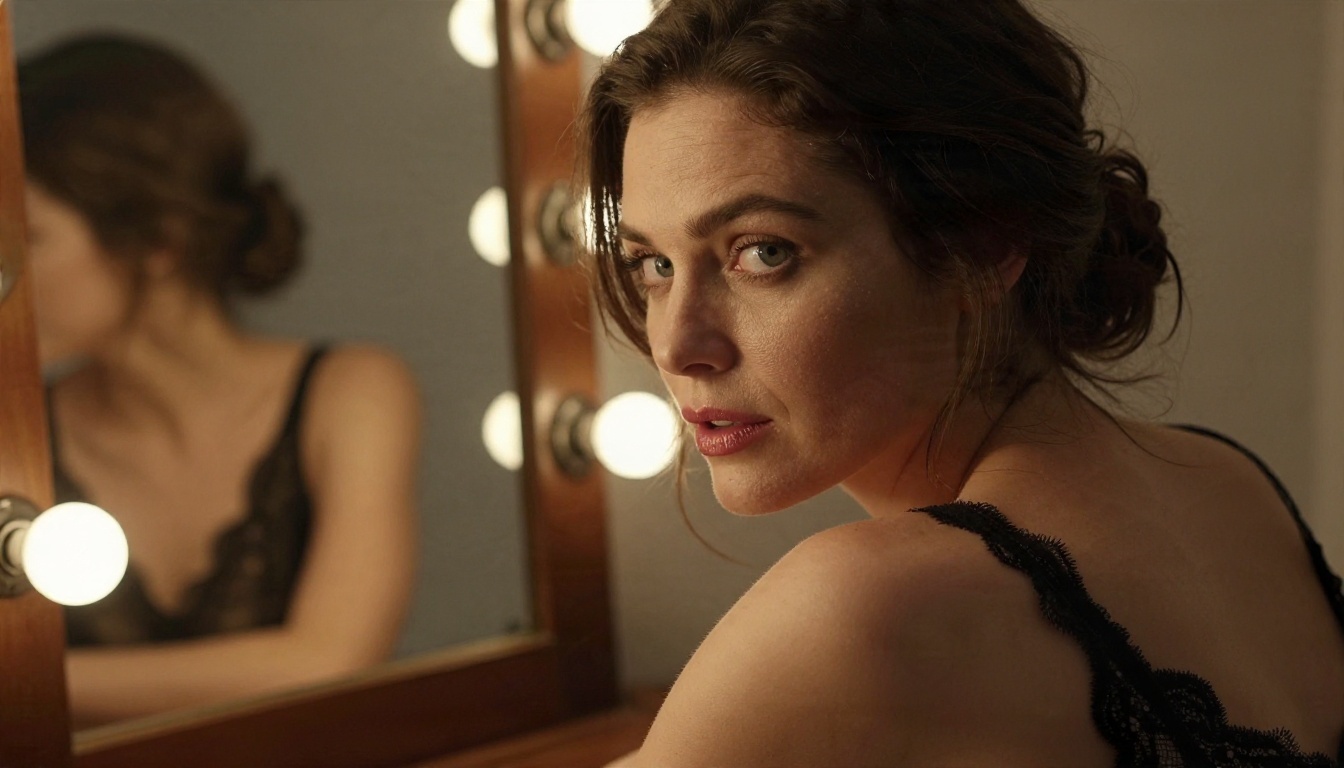
What passes the filter
- Swimwear, beachwear and poolside scenes
- Lingerie-style fashion looks with implied rather than shown nudity
- Boudoir scenes where bedsheets, robes and curtains do the covering
- Sensual but calm motion: a glance over the shoulder, a hair flip, a slow walk
- Evening wear, backless gowns and rim-lit portraits
What gets blocked
- Explicit nudity or sexual acts, whether in the prompt or visible in the source image
- Anything involving real public figures or minors (always off the table)
- Sources that look ambiguous in age. Use clearly adult subjects and describe them as adults.
- Prompts that lean on blunt explicit words. Rephrase with photographic language instead.
⚠️ A refused generation can still cost you time. If a prompt is flagged, do not retry it five times. Soften the wording, swap the source image, and test again once.
The practical takeaway: results are strongest when the still looks like a real fashion or editorial photograph. The model rewards restraint, and so do audiences.
Free Limits and Real Cost
This is where most "free" claims fall apart, so here are the numbers as third-party listings reported them. Treat them as a moving target, because providers change plans often.
Free credits
PixVerse's own app has been described with a free tier that gives a starter bundle of credits plus a smaller daily top-up, and free outputs are reported to be capped around 540p. One listing mentioned 90 starting credits and 60 per day, but I could not confirm that figure from the official side, so check the current plan before you count on it. Free tiers also tend to carry a watermark and a queue.

Per-second pricing
Billing for V6 is per second of video, and it climbs with resolution and with audio switched on. Reported API rates:
| Resolution | Without audio (per second) | With audio (per second) |
|---|
| 360p | about $0.025 | about $0.035 |
| 540p to 720p | mid range, between the two ends | slightly higher |
| 1080p | about $0.090 | about $0.115 |
A 5 second clip at 1080p with audio lands around fifty to sixty cents. A 15 second clip at the same settings is roughly three times that. That is why the smart workflow is short, low resolution drafts first, then one final render.
💡 On PicassoIA the default quality is 540p and the default duration is 5 seconds. Both are sensible starting points. Raise them only for the take you plan to publish.
Build Your Start Frame First
In image to video, the first frame decides almost everything: lighting, skin tone, outfit, mood. A mediocre still gives you a mediocre clip, no matter how clever the motion prompt is. So spend your effort here.
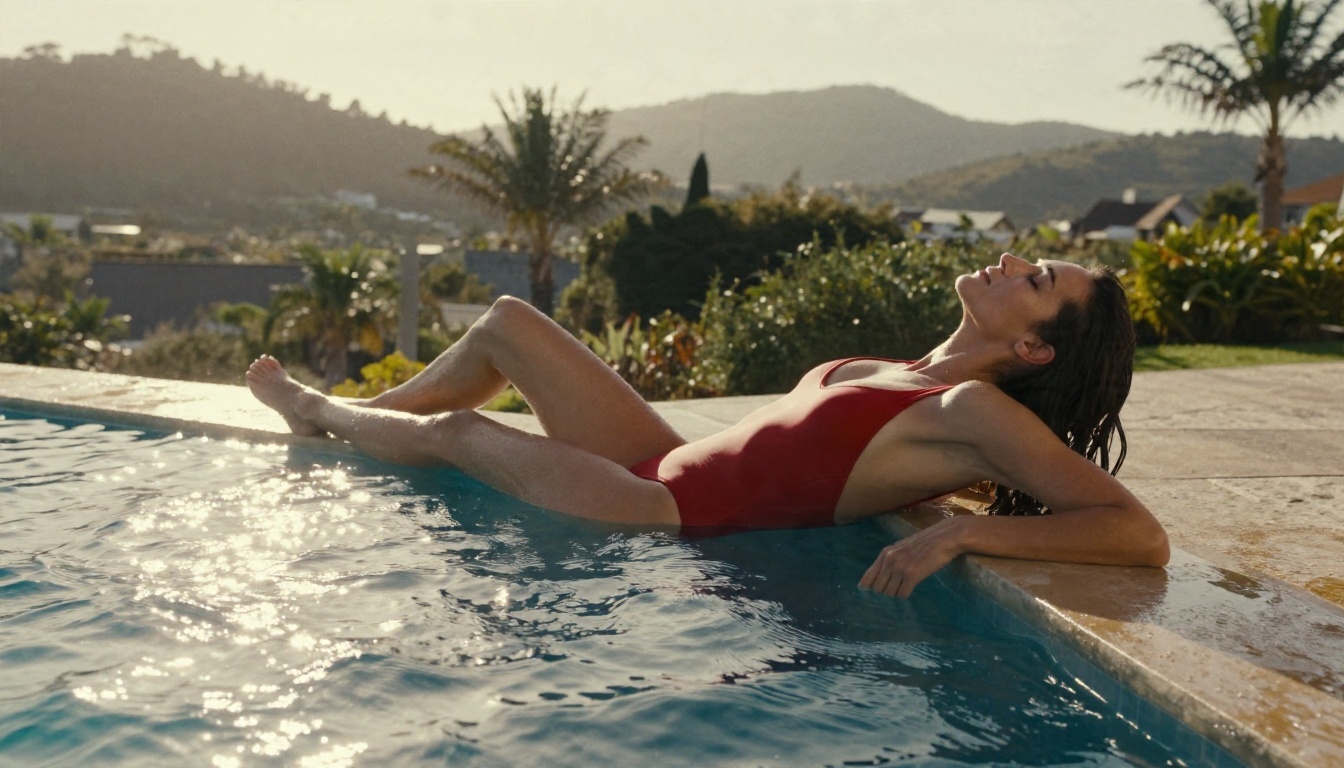
Seedream 4.5 for stills
Seedream 4.5 is the first model to reach for. It produces sharp, photorealistic people with believable skin texture, and it is relaxed enough about glamour and swimwear that you do not fight it. Write the still like a photographer: lens, light direction, location, film stock. Then use that image as the first frame in V6.
Image Editor Pro for fixes
The PicassoIA Image Editor Pro is the second stop, and its big advantage is unlimited generations. Use it to change an outfit, fix a hand, swap a background or relight the scene before animating. Because there is no meter running, you can iterate ten times on a start frame for free and only spend video credits when the frame is right.
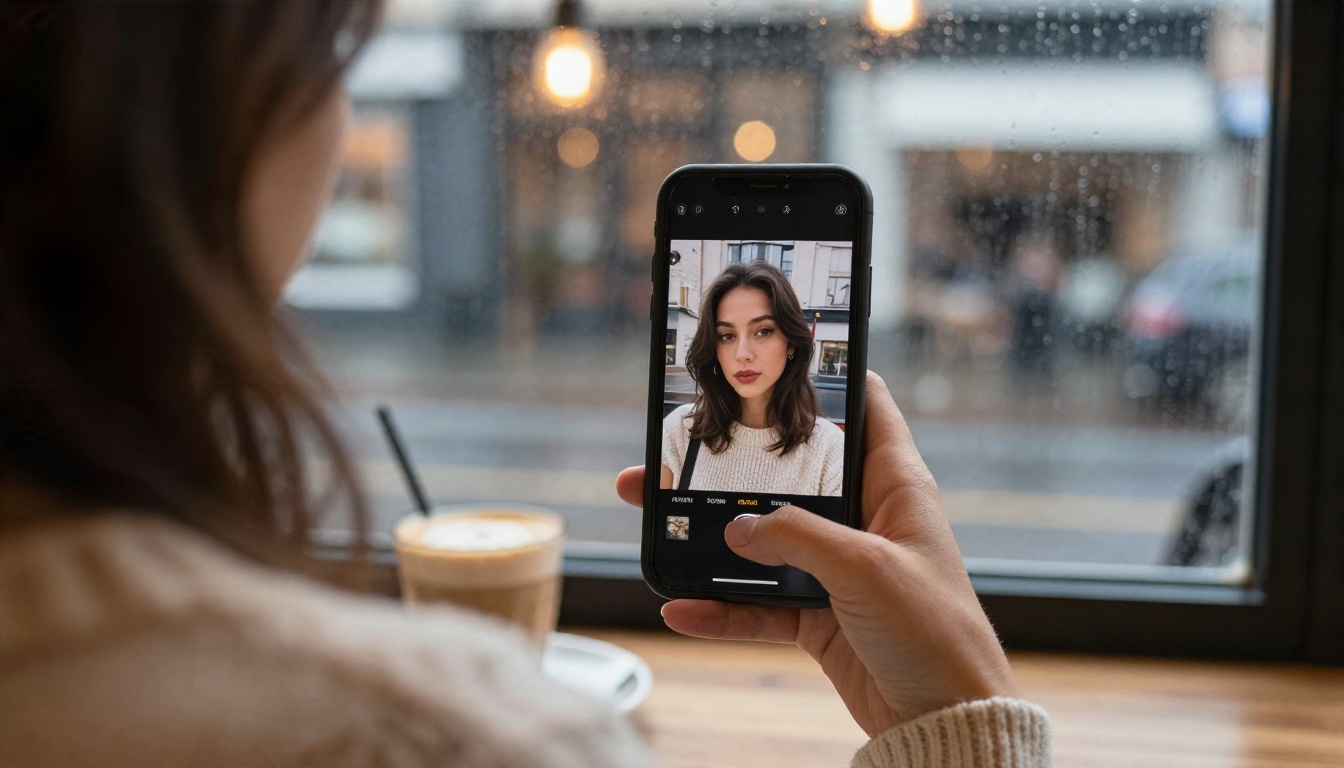
💡 Keep source images wide, 16:9, with the subject away from the very edges. V6 follows the shape of your picture, so a clean frame means the camera has room to move.
How to Use PixVerse V6 on PicassoIA
Here is the workflow, from an empty page to a finished clip.
Step by step
- Open the PixVerse V6 page on PicassoIA.
- Upload your start frame in the Image field. This becomes the first frame of the clip.
- Write a Prompt that describes motion only (more on this below).
- Set Quality to 540p for the first test.
- Keep Duration at 5 seconds until the motion is right.
- Decide on audio. Turn Generate Audio on only if you want ambient sound, music or voices.
- Press generate, watch the result, adjust one thing, and run it again.
- When it works, raise quality to 720p or 1080p and render the final version.
Settings that matter
| Setting | What it does | My recommendation |
|---|
| Quality | Output resolution | 540p to draft, 720p to publish |
| Duration | 5, 8, 10 or 15 seconds | 5 for tests, 8 or 10 for finals |
| Negative prompt | Removes unwanted elements | "warped hands, extra fingers, flicker, text, watermark" |
| Last frame image | Ends the clip on a second picture | Great for outfit or pose reveals |
| Multi-shot switch | Chains scene cuts from one prompt | Use sparingly, it adds cost and risk |
| Seed | Locks the random pattern | Save the seed of any take you like |
A last frame is an underrated trick. Give V6 a start image of a robe on and an end image of the same woman turned toward the window, and it will invent a graceful transition between them.
Prompts That Work for Glamour Clips
V6 already knows what the picture looks like, so your prompt should describe what moves, how the camera moves, and what the light does. Do not re-describe the outfit. Keep one subject action and one camera move per clip.
Swimwear and poolside
The woman slowly lifts her chin and runs one hand through her wet hair, water droplets sliding down her shoulder. Gentle breeze moves the surface of the pool. Slow dolly-in from low angle, warm late afternoon sun, shallow depth of field, natural film grain.
Why it works: a single hand movement, a tiny environmental motion, and one camera move. Nothing competes for attention.
She turns from the rail toward the camera with a relaxed smile as the yacht rocks softly. Sea spray glitters in the sun. Camera drifts slightly to the right at deck level. Ambient ocean sound, rope creaking.
Use this one with audio on. The ocean sound makes the scene feel filmed rather than generated.
Boudoir and soft light
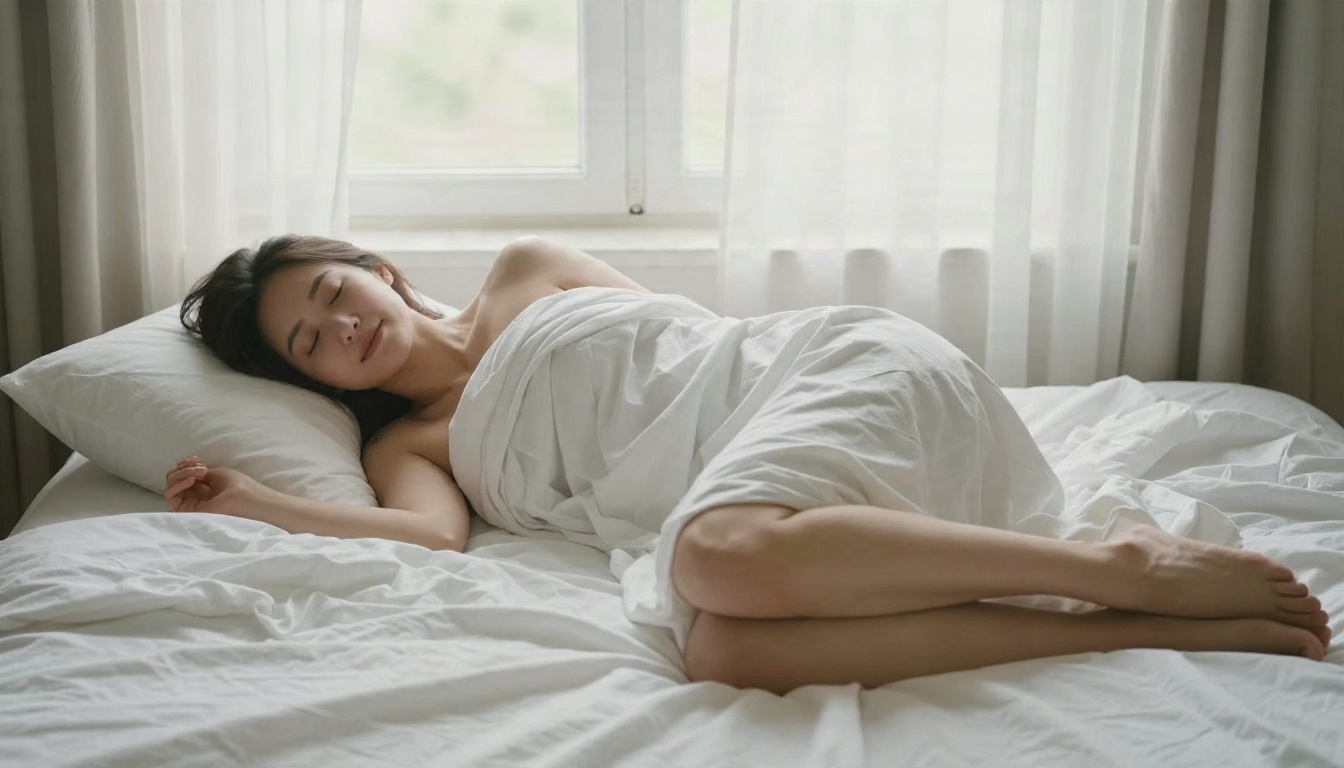
The sheer curtains billow slowly as she shifts onto her back and looks toward the window. The white sheet settles around her. Soft morning light brightens across her face. Very slow push-in, calm and intimate mood.
She glances over her shoulder at the vanity mirror, lashes lowering, then looks back to the camera. Warm bulb light flickers faintly. Static camera with a barely noticeable zoom.
Boudoir clips lean on fabric and light, which V6 handles well. Slow speed is your friend: fast movement is where faces and hands start to warp.
Evening and golden hour
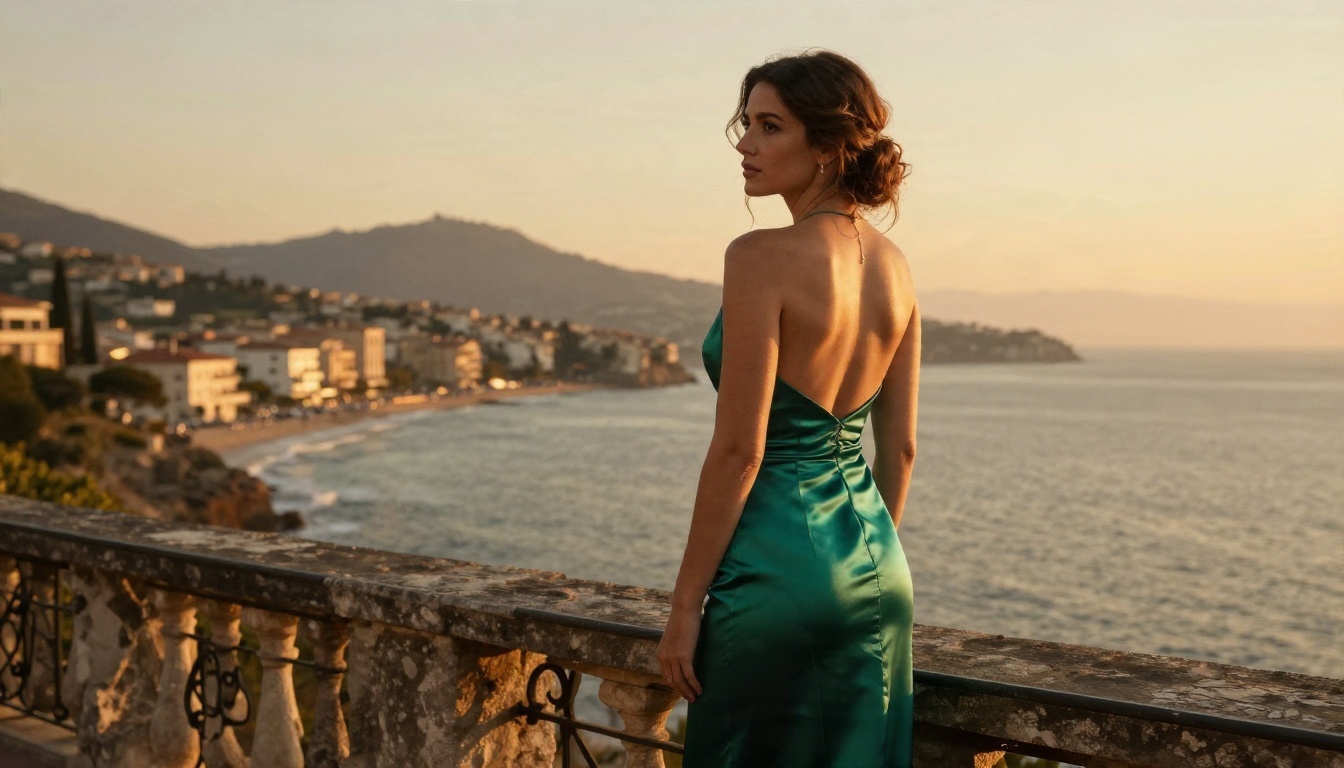
Wind lifts the loose strands of her hair as she looks back over her shoulder from the balcony. The satin of her gown ripples. The sun sinks behind the hills and the rim light warms. Slow orbit to the left, cinematic and unhurried.
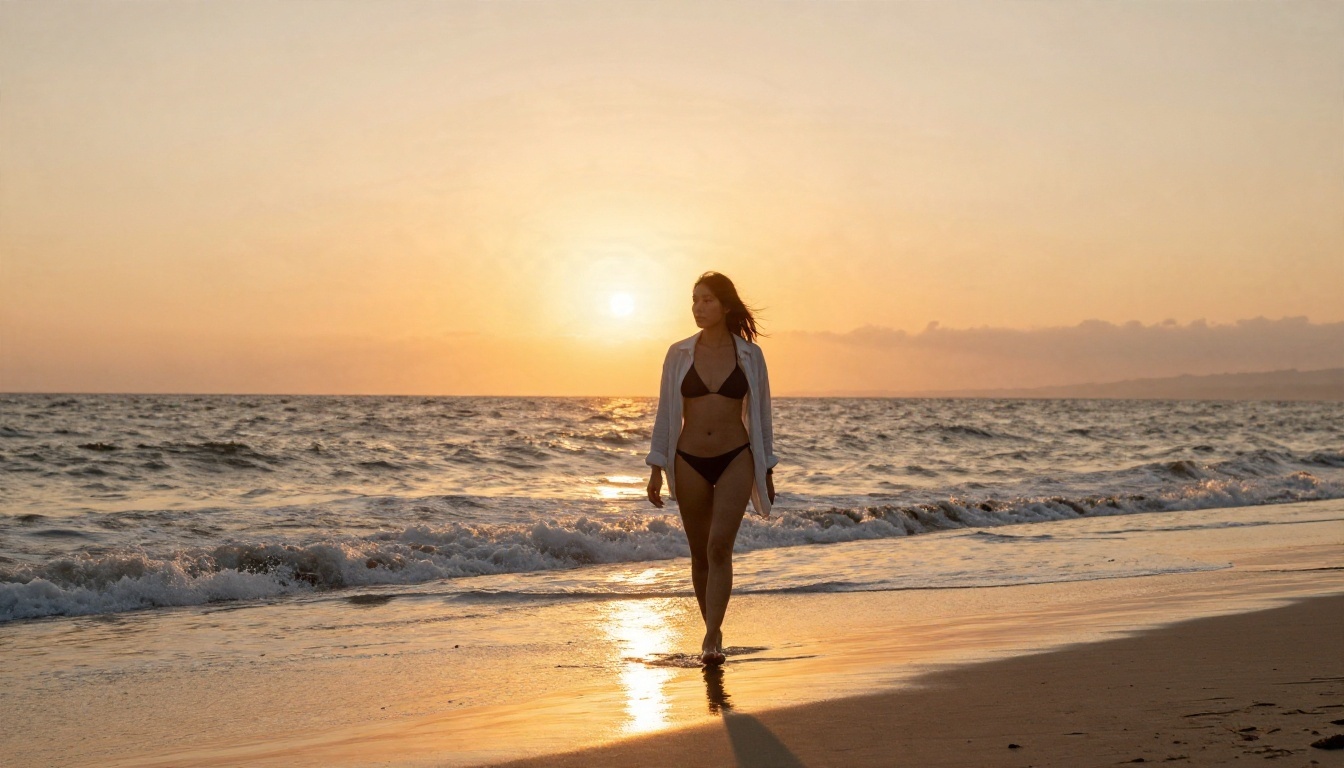
She walks along the shoreline with the white shirt fluttering open, waves washing around her ankles. Low sun glows behind her. Camera tracks backward at knee height, steady and smooth.
💡 Prompt formula: subject motion + one environment motion + one camera move + light and mood. Four parts, two sentences. Anything longer tends to confuse the model.
Mistakes That Waste Credits
Most failed clips come from the same handful of mistakes. Fix these and your hit rate goes up quickly.
- Starting at 1080p. You pay the highest rate to find out the motion is wrong. Draft at 540p.
- Asking for fast action. Sprinting, spinning or dancing breaks anatomy. Choose slow, deliberate movement.
- Over-describing the image. The model sees the frame. Spend your words on motion.
- Stacking camera moves. "Orbit, zoom, tilt and pan" produces mush. Pick one.
- Using a weak source image. Soft focus, blown highlights or odd hands carry straight into the video.
- Turning on multi-shot for a single mood piece. Multi-shot is for stories, not for a clean portrait loop.
- Ignoring the negative prompt. A short list of things to avoid costs nothing and removes flicker.
The notebook habit helps here. Keep a running list of prompts that worked, with the seed and settings next to each, so you can repeat a good result instead of hoping for another one.
Other Models Worth Trying
PixVerse V6 is not the only tool for animating a glamour still, and different models give different motion personalities.
A good combination is Seedream 4.5 for the still, Image Editor Pro for fixes, PixVerse V6 for the final animation, and Wan 3 when you want a second opinion on the motion. All of them live in the same place, so you never need to download and re-upload between tools. You can browse the full list on the PicassoIA all models page.
Make Your Own Clips Today
You now have the full picture: PixVerse V6 is happiest with suggestive, photographic glamour, it rewards a strong first frame, and it gets expensive only if you skip the draft stage. The fastest way to prove it to yourself is to try it.
Generate a start frame with Seedream 4.5, polish it in the Image Editor Pro where you can iterate without limits, then paste one of the prompts above into PixVerse V6 and press generate. Change one detail per run and keep notes. Within an hour you will have a small library of clips that look like they came from a real shoot.
When you want to try something beyond these models, open the PicassoIA all models page and pick the next one to test.


