Music has always absorbed new technology. The piano replaced the harpsichord. Magnetic tape replaced live-only recording. The DAW replaced the tape machine. AI music generation is the next shift in that sequence, and it is happening now, not in some distant horizon. If you make music professionally, hobbyist or full-time, the question is no longer "will AI affect my work?" It already has. The real question is: which tools are worth your time, and how do you actually use them?
This is not a hype article. No miracle claims, no predictions about robots displacing session musicians. What follows is a grounded, practical look at what AI music tools can and cannot do in 2027, which models are producing the most usable output, and how to slot them into a real production workflow.
What AI Is Actually Doing to Music
It Is Not Replacing Musicians
The most persistent fear around AI music is job displacement. Some of that anxiety is legitimate, especially in the sync licensing and stock music markets where AI is already producing acceptable background tracks at near-zero cost. But at the level of songwriting, performance, and production that requires genuine artistic decision-making, AI remains a tool, not a replacement.
What AI is very good at: generating starting points quickly, filling in sonic gaps, producing reference tracks for pitch purposes, and iterating on arrangements without burning studio hours. What it is not good at: emotional nuance, consistent stylistic identity across a body of work, and producing something with genuine artistic risk built in.
Where AI Fits in Your Workflow
The most productive framing is to think of AI music models the way you think of sample packs or loop libraries: a resource you draw from, not a finished product in itself. A producer who loads a 4-bar AI-generated loop into Ableton and builds something original around it is not "cheating." They are using a resource, the same way producers have used found sounds, field recordings, and borrowed drum breaks for decades.
The difference is scale and speed. AI can produce that 4-bar loop in seconds, across dozens of genres, and in response to text descriptions rather than requiring you to hunt through gigabytes of files.
The Main Categories of AI Music Tools
The market for AI audio tools has fragmented into several distinct categories, each useful for different parts of the creative process.
Text-to-Music Generation
This is the most mature and accessible category. You type a description, the model returns an audio file. The quality varies enormously between models, but the best current systems can produce surprisingly usable 30-second to 2-minute tracks with clear genre identity, consistent rhythmic structure, and reasonable mix balance.
One important limitation: most text-to-music models are not generating audio at the stem level. You get a mixed file, which means you cannot separate the kick from the piano from the vocals after the fact without a dedicated stem-separation tool. This matters a lot for producers who need to integrate AI output into multi-track sessions.
AI Vocal Synthesis
Text-to-speech has existed for decades, but modern AI vocal models are categorically different. Systems trained on large voice datasets can now produce sung vocals with vibrato, breathiness, pitch variation, and emotional quality that would have required expensive session singers just a few years ago. The results are not perfect and experienced ears will often notice artifacts, but for demo tracks, reference vocals, and certain production contexts, they are more than adequate.
AI Stem Separation
Separate from generation, AI-powered stem separation (isolating vocals, drums, bass, and other elements from a mixed recording) has become a standard professional tool. Services built on models like Demucs can pull a clean vocal from a full mix with significantly better quality than the phase-inversion approaches used in older tools. For remixers and producers working with sampled material, this category is already essential.
How to Prompt an AI Music Generator
Prompting a music AI is its own skill, and it is different enough from image prompting or text prompting that it deserves dedicated attention. Most beginners make the same two mistakes: being too vague, or describing what they want emotionally without grounding the prompt in musical specifics.
Be Specific About Genre, Mood, and Structure
Vague: "make a sad song"
Specific: "melancholic indie folk, fingerpicked acoustic guitar in drop D, cello underneath, BPM around 72, no drums, female lead vocal, verse-chorus-verse structure, 90 seconds"
The second prompt gives the model a genre anchor (indie folk), instrumentation specifics (fingerpicked acoustic, drop D, cello), structural expectation (verse-chorus-verse), duration, and vocal description. Every one of those details narrows the output toward something usable.
💡 Tip: Include a reference artist or sound-alike if the model supports it. "In the style of early Sufjan Stevens" will often land closer to your target than purely abstract descriptors.
Instrumentation That Yields Consistent Results
Certain instrument combinations produce more consistent AI output than others, particularly for models trained on Western pop and orchestral repertoire:
- Piano + strings: Almost universally strong. Most models handle this pairing well regardless of the emotional target.
- Programmed drums + synth bass: Reliable for electronic and hip-hop adjacent requests.
- Solo acoustic guitar: Good, though models often default to fingerpicking patterns that lack rhythmic variety.
- Full band arrangements: Inconsistent. The more instruments you add, the more likely the model introduces mix artifacts or drops an element mid-track.
- Jazz and bebop: Current models struggle with authentic improvisation; harmonic complexity is often flattened.
- World music and non-Western scales: Variable quality, improving rapidly but still inconsistent across most platforms.
💡 Tip: If you need a specific BPM, always state it explicitly. Most models can interpret tempo descriptions but exact numbers give more reliable results.
The Best AI Music Models Right Now
The landscape has consolidated around a handful of models that are genuinely production-relevant. Here is a practical comparison of what is currently available on PicassoIA:
| Model | Best For | Output Quality | Strength |
|---|
| Lyria 3 Pro | Full-length tracks | Excellent | Structural coherence |
| Lyria 3 | Original composition | Very Good | Melodic variety |
| Music 2.6 | Full songs with lyrics | Very Good | Vocal integration |
| Music 2.5 | Songs with vocals | Good | Speed and ease |
| Stable Audio 2.5 | Ambient and electronic | Good | Texture control |
| ElevenLabs Music | Prompt-based songs | Good | Natural phrasing |
| Music 01 | Lyric-to-song pipeline | Solid | Lyric fidelity |
| Music Cover | Genre restyles | Solid | Style transfer |
| Lyria 2 | Instrumental tracks | Good | Orchestral range |
| Music 1.5 | Full-length songs | Good | Ease of use |
Lyria 3 Pro by Google is currently the strongest all-rounder. It handles both instrumental and vocal tracks, produces compositions that feel fully formed rather than looping awkwardly, and responds well to detailed prompts. For producers who need full-length demos fast, it is the first model to try.
Music 2.6 by Minimax is the go-to for vocal tracks specifically. The lyric integration is notably better than competing models at this tier.
Stable Audio 2.5 by Stability AI performs particularly well on ambient, electronic, and textural material where exact melodic structure is less important than atmosphere and sound design.
Using Lyria 3 Pro on PicassoIA
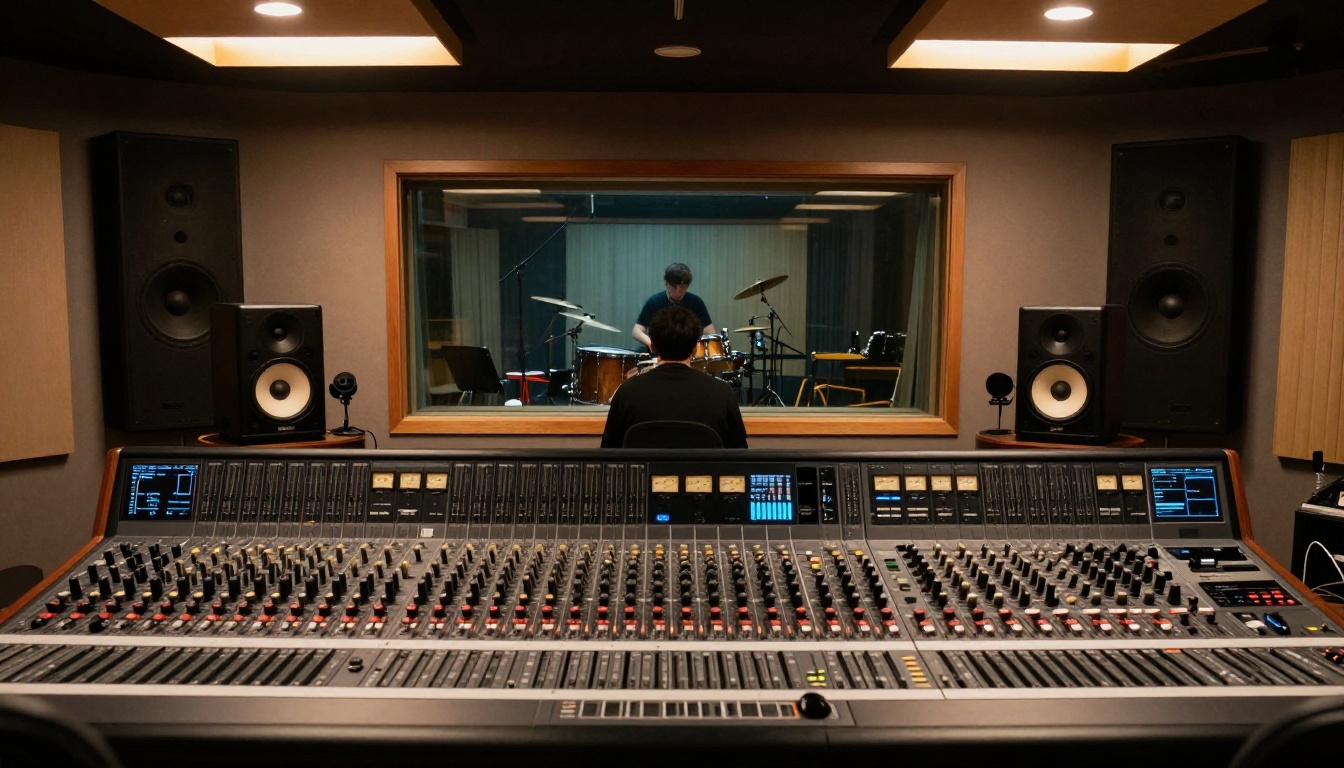
Lyria 3 Pro is available directly on PicassoIA. Here is a step-by-step rundown of getting your first usable track out of it.
Step 1: Write a Structured Music Prompt
Navigate to the Lyria 3 Pro model page on PicassoIA. In the prompt field, build your description using this structure:
Format: [Genre] + [Tempo/BPM] + [Instruments] + [Mood] + [Structure/Duration] + [Vocals: yes/no]
Example: "Cinematic orchestral score, 80 BPM, cello and French horn lead, strings section underneath, building tension with a dramatic climax at the 90-second mark, no vocals, 2 minutes total"
Step 2: Refine and Iterate
After entering your prompt, hit generate and wait for the model to process. Lyria 3 Pro typically returns a result in 15-45 seconds depending on server load. Listen through the full output before judging it. The first few seconds often set a different tone than the body of the track.
If the result is close but not quite right, refine your prompt rather than regenerating with identical text. Add a constraint you omitted, specify an instrument you heard that you did not want, or change the tempo reference. Small prompt edits often produce large output differences.
Step 3: Download and Bring Into Your DAW
Download the output file in the highest available quality. Most AI music outputs are 44.1kHz/16-bit WAV or high-bitrate MP3. Import directly into your DAW of choice (Ableton, Logic, Pro Tools, FL Studio) and place on a standard audio track.
From here, treat it like any other audio source: time-stretch if you need to match a session tempo, chop it into sections, layer it under other elements, or use it purely as a reference for arrangement decisions.
💡 Tip: Use a stem separation tool after generation to isolate specific elements from the Lyria output. This gives you more flexibility in mixing and avoids committing to the AI's balance decisions.
AI for Beat Producers
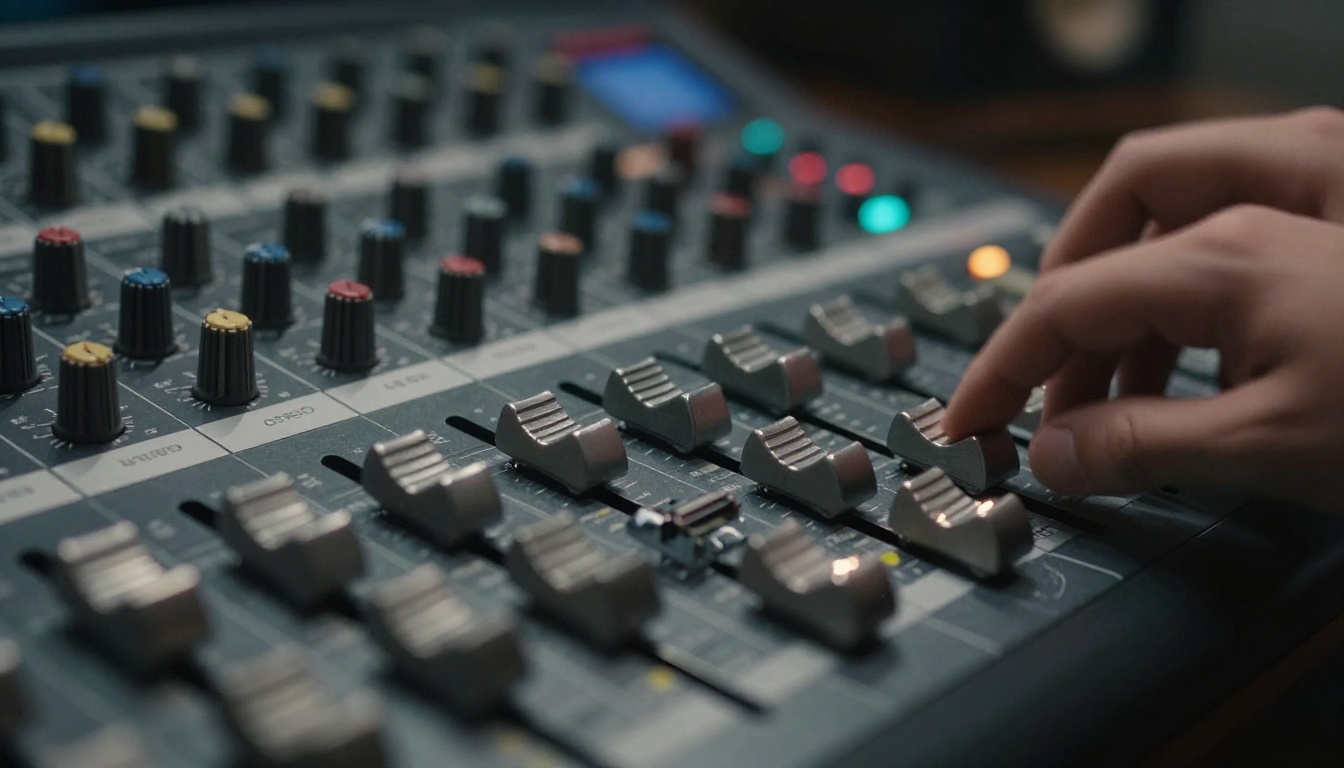
For producers working primarily in hip-hop, trap, R&B, and electronic music, AI music generation fits differently than it does for acoustic or orchestral composers. The production workflow already involves extensive sampling and layering, which makes AI-generated loops a natural addition.
Generating Rhythmic Foundations
Text-to-music models can produce drum patterns and percussion grooves on request, but the results tend to be more useful as reference material than finished beats. The timing feel of AI-generated percussion often lacks the micro-timing variations (swing, push, lag) that give human-produced or carefully programmed beats their character.
More effective approach: use AI to generate a full track with the rhythmic feel you are aiming for, then use that as a reference while programming your own drum pattern. You are borrowing the groove idea, not the audio itself. This sidesteps any clearance concerns while capturing the rhythmic intent.
Melodic AI vs. Traditional Sampling
Where AI production tools genuinely shine is melody and chord progression generation. Asking a model for "a melancholic chord progression in minor pentatonic, piano and Rhodes, slow attack, warm reverb, at 90 BPM" can return something usable faster than scrolling through a loop library. And because it is generated fresh from your prompt, there are no clearance concerns attached.
The practical workflow getting traction among producers: generate 5-10 variations of a melodic idea using AI, identify the strongest elements across those variations, then rebuild those elements in your DAW using your own plugins and samples. AI as a sketch tool, not a finished product.
AI for Songwriters and Vocalists
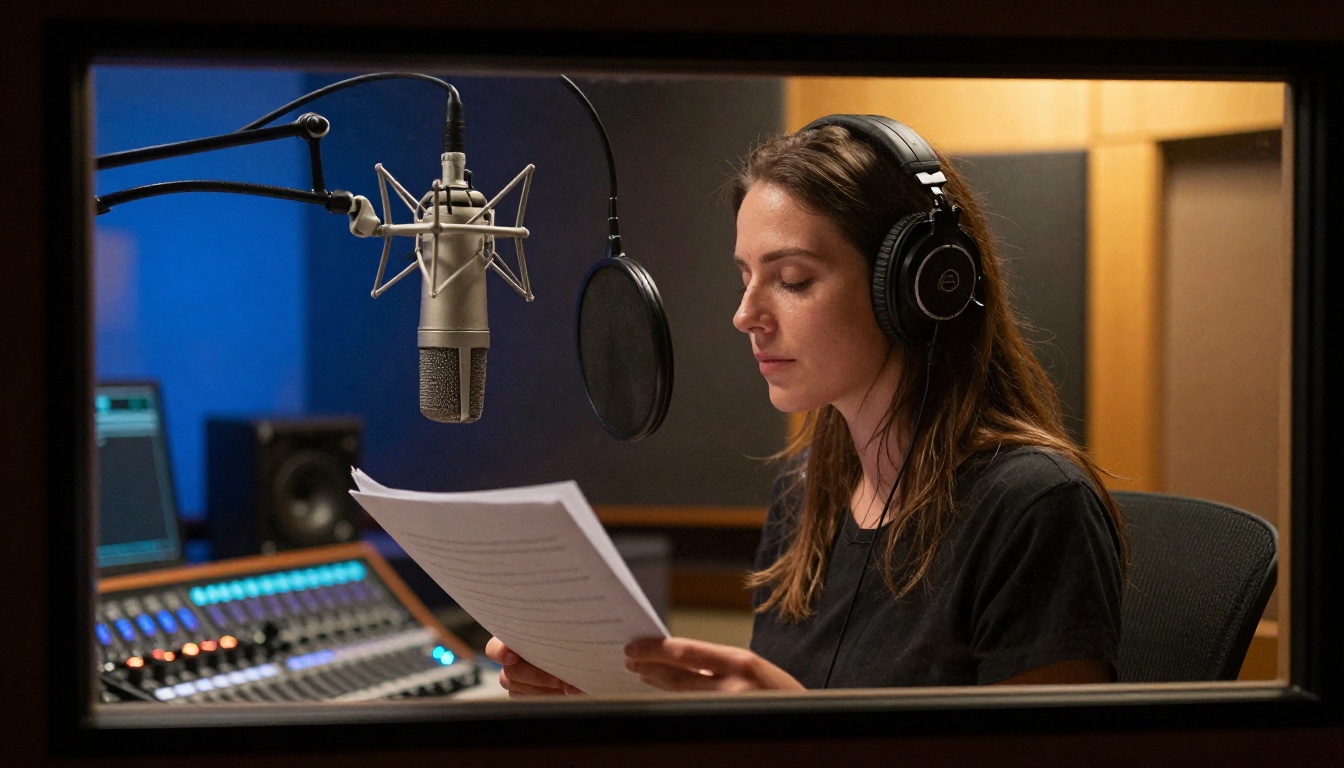
Songwriters and vocalists face a slightly different set of use cases. The most relevant AI tools for this group fall into two areas: melody generation and lyric-to-song synthesis.
AI Co-Writing the Melody
For songwriters, the biggest creative block is often not the lyrics or the concept but the melodic hook. This is where models like Lyria 3 and Music 2.6 can act as a genuinely useful co-writer.
Approach: write your lyric first (even in rough form), then use an AI music model to generate melodic ideas over a chord progression you specify. Listen for melodic contours that work with your lyric's natural speech rhythm. You are not using the AI melody directly; you are using it to jog your own melodic instincts.
Acoustic guitar players can also benefit from models like Stable Audio 2.5 to generate backing track sketches: a full band arrangement idea over your basic chord structure that you can react to and build from.
Going from Lyrics to a Full Song
Minimax's Music 01 and Music 2.5 both support a lyric-in, full-song-out pipeline. You paste in structured lyrics with verse/chorus notation, specify a genre and vocal style, and the model generates a sung version with backing arrangement.
This is more useful for demo creation than final release. The vocal performance will likely not have the phrasing nuance a session singer would bring, but for pitching a song idea to a label, artist, or sync supervisor, it is a dramatically faster path from lyric to demo than traditional recording.
💡 Tip: When using lyric-to-song models, format your lyrics clearly with [Verse 1], [Chorus], [Bridge] labels. Models respond better to structured lyric input and produce more coherent song structures as a result.
AI Music Alongside Visual Creation
AI music generation does not exist in isolation. For musicians also creating visual content around their music (social media, music videos, artist branding), AI image tools are equally relevant. PicassoIA offers over 90 text-to-image models covering everything from photorealistic photography styles to illustration and concept art. For musicians building a visual identity, generating consistent, high-quality imagery from text prompts is a significant time and cost reduction.
The text-to-image models on PicassoIA include options for album artwork concepts, promotional photography styles, and social content imagery. If you are already using the platform for music generation, the visual tools are worth testing as part of an integrated content workflow.
AI voice tools, including text-to-speech models available on the platform, open up additional options for spoken-word interludes, podcast-style content, or voiceover for music videos. The platform's coverage across audio and visual AI tools makes it practical as a single production environment rather than juggling subscriptions across multiple specialized services.
Beyond music, the platform also hosts models for video generation, super-resolution upscaling, and background removal, all of which round out the toolkit for musicians creating multimedia content. Visit picassoia.com/en/all-models to see the full catalogue.
Start Making Music with AI Today
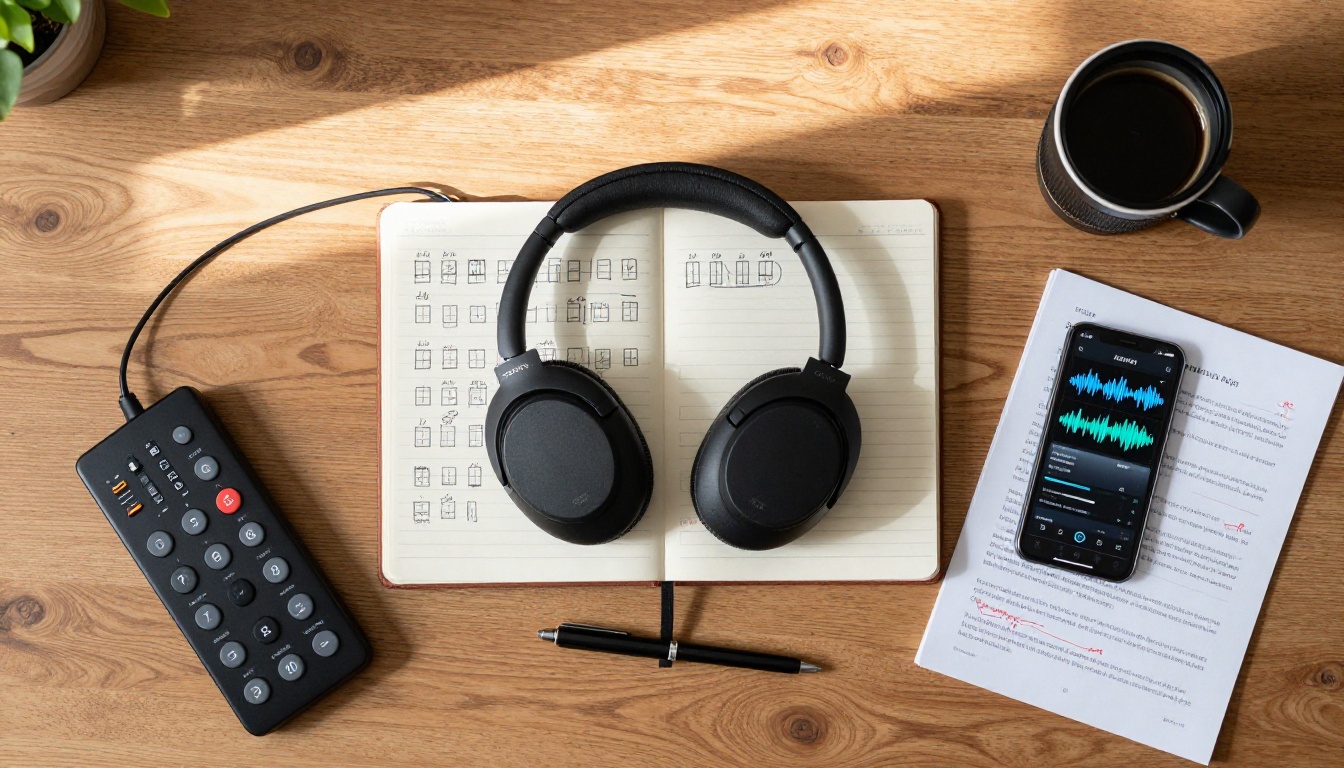
The most important takeaway from this practical intro to AI for musicians is not the individual model names or feature comparisons. It is the workflow shift: AI music tools work best when you treat them as fast-iteration resources rather than black-box output machines. The producers and songwriters getting the most value out of these tools use them to move faster through the early phases of creativity, where the quantity of ideas matters more than polish.
PicassoIA gives you direct access to Lyria 3 Pro, Music 2.6, Stable Audio 2.5, ElevenLabs Music, and the rest of the AI music generation catalogue in one place, without having to manage separate accounts and billing relationships across five different services.
Try generating three different versions of a musical idea you have been sitting on. Pick the strongest elements from each. Bring those elements back into your DAW. That is the workflow in its simplest form, and it takes about 10 minutes to run once you are familiar with the prompting approach covered in this article.
Browse the full model catalogue at picassoia.com/en/all-models and pick the model that fits the kind of music you are making. The starting point is much closer than it looks.


