Best Prompt Ideas for Seedream 5 Lite: Real Results
Whether you're just starting with Seedream 5 Lite or looking to push what the model can actually do, this article breaks down real prompt ideas, structures, and creative directions that produce sharp, cinematic 2K results worth sharing.
Prompt quality separates forgettable AI images from ones that stop people mid-scroll. Seedream 5 Lite, ByteDance's efficient text-to-image model, is capable of producing crisp 2K photorealistic results, but only if your prompts give it enough specific detail to work with. This article collects real prompt ideas, structures, and creative directions that consistently produce strong results, whether you're shooting for editorial portraits, cinematic landscapes, or clean product shots.
What Seedream 5 Lite Actually Does
Seedream 5 Lite is ByteDance's lightweight text-to-image model, built for speed without sacrificing the output quality that makes results actually usable. Unlike some fast models that soften detail in exchange for generation speed, Seedream 5 Lite holds onto texture, especially in skin, fabric, and natural surfaces, at 2K resolution. It responds well to camera-specific language, which is why the prompts in this article lean heavily on lens specs, film stocks, and photography terminology rather than vague aesthetic descriptors.
The model sits in an interesting position within the Seedream family. Seedream 4.5 pushes further into 4K fidelity, while Seedream 4 offers a reliable baseline for everyday generation. Seedream 5 Lite hits a practical middle ground: fast enough for rapid iteration, sharp enough for finished output.
The 2K Output Difference
At 2K resolution, Seedream 5 Lite renders detail that 512px or 768px models simply cannot match. Individual strands of hair, the weave of fabric, the rough surface of stone, fine pores on skin. When you write prompts that specifically request that level of detail, the model responds. Vague prompts produce vague results regardless of the model's capability. The resolution ceiling only matters when your prompt is specific enough to use it.
Where It Beats Older Versions
Compared to Seedream 3, the Lite version shows noticeably better handling of complex lighting scenarios and more accurate color grading when given specific film stock references. It also handles the 16:9 aspect ratio with less compositional distortion, which makes it particularly suited for editorial and cinematic use. The model also tends to produce more naturalistic faces in portrait contexts, without the slightly symmetrical, over-smooth skin tendency that earlier versions had.
Portrait Prompt Ideas That Work
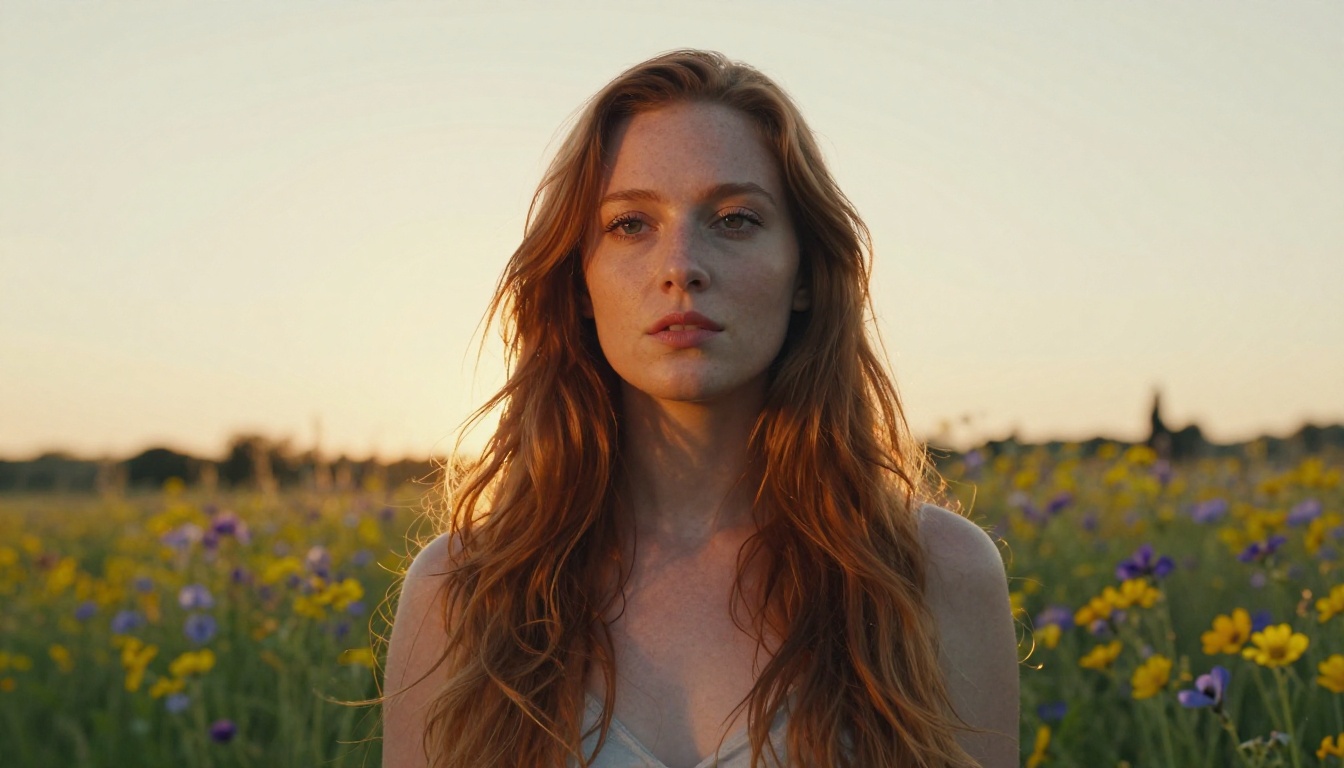
Portraits are where Seedream 5 Lite earns its reputation. The model has a strong prior for realistic skin texture, natural facial proportions, and lighting that feels photographed rather than rendered. The key is giving it enough photographic context to activate that capability, and not leaving it to fill in the blanks.
Natural Light Portraits
The following structure works consistently for natural-light portrait photography:
Prompt structure: [Subject with age and hair] + [Location/setting] + [Time of day and light direction] + [Camera and lens] + [Film stock] + --ar 16:9 --style raw
Example prompts that work:
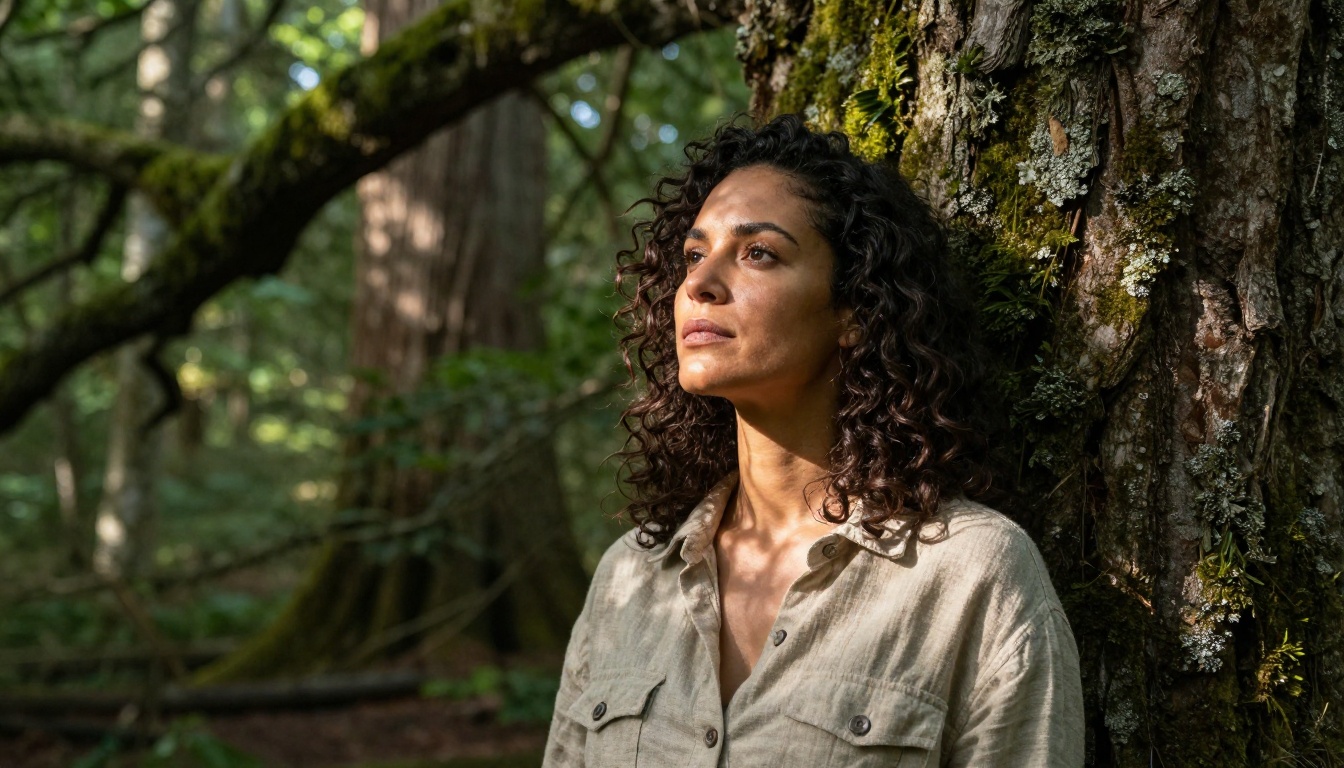
Photorealistic portrait of a 27-year-old woman with wavy dark hair, sitting by a large window in a sunlit cafe, soft overcast morning light diffused from the left, Canon 5D Mark IV, 85mm f/1.4, Kodak Portra 400 film grain, shallow depth of field, visible skin pores, RAW 8K --ar 16:9 --style raw
Photorealistic close-up of a man in his early 40s with short salt-and-pepper beard, outdoors in an urban park, warm afternoon backlighting creating rim light on his shoulders and through his hair, Sony A7 III, 50mm f/1.8, Fuji 400H film stock, natural color tones, fine grain, RAW 8K --ar 16:9 --style raw
Photorealistic medium shot of a woman in her 30s laughing naturally, seated on sun-warmed stone steps in golden afternoon light, visible skin texture, candid unposed expression, Nikon Z6, 35mm f/2, natural warm tones, Kodak Portra 400, fine grain, RAW 8K --ar 16:9 --style raw
💡 Always specify the direction of light (from left, from right, backlit, overhead). Seedream 5 Lite responds to light direction with visible changes in shadow placement and specular highlights on skin surfaces.
Glamour and Fashion Shots
Fashion and glamour prompts need more compositional specificity. Include garment details, setting, and the relationship between the subject and their environment:
"strong afternoon sun from upper left, bronze skin highlights"
Camera
"high quality"
"Sony A7 III, 85mm f/1.8, RAW 8K"
Film stock
none
"Kodak Portra 400, fine grain"
Example: Photorealistic close-up of a 28-year-old woman in a white linen bikini lying on smooth volcanic black rock at a secluded Atlantic coast, golden late-afternoon sun from behind-right creating warm rim lighting and soft lens flare on her shoulders and collarbone, Sony A7R V, 85mm f/1.8, Kodak Portra 400, visible skin texture, salt crystallized on skin surface, RAW 8K --ar 16:9 --style raw
Landscape and Environment Prompts
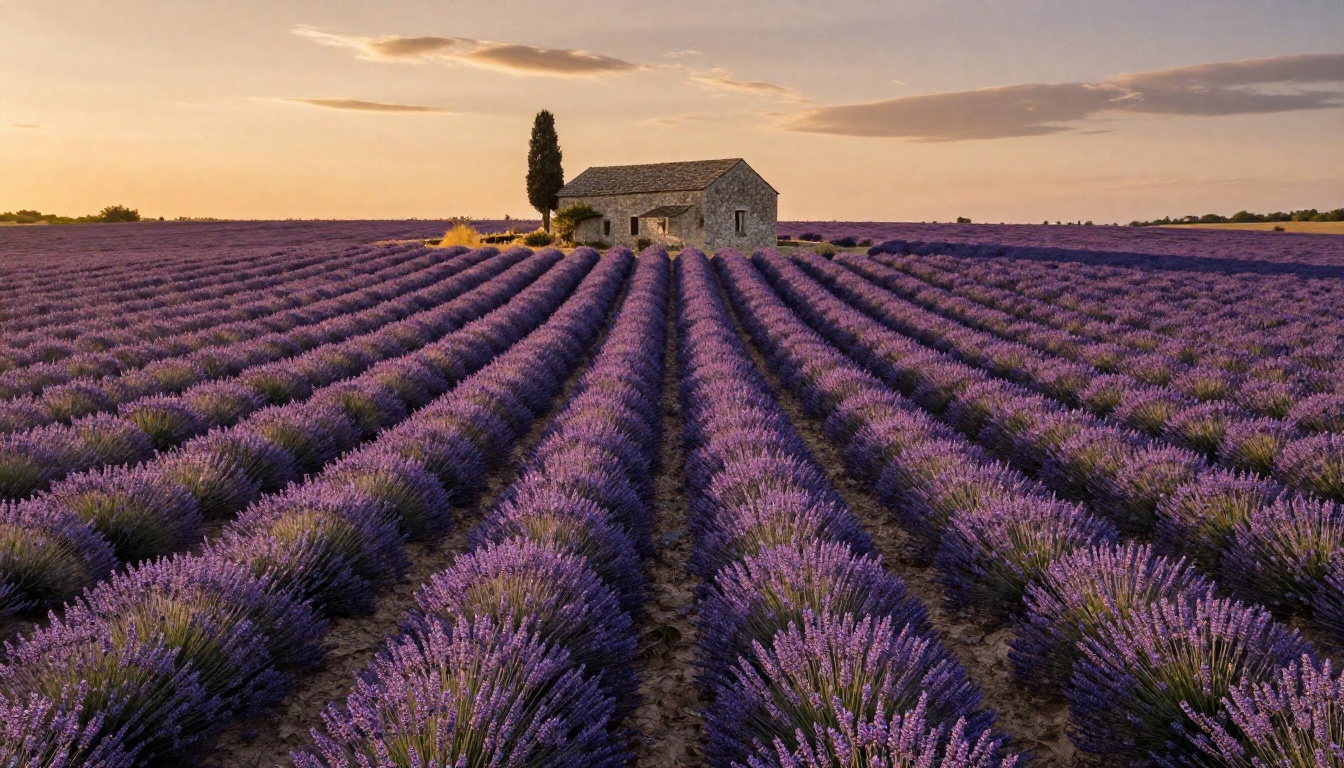
Seedream 5 Lite handles wide environmental scenes particularly well when given precise geographic and temporal references. Generic descriptions like "beautiful landscape" produce generic results. Specific locations, seasons, and weather conditions activate the model's geographic visual knowledge.
Outdoor Scenes and Golden Hour
The hours just after sunrise and just before sunset produce the most dramatic lighting ratios. Seedream 5 Lite reads these well when specified directly in the prompt:
Photorealistic wide-angle shot of a misty valley in the Scottish Highlands at dawn, low fog rolling between dark green hills, a single stone farmhouse with one lit amber window in mid-distance. Canon EOS R5, 16mm f/4, RAW 8K, Fuji Velvia 50, natural saturation, fine grain --ar 16:9 --style raw
Photorealistic aerial shot of a Tuscan vineyard at golden hour, rows of dark green vines casting long parallel shadows across rust-red clay soil, terracotta farmhouse in mid-ground, coral and amber sky above. DJI Mavic 3 Pro, f/2.8, RAW 8K, Kodak Ektar 100 --ar 16:9 --style raw
Photorealistic ground-level shot of a Japanese bamboo forest at morning, shafts of light breaking through dense green canopy, light mist visible between stalks, packed earth path curving into background. Sony A7 IV, 24mm f/2.8, Fuji Pro 400H, fine grain, RAW 8K --ar 16:9 --style raw
💡 Adding a specific film stock to landscape prompts creates consistently better color grading than generic terms. Velvia 50 for vivid saturated color, Portra 400 for warm naturalistic tones, Ektar 100 for rich deep color.
Urban and Architectural Settings
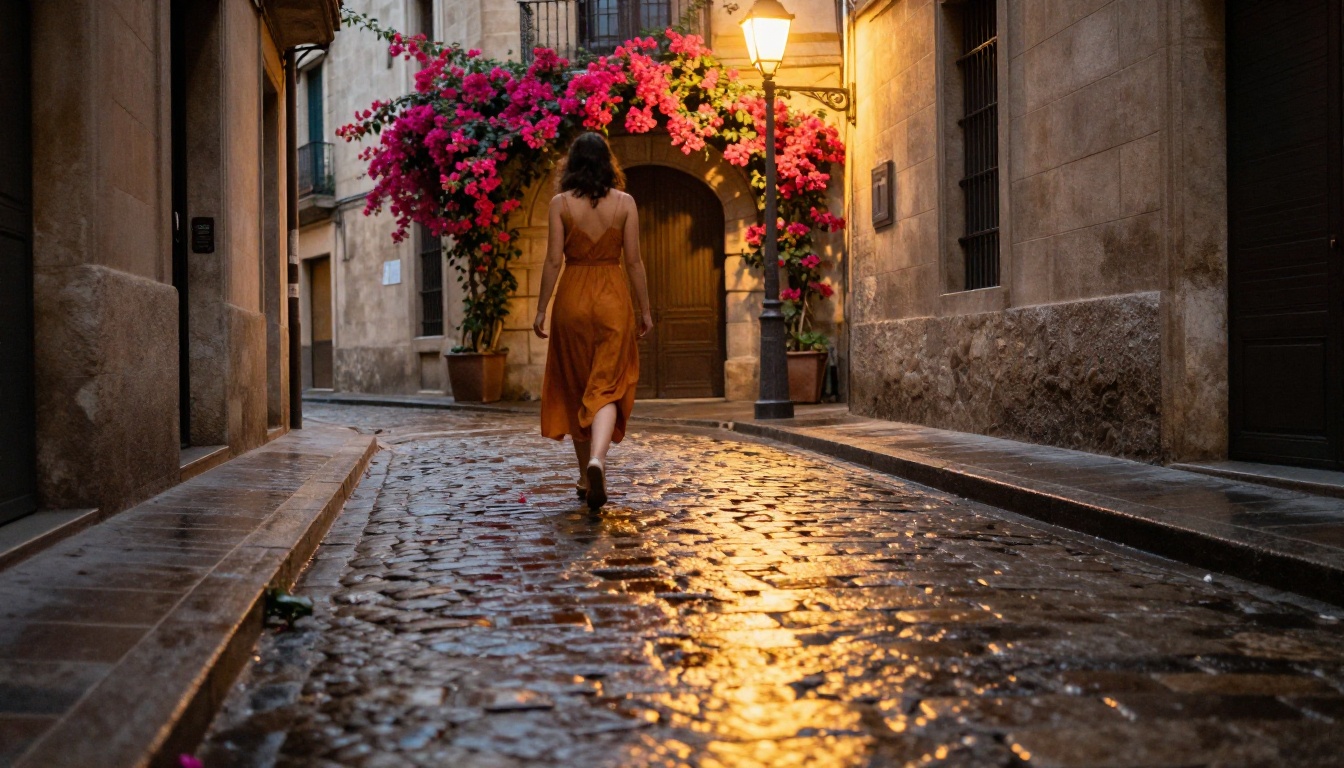
Urban prompts benefit from specifying surface textures, weather conditions, and the character of artificial light sources:
Photorealistic street-level shot of a rain-soaked Tokyo crossing at night, warm neon storefronts reflected in wet asphalt, blurred pedestrians with umbrellas in motion, sharp focus on foreground puddle reflecting signage. Leica Q3, 28mm f/1.7, ISO 1600, visible grain, RAW 8K --ar 16:9 --style raw
Photorealistic wide shot of a Paris cafe terrace in late autumn, wet golden leaf litter on cobblestones, warm amber light spilling from inside the cafe onto two people visible through the window. Canon 5D IV, 35mm f/2, Kodak Portra 400, RAW 8K --ar 16:9 --style raw
Photorealistic low-angle shot of a Manhattan street at blue hour, glass skyscrapers reflecting fading indigo sky, yellow taxi cabs with motion blur in foreground, steam rising from a street grate mid-frame. Sony A7R V, 24mm f/2.8, Fuji Provia 100F, RAW 8K --ar 16:9 --style raw
How to Use Seedream 5 Lite on PicassoIA
Seedream 5 Lite is available directly on PicassoIA, where you can run it without API setup, local installation, or subscriptions for basic use. Here is how to get started and get the most from it.
Step 2: In the prompt field, paste your full prompt using the four-part structure described in the section below. Include the --ar 16:9 --style raw suffix at the end for photorealistic results.
Step 3: Set your aspect ratio to 16:9 for cinematic or editorial output, or 1:1 for portrait squares and social media content.
Step 4: Click Generate and review the output. If the composition is strong but lighting feels off, adjust only the light direction description in your prompt and regenerate.
Step 5: When a generation almost works, note the seed number shown in the output. Fix the seed and change only one element of the prompt at a time. This isolates exactly what is and is not working in your description.
Parameter Tips for Better Results
Parameter
Recommended Value
Effect
Aspect Ratio
16:9 or 1:1
Avoids compositional distortion at output
Steps
28-35
More steps produces finer detail at 2K
Guidance Scale
7-9
Stays faithful to prompt without over-sharpening
Seed
Fixed during iteration
Lets you compare prompt changes cleanly
💡 When a generation almost works but one detail is wrong (a hand, an eye, an artifact in the background), add a negative prompt targeting that specific issue rather than rewriting the whole positive prompt. Seedream 5 Lite responds cleanly to targeted negative prompting.
Prompt Anatomy That Works
Every strong Seedream 5 Lite prompt follows the same underlying logic regardless of subject matter. The order of information in your prompt matters because the model processes tokens sequentially, weighting earlier terms more heavily than later ones.
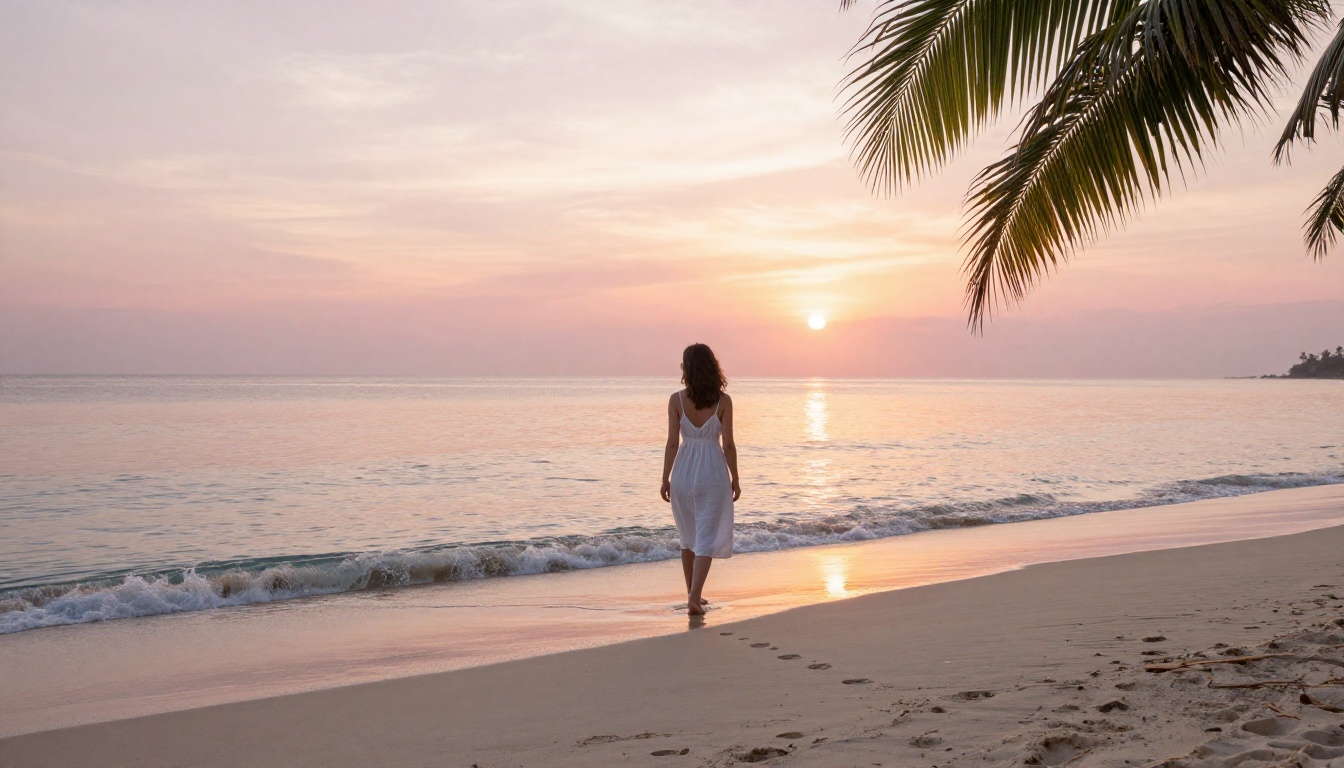
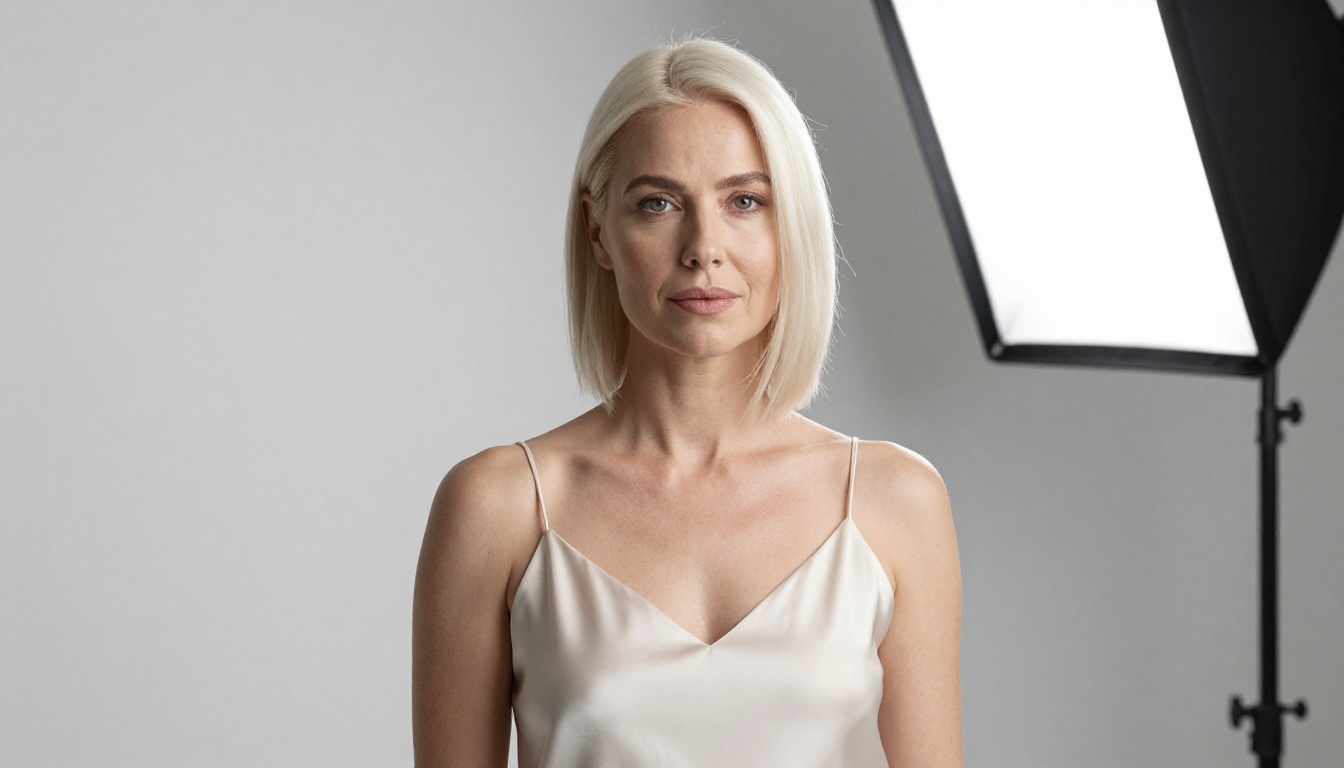
1. Subject: Be specific. Age, hair color, clothing details, pose or action. "Woman in white dress" is weak. "27-year-old woman in white linen slip dress, standing with weight shifted to her left hip, collarbone visible above neckline" is strong.
2. Environment: Location, season, time of day, weather, visible surfaces. The more specific, the more the model can activate the right visual priors for that scene.
3. Lighting: Direction (from left, overhead, backlit), quality (soft diffused, harsh direct, golden), source (window light, open sky, streetlamp, moonlight).
4. Camera and Film: Specify the camera body, lens focal length and aperture, ISO range, and film stock. This is the highest-leverage addition most people skip entirely, and the one that most consistently produces photorealistic output.
Complete assembled example:
Photorealistic portrait of a 25-year-old woman with short black hair, sitting cross-legged on a rooftop terrace in Brooklyn at dusk, New York City skyline visible and softly blurred in the background. Warm amber light from the setting sun coming from the right, casting a long shadow across the left half of her face and bare arm. Sony A7R V, 85mm f/1.2, ISO 200, Kodak Portra 400, fine grain, shallow depth of field, visible skin texture, RAW 8K --ar 16:9 --style raw
Negative Prompts Worth Using
When you notice recurring issues in outputs, target them directly rather than overloading the positive prompt with compensating terms:
Soft or blurry faces: blurry face, soft focus, out of focus eyes, motion blur
Distorted hands: extra fingers, fused fingers, deformed hands, mutated hands
Plastic-looking skin: airbrushed skin, plastic, no pores, overprocessed, smooth texture
Beyond portraits and landscapes, Seedream 5 Lite handles lifestyle, food, and product photography with notable accuracy when prompted with the right surface and light specifics.
Food and Product Photography
Food photography prompts work best with close, tactile surface descriptions and a clearly defined single light source. Avoid general terms like "delicious" or "beautiful plating" in favor of specific textures and physical details:
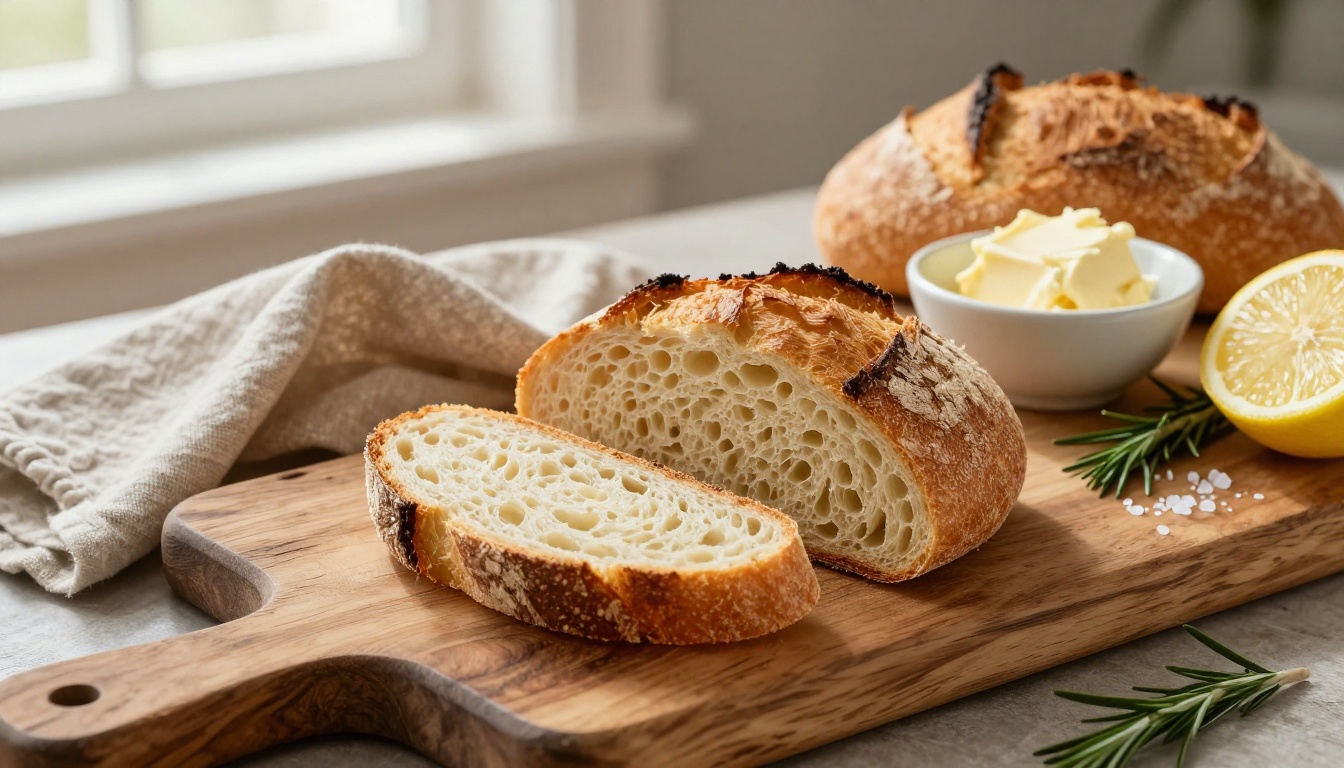
Photorealistic overhead flat-lay of a dark slate serving board with dark chocolate fondant cake slice, fresh raspberries glistening with moisture, scattered flaky sea salt, and a thin drizzle of raw honey catching the light. Soft north-facing window light from the left, crisp clean shadows on white linen surface. Hasselblad X2D, 55mm f/2.8, RAW 8K, muted warm tones --ar 16:9 --style raw
Photorealistic close-up of a hand-blown wine glass half-filled with deep ruby Burgundy, condensation droplets on the cold glass exterior, an out-of-focus Provencal vineyard visible through stone balustrade in the background. Leica M11, 90mm f/2, warm afternoon light from the right, RAW 8K --ar 16:9 --style raw
Travel and Mood Scenes
For travel content, combine geographic specificity with a defined compositional anchor. An empty scene needs a surface detail. A scene with a person needs a specific relationship between them and the space around them:
Photorealistic wide shot of a Santorini terrace at midday, whitewashed walls draped with cascading deep purple bougainvillea, iconic blue dome of a chapel visible beyond the terrace edge against bright Aegean sky. A small ceramic coffee cup and open linen-bound book on a weathered wooden table in foreground. Canon EOS R6, 35mm f/2.8, RAW 8K, Fuji Pro 400H --ar 16:9 --style raw
Photorealistic interior of a Japanese ryokan room at dusk, shoji screens partially open to reveal a raked gravel garden and single pine, tatami floor glowing warm, a lit paper lantern centered on a lacquered low table. Sony A7 IV, 24mm f/4, warm ambient light, RAW 8K --ar 16:9 --style raw
3 Prompt Mistakes to Stop Making
Most weak outputs trace back to a small set of repeatable errors that are easy to fix once you can recognize them.
Mistake 1: Using aesthetic adjectives instead of photographic terms
Weak: "a beautiful, stunning, gorgeous woman in amazing soft lighting"
Strong: "27-year-old woman, Canon 85mm f/1.4, golden hour from upper right, Kodak Portra 400"
Adjectives like "beautiful" or "stunning" provide almost no useful signal to the model. Camera specs, lens aperture, and lighting direction do the actual work.
Mistake 2: Skipping the environment entirely
A subject floating against a vague or neutral background is one of the most common weak outputs, and it almost always traces to a missing or underdeveloped environment description. Even a brief environment statement anchors the whole image: "brick wall with climbing ivy", "minimalist white studio with concrete floor", "coastal basalt cliff overlooking grey Atlantic at low tide".
Mistake 3: Stacking generic quality terms
"8K, HD, ultra-detailed, best quality, masterpiece, sharp, stunning" stacked together produce diminishing returns and can confuse the model's token weighting. Use one or two specific terms like RAW 8K or fine grain, visible skin pores and let the photographic specificity carry the rest of the quality signal.
💡 The four-part prompt structure in this article transfers well across other models on PicassoIA. SDXL and Stable Diffusion 3.5 Large both respond to camera-spec language and film stock references, so your prompt investment compounds as you work across models.
Start Creating Your Own
The prompts in this article are starting points, not finished formulas. Every image you want to create has specific details that only your version of the prompt will have. The exact shade of afternoon light coming through a particular window, the specific texture of a surface, the angle that makes a composition feel right rather than almost right.
Seedream 5 Lite on PicassoIA is free to use with no setup required. Take any of the prompt structures above, pick a subject that matters to your project, and start generating. Strong results usually come from the third or fourth variation, not the first attempt.
If you want to compare outputs across the Seedream family, Seedream 4.5 offers higher resolution when your use case demands 4K output. For rapid iteration at lower compute cost, Seedream 4 is worth benchmarking alongside the Lite version.
PicassoIA also offers Flux Schnell LoRA and other text-to-image models for when you want different visual aesthetics. The four-part prompt logic transfers across all of them. Once you have a structure that produces what you need, it becomes a reusable template you adapt for each new creative project.
Start with one subject, one setting, and one defined light source. Build from there.