Prompt Patterns for AI Video Models That Actually Work
A structured breakdown of the prompt patterns that actually produce consistent AI video results. From the core subject-action-environment formula to model-specific tweaks for Wan 2.7, Kling v3, Veo 3.1, Sora 2, and Seedance 2.0, with cheat sheets, negative prompt templates, and fixes for the most common failures.
The gap between a video prompt that works and one that fails is rarely about vocabulary. It's about structure. AI video models don't read prompts the way humans do. They parse spatial relationships, temporal cues, and motion vectors from the sequence of words you give them. Write them wrong, and you get flickering subjects, camera drift, and scenes that dissolve into noise halfway through. Write them right, and you get footage that holds together like something shot on a real camera.
This article breaks down the specific prompt patterns that produce consistent, high-quality outputs across the major AI video models available today: from Wan 2.7 T2V to Kling v3 Video, Veo 3.1 to Seedance 2.0.
Why Most Prompts Fall Apart Immediately
The 3 patterns that fail every time
1. The noun dump. "Mountain, sunset, woman, walking, cinematic." This tells the model five things but gives it no relationship between them. Is the woman walking toward the mountain? Away from it? The model guesses, and it guesses differently on every frame.
2. The adjective stack. "Beautiful, stunning, gorgeous, breathtaking, magical sunset." Stacking synonyms doesn't amplify the effect. It dilutes it. The model averages these descriptors and produces a middling result that leans into none of them.
3. The passive scene. "A forest. There is a river. Birds are present." No motion direction, no subject agency, no temporal logic. Video models need to know what is happening over time, not just what exists in the frame.
What the model is actually parsing
Modern video generation models process prompts in layers. They first extract the primary subject and assign it motion priority. Then they read environmental context to build the background plane. Finally, they interpret temporal modifiers like "slowly," "suddenly," or "camera pulls back" to choreograph movement over the clip's duration.
If your subject is buried in the middle of a long adjective list, or your motion cues come before your environment is established, the model loses coherence. The first three to five words carry the most weight.
💡 Rule of thumb: Subject first, action second, environment third, modifiers last. Deviate from this at your own risk.
The Core Prompt Formula
The formula that consistently outperforms all others across video models is:
Every word here carries weight. Compare these two prompts:
Weak: "A woman in a white dress in nature"
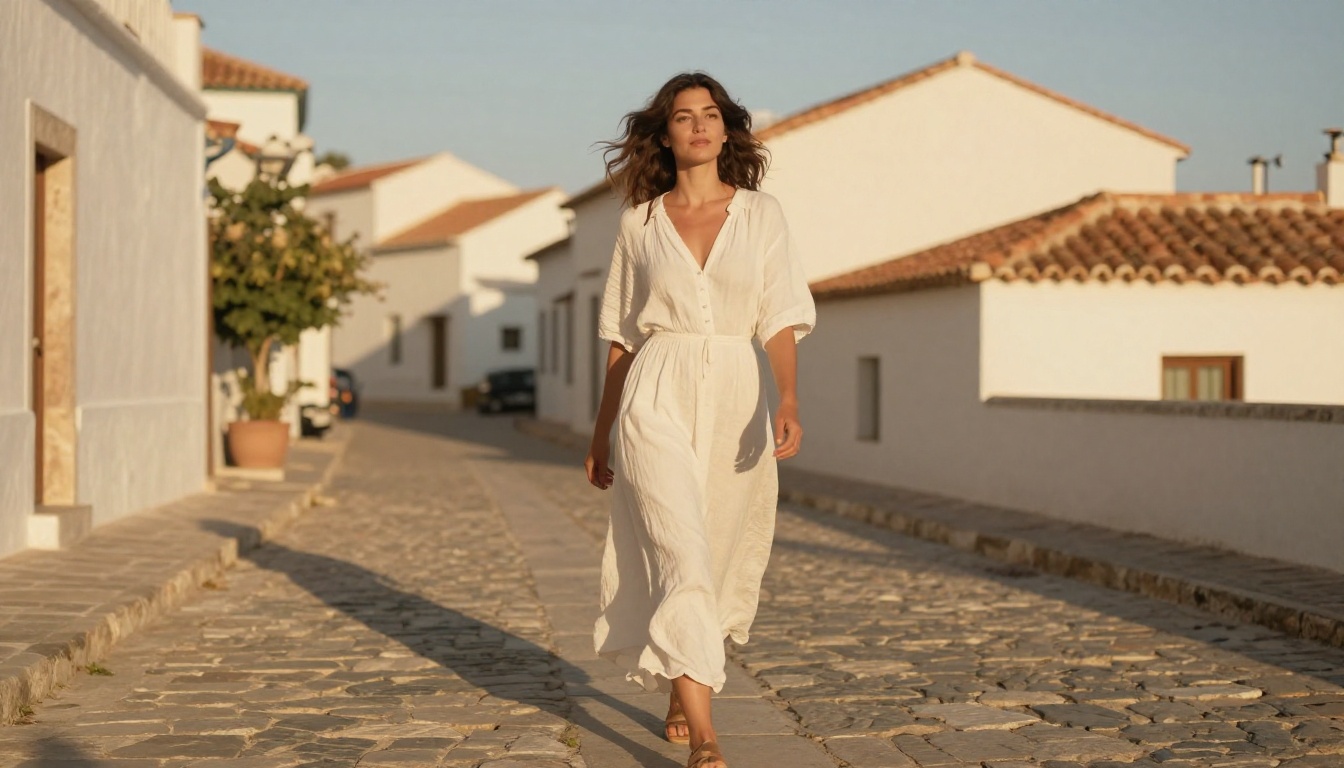
Strong: "A woman in a flowing white linen dress walks barefoot through a sun-drenched wildflower meadow"
The second version gives the model a subject, a physical attribute, a specific action verb, and a defined environment. The model can now anchor the subject consistently across frames.
When your subject is a person, include: clothing texture, approximate build, and one specific action verb. Not "standing there" but "turns slowly to face the camera." Not "sitting" but "leans forward across a wooden table."
For non-human subjects like landscapes, products, or objects, anchor them with a specific position in frame: "a black espresso machine in the foreground" or "a vintage car parked diagonally on a rain-slicked city street."
Motion and camera direction
This is where most prompts leave performance on the table. Camera motion and subject motion are two separate things, and treating them the same ruins both.
Subject motion describes what your primary element does: "walks slowly," "turns her head," "waves crash and recede."
Camera motion describes what the virtual camera does: "slow dolly push," "low-angle tracking shot," "aerial crane pull-back," "handheld slight shake."
State them separately, and state the camera motion last so the model can use it as a choreographic wrapper:
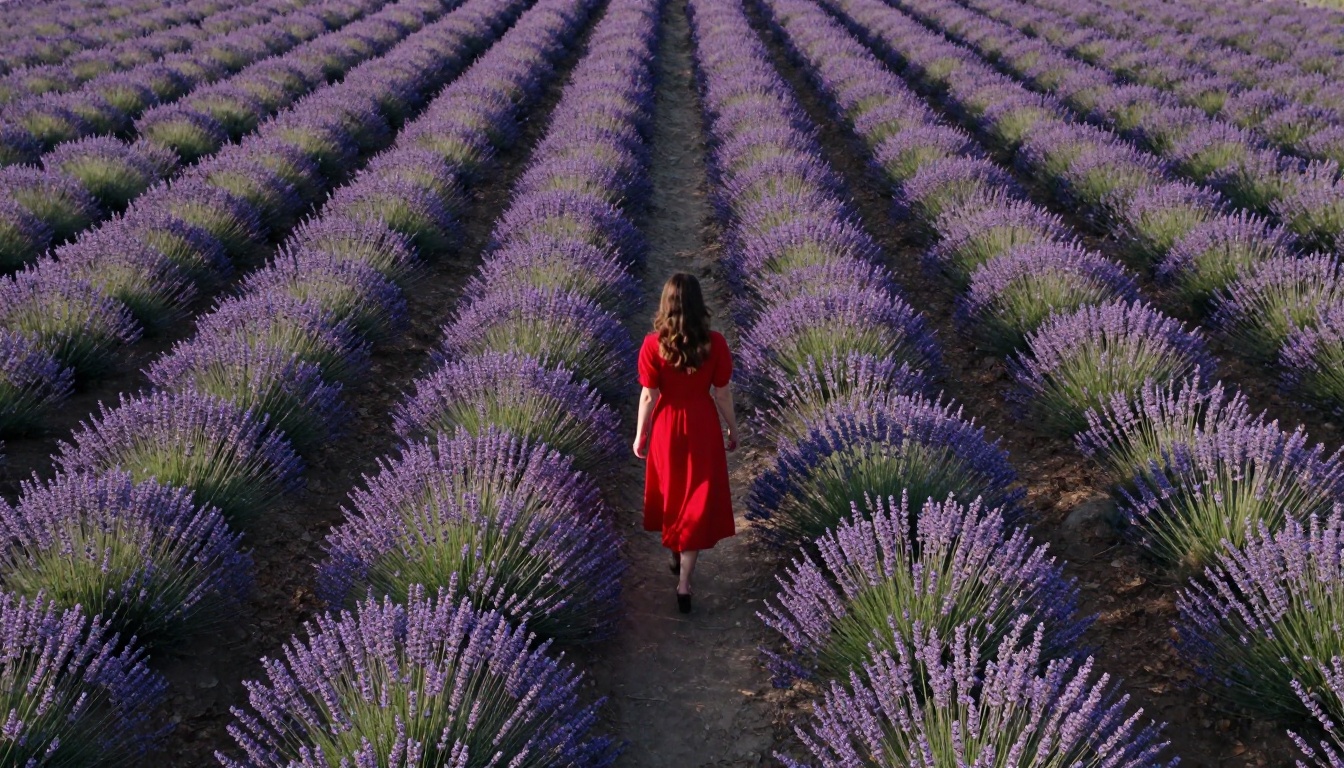
"A woman in a red dress turns slowly toward the camera in a sunlit courtyard. Slow dolly push forward from waist-height. 35mm lens."
Atmosphere and lighting layer
Lighting is the single biggest variable between a flat-looking output and something that feels cinematic. Specify:
Direction: "morning light from the left," "backlit by setting sun," "overhead dappled shade"
Color temperature: "warm amber tones," "cool blue-grey overcast"
Don't just say "cinematic lighting." That phrase has been so overused it's nearly meaningless to most models. Describe the light like a cinematographer would: where it comes from, what it does to the subject's face or surface.
💡 Pro tip: Adding a specific film stock reference like "Kodak Portra 400 color profile" or "shot on 16mm" signals to the model that you want organic texture, natural grain, and desaturated highlights. It punches above its weight in output quality.
Prompt Patterns by Scene Type
Different scene categories need different structural emphasis. Here's how to weight your prompts.
Narrative and cinematic scenes
For story-driven clips, temporal logic is paramount. The model needs to know what happens first, what happens next, and how the camera responds.
Use connective motion words: "then," "as," "while." These create cause-and-effect relationships across frames.
"A lone hiker crests a ridge at sunrise, pausing to look at the valley below. The camera slowly pulls back in a wide crane shot, revealing the scale of the mountains around her. Warm golden light from the right."
For dramatic effect, Kling v3 Video and Veo 3.1 handle temporal logic best. Both interpret connective motion words reliably and maintain subject consistency through camera movement.
Product and lifestyle footage
Product shots need spatial precision. Tell the model exactly where the product sits in the frame, what surrounds it, and how light interacts with the product's surface.
"A sleek black espresso machine in sharp foreground focus on a white marble countertop, steam rising from the spout. Blurred warm kitchen background with morning window light. Slow rack focus pull from machine to the rising steam. 100mm macro lens."
For product work, LTX 2 Pro and LTX 2.3 Pro excel at maintaining sharp object detail and clean background separation in 4K output.
Portrait and character motion
Portraits live and die by how well the model handles facial consistency across frames. Subject morphing is the most common failure mode here. Counter it by:
Adding a neutral expression baseline: "neutral expression, slight natural smile"
Specifying head and eye direction: "looking directly into camera, slight downward tilt"
Keeping motion minimal and slow: "subtle hair movement in breeze, slow head turn"
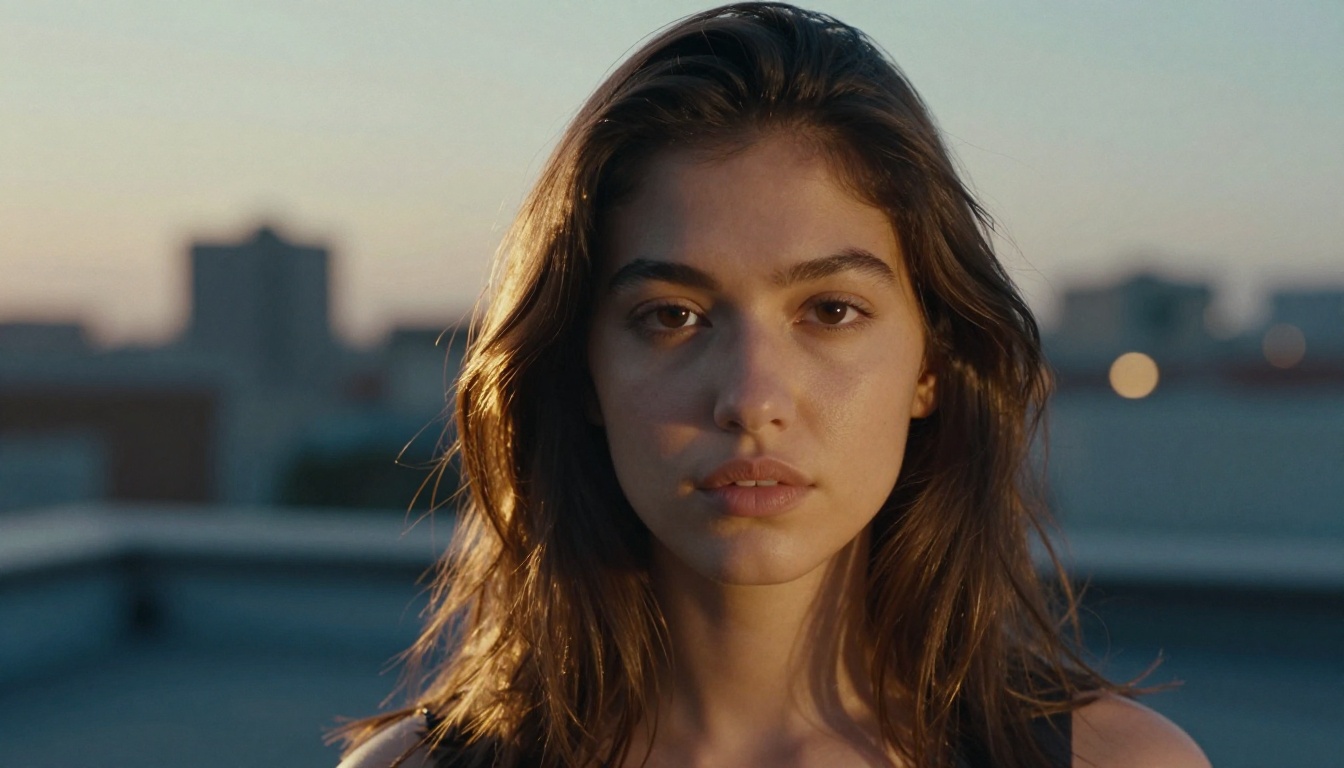
"A confident young woman with short dark hair looks directly into the camera with a slight natural smile, standing on an urban rooftop at dusk. Rim light from the setting sun behind her creates a warm halo. 85mm f/1.4 portrait lens. Slow zoom in, subject fills the frame by clip end."
How to Use Wan 2.7 T2V on PicassoIA
Wan 2.7 T2V is one of the most capable text-to-video models available for producing 1080p clips with strong temporal coherence. Here's how to get the best results on PicassoIA.
Step 2: In the prompt field, structure your input using the formula above. Wan 2.7 responds especially well to camera motion cues placed at the end of the prompt, after your subject and environment are fully established.
Step 3: Set your resolution to 1080p. Wan 2.7 maintains sharpness significantly better at higher output resolutions, and the difference from 720p is visible.
Step 4: For clips that require motion continuity (like a person walking through a scene), use the negative prompt field to exclude: blurry, flickering, morphing, distorted, low quality, static, duplicate subject.
Step 5: Run your first generation. If the subject drifts in the first 2 seconds, your environment description is too sparse. Add more spatial anchors to the background before regenerating.
Step 6: For image-to-video workflows on the same scene, switch to Wan 2.7 I2V, which lets you animate a generated still image with a continuation prompt, locking the subject's appearance from frame one.
Parameter tips for Wan 2.7
Parameter
Recommended Value
Notes
Steps
30-40
Higher steps = more detail, slower generation
CFG Scale
7-9
Stay under 10 to avoid over-sharpening
Motion Strength
0.6-0.8
Above 0.9 causes subject instability
Clip Length
5-8 seconds
Sweet spot for coherence
Negative Prompt
See section below
Always include
💡 Wan 2.7 T2V handles crowd scenes and complex environmental backgrounds better than most. If your scene has multiple elements, it's a better first choice than single-subject-focused models like Motion 2.0.
Model-Specific Prompt Tweaks
Each model has biases baked in from its training data. Knowing them means your prompts land instead of guess.
Kling v3 and Kling v2.6
Kling v3 Video and Kling v2.6 are cinematic powerhouses that respond strongly to film and cinematography terminology.
What works: Lens specifications (35mm prime, anamorphic), film references (shot on 35mm film), and explicit camera movements (Steadicam tracking shot, dolly zoom).
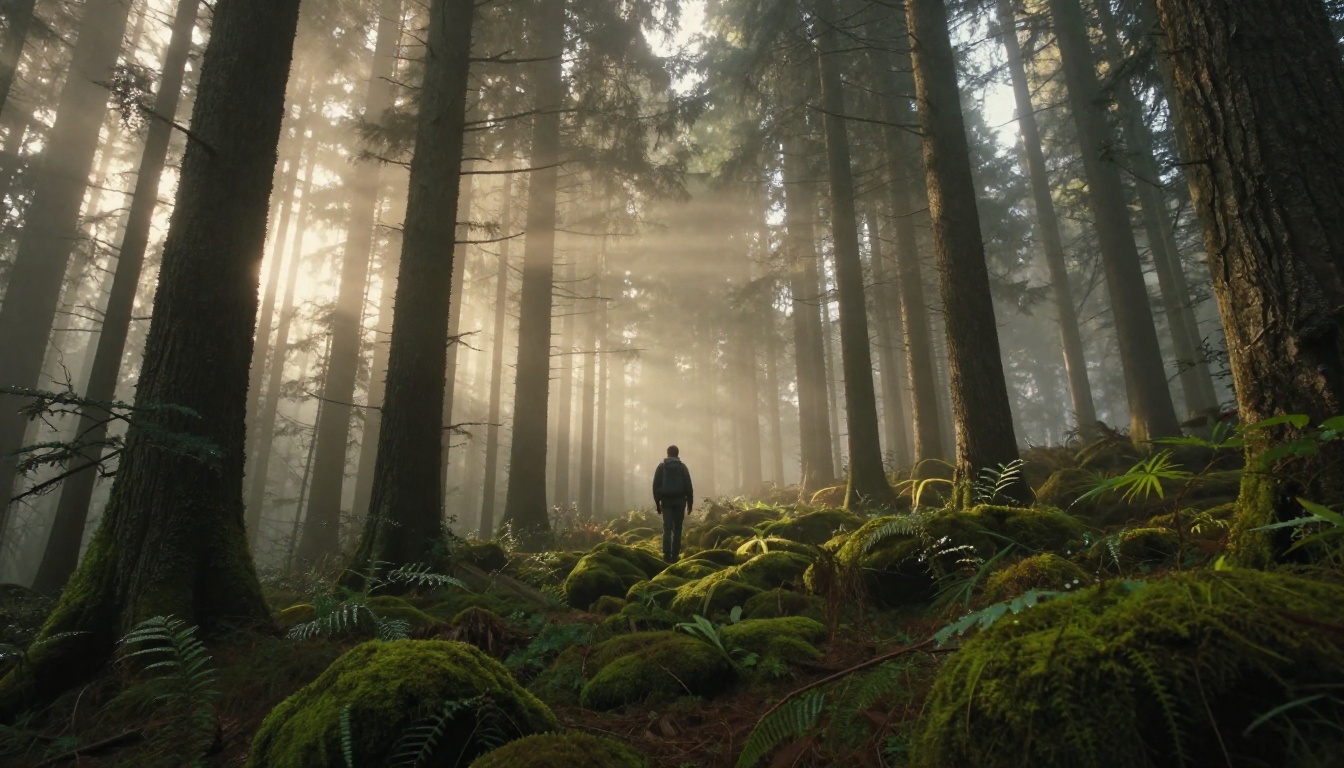
What doesn't: Abstract mood words without spatial grounding. "Mystical atmosphere" produces inconsistent results. "Soft fog rolling across the forest floor at dawn" does not.
Kling v2.6 also supports motion control inputs, letting you draw camera paths directly. Combine that with a strong text prompt and you can precisely replicate dolly or pan movements. For the highest output quality from the Kling family, Kling v2.1 Master produces stunning 1080p results when given detailed cinematic prompts.
Veo 3.1 and Sora 2
Veo 3.1 and Sora 2 are built on foundational models trained on massive video corpora. They handle real-world physics better than most.
For these models, lean into physical realism descriptors: "water surface tension," "fabric draping naturally under gravity," "shadow moving across the wall as the subject passes the window."
Sora 2 responds especially well to prompts written as film treatments: full sentences, natural language, cause-and-effect structure. It's less sensitive to token order than other models. Sora 2 Pro extends this with longer clip duration and higher detail retention.
Veo 3.1 Fast is the faster variant: perfect for iteration when you're testing prompt structures before committing to a full-quality run.
Seedance 2.0 and Pixverse v6
Seedance 2.0 and Pixverse v6 both generate with native audio, which changes how you should write prompts. Include ambient sound descriptors even when focused on visuals: they guide the model's audio layer and create a more cohesive output.
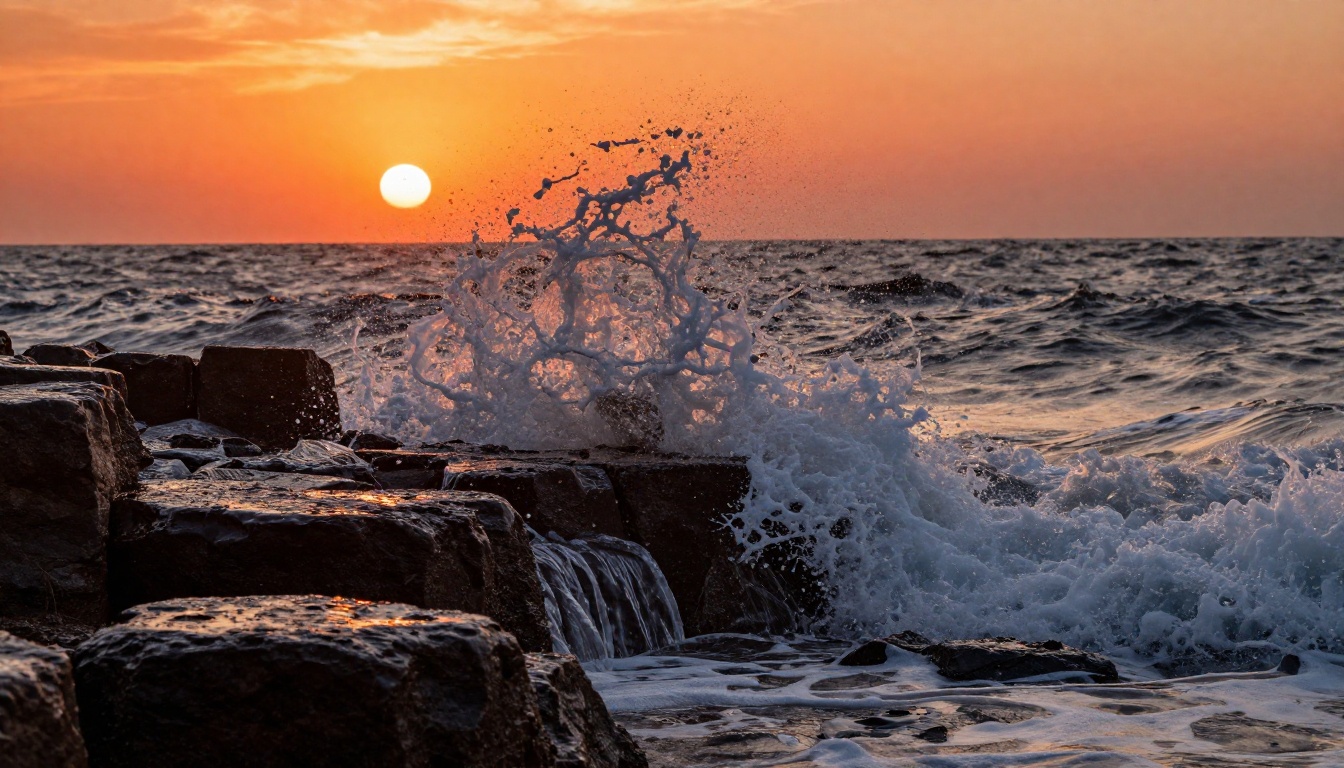
"Waves crash against basalt rocks at sunset, mist in the air. The sound of churning water and wind. Slow motion, 70mm lens."
Pixverse v6 handles rapid motion exceptionally well (action sequences, sports, natural phenomena). Seedance 2.0 is stronger on slow, emotive footage with character presence. For faster turnaround on the same engine, Seedance 2.0 Fast maintains most of the quality at a fraction of the generation time.
LTX 2 Pro and LTX 2.3 Pro
LTX 2 Pro and LTX 2.3 Pro are 4K-native generators. At this resolution, texture detail in your prompt pays dividends. Describe surface materials explicitly: "weathered oak grain," "hand-stitched leather," "brushed aluminum."
These models also respond well to lighting transition prompts: "morning light shifting to afternoon, shadows lengthening." They can render subtle temporal lighting changes that most models flatten into a static exposure.
Negative Prompts That Fix 80% of Issues
Negative prompts aren't an afterthought. For video generation, they're structural.
Default exclusions
This baseline negative prompt works across most models:
blurry, out of focus, flickering, morphing, distorted face, duplicate subject,
deformed limbs, low quality, pixelated, watermark, text overlay, jumpcut,
static background, color banding, overexposed, underexposed
Apply this to every generation before adjusting anything else.
Style-specific negatives
For cinematic footage:
cartoon, illustration, anime, CGI, unrealistic, neon, oversaturated, digital art
For portrait and character clips:
two faces, extra limbs, asymmetrical features, unnatural skin texture, plastic look,
over-retouched skin
💡 Model-specific note: Gen 4.5 by Runway responds especially well to negative prompts. Its negative prompt field has a stronger effect on output style than most competitors, so invest time here before adjusting your positive prompt.
Prompt Cheat Sheet Tables
Camera movement vocabulary
Effect You Want
Words That Work
Slow push toward subject
"slow dolly push forward," "gradual zoom in"
Pull back to reveal scale
"crane pull-back," "reverse dolly," "zoom out to wide"
This usually means your environment is under-described. The model has too many degrees of freedom in the background and fills them differently each frame. Fix it by adding 2-3 specific background elements with positions: "weathered stone wall to the left," "a row of cypress trees in the middle distance on the right."
Also check your motion strength setting. If it's above 0.85, dial it back. High motion strength values compound background inconsistency on every model.
Subject morphs mid-clip
This happens when the subject description is ambiguous, the motion cue is too aggressive, or both. Three fixes:
Add a pose anchor: "standing with weight on left foot, right hand resting on hip" gives the model a physical starting state to return to between frames.
Reduce clip length: A 3-second clip has significantly better subject consistency than a 9-second one for complex subjects.
Use image-to-video: Generate a static image of your subject first, then animate it with Wan 2.7 I2V or Kling v2.6. This locks the subject's appearance at frame zero and removes the consistency problem entirely.
Unnatural motion
Unnatural motion usually comes from vague motion verbs. "Moving" or "going" gives the model nothing to work with. Replace them with specific physical actions that include speed context:
Instead of "moves toward the camera," use "walks at a slow deliberate pace toward the camera, footsteps visible on the ground"
Instead of "the river flows," use "river current moves steadily from right to left, catching the afternoon light on the surface"
Put These Patterns to Work
The patterns in this article won't make every generation perfect, but they will cut failed outputs by a significant margin. The real skill is iteration: run a prompt, identify which element is failing (subject, motion, environment, camera), fix that one variable, run again.
Pick one prompt pattern from this article, apply it to the scene you've been struggling with, and run it through two or three models to compare how each interprets the same input. That comparison alone will teach you more about video prompt engineering than any reference sheet ever could.