What Makes Prompts for 3D Models from Text Actually Work
Writing prompts for 3D models from text is a specific craft. This article breaks down the exact language, structure, and modifiers that produce depth, volume, and surface detail in AI-generated images, with platform comparisons and real-world examples across multiple object types.
Text prompts that produce convincing 3D-looking model visuals are not the same as prompts that work for flat illustrations or photographs. The language, structure, and specific modifiers you use shift the entire output, and most people writing these prompts are missing a few critical pieces that make the difference between a flat result and something with real perceived depth and form.
This is a breakdown of what works, what does not, and exactly how to structure prompts that force AI image generators to produce three-dimensional volume, surface detail, and spatial believability.
Why 3D Prompts Are Different
Most prompt advice covers basic style and subject description. But generating a convincing 3D model visual from text requires a fundamentally different approach than generating a landscape or portrait. You are asking the model to simulate physical object properties: surface normals, light reflection, shadow casting, and material density.
When you type "a chair" into an AI model, you might get anything. When you type "a Bauhaus wooden chair, studio photography, directional primary light from upper left at 45 degrees, casting a hard shadow to the right, matte lacquered wood grain surface texture visible, isolated on white, 50mm lens f/8 aperture," you get something that reads as a real three-dimensional object that exists in space.
The difference is specificity around light behavior and material properties.
💡 The core rule: AI models interpret 3D through light and material language, not through the word "3D" itself.
What "3D-Looking" Actually Means
When designers or product artists talk about a 3D-looking AI output, they mean the image reads as volumetric. Specific visual cues create this perception:
Hard directional shadows that confirm a light source angle
Specular highlights on curved surfaces (the bright spot that shifts with perspective)
Occlusion shadows in concave areas and undercuts
Material texture that follows surface contour (wood grain wrapping around a cylinder, fabric following body shape)
Background depth separation through depth of field or value contrast
Once you understand these cues, you can write prompts that specifically trigger each of them.
The Physics Behind the Prompt
AI image generators trained on photographic data have absorbed millions of images where light behaves according to physics. When you describe a lighting scenario that matches real physics, the model draws from that knowledge. When you describe vague or physically implausible lighting, the model averages across many ambiguous training examples and produces a flat result.
This is why "beautiful lighting" produces weak 3D results. Beautiful is subjective. "Single primary light source from the upper right at 40 degrees, casting a directional shadow to the lower left, with a subtle bounce fill from below" is a physical description the model can actually execute.
The Anatomy of a Strong 3D Prompt
Every effective prompt for 3D model-style output has four structural layers. Missing any layer produces a weaker result.
Layer 1: Subject with Physical Properties
Do not just name the object. Describe what it is made of and how that material behaves physically.
Weak: "a ceramic vase"
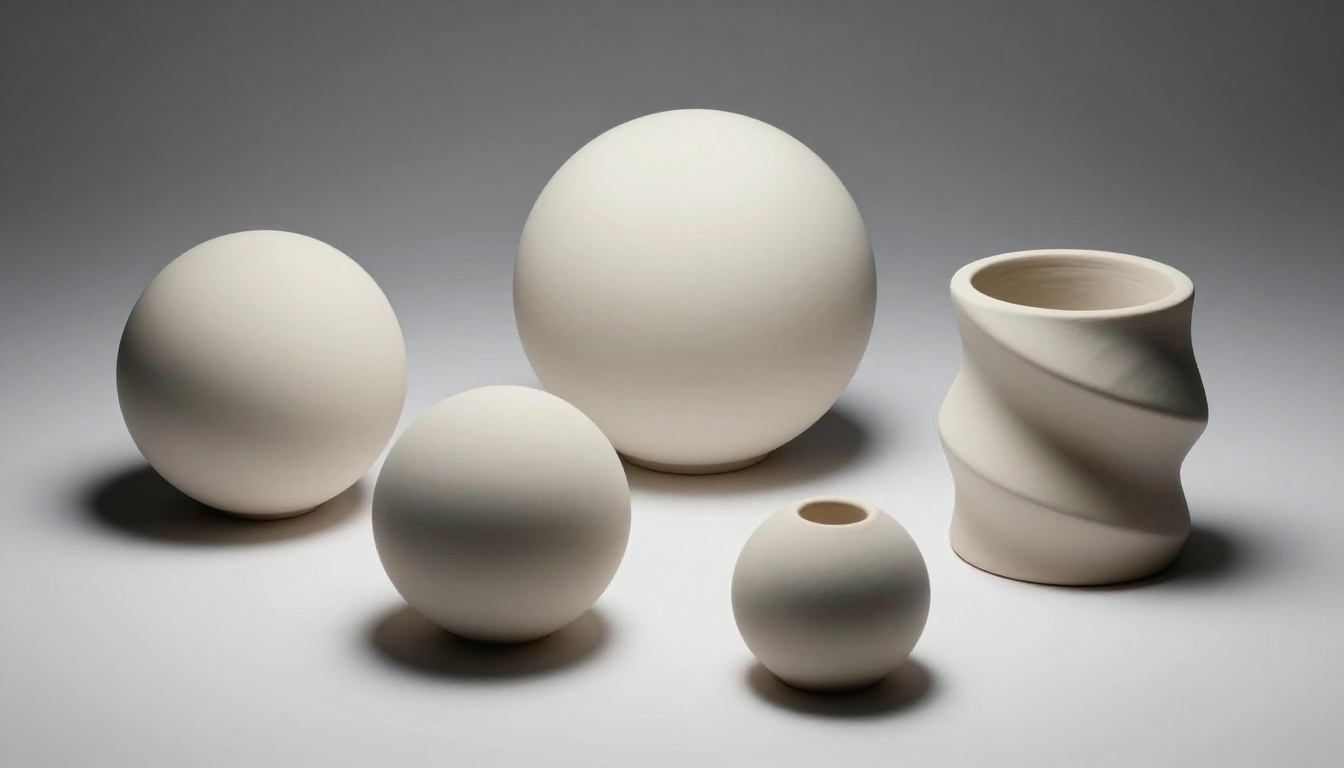
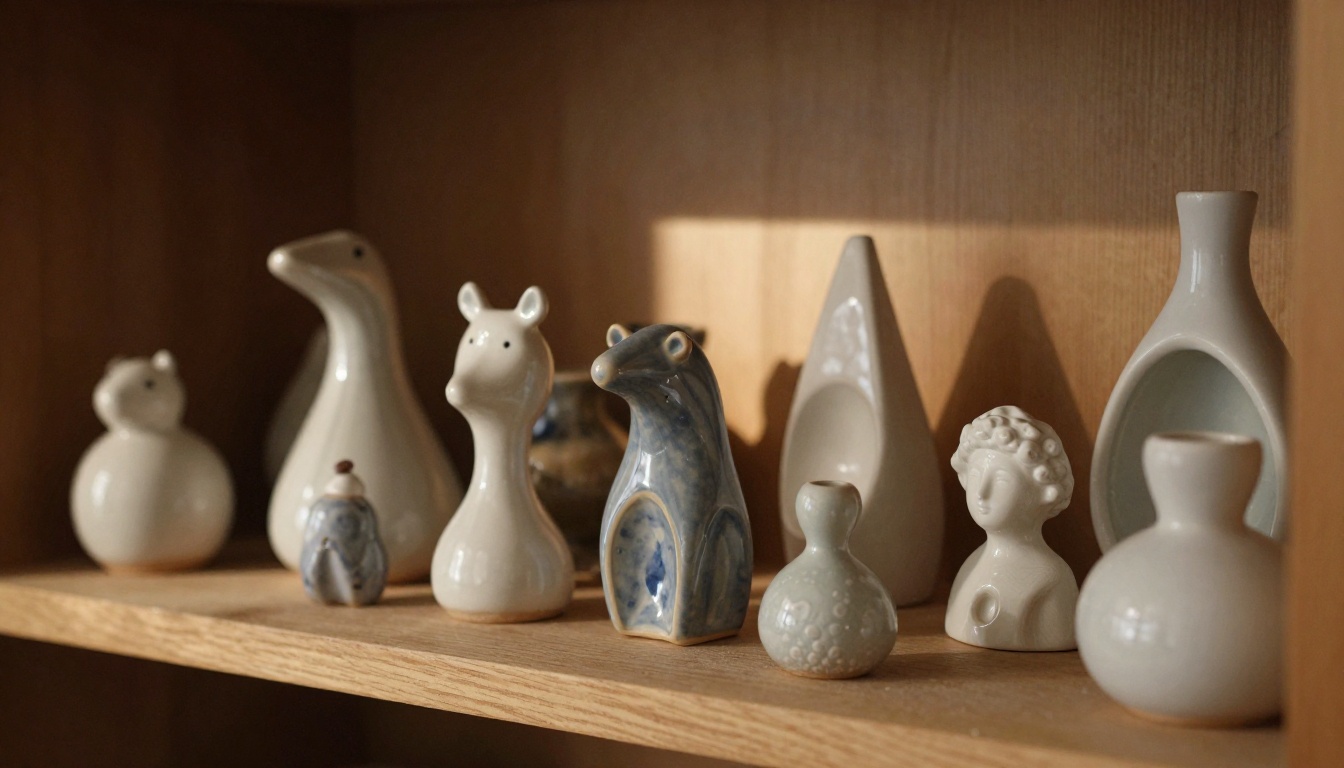
Strong: "a wheel-thrown stoneware vase with irregular rim, matte celadon glaze, subtle throwing rings visible on the exterior surface"
The second version gives the AI real physical properties to simulate. Stoneware has a specific weight and density that implies shadow behavior. Celadon glaze has a specific sheen level. Throwing rings mean textured surface variation that light will catch at an angle.
Layer 2: Lighting Setup
This is the single most impactful element for achieving 3D believability. Specify:
Light source direction: "primary light from upper left at 30 degrees"
Light quality: hard (small source, sharp shadows) vs. soft (large source, diffused shadows)
Fill ratio: "minimal fill light, strong shadow on right side"
Rim light: "subtle rim light catching the back edge of the form"
A hard light from a specific angle is what creates the sharp shadow that grounds an object in three-dimensional space. Without this, you get flat ambient illumination that erases depth.
Layer 3: Camera and Lens
Lens choice affects perceived depth dramatically. A 100mm macro lens compresses space differently than a 24mm wide angle. For 3D model presentations, 50-85mm is the standard range. Aperture controls depth of field and therefore background separation.
"85mm f/2.8 lens, slight focus on center front face, background softly blurred" signals a real camera capturing a real physical object. The AI uses this signal to calibrate spatial relationships within the image.
Layer 4: Surface and Background Context
What surrounds the object tells the AI how to handle shadows and reflections. "White studio seamless" produces clean product photography. "Dark slate surface with subtle reflections" produces a moody product shot. Both read as three-dimensional because the surface context provides spatial grounding. A floating object with no surface shadow has no anchor point and reads as flat.
Prompt Templates That Work
Here are tested prompt structures organized by object category:
For Product and Industrial Objects
[Object description with material] on [surface type], studio photography, [primary light direction and quality], [shadow description], [lens and aperture], white seamless background, photorealistic, 8K
Example: "Brushed aluminum mechanical watch case without strap, on white acrylic surface, studio photography, hard primary light from upper right at 45 degrees, sharp shadow cast to the left, subtle surface reflection in the acrylic below, 100mm macro f/5.6, white seamless background, photorealistic, 8K"
For Architectural and Structural Forms
[Scale model or architectural form], [viewing angle], [material description], [ambient and directional light], [surface the model rests on], 35mm documentary photography
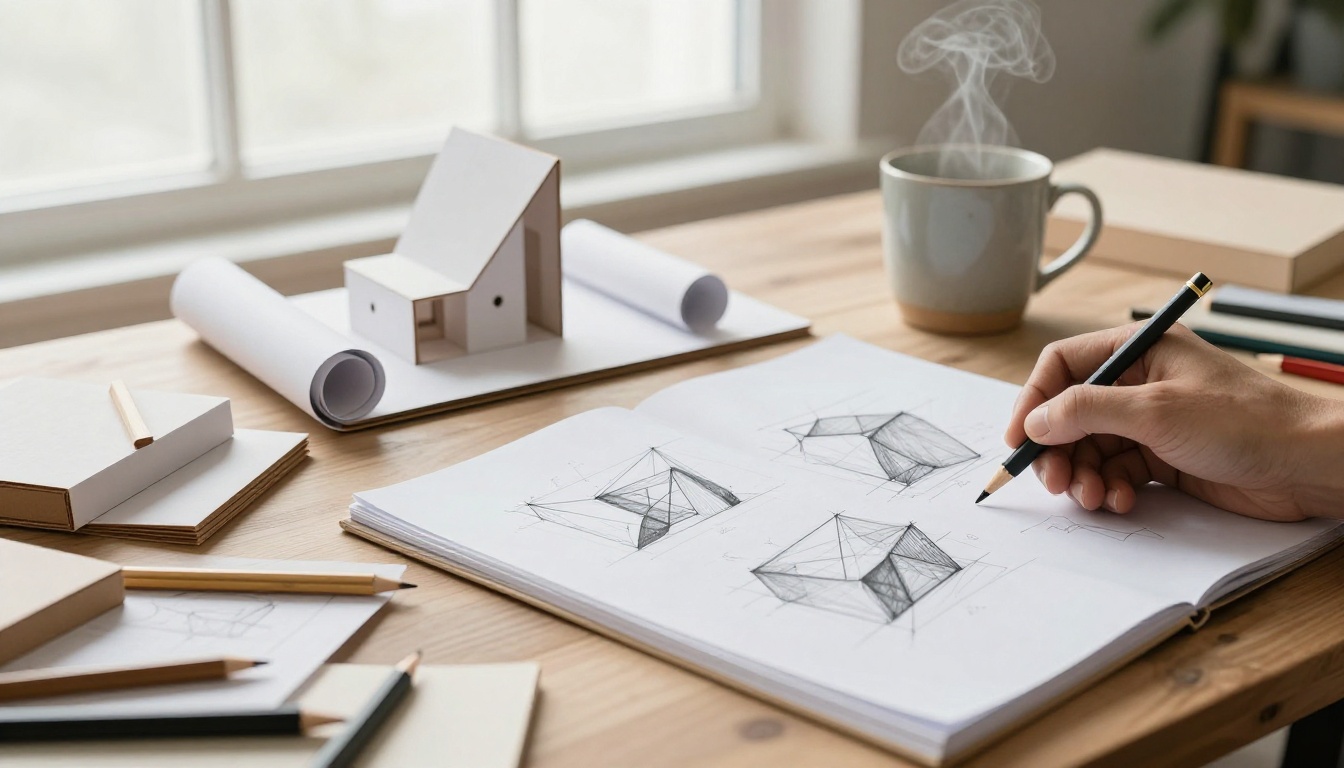
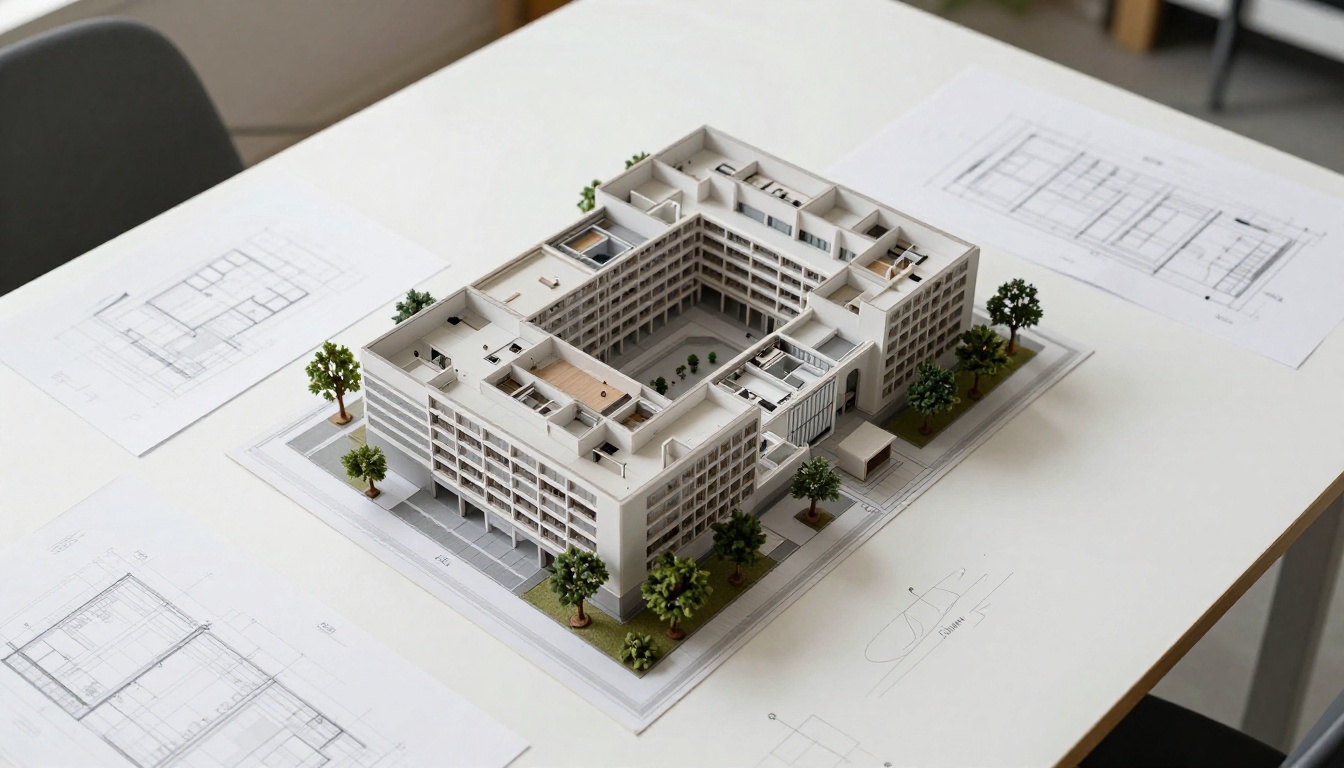
Example: "White plaster architectural massing model of a modernist pavilion, three-quarter view from slightly above, smooth matte plaster finish, soft diffused north light from a large studio window, resting on a wooden drafting table, 35mm f/4, photorealistic"
For Organic and Sculptural Forms
[Material] [sculptural form description], [texture detail], [directional lighting with angle], [shadow quality], [background context], [lens specs]
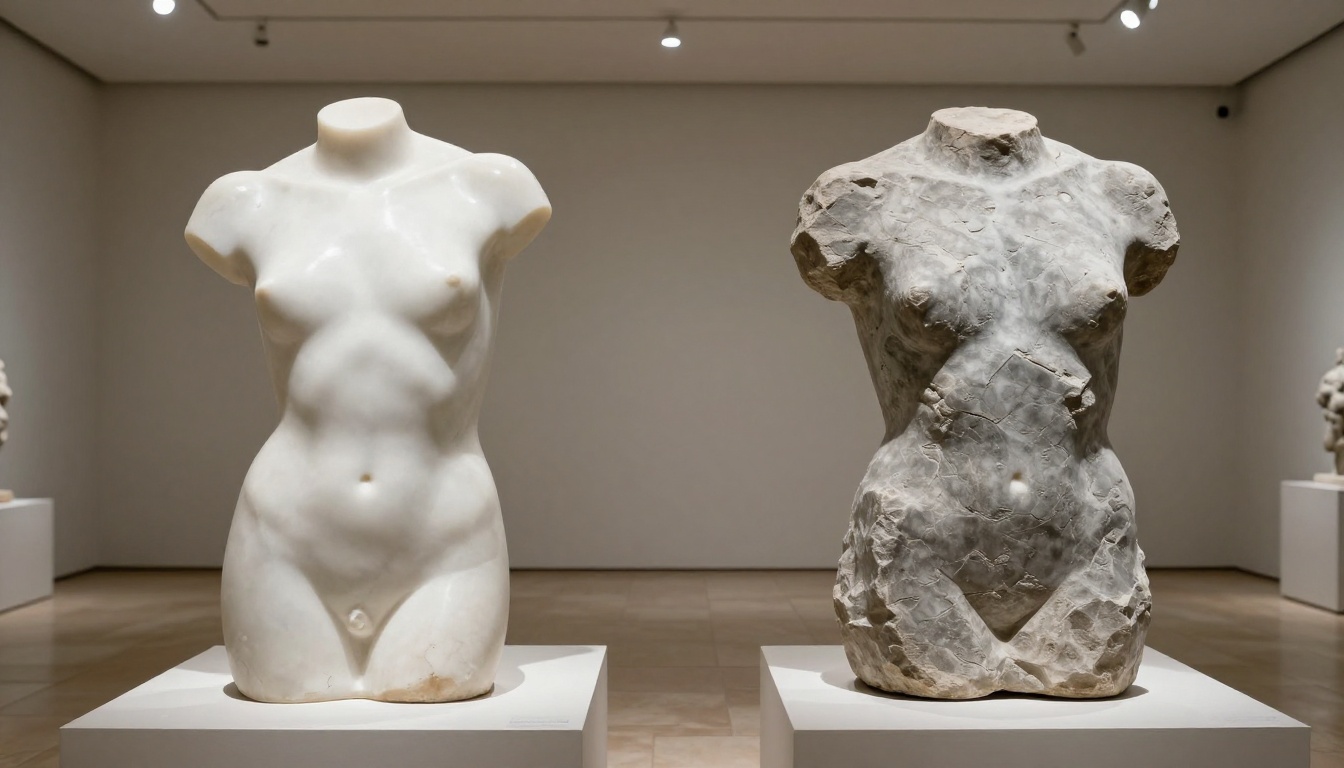
Example: "Bronze cast abstract human torso sculpture with moderate patina, detailed musculature surface, raking sidelight from the right at 90 degrees revealing every surface plane, deep shadow on the left, placed on rough grey concrete plinth, 50mm f/4 lens, museum photography, photorealistic"
💡 Tip: The word "raking light" is one of the most powerful terms in 3D prompt writing. Raking means light hitting a surface at a very shallow angle, which dramatically reveals surface texture and three-dimensional contour. Use it for sculptural and organic forms.
Prompt Length and Detail Level
The research is clear: longer, more specific prompts produce better 3D results than short ones. A 15-word prompt gives the model too much room to invent. A 60-word prompt with specific material, lighting, camera, and surface information constrains the output space enough to produce consistent, physically plausible depth.
Aim for 50 to 80 words in your 3D model prompts. If you find yourself going shorter, you are probably missing one of the four structural layers.
Models That Handle 3D Form Best
Not all text-to-image models handle lighting simulation equally well. Some models are trained with stronger photorealistic photography data that helps them produce physically plausible light behavior. Here is how the top models on PicassoIA compare for 3D-model-style outputs:
For clean product presentations, Flux 1.1 Pro and GPT Image 2 produce the cleanest results. They handle white backgrounds and specular highlights well without inventing visual noise.
For architectural models and structural objects, Wan 2.7 Image Pro handles spatial depth and geometric complexity well, producing sharp 4K outputs where fine structural edges remain crisp.
For rapid iteration and testing prompt variations, Flux Schnell generates results in seconds, letting you test 10 prompt variations before committing to a full-quality render on a slower, higher-fidelity model.
Generate 3D Model Visuals on PicassoIA
PicassoIA gives you access to all of the models above in one place. The workflow for generating convincing 3D model visuals is straightforward:
Step 1: Choose the right model for your object type
For 3D model presentation, 1:1 (square) and 4:3 mimic standard product photography proportions. 16:9 works for scene-based architectural views where the object exists within an environment.
Step 3: Write your prompt in layers
Use the four-layer structure: subject and material, lighting setup, camera specs, surface context. Do not skip layers. Each layer adds a dimension of physical specificity that reduces flatness in the output.
Step 4: Iterate on lighting first
If your first result looks flat, the problem is almost always the lighting specification. Change the light angle, add a "raking" or "directional" modifier, or describe a specific shadow. The shadow is what grounds the object in space.
Step 5: Refine surface detail
Once the lighting reads correctly, use Flux Kontext Pro to make targeted edits to the surface material or texture without regenerating from scratch. This model rewrites specific visual areas based on new text instructions while preserving what already works.
💡 For even more control, PicassoIA Image Editor Pro offers unlimited image edits with inpainting and outpainting. Paint a mask over the area you want to change, write a new prompt for just that section, and the rest stays intact.
Parameter Tips
Prompt upsampling: Enable this for complex 3D prompt structures. It helps models interpret multi-layered prompts with more physical accuracy.
Seed control: When you find a lighting setup that works, save the seed number. You can reuse the same spatial composition with different objects and the spatial relationships will stay consistent.
Negative prompts (where supported): "flat, illustration, cartoon, soft ambient light only, no shadows, overexposed, washed out" prevents the most common failure modes.
5 Mistakes That Flatten Your 3D Prompts
Most failed 3D prompts share the same problems. Here are the five you will see most often:
1. Using "3D render" as a style descriptor
This tells the model to produce a synthetic-looking result, which is the opposite of what you need for photorealistic object visualization. The phrase pulls from training data of CGI and computer-generated imagery. Drop it entirely and replace with specific material and lighting language instead.
2. Describing the object without describing the material
"A robot" gives the AI no physical properties to simulate. "A brushed titanium robotic arm, visible joint seams with slight machining marks, matte clearcoat finish" gives the model everything it needs to simulate the right surface behavior under light.
3. Missing shadow specification
No shadow direction means the AI invents one, and it is often physically inconsistent. Specify "hard shadow cast to the lower right" or "soft diffused shadow directly below the object." This grounds the object in space. Without a shadow, the object appears to float against the background.
4. Ambient-only lighting
Prompts that only mention general brightness, like "soft natural light" or "bright studio," produce flat results. Real three-dimensionality comes from directional light. One dominant light source with a clear angle reads as 3D. Even in ambient environments like "overcast daylight," pairing it with "subtle shadow detail preserved, slight directionality from the north" dramatically improves perceived volume.
5. No surface for the object to rest on
Objects floating against pure white backgrounds with no surface shadow look unconvincing. Even a simple "thin shadow below the object on a white matte surface" or "object placed on a dark walnut shelf" creates enough environmental context for the eye to read depth correctly.
Real Examples by Object Type
Characters and Figurines
The challenge with character-based 3D objects is getting consistent anatomy and surface coherence. Here is a proven structure:
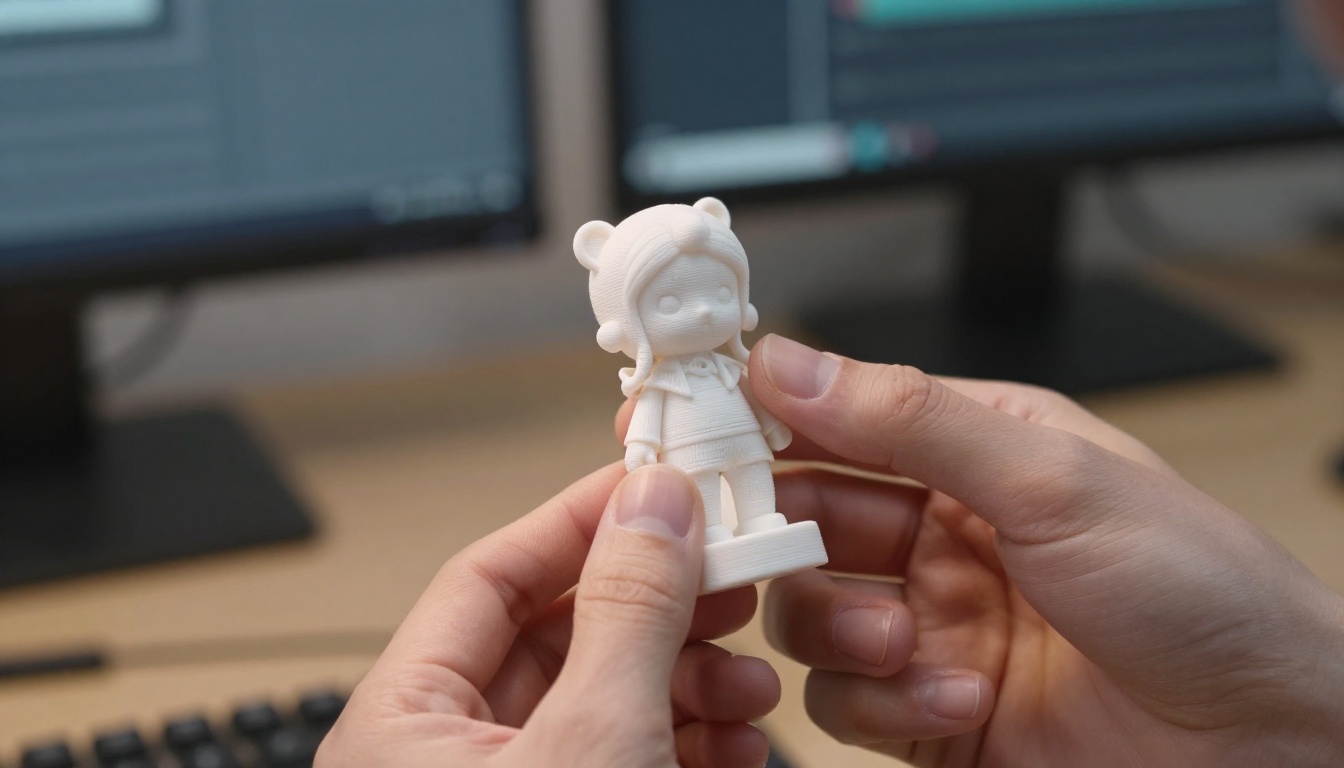
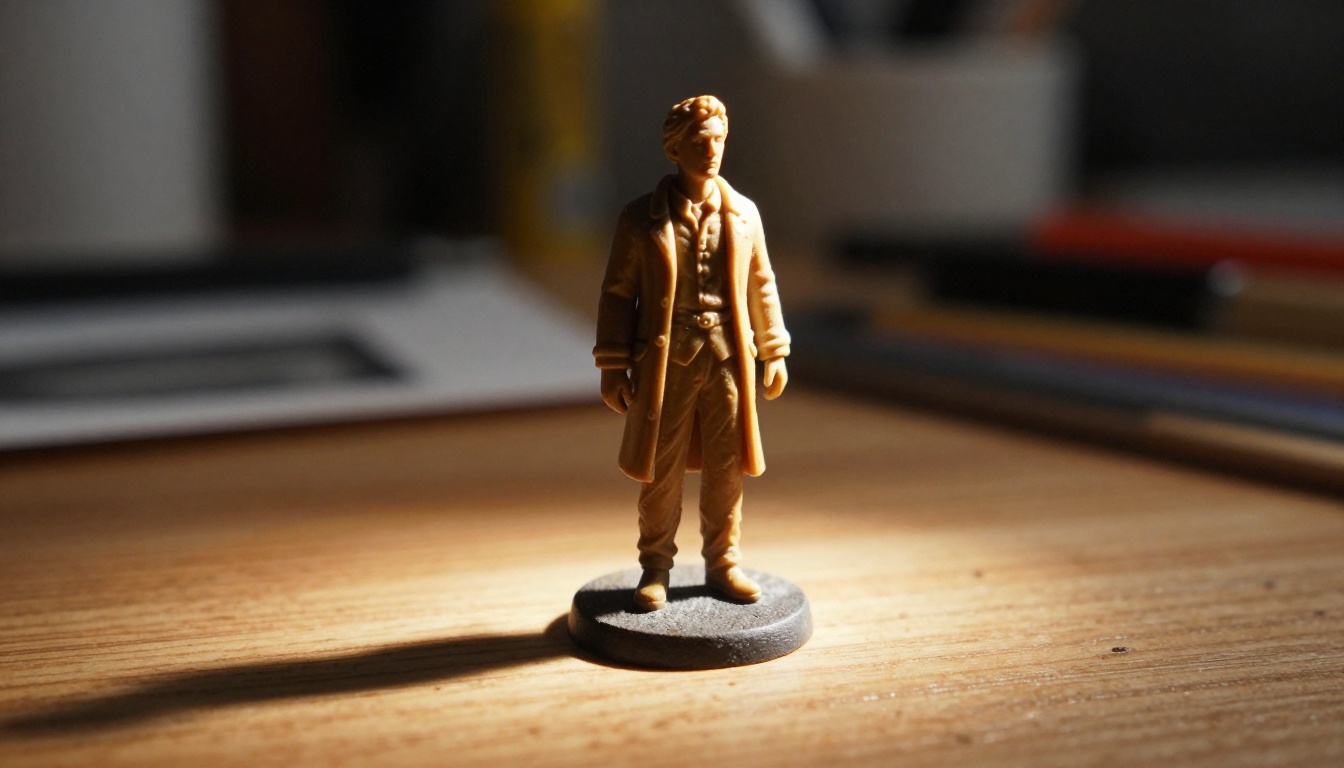
"Hand-painted resin figurine of [character description], standing on a round black acrylic base, raking studio light from the left revealing fine sculpted detail, paint wear visible on raised surfaces, sharp shadow on the base surface, 100mm macro f/4, product photography, photorealistic, 8K"
The words "resin figurine" and "hand-painted" do heavy lifting. They tell the model this is a physical miniature, not an illustration or a photograph of a real person. The physical object framing activates the model's training data from miniature and collectible photography.
For character figurines on PicassoIA, Recraft v4 handles intricate surface detailing well. Ideogram v3 Balanced is strong for character forms where overall proportions and readability matter more than micro-texture precision.
Jewelry and Small Objects
Small objects require macro lens specifications and very precise light descriptions. "Ring" is useless without "sterling silver signet ring, hammered texture, oxidized recesses, studio macro photography, single primary light from upper right, specular highlight on the highest point of the ring top, placed on black velvet surface, 100mm macro f/8, photorealistic, 8K."
The macro lens spec signals the model to show extreme surface detail. "Specular highlight on the highest point" directly creates the visual cue that reads as metal curvature and three-dimensional form.
Architectural Objects
Architectural forms benefit from slightly elevated three-quarter views that reveal multiple faces simultaneously. "Three-quarter view from above at roughly 30 degrees" is a reliable starting angle that shows front face, side face, and top face in one composition.
"White plaster architectural model of a [building type], three-quarter view from 30 degrees above, matte plaster surface with slight grain, soft north light from a large studio window to the left, clean defined shadows revealing building mass, placed on a wood-grain drafting table surface, 35mm f/4, photorealistic documentary photography"
Hunyuan Image 3 handles the spatial complexity of multi-face architectural forms better than most models. For extreme detail in architectural scales, Wan 2.7 Image Pro produces sharp 4K outputs that hold fine structural detail at the edges.
Vehicles and Mechanical Objects
Vehicles need a three-quarter front view to show both the front fascia and side profile simultaneously. This is the standard "hero angle" in automotive photography and it applies directly to 3D model prompts.
"Detailed scale model of a [vehicle type], three-quarter front view, metallic paint finish catching studio light, clear glass elements visible, resting on a reflective dark surface, hard primary light from front-right, soft fill from the opposite side, reflections in the underside surface, 85mm f/4, studio automotive photography, photorealistic"
Flux Krea Dev is particularly strong for mechanical objects with complex geometry. It avoids the over-processed look that some models produce on highly detailed subjects, which is critical when the goal is photographic believability.
Upscaling and Editing After Generation
Once you generate a strong base image, super-resolution tools can dramatically increase the perceived detail of your 3D object visual. PicassoIA's super-resolution category offers 2x to 4x upscaling, which recovers surface micro-texture lost in the initial generation pass.
For editing specific areas of a generated 3D object, inpainting is particularly valuable. If the lighting on one face of an object is inconsistent, paint that region and re-describe only that face's lighting. This is far faster than regenerating from scratch and risking losing everything else that worked.
Flux Kontext Pro is the strongest option for this on PicassoIA. It accepts a reference image and a text prompt that describes only what to change, and it executes that change while preserving everything else with high fidelity.
💡 Iteration sequence: Generate with Flux Schnell for speed, refine the prompt, then final-render with Flux 1.1 Pro Ultra for maximum quality. Post-process with Flux Kontext Pro for targeted fixes.
Try It Now on PicassoIA
The prompts in this article are starting points. Real skill comes from reading your outputs critically: identify which visual cue is missing, adjust one variable at a time, and iterate. Most experienced users produce a strong 3D result within 3 to 5 iterations once they internalize the four structural layers.
PicassoIA gives you access to over 90 text-to-image models in a single interface. You can test the same prompt across Flux 1.1 Pro Ultra, Seedream 4.5, and Imagen 4 side by side. See which handles your specific object type best, then refine from there.
For unlimited generations without credit caps, PicassoIA Image is built specifically for high-volume iteration workflows. Write, generate, compare. Volume is the fastest path to mastering 3D model prompt writing.
Browse all available models at picassoia.com/en/all-models and start with the object type closest to your current project.