Background removal sounds simple until you hand it a subject that fights back. Fine hair strands bleed into a blurry backdrop. A crystal wine glass disappears into whatever sits behind it. A white mug on a white table becomes one big white rectangle. These are prompts for background removal edge cases, and they exist because standard auto-remove tools make assumptions that fail the moment a photo gets complicated.
This article gives you a full library of copy-paste prompts, structured by problem type, along with the reasoning behind each choice. Whether you are describing an image to an AI tool for background removal or setting up image generation before a cutout pass, precise language is the difference between a clean transparent PNG and a ragged mess.
Why Standard Prompts Break
Most background removal tools are trained on "easy" photos: a person standing in front of a solid wall, a product on a clean tabletop. They learn to find a clear subject, a clear background, and a clear boundary between the two.
The 4 Categories That Fail Most
| Category | Why It Fails |
|---|
| Fine hair and fur | Thousands of semi-transparent strands overlap the background |
| Glass and transparency | Background is visible through the subject |
| Reflective surfaces | The subject reflects the background, making them visually merge |
| Low contrast (same-color) | Subject and background share tonal values |
Motion blur is the fifth failure mode: a fast-moving subject has soft, gradient edges rather than a hard line the model can follow.
What Makes a Prompt Different Here
When you generate an image designed for background removal, your prompt controls what problem you walk into. When you describe an existing image to an AI cutout tool, your description helps the model understand which visual element is the subject and which is the background. Either way, specificity wins.
💡 Tip: Name the subject, name the background, name the boundary problem. AI models for segmentation respond to detail the same way image generators do.
Prompts for Hair and Fur
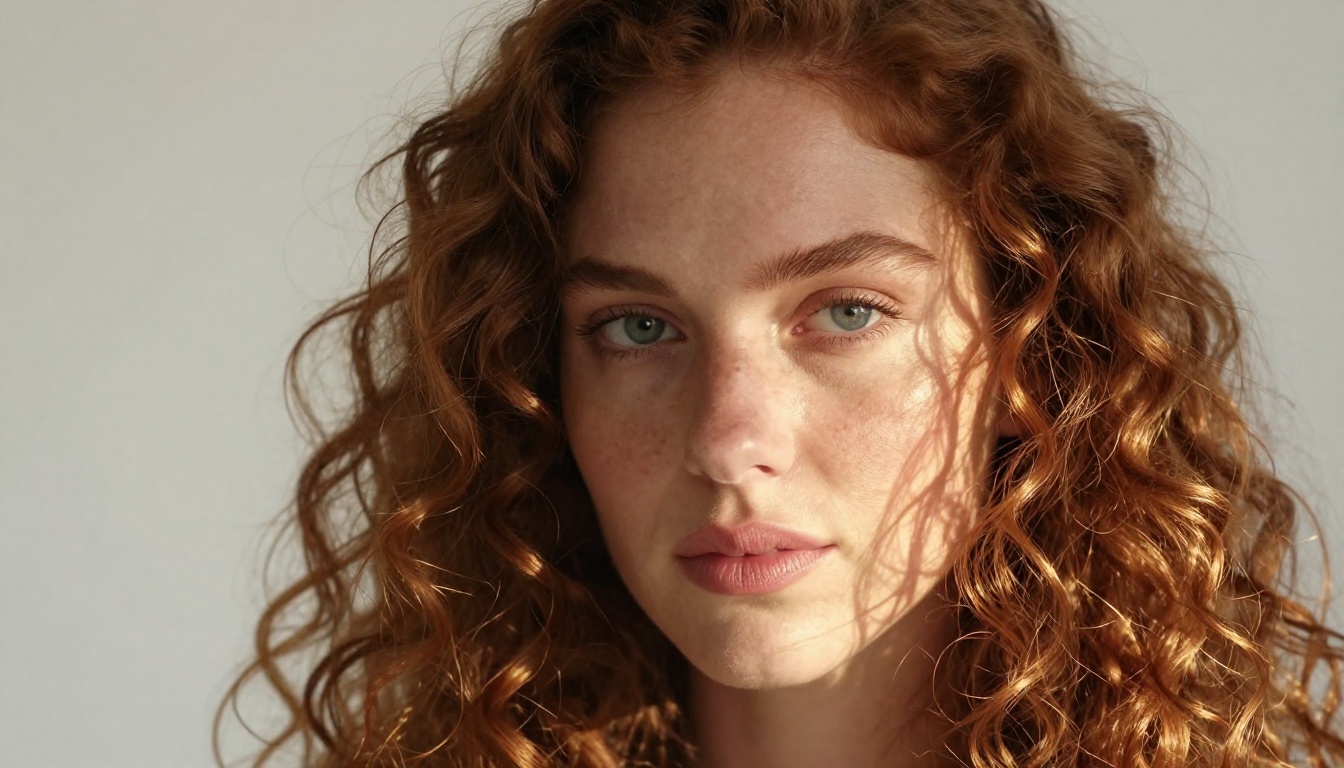
Hair is the classic edge case. Fine strands, flyaways, and curls create a probabilistic boundary rather than a clean line. Prompts in this category need to explicitly describe the strand behavior.
Long Flowing Hair
Use these prompts when generating a source image before running a cutout:
For a light background (easiest for AI):
Woman with long wavy auburn hair, photographed against a pure white seamless backdrop, fine flyaway strands visible at silhouette edge catching soft backlight, natural studio lighting, 8K RAW photography
For a complex background (harder):
Woman with long wavy auburn hair standing outdoors in front of a blurred autumn forest, individual hair strands visible against bokeh foliage background, rim light separating hair from background, 85mm f/1.8, Kodak Portra 400
When describing an existing image to an AI cutout tool:
"The subject is a woman. The boundary challenge is her long wavy hair: fine individual strands extend beyond the main silhouette and are partially transparent against the blurred background. Prioritize strand preservation over background suppression at the hair perimeter."
Curly and Textured Hair
Woman with tight natural 4C coils, photographed against a medium grey backdrop, each coil spring clearly defined with natural frizz at the perimeter catching side light from a large softbox at 90 degrees, 105mm lens f/2.8
Tight curls create hundreds of tiny boundary segments. A grey backdrop (rather than white or black) gives the AI maximum tonal contrast on both the dark and light areas of the coils simultaneously.
Animal Fur
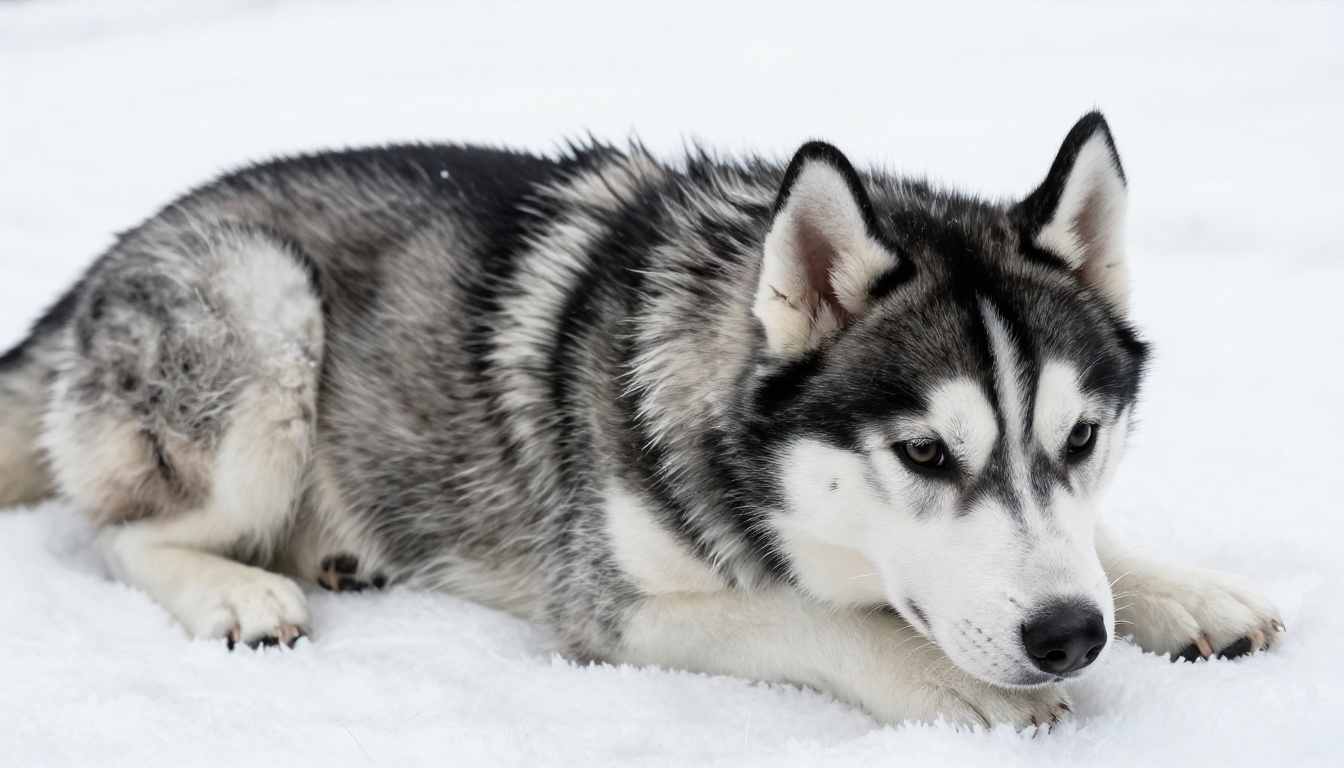
Siberian husky puppy photographed flat-lay on a pure white surface, dense double-coat fur with individual guard hairs visible at the silhouette edge, diffused overcast lighting with zero harsh shadows, Fujifilm GFX medium format look, 8K RAW
The key additions here: flat-lay eliminates depth (which removes background complexity), diffused overcast lighting removes shadows that could be mistaken for a secondary boundary, and guard hairs visible tells the generator to produce strand detail the segmentation model can follow.
Prompts for Glass and Transparent Objects
Glass is arguably the hardest category. The subject contains the background. A transparent bottle or glass lets the scene behind it show through, and a background remover cannot simply "erase the background" without also erasing what you see inside the glass.
Clear Glass Bottles and Stemware
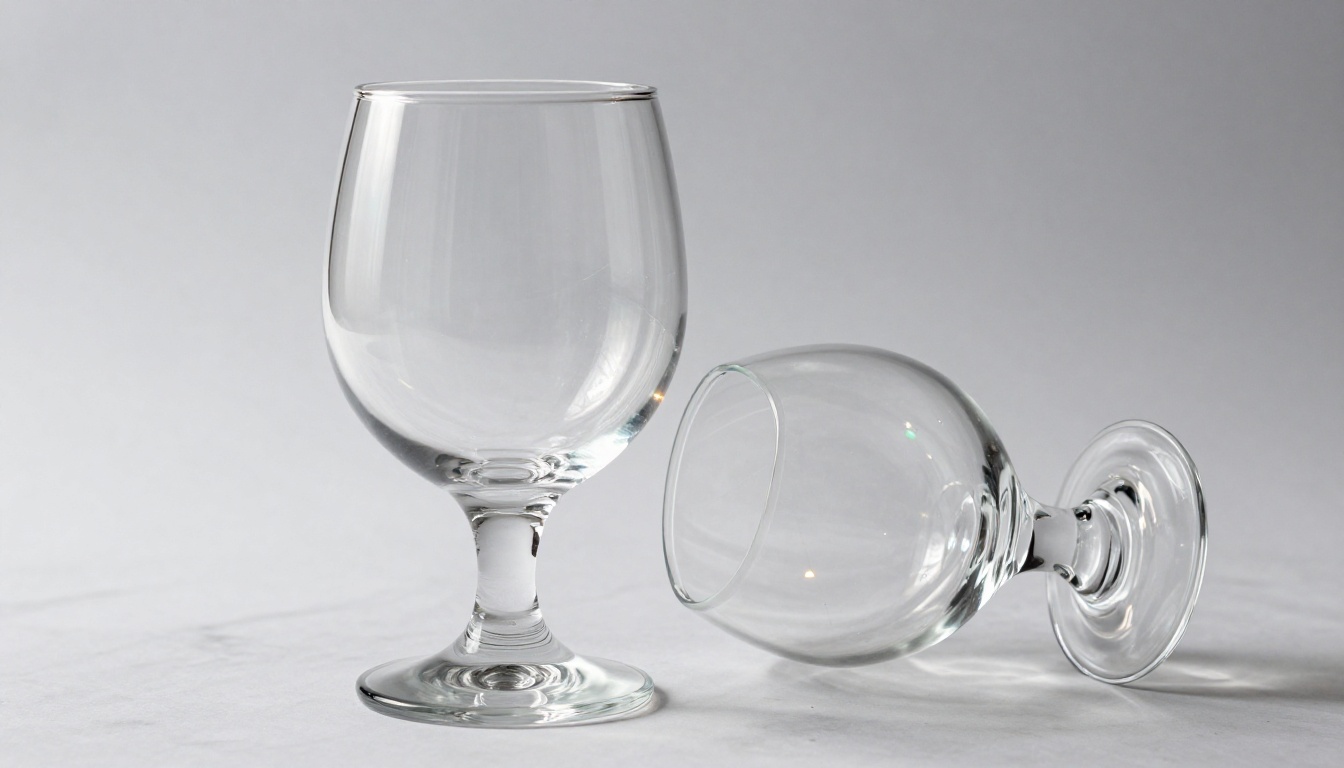
The best strategy for glass is to control the backdrop so the transmitted color is predictable:
Clear crystal wine glass on a pure white marble surface, photographed against a pale grey-white gradient backdrop, diffused shadowless studio light from upper left, subtle caustic patterns visible through glass base, 90mm lens f/5.6, commercial product photography, 8K RAW
Why a grey-white gradient? A pure white background "fills" the glass with white. A dark background fills it with black. A gradient gives the AI a predictable value map to work with: the glass appears lighter where it overlaps lighter areas, darker where it overlaps darker ones.
For product shots where you need true transparency preserved in the cutout:
"Subject is a clear glass bottle. The goal is a cutout with preserved transparency, not a silhouette fill. The glass body should remain semi-transparent in the output alpha mask. The hard edge of the glass rim and base should be at 100% opacity; the body of the glass should graduate to approximately 40% opacity."
Semi-Transparent Plastics and Packaging
Clear polycarbonate water bottle with brand label, slight blue tint to the plastic walls, photographed against a white gradient backdrop, contents (water) visible inside creating interior refraction, studio softbox from upper right, 85mm f/8, commercial product photography, 8K RAW
💡 Tip: Describe the tint of transparent materials. "Clear blue-tinted plastic" tells the model the object is not entirely clear, which helps it understand the boundary opacity.
Reflective surfaces carry a piece of their environment with them. A chrome knife reflects the kitchen ceiling. A glossy perfume bottle reflects the photographer's studio. When you remove the background, you risk removing part of the subject.
Chrome and Stainless Steel
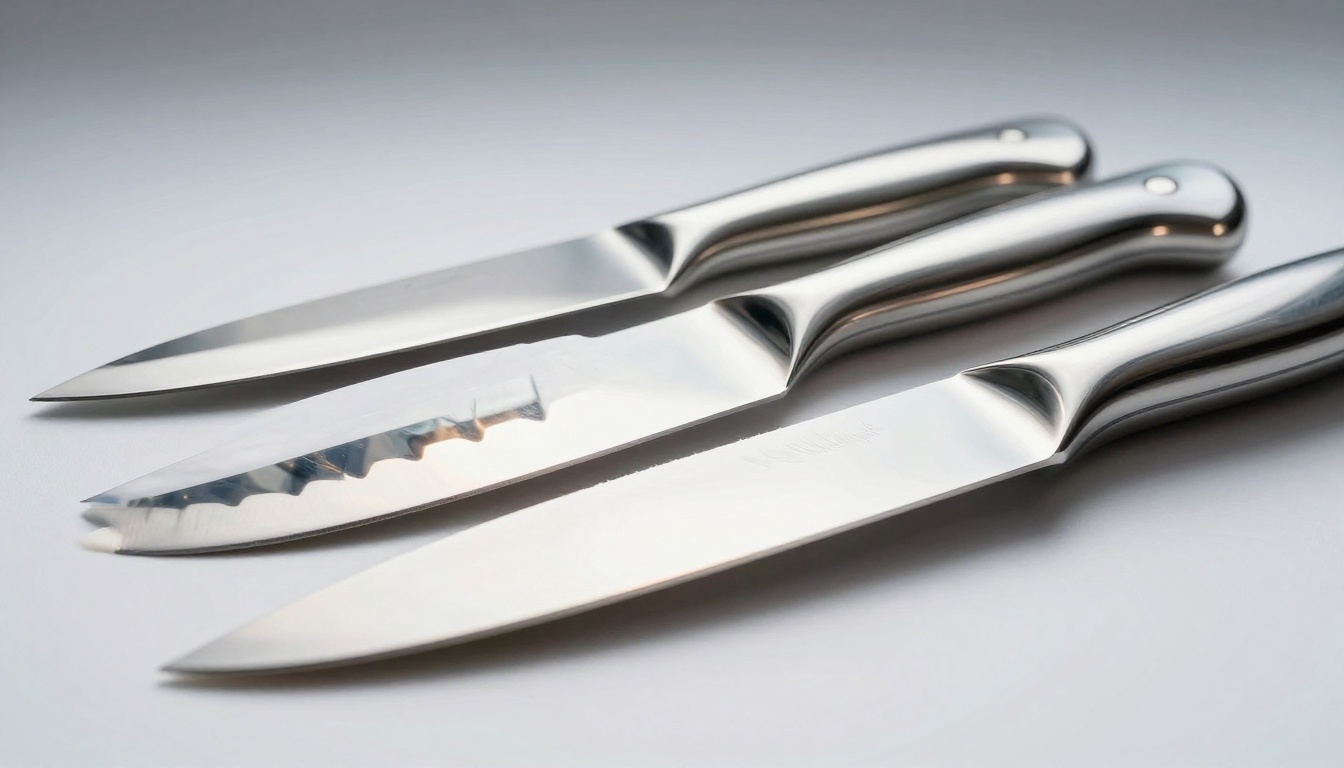
The solution is a controlled reflection environment:
Set of stainless steel kitchen knives arranged on a white surface, shot against a white vinyl backdrop, reflections in the blade surface showing the white studio environment only, directional light from a gridded softbox at 45 degrees upper left, ultra-sharp blade edges, no distracting environmental reflections, 70mm macro lens f/8, 8K RAW photorealistic
"Reflections showing the white studio environment only" is the critical instruction. It means the reflected content is the same color as the background you will remove, so the segmentation model can identify the hard physical edge of the blade as the real boundary.
Luxury Products with Reflective Bases
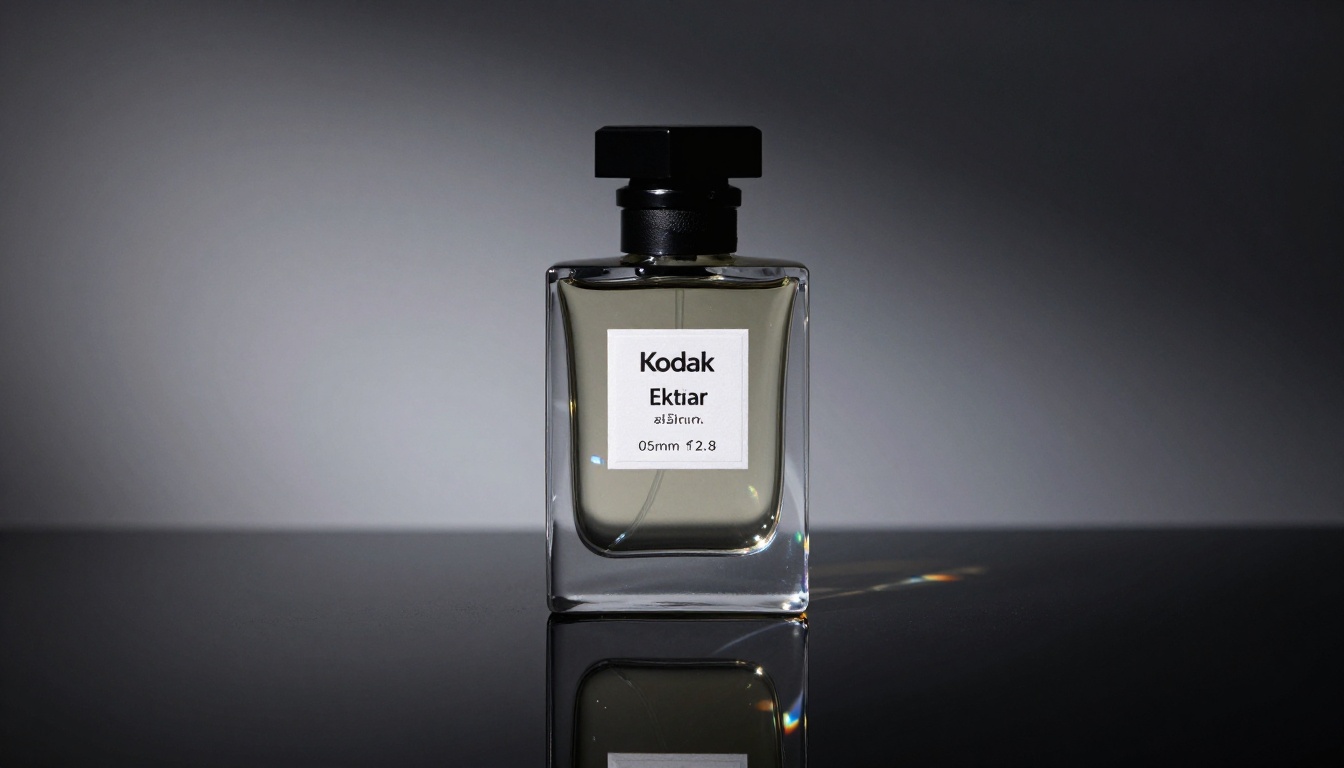
Perfume bottle on a reflective black acrylic surface, bottle reflection perfectly symmetrical below the base, gradient backdrop from charcoal to deep grey so the reflection area maintains visual coherence, directional spot from upper left, 85mm f/2.8, luxury commercial photography, 8K RAW
When you want to keep the reflection in the final PNG (common for product e-commerce), prompt for a symmetrical reflection that you can cleanly include in the alpha mask boundary.
Prompts for Motion Blur and Soft Edges
Motion blur creates gradient edges with no definitive boundary. The subject is 100% solid in one area and 0% solid a few pixels later, with a transition zone of blurred pixels in between that could belong to either element.
Sports and Action Photography
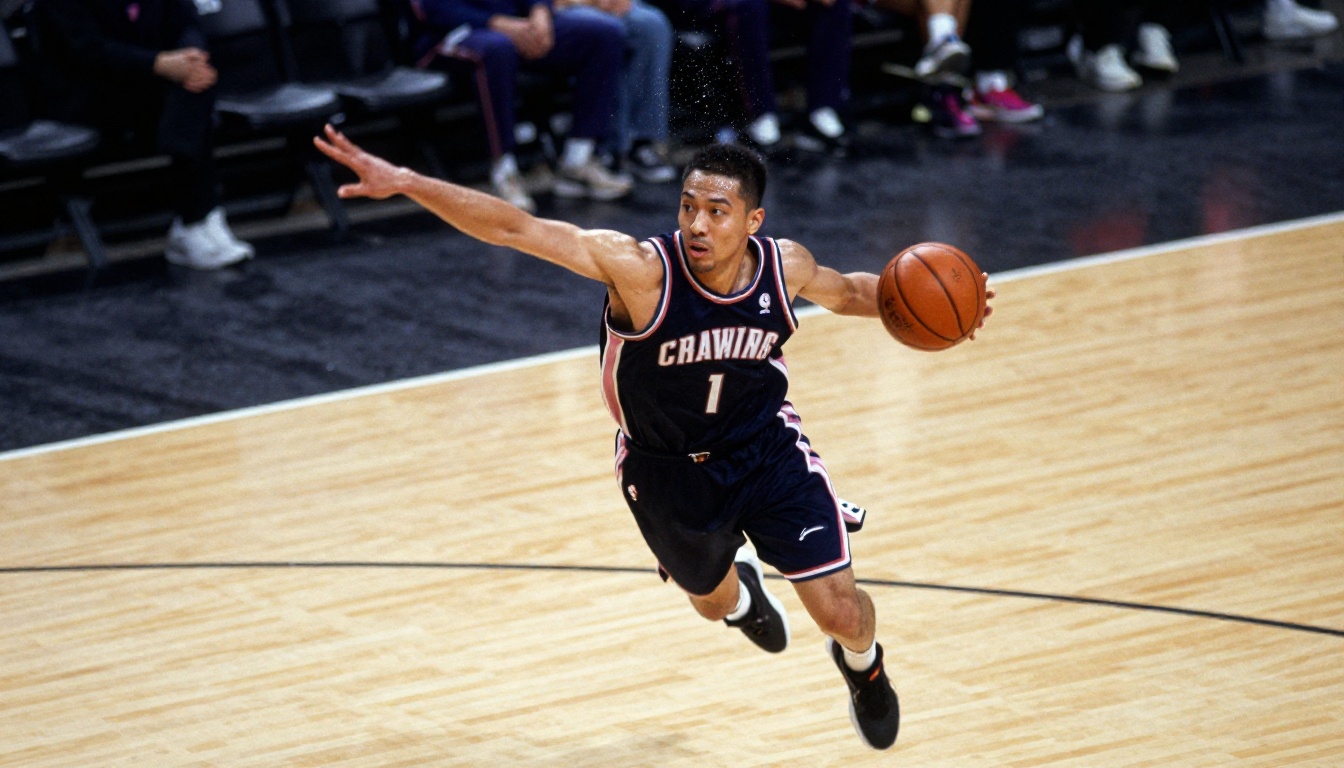
Basketball player mid-jump photographed at 1/125s shutter speed, deliberate motion blur on outstretched arm and jersey edge, sharp face and torso, indoor court with overhead arena lighting, 135mm f/2.0, authentic Kodak Tri-X film grain, sports documentary photography, 8K RAW
For describing this image to a cutout tool:
"The subject is a basketball player. The body is sharp but the arms and jersey edges have motion blur. The alpha mask should match the blur: feather the alpha channel in the same direction and magnitude as the physical blur, rather than cutting a hard edge around blurred regions."
Soft Fabric and Flowy Clothing
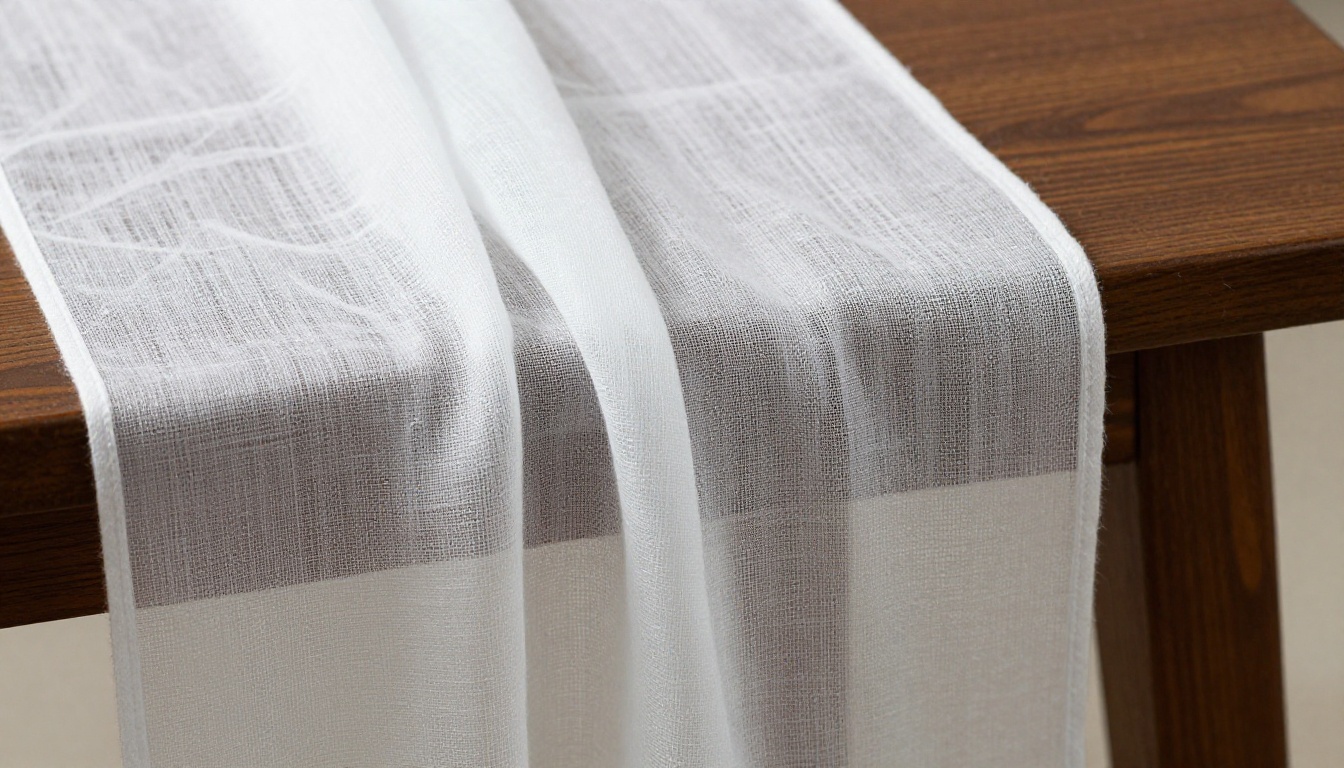
Model wearing a flowing white chiffon maxi dress outdoors, dress hem in motion from a gentle breeze creating soft gradient edge at the bottom, sharp face and torso, bright overcast outdoor light, 85mm f/2.0, natural skin texture, Kodak Portra 400 film grain, 8K RAW
Fabric in motion requires the same approach as motion blur: the alpha mask should feather, not cut hard.
Prompts for Low-Contrast and Same-Color Subjects
This is the cruelest edge case. The subject and the background are visually similar, or even identical in tone. A white mug on a white background. A black cat on a dark grey sofa. A green plant against a green wall.
Same-Color Product Photography
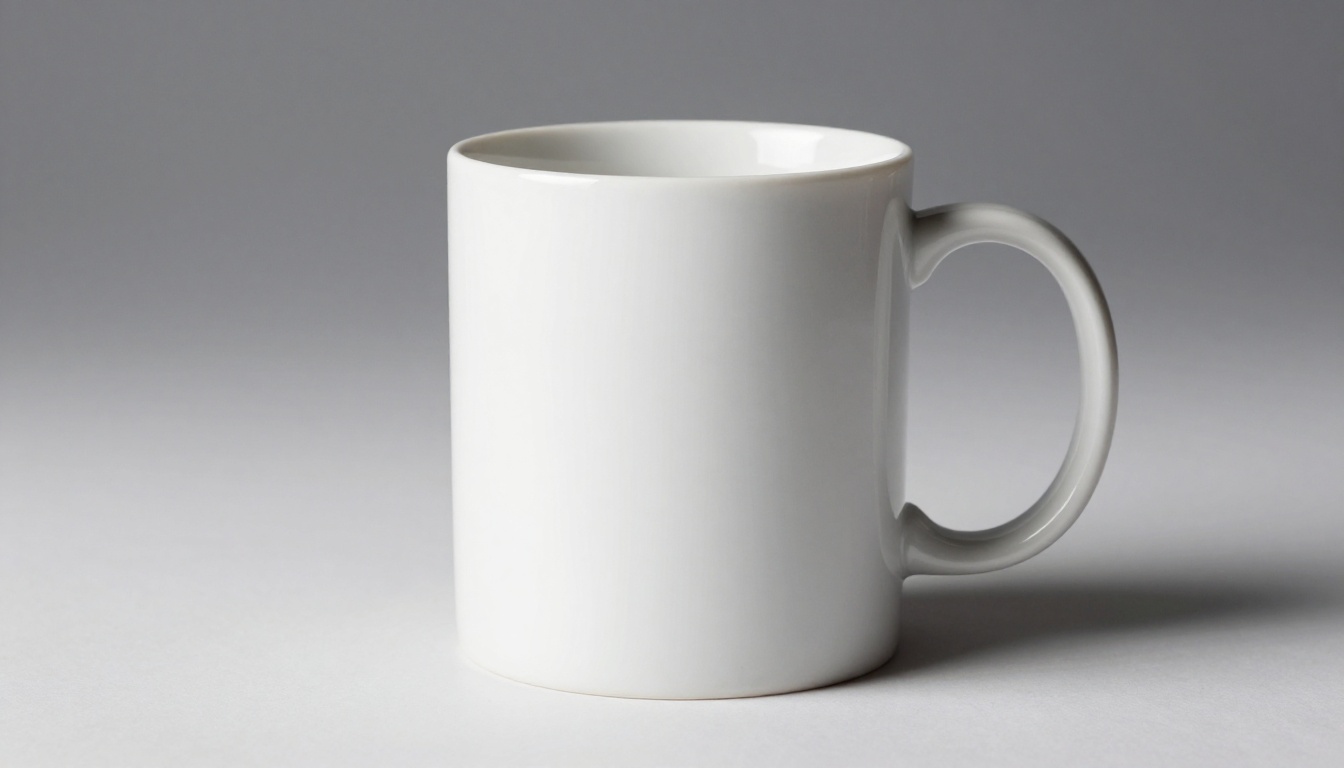
The only way to solve this at the generation stage is to deliberately introduce a visual separation:
White ceramic coffee mug on a white seamless paper backdrop, single directional light from upper left creating a soft but visible shadow on the right side of the mug, the shadow being the only visual element separating mug from background, high-key commercial product photography, 85mm f/11, Kodak Ektar 100, 8K RAW
The shadow is doing all the work here. It is the sole boundary the AI can follow. Without it, the prompt would produce an image that is literally impossible to cut out correctly.
💡 Tip: For same-color subjects, always include a shadow or at least a subtle tonal gradient between the subject edge and the background. There is no workaround for this in post if the boundary information does not exist in the image.
Complex and Patterned Backgrounds
Woman in a floral-print dress standing in front of a heavily patterned tile wall, the dress pattern in a completely different color family than the wall tiles, dramatic side-light creating strong contrast on the subject silhouette, 50mm f/1.4, Kodak Portra 400, 8K RAW
When background and subject both have pattern, color family separation is the key lever. If the dress is blue and the wall is terracotta, the segmentation model can use hue to distinguish them even when both are "busy."
Translucent and Botanical Subjects
Plants, leaves, and botanical subjects combine edge challenges with translucency. A leaf edge is serrated (many tiny boundary segments) and the leaf body transmits light (semi-transparent).
Leaves and Salad Greens
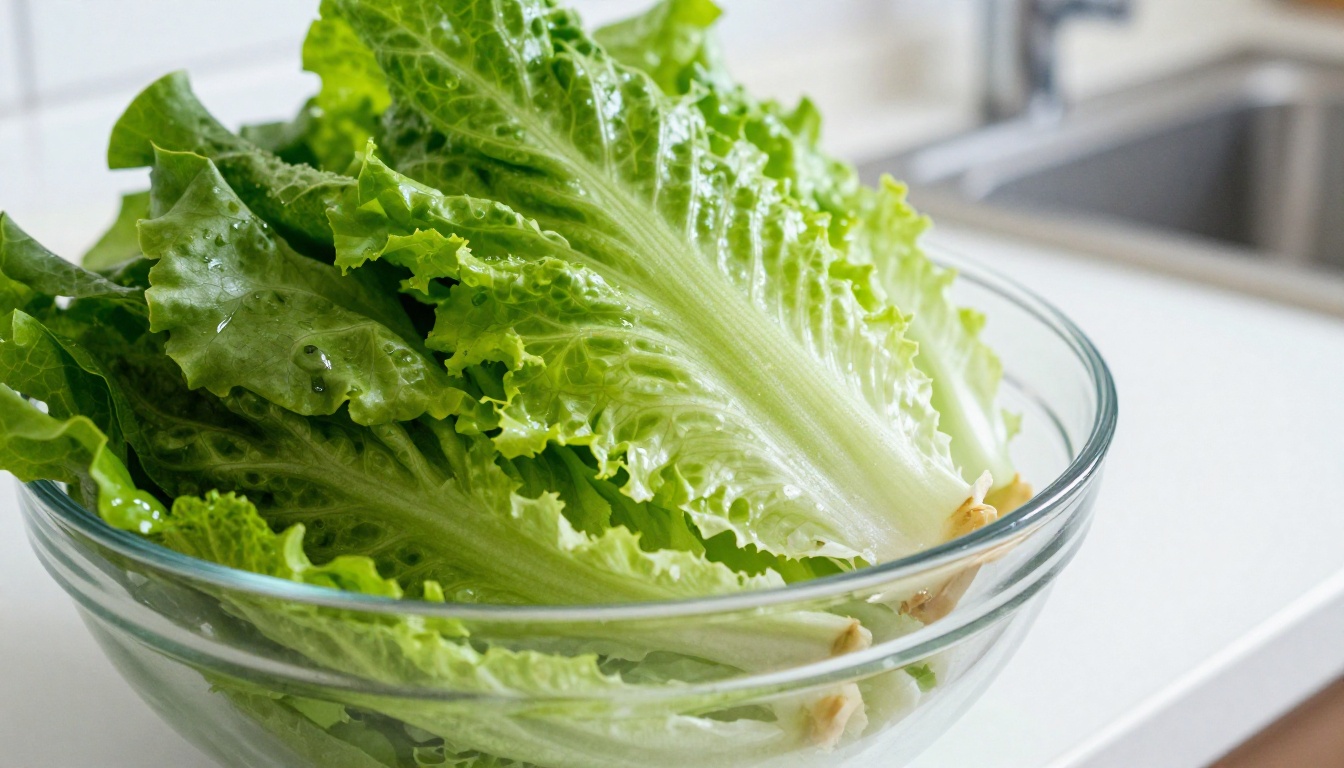
Fresh romaine lettuce leaf on a white light-table background, light shining from below to illuminate the semi-transparent leaf structure and highlight the serrated edge detail, water droplets on leaf surface, 60mm macro lens f/5.6, Kodak Portra 160, food photography, 8K RAW photorealistic
A light-table background (backlit white) is the most effective setup for botanical subjects. The transmitted light makes the semi-transparency explicit in the pixel data, so the model does not have to guess.
How to Use Bria Remove Background on PicassoIA
PicassoIA includes Remove Background by Bria as a dedicated cutout model, fine-tuned specifically for clean, high-fidelity transparent PNG output.
Step-by-Step
- Open Bria Remove Background on PicassoIA.
- Upload your source image. For edge cases, use the prompts from this article to generate or prepare the photo before uploading.
- Click Run. The model processes the image and returns a transparent PNG with the background removed.
- Download the result. For hair and fur, inspect the edge at 200% zoom to check strand preservation.
- If the result clips fine edges, regenerate your source image using a prompt with higher contrast between subject and background, then run the cutout again.
Tips for Best Results
- Use 16:9 ratio source images for consistency across batches.
- White or light grey backdrops in source images give the model the most reliable boundary signal.
- For glass and transparent subjects, describe to the model that transparency should be preserved, not filled.
- Fur and hair benefit from backlit source images: rim light creates a luminous halo that is far easier to segment than a merged silhouette.
- Motion blur should be matched in the alpha: use tools that support feathering the mask along the blur direction.
| Subject Type | Best Backdrop | Key Prompt Element |
|---|
| Hair / Fur | White or light grey | "Rim light from behind, individual strand detail at silhouette" |
| Clear Glass | Pale grey gradient | "Caustic visible, transparent body preserved" |
| Chrome / Steel | White studio environment | "Reflections show white studio only" |
| Motion Blur | Any (contrast helps) | "Shutter speed [X], deliberate blur on [limb/edge]" |
| Same-Color | Same color with shadow only | "Single directional light, shadow as only boundary" |
| Botanical | Backlit white | "Light-table background, semi-transparent structure visible" |
Build Your Own Cutout Workflow
The prompts in this article are starting points. The real skill is combining them: a glass perfume bottle with a chrome cap and a chiffon ribbon bow is three edge cases in one subject. You build the prompt in layers, addressing each challenge separately:
- Glass body: "Transparent frosted glass, grey gradient backdrop, caustic light patterns"
- Chrome cap: "Polished chrome, reflections show white studio only, fine specular highlights at rim"
- Chiffon ribbon: "Fine fabric weave, soft gradient edge at ribbon tip, no hard cutoff"
Then combine them into a single generation prompt and run the cutout once with a tool that respects multi-region complexity.
💡 Tip: Test one edge case type per batch when learning. Do 10 hair images, evaluate the results, then move to glass. Mixing edge case types early makes it hard to isolate which part of the prompt is working and which is not.
Once you have a working prompt structure for each category, saving them as templates saves hours on recurring projects. Every e-commerce product shoot has its own edge case profile: jewelry (reflective with fine detail), apparel (motion with fabric texture), food (organic edges with translucent elements).
Bria Remove Background on PicassoIA gives you a consistent, fast cutout layer that pairs with these prompts directly. Generate the source image with the right setup, run it through the model, and the cutout quality reflects the prompt quality you put in upstream.
Try it on your hardest photo. Upload that curly hair portrait, that crystal decanter, or that motion-blurred athlete. Use the prompts here to prepare or describe the image, then run Bria Remove Background and see how far precise language gets you. When you are ready to push further, PicassoIA has the full model library at picassoia.com/en/all-models to take your image workflow wherever it needs to go.


