The difference between a flat, generic AI video and one that stops people mid-scroll almost always comes down to one thing: the prompt. Specifically, how much visual language it carries. Most people type a scene description and wonder why the result looks like a PowerPoint slide brought to life. Cinematographers spend entire careers learning to talk about light, space, motion, and emotion. You can borrow that language right now, and it changes everything.
Why Most AI Video Prompts Fall Flat
The missing language of cinematography
Generic prompts treat AI video models like search engines. "A sunset over the ocean" describes a subject, not a shot. It gives the model nothing to work with except a theme. Professional cinematographers never say "film a sunset." They say: "Wide establishing shot, low angle at sand level, foreground rocks in silhouette, horizon golden, camera slowly pushing in from 50mm to 85mm equivalent, shallow depth of field at f/2.8, magic hour, Kodak Vision3 warm palette."
That specificity is not decoration. Every word is an instruction.
The vocabulary gap is why so many AI-generated clips feel weightless. They have subject matter but no visual grammar. No spatial information. No light direction. No relationship between foreground and background. No implied camera operator making deliberate choices. Add that grammar, and the output shifts from something the model guesses at to something it executes.
What models actually respond to
Modern text-to-video models like Kling v3 Video, Seedance 2.0, and Veo 3 are trained on massive datasets of real and AI-generated film content. They have internalized cinematographic concepts deeply. When you say "85mm portrait lens," they understand shallow depth of field. When you say "golden hour backlight," they know to create rim lighting and lens flare. When you say "dolly push-in," they generate camera movement.
💡 The rule: If a cinematographer would say it on set, put it in your prompt. If they would not, question whether it belongs.
Shot Types and How to Write Them
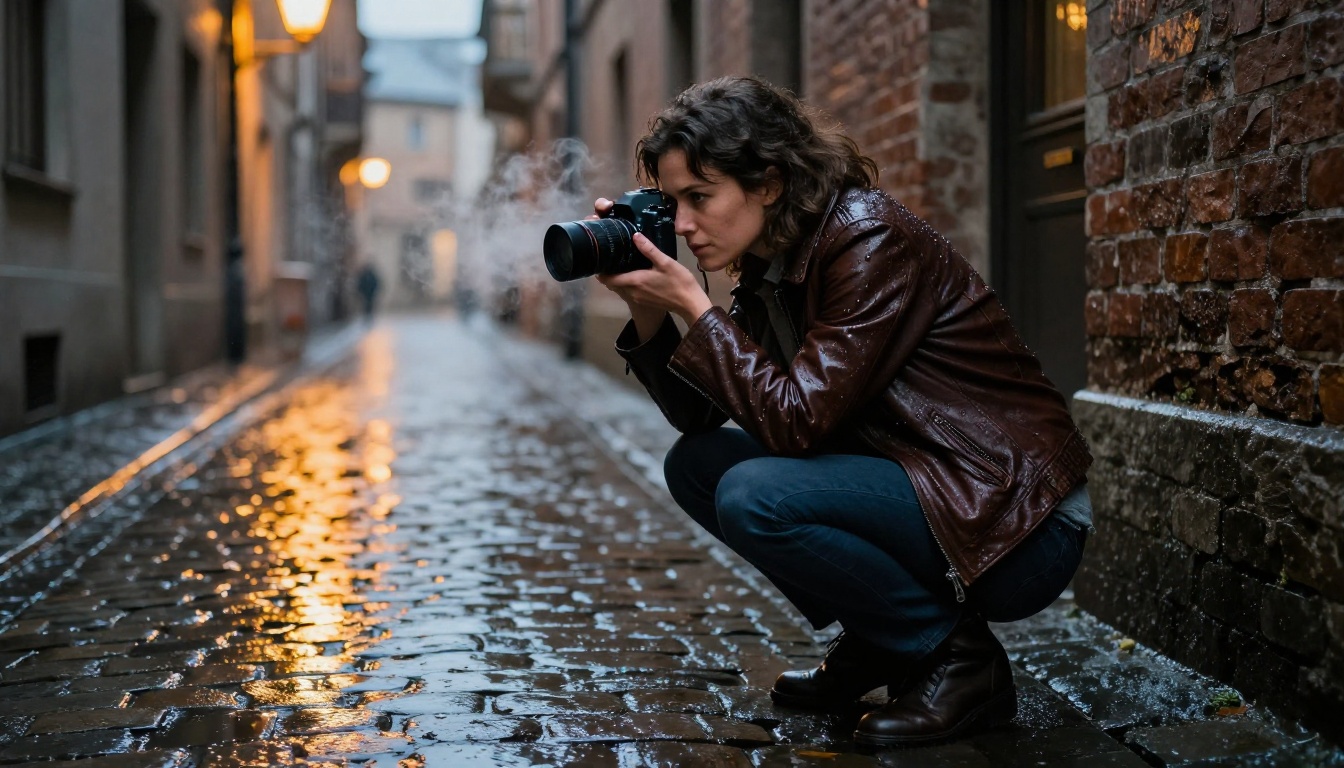
Wide and establishing shots
Establishing shots set geography, scale, and atmosphere. They tell the viewer where they are and how big the world feels. In your prompt, include the frame size explicitly.
Establishing shot prompt structure:
- Shot type: Extreme wide, wide, medium-wide
- Camera height and angle: Eye level, low angle at sand, cliff edge looking down
- Environmental details: Three distinct elements minimum
- Atmosphere and light quality: Time of day, weather, mood
- Camera movement: Static, slow push-in, slow pull-back
Example: "Extreme wide establishing shot of a lone fishing boat anchored in a Norwegian fjord at dawn, camera positioned from cliff edge 300 feet above water level looking down, the boat tiny against massive gray-green fjord walls, morning mist clinging to the water surface, overcast diffused light with no harsh shadows, static locked-off tripod shot, 35mm wide angle, photorealistic"
Close-ups and detail work
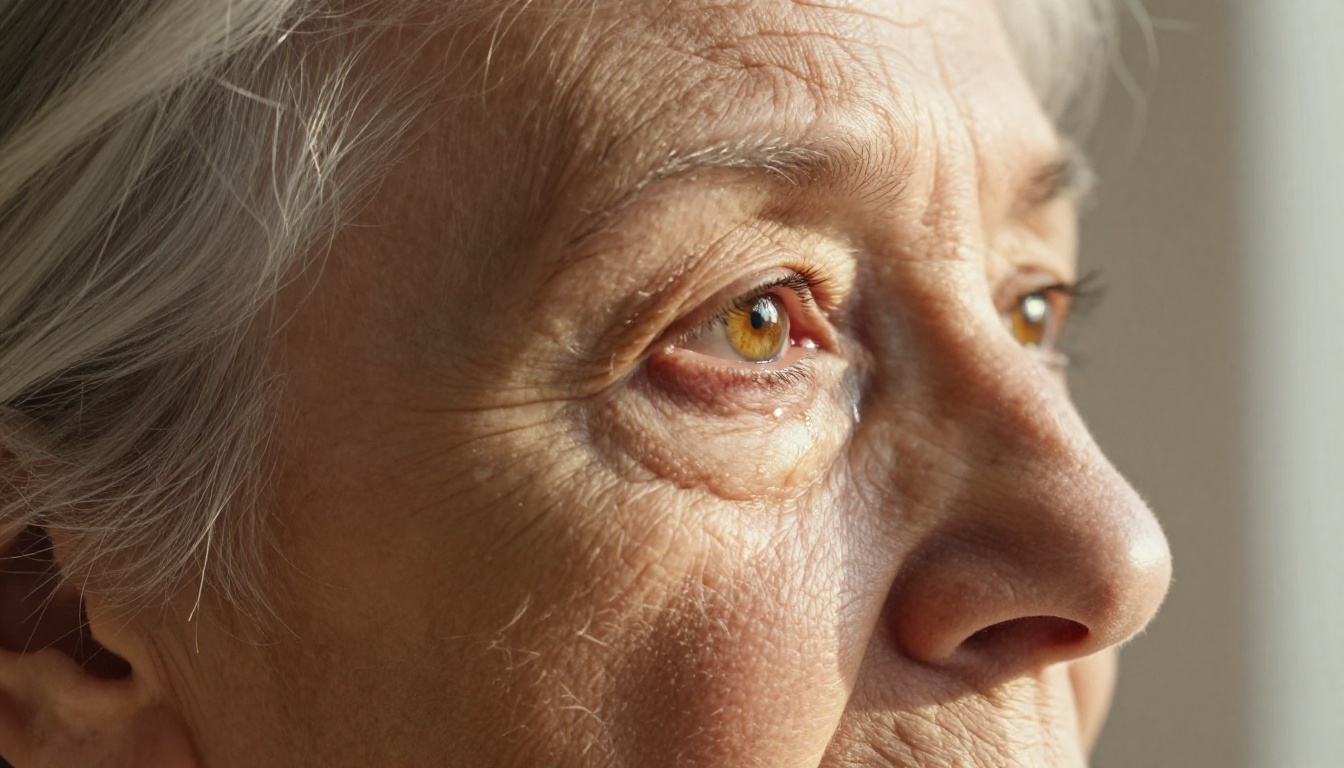
Close-ups carry emotional weight. They are where the audience connects with a character or a moment. The wrong close-up prompt produces a portrait. The right one produces a feeling.
What to include for close-ups:
- Exact body part or object in focus
- Distance from subject ("extreme close-up, 10cm from skin surface")
- Depth of field ("135mm f/1.8, razor-thin DOF, background in creamy blur")
- Texture description ("visible pores, fine hair detail, skin catching side-light")
- Emotional context ("hands trembling slightly," "jaw set with quiet tension")
Movement and camera motion
Camera movement transforms a static image into a living, breathing scene. Most beginners omit this entirely, which is why their outputs look like photographs that happen to move.
| Camera Move | What It Communicates | Prompt Language |
|---|
| Slow dolly push-in | Growing tension, intimacy | "camera slowly pushing forward" |
| Pull-back reveal | Scale, isolation, discovery | "slow camera pull-back revealing surroundings" |
| Orbit (arc shot) | Power, awe, celebration | "camera orbiting subject 180 degrees" |
| Handheld follow | Urgency, authenticity | "handheld camera following subject" |
| Static locked-off | Calm, observation, stillness | "static tripod shot, no camera movement" |
| Crane rise | Grandeur, transition, freedom | "camera rising slowly from ground level to aerial" |
Models like Video 01 Director and Kling v2.6 Motion Control are specifically built to interpret camera movement instructions, so using this language matters even more with those tools.
Lighting Cues That Change Everything
Light is not decoration in cinema. It is narrative information. The direction, quality, color temperature, and intensity of light tell the viewer how to feel before a single word is spoken.
Natural light prompts
Natural light has specific names and behaviors that models understand well.
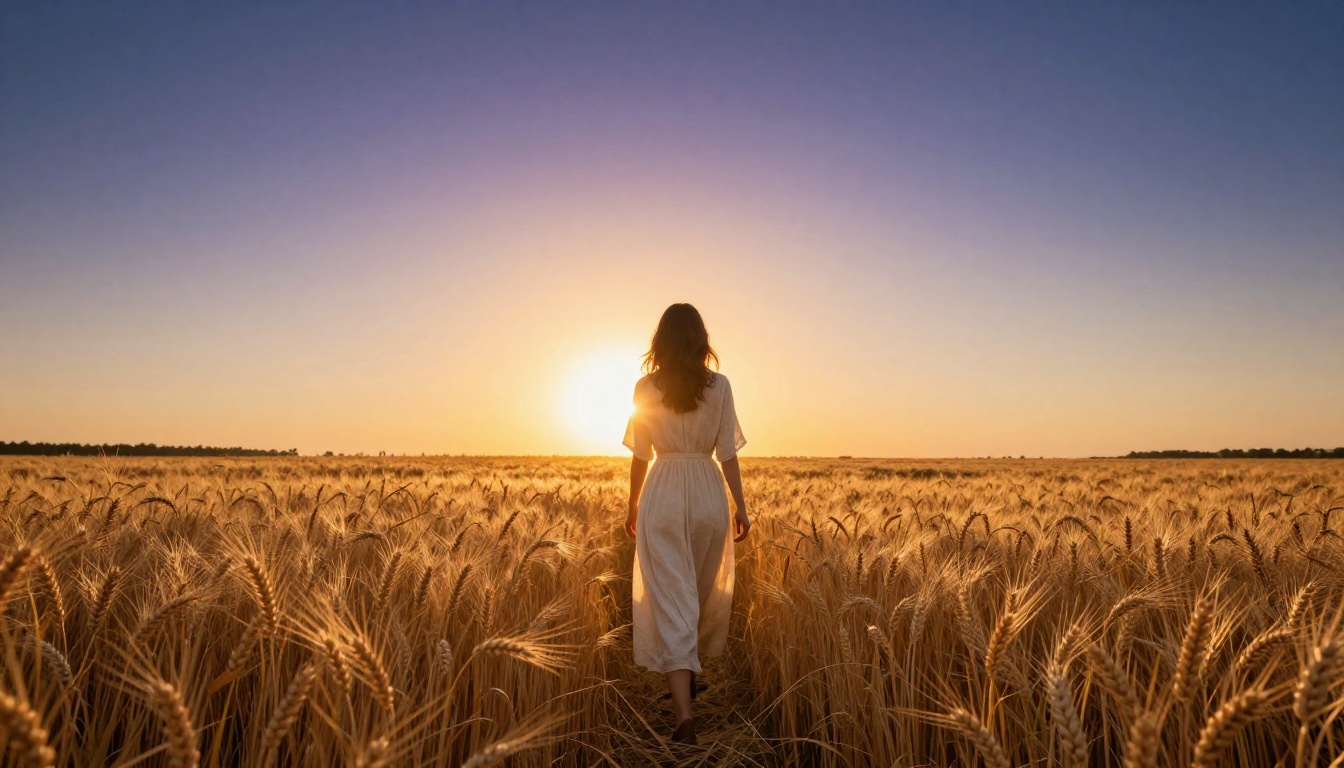
Golden hour: Warm amber light at 10-15 degrees above horizon, long shadows, high contrast ratio. Prompt: "magic hour backlight from camera-left, subject in rim light silhouette, foreground in warm amber glow"
Overcast diffused: Even, soft, shadowless light with slightly blue-gray cast. Prompt: "heavily overcast sky, diffused soft light with no directional shadows, slight blue tint to highlights"
Blue hour: The 20-30 minutes after sunset, deep blue sky, city lights beginning to glow. Prompt: "civil twilight, deep blue sky at roughly 15 minutes post-sunset, ambient city lights beginning to activate, no harsh artificial fill light"
💡 Tip: Always specify where the light is coming from: camera-left, camera-right, overhead, backlight, or practical source (window, lamp, fire). This single detail elevates prompts dramatically.
Dramatic artificial lighting
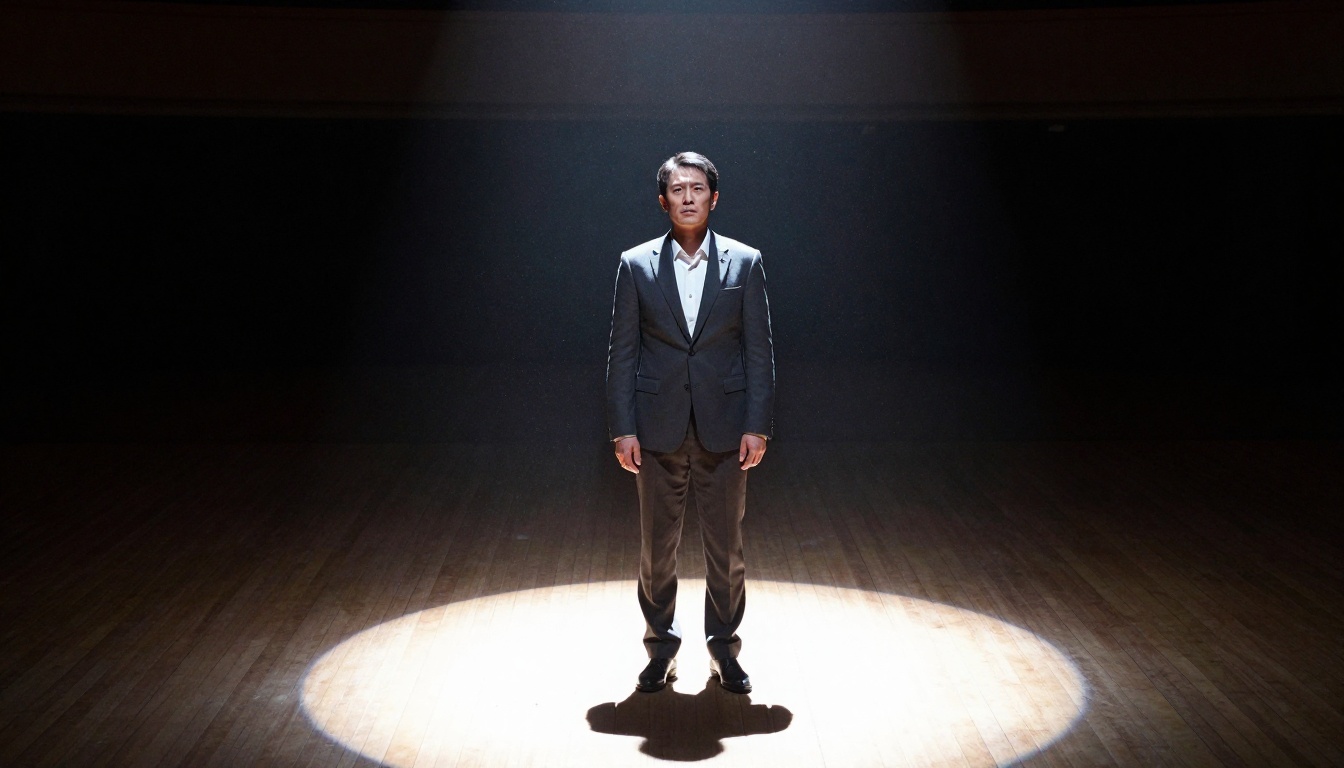
Single-source artificial lighting creates the most dramatic, high-contrast cinematic looks.
Spotlight isolation: "Single hard spotlight from directly above, everything outside the light circle completely black, sharp-edged shadows on floor, visible dust particles in beam"
Window light: "Single window from camera-right, hard directional light creating defined light-dark split across subject's face at 45-degree angle, Rembrandt triangle on shadow side"
Practical sources: "Lit only by fireplace flames from lower-left, flickering warm orange light creating dynamic shadows, no other light sources in frame"
Scene Composition in Your Prompt
Foreground, midground, background
The three planes of a frame give shots depth and make them feel three-dimensional rather than flat. When you only describe one plane, you get a flat image.
Weak prompt: "A woman standing in a forest"
Strong prompt: "A woman in a white linen shirt standing in the forest midground, blurred wildflowers and fern fronds in soft-focus foreground 2 feet from camera, ancient pine trunks receding to misty background 100 feet behind her, 50mm lens creating natural perspective compression"
The model needs all three to build depth. This applies equally whether you are working with Wan 2.7 T2V on wide landscape shots or with Pixverse v6 on character scenes.
Color and atmosphere
Atmospheric description works on multiple levels. Fog, haze, smoke, rain, and steam are not weather. They are light diffusers that create mood and spatial depth.
Atmosphere words that work:
- "volumetric fog catching shafts of morning light"
- "heat shimmer rising from asphalt surface"
- "rain droplets backlit by streetlights"
- "smoke haze reducing contrast and adding depth"
- "morning mist settling in low points of the landscape"
Color grading language also works well: "Kodak Portra 400 color science," "Fuji Velvia saturated greens," "desaturated cool tones with warm skin retention," "bleach-bypass high contrast."
Real Prompt Examples by Scene Type
Action and movement
Action scenes need to communicate speed, energy, and stakes through the prompt itself.
Sprint scene: "Low-angle tracking shot of a woman sprinting through a rain-soaked city street at night, camera at shin-level moving laterally to match her pace, motion blur on pumping arms and legs, face sharp and focused, neon reflections streaking in wet pavement, 24mm wide angle, handheld"
Chase escalation: "POV shot running through a crowded marketplace, vendors and shoppers blurring past on both sides, camera slightly tilted and bouncing with footfall rhythm, baskets and fabric brushing at the edges of frame, harsh midday overhead sun, shallow focus ahead"
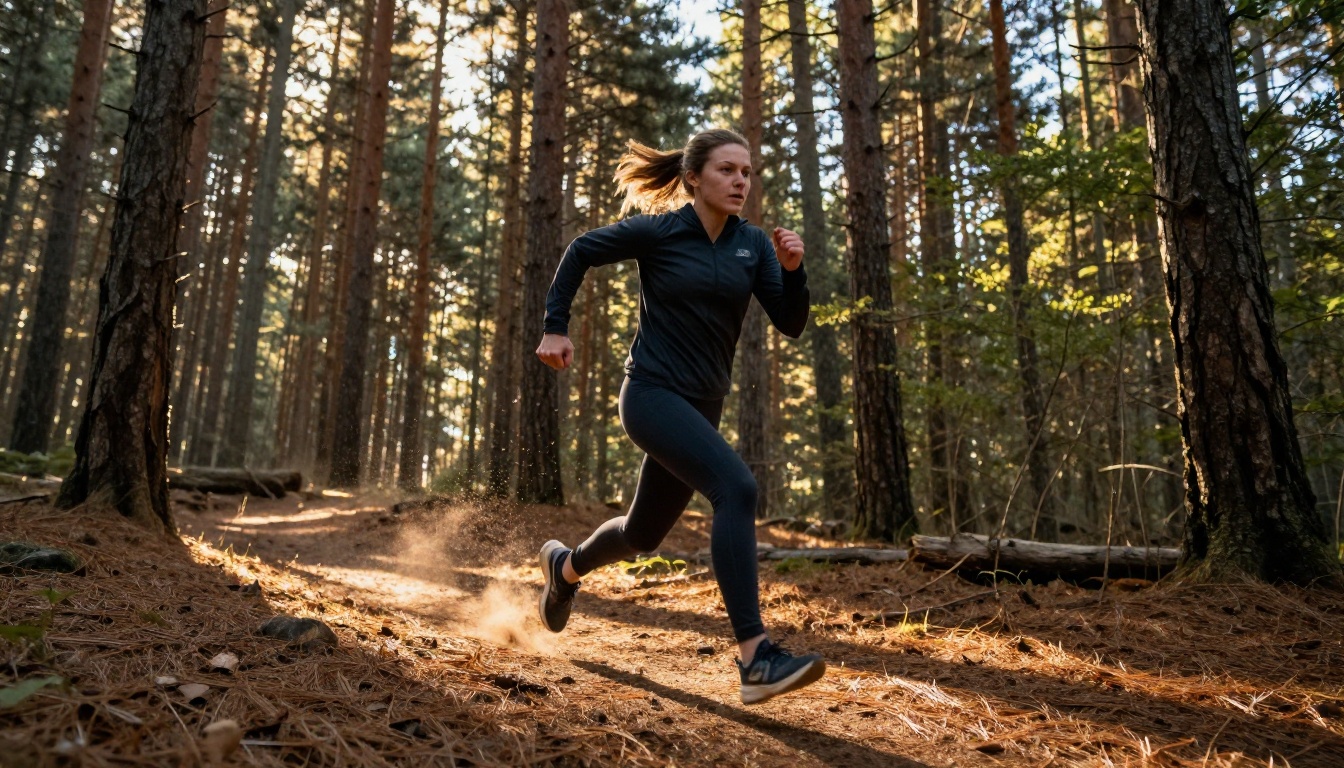
For fast-paced action, Kling v2.5 Turbo Pro handles rapid motion without frame artifacts, while Gen 4.5 offers strong motion quality with cinematic output.
Emotional character moments
These scenes live or die by the specificity of physical detail and restraint. The camera should observe rather than dramatize.
Grief: "Medium shot of a man sitting alone at a long dining table in a house too quiet for him, one place setting in front of him, untouched food, late afternoon light from a distant window cutting a single stripe of gold across the table, camera static and distant, no movement, 85mm portrait lens, Kodak film grain"
Joy: "Close-up of a woman's face the moment she reads a letter, her expression shifting from neutral to disbelief to overwhelming joy over 4 seconds, natural window light from camera-left, no movement, just her face and the sound of her breath, 100mm lens, shallow DOF"
💡 For character moments: Resist the urge to describe the emotion. Describe the physical details that create the emotion. Let the model do the emotional work.
Nature and landscape
Landscape shots need scale references and atmospheric layering to feel cinematic rather than like stock footage.
Mountain scale: "Extreme wide shot of a solo hiker standing on a rocky ridge, human figure occupying 3% of frame on the left third, vast granite peaks filling the right two-thirds, cumulus clouds casting moving shadow patches across the stone faces below, 200mm telephoto compression, late afternoon side light raking across the ridgelines"
Ocean power: "Low angle at water's edge, lens 6 inches above surface, a massive wave approaching and about to break over the camera position, water texture glass-clear in the foreground, white foam boiling at the crest, horizon line high in frame, 16mm ultra-wide"
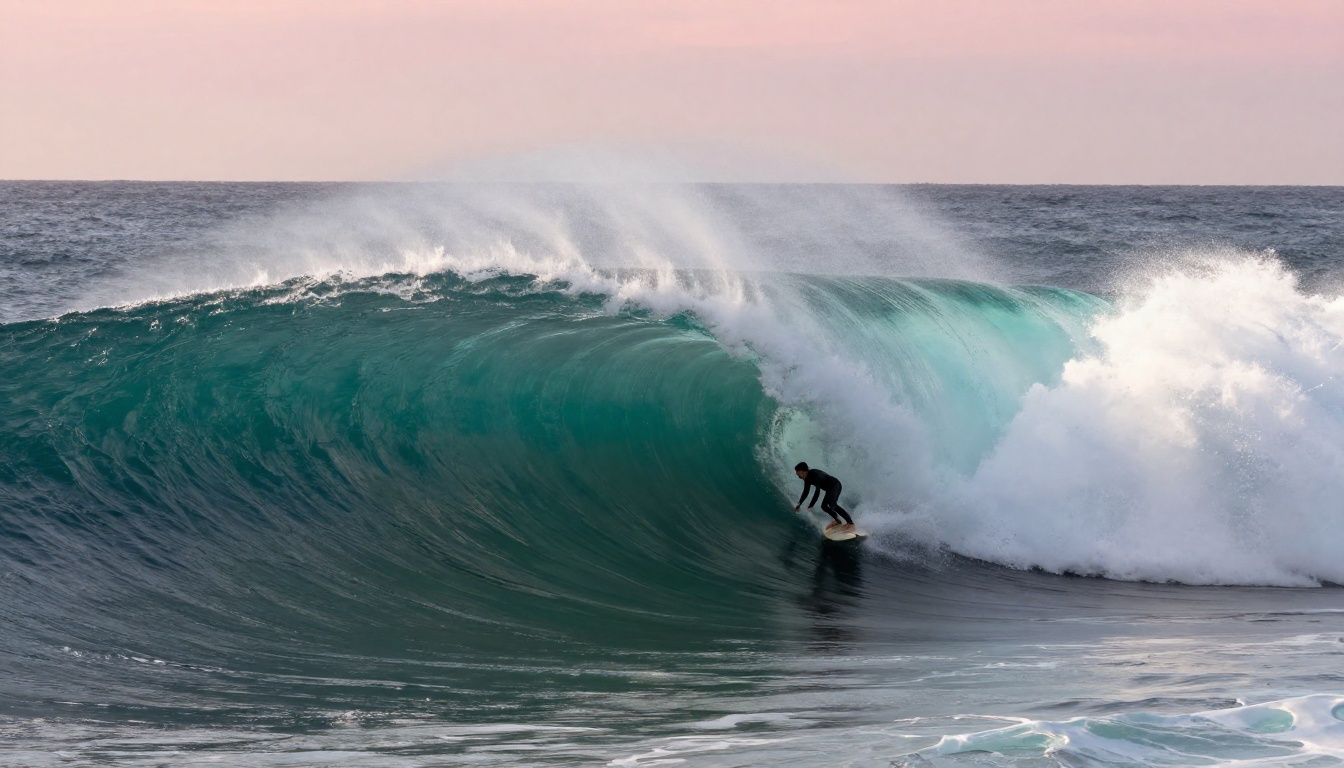
LTX 2.3 Pro delivers exceptional detail in nature and landscape scenes at 4K output. For scenes where environmental scale is the point, it is worth the render time.
Urban and night scenes
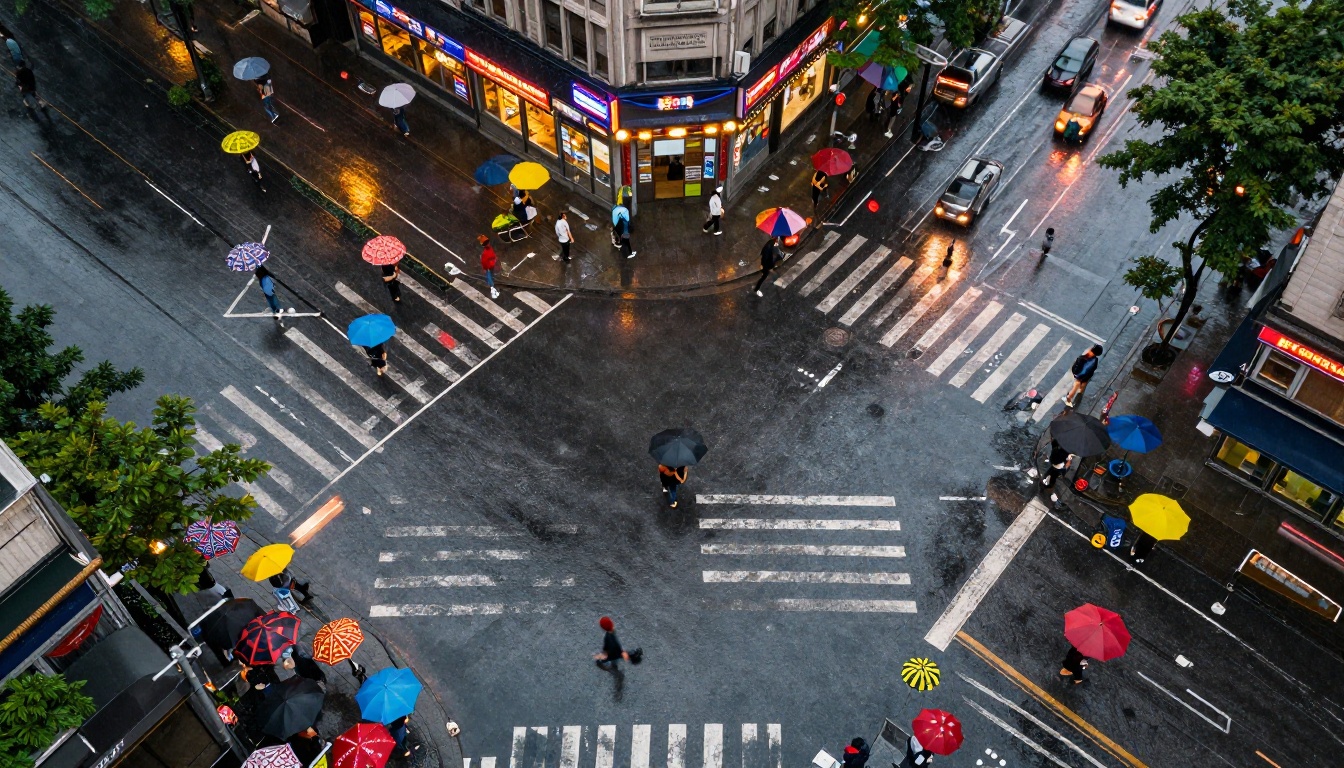
Urban scenes at night are about light sources, reflection, and the contrast between warmth and darkness.
Night street: "Medium-wide shot of a narrow Tokyo side street at 2am, ramen shop lanterns and vending machines providing warm pools of orange and red light, the lane between buildings dark blue-black, a lone figure in a long coat walking away from camera toward the light, 50mm, Kodak Vision3 tungsten balance"
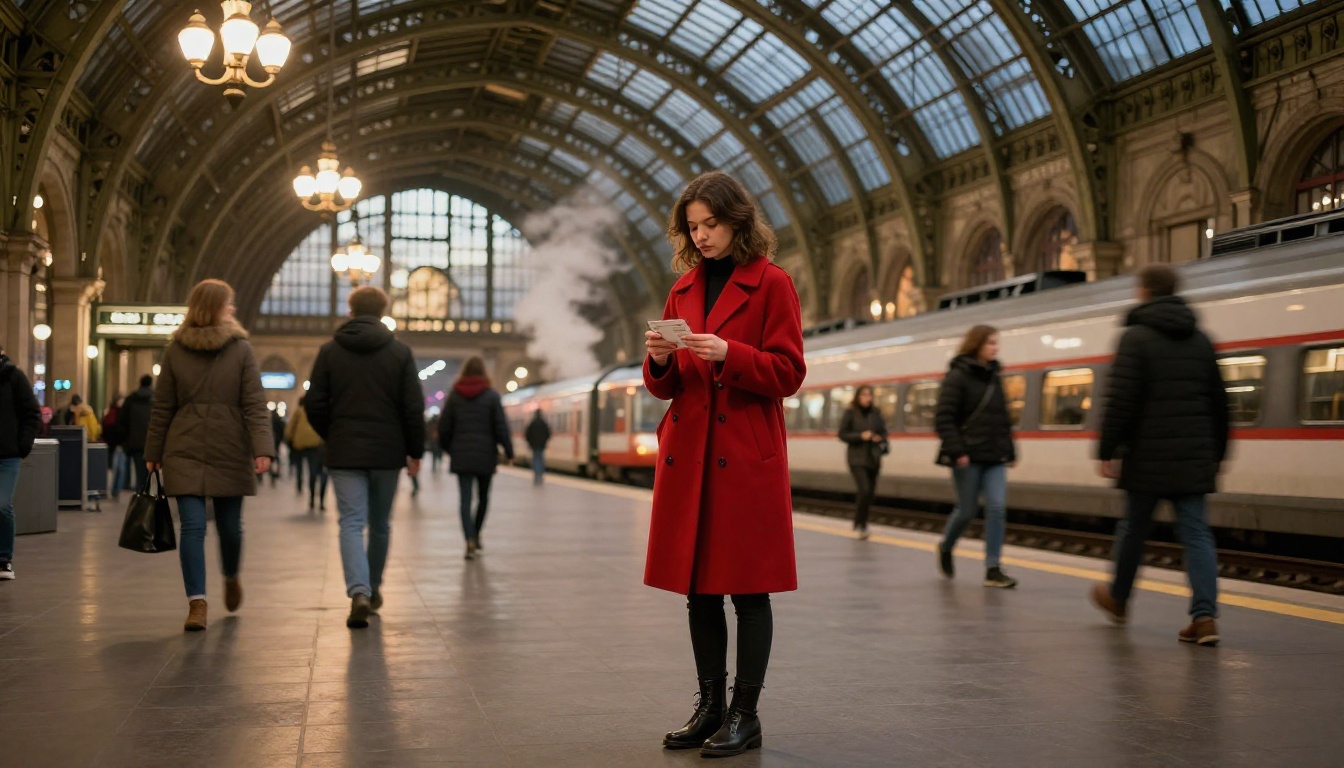
Train station drama: "Wide interior shot of a grand European train station during departure, steam and crowd movement creating chaotic energy around one still figure, warm incandescent ceiling lights fighting blue-cold light from open station doors, 28mm wide angle, slow dolly push toward the still figure"
How to Use Kling v3 on PicassoIA
Kling v3 Video is one of the strongest models available for cinematic-style scene generation. It handles complex camera movements, multi-subject scenes, and atmospheric lighting better than most alternatives. Here is how to get the best results from it.
Step-by-step walkthrough
-
Open Kling v3 Video on PicassoIA and access the generation interface.
-
Write your prompt in layers using this structure:
- Shot type: "Medium close-up, static locked-off"
- Subject and action: "woman in her 30s sitting at a window, watching rain"
- Environment: "small apartment living room, minimal furniture, books stacked on windowsill"
- Lighting: "overcast exterior light from window camera-right, no artificial light, soft shadows"
- Camera and lens: "85mm portrait lens, shallow depth of field, subject sharp, rain-streaked window slightly soft"
- Atmosphere: "quiet, contemplative, Kodak Portra warm skin tones"
-
Set duration to 5 seconds for controlled scenes, 10 seconds for scenes with significant movement or development.
-
Generate and review: Check that camera movement matches intent, that light direction is consistent, and that subject motion feels natural.
-
Iterate on specifics: If the shot feels too flat, add foreground elements. If the lighting reads wrong, specify the direction more precisely.
Parameter tips for Kling v3
💡 Negative prompt: Use this to block common AI video artifacts. Include: "CGI, illustration, animation, oversaturated, unnatural motion, jitter, warped faces"
- Aspect ratio: 16:9 for standard cinematic; specify "anamorphic widescreen framing with letterbox" in the prompt for an ultra-wide look
- Motion intensity: Lower settings work better for slow, deliberate emotional scenes. Higher settings suit action sequences
- Prompt weight: Front-load your most important visual instructions. Models weight the beginning of prompts more heavily
Also worth testing: Kling v2.6 for slightly different motion characteristics, and Seedance 1.5 Pro when you want native audio generation alongside the cinematic output.
Models Worth Trying for Cinematic Results
Different models have different strengths. Matching your scene type to the right model is half the battle.
| Scene Type | Recommended Model | Why |
|---|
| High-motion action | Kling v2.5 Turbo Pro | Handles fast motion without artifacts |
| Cinematic with audio | Seedance 2.0 | Built-in audio generation matches visual pace |
| Ultra-realistic scenes | Veo 3 | Strong character realism and native audio |
| 4K landscape output | LTX 2.3 Pro | 4K resolution with strong environmental detail |
| Camera-controlled movement | Video 01 Director | Explicit camera movement control |
| Fast turnaround drafts | Hailuo 2.3 Fast | Speed without sacrificing too much quality |
| Latest Google quality | Veo 3.1 | 1080p cinematic output with strong motion |
| General cinematic | Gen 4.5 | Solid cinematic motion at accessible rate |
| 1080p wide scenes | Wan 2.7 T2V | Reliable 1080p general-purpose output |
| Fast cinematic clips | Pixverse v6 | Fast generation with cinematic audio-video sync |
The right approach is to test 2-3 models with the same prompt. You will quickly see which handles your specific scene type best, and that intuition builds fast once you start comparing outputs side by side.
Your Scenes Are Waiting
Every prompt structure in this article is a formula, not a magic sentence. The real work is in adapting these patterns to your specific scene, testing, and refining. The models available right now, from Kling v3 Video to Sora 2 Pro to Seedance 2.0, respond to cinematographic language in ways that were not possible 18 months ago.
Take one scene from your head right now. Break it into: shot type, subject, environment, lighting direction, camera movement, atmosphere, and lens. Type that. Run it. The gap between what you imagined and what comes out will be smaller than you think.
All the models referenced in this article are available to try directly on PicassoIA, with no software installation required. Start with one scene. Adjust one variable at a time. That is how you build real intuition faster than any amount of reading.


