Prompts for Logos and Brand Visuals That Actually Work
Creating a logo or brand visual system with AI starts with getting the prompt right. This article gives you ready-to-use prompts for wordmarks, icons, color palettes, typography pairings, and full brand identity systems, built from real design practice and tested across leading AI image models.
The gap between a logo that looks generic and one that stops people is almost always the prompt. Getting a sharp brand visual out of an AI image model is not about luck or artistic instinct; it is about giving the model enough structured information to make the right decisions for you. This article gives you tested, copy-paste-ready prompts for every layer of a brand identity: wordmarks, icon marks, color palettes, typography, and full identity systems.
Why Most Logo Prompts Fail
They're Too Short and Too Vague
"A minimalist logo for a coffee brand" will produce something, but it will look like every other coffee logo on the internet. The model has to fill in every missing detail: color, style, mood, composition, typography treatment, rendering. When you leave those gaps, it fills them with statistical averages from its training data.
The result is always recognizable: a generic circular badge, a leaf, a coffee cup icon, a warm brown palette. Not wrong, but not distinctive.
The Anatomy of a Working Prompt
A prompt that produces usable brand visuals needs four layers:
Layer
What It Defines
Example
Subject
What the logo represents
"geometric hexagon mark"
Style
Visual direction
"minimalist, Swiss design"
Color
Specific palette
"navy blue #002B5C, off-white cream"
Context
How or where it is used
"on white background, isolated"
Every prompt in this article is built on this structure. Add your own brand details and the output quality jumps immediately.
💡 Tip: For logos and brand marks specifically, always include "isolated on white background, vector-style, clean lines" in your prompt. This removes backgrounds, reduces noise, and gives you an output closer to something you can actually use.
Wordmark Prompts That Print Clean
A wordmark is a logo that is purely typographic. No icon, no badge, just the brand name set in a deliberate typeface. It sounds simple, but getting a clean wordmark from an AI requires telling it exactly what kind of typographic character you want.
Sans-Serif Wordmarks
For modern, tech, or minimal brand identities:
Minimalist wordmark logo for a tech startup, custom geometric sans-serif letterforms,
thin stroke weight, wide letter-spacing, navy blue on clean white background,
isolated, vector-style, no gradients, no shadows, Swiss typography influence,
Helvetica-adjacent, precise kerning, print-ready quality
For a softer, consumer-facing brand:
Clean wordmark logo, rounded sans-serif letters with slightly humanist curves,
medium weight, warm terracotta color #C4622D on white background, modern and
approachable, no icon or symbol, isolated on white, balanced letter-spacing,
logo design reference style, clean vector output
Serif and Editorial Wordmarks
For luxury, publishing, or heritage brands:
Elegant serif wordmark logo, high-contrast thick-thin stroke letterforms,
editorial style similar to a fashion masthead, deep forest green #1B4332 on cream
white background, isolated, classic proportions, sharp serifs, no ornaments,
luxury brand identity typography, clean vector lines, print quality
For legal, financial, or professional services:
Professional serif wordmark logo, traditional slab-serif typeface, dark charcoal
#2C2C2C on white background, strong vertical strokes, balanced weight, isolated,
no decorative elements, authoritative and trustworthy, corporate identity style,
clean sharp lines, high contrast letterforms
💡 Pro move: Ideogram v2 is the best model on PicassoIA for wordmarks because it renders in-image text with genuine accuracy. Most models produce blurry or misspelled letterforms. Ideogram v2 actually reads the text correctly and reproduces it with sharp precision.
Icon and Symbol Prompts
The icon or symbol mark is the part of a brand identity that works at small sizes: app icons, favicons, social profile images. Getting a crisp, distinctive mark requires specifying the geometry and abstraction level clearly.
Geometric Mark Prompts
For brands that want structured, mathematical precision:
Minimal geometric logo mark, abstract hexagon divided into three interlocking
triangular segments, deep blue #0D2137 on white background, isolated,
vector-style, no gradients, thick clean strokes, balanced negative space,
symbol works at 32px icon size, modern tech company brand mark
For circular badge systems:
Circular logo mark, thin concentric rings with a central diamond shape,
monochrome black on white background, isolated, minimal, architectural
precision, Swiss International Typographic Style influence, works as
app icon, vector line quality
Abstract and Organic Marks
For brands that want movement or organic energy:
Abstract organic logo mark, fluid brushstroke-inspired single continuous line
forming an abstract bird or wing shape, indigo blue #3730A3 on white,
isolated, hand-crafted feel, not literal or illustrative, symbol only,
no text, vector quality, works small
For nature or wellness brands:
Minimal leaf and circle logo mark, single curved leaf shape forming a negative
space teardrop inside a thin circle, sage green #7D9B76 on white background,
isolated, vector-style, clean and modern, wellness brand, no gradients,
balanced symmetry, app icon ready
Brand Color Palette Prompts
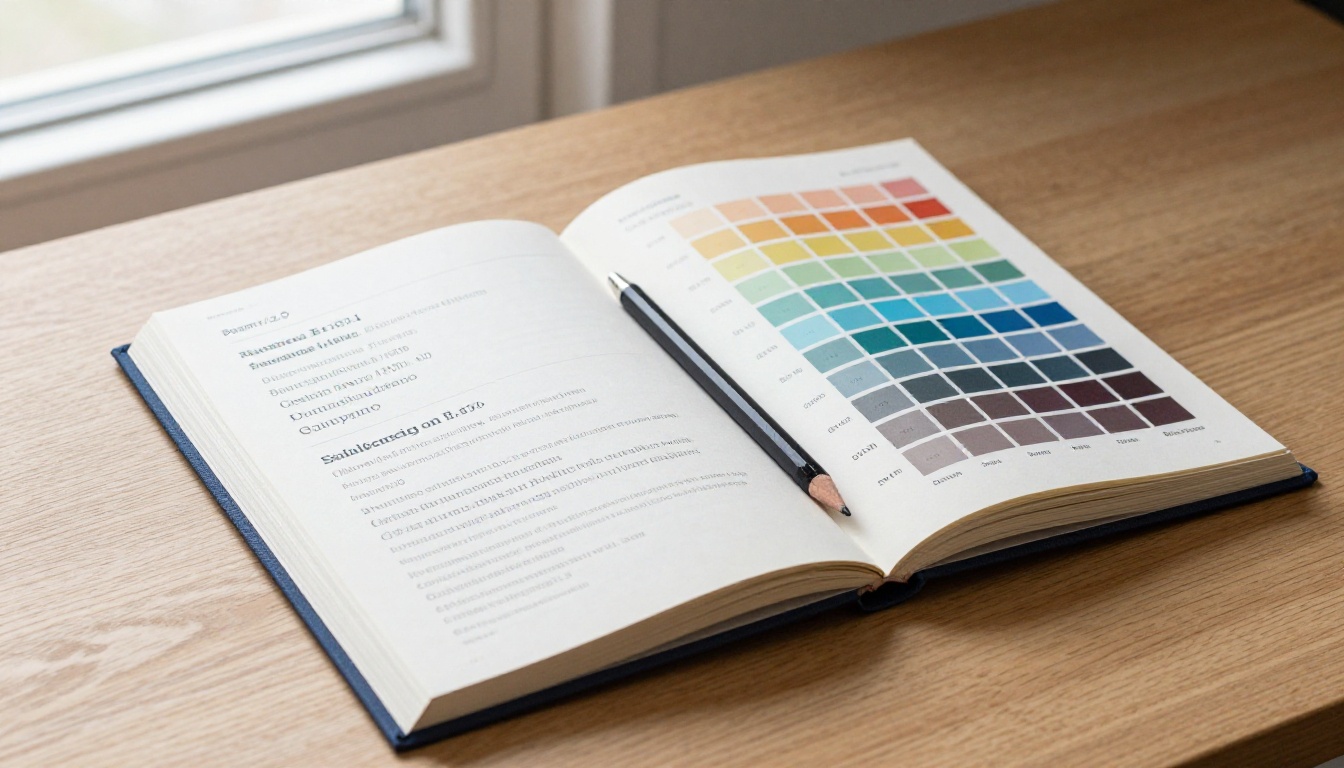
Color is arguably the strongest memory trigger in a brand identity. Getting the AI to show you how a palette works across surfaces and context is one of the most practical uses of AI brand visual generation.
Mood-Based Palette Prompts
For a trust-and-clarity brand (fintech, healthcare, SaaS):
Professional brand color palette display, five rectangular swatches arranged
horizontally: deep navy blue #001F5B, medium sky blue #4A90D9, clean white
#FFFFFF, warm light grey #F5F5F5, and accent gold #C9A84C, labeled with hex
codes below each swatch, clean minimal typography, white background,
brand style guide reference format
For a bold creative brand (agency, fashion, entertainment):
Vibrant brand color palette display, five horizontal swatches: deep black
#0A0A0A, electric coral #FF4D4D, warm cream #FFF8EE, olive green #5C6B2E,
and dusty pink #E8A598, labeled with hex codes in minimal sans-serif,
white background, professional brand identity format, clean layout
Industry-Specific Color Prompts
Industry
Recommended Palette Prompt Keywords
Legal / Finance
"navy, charcoal, gold accent, white"
Health / Wellness
"sage green, warm white, terracotta, muted blue"
Tech / SaaS
"electric blue, dark navy, white, grey"
Luxury / Fashion
"black, cream, gold, deep burgundy"
Food / Beverage
"warm orange, cream, brown, green"
Education
"deep teal, orange accent, white, light grey"
💡 Always include specific hex codes in color palette prompts. The difference between "green" and "#2D6A4F" is the difference between a random hue and a deliberate brand decision. Hex codes remove all ambiguity and force the model to produce exactly the color family you need.
Typography and Layout Prompts
Typography prompts work best when you describe the relationship between typefaces, not just the typefaces themselves. The weight contrast, size hierarchy, and spacing all communicate brand personality as much as the letterforms do.
For a premium brand typography system:
Brand typography hierarchy display, large bold serif headline typeface at the
top, medium weight humanist sans-serif for subheadings below, light weight
sans-serif for body text at small size, dark charcoal color on white background,
generous line spacing, professional brand style guide format, clean layout,
labeled with Primary, Secondary, and Body type roles
For a modern startup typography layout:
Clean typographic brand layout, oversized geometric sans-serif display type at
top in deep navy, medium weight rounded sans-serif for supporting text,
monospace font for data or code callouts, wide margins, lots of white space,
modern tech brand editorial style, white background, no decorative elements
Using Recraft v3 on PicassoIA is particularly strong for typography-focused brand visuals because it maintains style consistency across multiple outputs, which is exactly what you need when iterating on a brand system. Set the same style parameter for each prompt and every output shares the same visual DNA.
Full Brand Identity System Prompts
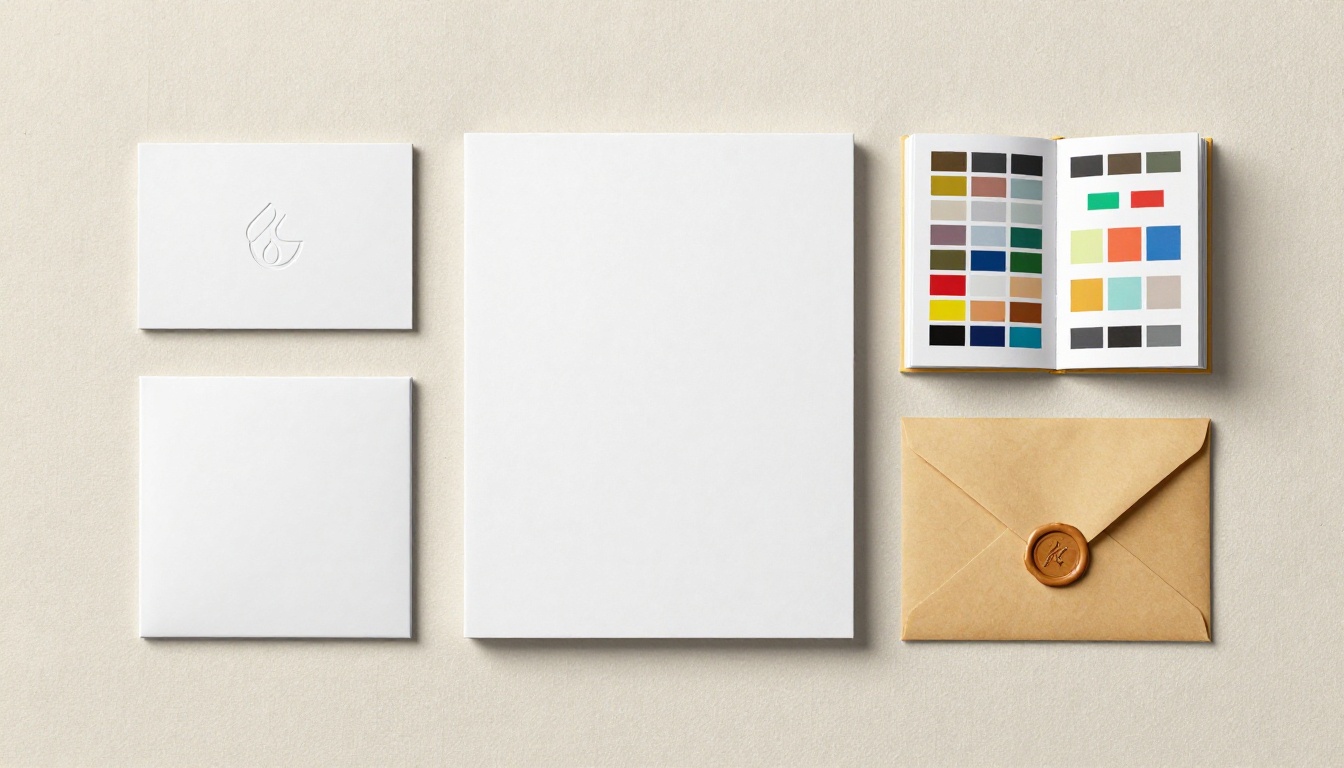
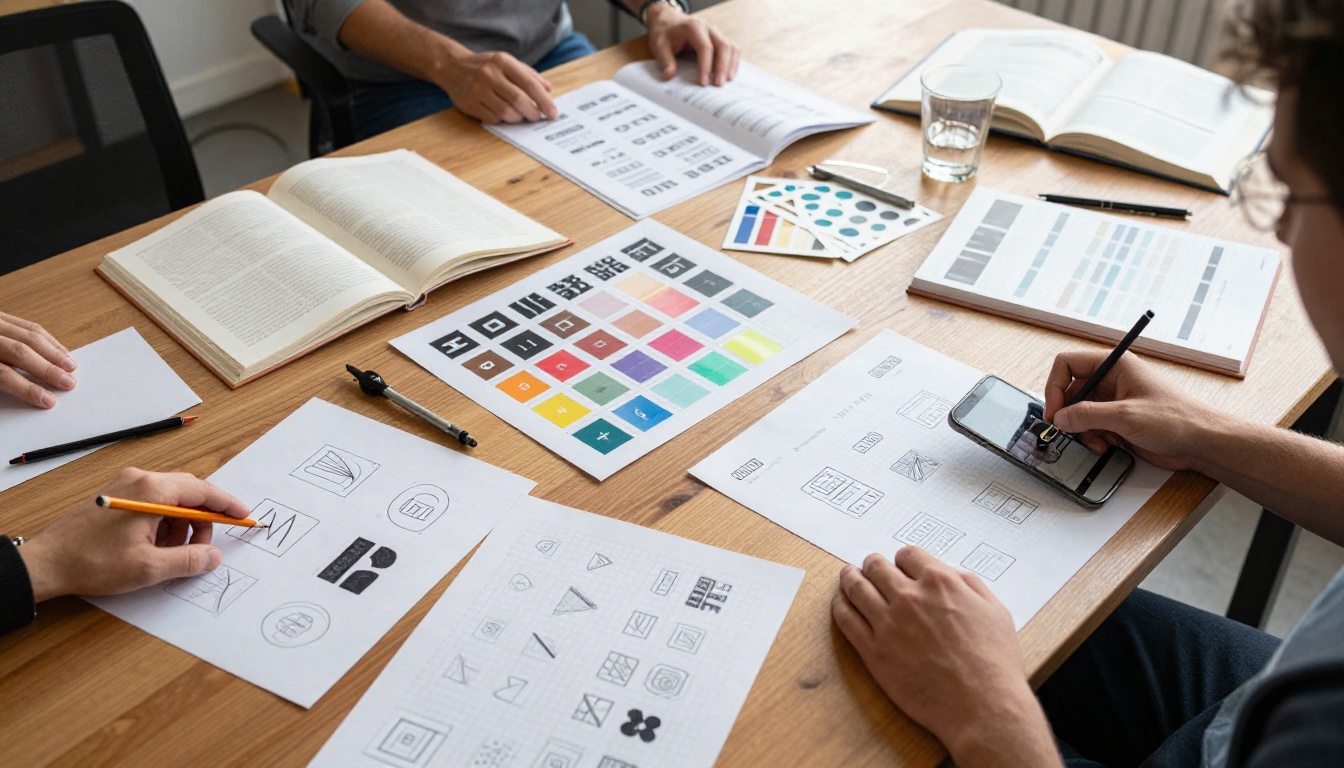
These are the most complex prompts in this article. A full brand identity prompt asks the model to show multiple brand elements applied together in a single scene: a business card sitting beside a notebook, packaging, a letterhead document, all using the same color and type system.
Complete brand identity mockup:
Professional brand identity mockup flat lay on white marble surface, showing:
one matte business card with minimal geometric logo mark in navy and gold,
one letterhead document with the same logo at top, one hardcover brand
guideline book, one kraft paper envelope with branded wax seal,
photographed from directly above with soft studio lighting, clean and
premium, no shadows, print-quality resolution, brand identity presentation style
Brand applied to digital surfaces:
Brand identity applied to digital mockups, three device screens arranged on
white background: desktop browser showing minimal website homepage with clean
logo, mobile phone showing app icon and UI in matching brand colors, tablet
showing brand presentation slide, consistent navy and cream color palette
across all screens, professional tech company identity, clean and modern
Packaging and merchandise application:
Brand identity merchandising mockup, white background flat lay: branded paper
bag with minimal logo stamp, ceramic coffee mug with small logo on side,
rolled tote bag with screen-printed logo, matching navy and cream color palette,
professional product photography style, overhead shot, clean and minimal,
premium brand presentation
💡 The trick with full identity prompts: describe the physical materials first (marble surface, white background), then list the brand elements from largest to smallest, then end with the lighting and photography style. This order matches how the model builds the scene internally and produces more coherent compositions.
How to Use Ideogram v2 on PicassoIA for Brand Work
Ideogram v2 is the model on PicassoIA most specifically built for brand and text-forward visual work. Its text rendering accuracy makes it the right choice when your logo needs actual readable letterforms, not abstract shapes that vaguely resemble letters.
Step-by-Step for Logo Generation
Step 1: Open Ideogram v2 on PicassoIA.
Go to Ideogram v2 and open the model.
Step 2: Set style to "Design".
In the style presets, select Design rather than Realistic or General. This tells the model you want a flat, intentional visual output rather than a photographic scene.
Step 3: Write a structured prompt.
Use this framework:
[Logo type: wordmark / icon mark / combination mark] for [brand category],
[specific typographic or geometric description], [exact color(s)],
isolated on white background, vector-style, clean lines, print quality
Step 4: Use Magic Prompt sparingly.
Ideogram's Magic Prompt feature expands your prompt automatically. For logos, turn it Off or set to Auto. Logo prompts need precision, not elaboration.
Step 5: Iterate with seed locking.
When you get a direction you like, note the seed number and iterate with small prompt changes while keeping the seed fixed. This maintains compositional consistency across your iterations and lets you zero in on exactly the mark you want.
Using Recraft v3 for Style Consistency
Recraft v3 has a specific capability that is underused for brand work: the style consistency setting across a session. Run the same style parameter across multiple prompts and the visual tone stays coherent. For building out a brand system with multiple touchpoints, this is practical in a way that most models are not.
Set style: realistic_image/studio_portrait for product or people brand images, or style: digital_illustration/2d_art_poster for brand illustration systems. The style stays the same across all your brand asset prompts so every output shares a coherent visual language.
For fast iteration and concept testing, Flux Schnell on PicassoIA is the right tool. It returns a usable image in under 5 seconds, has no generation limits on the platform, and lets you test 20 prompt variations in the time it takes to have a coffee. Once you have a direction locked, move to Ideogram v2 or Recraft v3 for the high-quality final output.
When the First Result Is Not Right
That happens. Here is how to diagnose it fast instead of randomly changing words and hoping for a better result.
The result is too complex or cluttered:
Add "minimal," "clean lines," "isolated," "no textures," "no gradients," "no shadows," "simple" to your prompt. Most AI models default toward visual richness. You have to push them toward restraint.
The color is wrong:
Replace color names with hex codes. "Blue" covers hundreds of hues. "#1E3A5F" is one specific color. The model understands both, but hex codes communicate with no ambiguity.
The style looks generic:
Add a specific design movement or aesthetic reference: "Swiss International Typographic Style," "Bauhaus influence," "Japanese minimalism," "Art Deco geometry." These reference styles carry strong visual vocabularies that the model understands well.
The text is unreadable:
Switch to Ideogram v2. No other model on PicassoIA renders in-image text with the same accuracy. If readable typography inside the image is critical, Ideogram v2 is the only real option.
The mark does not work at small size:
Add "works at 32px, app icon ready, bold simple shapes, high contrast" to your prompt. Small-size readability requires the model to favor thick strokes, bold geometry, and strong contrast over fine detail.
Start Building Your Own Brand Visuals
The prompts in this article are starting points. The best brand visual you will generate is the one where you replace the placeholder details with your actual brand: your industry, your color codes, your typographic preference, the feeling you want people to have when they first see your identity.
All three models referenced here are live on PicassoIA right now. Ideogram v2 for text-accurate logos and wordmarks. Recraft v3 for style-consistent brand visuals across multiple assets in a single session. Flux Schnell for rapid-fire prompt iteration with no generation limits.
Pick any prompt from this article, slot in your brand's specific details, and run it. The first result will tell you exactly what to adjust. Three iterations in, you will have something real to work with. That is faster and cheaper than any other way to start a brand visual project right now.