Whether you've tried text-to-image models before or you're just starting out, the gap between a vague prompt and a sharp 4K result is bigger than most people expect. Nano Banana Pro handles photorealistic output well when you give it clear, specific instructions, and produces inconsistent results when you don't. This article covers the exact prompt structures that work, organized by use case, so you stop guessing and start producing images that are actually usable.
Portrait Prompts That Deliver
Portraits are where most beginners hit their first wall. The model is capable of rendering realistic human skin, eyes, and hair at high fidelity, but it needs direction on lighting, lens, and distance to get there.
Solo Subject Portraits
The formula that works consistently: subject + clothing + lighting direction + lens + skin or hair detail.
Here are prompts tested with Nano Banana Pro that produce reliable results:
Natural light portrait
A 28-year-old woman with freckled pale skin, wearing a white linen shirt, sitting near a window. Soft diffused morning light from the left. 85mm f/1.8, shallow depth of field, visible skin pores, individual hair strands catching the backlight. Kodak Portra 400 grain.
Outdoor golden hour
A man in his mid-30s, short beard, wearing a gray henley, standing in an open field at golden hour. Warm backlight creates a rim glow around his shoulders. 50mm f/2, natural fill from a white reflector, skin texture visible, slight bokeh in wheat field background.
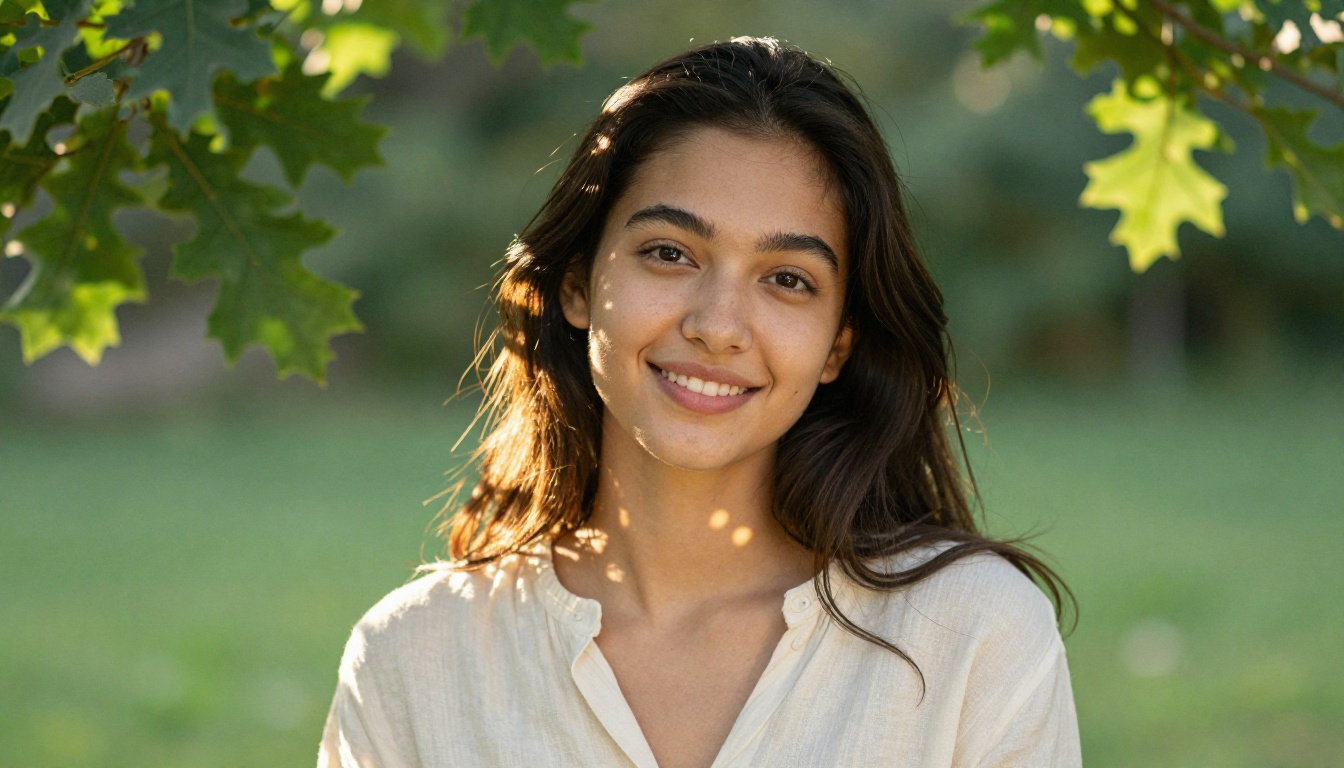
💡 Always specify the lighting direction (left, right, overhead, backlight). The model uses this to determine where shadows fall, which is what makes a portrait look three-dimensional instead of flat.
Group and Team Shots
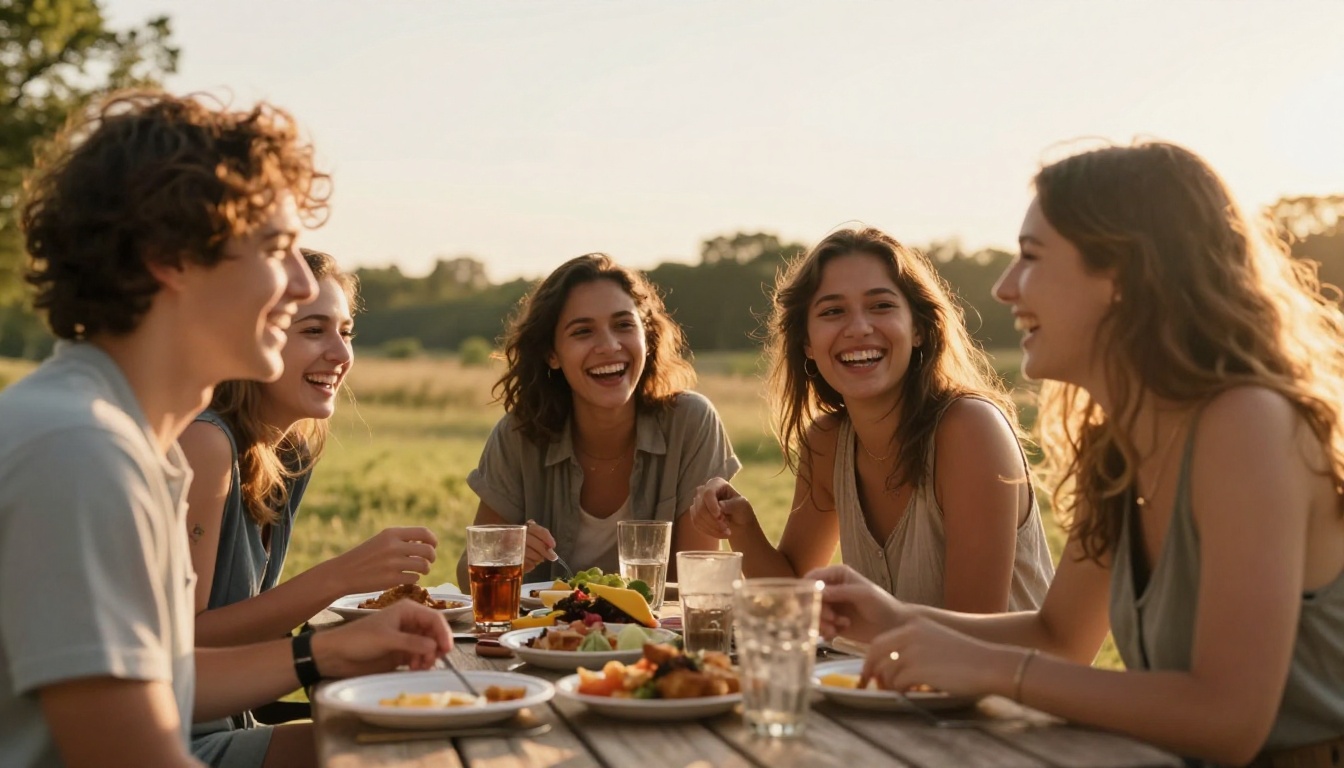
Group shots require a different approach. The model tends to merge faces or distort proportions when you don't anchor the scene clearly.
What works:
Four coworkers standing around a conference table, casual business attire, laughing during a meeting. Natural light from large office windows on the left side. 35mm wide-angle lens. Each person's face clearly visible. Warm skin tones. Candid atmosphere.
What doesn't:
A team photo with lots of people smiling
The second prompt is too vague. No lens, no lighting, no composition anchor. You'll get inconsistent results every time.
Landscape and Scenery Prompts
Nano Banana Pro renders environments well, especially when you define the time of day and atmospheric conditions. These are the levers that determine whether a landscape looks alive or sterile.
Outdoor and Natural Environments
For landscapes, structure your prompt around: location + time of day + light angle + foreground detail + background depth.
| Time of Day | Light Quality | Best For |
|---|
| Golden hour | Warm, long shadows, rim light | Dramatic landscapes, portraits |
| Blue hour | Cool diffused, soft | Cities, water reflections |
| Midday | Harsh overhead, high contrast | Deserts, minimalist scenes |
| Overcast | Flat, even, no hard shadows | Product shots, fine details |
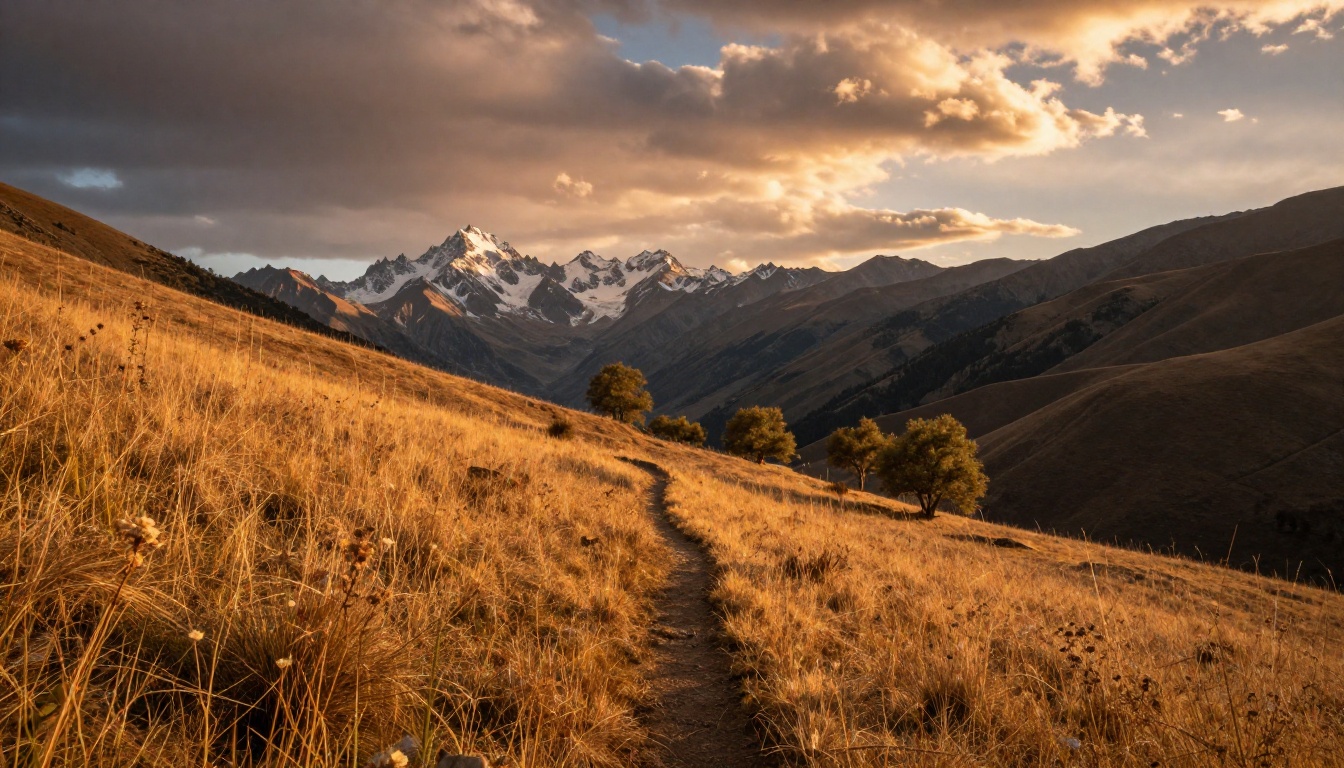
Working prompt for a mountain landscape:
A wide mountain valley at golden hour. Amber grasslands in the foreground with a narrow hiking trail. Jagged snow-capped peaks in the distance. Long shadows from low-angle sunlight. 24mm wide-angle lens. Atmospheric haze in the valleys. Kodak Portra 400 grain. 8K resolution.
Urban and Architectural Shots
Cities work well with this model when you define the weather, hour, and camera angle. Wet streets and twilight tend to produce the most compelling outputs.
A narrow cobblestone alley in an old European city at twilight. Amber streetlights reflecting on wet stone. A café window glowing on the left. 28mm lens from knee height, perspective leading deep into the scene. Atmospheric haze. Sandstone wall texture visible.
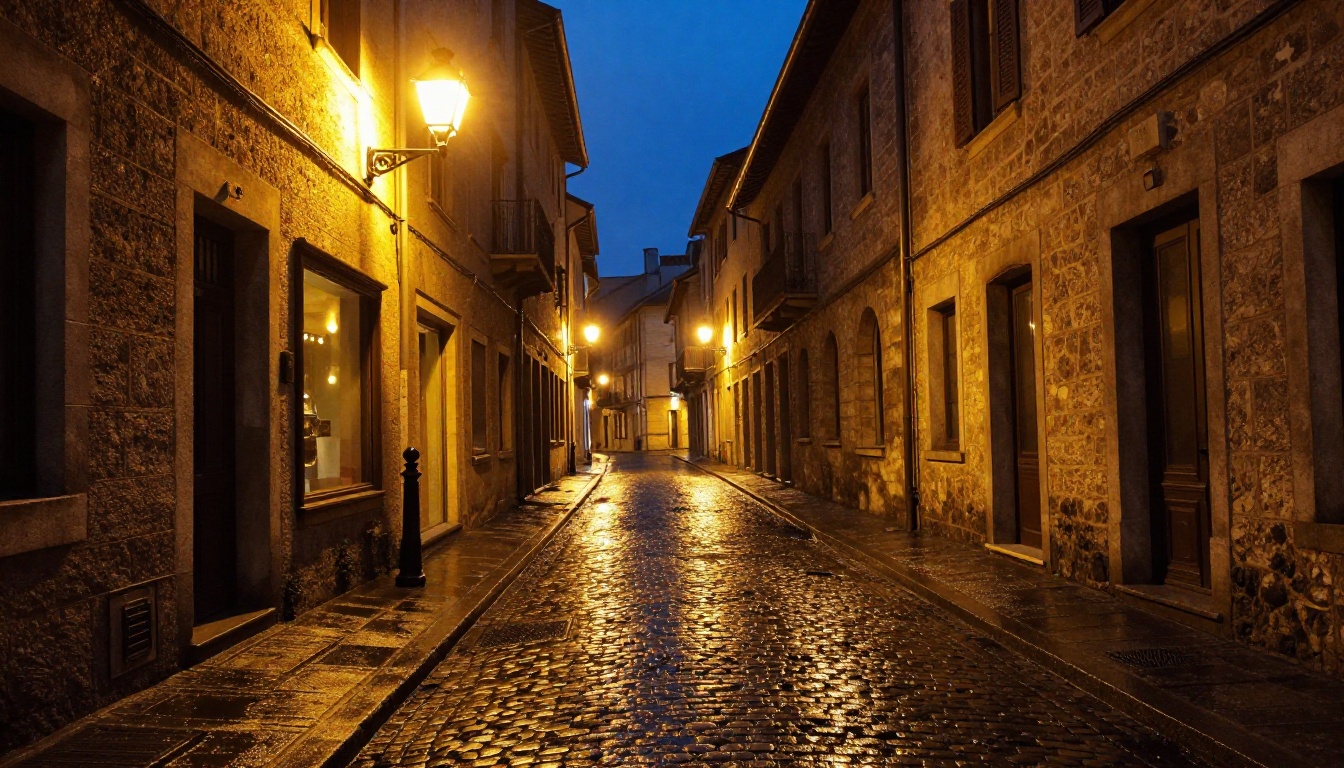
💡 Add wet pavement or light rain to architectural prompts. Reflective surfaces add depth and visual complexity that makes the output feel more cinematic.
Product and Commercial Prompts
Product photography is one of the strongest use cases for Nano Banana Pro. The model handles studio lighting logic well and can produce images that look genuinely commercial.
White Background Product Shots
The formula: product description + surface material + lighting setup + lens + output quality.
A glass perfume bottle with a gold cap, sitting on a smooth white marble surface. Single softbox light from the upper right. Clean shadow to the left. 100mm macro lens at f/4. No lens flare. Label detail sharp. Studio environment. Commercial photography grade. 8K.
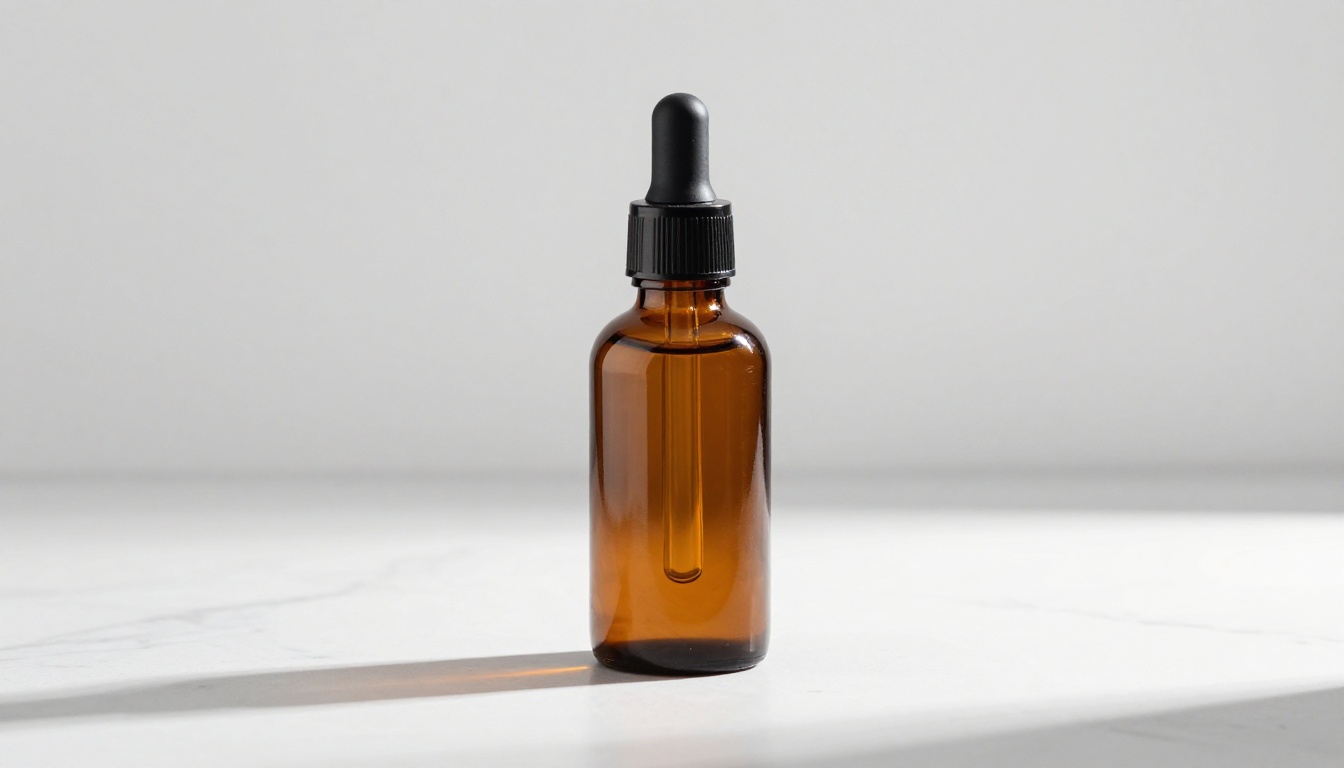
For product shots, these modifiers consistently improve output quality:
no background distractions removes unwanted elementssingle light source prevents the model from inventing chaotic lightingmacro lens f/4 gives label sharpness without full background blursurface: white marble / brushed steel / warm oak tells the model what to place under the product
Lifestyle Product Placement
When you need a product in a real-world context:
A ceramic coffee mug on a wooden desk near an open window. Morning light from the left. Steam rising from the mug. A blurred book and plant in the background. 50mm f/2.8. Warm tones. Lifestyle photography. Cozy home atmosphere.
This type of prompt works because it establishes a scene, not just an object. Nano Banana Pro performs better when the product has visual context around it.
Food Photography Prompts
Food is a category where lighting angle and surface material carry most of the weight. Getting these two elements right in your prompt determines roughly 80% of the output quality.
Overhead Flat-Lay Shots
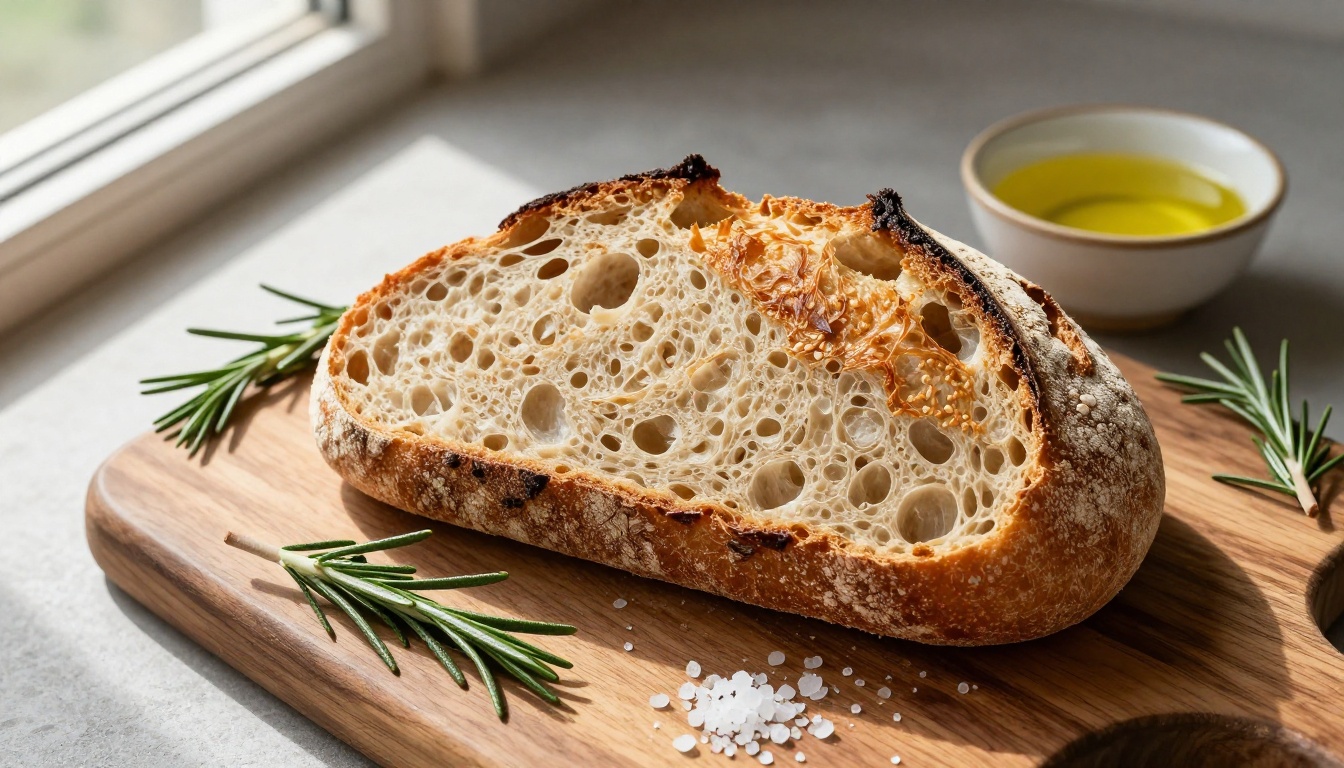
Overhead flat-lay of a rustic cutting board with sliced sourdough bread, scattered rosemary, a small bowl of olive oil, and sea salt flakes. Natural window sidelight from the left. Shot directly overhead, 50mm lens. Bread crust texture and scoring marks in sharp detail. Warm earthy tones.
Angled Hero Shots
A plate of pasta with cherry tomatoes and fresh basil on a dark linen tablecloth. 45-degree angle shot. Window light from the upper left. Steam rising from the pasta. Shallow depth of field. 85mm f/1.4. Fork resting at the edge of the plate.
💡 Use steam rising for hot dishes and condensation for cold drinks. These small additions signal the model to add atmosphere to otherwise static food shots.
Nature and Macro Prompts
Macro photography is where Nano Banana Pro can produce stunning outputs, especially with botanical subjects. The model handles fine surface textures well at this scale.
Botanical Close-Ups
Extreme macro close-up of a dew-covered rose petal at dawn. Individual water droplets containing refractions of the surrounding garden. Velvet petal texture with a color gradient from deep crimson to soft coral. 100mm macro lens at f/5.6. Morning sidelight from the left. Background dissolves into green and gold bokeh.
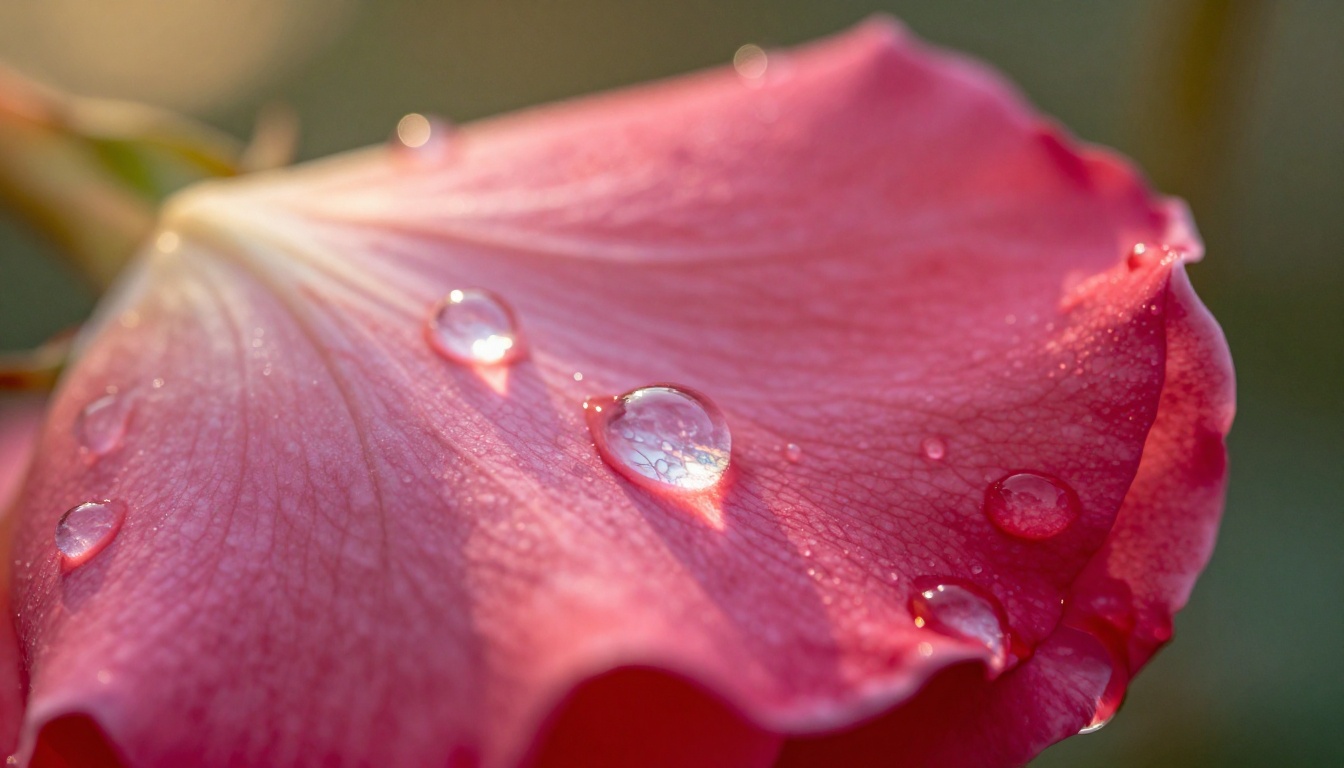
For macro shots, these additions consistently improve output:
individual [droplets/fibers/grains] visible signals the model to render fine detailbokeh dissolves into [color] controls the background atmosphere- Specifying lens (
100mm macro f/5.6) gives the model clear depth-of-field instructions
How to Use Nano Banana Pro
Nano Banana Pro is available in the PicassoIA text-to-image collection. Here's how to get the best results from each parameter.
Step-by-Step
- Open Nano Banana Pro on PicassoIA
- Type your prompt in the text field. Use the structure from this article: subject + lighting + lens + texture details
- Select your aspect ratio: 16:9 for banners and landscapes, 9:16 for stories and vertical content, 1:1 for profile visuals and social posts
- Set resolution: use 2K for web and social, 4K for print and professional use
- Upload reference images (optional, up to 14): paste or drag in images that show the style or composition you want
- Set output format: JPG for faster web delivery, PNG when you need lossless quality
- Click generate, review the result, and refine your prompt based on what the model produced
Parameter Tips
| Parameter | Recommended Setting | When to Change |
|---|
| Resolution | 2K | Use 4K for print or large-format exports |
| Aspect ratio | 16:9 | Change to 9:16 for mobile, 1:1 for thumbnails |
| Output format | JPG | Use PNG for lossless or transparency needs |
| Safety filter | block_only_high | Adjust based on content requirements |
💡 Feeding 2-3 reference images alongside your text prompt is one of the strongest ways to steer the output. The model picks up on composition, color palette, and lighting style from the references while your text prompt refines the subject.
Beauty and Glamour Prompts
For beauty photography, the model produces best results when you treat it like briefing a photographer: subject, skin tone, hair, expression, lighting setup, and lens all in the prompt.
A close-up portrait of a woman with warm olive skin, dark wavy hair loose around her bare shoulders, eyes gazing slightly off-camera, composed expression. Warm studio main light from upper left, silver reflector fill from below. 85mm f/2. Individual hair strands sharp. Natural skin pores visible. Gold rim light separating subject from neutral gray background. Kodak Portra 400.
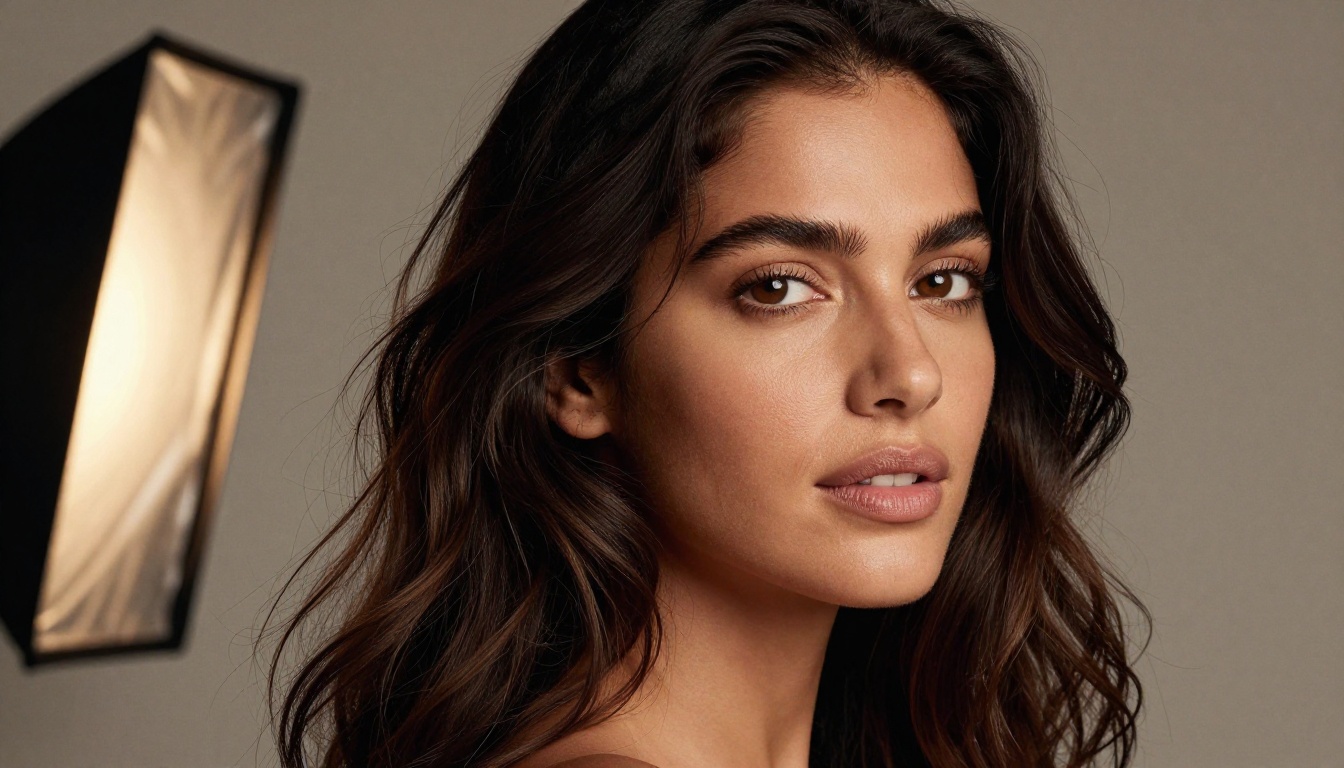
For glamour shots, these modifiers are reliable:
individual hair strands sharp prevents the model from blurring or smearing hairnatural skin pores visible pushes photorealism and prevents a waxy lookgold or silver rim light adds dimension and separates the subject from the backgroundeyes gazing [direction] controls expression without being vague
Prompts to Avoid
Some prompt patterns consistently produce weak or broken outputs. These are worth knowing before you spend time on a session.
What Breaks the Model
Overly abstract prompts:
The feeling of loneliness expressed visually
Nano Banana Pro is a photorealistic model, not a conceptual art engine. Abstract emotional concepts produce inconsistent results. Translate the concept into a concrete visual scene instead.
Excessive negative framing:
A portrait with no shadows, no background, no props, no text, no distortion, no blur
Negative-heavy prompts confuse the model about what it should render. State what you want, not what you don't want.
Quality keywords without scene content:
ultra HD super realistic professional quality 8K sharp crisp detailed
Stacking quality keywords without a coherent scene description doesn't improve output. Structural details like lens, lighting, and texture do far more than superlatives.
Common Prompt Mistakes
| Mistake | Why It Fails | Fix |
|---|
A beautiful sunset | No foreground, no composition | Add: subject, lens, foreground detail |
Professional headshot | No lighting setup | Add: light direction, background color |
4K photorealistic image | Describes output, not content | Replace with the actual scene |
Make it cinematic | Undefined style instruction | Specify: lens, grain, color grade |
What Reference Images Actually Do
One of the most underused features of Nano Banana Pro is the ability to upload up to 14 reference images alongside your text prompt. Most people treat the text box as the only input, but reference images act as a visual brief that is often more powerful than words alone.
When you add reference images, the model picks up on:
- Composition: where the subject sits in the frame and how much negative space surrounds it
- Color palette: warm vs. cool tones, saturated vs. muted
- Lighting setup: hard or soft light, direction, overall contrast
- Texture and grain: film look, studio sharpness, ambient noise level
A practical workflow: find 2-3 images that show the lighting and composition you want, upload them as references, and write a text prompt describing the specific subject. The model interpolates between the visual references and your description.
💡 Use references that are consistent with each other. If one reference is a warm film portrait and another is a high-contrast studio shot, the model will blend them and produce something inconsistent. Cohesive references produce cohesive output.
Now Try It Yourself
The prompts in this article aren't templates to copy word for word. They're structures to build from. Start with one closest to what you want, swap in your subject, adjust the lighting direction, and run it. Then look at where the output missed and add one more specific detail to the prompt.
Nano Banana Pro on PicassoIA is free to use and handles 4K output without a paywall. The fastest way to build intuition for what works is to run 5 to 10 variations of the same prompt with small changes each time. Watch what shifts and adjust from there. That feedback loop is what separates people who consistently get sharp, usable images from those who get lucky occasionally.
Open the model, pick a use case from this article, and start generating today.


