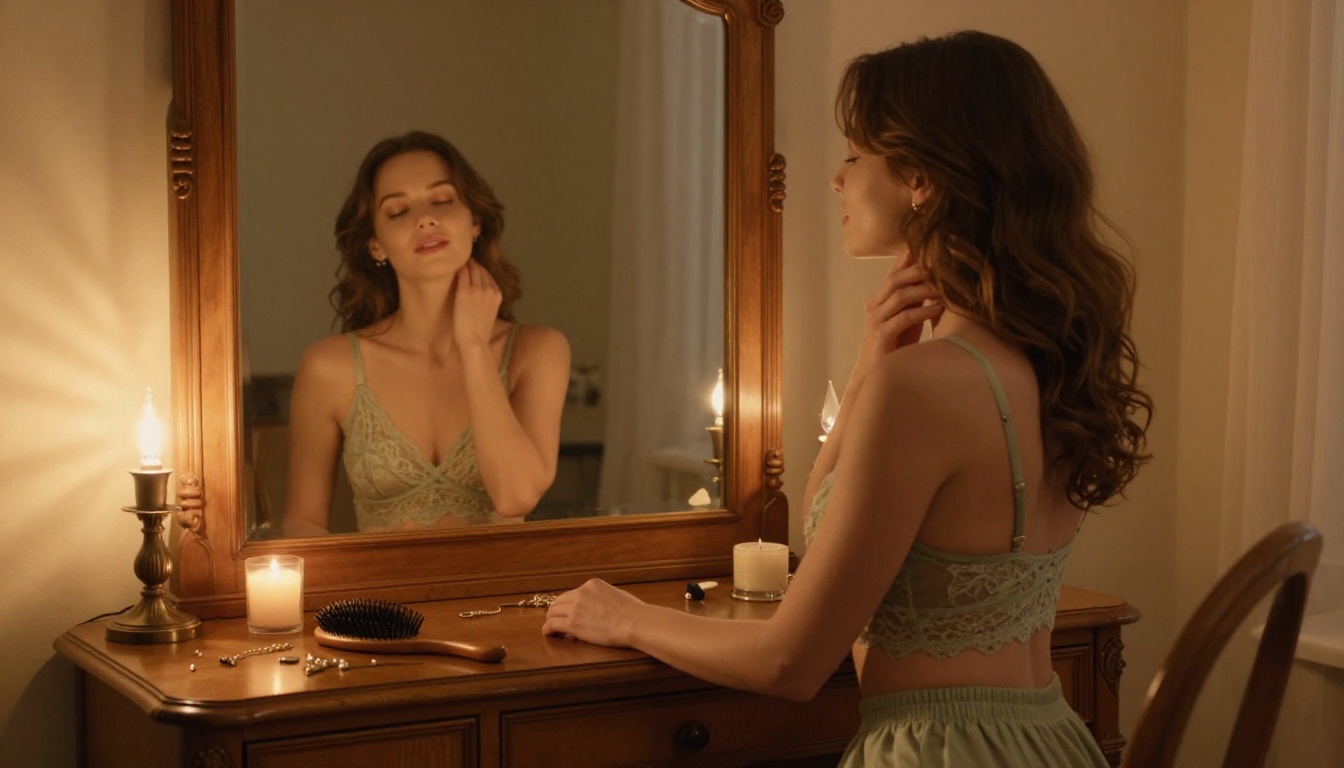
Realistic NSFW Motion with Seedance 2.0: The Art of Lifelike AI Video
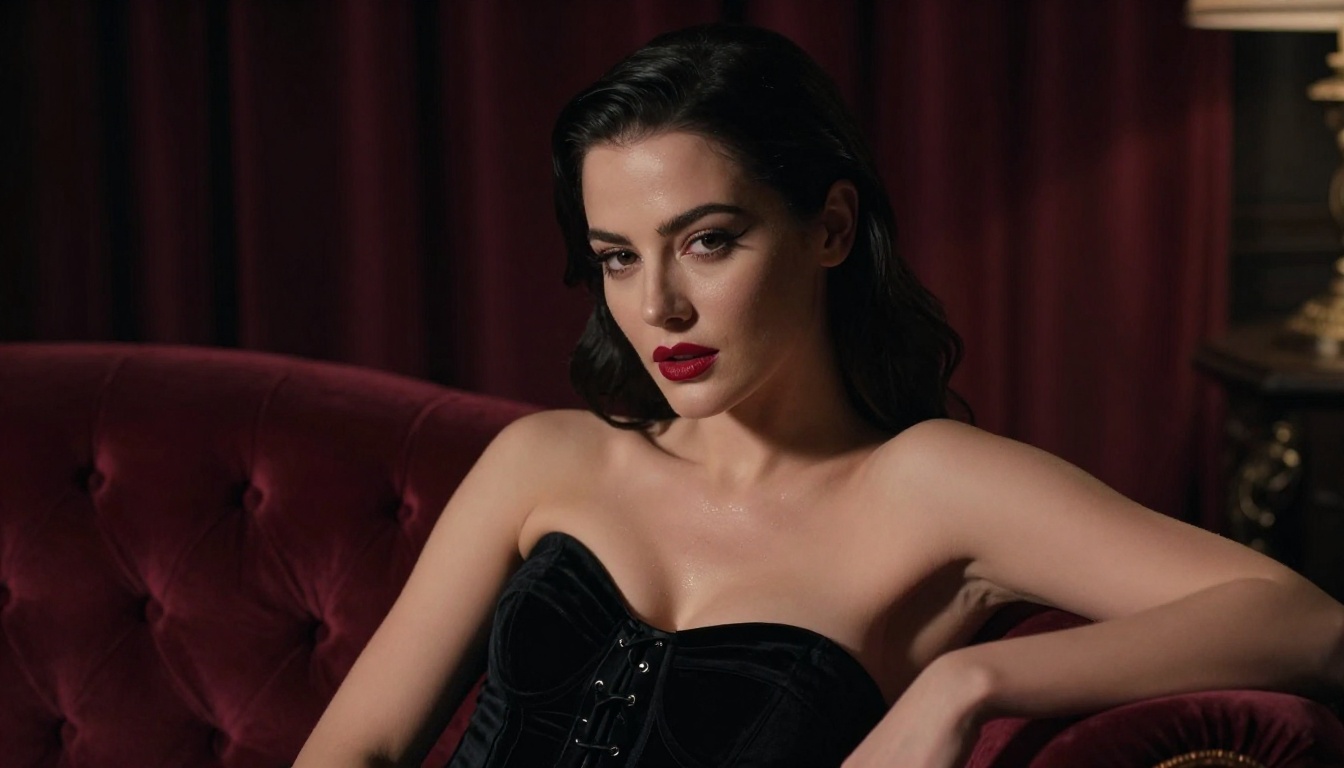
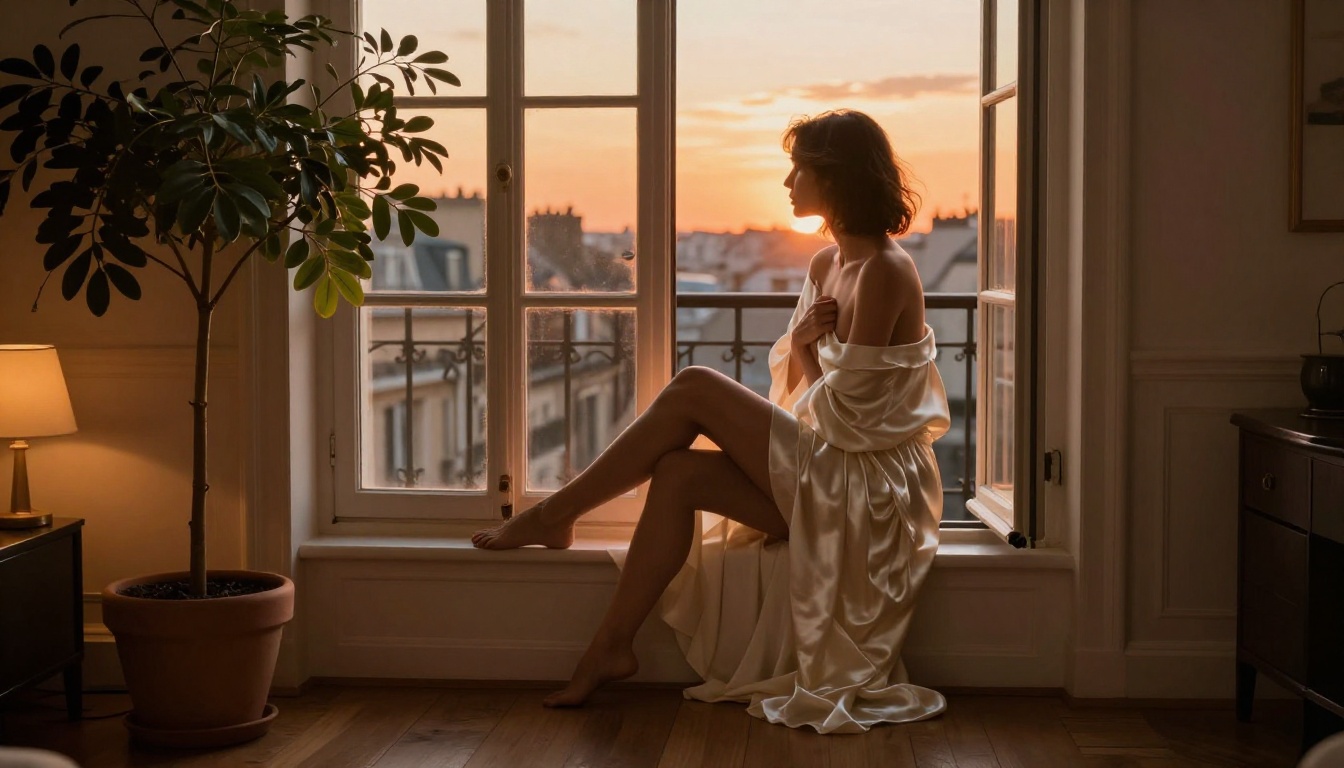
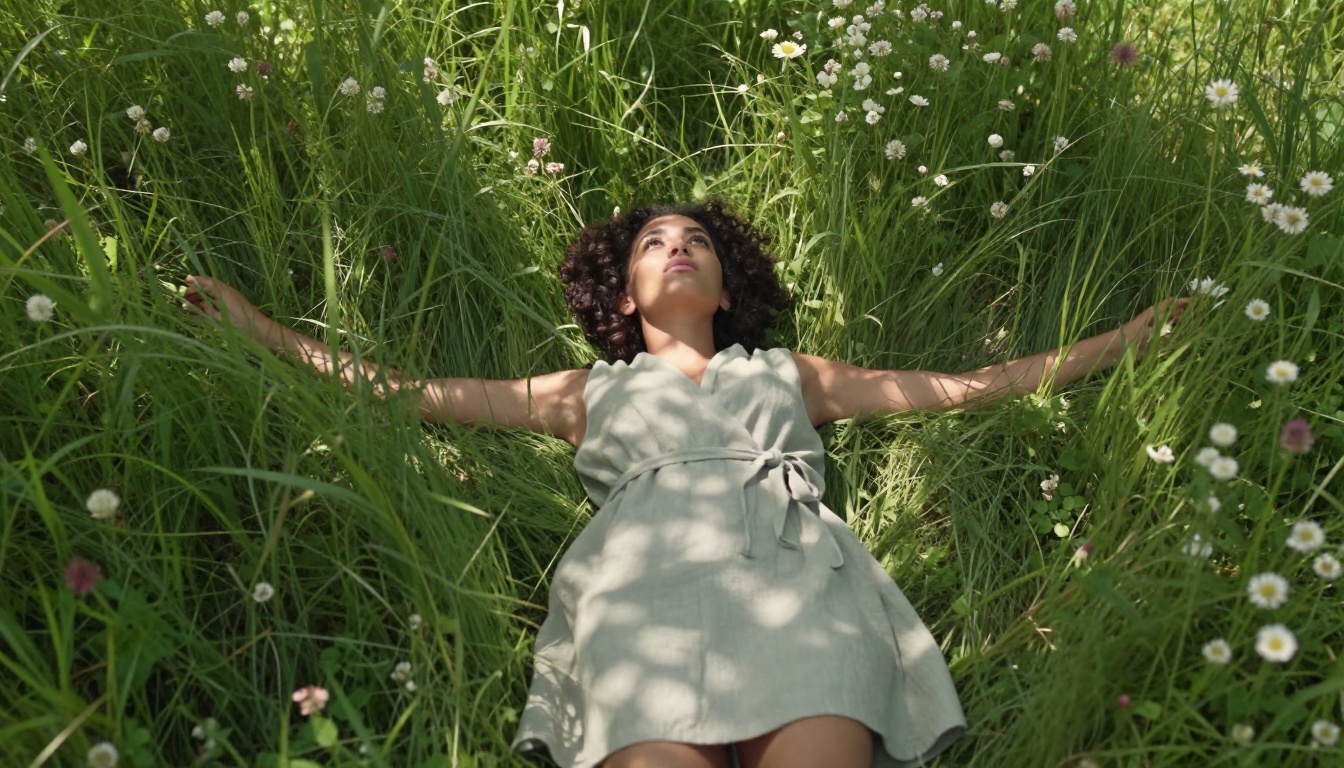
Seedance 2.0 closes the gap between AI-generated motion and real camera footage, making it the top choice for photorealistic NSFW video. This article details how the model works, how to build a source image with Seedream 4.5, how to write motion prompts that produce fluid and believable body movement, and which PicassoIA model stack gets you from prompt to polished clip in under 30 minutes.
Seedance 2.0 is not just another video model. It is the first tool in its class that genuinely closes the gap between AI-generated motion and what your eye expects from a real camera. For creators working in suggestive, artistic, or NSFW content, that gap has always been the main bottleneck. You could generate a stunning still image with Seedream 4.5, but the moment you animated it, something would break. A strand of hair would slide unnaturally. Skin would shimmer like plastic. Fabric would hover instead of drape. This article covers every detail: what the model does, how to use it on PicassoIA, which image models pair with it best, and the exact prompt structures that produce believable, fluid, photorealistic NSFW motion.
What Seedance 2.0 Actually Does
ByteDance built Seedance 2.0 as a full-pipeline video model, not just an animation layer. That distinction matters. Most image-to-video tools take a static image and apply generic motion vectors. Seedance 2.0 reasons about scene physics, lighting continuity, and surface material behavior separately, then synthesizes a video where all three remain consistent across every frame.
The result is motion that behaves the way you expect physical objects to behave: fabric sways with inertia, hair moves with air resistance, water interacts with skin in real time.
Built-in Audio Changes Everything
One of the most underestimated features of Seedance 2.0 is its native audio synthesis. The model generates synchronized ambient sound from visual context without any additional prompt. A scene with flowing water produces water sounds. A gentle wind moving through sheer curtains produces a soft ambient tone. Silk sheets shifting produce the faint whisper of fabric on fabric.
For NSFW content, this matters in a specific way: the audio grounds the video in a sensory experience rather than leaving it feeling like a silent digital product. The difference between a video that feels intimate and one that feels clinical often comes down to a single layer of ambient sound.
1080p at 24fps: What It Means
Seedance 2.0 outputs at 1080p resolution and 24 frames per second. At that frame rate, motion has the natural cadence of cinematic film rather than the mechanical smoothness of digital video. Skin in motion does not look interpolated. Soft fabric does not look stretched between keyframes.
For comparison, earlier models often worked at 480p or 720p with 8 to 12 fps. At those specs, close-up details, especially skin texture and fabric weave, simply could not survive animation. At 1080p and 24fps, they do.
💡 Tip: For the best results with Seedance 2.0, always start with a high-resolution source image. The model preserves the texture detail it can actually see in the input frame. More detail in equals more detail out.
Why Realistic Motion Matters for NSFW Content
When people search for realistic NSFW motion with Seedance 2.0, they are asking a specific question: can AI finally produce body movement that does not look fake? For years, the answer was no. The reasons were technical, not creative.
The Problem with Older AI Video
First-generation image-to-video models treated the human figure as a collection of rigid shapes. A shoulder would rotate without the deltoid muscle deforming underneath the skin. A neck turning would cause the clavicle to pop out of position. These artifacts destroyed the illusion immediately, and they were especially pronounced in close-up NSFW scenes where the viewer's attention is focused precisely on those anatomical details.
The root cause was a lack of anatomical priors. The models did not understand what bodies actually do during movement because they learned motion from pixel sequences rather than from structured representations of human anatomy. The result was plastic people in digital dioramas.
Physics of Natural Body Movement
Seedance 2.0 addresses this with a training pipeline that emphasizes physical plausibility. Specifically:
Soft tissue deformation: Skin compresses and stretches believably around joints and across the torso as weight shifts
Secondary motion: Hair, fabric, and jewelry lag behind primary movement with realistic timing and inertia
Gravity adherence: Loose clothing follows gravity rather than floating or snapping between frames
Lighting consistency: As the figure moves, shadows and highlights shift correctly relative to the fixed light source
Surface interaction: Fabric interacts with the body underneath it rather than passing through it
This means that when a figure turns, their hair does not teleport to the new position. When they shift weight from one leg to the other, the waist and hips move in sequence, not simultaneously. The physics feel earned rather than computed.
💡 Tip: Secondary motion is where most models fail. If a generated video looks "off," check whether the hair and fabric are moving independently of the body or in rigid synchrony with it. Seedance 2.0 handles secondary motion better than any competing model at this price point on PicassoIA.
Skin Texture in Motion
The skin challenge deserves its own section. At rest, modern image models like Seedream 4.5 can produce skin with visible pores, fine surface hair, and realistic specular highlights. In video, that texture has to remain stable frame to frame across 120 frames, which is far harder than generating it once.
Earlier models would produce what is colloquially called "texture swimming," where pore-level detail would shift and shimmer as if the skin were made of liquid. Seedance 2.0 stabilizes this by anchoring surface features to the 3D structure it infers from the source image, rather than re-synthesizing them each frame independently.
How to Use Seedance 2.0 on PicassoIA
Seedance 2.0 is available directly on PicassoIA with no local installation, no GPU rental, and no API configuration. The entire workflow runs in the browser, and the three-step process below covers everything from a blank canvas to a finished 1080p clip.
Step 1: Build Your Source Image with Seedream 4.5
The quality of your video is bounded by the quality of your source image. Seedream 4.5 is the recommended starting point for photorealistic NSFW base images on PicassoIA. It produces output at 2K and 4K resolutions, supports reference image input for style consistency across a series, and includes a disable_safety_checker option that allows suggestive content without arbitrary filtering.
Best practices for your source image:
Use 16:9 aspect ratio so the video fills the frame correctly
Set resolution to 2K minimum; 4K is preferable for skin and fabric texture preservation
Describe lighting explicitly in your prompt: "volumetric golden hour light from the left at 45 degrees"
Include surface details: fabric weave, skin tone modifiers, environmental context like furniture or water
Start with single-subject compositions; two-person scenes are harder for the motion model to handle on a first pass
Source image prompt structure:
[Subject + clothing or state of dress] + [Environment with specific surfaces]
+ [Lighting direction and quality] + [Camera angle and lens spec]
+ [Texture and atmosphere] --ar 16:9 --style raw
If you need to adjust any detail in the source image before animating, PicassoIA Image Editor Pro offers unlimited inpainting and editing passes. Fix a hand position, soften a lighting artifact, or adjust fabric folds without regenerating the entire image from scratch.
Step 2: Animate with Seedance 2.0
Once you have a source image you are satisfied with:
Write a motion prompt describing temporal change, not the static scene
Select 1080p output resolution
Submit and wait for the generation to complete
The model produces a 5-second clip at 24fps with synchronized ambient audio. For most artistic NSFW scenes, 5 seconds captures one complete motion cycle: a breath, a slow stretch, a hair toss, or a position shift. That is enough to create a loopable clip or a social media teaser.
Step 3: Write Motion Prompts That Work
Your motion prompt is not a description of the scene. It is a description of what changes. Think chronologically: what is happening in second 1, what develops by second 3, where does it resolve by second 5.
Example motion prompt for an intimate bedroom scene:
Woman lying on silk sheets slowly arches her back and raises her arms above her head,
silk fabric shifting and pooling around her hips, loose hair spreading across the pillow
with soft secondary motion, camera performs a gentle dolly-in toward her face,
warm amber bedside light remains consistent and catches the sheen on fabric throughout
That level of specificity produces coherent motion without over-constraining the model into impossible physical configurations.
Prompts That Actually Work
The majority of failed Seedance 2.0 videos share one problem: the motion prompt describes the final pose rather than the transition. The model needs to know what changes, not what the still image already shows.
Describing Movement, Not Poses
Bad Prompt
Why It Fails
Fixed Prompt
"Beautiful woman lying in bed looking seductive"
Describes the static image
"Woman slowly rolls from side to back, sheets sliding off one shoulder"
"Figure blinks slowly, chin dips slightly, hair drifts from a gentle breeze"
"Woman at the beach"
Scene description only
"Waves wash over feet as figure shifts weight and looks down at the water"
Every word in your motion prompt should describe temporal change. Nouns that describe the existing scene are wasted space.
Camera Motion Words That Hit
Seedance 2.0 responds well to specific cinematography language. These terms reliably produce the camera behavior described:
"slow dolly-in": Camera moves forward gradually; subject stays centered in frame
"gentle pan left/right": Camera slides horizontally, revealing more of the environment
"rack focus pull": Focus shifts from background to subject or the reverse
"subtle push-in": Very small forward movement, barely perceptible but felt
"static locked shot": Camera does not move; all motion is in the subject
"slight hand-held drift": Tiny organic camera shake that adds tactile realism
For intimate NSFW scenes, "static locked shot" combined with subtle subject movement often produces the most compelling result. The camera staying still while a figure breathes or slowly shifts position creates a voyeuristic, cinematic quality that feels genuinely real.
What to Avoid in Your Prompt
Some prompt elements actively degrade Seedance 2.0 output:
Multiple simultaneous actions: "She dances while laughing and gesturing" overwhelms motion synthesis
Specific body part coordinates: "Her left hand moves to her right hip" rarely parses correctly
Negative motion descriptors: "Do not move her face" creates ambiguous constraints the model ignores
Overly stylistic language: "Like a music video" gives no actionable motion data
💡 Tip: One clear primary action plus one secondary effect (hair, fabric, water) is the optimal motion prompt density. Add a camera instruction only if the static framing is not working for your scene type.
Best PicassoIA Models for This Workflow
Seedance 2.0 does not operate in isolation. It sits inside a broader ecosystem of models on PicassoIA that each serve a distinct role in a realistic NSFW motion pipeline.
Seedream 4.5 is the recommended starting point for NSFW base images on PicassoIA for three specific reasons:
Resolution ceiling: 4K output gives Seedance 2.0 maximum texture data to anchor surface features during animation
Safety control: The disable_safety_checker flag allows suggestive content without blanket filtering of artistic nudity or intimate scenes
Prompt fidelity: Seedream 4.5 follows complex multi-element prompts with higher accuracy than most alternatives, so the lighting and pose you specify actually appear in the output
PicassoIA Image Editor Pro is the logical companion: unlimited regeneration and inpainting so you can correct any aspect of the source image before committing to a video render. It is especially useful for fixing subtle issues like a hand position that reads wrong or a shadow that does not match the stated light direction.
Important note: Do not use Seedream 5 Lite for NSFW workflows. That model includes conservative content filters that block adult content at the classification layer, meaning no prompt adjustment will bypass them. Seedream 4.5 is the correct choice.
When to Use Kling v3
Kling v3 Video produces a different motion aesthetic than Seedance 2.0. Where Seedance 2.0 leans toward documentary realism with motion that looks filmed on a steady camera, Kling v3 produces motion with slightly more dramatic camera presence. Think music video versus nature documentary.
For scenes where you want subtle emotional tension and stylized movement rather than pure physical realism, Kling v3 Video is worth testing as an alternative. Running the same source image through both models and comparing the results takes under 10 minutes on PicassoIA.
Wan 2.7 I2V is slower but produces excellent soft body physics, particularly for scenes with complex fabric or water interaction. If fabric floats or behaves incorrectly in a Seedance 2.0 output, Wan 2.7 I2V is often the better choice for that specific scene type.
Common Issues and Fast Fixes
Even with the right model stack and prompt structure, realistic NSFW motion can fail in predictable ways. Here are the most common problems and their solutions.
Motion Looks Robotic
Symptom: The figure moves in a mechanical, jerky pattern. Limbs snap between positions instead of flowing.
Cause: The source image has a static, fully posed quality that does not give the motion model enough directional context about where movement is heading.
Fix: Regenerate the source image with a slight implied motion already visible. A figure mid-reach, or a hand already in the act of lifting, gives Seedance 2.0 a motion vector to continue rather than invent from a standing start.
Alternative fix: Add the phrases "slow, fluid, continuous motion" and "smooth organic movement" to your motion prompt. These are not decorative additions: they are weights that shift the model's sampling toward more naturalistic motion trajectories.
Skin Texture Breaks in Movement
Symptom: Skin looks correct in the first frame but develops a shimmering or swimming effect as the figure moves through the clip.
Cause: The source image has very fine micro-texture detail that the video model cannot maintain at per-pixel level across all 120 frames at 24fps.
Fix: Use a slightly less texturally extreme source image. Paradoxically, a well-lit 2K image with moderate skin detail often animates more cleanly than a 4K image with aggressive micro-pore rendering. Let the video model synthesize the motion-appropriate texture rather than preserving every detail from a hyper-detailed still.
Fabric Floats Instead of Draping
Symptom: Clothing moves with the figure but does not interact with gravity correctly. It floats slightly above the skin surface.
Cause: Insufficient environmental context in both the source image and the motion prompt. The model does not have enough information to infer the physical relationship between clothing and body.
Fix: Add explicit gravity references to your motion prompt: "fabric drapes and follows gravity," "silk pools on the surface below the figure," "clothing weight pulls downward as figure shifts." These are functional instructions the model responds to, not poetic flourishes.
💡 Tip: If fabric issues persist across multiple attempts with Seedance 2.0, try the same source image in Wan 2.7 I2V. It handles soft body physics with different priorities and sometimes produces cleaner fabric behavior for specific garment types.
Audio Does Not Match the Scene
Symptom: The built-in audio sounds generic or disconnected from the visual content.
Cause: Seedance 2.0 infers audio from visual context, so sparse or ambiguous environments produce sparse, generic audio.
Fix: Make the environment more specific in your source image. A clearly rendered bedroom with fabric, curtains, and a candle gives the audio synthesis more material than a plain studio background. Outdoor scenes with visible trees, water, or a defined atmosphere produce richer ambient audio.
Your First Realistic NSFW Video: The 30-Minute Path
If you have read this far, you have everything you need to produce a result that would have been technically impossible with consumer-level AI tools eighteen months ago. Here is the fastest path from zero to a finished 1080p clip.
Write a prompt with subject and clothing state, environment with specific surfaces, directional lighting, and camera angle. Enable disable_safety_checker. Generate at 4K. Budget 5 minutes here.
Use inpainting to fix any details that do not look right: a hand position, a lighting artifact, a fabric wrinkle that reads incorrectly. This step takes 5 minutes and prevents re-doing the video render.
Write a motion prompt with one primary action, one secondary effect (hair, fabric, or water), and optionally a camera instruction. Select 1080p. Submit.
To test your motion prompt before committing to a full-quality render, use Seedance 2.0 Fast. It produces the same motion at lower resolution in a fraction of the time. Validate the motion direction, then re-run at full quality.
5. Compare alternatives if the first attempt does not satisfy
Run the same source image and motion prompt through Kling v3 Video and Wan 2.7 I2V to see which aesthetic fits the specific scene. Different models have different strengths, and the right choice depends on whether you are prioritizing physical realism, cinematic style, or fabric physics.
If the motion you want is achievable with current AI video technology, it is achievable through this platform. No local hardware. No GPU rental. No juggling five different service subscriptions. The bottleneck is no longer the technology. It is the prompt. Now you know how to write it.
💡 Start here: Open Seedream 4.5, write your source image prompt with explicit lighting direction and fabric detail, then bring that image into Seedance 2.0 with a single, specific motion action. The result will be the most realistic NSFW AI video you have produced.