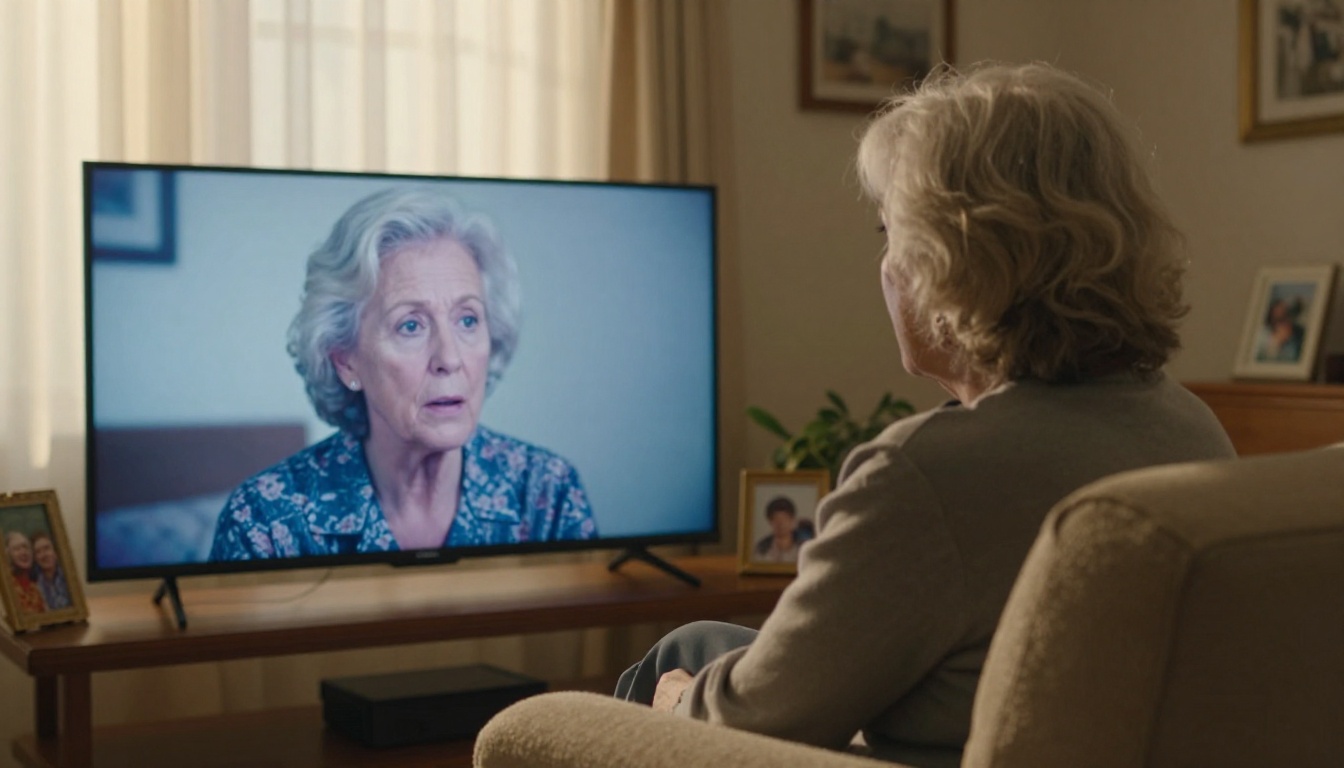
That box of VHS tapes sitting in your closet or attic isn't just plastic and metal oxide. It holds birthday parties, school plays, wedding dances, and faces of people you haven't seen in years. The problem is, VHS doesn't age well. The magnetic coating breaks down, colors fade, and signal noise accumulates over decades. What was once a clear recording becomes a blurry, staticky mess after years in storage.
AI has fundamentally changed what's possible here. Today, restoring VHS tapes with AI means processing footage frame by frame, rebuilding lost detail, fixing color drift, removing noise, and outputting video that looks dramatically sharper than what you started with. This article details what causes VHS decay, how AI fixes it, which tools work best, and the exact steps to get your footage looking like new.
What Actually Happens to VHS Over Time
Magnetic Tape Decay
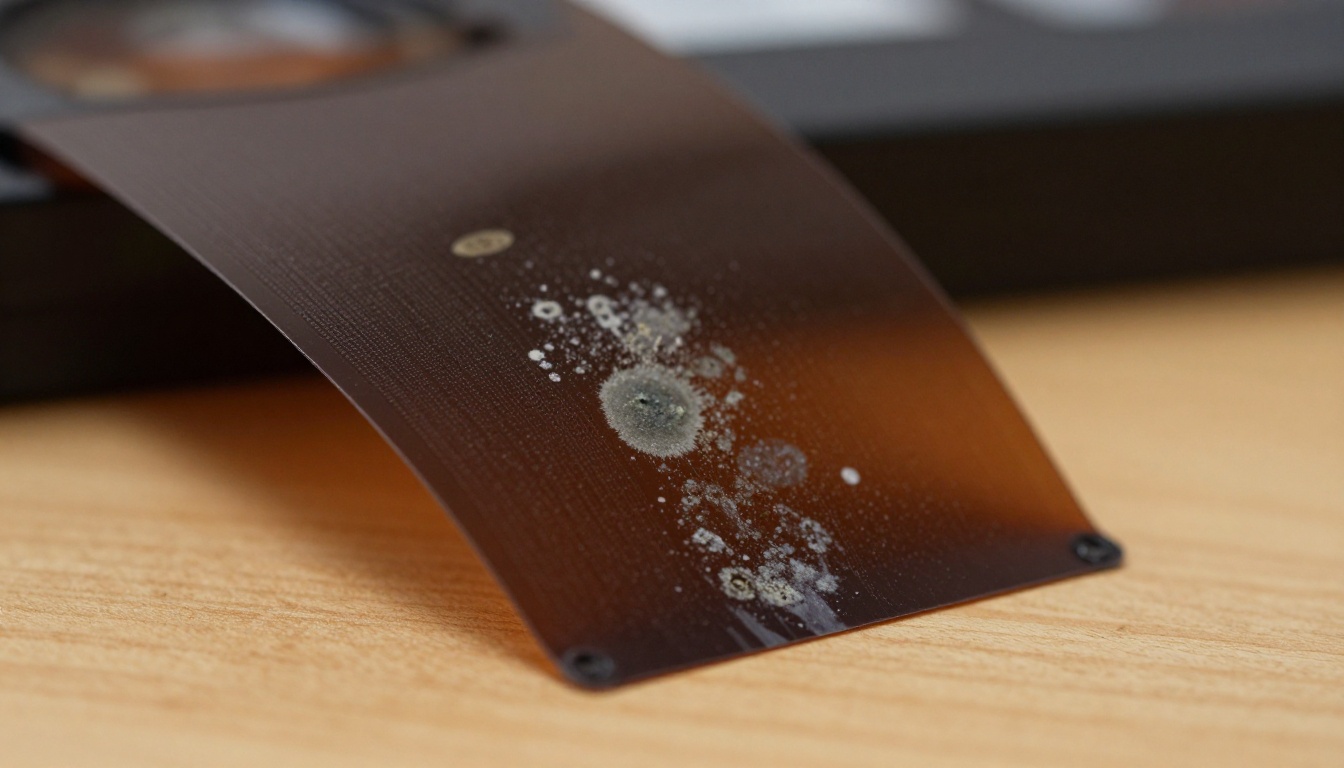
VHS tapes store video as magnetic particles on a thin polymer coating over a polyester base. Over decades, that coating deteriorates through a chemical process called hydrolysis, particularly in environments with humidity variation. The binder holding magnetic particles to the tape breaks down, and during playback, particles shed from the surface. Each playback accelerates the damage further.
Beyond the binder, the lubricants inside the tape dry out over time. Without proper lubrication, the tape drags against the heads inside the VCR, causing uneven playback, physical wear, and signal dropout. A tape stored in a poorly ventilated attic for 30 years may have experienced all of this simultaneously.
The Artifacts You're Dealing With
When you play an old tape, you'll typically encounter several types of damage at once:
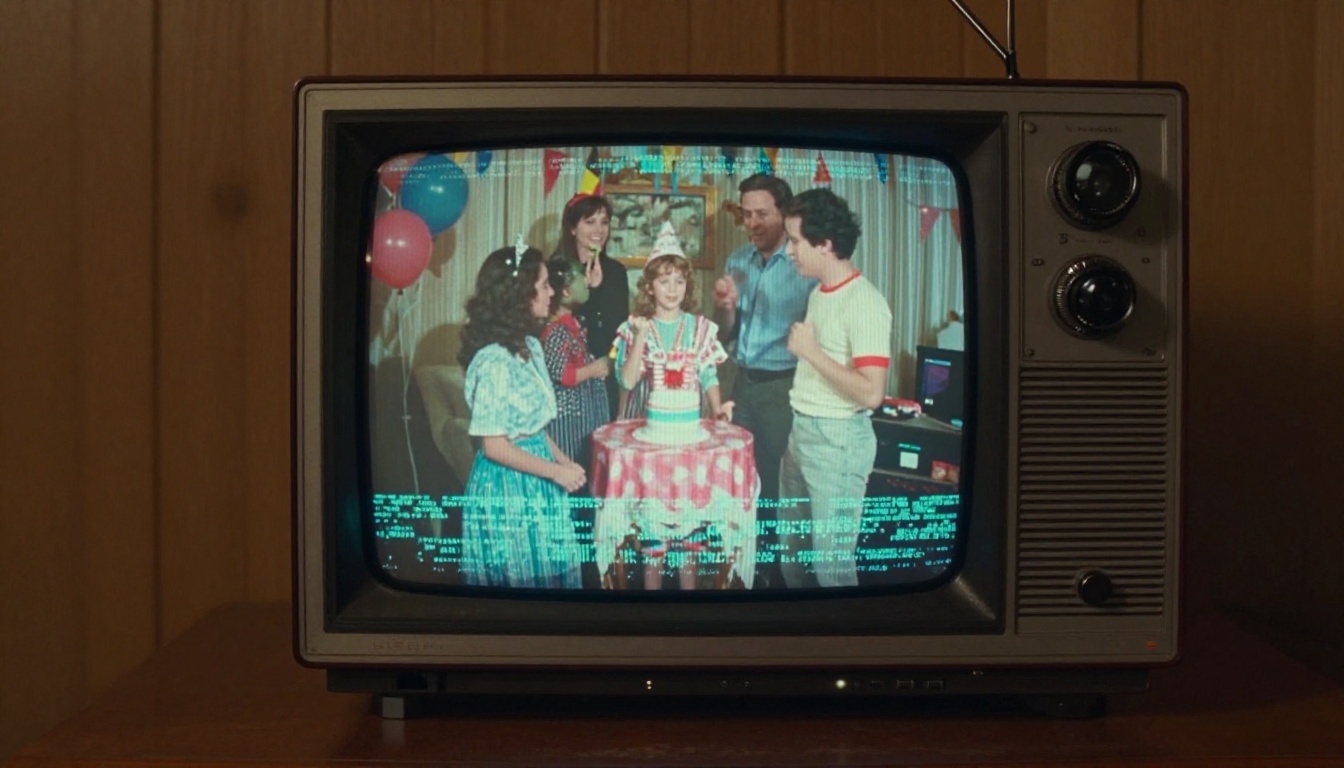
- Chroma noise: Color information becomes unstable, producing shifting hues and rainbow interference patterns
- Luminance noise: Random bright and dark specks scattered randomly across the frame
- Horizontal banding: Wide or narrow bands running across portions of the image
- Dropout lines: White or black horizontal streaks where the signal dropped out entirely
- Interlacing combing: Jagged, comb-like edges on moving objects caused by the 2-field interlaced scan format
- Low-resolution blur: VHS captured only about 240 lines of horizontal resolution, roughly one-fifth of HD
- Washed-out colors: Faded saturation from magnetic particle loss over time
- Brightness flicker: Fluctuating overall exposure caused by automatic tracking fighting a damaged tape
Each of these problems requires a different approach to fix. AI tools handle most of them automatically once you feed them a clean digitized file.
How AI Reads and Fixes Old Video
Frame-by-Frame Neural Processing
Modern AI video restoration works by processing video one frame at a time using neural networks trained on large datasets of matched clean and degraded footage pairs. The model learns what visual information should look like behind the noise and degradation, even when the original signal no longer carries that detail.
This is fundamentally different from traditional denoising, which blurs or averages pixels to hide noise. AI restoration reconstructs plausible detail. It can infer that a blurry region at the right scale is a human face, and it renders eyes, skin texture, and shadow structure accordingly, using patterns learned from millions of real-world images.
AI vs. Traditional Software
| Approach | Noise Removal | Detail Recovery | Processing Speed | Cost |
|---|
| Manual frame editing | Poor | Very limited | Very slow | High (labor) |
| Traditional filters (Avisynth, VirtualDub) | Moderate | None | Moderate | Free |
| AI video upscaling | Excellent | High | Fast | Low to moderate |
| AI super resolution (still frames) | Excellent | Very high | Fast | Low |
Traditional filters blur the noise alongside the actual detail. AI tools separate them. That separation is what you see in the output.
💡 What makes AI different: It doesn't just remove damage. It fills in what was never properly captured, using pattern recognition built from millions of real-world images and degraded footage samples.
What AI Cannot Recover
It's worth setting realistic expectations before you start. If a section of tape is physically destroyed or the signal was never recorded cleanly to begin with, AI cannot invent information from nothing. Severe dropouts spanning multiple consecutive frames, completely corrupted sections, or physically torn tape will still show gaps after processing. AI restoration works on degraded signals, not absent ones.
Crystal Video Upscaler
Crystal Video Upscaler is one of the most effective tools available for restoring old analog footage. Its neural upscaling pipeline handles soft, low-resolution VHS footage particularly well, outputting clean 4K-quality video with significantly reduced noise, sharper edges, and stabilized color.
It handles chroma noise exceptionally well, which is one of the hardest VHS artifacts to address without causing color blotching or bleeding in the restored output. For most home video restoration projects, this is the best starting point.
Topaz Video Upscale
Topaz Video Upscale from Topaz Labs is purpose-built for video restoration. The model's temporal coherence processing keeps frames consistent even in fast-moving scenes, which matters enormously for VHS footage of people walking, dancing, or playing sports. Deinterlacing is handled automatically, and output at up to 4K and 120fps is possible.
Topaz's main strength is in motion. Old VHS footage of active scenes can look ghostly and blurred during movement, and this model keeps frames locked and stable throughout.
Upscale v1 by RunwayML
Upscale v1 from RunwayML offers a fast, clean upscaling pipeline ideal for footage where the main issue is low resolution rather than heavy damage. If your tape is in decent condition but simply looks small and soft, this model delivers sharp results quickly without the overhead of a full restoration pipeline.
Real ESRGAN for Still Frames
Real ESRGAN is a super-resolution model trained specifically on real-world degraded images rather than clean downscaled ones. That distinction makes it far more effective on VHS-style noise and analog artifacts than standard upscalers. Use it on individual frames extracted from your footage for the sharpest possible still images.
💡 Portrait recovery: Use Clarity Pro Upscaler for close-up portrait frames. It specializes in skin texture, eye detail, and facial structure recovery where other models produce plasticky results.
How to Use Crystal Video Upscaler on PicassoIA
Crystal Video Upscaler is accessible directly on PicassoIA. Here is the exact process to restore your VHS footage from raw capture to clean 4K output.
Step 1: Digitize Your VHS First
Before any AI processing, you need a digital file. Here is what you need:
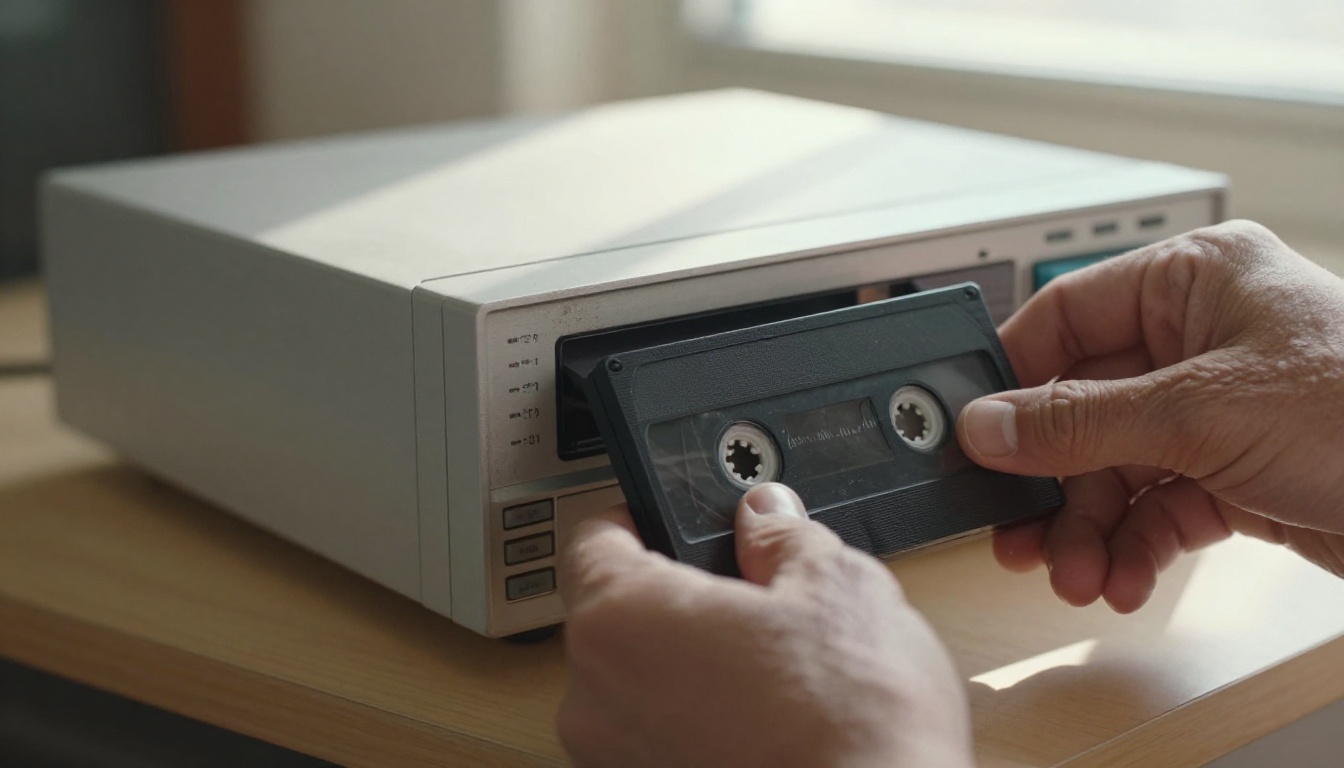
- A VCR in working condition
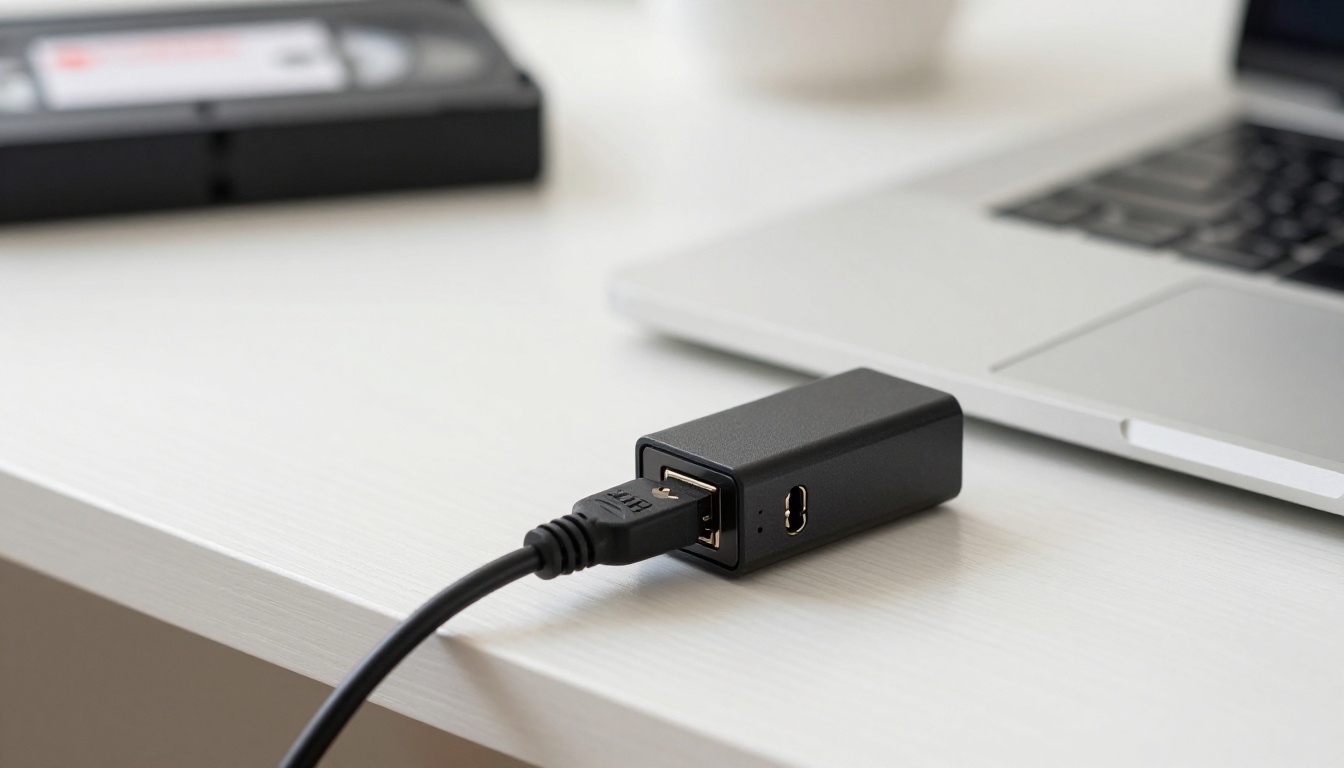
- A USB video capture card that converts the analog RCA output to digital input
- Free capture software (OBS Studio works well and is free to download)
Connect the VCR's RCA output (yellow for video, red and white for audio) to the capture card, plug it into your computer, open OBS, and record while the tape plays. Export the raw captured file as an MP4 or MOV at the highest bitrate your capture card supports. Do not apply any filters during capture. Keep the raw signal intact for the AI to work with later.
💡 Bitrate matters: Capture at 10Mbps or higher. A higher bitrate preserves more of the original analog signal and gives the AI more information to work with during restoration.
Step 2: Upload and Configure
- Go to Crystal Video Upscaler on PicassoIA
- Upload your digitized VHS file using the upload area
- Set output resolution to 4K (3840x2160) for maximum quality
- Enable noise reduction in the model parameters
- Set sharpening to moderate, around 50-70%, to avoid over-processing soft VHS footage
VHS footage is inherently soft. Pushing sharpening to maximum will produce halos and ringing artifacts that look worse than the original blur. Moderate sharpening combined with strong noise reduction delivers the best results for analog footage.
Step 3: Review the Output
Processing takes a few minutes per minute of footage on cloud-based models. When it finishes, do not assume the first result is final:
- Scrub through the entire output before considering it done
- Look for color banding or halos around edges, both signs of over-processing
- Check motion sequences for temporal flickering between frames
- If colors appear oversaturated, the model may have overcorrected the original faded palette
If the result is not satisfactory, try Topaz Video Upscale with adjusted settings. Different models handle different types of tape damage better, and running the same footage through two tools and comparing the outputs often produces noticeably different results.
Step 4: Extract and Restore Still Frames
If the video contains moments worth keeping as photographs, export individual frames from the restored video and run them through Real ESRGAN or Google Upscaler for print-quality resolution. The combination of video restoration followed by still-frame super resolution gives the highest possible output quality for individual moments.

Fixing Color and Brightness Problems
Washed-Out Colors
Color fading in VHS comes from two sources: actual magnetic particle loss affecting the encoded color data, and the inherent weakness of the chroma signal in VHS's recording format. AI upscalers recover a significant portion of the saturation through color prediction during upscaling, but severely faded footage may benefit from a manual color pass after AI processing.
After running AI restoration, a slight saturation increase of 10-20% and a small shadows lift in any video editor can make the result look more natural. Avoid heavy-handed color grading on footage with existing color problems, as it tends to make residual noise more visible rather than less.
Brightness Flicker
Brightness flickering between frames is typically caused by the VCR's automatic tracking system fighting with a degraded tape signal during your capture session. It is one of the harder artifacts for AI to fix automatically because it operates at the temporal level rather than the spatial level.
After AI processing, address this with temporal smoothing in a video editor. DaVinci Resolve's free version includes a "Temporal Noise Reduction" tool that evens out inter-frame brightness variation without introducing motion blur.
Before and After: What to Expect
Realistic Results
For footage that is degraded but structurally intact, the improvements from AI restoration are often striking:
| Problem | Typical AI Result |
|---|
| Luminance noise | 80-90% reduction in visible grain |
| Chroma noise | Colors stabilize and become consistent |
| Low resolution | Upscaled to near-HD or 4K clarity |
| Interlacing combing | Removed cleanly via automatic deinterlacing |
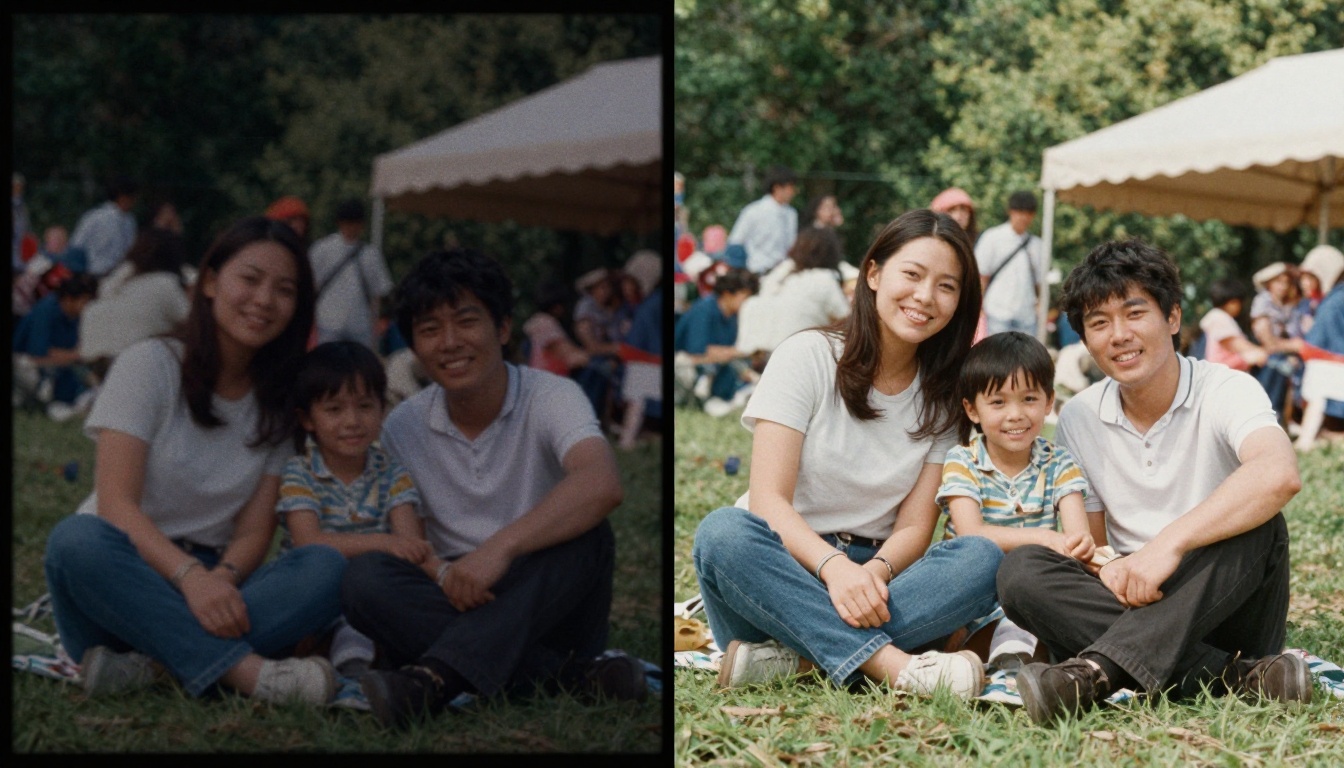
| Soft, blurry faces | Sharpened with recovered fine detail |
| Faded saturation | Partially to fully restored |
The output will not look as if the footage was shot on a modern camera. A heavily degraded tape from the 1980s will still have the warm, slightly soft quality of analog film. But faces you couldn't make out become recognizable. Locations have definition. The footage becomes watchable in a way it wasn't before.
When AI Can't Help
Some damage sits beyond what restoration tools can address:
- Physical tape damage: Tears, folds, or heat damage where the signal was physically destroyed
- Original recording failures: Severe head clogs during the original recording session mean the content was never captured
- Extended dropout sections: AI can interpolate one or two missing frames, but not extended gaps
- Sticky shed syndrome damage during capture: If the binder shed during your digitization session, the captured file already carries the damage
💡 Sticky shed test: If your tape squeaks, sticks, or deposits brown residue on the VCR heads during playback, it has sticky shed syndrome. Baking the tape at around 130°F for 6-8 hours in a food dehydrator can temporarily re-bond the binder and allow one clean playback before it degrades again.
Common Mistakes That Ruin Results
Compressing Before Processing
Running AI restoration on an already-compressed file significantly limits the quality of the output. Compression codecs like H.264 introduce block artifacts and smearing that the AI will then attempt to fix, producing muddy or artificial results. Always feed the AI the highest quality raw capture file you have available.
Skipping Deinterlacing
VHS records in interlaced format, capturing 60 fields per second rather than 30 full frames. Without deinterlacing, every moving subject has that characteristic comb of jagged lines along horizontal edges. Most AI video tools handle this automatically, but verify that deinterlacing is active in the settings before starting a long processing job.
Setting Sharpening Too High
VHS footage is soft by nature. Asking an AI model to sharpen it aggressively will produce halos and ringing artifacts that look unnatural, especially on faces. The optimal approach for VHS restoration is strong noise reduction plus moderate sharpening, not maximum sharpening alone.
Those Memories Deserve Better
The footage on those tapes exists nowhere else. No backup exists for recordings that deteriorate beyond recovery while sitting in storage. Every year they sit in a box, the magnetic coating continues breaking down. Digitizing and restoring them is one of the most valuable things you can do with the tools available right now.
PicassoIA puts the best video restoration models behind a simple upload interface. Crystal Video Upscaler handles full video restoration from soft, noisy analog footage to clean 4K output. Topaz Video Upscale excels at motion-heavy footage and automatic deinterlacing. Upscale v1 gives clean, fast results for lightly damaged tapes. And for still frames worth printing, Real ESRGAN and Clarity Pro Upscaler take individual images from faded blur to print-quality sharpness.
Pick the tape that matters most. Run it through the process. See what comes back.