ByteDance shipped Seedance 2.0 quietly, without much ceremony, but the results spoke for themselves within hours of its release. Where previous AI video models forced you to choose between visual quality and audio, Seedance 2.0 generates both in a single pass. It is not a patch on what came before. It is a genuinely different product.
This article covers what Seedance 2.0 actually does, where it stands against competing models, the specific use cases where it performs best, and how to get the most from it on PicassoIA right now.

What Seedance 2.0 Actually Is
Seedance 2.0 is a text-to-video and image-to-video generation model built by ByteDance, the company behind TikTok. It belongs to the Seedance family, a line of progressively improved video models that started with Seedance 1 Lite and moved through Seedance 1 Pro and Seedance 1.5 Pro before arriving at the 2.0 iteration.
The model handles multimodal output natively, meaning audio synthesis is part of the generation pipeline rather than a post-processing step bolted on afterward. This architectural choice is what separates it from the majority of text-to-video models that still require a separate audio step to deliver a complete video with sound.
The Seedance lineage
ByteDance did not build Seedance 2.0 in a vacuum. The progression from version 1.x tells a clear story about what the team was trying to fix at each stage:
- Seedance 1 Lite prioritized speed and accessibility, making AI video generation available without heavy compute requirements
- Seedance 1 Pro added 1080p output and longer duration options, targeting professional production workflows
- Seedance 1 Pro Fast traded some quality for significantly faster generation times, useful for rapid iteration
- Seedance 1.5 Pro introduced text-to-video with built-in audio as a production-ready capability
- Seedance 2.0 is the refined version of that audio integration, with substantial improvements to visual quality, temporal consistency, and prompt adherence
Each step in the lineage addressed specific weaknesses in the prior version. Seedance 2.0 is the first iteration that ByteDance positioned as production-ready across the widest range of professional use cases.
What changed from 1.x to 2.0
The jump from Seedance 1.x to 2.0 is not incremental. Three things changed in ways that matter for real production work:
- Audio generation became native and reliable, not experimental or requiring explicit post-processing steps
- Temporal consistency improved sharply, reducing the flickering and subject drift that affected earlier versions
- Prompt adherence tightened, meaning complex scene descriptions with multiple elements now produce results closer to the written intent
These are not marketing claims. They are visible in the outputs, and they change which production workflows Seedance 2.0 can actually support at scale.
The Features That Matter
Not every capability in Seedance 2.0 is equally important. Here is where the model actually stands out in practice.
Native audio synthesis
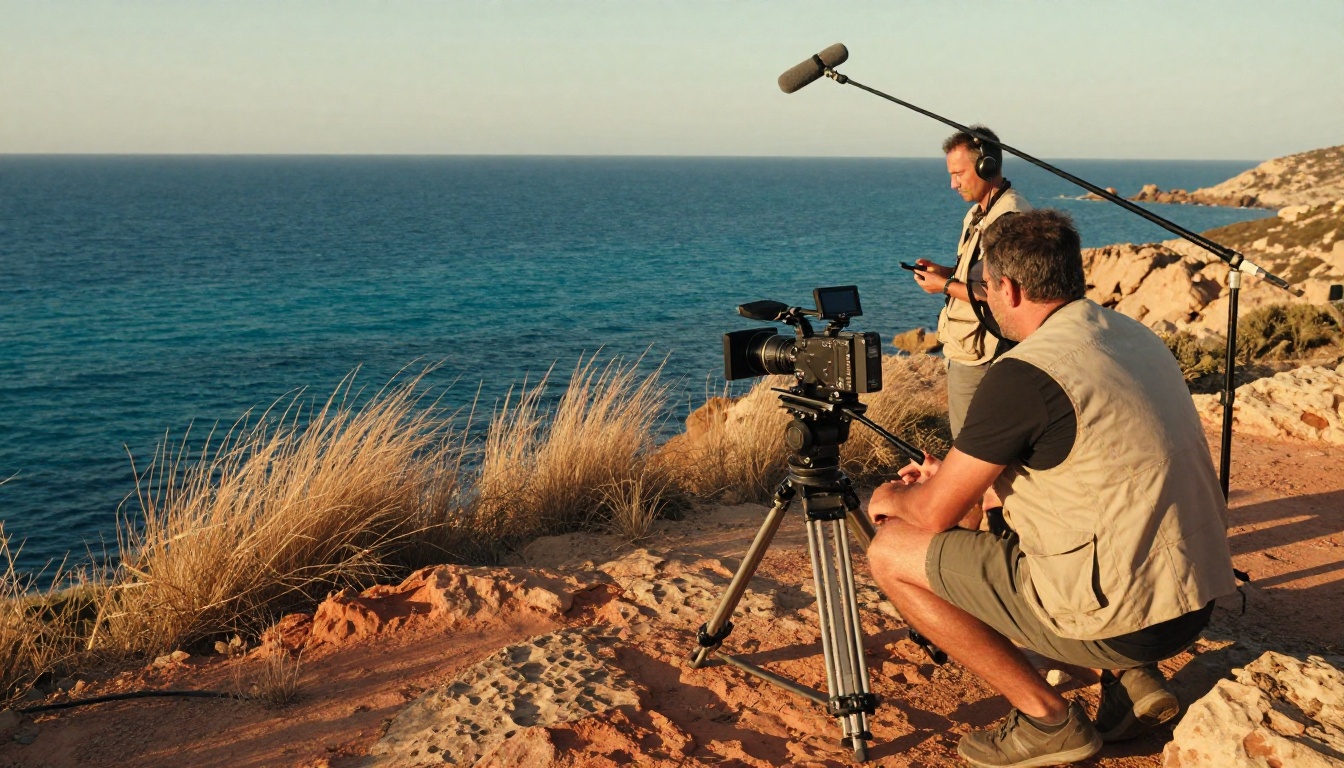
This is the headline feature, and it is worth taking seriously. Seedance 2.0 generates ambient sound, background music, and contextual audio effects as part of the video output. You do not need a separate audio model or post-production pipeline to get a video with sound.
The audio is not random. It responds to the visual context of the generated clip. A prompt describing ocean waves produces wave sounds. A busy city street scene generates crowd noise and traffic ambiance. This contextual alignment between visuals and audio is not perfect in every situation, but it is good enough to be genuinely useful for social content, rough cuts, and many commercial applications.
💡 Prompt tip: Include explicit audio cues in your text prompt. Writing "the sound of birds in a quiet forest at dawn" alongside your scene description produces significantly better audio alignment than relying on the model to infer sound from visual context alone.

1080p output at scale
Seedance 2.0 generates video at 1080p resolution, which is the minimum acceptable resolution for most professional publishing contexts today. Earlier models in the Seedance family required either accepting 720p output or applying a separate super-resolution step afterward, adding cost and time to the workflow.
The 1080p output comes without a significant speed penalty. For users who need maximum speed over peak quality, Seedance 2.0 Fast is still available and still delivers 1080p output at faster generation times.
Duration flexibility
Seedance 2.0 supports video durations from a few seconds up to around ten seconds per clip, with controls to specify exact duration within that range. This matters for workflow planning because different content types have entirely different length requirements.
A social media clip, a product teaser, and a documentary B-roll shot have different length profiles and different editing needs. Having programmatic control over duration within the generation step rather than trimming afterward saves meaningful post-production time when working at volume.
Temporal consistency
This is where many AI video models still fail. Temporal consistency refers to how stable subjects and environments remain across frames throughout the clip. Models with poor temporal consistency produce videos where faces subtly morph between frames, backgrounds shift in small ways, and fine details like clothing textures flicker noticeably.
Seedance 2.0 addresses this at the model architecture level rather than through post-processing. The result is substantially more stable subject rendering across the full clip duration, which opens up use cases that previously required expensive compositing work or were simply not feasible with AI generation.
Seedance 2.0 vs. the Competition
The AI video generation space is crowded with capable models. Here is how Seedance 2.0 positions against the models most creators and production teams currently evaluate.
| Model | Max Resolution | Native Audio | Duration | Best For |
|---|
| Seedance 2.0 | 1080p | Yes | Up to 10s | All-in-one video with audio |
| Seedance 2.0 Fast | 1080p | Yes | Up to 10s | Speed-first workflows |
| Veo 3 | 1080p | Yes | Up to 8s | Cinematic photorealism |
| Kling v3 Video | 1080p | No | Up to 10s | Precise motion control |
| Sora 2 | 1080p | Yes | Variable | Long-form storytelling |
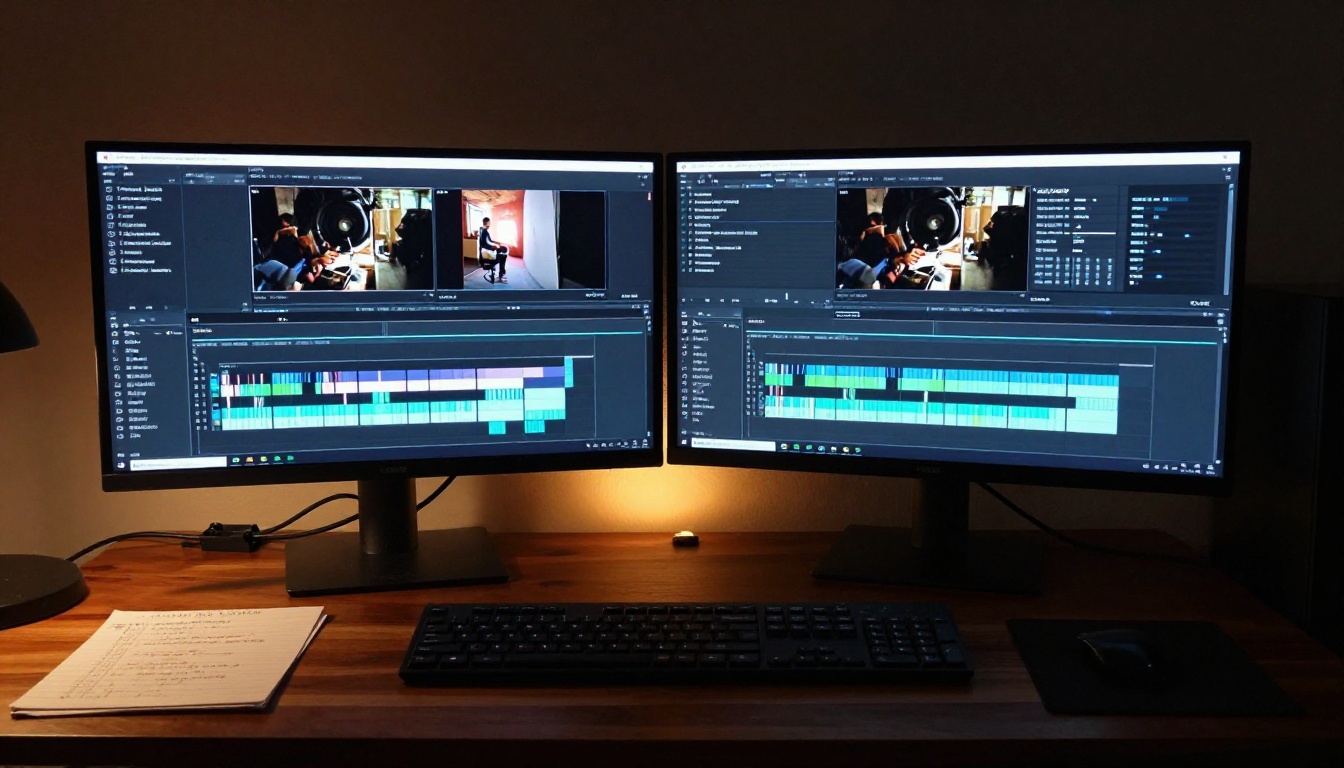
What the table does not show is iteration cost. Seedance 2.0 delivers 1080p audio-inclusive video at a cost point that makes running multiple prompt variations financially practical. Testing twenty variations to find the right output is feasible in a way that some competing models at higher price points are not.
Where Seedance 2.0 wins
- Audio-visual cohesion: The native audio integration is tighter than most alternatives, with contextual sound that matches the scene
- Temporal consistency at 1080p: Subject stability at full resolution is substantially better than the 1.x versions
- Prompt flexibility: Complex and abstract prompts produce usable results without requiring extensive constraint language
Where alternatives still lead
- Veo 3 produces slightly more cinematic lighting and photorealism in specific controlled scene types
- Sora 2 supports longer continuous sequences for storytelling applications that exceed ten seconds
- Kling v3 Video provides more precise motion control for character-driven content requiring specific movement paths
The honest answer is that no single model dominates every use case. Seedance 2.0 is the best all-around choice for most creators who need production-quality video with audio without managing a multi-step generation pipeline.
Real Use Cases Worth Knowing
The features are clear on paper. What matters more is whether those features actually change what you can produce in a real workflow.
Social media content
This is the most immediately practical use case, and one where Seedance 2.0 performs exceptionally well. Social content rewards short, visually engaging clips with sound that works without headphones but rewards viewers who have them on. The contextual audio Seedance 2.0 generates adds a layer of polish that separates AI-generated clips from silent placeholder footage.

Content creators producing lifestyle, travel, food, and product content can generate polished B-roll, supplementary clips, and scene-setting footage at scale. The 1080p resolution and duration control make these clips ready to use without further processing steps in most standard publishing pipelines.
Commercial advertising
Advertising production has always been expensive partly because of the cost of capturing B-roll and establishing shots. Seedance 2.0 does not replace a full production crew for hero content, but it fills the gap between a storyboard and a final cut with usable footage that previously would have required a location shoot.
Small brands that cannot afford location shooting for every product campaign can now generate contextually appropriate background footage, product environment shots, and atmospheric clips that support their main creative assets without a proportional increase in production budget.

💡 Production tip: Use Seedance 2.0 for establishing shots and environmental context clips. Pair with real product photography for the close-up detail work where photographic authenticity matters most to the viewer.
Documentary and storytelling
Documentary producers and video journalists frequently need B-roll for sequences where no footage exists, for historical context, or for locations that were not filmed during principal photography. Seedance 2.0's temporal consistency and prompt adherence make it viable for supplementary footage in ways that earlier AI video models were not.
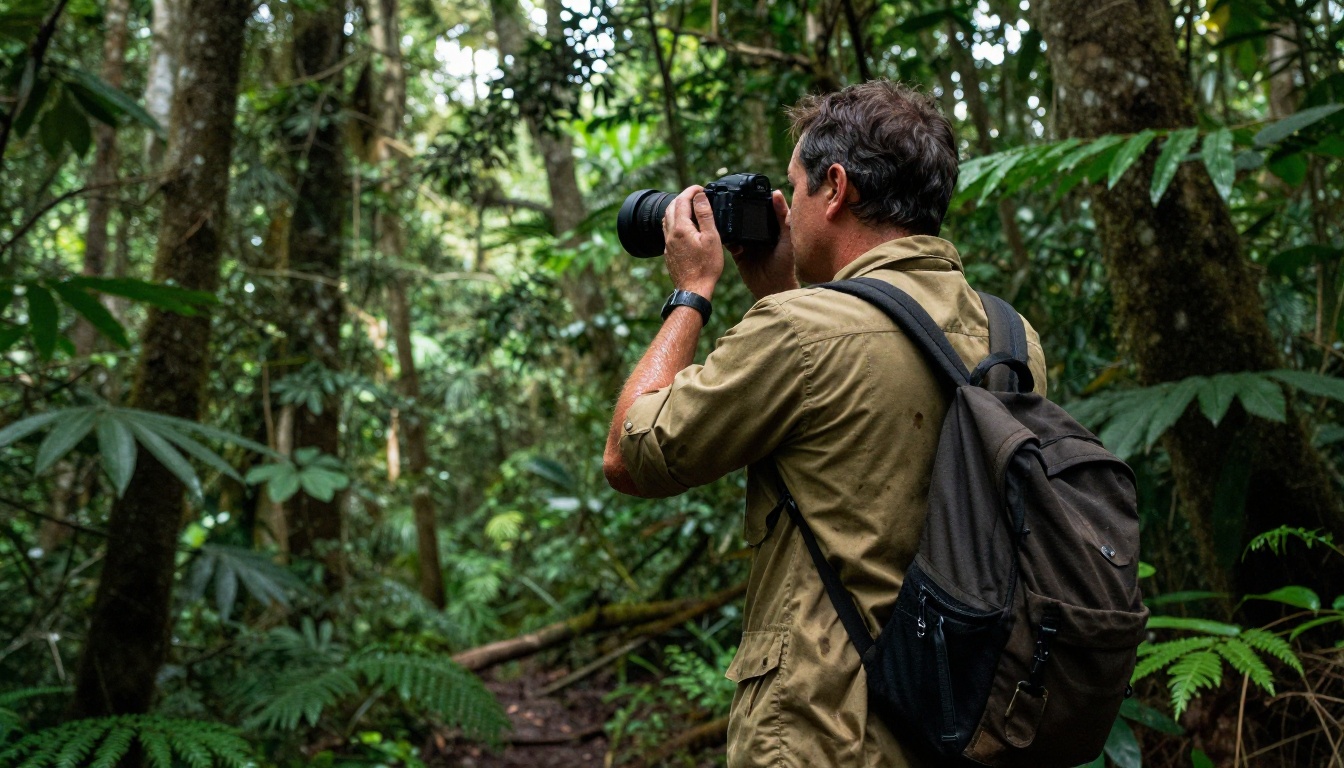
The responsible use of AI-generated footage in documentary contexts requires clear disclosure practices. But for illustrative content, historical recreations clearly labeled as such, and conceptual sequences, the model is genuinely useful.
Product demonstrations and explainers
Brands that sell software, services, or abstract concepts have always struggled to create engaging visual content that illustrates their value proposition without expensive photoshoots. Seedance 2.0 generates contextually relevant footage from descriptive prompts that can support explainer videos, onboarding sequences, and product demonstration content at a fraction of traditional production cost.
How to Use Seedance 2.0 on PicassoIA
Seedance 2.0 is available directly on PicassoIA. Here is a step-by-step walkthrough for getting your first output.

Step 1: Access the model
Go to the Seedance 2.0 model page on PicassoIA. You will see the input panel with a text prompt field, duration selector, and resolution settings. The interface is straightforward, but the quality of your output depends almost entirely on the quality of your prompt.
Step 2: Write a strong prompt
Seedance 2.0 responds well to descriptive prompts that include four elements:
- Subject: Who or what is in the shot, with specific physical details
- Action: What is happening in the scene
- Environment: Where the scene takes place, including time of day and weather or lighting conditions
- Audio cues: Explicit sound descriptions that align with what you want the viewer to hear
Example prompt: A woman in a linen dress walks slowly through a sunlit wheat field in late afternoon, the breeze moving the grain in gentle waves, the distant sound of wind and birdsong in the air, wide shot, handheld camera movement
Step 3: Set your duration
Use the duration control to specify how long your clip should be. For social media, 4 to 6 seconds works well for loop-friendly content. For B-roll intended for use in longer productions, 8 to 10 seconds gives more editing flexibility and reduces the frequency of cuts needed.
Step 4: Choose your generation mode
PicassoIA gives you access to both Seedance 2.0 and Seedance 2.0 Fast. Use the standard model when output quality is the priority. Use the Fast variant when you are iterating quickly through prompt variations and need faster turnaround between attempts.
Step 5: Review and iterate
The first output is rarely the final output in any serious production workflow. Review the generated video for:
- Subject consistency: Does the subject look the same across the full clip duration?
- Audio alignment: Does the sound match the visual context and your original intent?
- Composition: Is the framing and camera angle what you described?
Adjust the prompt based on what you see, not based on what you originally wrote. If the audio does not match, add more explicit sound description. If the subject drifts, add stronger descriptive detail about the subject's appearance and position in the frame.
💡 Iteration tip: Change only one element of your prompt at a time when refining. This makes it much easier to identify which part of the prompt is driving the specific aspect of the output you want to change.
The Seedance Model Family
PicassoIA hosts the full Seedance family, so it is worth knowing which model to reach for depending on your specific situation.
For most new users, the right starting point is Seedance 2.0 for its combination of output quality and audio integration. Switch to Seedance 2.0 Fast once you have a prompt structure that works and need to run multiple variations quickly.
Picking based on your workflow
- Social content team on a deadline: Seedance 2.0 Fast for speed without sacrificing audio
- Agency producing a polished campaign: Seedance 2.0 for the best visual quality with integrated audio
- Solo creator building a video library: Start with Seedance 1 Pro for volume, use Seedance 2.0 for hero content
- Developer prototyping a video product: Seedance 1 Lite for fast iteration, Seedance 2.0 for the production build
What This Means for Your Creative Work
Seedance 2.0 is not a model you set and forget. It rewards deliberate prompting, iterative refinement, and a clear understanding of what you are trying to produce before you start generating. The native audio, 1080p output, and improved temporal consistency are genuinely useful capabilities that reduce post-production overhead across a wide range of real workflows.
The model handles the technical side of video and audio generation. Your job is the creative direction: what the scene looks like, what it sounds like, how long it runs, and what it is meant to communicate to a viewer. That creative specificity in the prompt is what separates a generic AI output from something you would actually publish or deliver to a client.
If you have not tried Seedance 2.0 on PicassoIA yet, start with something you know well. Take a scene you have already shot or a brief you have worked on before, and describe it as a text prompt. Comparing the AI output against your reference point is the fastest way to calibrate your expectations and build a working sense of how the model interprets different types of scene descriptions.
PicassoIA gives you access to Seedance 2.0, Seedance 2.0 Fast, and the full Seedance family alongside over 90 other text-to-video models, so you can find the right tool for every stage of your production process. Start generating and see what the model does with your ideas.


