Seedance 2.0 arrived as one of the most capable image-to-video models released by ByteDance, offering unusually smooth motion generation from a single still image. But like every powerful AI video model, its output quality depends almost entirely on how you structure your prompt. A vague input produces generic, jittery motion. A precise one produces something that looks like it came out of a film studio. This article breaks down exactly how to build prompts that work, with 20 ready-to-use examples across every type of subject and scenario.
What Seedance 2.0 Actually Does
The core image-to-video pipeline
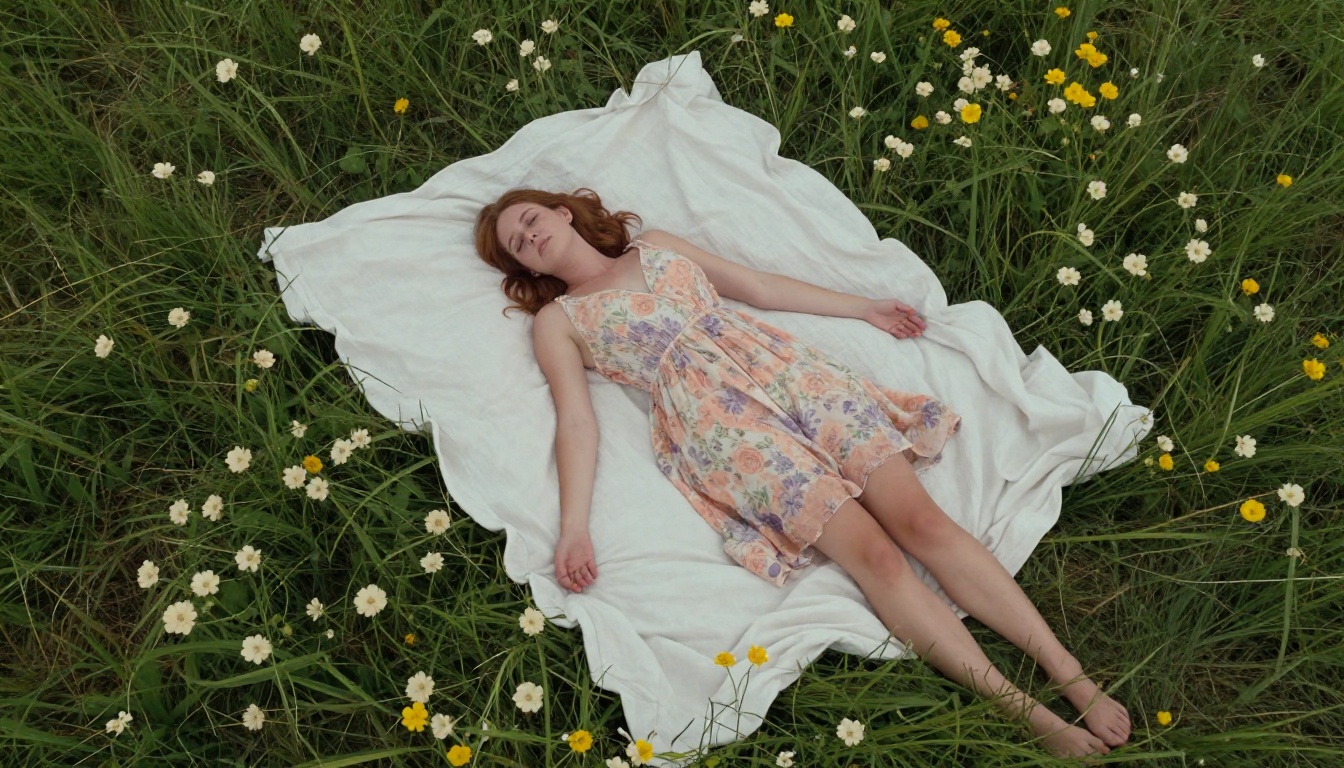
Seedance 2.0 takes a reference image and extends it into a short video clip, typically between 5 and 10 seconds. The model analyzes the spatial content of the image, infers depth and structure, and then synthesizes realistic motion that fits the scene. Unlike older approaches that simply panned or zoomed over a static image, Seedance 2.0 generates genuine frame-by-frame motion, including cloth movement, hair physics, water ripples, and character gestures.
The prompt tells the model what kind of motion to generate. Without it, the model defaults to slow, ambient drift that works for landscapes but feels lifeless for portraits or dynamic scenes. With a well-structured prompt, you can specify camera angles, character behavior, lighting changes over time, and even secondary motion like leaves blowing or crowd movement in the background.
What changed from Seedance 1.x
The original Seedance 1 Pro and Seedance 1.5 Pro were already strong contenders in the I2V space. Seedance 2.0 improves on both in three areas: temporal consistency (frames stay coherent over time), motion amplitude (larger, more natural movements without warping), and prompt adherence (the model follows detailed instructions more precisely).
The practical result is that complex prompts with specific camera directions actually work now, instead of being ignored in favor of a generic ambient drift.
The Anatomy of a Strong Prompt
Subject + motion + environment
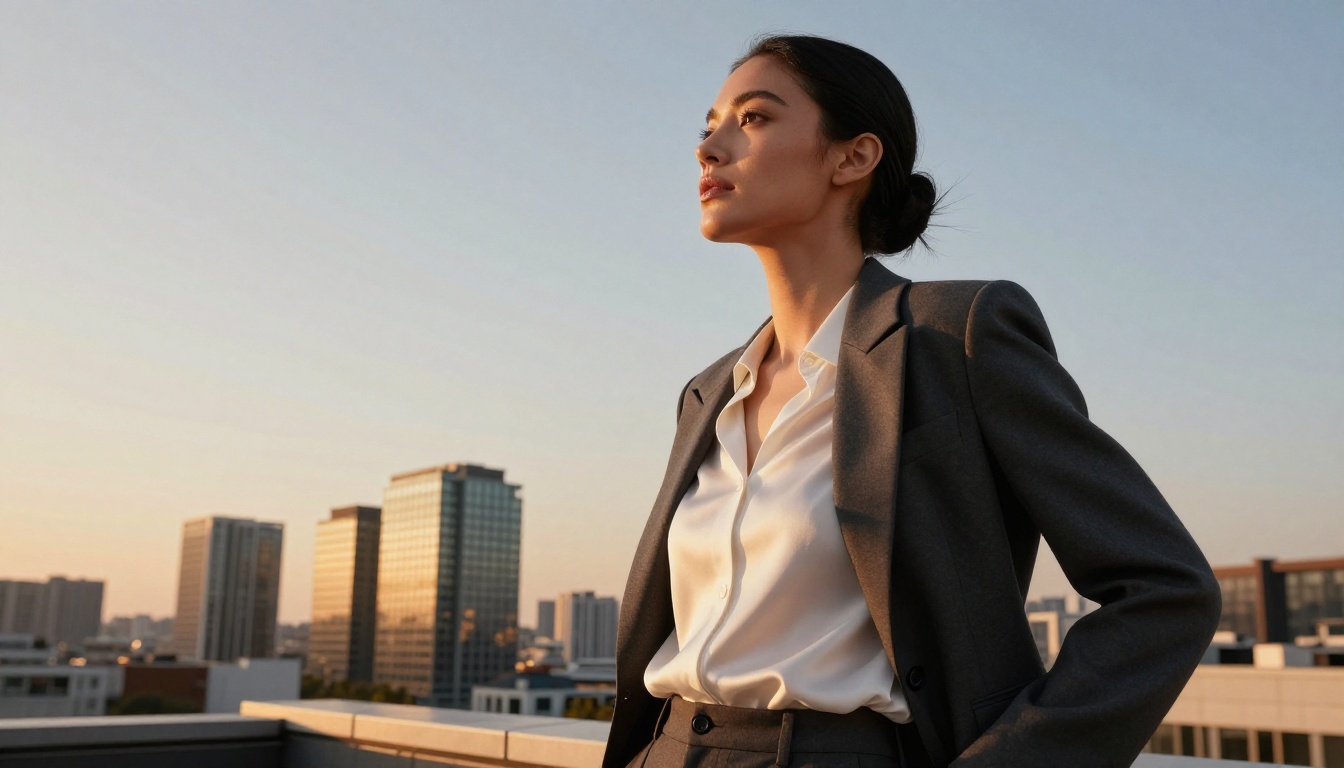
Every strong Seedance 2.0 prompt follows the same three-part structure: describe the subject's action, then the environmental context, then the camera behavior. Mixing these three in the right order helps the model prioritize what matters most.
Weak prompt: woman on beach
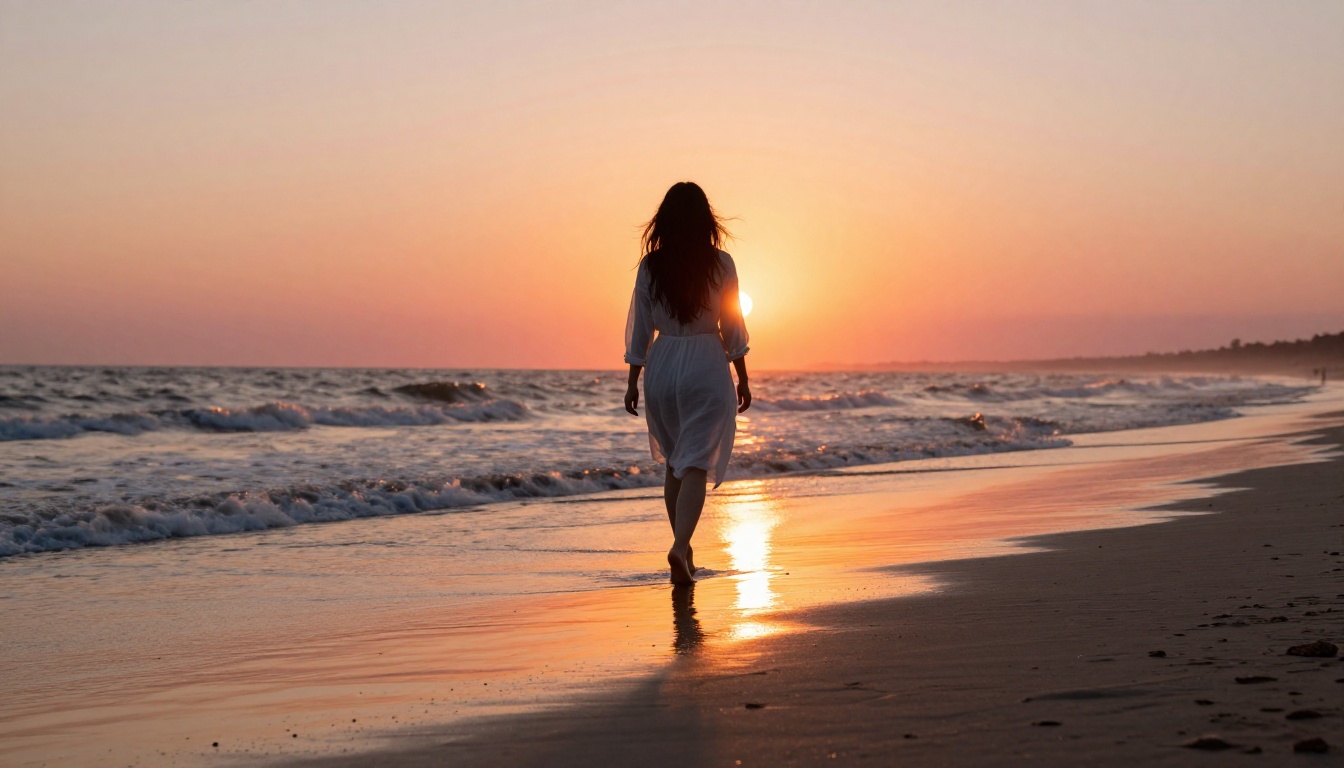
Strong prompt: A young woman in a white dress slowly turns toward the camera with a gentle smile, her hair lifting softly in the ocean breeze, shallow depth of field, slow cinematic push-in, warm golden hour light
The difference is dramatic. The weak version gives the model nothing to work with beyond the subject. The strong version specifies motion direction (turns toward camera), secondary motion (hair lifting), camera behavior (slow push-in), lighting quality (golden hour), and depth treatment (shallow depth of field).
Words that control camera movement
Camera control vocabulary is one of the most powerful elements in Seedance 2.0 prompts. The model has been trained to recognize specific cinematographic terms and translate them into precise camera behavior.
| Camera Term | What It Does |
|---|
| slow push-in | Camera gradually moves toward the subject |
| pull back | Camera retreats, revealing more of the scene |
| orbit left/right | Camera rotates around the subject |
| crane up | Camera ascends vertically |
| handheld | Adds natural camera shake for documentary feel |
| locked-off | Fully static camera, subject moves |
| dolly zoom | Simultaneous zoom-in and pull-back (Vertigo effect) |
| tracking shot | Camera follows the subject's movement |
💡 Tip: Combining two camera terms in one prompt often produces unpredictable results. Pick one dominant camera move per prompt for best consistency.
20 Prompts That Work
For portraits and people
These prompts are optimized for images featuring a person as the main subject. They produce natural, believable human motion without the uncanny valley effect that plagues weaker models.
1. The Golden Hour Turn
Subject slowly turns her head toward camera, soft smile forming, hair catching warm backlight and lifting gently in a coastal breeze, slow cinematic push-in, bokeh background, golden hour
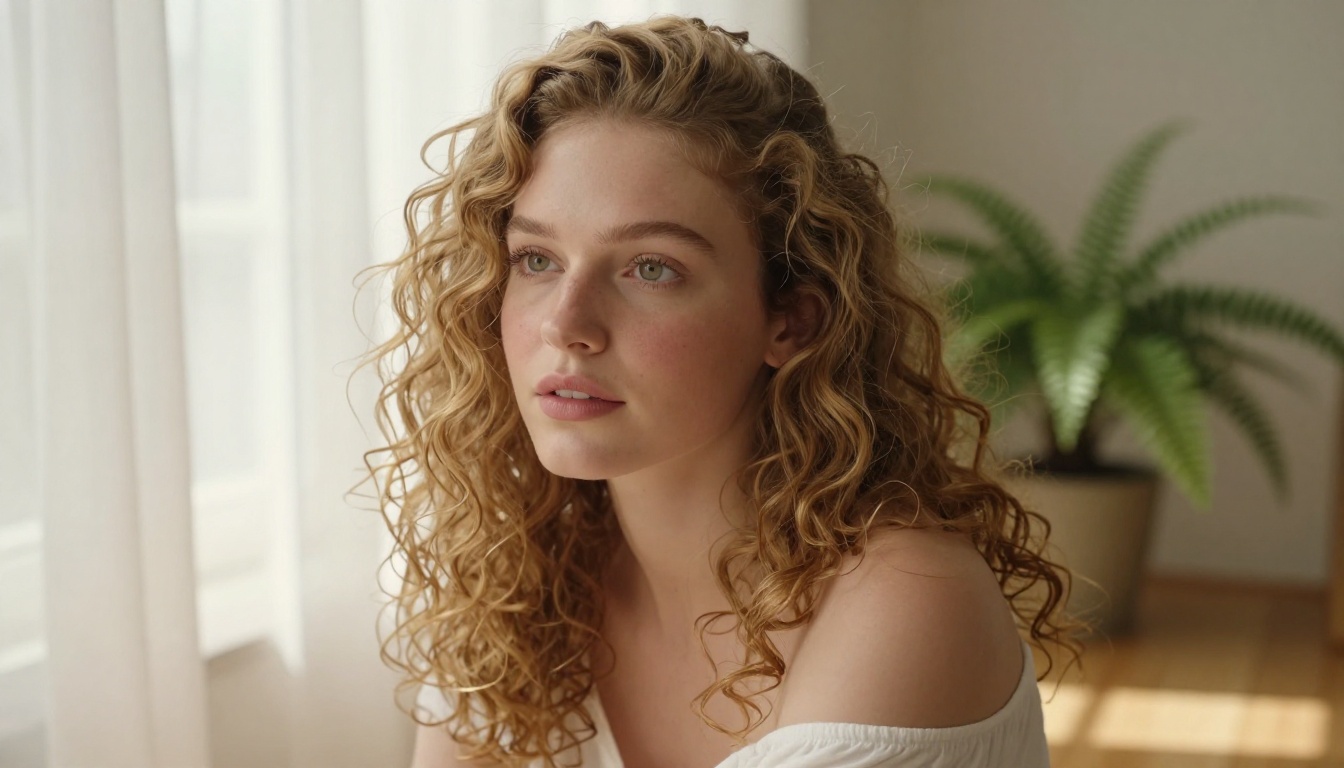
2. The Window Scene
Woman seated near a large window, dappled morning light shifting across her face as clouds pass outside, slight head tilt downward then back up, locked-off camera, peaceful and still atmosphere
3. The Confident Walk
Person walks directly toward the camera with natural confident stride, jacket collar responding to motion, city street background with soft pedestrian blur, tracking shot from chest height, natural midday light
4. The Look-Away
Close-up portrait, subject gazes off to the right, slow blink, a subtle curl at the corner of their mouth, gentle ambient wind moves a few strands of hair across their cheek, static camera, shallow depth of field
5. The Laugh
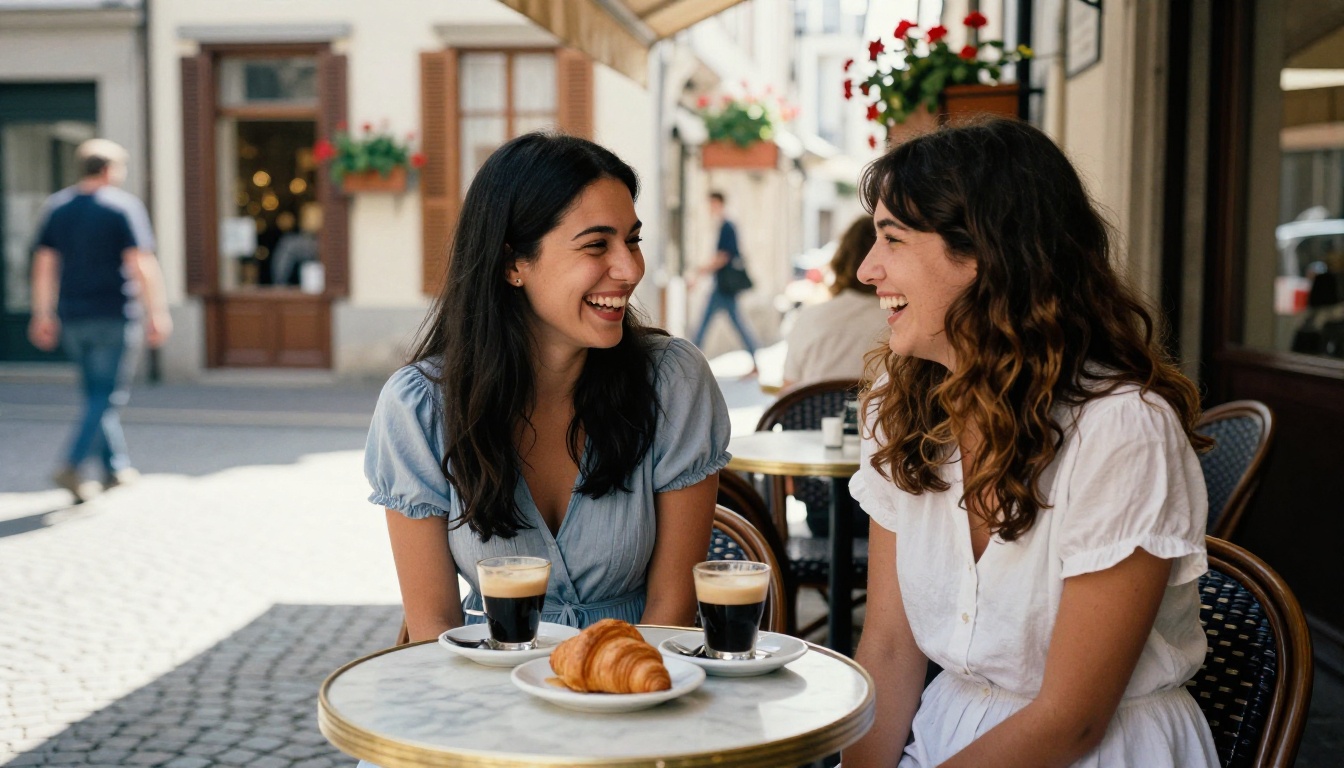
Two people seated across from each other at a sunlit table, one tilts back in genuine laughter, the other leans forward smiling, handheld documentary feel, warm afternoon light through cafe window
For landscapes and scenery
Seedance 2.0 handles environmental scenes with remarkable spatial awareness. These prompts push that capability into cinematic territory.
6. The Morning Mist
A misty forest clearing at dawn, light rays slanting through the canopy as the mist slowly churns and rises, leaves trembling in a faint breeze, slow crane up revealing the treetops, cool blue-green tones, total stillness except for the mist
7. The Ocean Horizon
Wide shot of a flat ocean horizon at sunset, orange and rose reflections rippling across the water surface, a single seabird passes through frame from left, slow dolly pull-back, cinematic scope
8. The Wheat Field Sway
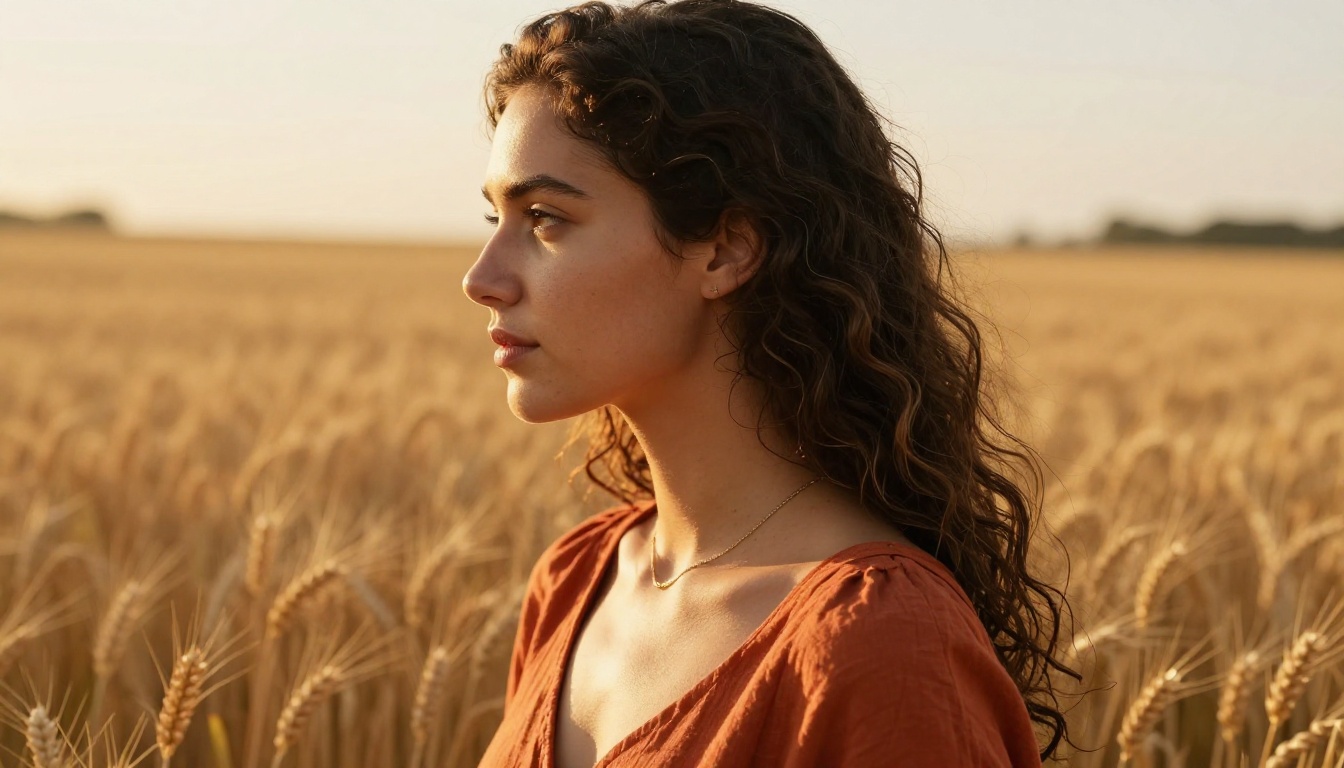
Infinite rows of ripe golden wheat, stalks bending and rising in rhythmic waves from right to left as wind passes through, aerial drone perspective slowly descending toward the field, warm afternoon light, no subjects
9. The Storm Approach
Dramatic dark clouds rolling in over flat farmland, distant lightning suggesting itself in the far background, the foreground tree bending progressively as wind intensifies, wide establishing shot, desaturated greys and browns
10. The Waterfall
A powerful waterfall crashing into a green pool below, water mist rising and drifting left, nearby ferns trembling, slow push-in toward the base of the waterfall, cool natural light, high detail on water texture
For action and dynamic scenes
These prompts generate high-energy clips with natural physics and motion blur. They require slightly more specific language to prevent the model from defaulting to slow ambient movement.
11. The Sprint
An athlete sprints toward the camera on a wet track, motion blur on legs and arms at full speed, tracking shot keeping pace with the subject, shallow depth of field, overcast sports lighting
12. The Hair Flip
Close-up portrait, subject shakes her hair dramatically in slow motion from left to right, droplets of water catching the light mid-air, frozen-frame slow-motion aesthetic, side backlight from the right
13. The Crowd Wave
Wide shot of a stadium crowd rising to their feet in a wave motion from left to right across the frame, thousands of figures blurring into a sea of color, locked-off camera from elevated angle
14. The Car Blur
A sports car accelerates away from camera down an empty coastal road at dusk, tire smoke curling from rear wheels, tail lights leaving motion-blurred red streaks, camera remains static, wide shot
15. The Dance
A woman in a flowing red dress spins in a sunlit courtyard, dress flaring outward and catching light on each rotation, handheld camera circling slowly in the opposite direction, warm afternoon light from the left
How to Use Seedance 2.0 on PicassoIA
Since Seedance 2.0 is available directly on PicassoIA, you can run any of the prompts above without a local setup or API key. Here is the exact workflow.
Step by step
Step 1: Open the model page
Go to Seedance 2.0 on PicassoIA. You will see the image upload area and the prompt field immediately.
Step 2: Upload your reference image
Use any still image as your starting frame. The best results come from images with a clear subject, good lighting, and a defined background. Low-resolution or heavily compressed images tend to produce inconsistent motion around edges.
Step 3: Write your prompt
Use the three-part structure: subject motion + environment + camera behavior. Keep the prompt between 20 and 60 words for best adherence. Very long prompts (100+ words) can confuse the model.
Step 4: Set the duration
Seedance 2.0 typically offers 5 or 10 second outputs. For prompts involving camera movement, 10 seconds gives the motion room to develop properly. For tight portrait prompts with subtle movement, 5 seconds is often enough.
Step 5: Generate and iterate
Run the generation. If the motion is too subtle, add phrases like "noticeable movement", "dynamic motion", or "clear camera animation" to your prompt. If the motion is too extreme or distorts the subject, add "stable subject", "gentle motion", or "smooth and controlled".
Parameter tips that matter
💡 Tip: If Seedance 2.0 produces too much background distortion, try Seedance 2.0 Fast for a slightly more constrained output that preserves background integrity.
For portraits, always describe the emotional tone in your prompt. Seedance 2.0 interprets mood cues well. Words like "peaceful", "tense", "melancholic", or "joyful" influence micro-expressions and pacing significantly.
Prompts to Avoid
What kills your output
Some prompt patterns reliably produce bad results with Seedance 2.0. Knowing what to avoid saves significant generation time.
Overly abstract subjects: Prompts like "the feeling of nostalgia moving through a space" have no spatial anchor. The model cannot synthesize motion for a concept it cannot locate in the image.
Contradictory instructions: Asking for both "static locked-off camera" and "slow dolly push-in" in the same prompt creates undefined behavior. The model picks one, often the wrong one.
Excessive detail lists: Piling in 15 adjectives about lighting, 5 camera moves, and 3 character behaviors simultaneously overwhelms the model. One strong idea per prompt outperforms a shopping list every time.
Text generation requests: Seedance 2.0 is not designed to render legible text on signs, logos, or clothing. If your image contains text you want preserved, add "preserve all text in frame" but expect imperfect results.
Common mistakes with image selection
The reference image carries more weight than most users realize. If the image has severe motion blur, heavy compression artifacts, or multiple subjects at equal visual weight with no clear focal point, the model struggles to determine where to apply primary motion.
For best results, use images at 1:1 or 16:9 aspect ratios, with clear subject separation from the background, and a single dominant focal point.

Seedance 2.0 vs Other I2V Models
How it compares to Kling and Wan
The image-to-video space has several strong alternatives to Seedance 2.0, each with different strengths. Knowing where each model excels helps you choose the right tool for specific projects.
| Model | Strength | Best For |
|---|
| Seedance 2.0 | Temporal consistency, prompt adherence | Portraits, narrative scenes |
| Kling v3 Video | Cinematic motion, physics simulation | Action scenes, complex movements |
| Wan 2.7 I2V | High resolution output, fine detail | Landscape scenes, product shots |
| Hailuo 2.3 | Speed, accessibility | Rapid iteration, social media clips |
| Ovi I2V | Character audio sync | Talking portraits, animated avatars |
For pure image-to-video with the most consistent subject preservation across the clip, Seedance 2.0 is currently among the top performers. Its motion amplitude sits in a middle zone that works for most use cases without requiring post-processing to stabilize warped frames.
If you need higher resolution output or extreme fine-detail preservation, Wan 2.7 I2V is worth testing on the same prompt. If you need faster turnaround for high-volume production, Hailuo 2.3 Fast delivers acceptable quality at significantly faster speeds.
5 Prompt Structures That Hit Hard
Cinematic patterns that work
These patterns move beyond basic motion and push toward production-quality output. They use specific film vocabulary that Seedance 2.0 recognizes and responds to precisely.
16. The Rack Focus
Close-up on a flower in the foreground, a woman standing in the background soft and blurred, rack focus shifts from flower to woman over 3 seconds, background comes into sharp detail as flower blurs, static camera, natural daylight
17. The Establishing Pull-Back
Subject seated alone at a table in a busy restaurant, camera begins close on her face and slowly pulls back revealing the crowded dining room around her, ambient motion of other patrons, warm restaurant lighting, 10-second clip
18. The Slow-Motion Impact
A splash of water in a glass bowl, droplets frozen mid-air at 0.2x slow motion, water crown forming at peak, backlit by soft diffused window light, locked-off macro camera, total silence implied
19. The Time-Lapse Blend
An outdoor market scene, vendors arrange their stalls as if time is slightly accelerated, movement is 1.5x natural speed, shadows shift slightly suggesting passing time, static overhead camera
20. The Atmospheric Float
Wide shot of a cathedral interior, dustmotes floating and swirling in shafts of colored light from stained glass windows, very slow vertical crane upward toward the ceiling, no human subjects, total stillness except the light and particles
Getting slow-motion without specialized settings
Most platforms don't expose frame-rate controls directly. You can achieve a convincing slow-motion aesthetic purely through prompt language. Include phrases like: "slow motion effect", "time-dilated movement", "0.5x speed", "smooth ultra-slow motion", or "every movement stretched in time".
Pairing these with high-detail motion subjects (water splashes, hair movement, falling fabric, smoke) produces the most convincing results because the model has clear physical events to slow down.
💡 Tip: For social media content, a 5-second portrait clip with "slow cinematic push-in" + "shallow depth of field" + "golden hour" is the most consistent high-performing format across platforms. Simple, beautiful, and effortless to generate.
Start Creating Your Own AI Videos
The prompts above are starting points, not endpoints. Every reference image is different, and small variations in composition, lighting, or subject positioning will shift how Seedance 2.0 interprets even identical prompts. The fastest way to find what works for your specific images is to run 3 to 5 variations of the same prompt with single-variable changes, then combine the best elements.
PicassoIA gives you access to Seedance 2.0, Seedance 2.0 Fast, and the full range of I2V alternatives including Wan 2.7 I2V, Kling v3 Video, and Hailuo 2.3. You can test the same image across multiple models in minutes and pick the output that fits your creative vision.
Pick one of the prompt structures from this article, upload an image you love, and see what Seedance 2.0 does with it. The results, when the prompt is right, are the kind of thing that used to require a full production team.


