Seedance 2.0 is ByteDance's most capable text-to-video model to date, and it does something most AI video generators still cannot do natively: it produces synchronized audio alongside the visual output. If you have been running separate workflows to add sound to AI-generated clips, this changes things. The model outputs up to 1080p video with ambient audio baked in from a single text prompt, accessible through PicassoIA without any technical setup. This article covers exactly how it works, how to use it, and what separates a clip that lands from one that falls flat.

What Seedance 2.0 Actually Is
Seedance 2.0 is a text-to-video model from ByteDance, the company behind TikTok. It generates video clips directly from text descriptions, with built-in audio that matches the visual content. Think ambient crowd noise for a busy street scene, rainfall for a wet alley, or wind moving through an open field, all driven by the same prompt that shapes the visuals.
The ByteDance Lineage
ByteDance has been building one of the strongest AI video pipelines in the industry. The Seedance series traces a clear progression: Seedance 1 Lite established the baseline, Seedance 1 Pro improved resolution and motion coherence, and Seedance 1.5 Pro added better control over longer clips. Seedance 2.0 is the first version to incorporate native audio generation, making it a substantially different product from its predecessors rather than a simple quality bump.
From Prior Versions to 2.0
The jump to 2.0 was not incremental. The model architecture was reworked to process audio and visual signals together during training, teaching the system to associate visual contexts with corresponding sounds rather than treating them as separate outputs generated independently. Beyond audio, the update brought visible improvements across several dimensions:
- Motion stability: Subjects move more naturally with fewer mid-clip artifacts and jitter
- Prompt adherence: Complex scene descriptions translate more accurately to the final clip
- Scene complexity: Multiple subjects and dynamic backgrounds render with greater coherence
- Output resolution: Standard output reaches 1080p, with the fast variant at 720p
There is also Seedance 2.0 Fast, which trades some output fidelity for significantly shorter generation time. For prompt testing and rapid iteration, it is the smarter starting point before committing to a full-quality render.

Built-In Audio Is the Real Story
Most conversations about AI video focus entirely on the visual output, and that is understandable. Visuals are what you notice first. But audio is what determines whether a clip actually feels real. A beautifully rendered beach scene with no ambient sound is immediately unconvincing. Seedance 2.0 was built with this problem in mind.
Why Sound Changes Everything
When you watch video content, your brain processes sight and sound simultaneously. A mismatch between the two, even a subtle one, registers as artificial. This is the persistent problem with AI video when audio is added after the fact: timing is never quite right, transitions feel off, and something seems wrong even when you cannot identify what it is.
💡 Consider this: a foggy street scene with muffled footsteps and distant traffic is dramatically more immersive than a visually identical clip with silence. Sound fills in the reality that pixels alone cannot supply.
The deeper issue with post-production audio workflows is friction. You generate the clip, download it, import it into an audio tool, find or generate matching sounds, sync them manually, and export again. That workflow is workable but introduces a decision point and extra time at every step. Seedance 2.0 collapses that entire chain into a single generation step.
There is also the question of audio quality. When you layer AI-generated sound onto a separately generated video, the two outputs were never designed to belong together. The acoustic texture rarely fits the visual texture perfectly. When both are generated from the same prompt simultaneously, the relationship between them is built in from the start.
How the Model Generates Sound
The audio is not pulled from a library or randomly assigned after the video is rendered. Seedance 2.0 interprets the acoustic context embedded in your text prompt. Words like "rain," "crowd," "waterfall," "traffic," "forest," and "café" carry acoustic meaning that the model uses alongside their visual meaning. Both outputs are generated in tandem.
This has a direct practical implication: if you want better audio, be as specific about sounds as you are about visuals. "A busy Tokyo street" generates some city ambient sound. "A busy Tokyo street at rush hour with nearby construction noise, rain on pavement, and a distant train announcement" generates something richer and more layered. The model responds to acoustic specificity the same way it responds to visual specificity.

How to Use Seedance 2.0 on PicassoIA
Seedance 2.0 is available directly on PicassoIA without API setup or technical configuration. The workflow takes minutes from first prompt to downloaded clip.
Step 1: Open the Model Page
Go to the Seedance 2.0 page on PicassoIA. You will see the prompt input, output configuration options, and example generations. Take a moment to look through the examples before writing your first prompt. Notice which types of scenes the model handles well, particularly those with natural movement and clear acoustic environments. This calibration step saves time later.
Step 2: Write Your Prompt
This is where most of the output quality is determined. A strong Seedance 2.0 prompt contains five elements:
- Subject: Who or what is in the frame?
- Action: What is happening? Motion is what makes video generation work.
- Environment: Where does this take place? Time of day, weather, interior or exterior?
- Camera framing: Wide shot, close-up, overhead, tracking shot?
- Audio context: What sounds should accompany this scene?
Weak prompt: "A woman walking outside"
Strong prompt: "A woman in a red wool coat walking briskly through a rain-soaked Parisian side street at dusk, puddles reflecting amber lamplight, heels clicking on wet cobblestones, distant accordion music and rain sounds, close tracking shot, cinematic"
The second prompt gives the model enough context to make meaningful decisions about audio, camera behavior, and visual atmosphere. The first leaves everything open, which typically produces generic output with minimal audio detail.

Step 3: Configure Parameters
| Parameter | Recommended | Notes |
|---|
| Duration | 5-8 seconds | Longer clips increase motion drift risk |
| Resolution | 1080p | For final output use |
| Aspect Ratio | 16:9 | Standard horizontal format |
| Audio | On | Core differentiator of this model |
If you are testing a new prompt concept, use Seedance 2.0 Fast first. It generates noticeably quicker, which matters when you are iterating through multiple prompt variations to find the one that produces what you want.
Step 4: Generate, Review, and Refine
Generate the clip, then watch it with sound on. The audio is as important as the visuals for evaluating whether the prompt worked. If the scene looks right but sounds wrong, the issue is almost always in how the acoustic context was described. Refine the sound references in your prompt and regenerate. If the audio is too sparse, add more specific environmental sound sources. If it feels cluttered, remove some descriptors and let the model fill in the gaps.
💡 Sound tip: If the audio feels generic, add a specific sound source to your prompt. Instead of "outdoor market," try "outdoor market with a nearby espresso machine, clattering ceramic dishes, and a street musician playing nylon string guitar in the distance."
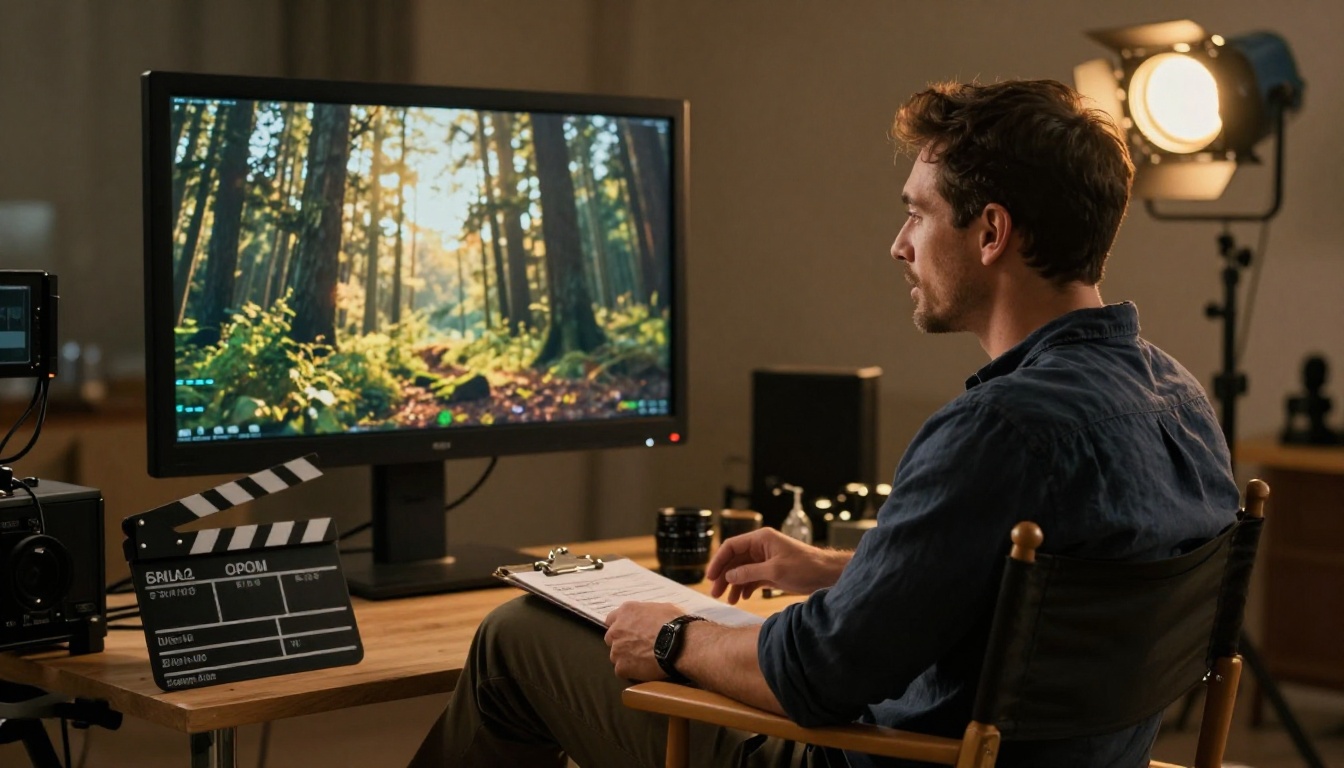
Prompts That Actually Work
Generating strong video requires a different approach to prompting than generating images. Video has a temporal dimension that images lack. You are not just describing a frame, you are describing something that changes across time, and the model needs enough information to decide how it changes.
Write for Motion, Not Just Appearance
Video models respond well to motion verbs. "A waterfall cascading over smooth granite rocks" is stronger than "a waterfall." "A cyclist weaving through dense commuter traffic" is stronger than "a cyclist on a street." The motion description is what gives the model something meaningful to animate across the duration of the clip.
The difference between static and dynamic prompts becomes obvious in the output. A static prompt like "a mountain landscape at sunset" often produces a clip where very little moves, perhaps some subtle cloud drift if the model is generous. A dynamic prompt like "storm clouds rolling over a mountain ridge at sunset, pine trees bending in a strong wind, a hawk circling in the updraft above the treeline" gives the model multiple motion anchors. Every moving element adds life to the output and reduces the flat, unnatural quality that plagues poorly prompted video generation.
Camera motion descriptors are worth including as well. Phrases like "slow push-in," "handheld follows subject," "aerial descent toward," and "static wide shot" influence how the virtual camera moves through the scene. Seedance 2.0 follows these instructions with reasonable accuracy, especially for common cinematographic movements.
Single-Word Atmosphere Modifiers
Single descriptive words carry significant weight in video prompts and require no long explanation to be effective:
- Lighting: foggy, overcast, backlit, golden hour, candlelit, overexposed
- Pace: slow motion, real-time, time-lapse
- Tone: melancholic, tense, joyful, serene, chaotic, intimate
- Quality: cinematic, raw, documentary-style, handheld
These modifiers shape the entire mood of the output without adding length to the prompt.
Patterns That Consistently Underperform
Several approaches reliably produce poor results and are worth avoiding:
- Narrative sequences: Describe a single moment, not a story with a beginning and end. The model handles scenes, not plots.
- Text on screen: AI video models do not generate reliable in-frame text. Do not include it in your prompt.
- Too many subjects: More than two or three distinct subjects in a clip creates visual instability and confused motion.
- Contradictory descriptors: "Bright dark warm cool moody vibrant" sends conflicting signals. Pick a lane and commit to it.
- Abstract concepts without visual anchors: "Show loneliness" produces nothing useful. "An empty park bench in winter rain at dusk, no people in frame" gives the model something to work with.
Seedance 2.0 vs. Other Video Models
PicassoIA gives you access to dozens of text-to-video models. Knowing when to use each one saves time and produces better results for specific use cases.
| Model | Resolution | Built-In Audio | Best Use |
|---|
| Seedance 2.0 | 1080p | Yes | Cinematic clips with natural ambient sound |
| Seedance 2.0 Fast | 720p | Yes | Fast iteration and prompt drafts |
| Veo 3 | 1080p | Yes | Photorealistic narrative scenes |
| Kling v3 Video | 1080p | No | Cinematic motion quality |
| Hailuo 02 | 1080p | No | Fast high-resolution output |
| Sora 2 | 1080p | Yes | Complex, detailed prompt fidelity |
Seedance 2.0's clearest advantage is the combination of audio-native output with 1080p resolution at an accessible price point through PicassoIA. Veo 3 covers similar territory but tends to produce more photorealistic outputs for narrative-style clips and handles human subjects with particular precision. Kling v3 Video produces arguably the strongest pure motion quality in the catalog but requires a separate audio handling step if you need sound. Sora 2 is worth reaching for when you have long, detailed, multi-element prompts that other models simplify or ignore.
If your workflow ends at clip generation with no post-processing planned, Seedance 2.0 is the most self-contained option in the catalog. You get a finished visual-and-audio output in a single step.
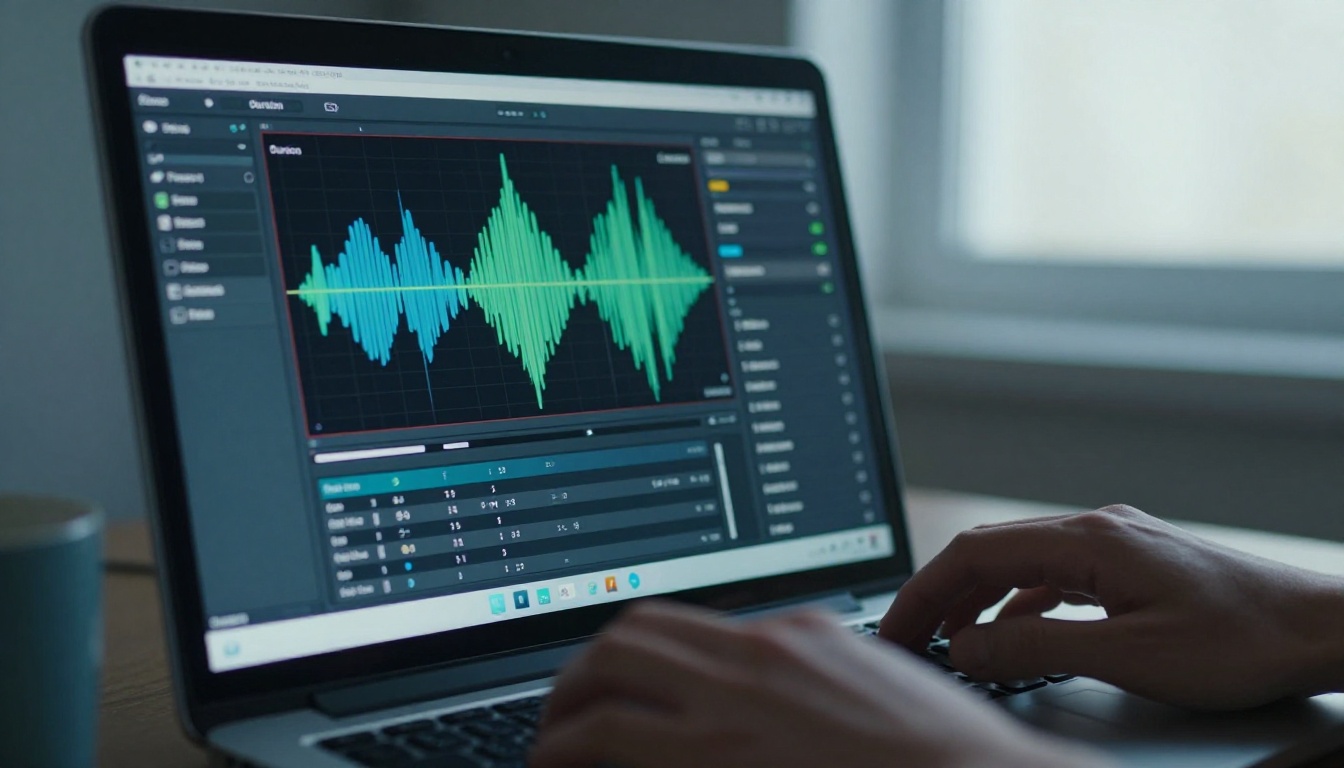
Real Use Cases Worth Trying
The practical range of what Seedance 2.0 produces spans well beyond experimentation and extends into professional and semi-professional workflows.
Social and Short-Form Video
Platforms built around short video reward consistent, high-production output. Seedance 2.0 makes it viable to generate atmospheric B-roll, mood sequences, and scene-setting clips without cameras or crew. A travel account can create destination atmosphere footage. A food account can produce ambient kitchen or table-setting scenes. Because the audio is generated alongside the visual, clips are often usable directly without additional editing.
The audio output matters particularly in this context. When a clip opens with recognizable ambient sound, viewers are less likely to scroll past before the visual registers. A beach scene that starts with wave sounds creates an immediate sense of place. Seedance 2.0 handles this automatically without any extra work.
Marketing and Campaign Video
Brand marketing regularly needs atmospheric footage for opening sequences, background loops, and mood-setting clips in longer productions. Seedance 2.0 responds well to prompts framed around feelings and environments rather than explicit product descriptions. A wellness brand might prompt "early morning mist over a mountain lake at dawn, birdsong and soft water sounds, slow forward drift, warm golden light" and get something genuinely usable for a campaign opening.
💡 Brand tip: Describe the feeling your brand evokes rather than its product. Mood-based prompts consistently produce more useful output for marketing contexts than literal product or service descriptions.
Creative and Personal Projects

Musicians creating visual accompaniments for tracks, writers visualizing scenes from scripts, photographers producing motion versions of editorial stills: all of these workflows are real applications in active use right now. The audio-native output is particularly valuable for creative projects since the clip carries its own sonic texture without requiring a separate composition step.
Seedance 2.0 also pairs naturally with PicassoIA's image generation tools. Generate a still image first using one of the text-to-image models, then use that visual as a reference to produce a video that brings it into motion with synchronized sound. The workflow gives you fine control over the visual starting point before introducing temporal motion.
Professional B-Roll on Demand
For freelancers and small production teams, generating scene-specific B-roll on demand is one of the most immediately practical applications of the model. Instead of licensing stock footage that may not match your exact brief, describe the precise shot you need and generate it. At 1080p with natural ambient audio, the output quality is usable in professional contexts for many standard applications.
The audio output is particularly valuable in this context. When you license traditional stock footage, you often receive the visual but have to source audio separately because location ambient sound is rarely clean or licensable. With Seedance 2.0, the ambient audio is generated to match the scene, giving you a usable audio track at the same time as your visual.
Where to Go From Here
The fastest way to get a feel for what Seedance 2.0 produces is to run a few prompts yourself. Start with something specific: a scene you can picture clearly, with natural motion and a clear acoustic context. Open Seedance 2.0 on PicassoIA, write a two to three sentence scene description that includes at least one sound reference, and generate. A good starting prompt is something like: "A golden wheat field in rural Provence at late afternoon, wind moving through the grain in slow waves, distant church bells and cicadas, slow aerial drift forward, cinematic, 1080p." It is specific enough to give the model clear direction without being overly complex.
Watch the output with sound on. Note what matched your intent and what did not. Use that to refine the prompt, run the revision through Seedance 2.0 Fast for speed, and once you have a prompt that works the way you want, run the final version at full quality. That three-step pattern, draft with Fast, refine on Fast, finalize on standard, is the most efficient workflow for getting from first idea to polished output.
From there, the catalog is open. Combine Seedance 2.0 with PicassoIA's lipsync tools for talking-head content, use video effects for stylized treatments, or apply super resolution tools to push output quality further. The model is a strong foundation. What you build on top of it is entirely up to you.


