The short-form video race just got a lot more interesting. ByteDance dropped Seedance 2.0 with built-in synchronized audio, and Kuaishou followed with Kling v3, a cinematic powerhouse with motion control precision that is redefining what an AI clip can look like. For creators, marketers, and anyone building short-form content at scale, the question is simple: which one actually delivers better results for short clips?
This is a straight comparison with no filler. We cover real generation behavior, specific strengths, and concrete use cases so you can pick the right tool for your workflow.

What Changed in Seedance 2.0
Seedance 1.x was already solid. It produced clean 1080p footage with coherent motion and decent prompt fidelity. Version 2.0 did not just patch the gaps; it rebuilt core components from the ground up.
The improvements fall into three clear areas: audio synthesis, motion physics, and multi-element prompt handling. Each one has direct consequences for short-clip production quality.
Built-in Audio Is Real
The headline feature of Seedance 2.0 is native audio generation. Not background music dropped on top, and not generic sound effects added in post-production. The model synthesizes audio in direct synchronization with the visual content.
A wave hitting a rocky shore produces the specific crash and receding water sound for that exact wave. A person sprinting on a gravel path generates footfall impact with appropriate environmental reverb. A busy restaurant scene comes back with layered ambient voices, clinking cutlery, and background movement sounds.
💡 Why this matters: Every other major text-to-video model in this tier outputs silent clips by default. That means a separate generation step for audio, manual syncing, format conversion, and added export time. Seedance 2.0 collapses all of that into a single generation.
For social media creators, advertisers, and anyone producing content for autoplay platforms, this is a practical time saver. You receive a complete artifact, not a visual placeholder waiting for post-production.
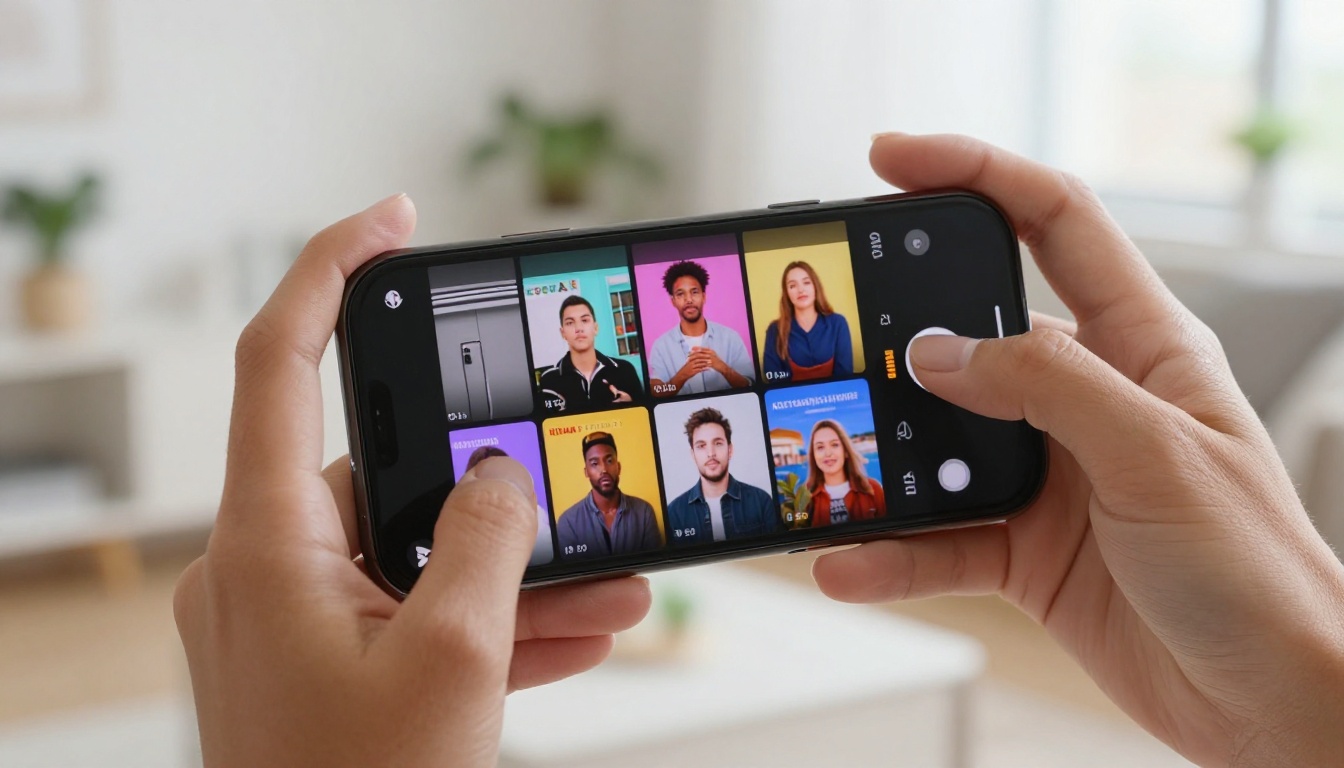
Motion Quality at 1080p
Motion rendering in Seedance 2.0 is noticeably more refined than the 1.x generation. Fluid dynamics are where the improvement shows most clearly. Water behaves with physical consistency. Hair responds to movement naturally. Fabric has weight and drape. Smoke disperses with believable density gradients.
Characters hold coherent form across the full clip duration without the subtle geometric warping that was a tell-tale sign of earlier versions. Edge stability on moving subjects has improved significantly, which matters most in close-up and mid-shot compositions where any warping reads clearly on screen.
At 1080p, the output holds close inspection. Pixel-level sharpness is maintained at frame edges, and the color tone response feels closer to real camera output with accurate highlight rolloff and shadow detail.
Prompt Fidelity Improvements
Seedance 2.0 handles multi-element prompts with meaningfully better accuracy. In earlier generations, specifying a particular environment along with a subject action and a defined mood would frequently result in one element getting dropped or distorted. One of the three variables would dominate while the others faded into vague approximations.
Version 2.0 holds all three simultaneously throughout the clip. You can describe a subject, a setting, and an emotional tone and get output that genuinely reflects all three from the first frame to the last. For short clips where every second of screen time carries story weight, this precision changes the production experience significantly.
What Makes Kling 3.0 Different
Kling v3 is built around a different priority. Where Seedance 2.0 optimizes for accessible, audio-ready output that performs well with minimal prompt effort, Kling v3 is aimed at creators who want deliberate, precise control over visual output quality and camera behavior.
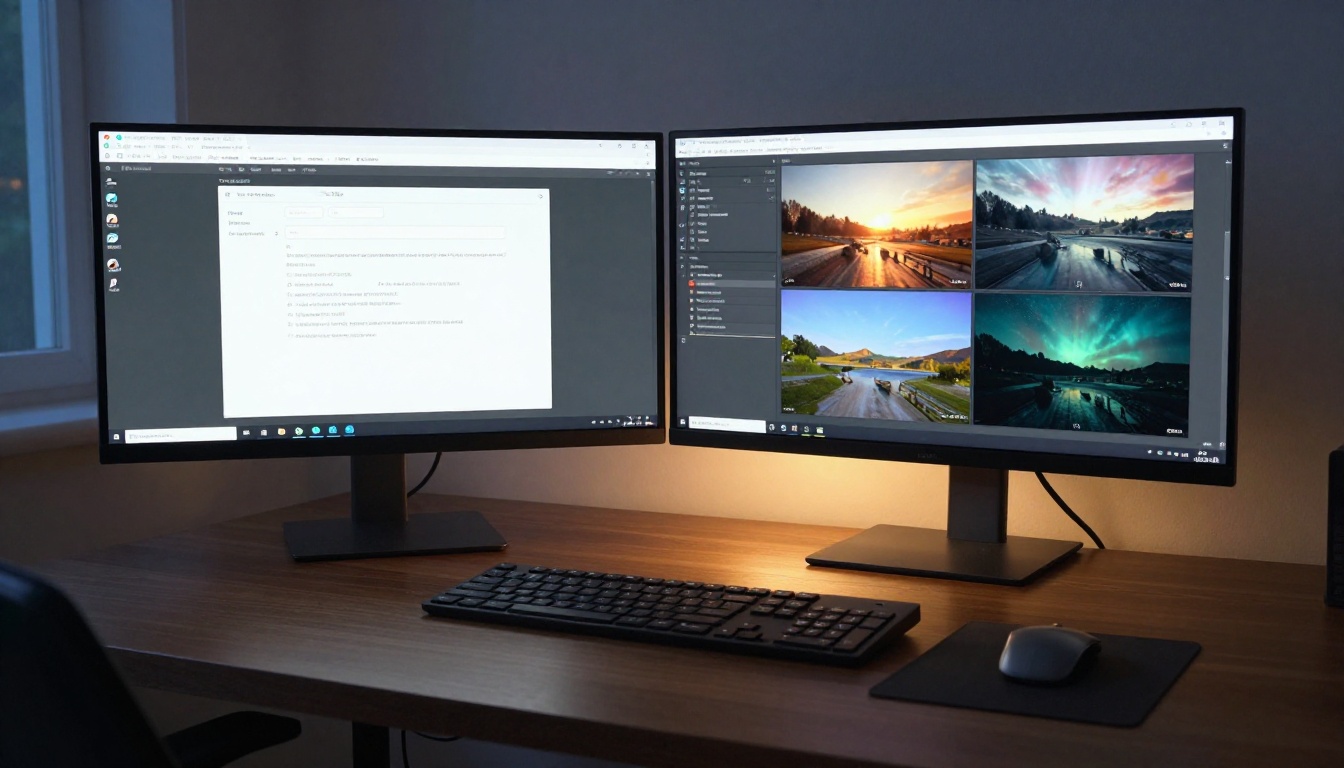
Cinematic Motion Control
Kling v3 Motion Control is the standout capability of the v3 generation. It lets creators specify camera trajectories with precision that previously required either professional post-production tools or significant prompt engineering luck.
A slow push-in on a product sitting on a table. A pan left across an exterior building facade. A low-angle tracking shot following a subject from the side. A tilting reveal from ground level up to a rooftop. These are all achievable with direct instruction, and they execute reliably across generations.
For short clips specifically, camera movement is frequently the primary storytelling tool. A five-second clip with intentional camera motion reads as dramatically more polished than the same scene with a static frame. Kling v3 Motion Control gives creators that layer of craft without requiring access to actual production equipment.
💡 Practical tip: Use directional language in motion control prompts. "Slow dolly-in toward the subject", "orbiting shot around a central object", and "crane descent from above" all produce more consistent results than general movement descriptions.
Omni Video Mode Explained
Kling v3 Omni Video is the standard text-to-video variant within the v3 family. It generates 1080p clips with high prompt fidelity and exceptional texture rendering across subject types.
Hard surfaces look genuinely hard. Metal reflects light with physical accuracy. Architectural materials like concrete, stone, and wood render with visible grain and surface aging. Clothing has fiber detail visible at close range. Skin responds to lighting direction with realistic subsurface scattering. The visual output at this level of material quality is what justifies the cinematic label.
The "omni" designation reflects the model's versatility. It performs consistently across abstract prompts, photorealistic scenes, stylized environments, and character-driven clips without a visible quality cliff between categories. Whatever type of short clip you're producing, the model handles it at the same tier of output.
Speed vs Quality Trade-offs
Kling v3 takes longer to render than Seedance 2.0 at the same resolution and clip length. A 5-second clip at 1080p requires more processing time. That is the honest cost of the surface quality and motion precision the model provides.
For workflows where turnaround time matters more than peak quality, Kling v2.5 Turbo Pro provides a strong quality-to-speed ratio as a faster Kling-family alternative. But when producing a hero clip where visual quality is non-negotiable, v3 is worth the wait.
Head-to-Head for Short Clips
Both models produce strong output. The practical differences show up when you look at the specific type of short clip you are generating and what requirements that clip actually has.

Text Prompt to Clip Speed
| Metric | Seedance 2.0 | Kling v3 |
|---|
| Generation speed (5s clip) | Fast | Moderate to slow |
| Maximum resolution | 1080p | 1080p |
| Built-in audio | Yes | No |
| Camera motion control | Basic | Precise |
| Multi-element prompt fidelity | Strong | Very strong |
| Texture and surface detail | Good | Excellent |
| Iteration cost per clip | Lower | Higher |
For high-volume production, Seedance 2.0 Fast adds another gear. It trades some quality ceiling for a significant reduction in render time, making it practical for rapid iteration workflows where you're testing multiple concept directions before committing to a final generation.
Motion Smoothness Side by Side
This is where the comparison becomes genuinely nuanced. Seedance 2.0 produces motion that reads as more naturalistic on organic subjects. Humans, animals, water, hair, and fabric all move with fluid physical consistency. The interpolation between frames has fewer stutter artifacts on these subject types, and the motion feels more alive.
Kling v3 matches or exceeds this on structural and mechanical subjects. Vehicles, buildings, manufactured objects, rigid surfaces, and architectural environments all render with more accurate physics. The model's material simulation on hard surfaces is simply better calibrated to real-world behavior.
For portrait-based short clips, close-up beauty shots, or nature content, Seedance 2.0 tends to edge ahead on motion coherence. For environment-heavy, architecture, product, or complex action clips, Kling v3 produces cleaner and more convincing results.
Best Clips from 5-Second Tests
Running both models against identical prompts reveals consistent patterns across subject types.

Seedance 2.0 performed better on:
- Natural environments with wind, water, or organic movement
- Human subjects in close to mid-distance shots requiring smooth motion
- Audio-dependent clips where ambient sound needed to match the visuals precisely
- Quick social content that needed to be finished and posted rapidly
Kling v3 performed better on:
- Architectural and product shots with complex surface materials and sharp edge detail
- Clips with defined camera movements like tracking shots, reveals, or dolly pushes
- Multi-layer scenes with several distinct elements all needing to read clearly in the frame
- Premium output where the visual bar was set at commercial or brand-level quality
Neither model is universally better. They have genuinely different areas of excellence, and knowing which category your clip falls into makes the choice straightforward.
Where Seedance 2.0 Wins
Creators Who Want Audio
The integrated audio in Seedance 2.0 is a workflow advantage that is hard to overstate once you have worked with it. Social content, product demos, short narrative clips, Instagram Reels, TikTok content, and platform trailers all benefit from receiving a complete audio-visual file without a separate production step.
The audio quality responds to the scene context rather than applying a generic soundtrack. Indoor environments produce different reverb characteristics than outdoor ones. Busy crowd scenes generate layered ambient sound with movement artifacts. Quiet spaces produce the subtle atmospheric tone they would have in reality. This context sensitivity is what makes the audio genuinely useful rather than a checkbox feature.

Prompt Simplicity
Seedance 2.0 produces competitive results with shorter, less engineered prompts. You do not need to specify exact lighting rigs, camera parameters, or post-processing aesthetics to receive output worth using. A two-sentence description of what you want to see happen will often produce a strong result on the first generation attempt.
This matters for creators who are focused on content output volume rather than prompt engineering depth. The model fills in intelligent defaults and makes reasonable creative decisions when the prompt leaves elements unspecified, which means less time refining prompts and more time producing content.
💡 Workflow tip: Including environmental context in Seedance prompts ("on a busy street at noon", "in a quiet forest at dusk") helps the model synthesize matching ambient audio alongside the visual output, improving the usefulness of the audio layer significantly.
Where Kling 3.0 Wins
Complex Camera Movements
For clips where camera motion is a deliberate creative decision rather than a generic default, Kling v3 Motion Control is the only real choice in this comparison. It interprets camera trajectory instructions reliably and executes them consistently across multiple generations from the same prompt.
A brand video that opens with a low-angle push-in on a product. A fashion clip that uses an orbiting shot around a subject. A real estate preview with a smooth descent to reveal an exterior. A documentary-style clip with a handheld-feel track toward a scene. These all require camera intention, and Kling v3 delivers it with precision.
Narrative Control
Kling v3 Omni Video handles high-complexity prompts with remarkable fidelity. A prompt that includes a subject, a setting, a specific action, a mood, and a camera angle will produce output that incorporates all five elements without any of them getting dropped or distorted.
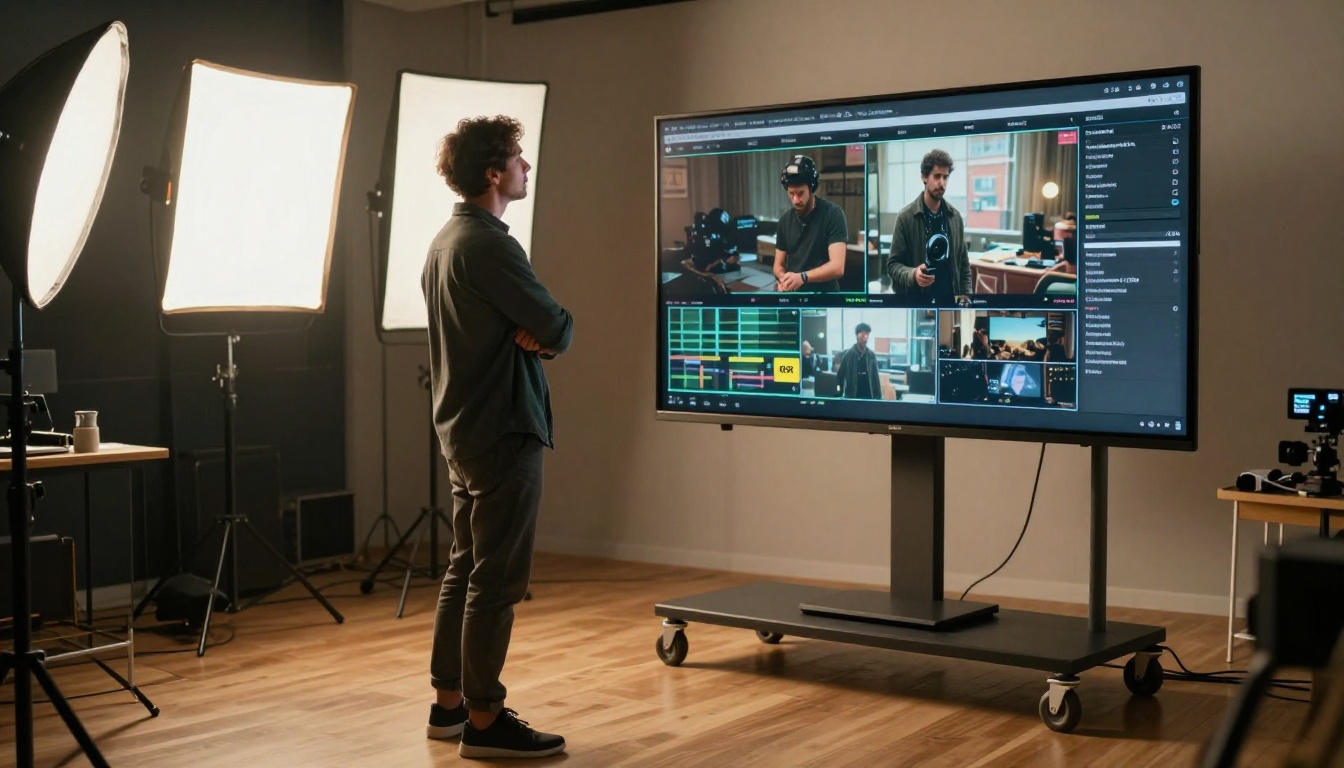
For short clips where every second needs to communicate something specific, this level of prompt adherence reduces wasted generation credits. You reach the target output in fewer iterations, which makes the longer render time per clip more economical across a full content project.
Pricing and Accessibility
Which One Costs Less per Clip
Both models are available through AI video platforms on credit-based pricing. The real cost comparison is not the listed price per generation. It is the total cost to arrive at a finished clip you will actually publish.
Seedance 2.0 tends to require fewer iterations to reach a usable result from a typical prompt, generates faster, and includes audio, removing the cost and time of a separate audio generation step. These factors combine to push the effective cost per finished clip lower for most content workflows.
Kling v3 clips frequently require fewer quality-related regenerations due to high prompt fidelity. The output lands closer to the target on the first attempt. However, the longer render time adds measurable cost over a large content pipeline.
| Use Case | More Economical Choice |
|---|
| High-volume social content | Seedance 2.0 |
| Rapid iteration and testing | Seedance 2.0 Fast |
| Premium single-clip output | Kling v3 Omni Video |
| Audio-required clips | Seedance 2.0 |
| Cinematic hero shots | Kling v3 Omni Video |
| Camera-motion-directed clips | Kling v3 Motion Control |
Both Seedance 2.0 and Kling v3 Video run without local hardware requirements. A browser and platform credits are sufficient to start generating clips immediately.
How to Use Both on PicassoIA
Both models are available in the same platform, so creators can test, iterate, and compare outputs without switching accounts, tools, or workflows.

Running Seedance 2.0
- Open Seedance 2.0 on PicassoIA
- Write a clear text prompt describing the scene, subject action, and environment with sensory details
- Set your desired clip duration (5 seconds works well for most short-clip testing and iteration)
- Submit the generation and wait for the audio-inclusive output file
- Review, download, or share directly from the platform
For faster iteration, Seedance 2.0 Fast follows the same workflow with significantly reduced processing time. It is useful when testing multiple prompt variations before committing credits to a final high-quality generation.
💡 Prompt tip: Describe the sound environment you want as part of your prompt. "A cafe with soft background chatter and espresso machine sounds" or "an empty parking garage with distant traffic noise" guides the audio synthesis toward a specific and useful result.
Running Kling v3
- Choose your variant: Kling v3 Omni Video for standard text-to-video, or Kling v3 Motion Control for camera-directed output
- Write a detailed prompt covering subject, environment, action, mood, and lighting conditions
- If using Motion Control, add explicit camera movement instructions directly into the prompt text
- Set the desired clip duration and submit
- Review the output and refine prompt elements if specific elements need adjustment
For motion control prompts, directional camera language produces the most reliable execution. Phrases like "slow dolly-in toward subject", "static wide establishing shot", "low-angle upward tilt revealing the skyline", and "orbiting tracking shot at medium distance" all map closely to specific camera behaviors that the model executes with high consistency across multiple generations.

The Honest Verdict
There is no single winner in the Seedance 2.0 vs Kling 3.0 comparison for short clips. Both models are excellent at different things, and the right choice depends entirely on what your specific project actually needs.
Pick Seedance 2.0 when:
- Your clips require synchronized audio as part of the final deliverable
- You are producing high-volume content for social platforms on a tight timeline
- You want strong results without deep prompt engineering effort on every clip
- Speed per finished clip is a production constraint that matters
Pick Kling v3 when:
- The clip requires a specific camera movement as part of the creative intention
- Visual texture quality and material realism are the top priority for the output
- You are producing premium or brand-level content where quality justifies a longer render time
- Your prompt includes a complex multi-element scene that needs precise fidelity across all elements
The most practical approach for active creators is using both in the same workflow. Seedance 2.0 handles volume and audio-first production. Kling v3 Motion Control handles hero clips and cinematic showpieces. Both are in the same platform, so the decision can happen per-clip without any friction.
The AI video generation space in 2027 is producing output quality that regularly surprises people who have not tested it in recent months. The only way to form an accurate opinion is to run your own prompts. Pick a concept, write a description, and see what comes back. Both models are worth testing directly.


