If you have been trying to decide between Seedance 2.0 and Veo 3.1 for image-to-video work, you are not alone. These two models sit at the top of the generative video stack right now, and they are genuinely different in what they prioritize. ByteDance optimized Seedance 2.0 for native audio and fluid character motion. Google built Veo 3.1 to push 1080p cinematic realism and physics-accurate scene behavior. Picking the wrong one for your workflow means wasting credits on outputs that do not match what you need. This breakdown cuts through the marketing and shows you exactly where each model wins, where it falls short, and which one belongs in your production pipeline.
The Two Models in Brief

Seedance 2.0 at a Glance
Seedance 2.0 is ByteDance's flagship video diffusion model, released as the successor to the already impressive Seedance 1.5 Pro. What made the original Seedance line stand out was its integrated audio pipeline: the model does not just generate video, it synthesizes synchronized ambient sound, dialogue-ready soundscapes, and environmental audio in a single pass. Seedance 2.0 takes that further with improved temporal coherence and a significantly tighter relationship between the source image and the output motion.
The model runs on a DiT (Diffusion Transformer) architecture and accepts an image as a conditioning input, animating it according to a text prompt. It outputs at up to 1080p and supports durations from 4 to 10 seconds depending on the variant. The faster Seedance 2.0 Fast cuts generation time significantly while trading a small amount of fine detail in highly dynamic sequences.
Model specs:
- Resolution: up to 1080p
- Audio: native built-in (ambient, environmental, effects)
- Duration: 4 to 10 seconds
- Image input: yes (image-to-video conditioning)
- Strengths: character consistency, built-in audio, fluid human motion
Veo 3.1 at a Glance
Veo 3.1 is Google DeepMind's latest iteration of the Veo video generation family. Where Veo 3 introduced native audio synthesis to the lineup, Veo 3.1 refines the architecture for better prompt adherence and noticeably improved physics simulation across complex scene types. It is built on a latent video diffusion framework with world-model understanding baked in, meaning it has a stronger grasp of how objects behave in physical space.
Google also offers two lighter variants: Veo 3.1 Fast for speed-sensitive workflows and Veo 3.1 Lite for lower-cost generation at reduced resolution. The full Veo 3.1 model targets professional-grade cinematic output, making it the first choice of filmmakers and commercial teams who need realistic water, fire, fabric, and environmental lighting with minimal artifact.
Model specs:
- Resolution: up to 1080p
- Audio: native built-in (dialogue, ambient, sound effects)
- Duration: 5 to 8 seconds
- Image input: yes (text-guided image animation)
- Strengths: physics realism, cinematic lighting, scene-level fidelity
Motion Quality Side by Side
How Smooth Is the Motion?
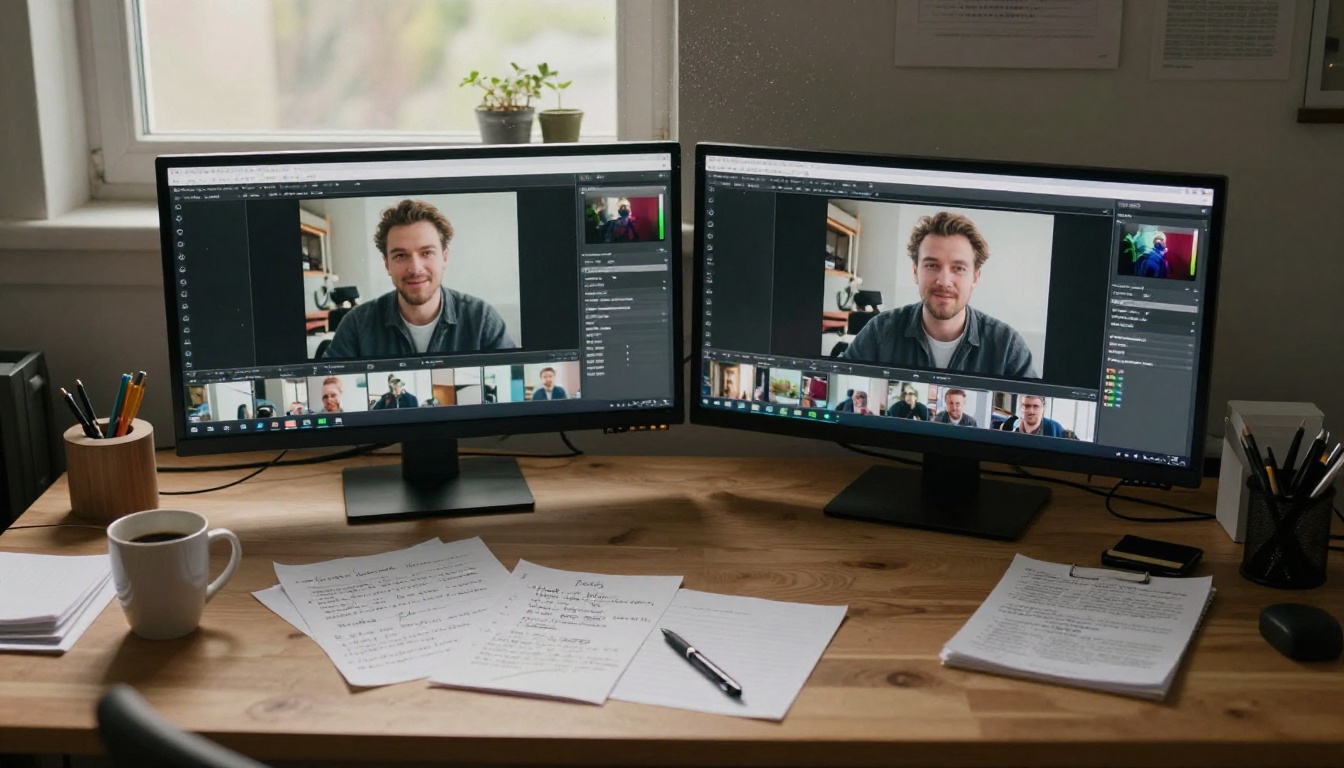
Motion smoothness is where the two models diverge most clearly. Seedance 2.0 produces exceptionally fluid human motion. If you are animating a portrait, a fashion photo, or any scene with a human subject in the foreground, Seedance 2.0 handles body mechanics, facial micro-expressions, and natural weight with more reliability than almost any competing model. Hair flow, clothing ripple, and hand gestures stay coherent across frames without the jitter or smearing that plagued older video diffusion models.
Veo 3.1 is competitive on human subjects but truly pulls ahead on environmental and physics-driven motion: ocean waves that crest and break correctly, fire that licks and spreads with natural behavior, rain that bounces off surfaces rather than floating in the frame. These are scenarios where Seedance 2.0 can produce visually beautiful results but occasionally introduces subtle temporal inconsistencies in fluid dynamics.
The difference matters most at the tail end of a clip. In the final two seconds of a 6-second generation, models tend to degrade. Seedance 2.0 holds character consistency better in this range. Veo 3.1 holds environmental consistency better. If your clip ends on a person's face, go with Seedance 2.0. If it ends on an ocean view or a landscape, Veo 3.1 is the safer pick.
💡 Tip: For social media content featuring people, Seedance 2.0's motion quality is the safer default. For cinematic establishing shots or nature footage animation, lean toward Veo 3.1.
Subject Consistency Frame to Frame
Temporal coherence is the technical term for how well a model keeps a subject looking the same across every frame of a generated video. This is one of the hardest problems in video diffusion, and both models have made serious strides here.
Seedance 2.0 handles faces particularly well. Animating a high-quality portrait photo and having the person's identity remain stable across a 6-second clip is something Seedance 2.0 does reliably. You rarely see the face drift or morph into a different-looking person as the seconds pass. This is critical for brand content, creator videos, or any use case where the source image represents a real person whose likeness needs to be preserved.
Veo 3.1 excels at maintaining consistency on non-human subjects: architecture, vehicles, animals, and complex multi-object scenes. For an animated architectural visualization or a product shot showcased in motion, Veo 3.1's scene-level consistency is noticeably stronger.

Built-In Audio
Audio generation was a defining differentiator when Seedance and Veo first shipped native sound synthesis. Both models now include it, but the implementation differs in ways that matter for production.
Seedance 2.0 and Sound
Seedance 2.0 generates audio as a first-class output alongside the video frames. The audio pipeline is trained jointly with the visual model, which means the sounds it generates are well-synchronized with on-screen action. A person walking across a wooden floor produces footstep sounds with correct timing. Rain in the frame produces rain sound with natural stereo placement. Crowds produce crowd noise that matches the apparent scale of the scene.
The model also responds to audio-specific language in text prompts. You can instruct it to include particular sounds as part of the generation, and it incorporates those with reasonable fidelity. This makes Seedance 2.0 particularly strong for social media content, short-form video, and any scenario where you want a polished output straight out of the model without post-production audio work.
One practical advantage: the ambient audio in Seedance 2.0 tends to feel more layered. Rather than producing a single dominant sound, it blends background elements into a more naturalistic soundscape. City street scenes get traffic, wind, and distant chatter. Forest scenes get birdsong, breeze, and rustling leaves.
Veo 3.1's Audio Approach
Veo 3.1 similarly generates audio natively, but with a different emphasis. Google trained the model to handle dialogue-forward audio more accurately. If your prompt includes a scene where a character is speaking, Veo 3.1's lip sync is tighter and the voice quality is more intelligible. For narrative content, explainer videos, or anything requiring a human voice as part of the output, Veo 3.1 delivers a more polished result.
Veo 3.1 also handles sound effects tied to physical events with high precision: a ball hitting a surface produces an impact sound with correct timing and frequency, not just a generic thud. This physical accuracy in audio mirrors the model's visual physics strengths.
💡 Tip: For dialogue-heavy content or character-narrated clips, use Veo 3.1. For immersive ambient scenes without dialogue, Seedance 2.0 often sounds more alive.
Resolution and Output
What You Actually Get
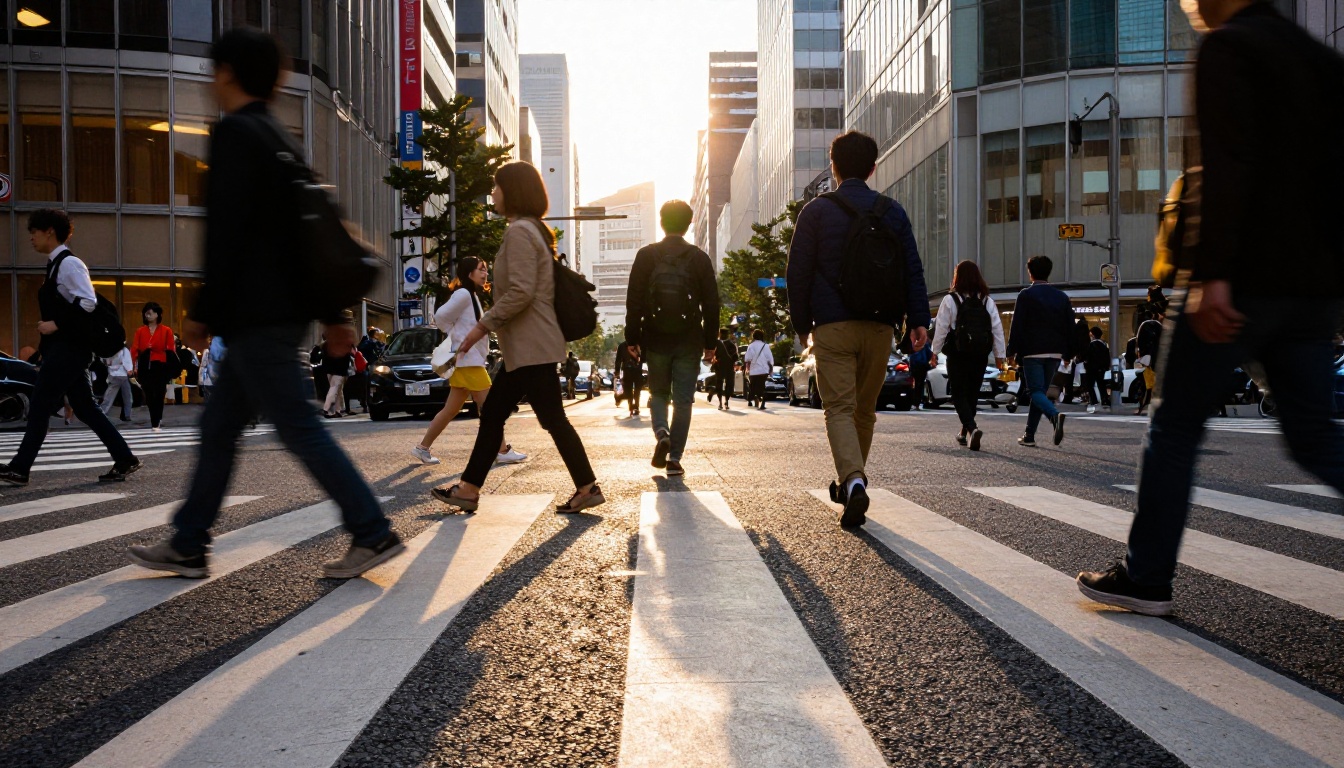
Both models output at up to 1080p, but the perceptual quality of that resolution differs. Veo 3.1's 1080p feels sharper and more textured in practice. The model applies a level of detail refinement in its final decoding pass that produces crisper edges, more distinct surface textures, and a generally more film-like look when viewed at full resolution.
Seedance 2.0's 1080p output is excellent but sits slightly softer in terms of fine detail. On smaller screens or compressed social media exports, this difference disappears entirely. On a 4K monitor or in professional review at full resolution, Veo 3.1's advantage in raw sharpness becomes visible.
Both models can also be paired with super-resolution post-processing if you need to push beyond 1080p for broadcast or large-screen delivery.
Speed vs. Quality Trade-Offs
Prompt Adherence
Complex Scene Following
How well a video model follows a detailed text prompt is one of the most practically important metrics for any production workflow. Prompts often contain multiple instructions: specify the camera movement, describe the lighting, define the subject action, set the mood. Failing to honor any one of these forces a new generation, which adds time and cost.
Veo 3.1 leads here. Google's world-model training gives it a stronger grasp of scene composition instructions. Camera movement prompts like "slow dolly in from a distance" or "low-angle pan left" are honored with noticeably more accuracy in Veo 3.1 than in Seedance 2.0. For directors who work with precise shot descriptions, this is a meaningful advantage that reduces wasted generations.
Seedance 2.0 is strong on prompt adherence for subject-level instructions: what a character does, how they move, their emotional expression. But it is less reliable at complex camera choreography. Its output tends to default to a relatively stable, forward-facing perspective unless you push very explicitly with specific camera language in the prompt.
Lighting instructions are another area where the gap shows. Prompting for "dramatic side lighting from the left" produces a more faithful result in Veo 3.1. Seedance 2.0 responds to broad lighting mood instructions but can miss specific directional lighting requests.
Character Fidelity from Image
This is Seedance 2.0's territory. When you feed in a reference image and ask the model to animate it, Seedance 2.0 preserves the original character's appearance with exceptional fidelity. The face, clothing, and overall aesthetic of the source image carry through into the animation without the model reinterpreting the look. This makes it the preferred tool for brand-consistent content, creator videos, and any scenario where you are animating an asset with a defined visual identity.
Veo 3.1 can drift slightly from the source image, particularly when generating dynamic motion. It prioritizes physical plausibility over visual consistency in some cases, which means a character's clothing might fold differently than it appears in the source photo, or the hair might behave in a way that looks physically correct but does not match the reference exactly. Not a deal-breaker for most work, but worth knowing before you commit to a workflow.
Full Head-to-Head Comparison
| Criterion | Seedance 2.0 | Veo 3.1 |
|---|
| Human motion quality | Excellent | Very Good |
| Physics and environment | Good | Excellent |
| Subject consistency | Excellent | Very Good |
| Scene-level consistency | Good | Excellent |
| Camera prompt adherence | Good | Excellent |
| Subject prompt adherence | Excellent | Good |
| Audio: ambient layers | Excellent | Very Good |
| Audio: dialogue sync | Good | Excellent |
| Output sharpness at 1080p | Very Good | Excellent |
| Image-to-video fidelity | Excellent | Good |
| Generation speed (full) | Medium | Slow |
| Fast variant available | Yes | Yes |
| Lite variant available | No | Yes |
Which Model for Which Job
For Social Media Creators
If you produce short-form content for Instagram Reels, TikTok, YouTube Shorts, or similar platforms, Seedance 2.0 is likely the better starting point. Here is the case for it:
- Character-forward content is the norm on these platforms, and Seedance 2.0 handles human animation better for person-centric source images.
- Built-in audio quality means you can often publish the raw output without a separate audio production step, saving hours per week on longer content schedules.
- Seedance 2.0 Fast gives you quick iteration for testing different animations of the same source image before committing to the full generation.
- The slight softness at 1080p is irrelevant once social compression kicks in at export.
For creators animating product photos, location shots, or landscape images rather than people, Veo 3.1 Fast delivers excellent results without the longer wait of the full Veo 3.1 pipeline.
Other image-to-video models worth considering on PicassoIA: Kling v3 Video for stylized cinematic motion and Wan 2.7 I2V for open-weight image animation with high visual consistency.
For Commercial and Film Work
Veo 3.1 is the professional's choice when output quality cannot be compromised. Advertising agencies, production houses, and filmmakers working on broadcast or theatrical content will find Veo 3.1's physics accuracy and cinematic sharpness worth the slower generation time and higher cost per generation.
Specific scenarios where Veo 3.1 wins at the professional level:
- Product visualization with realistic surface reflections and material physics
- Nature and wildlife animation where water, light, and environmental behavior must be believable
- Narrative content with spoken dialogue requiring tight lip sync
- High-resolution deliverables where frame-level detail matters on large screens
For iterating quickly on commercial concepts before committing to the full Veo 3.1 pipeline, Veo 3.1 Lite is the smart drafting tool. It gives you a representative look at the output without the full rendering cost. Once you have a prompt and image combination that works in Veo 3.1 Lite, running the full Veo 3.1 generation is a low-risk final step. You can also consider Sora 2 as a strong alternative in the premium tier, particularly for surreal or stylized footage with complex narrative motion.

Try Both and See the Difference
The most honest advice here is this: no benchmark replaces running your own image through both models. Output quality varies by prompt phrasing, source image composition, and the specific motion you are trying to generate. What Seedance 2.0 does beautifully with one portrait might not translate to every image. What Veo 3.1 nails on a landscape might fall short on a different scene type.
Both models are available to run directly on PicassoIA alongside the full ecosystem of video generation tools including Kling v3 Video, Sora 2, and Wan 2.7 I2V. You can switch between models mid-project, use fast variants for drafts and full models for finals, and run both on the same source image side by side to compare the outputs before committing.
Take any image from your library and run it through Seedance 2.0 Fast first for a quick baseline. Then try the same image and prompt in Veo 3.1 Fast. The difference in motion character, audio texture, and visual sharpness will immediately clarify which model fits your specific work. Both are genuinely impressive tools. The right one for you depends entirely on what you are making and who it is for.


