Picking the wrong AI video model costs time, money, and creative momentum. In 2027, the conversation has narrowed to two serious contenders for cinematic AI motion: Seedance 2.0 from ByteDance and Kling 3.0 from Kuaishou. Both generate impressive video from text and image prompts, but they solve different problems in entirely different ways. This breakdown cuts through the noise and tells you exactly which one belongs in your workflow.
Seedance 2.0 and Kling 3.0: What Each Does
The AI video space has matured fast. Gone are the days of jittery clips with warping faces and impossible physics. Both Seedance 2.0 and Kling 3.0 operate at a level of quality that would have seemed impossible 18 months ago. But quality is table stakes now. The real question is which model fits your specific use case.
What Seedance 2.0 Brings
Seedance 2.0 is ByteDance's flagship text-to-video model, and it ships with something no other leading model does natively: built-in synchronized audio. That is not a post-processing trick or a separate model call. The audio is generated alongside the video frames in a single pass, producing ambient sound, environmental audio, and in some cases musical underscores that actually match the motion on screen.
Beyond audio, Seedance 2.0 produces what most testers describe as highly realistic scene fidelity. Environments feel grounded. Physics behave predictably. Faces hold up through complex camera movements without the subtle warping that plagues lesser models. For naturalistic footage of people, cityscapes, or outdoor environments, Seedance 2.0 consistently produces results that feel found rather than generated.
There is also Seedance 2.0 Fast, a lighter version of the same architecture that trades some output quality for significantly reduced generation time. For rapid iteration and storyboard validation, it is exceptionally practical.
What Kling 3.0 Brings
Kling 3.0 is the third major generation of Kuaishou's video model line, and the jump from v2.x to v3.x is not incremental. Three distinct variants cover different production needs:
The defining characteristic of Kling 3.0 across all variants is motion control precision. Camera dolly moves, character limb tracking, object trajectory: all respond to explicit directorial prompts in ways that feel less like AI guessing and more like directing a trained virtual camera operator.
Motion Quality, Tested
This is where the comparison gets genuinely interesting, because both models excel, but at different aspects of motion. Testing both with identical prompts across a range of scene types reveals a consistent pattern.
Temporal Coherence in Practice
Temporal coherence is the technical term for how consistently objects and characters look from frame to frame. An incoherent clip shows a character whose shirt changes color between cuts, or a car that shifts shape mid-scene.
Seedance 2.0 performs exceptionally here with naturalistic scenes: people walking through markets, cars on roads, weather events, and environmental footage. The model has clearly been trained on a massive corpus of real-world video and has internalized the physics of how things actually move. Object consistency through the full generation window is among the best available.
Kling 3.0 matches or exceeds Seedance 2.0 in controlled, character-driven scenes, particularly for longer clips where the motion needs to stay coherent over a full 10-second generation window. For cinematic storytelling with specific characters in specific environments, Kling's frame consistency is difficult to beat.
Camera Movement Handling
Point both models at a prompt calling for a slow dolly-in on a subject against a blurred background, and you will see the philosophical difference immediately.
Seedance 2.0 interprets camera movement impressionistically. The result often looks beautiful, sometimes more beautiful than what you literally asked for. But if you need a specific camera trajectory for a brand spot or film sequence, you may not get it.
Kling v3 Motion Control takes camera movement literally. Feed it a directorial prompt with specific movement language and it delivers. Orbital shots, crane movements, rack focuses: all respond with a precision that makes it feel like a proper cinematography tool rather than a generative art toy. For directors and cinematographers who have switched from traditional production to AI-assisted filmmaking, this is the model that speaks their language.
Audio and Native Sound
Audio is the single biggest differentiator between Seedance 2.0 and every other leading video model on the market right now, including Kling 3.0.
Seedance 2.0's Built-In Audio
The Seedance 2.0 audio system does not just slap ambient sound onto finished frames. It generates sound that is genuinely synchronized: footsteps that land when feet touch the ground, ambient crowd sounds that rise and fall with scene energy, musical tones that shift with the visual rhythm. For content creators who need ready-to-publish short clips, this collapses an entire post-production step into the generation itself.
💡 Tip: Describe the audio environment explicitly in your Seedance 2.0 prompt. "Busy city street with distant traffic, light wind, and echoing footsteps" produces dramatically better audio output than generic prompts. The more specific your sound environment description, the tighter the synchronization.
The Seedance 1.5 Pro model also carries audio sync capabilities and remains a solid choice for users who want reliable, slightly faster generation with solid sound output. It is a strong fallback option when Seedance 2.0 queues are long.
Kling 3.0 on Sound
Kling v3 Video and its variants produce silent video clips. For many professional workflows, this is completely acceptable because audio is added in post anyway. Editors working in DaVinci Resolve, Adobe Premiere, or Final Cut Pro will have full control over their audio design, which is often preferable for high-end productions. But for creators who need one-step video-with-sound output, Kling requires an extra step.
Speed and Output Specs
Generation speed matters when you are iterating on 20 variations of a clip or running a production batch. The two model families land in different positions on the speed-quality curve.
Generation Time Compared
| Model | Approx. Time | Max Resolution | Native Audio |
|---|
| Seedance 2.0 | 3-5 minutes | 1080p | Yes |
| Seedance 2.0 Fast | 60-90 seconds | 720p | Yes |
| Kling v3 Video | 2-4 minutes | 1080p | No |
| Kling v3 Motion Control | 3-5 minutes | 1080p | No |
| Kling v3 Omni Video | 2-4 minutes | 1080p | No |
Times are approximate and vary based on platform load and prompt complexity.
Seedance 2.0 Fast is the speed winner overall. It is genuinely rapid for storyboard-level work and still produces quality that beats many slower competitors. For concept validation before committing to a full-quality generation, it is the right starting point.
Resolution Ceiling
Both model families top out at 1080p. For social media, short-form video, and most web distribution contexts, this is more than enough. Neither model currently offers 4K native output. For projects that require 4K delivery, dedicated upscaling models like LTX 2 Pro can extend outputs in a second-step workflow while preserving the detail from the source generation.
Where Each Model Wins
After extensive testing across dozens of prompt types and use cases, the strengths of each model settle into clear categories.
Where Kling 3.0 Wins
For users who need to direct AI video like a cinematographer rather than prompt it like a search engine, Kling 3.0 is the stronger tool. Kling v3 Motion Control specifically supports camera path specifications that translate directly into output motion. This matters enormously for:
- Brand video production where camera moves reinforce brand identity
- Short films with a specific cinematographic vision
- Product showcases that require deliberate perspective control
- Music video aesthetics where rhythm and camera movement must align
Beyond camera work, Kling 3.0 handles complex character motion significantly better. Scenes involving multiple interacting characters, intricate hand articulation, and sports or dance sequences resolve more cleanly under Kling v3 Omni Video. If your content is character-driven and requires predictable anatomical accuracy through the full clip duration, Kling is the safer bet.
Where Seedance 2.0 Wins
For naturalistic footage, environments that feel like real documentary filmmaking, or any scenario where the output needs to look like a camera captured actual reality, Seedance 2.0 is ahead. Landscapes, urban environments, crowds, and weather phenomena all render with a physical accuracy that feels observed rather than synthesized.
And then there is the audio. No other leading model does what Seedance 2.0 does with synchronized sound generation. For social creators, marketers, and anyone distributing on platforms where silent video is a disadvantage, this feature alone can justify choosing Seedance over any competitor.
💡 Tip: For social platforms like Instagram Reels or TikTok, Seedance 2.0's native audio output reduces your edit-to-publish timeline dramatically. You are getting a complete media file instead of a silent clip that still needs a full audio design pass.
Full Comparison Table
| Feature | Seedance 2.0 | Kling 3.0 |
|---|
| Native Audio | Yes, synchronized | No |
| Max Resolution | 1080p | 1080p |
| Motion Control | Impressionistic | Precise |
| Character Animation | Good | Excellent |
| Scene Realism | Excellent | Very Good |
| Temporal Coherence | Very Good | Excellent |
| Prompt Adherence | High | Very High |
| Fast Variant | Yes (Seedance 2.0 Fast) | No |
| Camera Path Control | Limited | Full |
| Generation Speed | 3-5 min | 2-4 min |
| Best For | Social content, realism, audio | Cinematography, characters, direction |
The right choice comes down to one question: do you need audio and photorealism, or do you need precision motion control and character accuracy? Answer that and the model selects itself.
How to Use Seedance 2.0 on PicassoIA
PicassoIA hosts both Seedance 2.0 and Seedance 2.0 Fast directly, no external accounts or API keys required. The workflow is fast enough to integrate into a daily content production cycle.
Step-by-Step Walkthrough
Step 1 — Go to the model page: Navigate to Seedance 2.0 on PicassoIA. No account setup beyond PicassoIA login is required.
Step 2 — Write your prompt: Describe the scene, subjects, camera movement, and audio environment in detail. Specificity in the audio description directly improves sound synchronization.
Step 3 — Choose your mode: Full Seedance 2.0 for maximum quality and audio fidelity, or Seedance 2.0 Fast for rapid storyboard iteration.
Step 4 — Set duration: Choose between 5-second and 10-second output depending on your platform and distribution needs.
Step 5 — Generate and review: The model returns a complete video with audio. Review the clip and refine your prompt if the motion or audio does not match intent.
Step 6 — Download or share: Export the final clip directly for distribution across any platform.
Tips for Better Results
- Describe motion explicitly: "Camera slowly pulls back from a close-up on the subject's face to reveal the full street scene" will outperform "dramatic reveal shot" every time.
- Layer your audio cues: Include ambient, foreground, and background sound descriptions to get richer synchronized audio output.
- Use Seedance 2.0 Fast first: Validate your scene concept in 90 seconds before committing to a full-quality generation run.
- Reference lighting direction: "Warm golden hour light from the left, long shadow cast to the right" dramatically improves scene realism and color consistency through the clip.
- Avoid overcrowding your prompt: One clear scene with specific detail outperforms a prompt that tries to pack multiple scene changes into a single generation.
Try Both Right Now on PicassoIA
The Seedance and Kling families are not the only high-quality options available on the platform. Depending on your specific workflow, these models are also worth testing:
- Kling v2.6: The previous-generation Kling model, still excellent for general cinematic generation with competitive speed
- Kling v2.1 Master: Strong 1080p output with solid prompt adherence for narrative-driven clips
- Kling v1.5 Pro: High-resolution output for projects with lighter credit requirements
- PicassoIA Video: The platform's free unlimited video generator, ideal for rapid concept prototyping before committing to a premium model
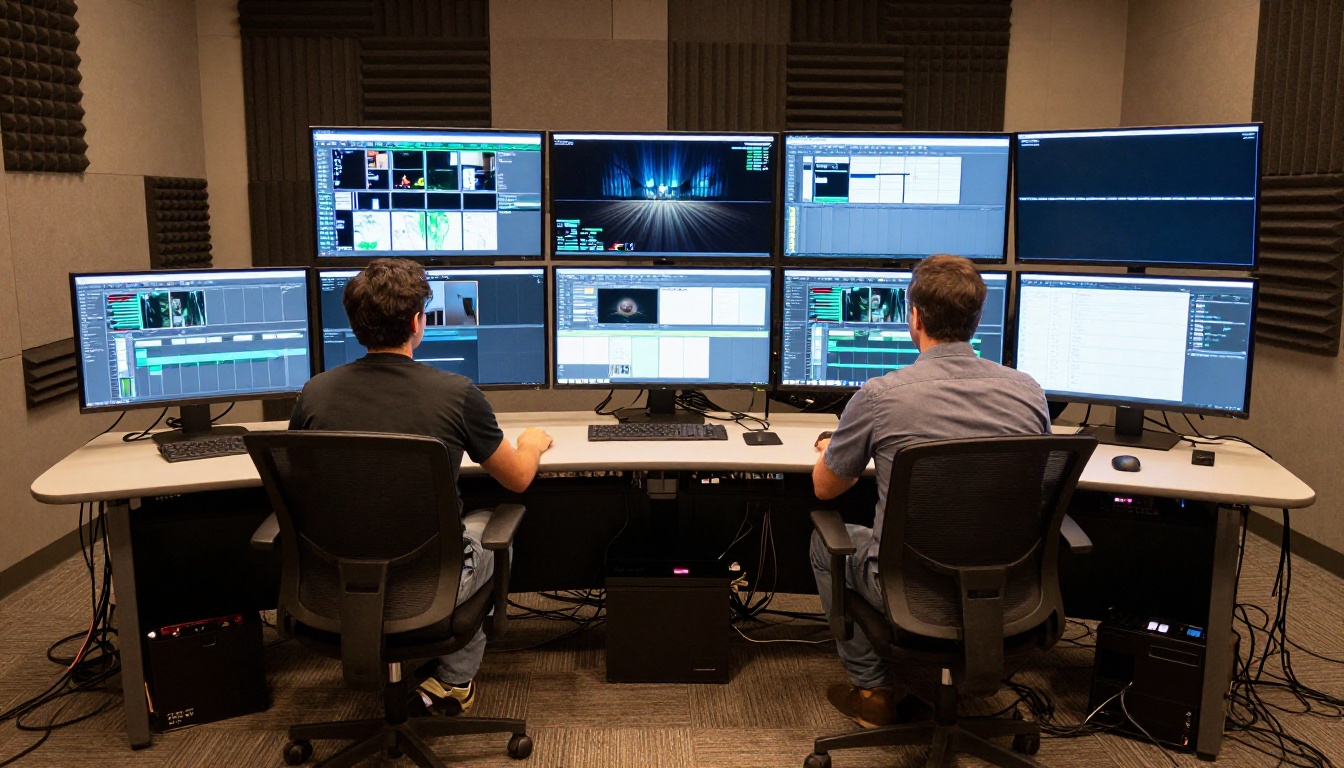
The full text-to-video library on PicassoIA spans 100+ models, covering everything from rapid-fire social content to polished broadcast-ready production. Stop theorizing about which model is better and start generating.
If your project demands audio, realism, and social-ready output, head to Seedance 2.0.
If your project demands precision motion, character animation, and cinematographic control, head to Kling v3 Video or Kling v3 Motion Control.
Both are live on PicassoIA right now. Run the same prompt through each and let the output make the decision for you. That is the only test that actually matters.