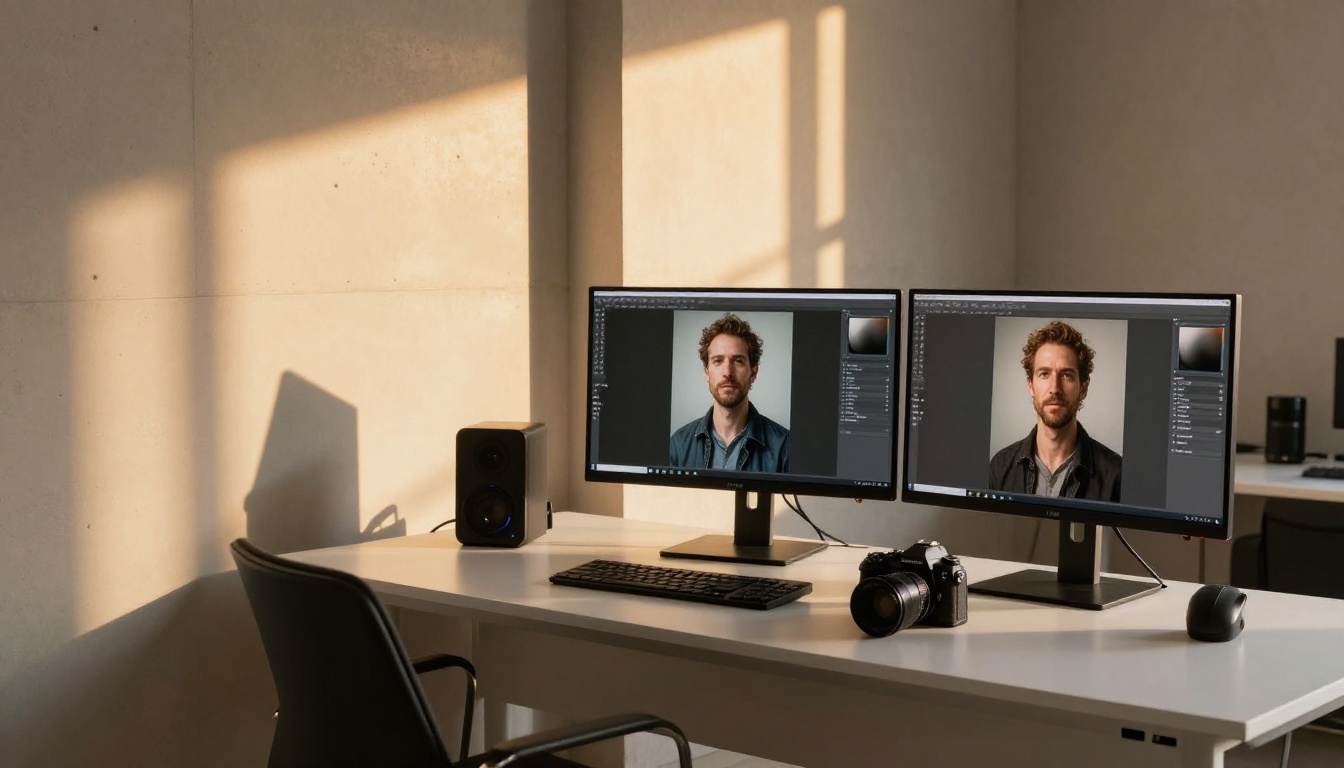
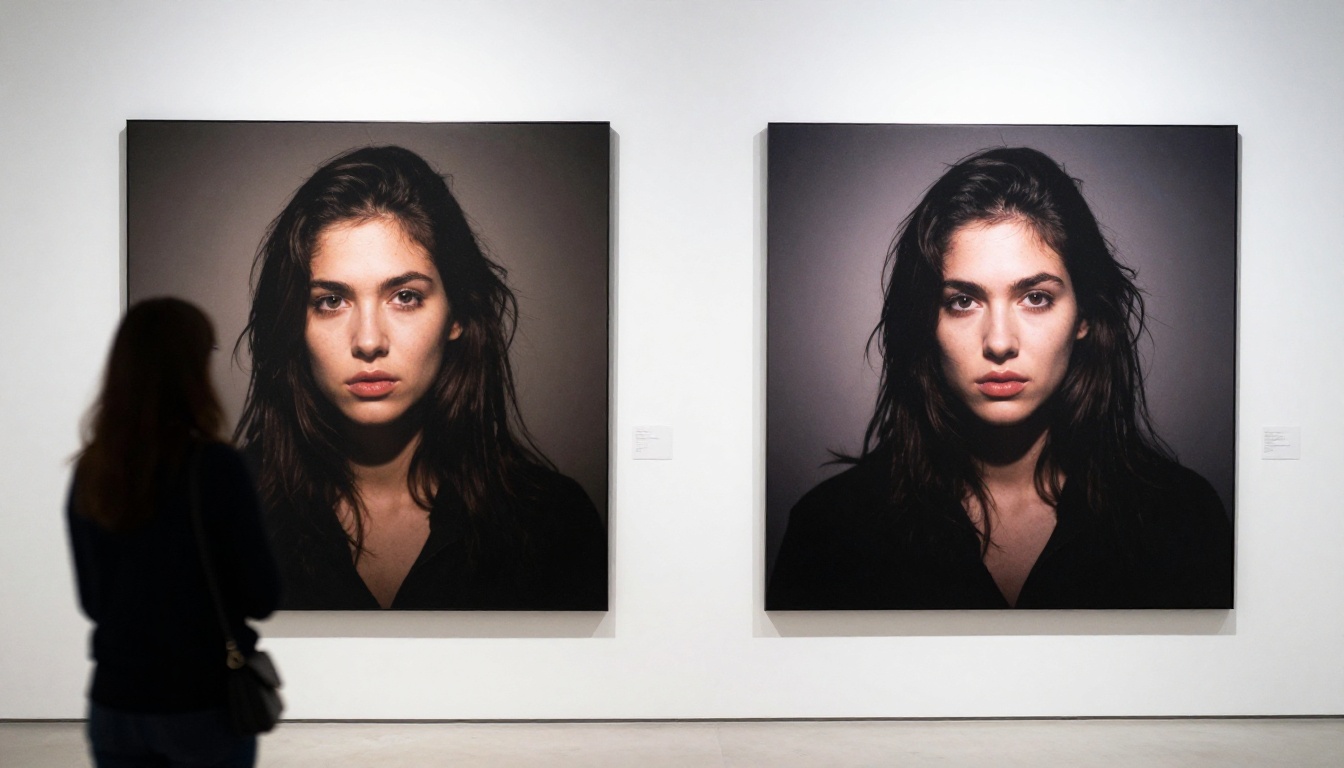
You have two tabs open. One says Seedream 5.0, the other says FLUX.2 Max. Both are claiming the title of best AI image generator in 2027. Both have benchmark posts, side-by-side comparisons, and passionate communities defending their choice. Neither side is entirely wrong, and that is exactly the problem with most coverage of this debate.
The real story is far more useful: Seedream 5.0 and FLUX.2 Max were built on different priorities. One was optimized for photorealistic human subjects and cinematic warmth. The other was engineered for precision, prompt fidelity, and commercial accuracy. That distinction tells you which tool belongs in your workflow, and when. This breakdown covers image quality, speed, prompt handling, practical use cases, and how to access both models directly on PicassoIA without managing separate API accounts.
The Two Contenders
Seedream 5.0 in Plain Terms
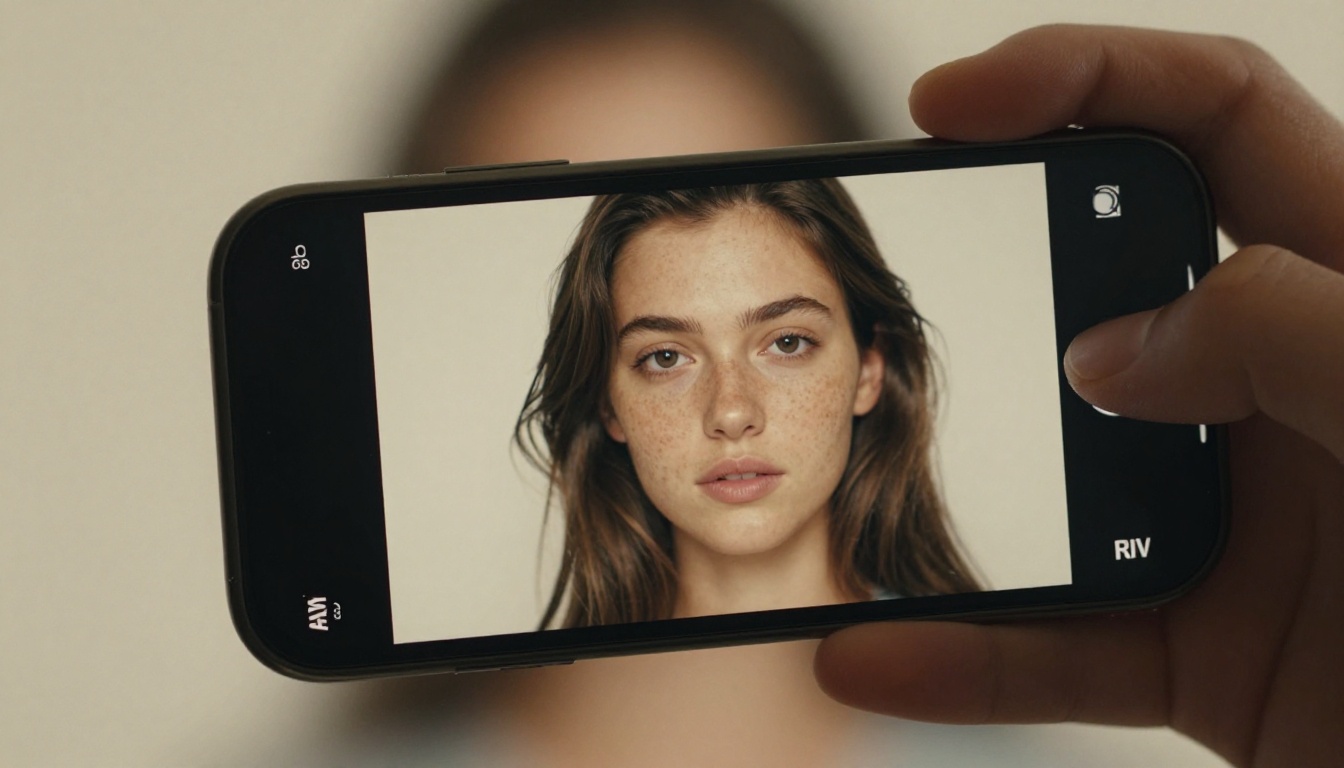
Seedream 5.0, developed by the KwaiKolors team at ByteDance, is the fifth generation of a model family built around one obsession: photorealistic human subjects. From skin pore texture to the micro-catchlights in eyes, the model was trained on a dataset weighted heavily toward portrait and lifestyle photography. Version 5.0 introduced a new attention mechanism that significantly reduced the "AI smoothness" artifact seen in earlier versions, giving faces natural imperfections, realistic subsurface scattering, and believable fabric textures.
Beyond portraits, Seedream 5.0 handles environmental shots with a cinematic warmth that earlier versions lacked. Street photography, product stills, and editorial-style compositions are all areas where the model consistently outperforms expectations. The film grain aesthetic it defaults to is difficult to replicate through post-processing in other models, making it a favorite for creatives who want outputs that feel photographed rather than generated.
FLUX.2 Max in Plain Terms
FLUX.2 Max is Black Forest Labs' latest flagship, and it is engineered from the ground up for precision. Where Seedream leans into aesthetic warmth, FLUX.2 Max leans into accuracy. Prompt adherence scores for FLUX.2 Max are among the highest of any publicly available model, meaning when you describe a scene with specific objects, spatial relationships, and lighting conditions, the model renders them faithfully rather than interpreting them freely.
FLUX.2 Max also introduced improved typography rendering. This sounds niche but matters enormously for commercial work: logos, signage, book covers, and social media assets all benefit from a model that can place legible text inside an image without hallucinating letters or scrambling spacing. It is the single strongest publicly available model for this capability as of mid-2025.

Training Philosophy and Architecture
Every difference in output traces back to training decisions. Knowing how each model was built explains why they behave the way they do on real prompts.
How Seedream 5.0 Was Built
The KwaiKolors team approached Seedream 5.0 with a dataset strategy centered on high-quality human photography. The training corpus was curated to emphasize natural lighting conditions, portrait photography, and lifestyle imagery captured with real camera equipment. The result is a model that has internalized the visual language of documentary and editorial photography rather than synthetic or studio-rendered imagery.
Version 5.0 specifically addressed the "AI polish" problem that plagued earlier generations: previous Seedream versions produced skin that was too smooth, hair too uniform, and surfaces lacking realistic randomness. The v5.0 update distributes texture variation across surfaces in a way that mirrors how real camera sensors record physical material, adding controlled imperfection that reads as authentic.
How FLUX.2 Max Was Built
Black Forest Labs built the FLUX family on a rectified flow transformer architecture that differs from the U-Net foundation used in many earlier diffusion models. FLUX.2 Max takes this architecture to its highest parameter count in the series, with additional training focused on two specific capabilities: spatial accuracy and text rendering.
The model was trained with a higher proportion of images containing explicit compositional instructions: object A positioned to the left of object B, shadow falling in a defined direction, subject occupying a specific fraction of the frame. This is what gives FLUX.2 Max its characteristic prompt fidelity. When your description is precise, the output matches it with a consistency few models can approach.
Feature Comparison at a Glance
| Category | Seedream 5.0 | FLUX.2 Max |
|---|
| Primary Strength | Photorealistic humans, portraits | Prompt accuracy, text rendering |
| Color Profile | Warm, cinematic, film-inspired | Neutral, accurate, cooler tones |
| Inference Speed | Fast, optimized for batch work | Moderate, heavier architecture |
| Text in Images | Limited, prone to distortion | Strong, most reliable available |
| Negative Prompts | Moderate effect | High, tightly applied |
| Best Format | Portrait, editorial, lifestyle | Product, infographic, architectural |
| Aspect Ratio Flexibility | Full range | Full range |
| Hand Anatomy | Improved but not perfect | Improved but not perfect |
| Community Models Available | Growing | Large established ecosystem |
💡 Neither model is objectively superior. The real question is which one fits your specific use case. Read the category breakdowns below before deciding.
Image Quality Put to the Test
Portrait and Human Detail
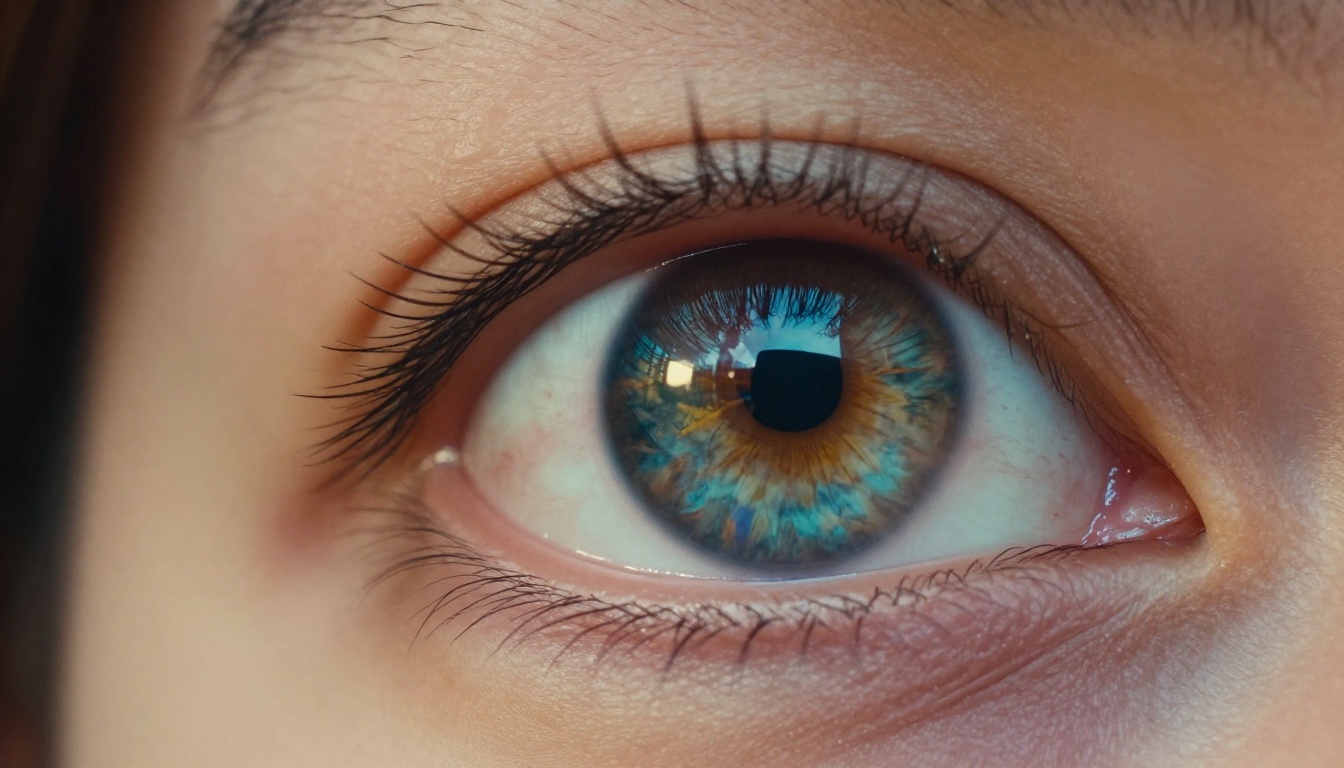
Seedream 5.0 wins this category outright. The model's emphasis on human subjects is visible immediately: skin texture has pore-level variation, hair strands catch light individually, and eye detail includes the subtle asymmetries that make a portrait feel real rather than rendered. Wrinkles, freckles, birthmarks, and natural skin tone gradients all appear with a frequency and accuracy that FLUX.2 Max struggles to match consistently.
FLUX.2 Max produces clean, attractive portraits, but they tend toward a polished, editorial-magazine aesthetic rather than documentary realism. For campaigns where stylized beauty imagery is the goal, FLUX.2 Max is competitive. For anything trying to pass as authentic photography, Seedream 5.0 holds a clear advantage.
Landscape and Architecture
FLUX.2 Max performs strongly in structured scenes. Buildings with clean geometry, urban streetscapes, and interior architecture all benefit from the model's tendency toward spatial accuracy. Perspective lines are straight, surfaces carry correct material properties (glass reflects realistically, concrete has proper matte diffuse quality), and lighting behaves in a physically plausible way.
Seedream 5.0 produces equally beautiful landscapes but with a looser interpretation. Distant mountains might carry more atmosphere and mood, but a precise architectural render requesting a specific camera angle with a defined shadow line will be executed more faithfully by FLUX.2 Max.
Abstract and Commercial Work
For product photography mockups, packaging designs, and infographic-adjacent images, FLUX.2 Max is the clearer choice. The improved text rendering alone makes it valuable for any commercial use case where words need to appear in the generated image. Seedream 5.0 often distorts or hallucinates typography, creating downstream cleanup work that negates the speed advantage.

Speed and Workflow
How Fast Is Each One?
Seedream 5.0 was built with production throughput in mind. At standard quality settings, generation times are competitive with lighter models, and the architecture scales well across batch operations. For teams generating dozens of image variants daily, Seedream 5.0's design makes it the more practical choice in a tightly scheduled pipeline.
FLUX.2 Max trades some speed for quality in its Max configuration. It is not slow, but the heavier architecture means individual generations take slightly longer and cost more GPU credits per image. For one-off hero images where quality is paramount, the tradeoff is worthwhile. For high-volume production work, the cost accumulates quickly.
API Reliability and Seed Consistency
Both models score well for reliability. FLUX.2 Max benefits from Black Forest Labs' mature API infrastructure, with low variance between runs given the same prompt and seed. Seedream 5.0 has slightly higher variance in some edge cases but remains reliable for most production use.
Seed-locking works effectively in both models, which is important for iterative work where you want to refine a prompt while keeping the core composition stable. If you find an output you like, locking the seed and adjusting specific prompt terms is a productive iteration pattern in both models.

Prompt Control and Accuracy
Complex Multi-Subject Prompts
Write a prompt describing two people at a café table with specific clothing, a specific time of day, and a defined emotional interaction. FLUX.2 Max will deliver all those elements with high fidelity. Seedream 5.0 will often get the mood right while interpreting specific spatial or relational instructions more loosely.
For creative directors who write highly specific prompts and need exact execution, FLUX.2 Max reduces iteration cycles. For creatives who prefer to write evocative, atmospheric prompts and let the model interpret freely, Seedream 5.0's flexibility becomes an asset rather than a liability.
Negative Prompts and Exclusions
FLUX.2 Max responds more strongly to negative prompts. When you specify what you do not want in an image, the model excludes it reliably. This matters for commercial projects with specific client guardrails: no visible text, no extra limbs, no branded elements in the background.
Seedream 5.0 acknowledges negative prompts but applies them less rigorously. Work requiring tight control over excluded elements may need extra iteration rounds with Seedream versus a single well-crafted negative prompt in FLUX.2 Max.
💡 Tip: When using FLUX.2 Max, invest time in your negative prompts. A well-structured exclusion list cuts iteration count significantly compared to leaving it empty.
Known Weaknesses Worth Knowing
Every model has failure modes. Knowing them before you commit a project saves iteration time.
Where Seedream 5.0 Struggles
Seedream 5.0 can produce incorrect hand anatomy when prompts involve complex full-body poses, particularly with multiple people interacting physically. This is a persistent issue across many portrait-focused models. Prompts specifying detailed hand positions may need several generation attempts to produce usable results.
Typography is the second persistent limitation. Any prompt asking for legible words inside the image will produce results requiring post-processing or cleanup. For creative work where embedded text is non-negotiable, treat Seedream 5.0 outputs as a compositional base and add final text in a separate design step.
Where FLUX.2 Max Struggles
FLUX.2 Max's precision works against it when prompts are vague or evocative. Where Seedream 5.0 interprets "a moody winter morning" with atmospheric judgment, FLUX.2 Max produces a more literal, sometimes emotionally flat interpretation. Creative, mood-driven prompts often need more explicit specification in FLUX.2 Max to achieve the intended atmosphere.
The model's strong response to negative prompts also introduces a risk: incomplete negative prompt lists can inadvertently exclude elements you wanted. A negative prompt containing "no people" will be applied aggressively, where the same instruction in Seedream 5.0 might allow a blurred figure in the background that adds useful context.

Where Each One Wins
Pick Seedream 5.0 When...
- Your work centers on human subjects: portraits, lifestyle, fashion, editorial photography
- You need emotional warmth in images: the film grain aesthetic, natural skin tones, and soft lighting that Seedream 5.0 defaults to are difficult to replicate elsewhere
- You are running high-volume batches: faster inference time and lower per-image cost make it more economical at scale
- Your prompts are atmospheric rather than technical: describe a feeling and Seedream 5.0 renders it convincingly
- You want outputs that look like they came from a 35mm film camera, not a render pipeline
Pick FLUX.2 Max When...
- Your work requires precise spatial control: specific object placement, accurate architectural rendering, product mockups
- You need text inside images: currently the strongest publicly available model for this capability
- Your client brief has strict exclusions: complex negative prompts are followed reliably
- You are building commercial assets where prompt-to-output fidelity reduces revision rounds
- You want consistent, reproducible results across a design system using locked seeds
Using Both on PicassoIA
PicassoIA gives you access to both Seedream 5.0 and FLUX.2 Max without separate API accounts, model setups, or local GPU infrastructure. The platform currently hosts over 90 text-to-image models accessible through a unified interface, making it straightforward to route different project types to the right model.
Working With Seedream 5.0
- Go to PicassoIA Text-to-Image and search for Seedream 5.0
- Write descriptive, atmospheric prompts: "35mm photographic portrait, warm afternoon window light, natural freckled skin, linen shirt texture, shallow depth of field"
- Set aspect ratio to 16:9 for editorial or 4:3 for traditional portrait
- Use minimal negative prompts and let the model interpret freely
- Once you find an output you like, lock the seed and iterate on specific prompt details
Working With FLUX.2 Max
- Select FLUX.2 Max from the text-to-image collection
- Structure your prompt with specificity: subject + environment + lighting direction + camera specs + material textures
- Build a negative prompt list: "no extra fingers, no visible text, no CGI sheen, no cartoon"
- Lock your seed for reproducible iterations across prompt variants
- For any output you want sharper or larger, run it through P Image Upscale or Crystal Upscaler without leaving the platform
💡 Pro move: Run the same prompt through both models on PicassoIA and compare outputs side by side. The platform's multi-model access makes this a two-click workflow rather than managing two separate accounts and API keys.

The Verdict
Seedream 5.0 is the better photorealist. If a human being needs to look real, alive, and textured in your image, Seedream 5.0 produces that result faster, more consistently, and with less prompt engineering overhead.
FLUX.2 Max is the better precision instrument. If your image needs specific content executed faithfully, text embedded cleanly, or exclusions honored tightly, FLUX.2 Max reduces iteration and delivers commercial-ready outputs more consistently.
The practical answer for most serious users: both. Running both models through a platform like PicassoIA costs no additional setup time and lets you route each project to the model that best fits its requirements.
| Task | Recommended Model |
|---|
| Portrait photography | Seedream 5.0 |
| Product mockup | FLUX.2 Max |
| Fashion editorial | Seedream 5.0 |
| Architectural visualization | FLUX.2 Max |
| Social media lifestyle content | Seedream 5.0 |
| Book cover with embedded text | FLUX.2 Max |
| Documentary-style scene | Seedream 5.0 |
| Infographic-style image | FLUX.2 Max |
Start Generating
The fastest way to form your own opinion is to use both models on prompts from your actual work. Benchmarks describe averages. Your specific visual style, prompt habits, and project requirements may produce different relative results than any published test.
PicassoIA gives you access to Seedream 5.0, FLUX.2 Max, and over 90 other text-to-image models from one interface, no GPU setup or API key management required. Start with a prompt you already know well and run it through both models. The differences in output will tell you more in 30 seconds than any comparison article.
Browse the full model library at picassoia.com/en/all-models and run your first generation.