Seedream 5 Lite has quietly become one of the more interesting releases in the text-to-image space this year. While the full Seedream 5 model gets most of the attention, the Lite variant is doing something harder: delivering competitive image quality at a fraction of the compute cost. If you've been watching AI image generation develop, this model is worth a close look.
ByteDance built the Seedream series as part of their push into generative media, and the Lite version strips the architecture down to what actually matters for most use cases. Portraits, product shots, and scene composition without the overhead that comes with the full model. The tradeoff is real but smaller than you'd expect.
What Seedream 5 Lite Actually Does
Seedream 5 Lite is a diffusion-based text-to-image model optimized for speed and resource efficiency without completely abandoning the quality ceiling of its larger sibling. It processes prompts using a compressed latent space and a reduced transformer stack, which means generations complete faster and require less GPU memory.
The practical outcome: you get usable, often impressive images in roughly half the generation time compared to the full Seedream 5. For workflows that require volume, iteration, or real-time preview, that difference adds up quickly.
Speed Without Sacrificing Quality
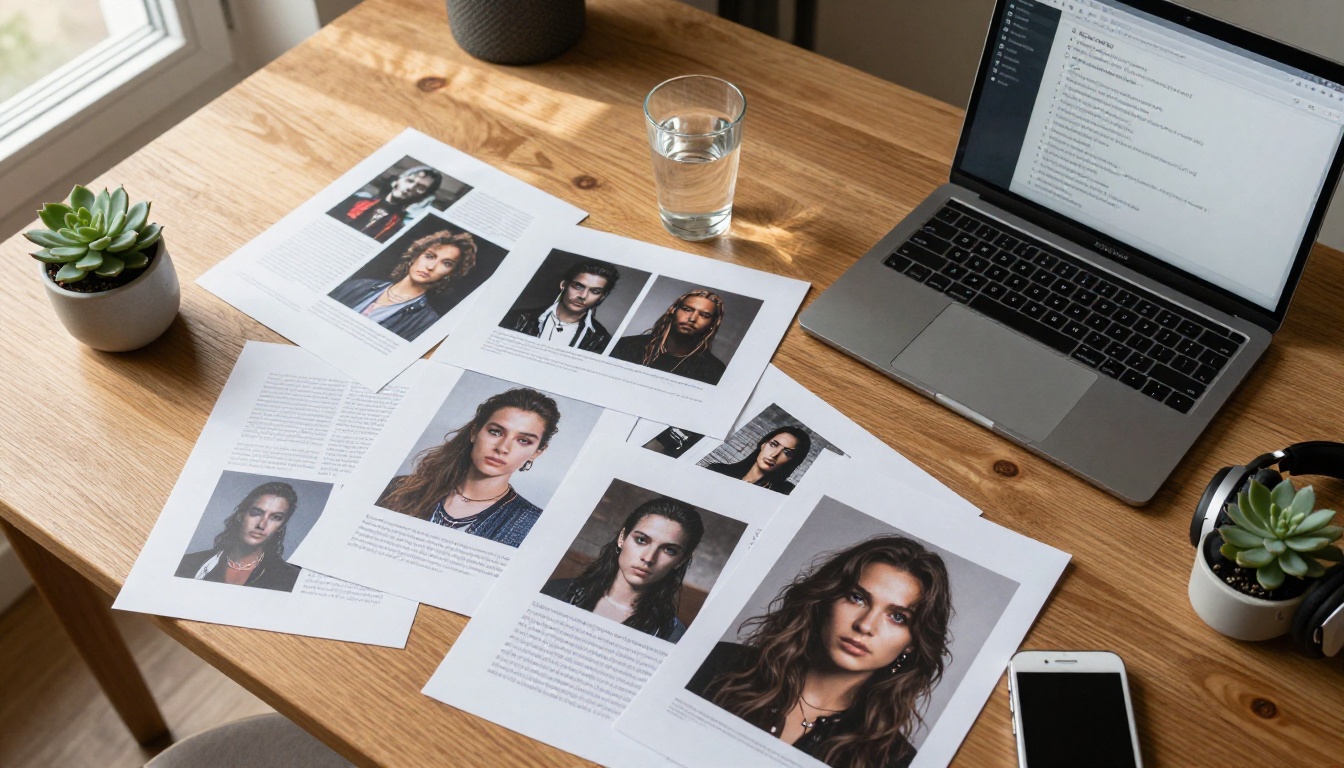
Benchmark comparisons across the Seedream family show that the Lite model hits roughly 85-90% of the full model's quality score on photorealism tasks while running at 1.8x to 2.2x the speed. For portrait generation, close-up detail work, and single-subject scenes, the gap between Lite and full barely shows.
Where speed matters most is in iterative prompting. You're not going to nail a complex scene on the first try. With Seedream 5 Lite, you can run 8-10 variations in the time it takes the full model to complete 3-4. That iteration speed is genuinely useful for any production workflow.
💡 Tip: For portraits and beauty shots, Seedream 5 Lite performs almost identically to the full model. Save the heavier model for complex multi-subject scenes or highly detailed architectural backgrounds.
Lite vs Full Model, What You Give Up
The differences between Seedream 5 Lite and the full Seedream 5 are most visible in specific scenarios:
| Feature | Seedream 5 Lite | Seedream 5 Full |
|---|
| Generation Speed | ~1.8-2.2x faster | Baseline |
| Portrait Quality | 88-93% parity | Best-in-class |
| Complex Backgrounds | Slight softness | Highly detailed |
| Multi-subject Scenes | Occasional anatomy errors | More stable |
| Text in Images | Limited | Improved |
| Memory Usage | ~40% lower | High |
The clearest performance drop shows up in dense background environments. A subject standing in a detailed forest or busy street scene will look slightly softer in the background with Seedream 5 Lite compared to the full version. For isolated subjects against simple or blurred backgrounds, the difference is negligible.
Image Quality Tested
Running Seedream 5 Lite through a standard battery of prompts reveals a model with genuine strengths and specific weaknesses that are worth knowing before you rely on it for production work.
Photorealism and Skin Rendering
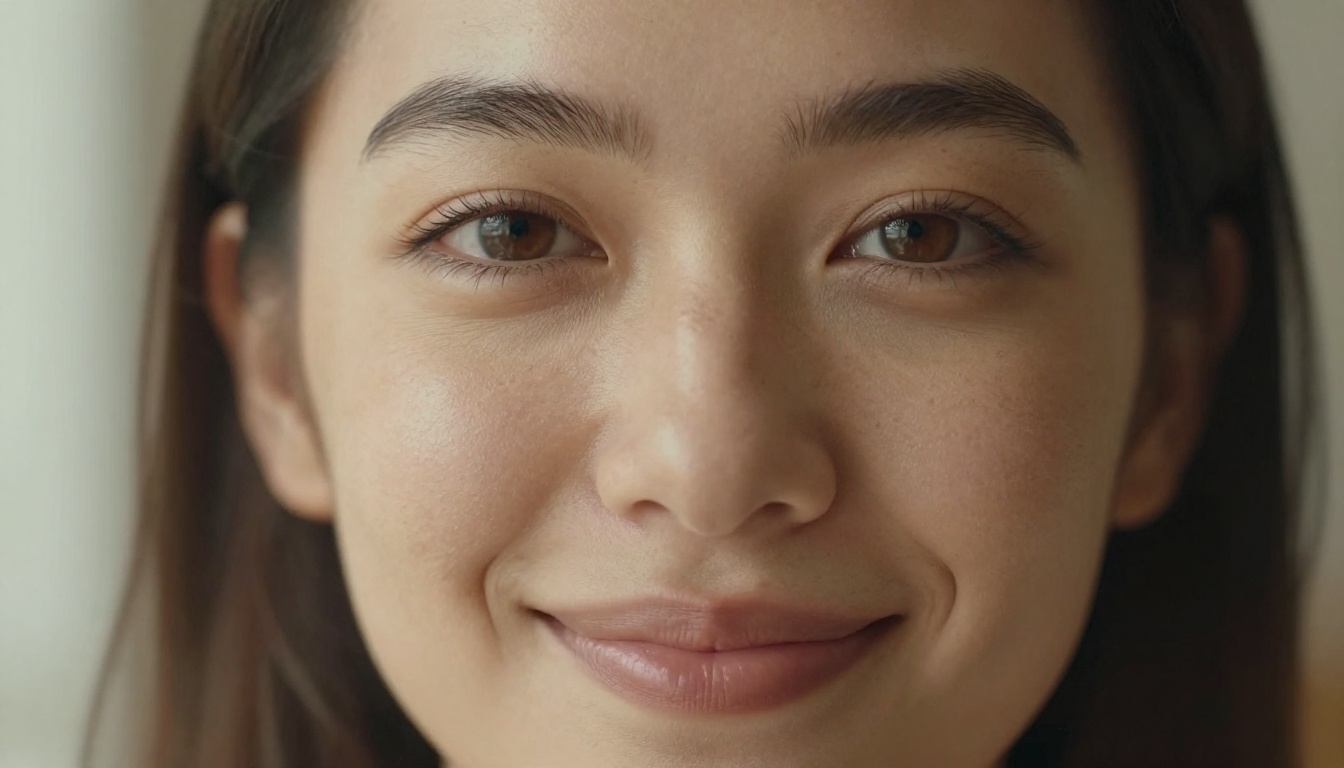
Skin rendering is where Seedream 5 Lite genuinely impresses. The model handles subsurface scattering, pore texture, and natural sebum highlights in a way that holds up under close inspection. A well-prompted portrait with directional lighting instructions will produce skin that looks photographed, not rendered.
The model responds well to lighting direction prompts. Specifying "Rembrandt lighting from upper left" or "volumetric window light from the right" produces measurably different and accurate results. This sensitivity to lighting language puts Seedream 5 Lite ahead of older architecture models like early SDXL releases that often flattened lighting regardless of prompt instruction.
Hair detail is another strong point. Fine hair strands, flyaways, and hair catching light are rendered with realistic randomness rather than the overly perfect, plastic-looking hair that plagued earlier diffusion models.
Where the Model Struggles
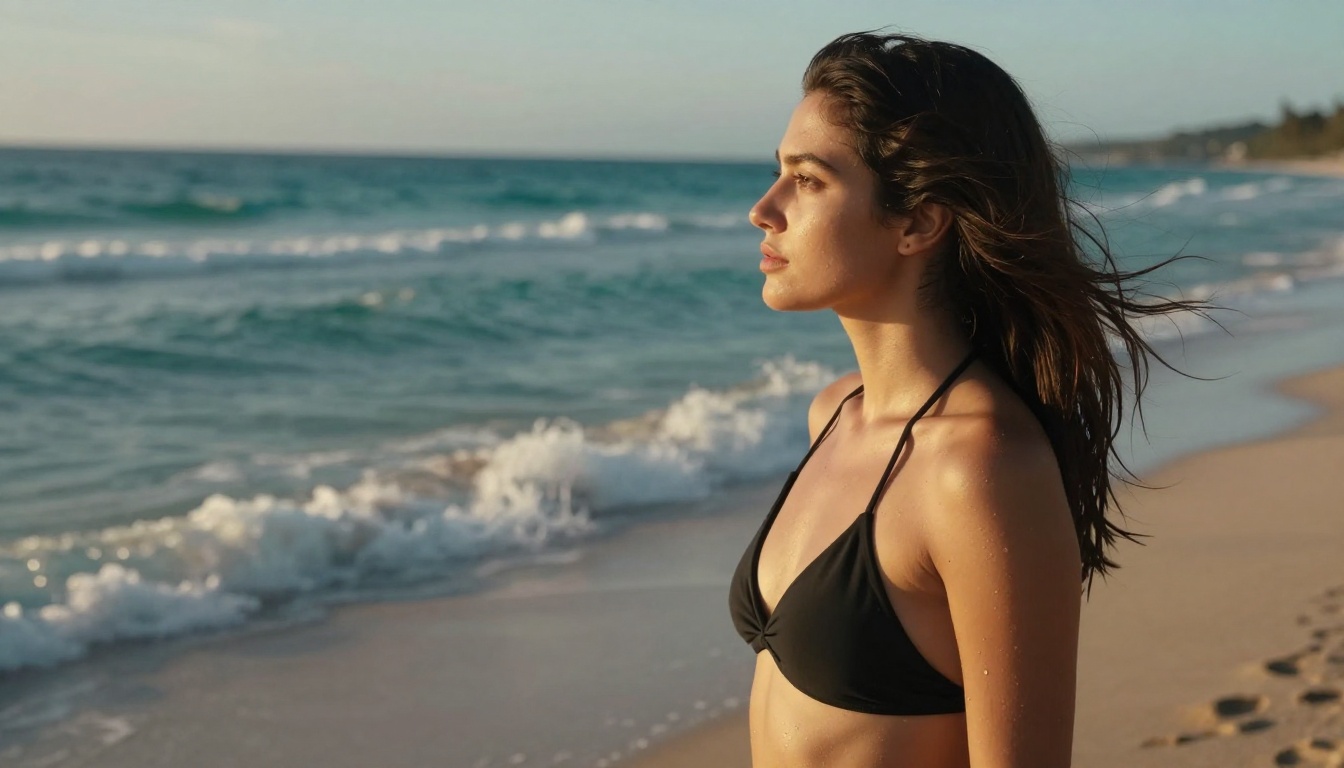
Hands remain a recurring weakness, though less severe than in older models. Complex hand positions with all fingers visible and in non-standard poses will occasionally produce extra fingers or unnatural joint angles. The practical fix: keep hands out of frame or prompt for simple, natural hand positions close to the body.
Typography in images is another gap. Seedream 5 Lite was not optimized for text rendering, so any prompt asking for legible words in the image will produce blurry or garbled characters. For any workflow requiring readable text, this is a hard limitation that requires compositing text in post.
Dense architectural scenes with multiple planes of depth also tend to show compression artifacts in the mid-ground. If your use case involves detailed cityscapes or interior architectural photography, the full Seedream 5 or a more architecturally focused model will serve you better.
How to Use Seedream 5 Lite on PicassoIA
Seedream 5 Lite is available directly on PicassoIA, where you can run generations without setting up any local environment. The platform provides direct access to the model with a clean interface built for both quick experiments and production-quality outputs.
Your First Generation in 3 Steps
Getting a solid result out of Seedream 5 Lite on PicassoIA does not require advanced prompt engineering. Three things matter most at the start:
- Navigate to the model page and select Seedream 5 Lite from the text-to-image collection.
- Write a structured prompt that includes subject, environment, lighting, camera, and style in that order. Don't write a sentence. Write a structured description.
- Set your aspect ratio before running. For portraits, 3:4 or 9:16 works best. For landscape or scene shots, 16:9 fits the model's compositional strengths.
The model does not need negative prompts to produce clean results, though adding "blurry, cartoon, illustration, extra fingers" to the negative field will reduce common artifacts.
Prompts That Get Results
The difference between a mediocre output and a great one almost always comes down to specificity. The model is trained on a dataset that responds strongly to photographic language.
Prompts that work well:
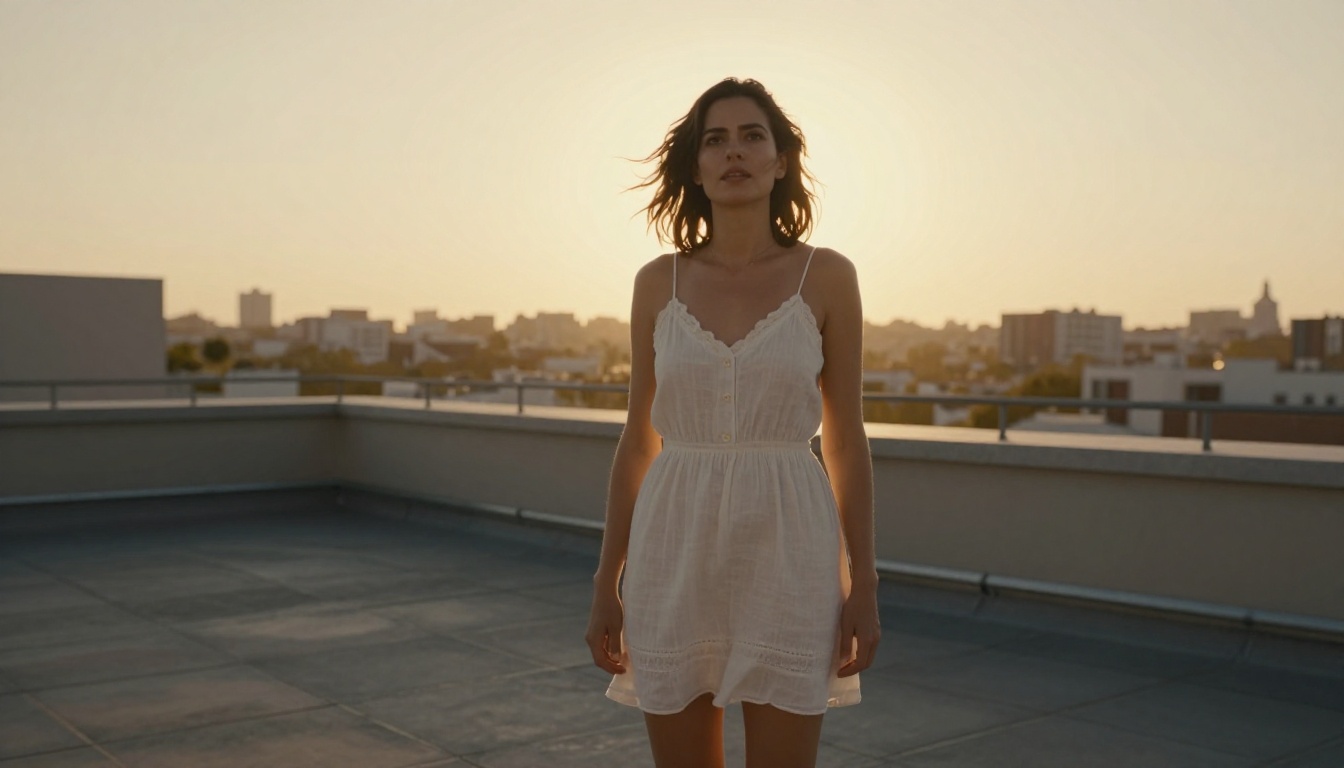
"Portrait of a woman, 30s, natural makeup, standing near a bright window, soft diffused morning light on face, shot on Canon EOS R5 with 85mm f/1.4 lens, Kodak Portra 400 film grain, photorealistic""Fashion editorial, woman in white linen dress on cobblestone street, golden hour backlighting, Leica M11 with 50mm Summilux, Fuji Superia 400 emulation, RAW photography"
Prompts that produce mediocre results:
"Beautiful woman realistic photo" (too vague, no scene context)"Photorealistic portrait 8k ultra detailed" (quality modifiers without descriptive content)
The pattern is clear: give the model a scene to render, not a quality request. Camera model, lens specifications, and film stock names all steer the output toward photorealism in ways that generic "realistic" or "8k" tags cannot.
💡 Tip: Adding a specific film stock name like "Kodak Portra 400", "Fuji Pro 400H", or "Kodak Ektar 100" to your prompt produces a distinct color science and grain structure that looks far more like actual photography than any generic "photorealistic" tag.

Parameters Worth Adjusting
On PicassoIA, the Seedream 5 Lite interface exposes several parameters that significantly affect output quality:
| Parameter | Default | For Portraits | For Scenes |
|---|
| Steps | 20 | 28-35 | 30-40 |
| CFG Scale | 7 | 6-7.5 | 7-8.5 |
| Sampler | DPM++ 2M | DPM++ 2M Karras | Euler a |
| Seed | Random | Fixed for iterations | Random |
Increasing steps beyond 40 produces diminishing returns with Seedream 5 Lite. The architecture's compressed latent space converges faster than the full model, so the quality ceiling is hit earlier. Running 50+ steps mostly costs time without visible improvement.
Seedream 5 Lite vs Other Models
The honest comparison question is not whether Seedream 5 Lite is the best model available. It's whether it's the right model for a given task. Against the current field, here is where it actually stands.
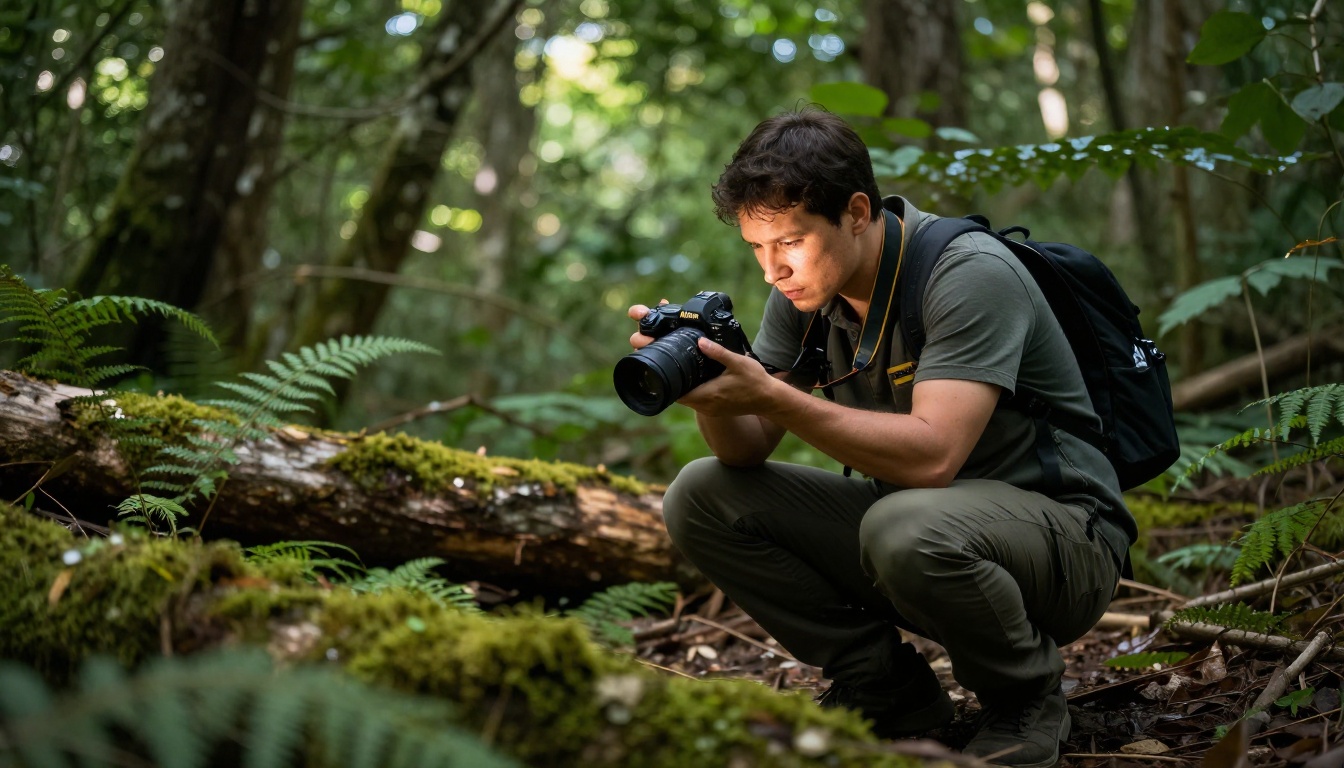
Vs Flux and Seedream 4.5
Flux Redux Dev from Black Forest Labs is the other major model in the photorealism conversation. Flux has a clear advantage in compositional complexity and handles multi-subject scenes with better anatomy consistency. It also renders text in images more reliably.
Seedream 5 Lite beats Flux on skin rendering for isolated portrait work. The color science produces warmer, more naturally saturated skin tones without the slight clinical quality that Flux outputs can carry. For beauty photography and fashion work, this is a meaningful difference that shows up in direct comparisons.
Against Seedream 4.5, the Lite version is a clear step forward. The 5th generation architecture shows in better face symmetry, improved hair rendering, and more natural background bokeh simulation. If you're still using Seedream 4.5, the upgrade is worth making for portrait-heavy work.
Vs Older Seedream and SDXL Variants
Seedream 4 and Seedream 3 represent earlier iterations of the Seedream architecture. Both are noticeably weaker on skin texture and lighting response compared to the 5 Lite. The improvement in natural skin rendering across the Seedream 4 to 5 transition is the most visible generational leap in the series.
SDXL-based models, while still capable, show their age against Seedream 5 Lite in photorealism tasks. The gap is particularly visible in facial detail, where SDXL produces a subtle AI-smoothing artifact on skin that the Seedream 5 architecture avoids through better training data curation.
💡 Tip: For product photography with isolated subjects on clean backgrounds, Seedream 5 Lite consistently outperforms SDXL and older Flux variants. The model's strength in single-subject isolation makes it ideal for e-commerce and marketing imagery.
Best Use Cases Right Now
Understanding a model's strengths is how you get the most from it. Seedream 5 Lite is not a general-purpose model trying to do everything. It has a clear and well-defined performance profile.
Marketing and Product Shots
For marketing teams generating visual assets at volume, Seedream 5 Lite is practically built for the workflow. The speed advantage means you can iterate through art direction concepts quickly. The photorealism quality holds up for digital-only use cases: social media, website headers, email campaigns, and ad creatives.
The model handles product-adjacent lifestyle photography particularly well. Prompting for a clean, attractive subject interacting naturally with a product environment produces commercial-ready results with far less iteration than older models required.
The limitation for marketing use is the text restriction. Any campaign asset that requires readable type directly in the generated image will need text composited in post using a design tool like Figma or Photoshop.
Portrait and Glamour Photography
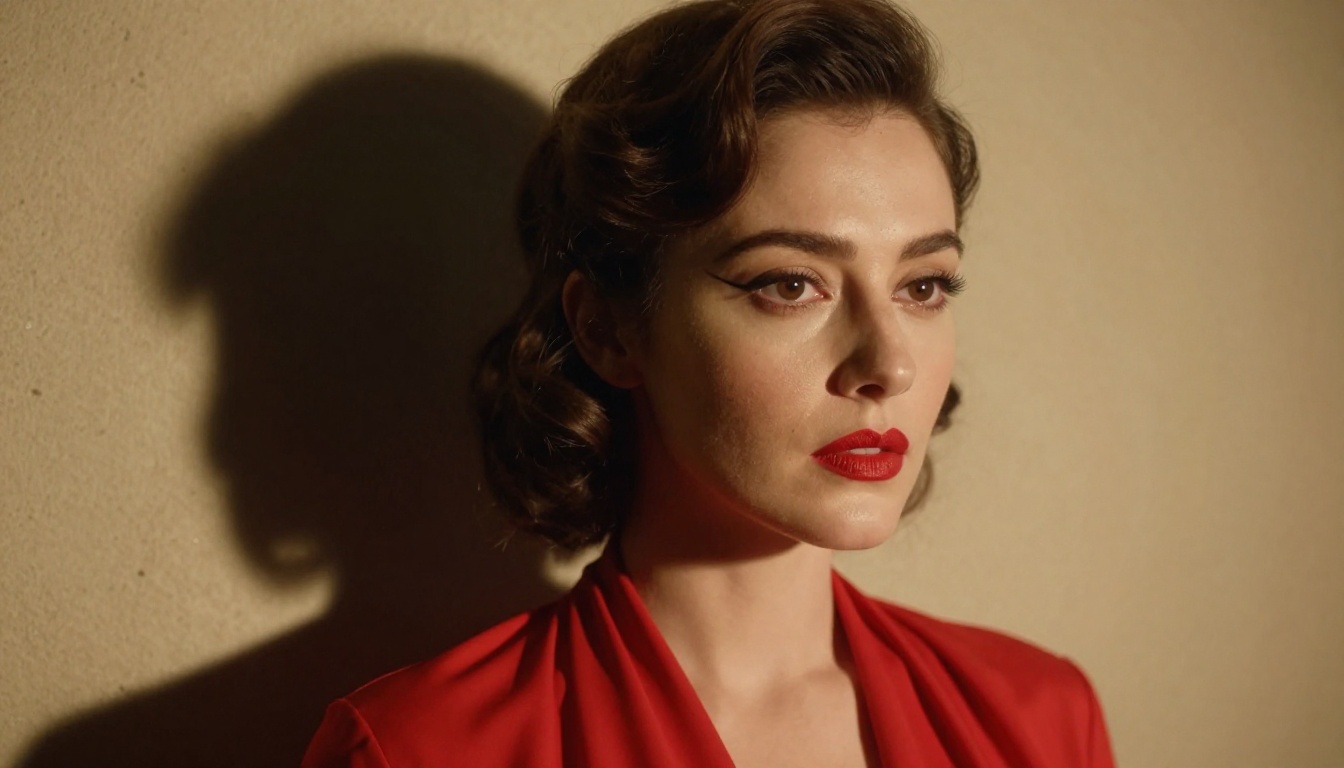
For portrait photographers using AI as a pre-visualization or concept development tool, Seedream 5 Lite is a strong choice. The skin rendering and lighting response mean that an art director can prompt specific lighting setups and get a usable visual reference before committing to a studio booking.
Glamour photography prompts work particularly well. The model handles dramatic makeup, editorial lighting, and fashion styling with strong aesthetic coherence. Specifying "fashion editorial", "beauty photography", or "Vogue magazine lighting" in prompts activates training data that pushes outputs toward professionally styled results.
The model's response to camera and lens language also opens up pre-visualization of specific focal lengths and depths of field. Prompting "85mm f/1.4 portrait" versus "24mm f/8 environmental portrait" produces distinctly different compositions and perspectives, which is genuinely useful for production planning.
3 Mistakes People Make with Seedream 5 Lite
Most mediocre outputs from Seedream 5 Lite trace back to a small number of consistent prompt and parameter errors.
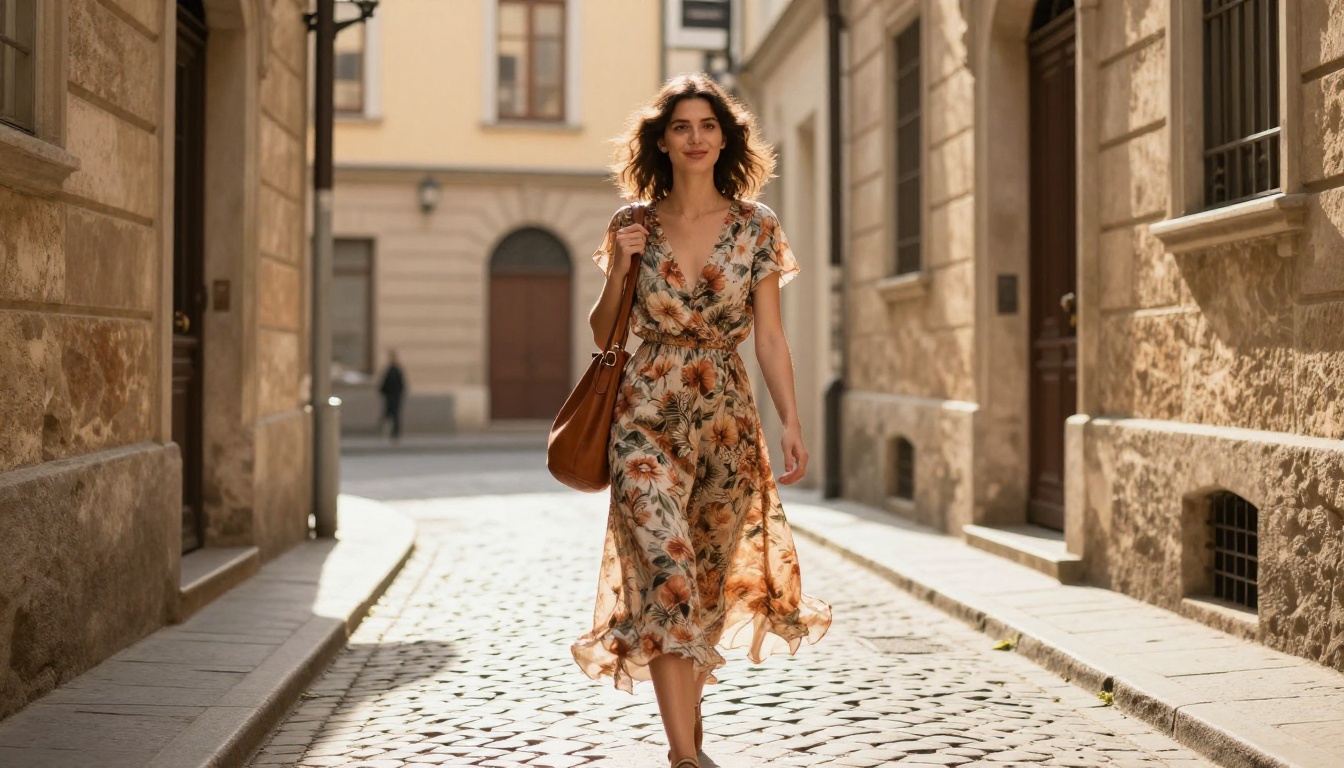
Mistake 1: Over-relying on quality tags without context. Phrases like "8k ultra detailed hyperrealistic masterpiece" added to a vague prompt do very little. The model responds to descriptive context, not quality adjectives. Write a scene, not a quality request. Every word in your prompt should add information about the actual image, not about how good it should look.
Mistake 2: Running too many steps. Seedream 5 Lite's architecture reaches peak quality faster than larger models. Running 60-80 steps on a generation that hits its ceiling at 35 steps wastes API credits and generation time. Test your prompts at 25-30 steps first. Only push higher if you see visible quality improvement between iterations.
Mistake 3: Ignoring aspect ratio. The model's training data has strong aspect ratio preferences baked in. Forcing a 1:1 square format on a portrait prompt, or using 16:9 for a close-up face shot, produces noticeable composition problems. Match your aspect ratio to your subject type: 9:16 or 3:4 for portraits, 16:9 for landscape and scene work, 1:1 for product and object isolation.
Bonus mistake: Asking for hands in detailed positions. The model still struggles with complex hand anatomy. Prompt for natural, relaxed hand positions close to the body, or crop the frame to avoid hands entirely.
Create Your Own Images on PicassoIA
The images in this article were all produced using Seedream 5 Lite directly on PicassoIA, with no post-processing beyond what the model natively outputs. Every portrait, the beach shot, the workspace, the street scene, all came from text prompts using the approach described above.
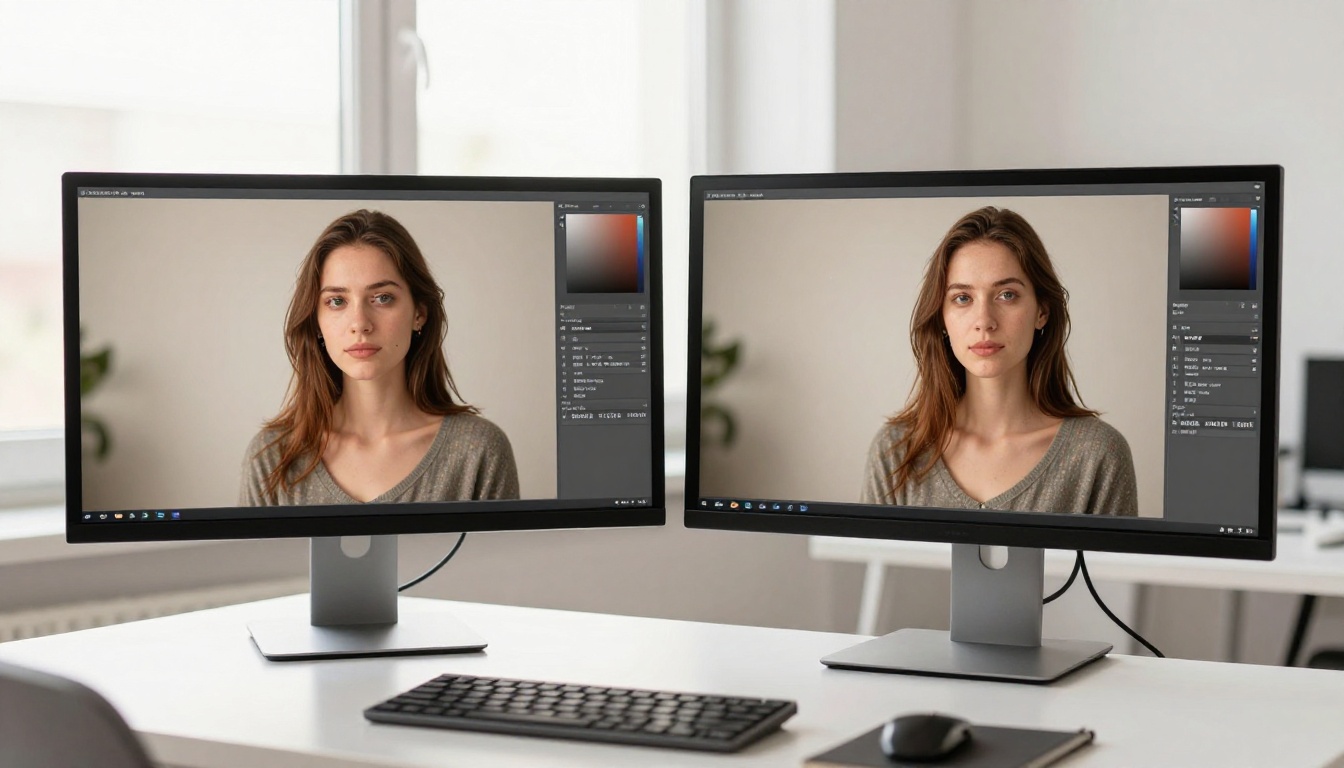
The platform gives you direct access to Seedream 5 Lite alongside Seedream 4.5, Seedream 4, Seedream 3, and a wide range of models including Flux Redux Dev for direct comparison. You can run multiple models on the same prompt to compare outputs side-by-side, which is the fastest way to calibrate which model fits your specific workflow.
If you're building a photography-adjacent workflow, a content production pipeline, or just experimenting with what photorealistic AI generation can actually produce, Seedream 5 Lite is worth spending real time with. The speed makes iteration cheap. The quality ceiling on portraits and lifestyle photography is genuinely high. Start with a portrait prompt using the structure outlined here, add a specific film stock and lens focal length, and compare the output against what you've been running. The results tend to speak for themselves.


