Seedream 5 Lite Explained for Beginners: What It Does and Why It Matters
Seedream 5 Lite is ByteDance's lightweight image generation model built for speed without sacrificing quality. This article breaks down how it works, what makes it different from other AI image models, and how you can start generating stunning visuals from simple text prompts right now.
If you've been curious about Seedream 5 Lite and what all the noise is about, you're in the right place. This is not another wall of jargon. This is a real breakdown of what this model does, how it works, and how total beginners can start producing results with it today.
What Seedream 5 Lite Actually Is
Seedream 5 Lite is ByteDance's compact, speed-optimized image generation model. It sits in a growing class of "lite" AI models designed to deliver high output quality without the computational weight of larger, slower systems. Think of it as the focused, faster sibling of the full Seedream line.
The "lite" label is not a downgrade. It is a specific design choice: prioritize inference speed and accessibility while keeping image quality at a level that satisfies real creative work.
The ByteDance Connection
ByteDance, the company behind TikTok, has been investing heavily in generative AI infrastructure since 2023. Seedream is their answer to the image generation arms race. The Seedream family reflects ByteDance's engineering priorities: fast inference, strong multilingual prompt support, and consistent human subject rendering.
Seedream 5 Lite inherits these priorities but strips away the resource requirements that make the full model impractical for rapid iteration. For everyday creators, that tradeoff is almost entirely positive.
Lite vs. Full: What's the Difference
The distinction between Seedream 5 Lite and the full Seedream 5 comes down to three things:
Feature
Seedream 5 Lite
Seedream 5 Full
Inference Speed
Very Fast
Slower
Resource Use
Lower
Higher
Output Resolution
Up to 1024px
Up to 4K
Best For
Rapid iteration, prototyping
Final production output
Prompt Complexity
Handles moderate prompts well
Handles very complex prompts
For beginners, Seedream 5 Lite is the better starting point. You get real, usable results quickly, and that immediate feedback loop is exactly what helps you develop your prompting skills faster.
How It Generates Images From Text
At its core, Seedream 5 Lite is a diffusion model. That term gets thrown around constantly, but here is what it actually means for you as someone just starting out.
The Diffusion Process, Simplified
The model starts with pure visual noise, essentially a random static field of pixels. It then runs through a series of denoising steps, gradually shaping that noise toward a coherent image that matches your text prompt. Each step refines the image further. By the end, you have something that looks intentional, detailed, and specific.
The reason this matters for beginners: the model is literally interpreting your words and translating them into visual structure, step by step. Every word in your prompt participates in shaping the output.
💡 More steps during generation usually means more detail and coherence, but also slightly longer wait times. Lite models reduce this computation without sacrificing too much visible quality at standard output sizes.
Why Prompt Wording Matters
Because the model translates text directly into image structure, how you write your prompt has a dramatic effect on the result. Two prompts describing the "same thing" differently can produce wildly different images.
Vague prompt: "a woman in a city"
Specific prompt: "a woman in a red wool coat standing on a rain-wet sidewalk in Tokyo at night, neon reflections on the pavement, 35mm street photography"
The second prompt gives the model far more to work with. Lighting, setting, mood, texture, and camera style are all communicated. Seedream 5 Lite, like other diffusion models, rewards specificity above everything else.
What Seedream 5 Lite Does Well
Not all AI image models excel at the same things. Seedream 5 Lite has specific strengths worth knowing before you start using it.
Portrait and Human Subjects
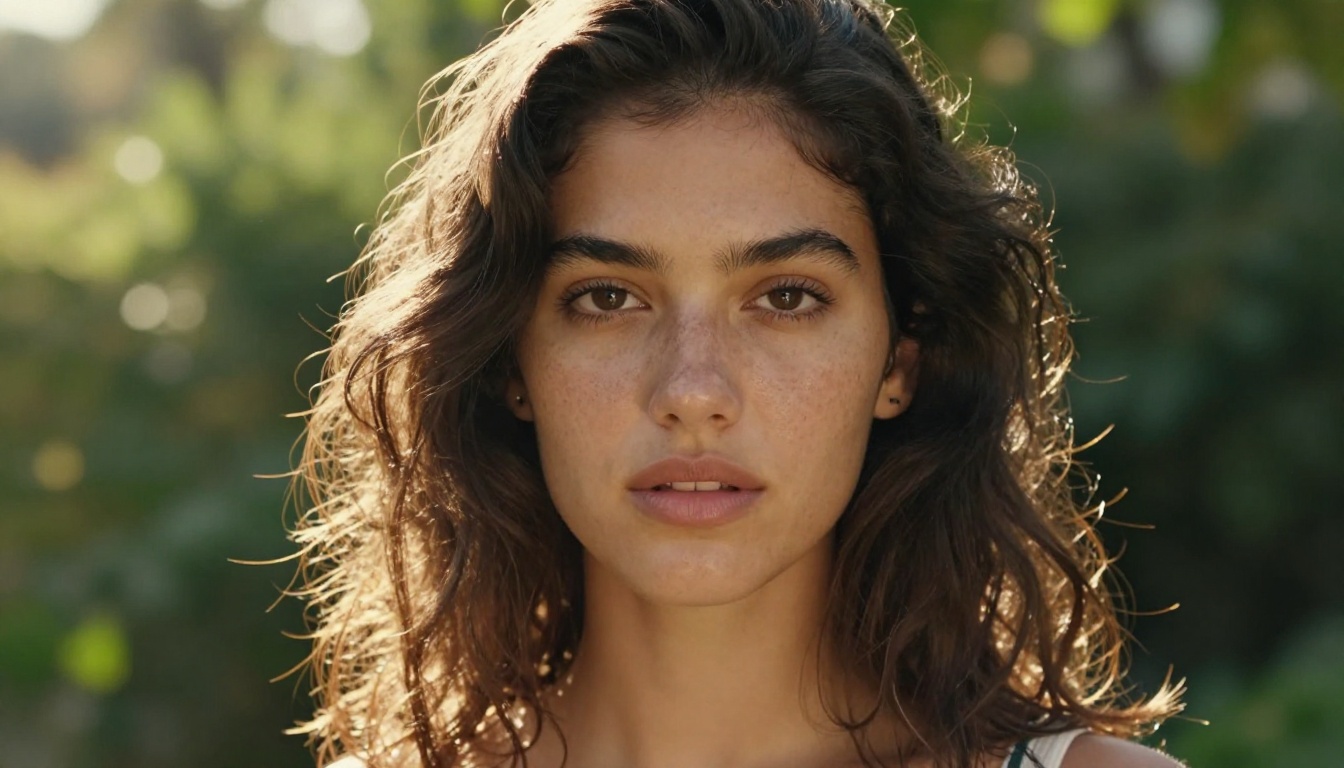
ByteDance's training data and model architecture give Seedream a notable advantage with human subjects. Faces are consistently coherent. Skin tones render naturally. Hands, which are notoriously difficult for diffusion models, are handled with above-average reliability in Seedream 5 Lite.
For anyone who wants to generate portraits, lifestyle imagery, or people in realistic settings, this model punches above its weight class.
Scenic and Landscape Images
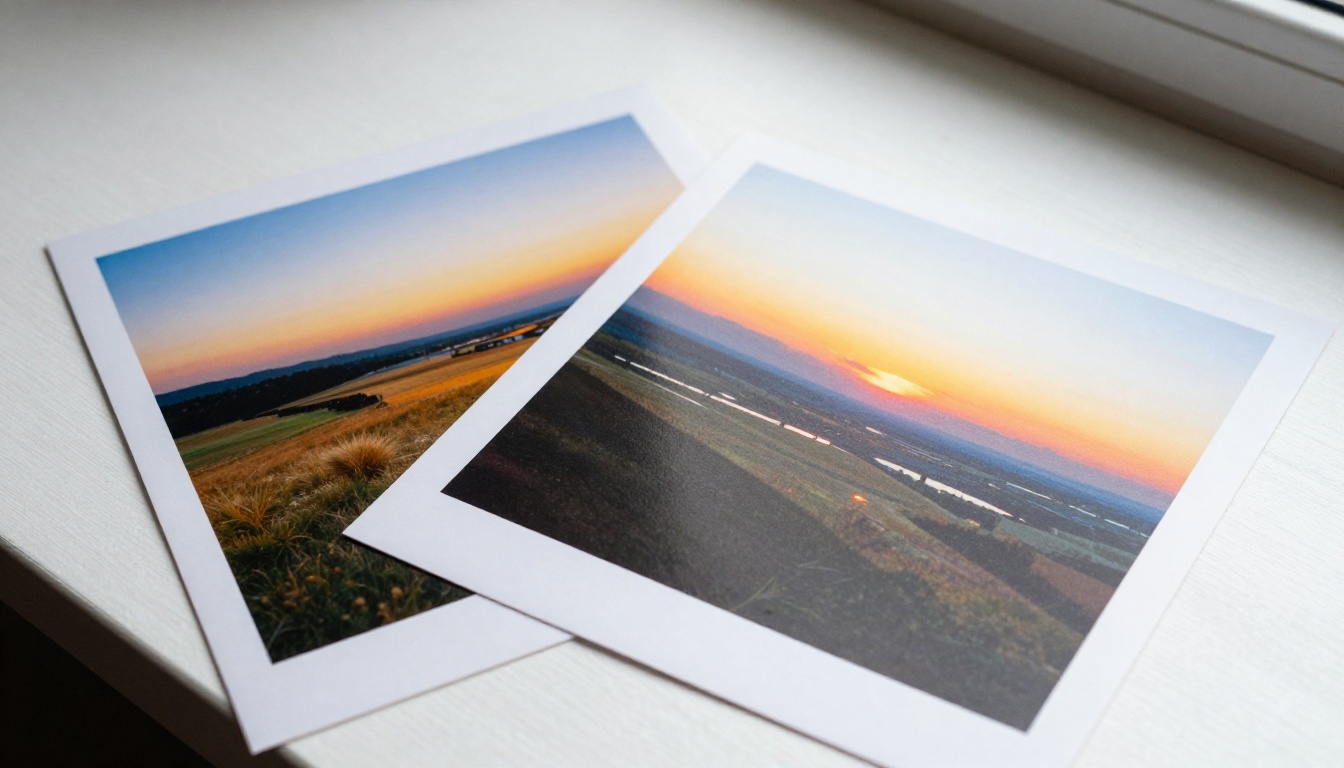
Seedream 5 Lite also performs strongly on environmental and landscape prompts. It has a natural sense of atmospheric depth, light diffusion, and scale. Golden hour lighting, overcast skies, and complex natural textures all render with satisfying realism.
Speed Without Sacrificing Detail
Where many lite models visibly cut corners, Seedream 5 Lite maintains strong micro-detail rendering: fabric texture, hair strands, surface materials. The speed advantage is real, typically 30 to 50 percent faster than full-size Seedream models, without obvious quality loss for standard output sizes.
This makes it ideal for rapid creative iteration: generating 10 to 20 variations of a concept quickly, then refining the best result in a full-resolution follow-up run.
How It Compares to Other Models
Understanding Seedream 5 Lite means putting it next to its peers. Here is how it stacks up against models you may already know.
Seedream vs. Flux
Flux Dev and Flux Pro from Black Forest Labs are among the most capable image generation models currently available. Flux models typically produce slightly sharper fine detail and handle extremely complex compositional prompts with more precision.
Seedream 5 Lite, by contrast, prioritizes speed and human subject rendering. If your primary use case involves portraits, people, and lifestyle content, Seedream 5 Lite is often the better choice. If you need architectural precision, highly complex multi-element scenes, or reliable text-in-image generation, Flux models may outperform it.
Flux Fast is the closest direct speed comparison. Both prioritize fast output. Flux Fast edges ahead on certain photorealistic architectural scenes; Seedream 5 Lite often produces more natural-looking human subjects with better skin and hair consistency.
Stable Diffusion 3 is the established open-source baseline. It has broader community support, a vast ecosystem of fine-tuned variants, and strong general-purpose capability. For beginners, though, this breadth can be overwhelming.
Seedream 5 Lite offers a more opinionated, focused output. It is easier to get good results fast, which matters enormously when you are just starting out. Stable Diffusion rewards experience and configuration. Seedream 5 Lite is more forgiving from the first prompt.
How to Use Seedream 4.5 on PicassoIA
The closest available Seedream model on PicassoIA right now is Seedream 4.5, which shares the same core ByteDance architecture and training philosophy as the Seedream 5 series. The workflow below applies directly to both.
Step 1: Write Your First Prompt
Go to the Seedream 4.5 model page on PicassoIA and locate the text prompt field. For your first attempt, start with something concrete and visual. Avoid abstract concepts or emotional descriptions.
Good first prompts to try:
"A woman in a white linen shirt reading on a wooden dock at sunrise, calm lake in the background, soft morning light from the left"
"A bowl of fresh strawberries on a marble countertop, natural window light from the left, close-up shot at 85mm"
"A mountain valley in autumn, orange and yellow trees, morning mist between the peaks, wide landscape perspective"
Each of these gives the model a clear subject, setting, lighting, and perspective. That is the minimum information it needs to produce something coherent on the first attempt.
Step 2: Adjust Parameters
Once you have written your prompt, look at the available settings before hitting generate:
Aspect Ratio: Start with 1:1 for portraits, 16:9 for landscapes and scenes, 9:16 for vertical or mobile content.
Steps: Higher step counts (30 to 50) produce more refined output. Lower counts (15 to 20) are faster but may look slightly rough around edges. For a first run, 30 is a reliable default.
Guidance Scale: This controls how strictly the model follows your prompt. Values between 7 and 9 are reliable starting points. Lower values give the model creative freedom; higher values enforce strict adherence.
💡 Do not change everything at once. Adjust one parameter at a time so you can clearly see what effect each setting has on your specific prompt.
Step 3: Refine Your Results
Your first output is never your final output. After your first generation, look critically at what came back:
If the lighting looks wrong, add specific lighting language: "soft diffused morning light," "harsh midday sun from directly above," "warm golden hour from the left."
If the subject looks off, add camera and lens information: "85mm portrait lens, shallow depth of field," or "wide 24mm lens, environmental portrait."
If the composition is not what you wanted, describe it explicitly: "close-up," "full-body shot," "aerial view," "low-angle looking up at the subject."
Each refinement teaches you something about how the model interprets language. After 5 to 10 generations on a single concept, your prompting instincts improve noticeably.
Tips That Actually Work for Beginners
After everything above, here are the practical habits that separate people who get good results fast from people who stay frustrated.
Describe What You See, Not What You Feel
The model does not process emotion or intention. It processes visual description. Instead of "a sad photo," write "a woman sitting alone on a park bench in rain, head slightly bowed, soft grey overcast light, wet pavement reflecting the sky." The emotional resonance comes from the visual details, not from naming the feeling directly.
This is the single biggest shift beginners need to make. Write like you are describing something you can already see in front of you, not something you want the viewer to feel.
3 Prompt Mistakes to Avoid
1. Overloading with concepts
Trying to pack too many distinct ideas into one prompt fragments the model's attention. "A woman, a cat, a sunset, a beach, flowers, and a bicycle" produces a confused result. Pick one strong subject and build the environment around it.
2. Using adjectives without anchors
"Beautiful," "amazing," "stunning" mean nothing to a diffusion model. These are subjective judgments, not visual information. Replace them with specific descriptors: "symmetrical features," "warm olive skin tone," "high-contrast directional shadows."
3. Ignoring lighting entirely
Lighting is arguably more important than the subject itself. A poorly lit image looks weak regardless of what it shows. Make lighting a standard part of every prompt: source, direction, quality (hard vs. soft), and time of day.
Build a Prompt Template
Once you find combinations that consistently work, save them. This structure adapts to almost any subject:
Using this structure consistently will accelerate your results dramatically. Within a few sessions, it becomes second nature.
What You Can Create Right Now
Seedream 5 Lite is not a tool for the distant future. It is operational today, and the range of what you can produce with it, even as a complete beginner, is genuinely wide.
Portrait photography: Headshots, lifestyle portraits, editorial-style images. The model's strength with human subjects makes this one of the most reliable use cases from day one.
Product and lifestyle: Food photography, product placement in natural settings, styled flat lays. With specific lighting prompts, the results are genuinely usable for real creative projects.
Nature and travel: Landscapes, architecture, seasonal scenes. Seedream 5 Lite handles atmospheric depth well, giving these images a real sense of scale and place.
Creative and editorial: Fashion, artistic lifestyle imagery, stylized portraits. The model handles photorealistic creative work with enough fidelity to use in actual design workflows.
The barrier to entry here is genuinely low. You do not need a design background. You do not need technical knowledge of neural networks. You need a clear visual idea and the willingness to describe it in specific language.
PicassoIA gives you access to Seedream 4.5 alongside a full library of other powerful models including Flux 2 Pro, Imagen 4 Ultra, and Stable Diffusion 3, all in one place. That means you can experiment across models, compare outputs, and find the tool that fits your specific creative needs.
Start with a single prompt. Generate five variations. Refine the best one. That is the entire workflow for your first session, and it is enough to produce something genuinely impressive. The only thing standing between you and your first strong AI-generated image is the decision to begin.