ByteDance quietly changed the game again. The release of Seedream 5 Lite came without the usual fanfare, but for anyone working seriously with AI-generated images, the differences from Seedream 4.5 are real, measurable, and in several cases, significant enough to change how you approach your creative workflow. This article pulls apart what actually changed, where the improvements are genuine, and where 4.5 still holds its ground.
What Is Seedream, Exactly?
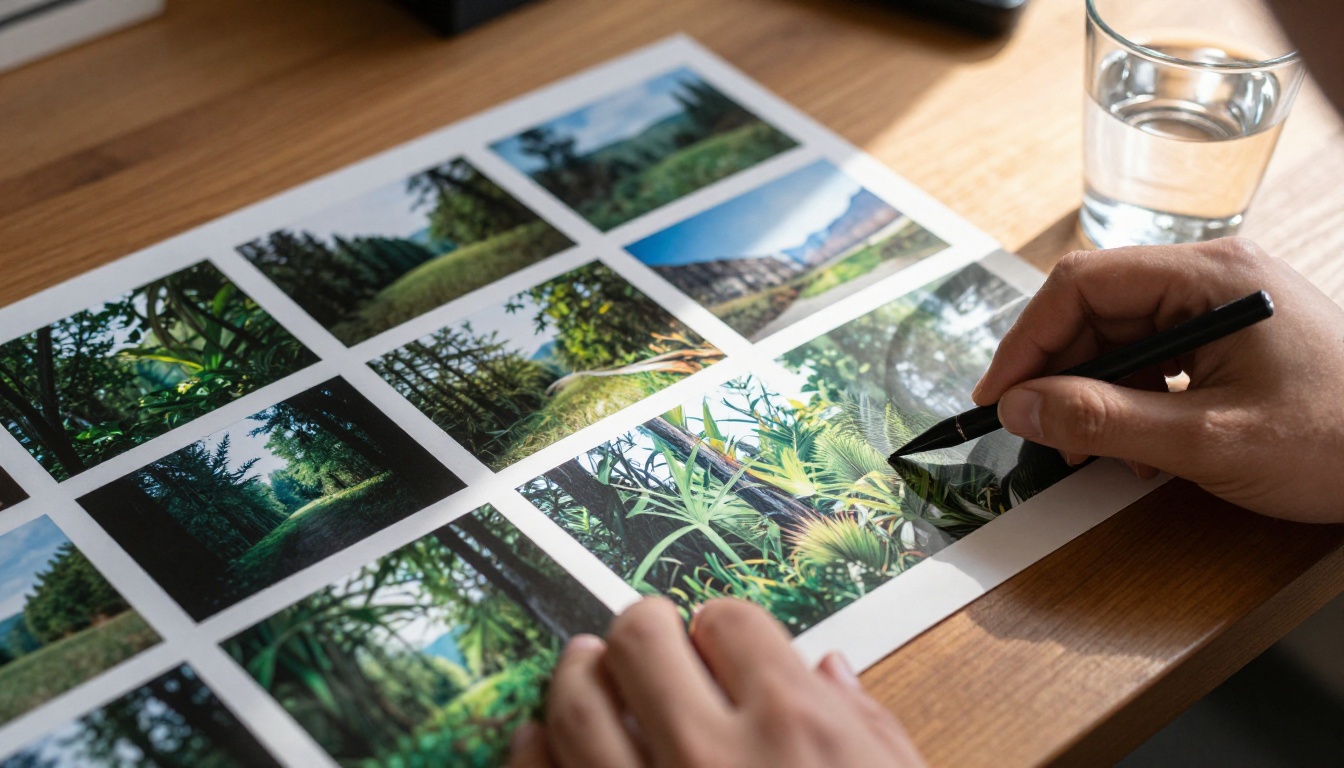
Seedream is ByteDance's family of text-to-image models, designed to compete directly with the best open-weight and proprietary image generators on the market. Unlike some models that specialize narrowly in one aesthetic, Seedream targets broad photorealism across subjects: portraits, landscapes, architecture, commercial product shots, and everything in between.
A Quick Version History
The model family has evolved through several iterations, each one refining the balance between speed, quality, and prompt adherence. Seedream 3.0 established the foundation with solid multilingual prompt support and respectable output quality. Version 4.5 then pushed significantly harder on color fidelity, skin rendering, and the handling of complex compositional prompts.
Seedream 5 Lite is a different kind of release. It is not the full Seedream 5 model. It is a distilled, efficiency-optimized variant built to run faster with fewer computational resources while attempting to preserve as much of the quality ceiling as possible.
The "Lite" Label Matters
Understanding that 5 Lite is a compressed model, not an upgrade in raw capability over a full-size version, changes how you should interpret the comparisons. The honest framing is this: 5 Lite competes against 4.5 in practical, production-oriented settings, where speed and cost per generation matter alongside image quality.
The 4.5 Baseline: What It Did Well
Before evaluating what changed, it helps to be clear about what Seedream 4.5 was genuinely excellent at.
Color Accuracy and Saturation Control
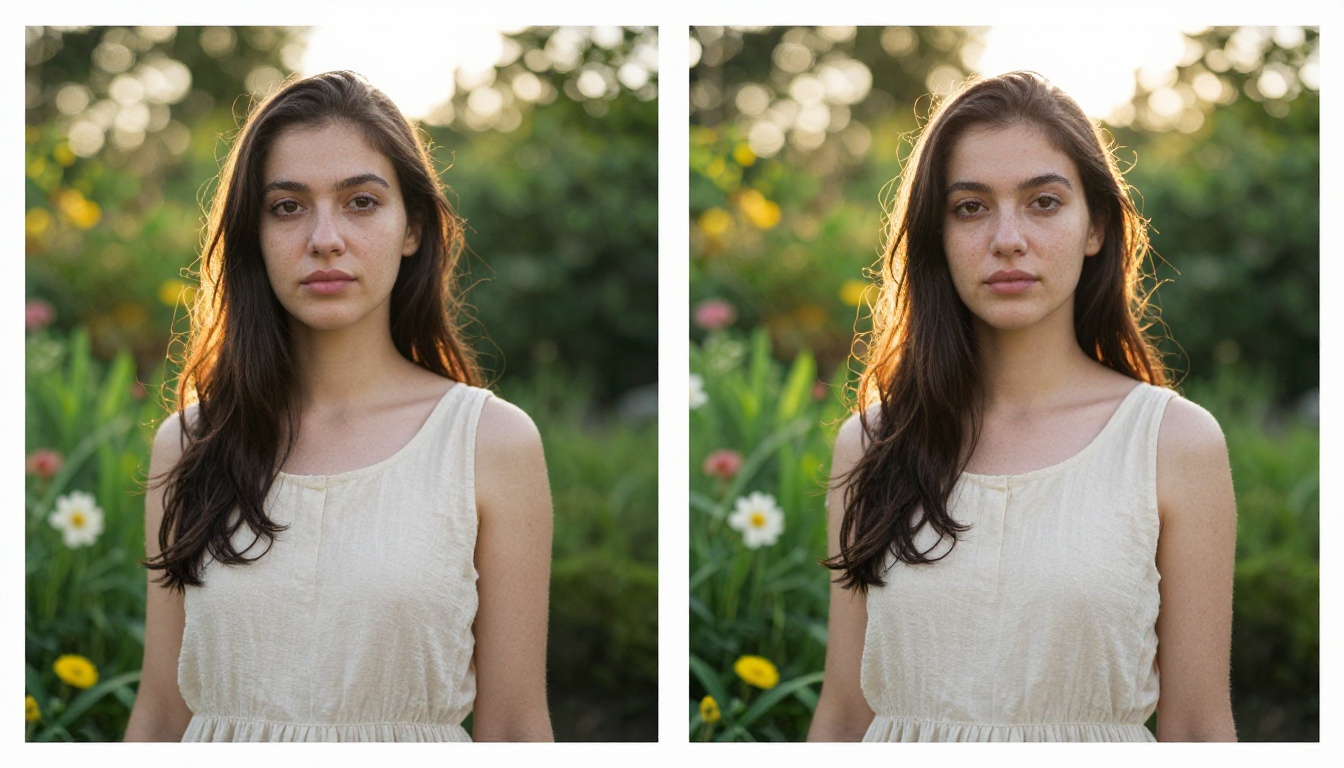
Seedream 4.5 produced images with notably accurate color rendering, particularly for skin tones across a wide range of ethnicities. It avoided the oversaturation trap that catches many models when generating warm, sunlit scenes. Shadows retained depth without going muddy. Highlights stayed controlled without blowing out detail.
This made 4.5 particularly strong for fashion and portrait generation, where color fidelity is not a nice-to-have but a core requirement.
Prompt Adherence for Complex Scenes
When given detailed, multi-element prompts, 4.5 showed strong compositional understanding. It could position subjects accurately relative to described environments, handle lighting direction cues in the prompt, and maintain spatial coherence across the image. This level of prompt fidelity separated it from models that could handle simple prompts well but degraded under complexity.
Where 4.5 Struggled
Inference speed was the most consistent criticism. Generating a single 1024x1024 image at high quality took meaningful time, making high-volume or iterative workflows frustratingly slow.
Text rendering remained inconsistent. While 4.5 improved on earlier versions, embedding readable text within generated images was still unreliable, especially for anything beyond a few characters.
Fine hair and fiber detail at high magnification showed occasional softening, particularly in complex backgrounds where the model had to balance foreground subject sharpness against intricate environmental textures.

What 5 Lite Actually Changes
This is the section that matters. Here is what is genuinely different in Seedream 5 Lite.
Speed: The Most Obvious Shift
Seedream 5 Lite generates images significantly faster than 4.5. Depending on the infrastructure you run it on and the resolution requested, the speed improvement ranges from roughly 30% to 60% faster per generation. For iterative workflows where you need to test 20 or 30 prompt variations to land on the right output, this alone transforms the experience.
💡 If you run automated pipelines generating large batches of images, 5 Lite reduces your per-image cost and total wall-clock time substantially.
Prompt Fidelity Gets Sharper
This is the area where 5 Lite delivers the most meaningful quality improvement over 4.5. The model shows noticeably better adherence to specific, unusual prompt details. When you ask for a subject wearing a specific color of clothing in a specific position with a specific lighting quality, 5 Lite hits more of those requirements simultaneously.
Testers consistently report fewer "generation lottery" experiences, where you had to generate dozens of outputs hoping one landed correctly. The prompt-to-output accuracy improvement is real and noticeable across subject categories.
Text Rendering in Images
Seedream 5 Lite shows a clear improvement in rendering readable text within images. Short words and simple phrases embedded in signs, posters, clothing, or product labels come out significantly more legible than in 4.5. This closes a gap that was genuinely limiting for commercial and marketing use cases.
The improvement is not perfect. Long sentences and complex multilingual text still produce inconsistent results. But for common use cases like a storefront sign, a product label, or a headline on a billboard, 5 Lite delivers where 4.5 frequently failed.
Detail at the Pixel Level
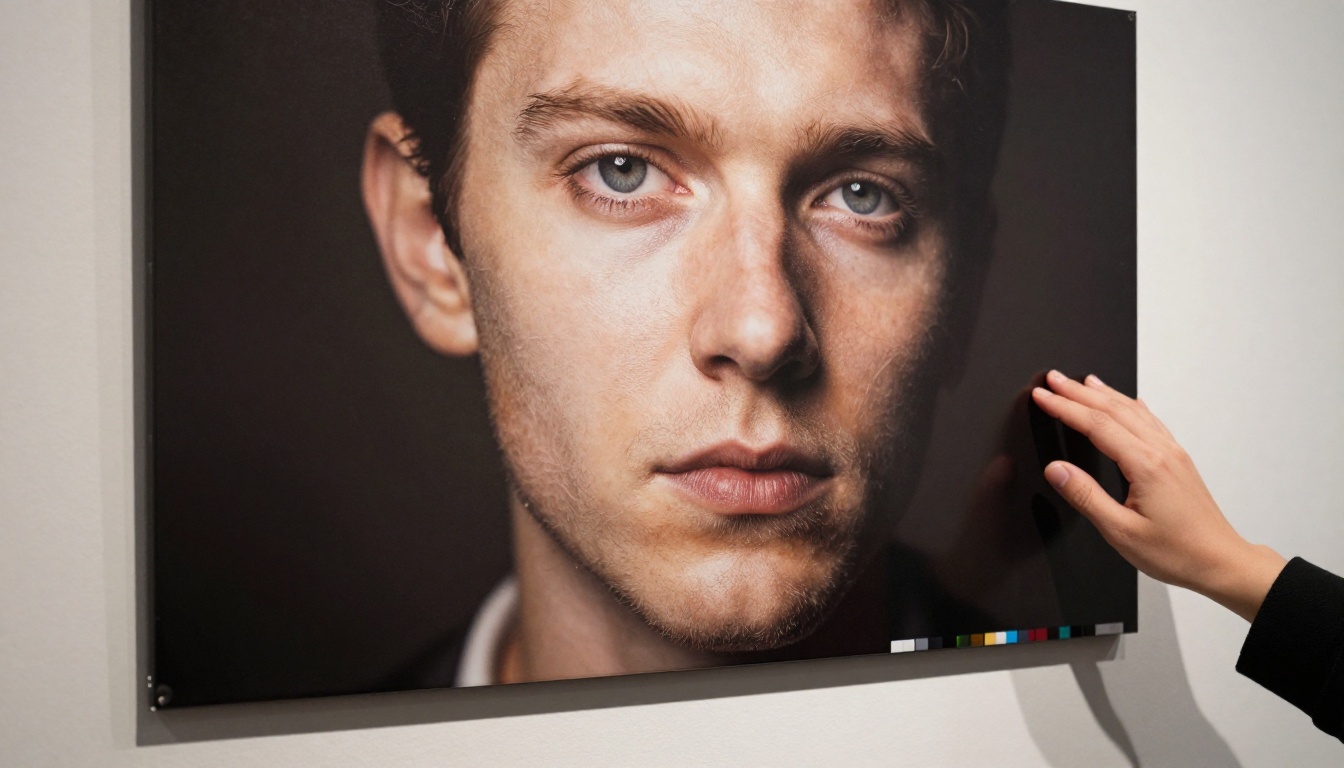
Fine-detail rendering in portraits shows modest but real improvement. Skin pore texture, individual hair strands, and fabric weave patterns in close-up shots retain sharpness more consistently. This matters most in high-resolution outputs intended for print or large-format display.

Side-by-Side: The Numbers That Matter
| Feature | Seedream 4.5 | Seedream 5 Lite |
|---|
| Generation Speed | Baseline | ~40-60% faster |
| Prompt Adherence | Strong | Very Strong |
| Text in Images | Inconsistent | Noticeably Better |
| Color Accuracy | Excellent | Excellent |
| Skin Detail (Portrait) | Very Good | Excellent |
| Landscape Detail | Very Good | Very Good |
| Max Supported Resolution | 1024x1024 | 1024x1024 |
| Model Size | Larger | Distilled (smaller) |
| Computational Cost | Higher | Lower |
| Best For | High-quality single outputs | Production workflows, iteration |
💡 Neither model is universally better. The right choice depends on your workflow, not which version number is higher.
Who Should Use Which Version
4.5 Still Has Its Place
If you are generating a small number of high-stakes images where every output needs to be as close to perfect as possible, 4.5 remains competitive. The color rendering and compositional coherence at its peak are genuinely excellent, and for use cases where you can afford longer generation times, the extra compute buys you nothing over 4.5.
Scenarios where 4.5 still wins:
- Single hero images for major campaigns
- Situations where generation cost per image is irrelevant
- Outputs where you have time to iterate slowly and carefully
- Workflows already optimized for 4.5-specific output characteristics
When 5 Lite Wins
The calculus shifts decisively toward 5 Lite the moment you need volume, speed, or tighter prompt control. Creative professionals testing dozens of directions, developers building generation pipelines, and marketers producing large quantities of visual assets all benefit from the efficiency gains.
Scenarios where 5 Lite is the clear choice:
- Rapid prototyping and creative direction testing
- High-volume batch generation for marketing or e-commerce
- Any workflow where generation speed directly affects productivity
- Use cases requiring reliable text rendering in images
- Production pipelines with cost-per-generation constraints
Real Use Cases: Which Version Fits
Portrait and Fashion Photography
For portrait and fashion work, both versions perform well, but the context determines the choice. When you're developing a new campaign concept and testing ten different looks, lighting scenarios, and subject expressions, 5 Lite's speed advantage means you can run those ten variations in the time 4.5 would have completed three. When you're finalizing the three hero shots for the campaign itself, the per-image quality difference between the two versions is negligible enough that 5 Lite remains competitive.
Recommendation: Use 5 Lite for development and iteration. Use either for finals.
Architectural Visualization
Architectural subjects depend heavily on clean geometric rendering, accurate perspective, and material texture fidelity. Both models handle this well, but 5 Lite's improved prompt adherence means that specific architectural details you describe (a particular window treatment, a specific material finish, a defined light angle) are more likely to appear correctly in the output.
💡 For architectural clients who need to approve multiple design directions quickly, 5 Lite's speed makes it the more practical tool by a wide margin.
Commercial and Marketing Imagery
This is where 5 Lite's text rendering improvement has the most direct business impact. Marketing assets frequently require readable text embedded in the image: product names on packaging, taglines on banners, location text on social posts. In 4.5, these often required extensive post-processing to fix garbled characters. In 5 Lite, the first-pass accuracy is good enough to use outputs directly in many cases.

The Underlying Architecture Shift
Understanding why 5 Lite is faster without sacrificing quality requires a brief look at how distillation works. The full Seedream 5 model was trained on an enormous dataset with a large parameter count. Distillation takes that trained model and uses it to train a smaller model, transferring the learned knowledge into a more compact architecture.
The distilled model learns to mimic the larger model's outputs rather than learning from scratch on raw training data. This is why a well-distilled Lite model can outperform an older, larger model: it benefits from the knowledge encoded in the more capable version while running with significantly reduced overhead.
Seedream 5 Lite's improvements in prompt adherence are partly a result of this: the distillation process captured the refined understanding of the full 5 model, delivering that capability in a smaller package.
What Gets Lost in Distillation
The trade-offs are real. Some rare edge cases that the full Seedream 5 model handles correctly may trip up 5 Lite. Highly unusual compositional requests, abstract concepts that require deep semantic understanding, and stylistic extremes may produce better results from the full model (if and when it becomes more broadly accessible). For the vast majority of practical use cases, the gap is not meaningful.

Comparing Output Quality: What to Actually Look For
When evaluating these models yourself, these are the specific areas worth examining in test outputs:
1. Subject-Background Separation
Look at how cleanly the primary subject separates from the environment. Soft or confused boundaries between a portrait subject and a complex background indicate weaker compositional modeling.
2. Shadow Accuracy
Shadows should fall in a consistent direction that matches the described lighting. Inconsistent shadow directions across a scene indicate the model is pattern-matching rather than modeling light correctly.
3. Hand and Finger Rendering
Hands remain one of the hardest subjects for any AI image generator. Look specifically at whether fingers are correctly formed, correctly counted, and naturally posed.
4. Repeating Patterns
Fabric weave, architectural grids, crowds, or any repeating element will show seams, distortions, or unnatural regularity if the model is struggling. Clean, natural variation in repeating patterns indicates strong spatial reasoning.
5. Typography Accuracy
If text appears in your test prompt, check legibility, letter spacing, and whether the characters are actually correct.
The Broader Context: Where Seedream Sits in the Market
Seedream is competing in a crowded field. Flux Redux Dev from Black Forest Labs targets a similar professional audience with strong prompt adherence. GPT Image 2 from OpenAI brings the advantage of integrated multimodal context understanding. PicassoIA Image aggregates access to multiple top models, letting creators choose the right tool for each specific task rather than committing to one model.
What Seedream 5 Lite brings to this competition is a compelling speed-to-quality ratio. It is not the highest-ceiling model on every benchmark, but in real-world production workflows, the ceiling rarely matters as much as the floor, the consistency, and the throughput.
For teams and individual creators who generate images at volume, that framing changes the evaluation significantly.
The Practical Verdict
Seedream 4.5 was a strong model. Seedream 5 Lite is, in most practical respects, better. Faster generation, sharper prompt adherence, improved text rendering, and competitive image quality at reduced computational cost represent a genuine step forward.
The only scenario where 4.5 deserves preference is the specific, narrow case where you're generating a small number of images with unlimited time and no cost constraints, and where you have reason to believe the full model's depth of training matters for your specific subject matter.
For everything else, 5 Lite is the rational choice.
What makes this release interesting beyond the specific version comparison is what it signals about where the Seedream family is heading. ByteDance is clearly investing in making high-quality generation accessible at production scale, not just as a benchmark achievement. If 5 Lite is the distilled variant, the full Seedream 5 model represents significant capability that will filter through in future releases.
Start Generating Right Now
The best way to understand the practical difference between these models is to put them to work on your own prompts. Head to PicassoIA Image and run the same prompt through multiple top models to see exactly how outputs differ in ways that matter for your specific creative work. You can also access the PicassoIA Image Editor Pro to refine outputs, adjust compositions, and bring generated images to final-quality standard.
The difference between choosing the right model and the wrong one shows up in your workflow speed, your output quality, and your creative capacity. Run the test with your own prompts, compare results for the subjects and styles you care about, and build your model selection around what you actually observe.


