Seedream 5.0 and Ideogram 3.0 both landed with serious attention in 2025, each making bold claims about photorealism, prompt fidelity, and creative flexibility. This is not a theoretical breakdown. We ran the same prompts through both models across six distinct image categories and documented what actually came out. The results are not what most people expected.
Two Models, Two Philosophies
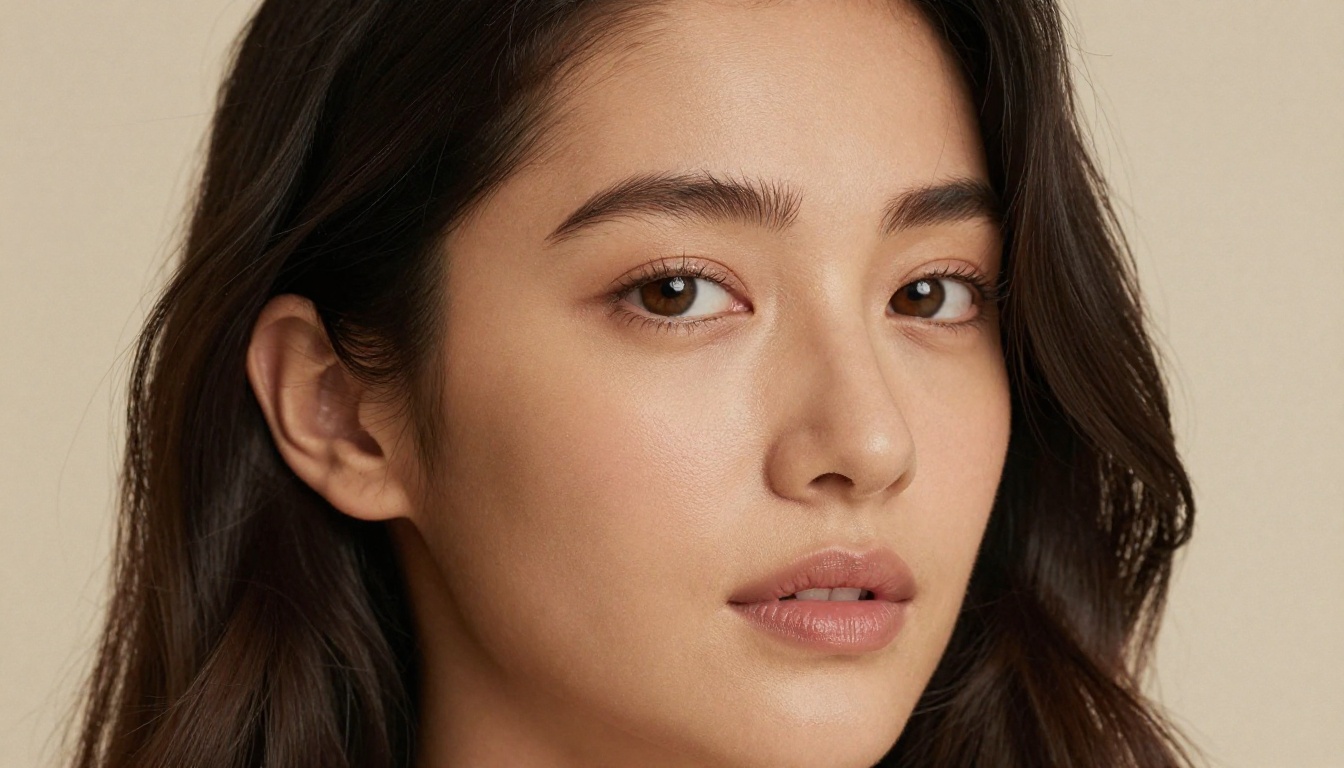
Before looking at outputs, it helps to know what each model is actually optimized for. Seedream 5.0, developed by ByteDance, is built around a hybrid diffusion-autoregressive architecture that prioritizes coherent global composition alongside fine-grained local texture. Its training pipeline puts heavy emphasis on photorealistic renderings, particularly for human subjects and commercial product photography.
Ideogram 3.0 takes a different approach. The Ideogram team has consistently positioned their model as the text-in-image specialist, but version 3.0 makes a much broader play for overall image quality, with substantial improvements to photorealism that bring it into legitimate competition with top-tier generators for the first time.
Seedream 5.0 in Brief
Seedream 5 Lite, the accessible version available on PicassoIA, reflects the core architecture of Seedream 5.0 with optimized inference speed. The full 5.0 version adds higher resolution outputs and an expanded context window for longer, more complex prompts.
Strengths:
- Exceptional human anatomy and skin texture rendering
- Strong spatial coherence in complex multi-subject scenes
- Fast inference on standard GPU hardware
- Detailed foreground-background separation with natural depth
Limitations:
- Text rendering still lags significantly behind Ideogram
- Stylized or illustrative outputs feel flat compared to photorealistic ones
- Less predictable with abstract or conceptual creative prompts
Ideogram 3.0 in Brief
Ideogram v4 Balanced and Ideogram v4 Quality represent the next generation of this architecture, both available now on PicassoIA. Ideogram 3.0 introduced a revised attention mechanism that dramatically improved non-text image quality while maintaining the typography strength that made earlier versions famous.
Strengths:
- Unmatched text-in-image accuracy across fonts and sizes
- Excellent color palette coherence across complex scenes
- Strong adherence to specific style descriptors
- Reliable outputs with minimal hallucinations on factual scenes
Limitations:
- Human skin texture can feel slightly synthetic at high magnification
- Slower inference speed compared to Seedream at equivalent resolution
- Less expressive with photojournalistic or documentary-style prompts
Prompt Accuracy Side by Side
Prompt adherence is the foundation of any image generator comparison. You write what you want, the model gives you what it interprets. The gap between those two things determines how useful a model is in real production workflows.
Simple, Clear Prompts
For simple prompts involving a single subject, a clear environment, and basic lighting, both models perform extremely well. At this level, differences come down to micro-details: the sharpness of a jawline, the direction of shadows, the exact hue of a midtone.
💡 Test prompt used: "A woman in a white linen shirt standing in a sunlit kitchen, morning light from a window, warm tones, photorealistic"
Seedream 5.0 rendered this with exceptional natural skin tones, catching the subtle way morning light hits skin differently than studio strobes. The fabric texture on the linen showed individual thread weave. Ideogram 3.0 produced a technically accurate version, but the skin had a smoother, slightly processed quality that reads as "AI" to trained eyes.
Winner for simple prompts: Seedream 5.0
Complex, Multi-Element Scenes
The gap widens considerably with complex prompts involving multiple subjects, specific interactions, and layered environmental details.
💡 Test prompt used: "Three people laughing around a wooden table at a restaurant, candlelight, wine glasses, background blur, photojournalistic style"
Seedream 5.0 handled the spatial relationships between subjects naturally, with correct scale and overlapping limbs rendered without anatomical warping. Ideogram 3.0 struggled slightly with consistent lighting across all three faces and produced one subject with an anatomically incorrect hand.
Winner for complex prompts: Seedream 5.0

Text and Typography in Images
This is where Ideogram has owned the conversation since its first version. Text rendering in AI images is genuinely difficult. Most models produce letter-soup that is recognizable but not readable. Ideogram built its reputation by actually solving this problem, and Ideogram 3.0 extends that lead.
Where Ideogram Still Leads
Ideogram 3.0 produces clean, typographically accurate text in images across a wider range of fonts and sizes than any competitor in the current market. When prompted with specific typeface requests (serif, sans-serif, display), the model respects them. When given a phrase to appear on a sign or book cover, it renders it correctly in the vast majority of attempts.
Use Ideogram v4 Quality specifically when text accuracy is non-negotiable in your project. The Quality variant adds additional inference steps that tighten letter spacing and reduce artifacts on small-size text.

For applications like:
- Social media graphics with embedded taglines or branded copy
- Book cover mockups with real, readable title text
- Product label visualization showing brand names at scale
- Poster design with event dates and call-to-action text
Ideogram 3.0 is the correct tool. There is no close competitor for text-in-image work, and that remains true even when Seedream 5.0 beats it everywhere else.
Seedream 5.0 Text Attempts
Seedream 5.0 has improved text rendering significantly compared to earlier ByteDance models, but it still cannot match Ideogram on strings longer than two or three words. Short one or two-word labels in prominent positions come out legibly in most attempts. Anything beyond that degrades into approximations, sometimes readable, often not.
This is not a dealbreaker for photography and content workflows where text is not the primary element. But if typography matters to your output, Ideogram wins this category by a margin that cannot be overcome with prompt engineering.
Winner for text rendering: Ideogram 3.0 (by a wide margin)
Portrait and People Photography
Human subjects are where AI image generators face their most demanding critics. People spot artificial skin instantly, even when they cannot name what looks wrong. This is the hardest category for any model to win consistently.
Skin Texture and Realism
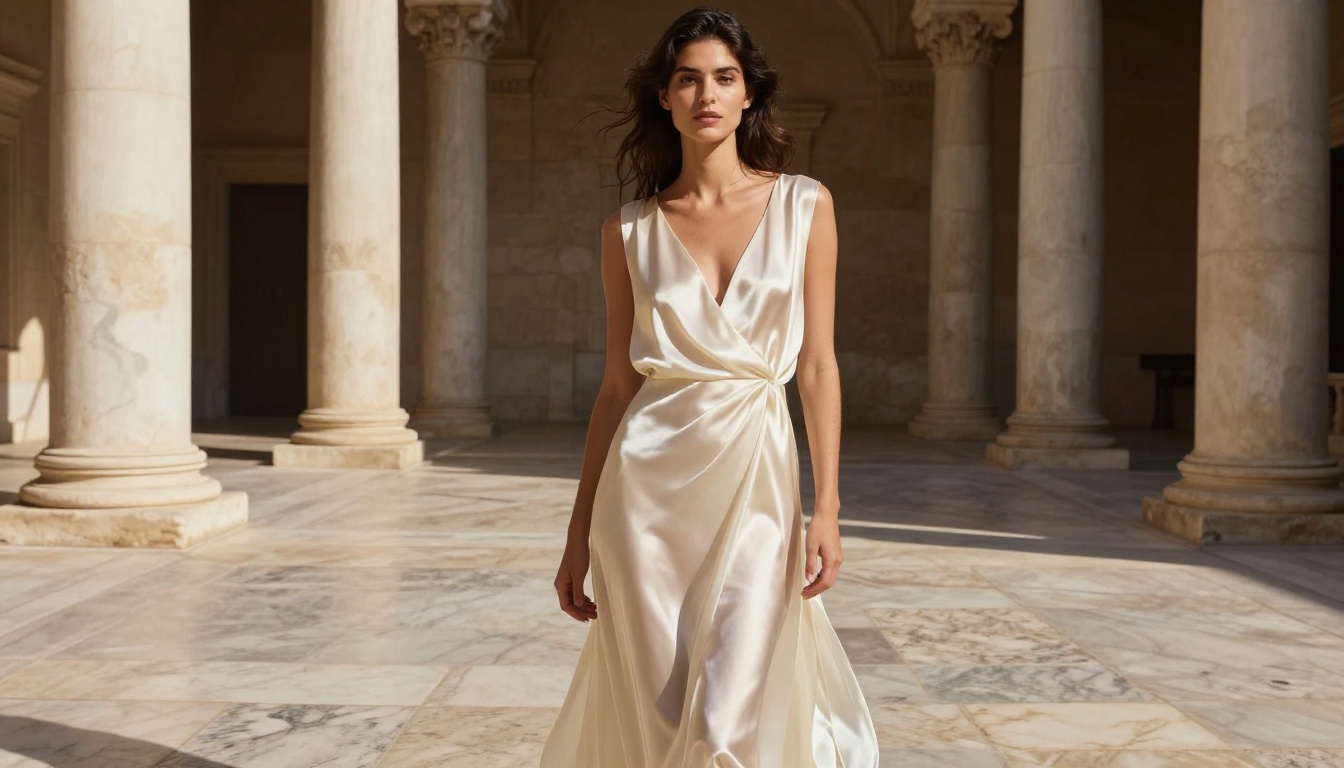
Seedream 5.0 is the better model for portrait photography, and it is not a close race. Its training data appears weighted toward high-resolution facial photography, and the results reflect that priority. Pore-level skin texture, subsurface scattering in cheeks and ear cartilage, the slight translucency of lips, all render with a quality that passes close inspection at full resolution.
Ideogram 3.0 produces pleasant portraits, but skin has a subtle "rendered" quality at 1:1 zoom. The difference is more visible at higher resolutions and with studio lighting setups that would normally reveal micro-texture on real photographs.
Lighting and Mood
Both models handle dramatic lighting well when explicitly described in the prompt. Seedream 5.0 reads lighting descriptors more literally, which means careful prompting produces very specific results. Ideogram 3.0 tends to interpret lighting direction more loosely but produces more consistent overall mood and emotional tone in the final image.
💡 Tip: For Seedream, specify the exact light source, direction, and intensity: "single softbox at 45 degrees from the left, creating a Rembrandt triangle". For Ideogram, describe the atmosphere instead: "golden hour warmth, soft diffused window light, intimate mood".
Winner for portrait photography: Seedream 5.0
Landscapes, Architecture, and Objects
Non-human subjects test a model's ability to handle material properties: the way light passes through glass, reflects off wet pavement, scatters through leaves, or absorbs into rough concrete.
Natural Scene Reproduction
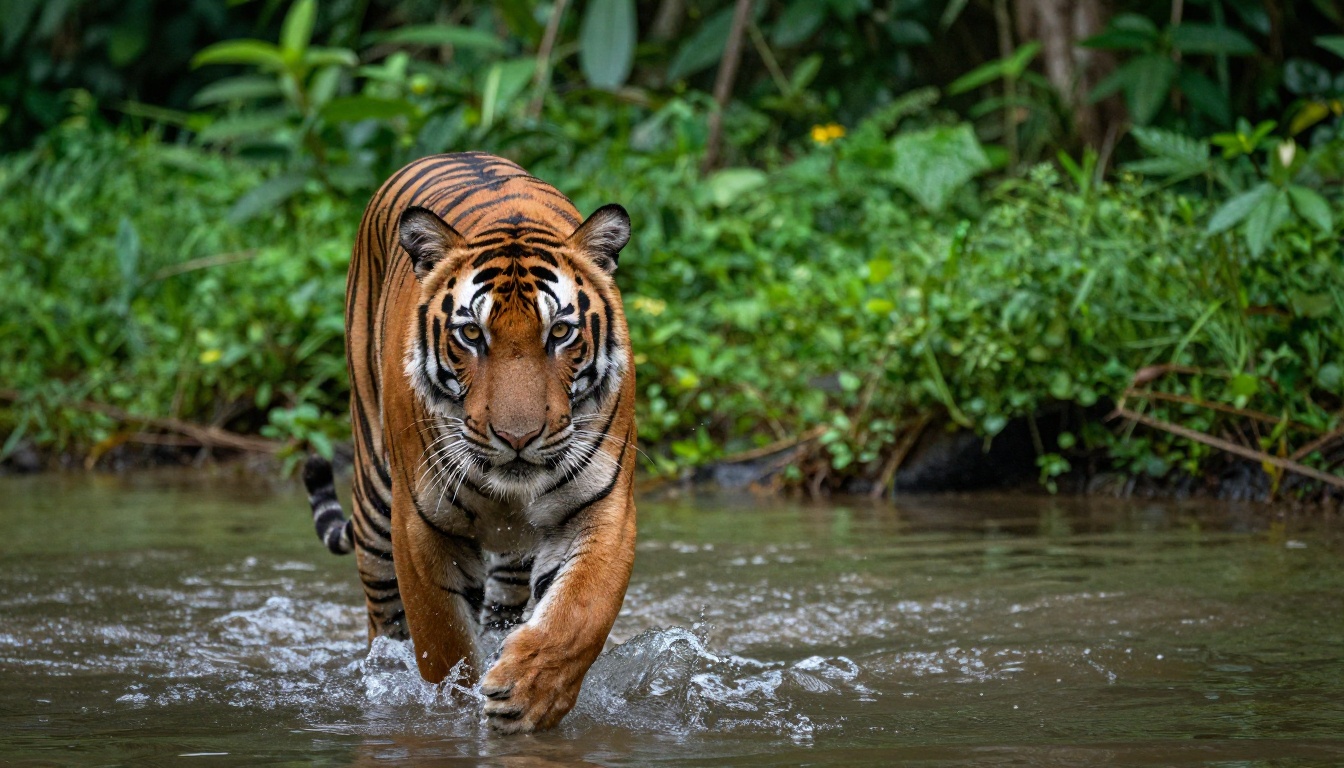
Both models handle outdoor natural scenes with comparable quality at first glance. Atmospheric perspective, the way distant elements fade into haze, is rendered convincingly by both. Where Seedream 5.0 pulls ahead is in water and foliage rendering: wave physics look physically correct, and individual leaves show realistic variation in color and light transmission.
For wildlife photography prompts specifically, Seedream 5.0 produces animals with more accurate fur direction, realistic specular highlights on eyes, and better rendering of motion blur in fast-moving subjects. Ideogram 3.0 tends to stylize animal subjects slightly, which produces attractive images but is not photorealistic at close inspection.
Indoor and Product Shots
Interior architecture, product photography, and still life occupy closer contested territory, with each model showing different specific strengths.
| Scene Type | Seedream 5.0 | Ideogram 3.0 |
|---|
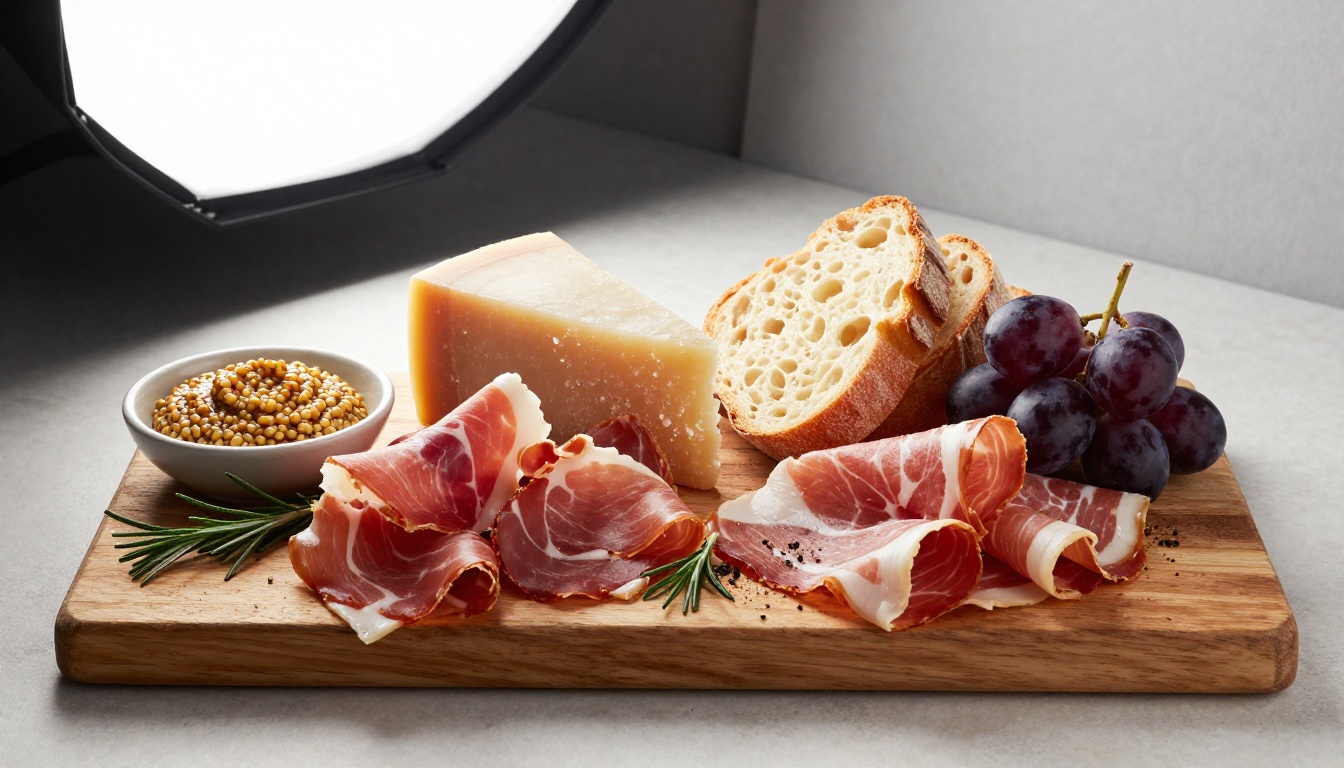
| Food photography | Excellent texture, natural color fidelity | Good output, slightly over-saturated |
| Interior architecture | Strong spatial geometry, accurate depth | Better color palette consistency |
| Product isolated | Accurate material reflections | More stylistically polished overall |
| Street photography | Gritty, documentary authenticity | Cleaner but less spontaneous character |

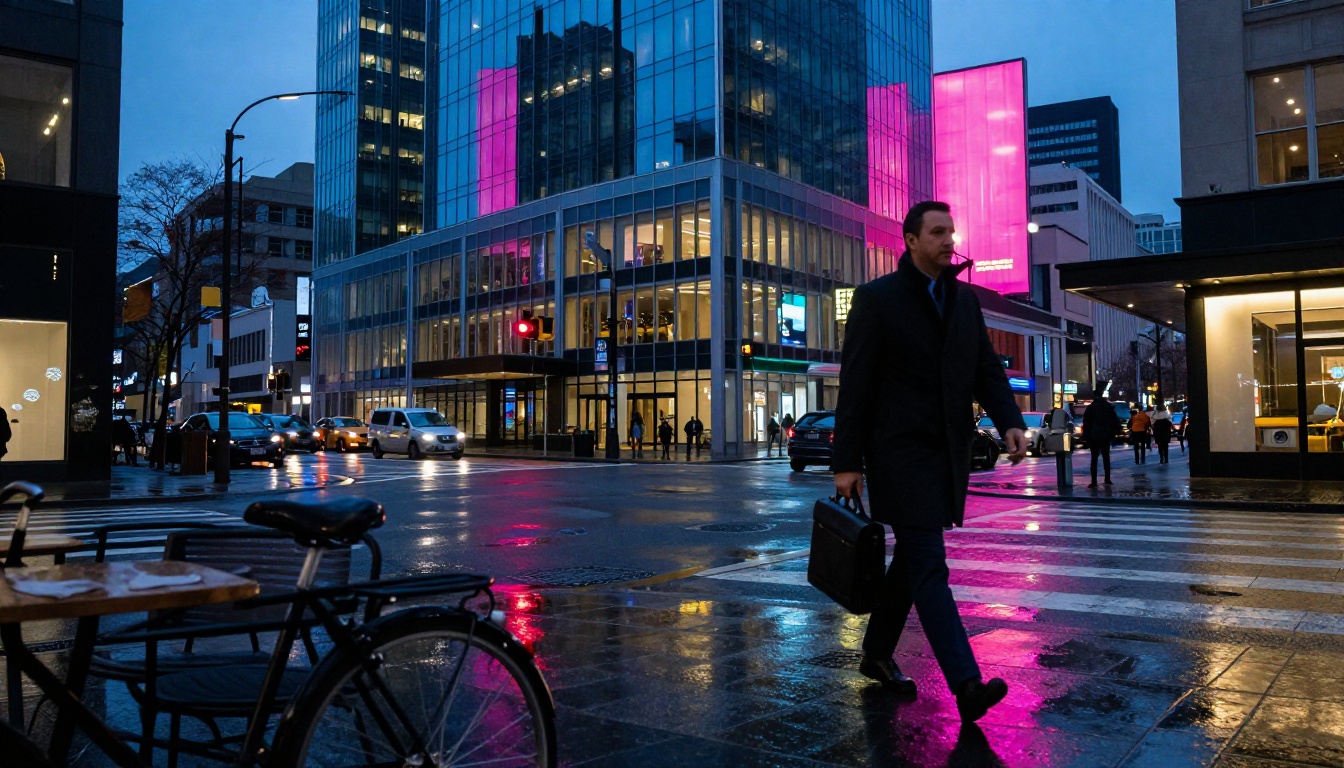
Winner for non-portrait subjects: Seedream 5.0 (narrow margin for most scene types)
Speed, Cost, and Practical Use
The best image in theory means nothing if you cannot run it at production scale or justify the cost for commercial workflows.
Generation Time
Seedream 5.0 at standard resolution runs approximately 3-5 seconds per image on modern GPU infrastructure. Ideogram 3.0 at equivalent resolution takes 6-10 seconds due to its additional inference steps for quality and text-rendering accuracy.
At volume, this compounds significantly. For a batch of 500 marketing images, the speed difference alone is an operational consideration worth factoring into any platform decision.
Pricing Per Generation
Both models are priced competitively for commercial use, but Seedream 5.0 is consistently 20-35% cheaper per generation at comparable output quality settings. Ideogram 3.0 charges a premium that is justified for text-heavy creative projects but harder to defend for purely photographic output at scale.
💡 Cost strategy: Use Seedream for bulk photorealistic generation and switch to Ideogram specifically for any output that requires readable text embedded in the image. You get the best of both for the combined cost of one high-tier subscription elsewhere.
Which Wins for Your Use Case?
No single model wins universally across every creative context. The better question is which model wins for your specific workflow and the type of images you actually need.
For Content Creators
If you are producing social media content, blog headers, marketing imagery, or brand photography at volume, Seedream 5.0 is the default choice. Its photorealism, speed, and cost-per-generation make it the practical winner for high-volume visual content pipelines.
The one exception: when your content requires text to appear as part of the actual image rather than as an overlay, switch to Ideogram for that specific asset.
For Designers and Marketers
Designers working on campaigns that blend real-world photography aesthetics with controlled brand elements need both models in their toolkit. Seedream handles the photography side. Ideogram handles the typography side. Trying to force either model to do both jobs well is the source of most frustration with AI image generation tools.
For product visualization with clean labels and branded graphics, use Ideogram v4 Balanced for standard iterations and Ideogram v4 Quality for hero shots that require fine text detail.
For lifestyle photography, brand imagery without prominent text, and large-volume social content, Seedream 5 Lite delivers faster turnaround at lower cost per image.
For Pure Artistic Work
Artists working on fine-art AI photography or editorial-quality generative images will find Seedream 5.0 more malleable to precise photographic descriptors. Its output responds closely to lens specifications, aperture values, and film simulation vocabulary in the prompt.
Ideogram 3.0 is the stronger choice for illustrative or graphic design aesthetics, especially when combined with Krea 2 Large or Flux Redux Dev for creative transformation workflows on PicassoIA.
Run Both on PicassoIA Right Now
PicassoIA gives you access to both model families without managing separate API keys or billing accounts for each provider. Here is how to use them effectively.
Using Seedream 5 Lite
- Go to Seedream 5 Lite on PicassoIA
- Enter your prompt with specific lighting direction, lens focal length, and subject position described explicitly
- Set aspect ratio to 16:9 for landscape and hero images or 1:1 for social content
- Generate. Most outputs arrive in the 3-6 second range
- When the first result is 80% correct, use the same seed with a refined prompt to iterate rather than starting from scratch
Prompt tips for Seedream:
- Include film simulation references: "Kodak Portra 400", "Fujifilm Provia 100F"
- Specify camera and lens: "85mm f/1.4 lens at f/2.0 aperture"
- Describe the light source precisely: "single softbox at 45 degrees left, warm 5500K output"
Using Ideogram v4 on PicassoIA
- Go to Ideogram v4 Balanced for standard outputs or Ideogram v4 Quality for premium text-critical renders
- For text-in-image projects, put the exact text in quotation marks inside the prompt
- Specify color palette by name or temperature for brand-aligned output
- For editable layers, use Ideogram Layerize to extract text layers from generated graphics into your design software
Prompt tips for Ideogram:
- Be explicit about typography:
"large sans-serif heading reading 'NEW COLLECTION' in white"
- Use simpler backgrounds for more reliable text rendering
- Combine with GPT Image 2 for instruction-following edits after generation
| Model | Best For | Speed | Cost Level | Access |
|---|
| Seedream 5 Lite | Photorealistic images, portraits | Fast | Low | PicassoIA |
| Ideogram v4 Balanced | Text-in-image, branded graphics | Medium | Medium | PicassoIA |
| Ideogram v4 Quality | High-fidelity typography output | Slower | Higher | PicassoIA |
| Krea 2 Large | Photorealistic variety, flexibility | Fast | Low | PicassoIA |
| GPT Image 2 | Instruction-following image edits | Medium | Medium | PicassoIA |
| DALL-E 3 | Creative concepts, prompt reliability | Medium | Medium | PicassoIA |
| Flux Redux Dev | Style transfer, image variation | Fast | Low | PicassoIA |
Start Generating Right Now
The most useful thing you can do after reading this is pick one prompt that matters to your actual work and run it through both models. Theory and aggregate benchmarks only go so far. Your specific creative prompt, with your vocabulary and your aesthetic requirements, may behave completely differently from what any test shows.
Both Seedream 5 Lite and the Ideogram v4 family are live at picassoia.com/en/all-models, alongside over 90 other text-to-image models including GPT Image 2, DALL-E 3, Krea 2 Large, and Flux Redux Dev.
Pick the prompt that represents your hardest creative challenge. Run it on Seedream. Run it on Ideogram. The difference will be visible in seconds, and you will know exactly which model belongs in your workflow from that point forward.


