Sora 2 Pro launched quietly but landed loudly. In a landscape crowded with AI video tools making bold promises, OpenAI's latest model actually delivered something worth talking about: extended video generation with what many users describe as a genuinely cinematic quality. Whether you're a solo filmmaker, a content creator, or a brand looking to produce high-production footage without a full crew, Sora 2 Pro changes the math. This article breaks down its real capabilities, what it handles well, where it still hits walls, and how to use it step by step.
What Sora 2 Pro Actually Is
There's a lot of confusion about what differentiates Sora 2 Pro from its siblings. OpenAI's video generation line includes Sora 2 (the standard tier) and Sora 2 Pro (the premium tier). The "Pro" designation is not cosmetic. It reflects a meaningfully different output profile in terms of duration, motion fidelity, and scene coherence.
The specs that matter
| Feature | Sora 2 Pro |
|---|
| Max resolution | 1080p |
| Max duration | 20 seconds |
| Aspect ratios | 16:9, 9:16, 1:1 |
| Audio generation | No (video only) |
| Prompt input | Text or image |
| Frame rate | 24fps / 30fps |
The resolution cap at 1080p is significant. Where earlier AI video models struggled to maintain coherent motion at anything above 480p, 1080p output from Sora 2 Pro holds detail through motion in ways that competing models at the same resolution often don't. Frame-by-frame analysis shows noticeably less temporal noise and cleaner edge definition on moving subjects.
The model built around world simulation
OpenAI's stated goal with Sora was not just video generation but world simulation. The architecture was trained to understand physical properties: how light falls, how fabric moves, how liquids behave, how camera lenses distort perspective at different focal lengths. This is why Sora 2 Pro often produces outputs that feel shot rather than generated. The physics engine under the hood is doing meaningful work.
That said, "world simulation" is aspirational language. In practice, it means the model performs better than average at physics-based coherence. It does not mean perfect. Understanding the gap between that aspiration and current reality is exactly what separates users who get great results from users who get frustrated.
The Output Quality, Honestly
Let's talk about what you actually get when you run a prompt through Sora 2 Pro. Not the press release version. The real one.
Resolution, frame rates, and duration
The 1080p output at up to 20 seconds is currently among the longest coherent clip durations available from any text-to-video model at this quality level. The default frame rate is 24fps, which is not accidental. 24fps is the standard theatrical frame rate and it produces that characteristic film look that audiences associate with cinema as opposed to broadcast or home video. You can request 30fps for a video look, but 24fps tends to produce more cinematic-feeling results for narrative content.
Duration matters more than many creators initially realize. At 20 seconds, you have enough footage for a proper establishing shot, a dramatic reveal, a character moment with room to breathe, or an environmental texture sequence. Most competing models cap at 5 to 10 seconds, which severely limits storytelling options and forces more aggressive assembly cutting in post.
Motion coherence and scene physics
This is where Sora 2 Pro separates itself most clearly from earlier AI video. Motion coherence refers to whether objects in the scene move in ways that make physical sense over time. Earlier models frequently produced "drift," where a walking character would gradually deform, or a panning camera would cause background elements to glitch or multiply.
Sora 2 Pro handles complex motion with notable consistency, especially in:
- Crowd scenes where multiple people move independently with different gaits
- Water and fabric which have historically been severe failure points for AI video
- Camera movement including dollies, pans, crane shots, and slow push-ins
- Lighting transitions such as a cloud passing over the sun mid-shot or a character moving from shadow into direct light
💡 Describe camera movement explicitly in your prompt. "Slow dolly push-in" or "handheld tracking shot" will produce noticeably different results than a static framing directive.
Where Sora 2 Pro Wins
Not everything about AI video generation is equally impressive across all models. Sora 2 Pro has specific strengths that are worth knowing before you decide which tool to use for a given shot.
Long, complex scene generation
The combination of 20-second duration and strong motion coherence means Sora 2 Pro can hold a complex scene together in ways that shorter-clip models cannot even attempt. A 20-second cinematic sequence with a moving camera, multiple elements in frame, atmospheric changes, and changing light is genuinely usable production material.
For comparison, most competing models produce 5-second clips that require assembly and transitions to create anything narrative. Kling v3 Video and Veo 3 both offer competitive duration tiers, but each carries different tradeoffs in motion style and subject handling. Sora 2 Pro currently leads on continuous scene coherence.
Camera work and cinematic movement
Sora 2 Pro responds to camera direction language better than almost any other current model. Prompts that reference cinematography terminology produce results that clearly reflect those instructions in measurable ways:
- "Steadicam follow shot" produces stable, floating forward motion
- "Low angle looking up" shifts perspective genuinely, not just the subject framing
- "Rack focus from foreground to background" creates a measurable depth shift mid-clip
- "Slow crane rise" produces upward vertical motion with natural environmental reveal
This responsiveness to cinematic language is a deliberate training decision and the results show it.
Atmospheric depth and lighting
Light behavior in Sora 2 Pro outputs is consistently convincing. Volumetric light effects, shadows that move with their sources, and atmospheric haze that changes with depth all appear naturally in well-prompted generations. This is the element that most separates its output from earlier AI video, which tended to look flat and uniformly overlit regardless of the described conditions.
💡 Include light source direction and quality in every prompt. "Volumetric morning light from the left casting long shadows" produces dramatically different atmosphere than "bright daylight," and the model honors that specificity.
Where It Still Falls Short
Honesty about limitations is more useful than hype. Sora 2 Pro has consistent, documented failure modes that every user should understand before committing to a production workflow.
Hands, text, and fine details
Hands remain a challenge across every AI video model, including Sora 2 Pro. Close-up shots where hands are prominent will often show incorrect finger counts, unnatural bending, or gradual deformation across the clip's duration. The practical workaround is compositional: avoid close-ups where hands are the central element, or frame shots so hands appear peripheral rather than dominant.
Text rendered within video is unreliable. Signs, labels, or on-screen text will typically appear garbled or approximate in letter shapes. If your scene requires legible text in frame, this is currently a hard limitation shared by all text-to-video models. Plan around it rather than fighting it.
Fine details on fast-moving objects degrade noticeably. A bird in flight at close range loses wing feather detail. A spinning mechanical object will smear. These are physics-simulation limits at the diffusion model level, not resolution limits.
Cut-to-cut consistency
Sora 2 Pro generates single continuous clips. It does not support character or scene consistency across multiple separate generations. If you generate a character in one clip and want the same character in another, the model has no memory of the first generation. This makes multi-shot narrative production genuinely difficult without a reference image workflow.
Models like Kling v2.6 Motion Control and Video 01 Director offer image-to-video workflows that partially address this by letting you provide a reference frame as the starting point. For character-consistent productions, an image-to-video approach for close-ups combined with Sora 2 Pro for establishing and wide shots is currently the most practical pipeline.
How to Use Sora 2 Pro on PicassoIA
Sora 2 Pro is available directly on the platform. Here is how to use it from a cold start.
Step 1: Write your cinematic prompt
The quality of your output depends heavily on prompt specificity. A weak prompt produces a weak result no matter how capable the model is. Structure your prompts in layers:
- Subject: Who or what is the central element of the shot?
- Action: What is happening in the scene?
- Environment: Where does this take place? What fills the background?
- Camera: What angle, distance, and movement type?
- Light: What is the quality, direction, and color temperature of the light?
- Mood: What feeling should the shot create?
A fully structured prompt for Sora 2 Pro might look like:
"A woman in her 30s walks slowly through an empty train station at 4am, carrying a single suitcase, reflections of station lights in the wet marble floor, slow tracking shot from behind following at shoulder height, cold fluorescent overhead lighting creating isolated pools of white, mood of quiet resolve."
Step 2: Select your settings on PicassoIA
Once you navigate to Sora 2 Pro on the platform:
- Aspect ratio: Choose 16:9 for cinematic widescreen output
- Duration: Select up to 20 seconds for full scene generation
- Resolution: 1080p is the current maximum available
- Frame rate: 24fps for film look, 30fps for broadcast look
Step 3: Review and iterate
Your first generation is rarely your final output. Review the clip systematically:
- Is the camera moving as directed in the prompt?
- Are the physics (water, fabric, smoke, hair) behaving naturally through the duration?
- Is the lighting matching what you described, or has it drifted?
- Does the motion hold coherence at the 15-second and 20-second marks?
Adjust specific language in your prompt based on what drifted from intent. "More overcast, flat diffused light" or "slower camera push, less aggressive" are effective targeted adjustments.
💡 Save your best-performing prompts. Sora 2 Pro has consistent behavior, so a prompt structure that works well will produce reliably strong results on repeated runs with minor variations.
Top AI Video Models Compared
Sora 2 Pro is not the only serious option available. Here is an honest comparison of the strongest alternatives and what each does best.
The comparison table
| Model | Max Duration | Resolution | Audio | Strongest Use Case |
|---|
| Sora 2 Pro | 20s | 1080p | No | Cinematic scenes, long motion coherence |
| Veo 3 | 8s | 1080p | Yes | Short clips with native synced audio |
| Kling v3 Video | 10s | 1080p | No | Character-focused portrait shots |
| Seedance 2.0 | 10s | 1080p | Yes | Dynamic action with built-in audio |
| LTX 2 Pro | 10s | 4K | No | Ultra-high resolution product footage |
| Hailuo 2.3 | 10s | 1080p | No | Smooth, natural human motion |
| Ray | 9s | 720p | No | Fast iteration and rapid prototyping |
Which model fits which job
The choice between Sora 2 Pro and alternatives comes down to your specific production need:
- Narrative establishing shots: Sora 2 Pro wins on duration and scene coherence
- Music video clips with audio sync: Veo 3 or Seedance 2.0
- Ultra-high resolution product shots: LTX 2 Pro at 4K
- Character close-ups with reference images: Kling v3 Video
- Quick draft and prototype: Ray
Prompts That Actually Produce Cinematic Output
Prompting Sora 2 Pro is a skill that improves with deliberate practice. The gap between a weak prompt and a strong one is enormous, and no amount of model quality closes that gap for you.
Structure your prompts like a director of photography
Think of each prompt as a shot list entry. A director of photography doesn't describe a scene in vague emotional terms. They specify: what lens, what distance, what movement, what light condition, what action in frame. Apply the same specificity to Sora 2 Pro.
Weak prompt: "A dramatic ocean scene at night"
Strong prompt: "Aerial tracking shot over storm-roughened Atlantic ocean at dusk, a wooden fishing vessel navigating 8-foot swells, camera at 30 meters altitude moving with the boat, warm fading amber light on the western horizon contrasting with deep grey-green water, salt spray catching the last orange light, 24fps"
Specific prompts consistently outperform vague ones. The model rewards detail.
5 ready-to-use cinematic prompt templates
Use these as starting structures for your scenes with Sora 2 Pro, then customize each to your specific content:
1. The cinematic establishing shot
"Wide aerial shot of [location] at [time of day], [camera movement direction and speed], [atmospheric condition: fog, haze, clear], [lighting quality: golden, overcast, hard noon], [overall mood or tone]"
2. The character moment
"[Character description and clothing] [action or emotional state] in [environment], [camera angle and distance: waist-up close-up, medium full body, etc.], [lighting setup: backlit, side-lit, tungsten interior], [emotional tone], 24fps"
3. The dramatic reveal
"Camera begins on [close detail], slowly pulls back to reveal [broader scene context], [lighting transitions from X to Y through the shot], [atmospheric density changes], 20 seconds duration"
4. The environmental texture shot
"Extreme close-up of [surface: stone, water, bark, fabric], [raking light direction], [very slight camera drift left or static], [time of day], [micro-detail description of texture]"
5. The scale and crowd shot
"[Wide or aerial framing] of [large crowd, vast empty space, or architectural scale], [camera movement through or above the scene], [lighting condition], [atmospheric density: fog, haze, dust, clear], emphasizing the [scale contrast or emotional weight]"
💡 When comparing outputs across models, always use identical prompts. The difference between Sora 2 Pro and alternatives becomes clear when the only variable is the model itself.
What This Changes for Creators
The practical implication of Sora 2 Pro's capabilities is not that it replaces film crews. It is that it removes access barriers for solo creators, small studios, and anyone who previously could not afford the production infrastructure for high-quality footage.
A brand that needed significant production costs to get one minute of cinematic footage can now generate establishing shots, wide scenes, and atmospheric cutaways without a camera, crew, or location. A solo filmmaker working on a passion project can produce proof-of-concept footage that communicates a real visual language to potential collaborators or investors.
The creative floor has moved. The ceiling has not. Real production still requires cinematography, direction, and editorial skill. But the entry point for creating visually credible content is genuinely different now, and Sora 2 Pro is one of the clearest demonstrations of that shift.
The workflow that makes sense today
For most productions, Sora 2 Pro works best as one tool in a pipeline rather than the entire pipeline:
- Sora 2 Pro for establishing shots, wide environmental scenes, and atmospheric inserts
- Kling v3 Video or Kling v2.6 Motion Control for character close-ups with reference images for consistency
- Seedance 2.0 for clips requiring synced audio tracks
- LTX 2 Pro when you need 4K resolution for a specific high-detail shot
- Traditional editing software to assemble the final cut with color grading and audio design
This multi-model approach gets you closer to a complete cinematic package than any single model currently offers.
Create Your Own Cinematic Scenes
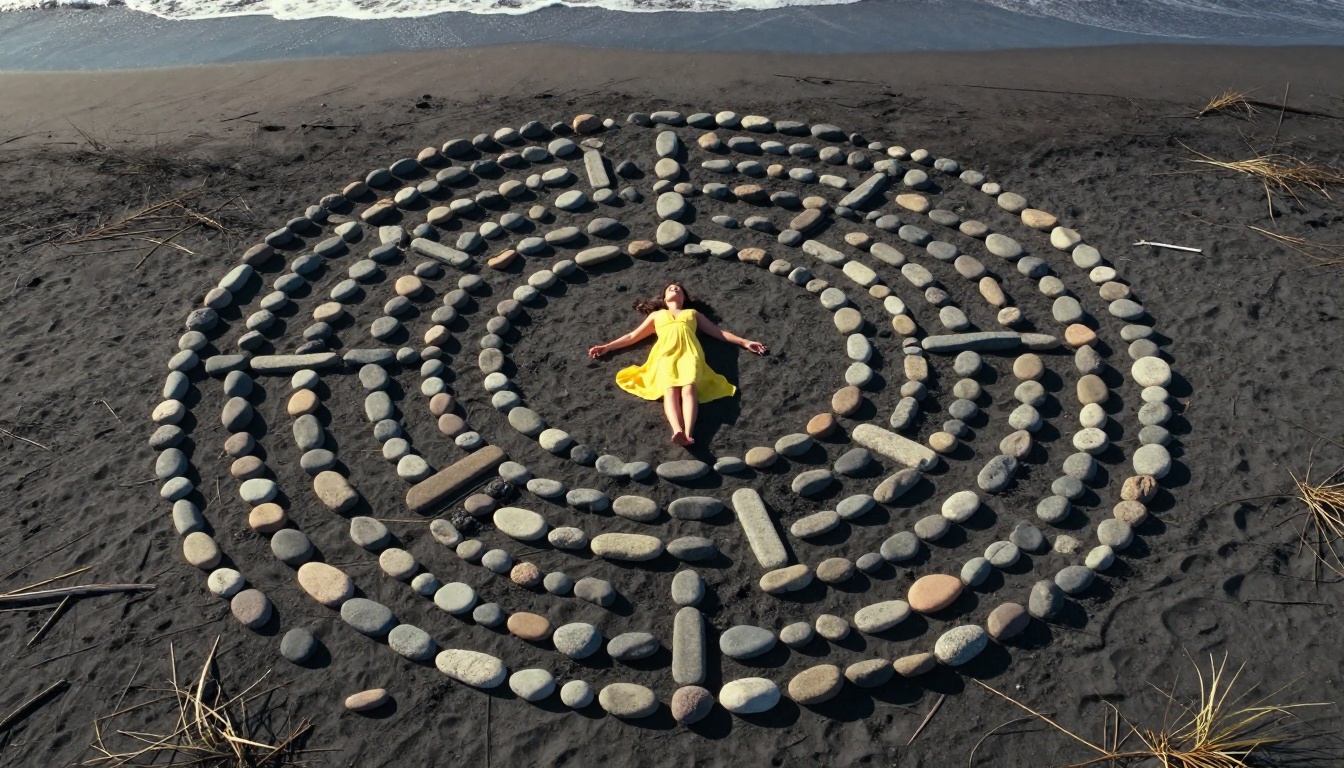
The gap between "this looks AI-generated" and "this looks like real footage" is narrowing with each model generation. Sora 2 Pro is one of the clearest demonstrations of that narrowing in 2027. With the right prompt structure, correct settings, and an understanding of what the model handles well versus where it needs workarounds, the outputs are consistently usable in real production contexts.
The platform gives you direct access to Sora 2 Pro alongside the full range of competing models so you can compare outputs on your actual content. Start with one of the prompt templates above, run the same prompt on two or three different models, and see which output fits your visual style and production needs.
You don't need a film crew to produce cinematic footage anymore. You need a well-crafted prompt and the right tool. Both of those are now within reach. Try Sora 2 Pro on the platform and start building your own cinematic sequences today.


