Sora 2 Pro does something most AI video models still can't: it holds a story together across multiple seconds without forgetting what the character looks like, where they are, or what just happened three frames ago. That sounds basic. It isn't. For anyone who has spent time nudging other text-to-video models through scene after scene only to watch consistency fall apart, this is a meaningful shift.
What Sora 2 Pro Actually Does
Sora 2 Pro is OpenAI's most capable text-to-video model as of 2025. It accepts detailed natural-language prompts and produces clips that go beyond simple motion loops. The model was built with narrative context in mind: it responds to temporal descriptions, understands scene arcs, and maintains visual coherence from the first frame to the last.
This isn't just a resolution upgrade over its predecessor. The architecture behind Sora 2 Pro handles longer sequences with more stable outputs, making it genuinely useful for story-driven production rather than just quick impressions.
The Core Difference from Sora 2
Sora 2 is solid for standalone cinematic clips. Sora 2 Pro goes further. It accepts more complex prompts, maintains subject identity across longer temporal ranges, and produces output that feels more intentional. If you're building a sequence of scenes meant to tell something, rather than just look impressive, the Pro tier is where that becomes practical.
The gap shows up most clearly in:
- Subject consistency: The same character looks the same from shot to shot
- Scene logic: Spatial relationships hold even as the camera moves
- Prompt fidelity: Longer, more detailed prompts are honored rather than selectively read
- Temporal arc: The clip has a beginning, middle, and end, not just a loop
Story Mode vs. Single Clip
Most text-to-video models were designed around a single concept: "make this image move" or "make this description into a clip." Sora 2 Pro can do both, but its real strength is in multi-beat storytelling. You can describe a scene as having distinct phases, and it will try to honor that structure.
A prompt like "A woman enters a dark room, pauses to look around, then moves toward a flickering lamp" produces a clip that actually sequences those three actions, not just one of them on loop.
Why Narrative Consistency Was Always the Problem

Most AI video tools are built around a single frame or a short motion window. They generate beautiful individual moments, but they don't inherently understand that one clip needs to relate to the next. This is the fundamental challenge in AI narrative video.
Character Drift in AI Video
Character drift is the phenomenon where a character looks noticeably different from one generated clip to the next, even when the prompt is nearly identical. Hair color shifts slightly. Face structure changes. Clothing changes texture or cut. In a story context, this destroys suspension of disbelief instantly.
Sora 2 Pro addresses drift by treating the subject description as a persistent constraint rather than a per-frame instruction. It doesn't fully eliminate the problem for very long sequences, but within a single clip it is markedly more stable than earlier generation models.
Scene-to-Scene Logic
Beyond characters, there's the spatial logic problem: if a character exits through a door on the left in scene 3, they should not appear on the right side of the room in scene 4. This kind of implicit spatial reasoning is genuinely hard for AI models, and most current tools simply don't attempt it.
Sora 2 Pro shows early capability here, particularly within single clips that span several camera movements. It's not a solved problem, but it's being actively handled in a way earlier models were not.
How Sora 2 Pro Handles Storytelling

Getting the most out of Sora 2 Pro for narrative clips comes down to how you write your prompts. The model responds to structure. If your prompt reads like a description of a painting, you'll get a beautiful static moment. If it reads like a director's shot note, you get a clip with movement and intent.
Prompt Structuring for Narrative
Think of your prompt in three parts:
- Setup: Who is here, where are they, what is the emotional state
- Action: What happens, in what order, how does it develop
- Resolution: Where does the clip land by the final frame
A prompt structured this way gives the model clear temporal anchors. Instead of "A man in a rainy alley at night," try "A man in a dark raincoat stands motionless at the end of a narrow alley, rain visible under a single streetlight. He slowly turns to look over his shoulder. The camera holds on his face as his expression shifts from calm to tense."
💡 Tip: Use verbs with temporal markers. Words like "slowly," "then," "as," "while," and "finally" signal sequence to the model and improve narrative output significantly.
The Role of Camera Language
Sora 2 Pro responds to cinematography vocabulary. Phrases like "slow dolly in," "wide establishing shot," "tight over-the-shoulder," or "rack focus from foreground to background" translate into actual camera behavior in the output. This is a major differentiator from models that only respond to subject description.
For story-driven clips, using camera language lets you control not just what is seen but how the viewer feels about it. A slow push into a character's face during a tense moment changes the emotional weight of the scene in exactly the way it would in traditional filmmaking.
Sora 2 Pro on PicassoIA
You can access Sora 2 Pro directly on PicassoIA without any API setup or subscription management. The model runs through the platform's interface, meaning you get the full power of the model with a straightforward prompt-to-output workflow.
Step-by-Step: Your First Story Clip
Step 1 — Open the model
Navigate to Sora 2 Pro on PicassoIA and click to open the generation interface.
Step 2 — Write a structured prompt
Use the three-part structure: setup, action, resolution. Describe the subject with precision, specify the camera behavior, and give the scene a temporal arc.
Step 3 — Set your duration
Longer clips allow more narrative room but require more specific prompting to avoid drift. For your first story clip, a 5-8 second range is a solid starting point.
Step 4 — Generate and evaluate
Watch the output with the sound off first, paying attention to subject consistency and action sequence. Then watch it again for mood and camera movement.
Step 5 — Iterate on the prompt
If the clip drops a beat from your prompt, isolate which part and add more specificity there. The model rewards precise, scene-minded language.
Settings That Matter
- Resolution: Higher resolution outputs, 720p or above, maintain more visual detail in character faces, which directly supports consistency
- Duration: Longer clips are not always better for narrative. A tightly structured 5-second clip often tells more than a loose 10-second one
- Seed locking: When iterating, lock your seed to isolate how prompt changes affect the output
Comparing Sora 2 Pro to Other Models
PicassoIA gives you access to over 100 text-to-video models. Understanding where Sora 2 Pro sits relative to the alternatives helps you pick the right tool for each project.
Against Kling v3 and Veo 3
Kling v3 Video produces exceptional cinematic motion and handles fast action particularly well. For high-energy sequences, action shots, or visual spectacles, it competes closely with Sora 2 Pro. Where Sora 2 Pro tends to pull ahead is in quieter, character-driven scenes where the emotional subtext of a prompt needs to survive the translation to video.
Veo 3 from Google has outstanding native audio generation and excels at atmospheric, environment-forward clips. For story clips where sound design matters as much as visuals, Veo 3 is worth the comparison. For pure visual narrative and subject fidelity, Sora 2 Pro has the edge.
| Model | Strength | Best For |
|---|
| Sora 2 Pro | Narrative consistency | Character-driven story clips |
| Kling v3 Video | Cinematic motion | Action and spectacle |
| Veo 3 | Native audio | Atmospheric and audio-forward |
| Seedance 2.0 | Speed and quality | Fast iteration on story concepts |
| Wan 2.7 T2V | 1080p fidelity | Detail-rich environment shots |
When to Use Something Else
Sora 2 Pro is not always the right answer. Here is when to reach for another tool:
- Fast visual loops or social content: Seedance 2.0 or Seedance 1.5 Pro generate quickly and look polished for short-form content
- Image-to-video animation: Wan 2.7 I2V is purpose-built for animating still images with high fidelity
- Budget-conscious iteration: Ray 2 720p gives solid output at accessible speed for testing ideas before committing to heavier generation
- Motion control precision: Kling v2.6 Motion Control lets you direct camera paths with more granular precision than prompt language alone
Common Mistakes and How to Fix Them
Most failed outputs from Sora 2 Pro trace back to two categories of mistake. Neither is hard to fix once you know what to look for.
Over-Describing the Scene
The instinct when getting bad output is to add more detail. Sometimes that works. But often, the prompt is already too packed with competing information, and the model is choosing which parts to honor.
For narrative clips specifically, prioritize action and sequence over aesthetics. Don't spend 70 words describing the lighting if you only have 10 words left for what actually happens in the clip. The event is the story. The aesthetics are support.
A focused prompt that works:
"A woman in a grey coat walks quickly through a crowded train station, weaving between people, checking over her shoulder. She stops suddenly at a departure board, stares up at it. Camera follows her from behind at medium distance, then holds on a close-up of her face."
That tells a story. It has tension, movement, and a visual payoff. It doesn't describe the train station's architecture in detail, and it doesn't need to.
Ignoring Temporal Structure
Prompts without temporal structure produce clips without narrative structure. If there are no time cues in your prompt, the model defaults to a single sustained moment rather than a sequence.
Fix it by adding sequence markers:
- "At first... then... finally..."
- "As the scene opens... mid-clip... by the final frame..."
- "She walks in. She pauses. She reaches for the door."
These aren't magic words, but they signal to the model that you want temporal progression, not a static moment.
3 Story Types Sora 2 Pro Handles Best
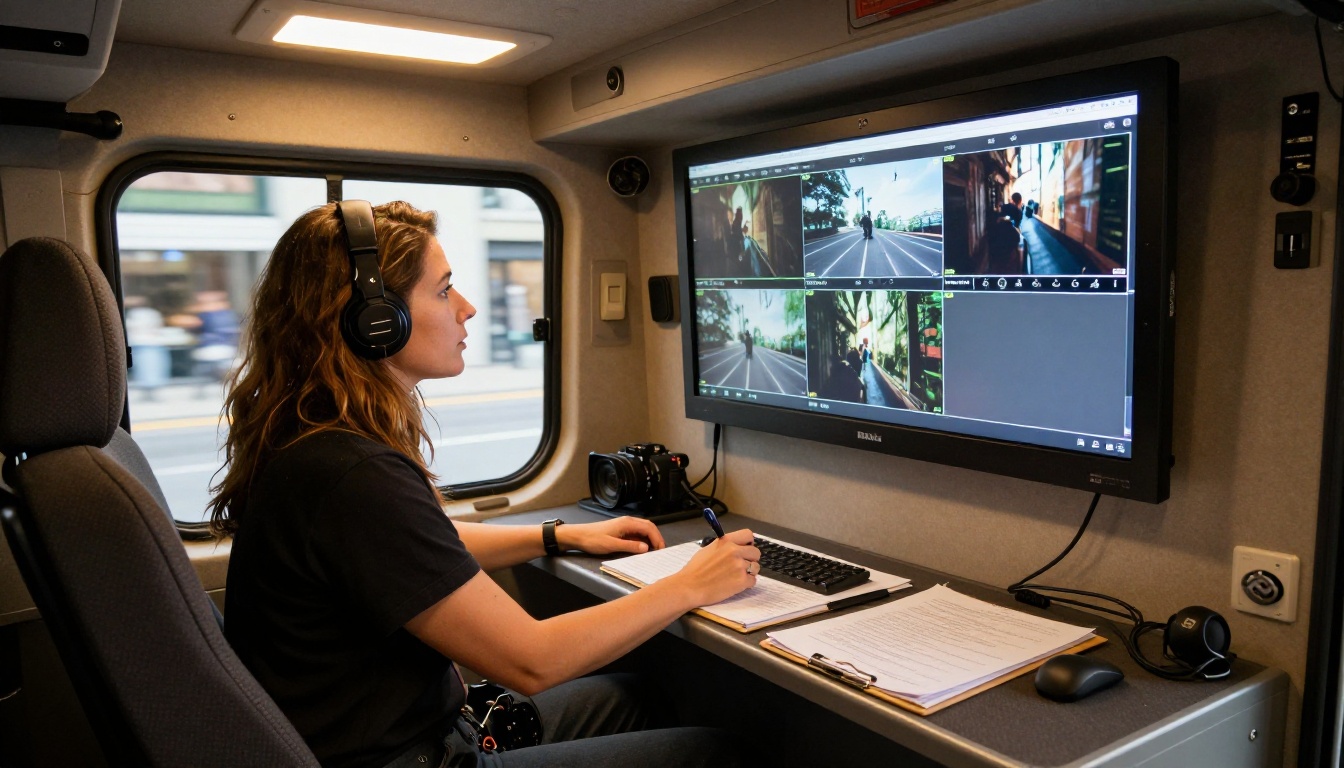
Not all story types behave the same way in AI video generation. These three play particularly well to Sora 2 Pro's strengths.
Emotional Character Scenes
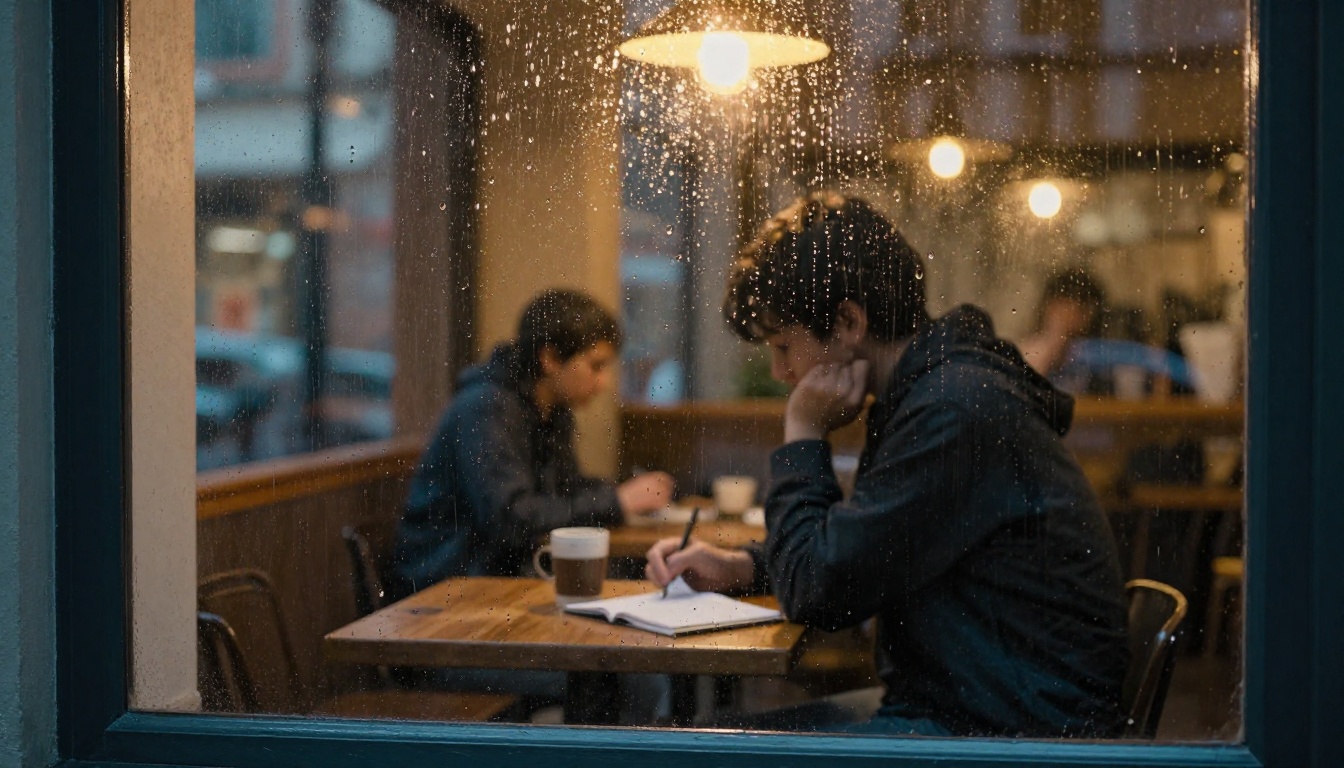
Scenes where the story is told through a single person's emotional state, rather than external action, are where Sora 2 Pro separates from the pack. The model has a strong grasp of micro-expression and body language as described in natural language. A character who is "trying to hold back tears while appearing calm" will produce a more nuanced performance here than in most competing models.
These clips work best when:
- The character description is specific and consistent
- The emotional arc has a clear shift, from controlled to breaking, or from distant to present
- The camera behavior supports the emotional moment (slow push rather than wide static)
Cinematic Environment Reveals
Slow environmental reveals, where the camera tracks through a space to progressively disclose what is there, are cinematically powerful and surprisingly hard for AI to execute without drift or visual inconsistency mid-clip.
Sora 2 Pro handles these well because its spatial reasoning allows it to maintain the geometry of a space as the camera moves through it. A prompt like "The camera tracks slowly from a dark hallway into a warmly lit living room, revealing a family sitting at dinner" will produce a clip where the spatial transition makes sense.
Documentary-Style Sequences
Documentary aesthetics, with handheld camera movement, available lighting, and naturalistic performances, suit Sora 2 Pro particularly well. The model's tendency toward realism in its outputs matches the aesthetic of observational filmmaking, making it one of the stronger choices for content that needs to feel real rather than produced.
Handheld descriptors in your prompt ("slight camera shake," "observational medium shot," "natural available light from window") will push the output convincingly into this register.
Try It for Yourself
The gap between reading about what Sora 2 Pro can do and actually seeing what your prompts produce with it is significant. What reads as a complex narrative scene on paper often generates faster, and lands better visually, than you'd expect from a traditional production standpoint.
PicassoIA gives you direct access to Sora 2 Pro alongside over 100 other text-to-video models including Kling v3 Video, Veo 3, Seedance 2.0, LTX 2 Pro, Hailuo 2.3, and Gen 4.5, all in one place.
Write your first narrative prompt. Pick a character, a situation, and a small emotional shift. Give the camera a role in telling the story. Then run it. The best way to build intuition for AI story-driven video is to generate, evaluate honestly, and iterate. Start at picassoia.com/en/all-models.


