The first time you see a Sora 2 Pro output, it stops you. A prompt typed in plain English comes back as a 20-second clip that looks like a film school graduate spent three days on it. The water reflects correctly. The camera move is smooth. The lighting holds from the first frame to the last. Then you push a little harder, and the cracks appear. Knowing exactly where those cracks are, before you commit time and tokens to a project, is what separates people who get results from Sora 2 Pro from people who get frustrated with it.
What Sora 2 Pro Actually Is
OpenAI positioned Sora 2 Pro as the premium tier of its video generation lineup, sitting above the base Sora 2 model with higher resolution outputs, longer clip duration, and more compute allocated per generation. It takes a written prompt and synthesizes video at up to 1080p resolution, handling camera movement, subject motion, and environmental lighting in a single inference pass.
This is not a video editor. It's not an animation suite. It is a content synthesis engine that probabilistically generates plausible video matching your description. The distinction matters because it shapes every expectation you should bring to the model.
Beyond the Demo Reel
OpenAI's demo videos are carefully selected. That's not deceptive, it's how every product is launched. What the demos show, Sora 2 Pro can genuinely do. What they don't show is the 30% of prompts that come back with a subject whose fingers merge into their palm, or a physics interaction that visibly breaks the illusion seconds into the clip.
The Pro designation matters specifically because the base Sora 2 caps at lower resolution and shorter clip lengths. Pro extends both, and more critically, allocates additional compute per generation, which directly improves temporal coherence: the model's ability to keep subjects, lighting, and environments stable from one second to the next.
The Pro vs. Standard Breakdown
| Feature | Sora 2 | Sora 2 Pro |
|---|
| Max Resolution | 720p | 1080p |
| Max Duration | ~10s | ~20s |
| Compute per generation | Standard | Extended |
| Temporal consistency | Good | Strong |
| Access via PicassoIA | Sora 2 | Sora 2 Pro |
For most production applications, the jump from 720p to 1080p and from 10 to 20 seconds is substantial. The cost difference is equally substantial, which is why knowing when you actually need Pro matters.
Where Sora 2 Pro Genuinely Shines
Sora 2 Pro is not uniformly excellent across all prompt types. It has specific areas where it outperforms most alternatives in its class, and knowing those areas lets you write prompts that produce consistently strong outputs.
Cinematic Scene Coherence
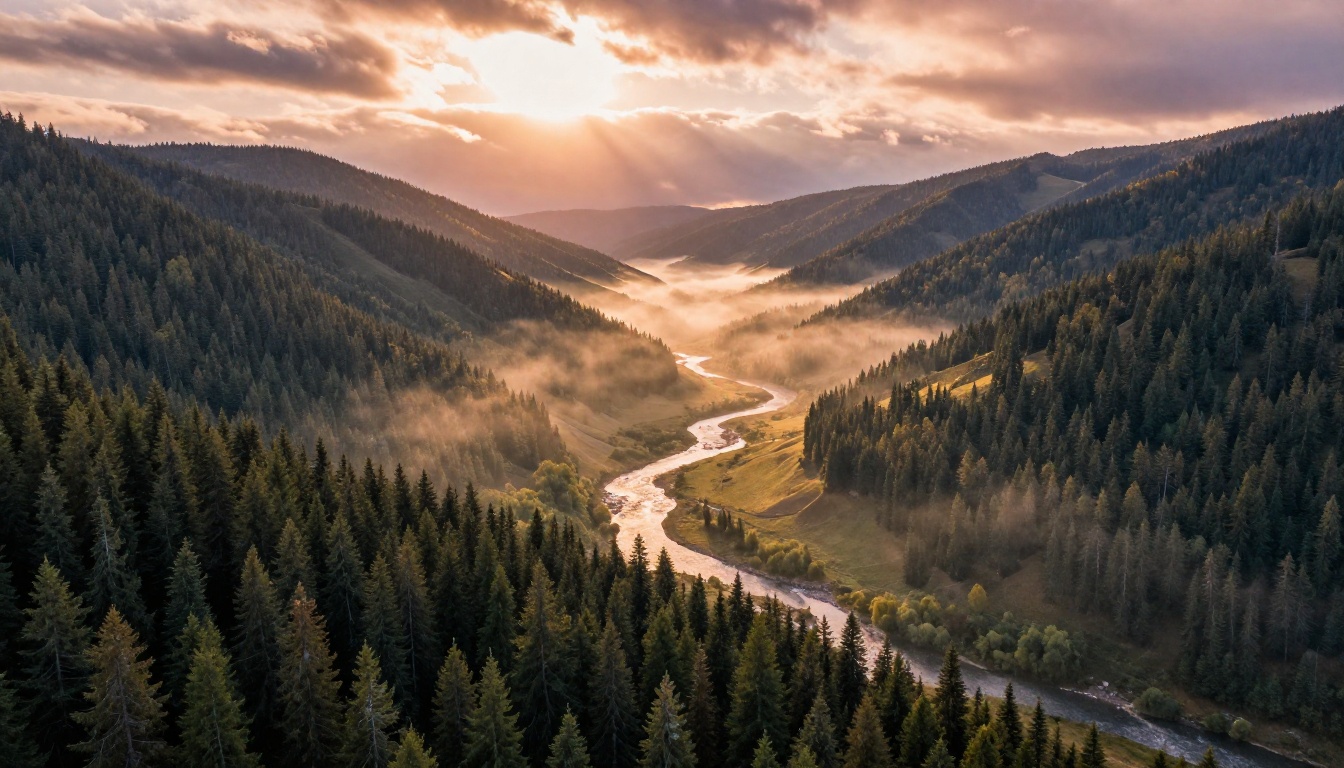
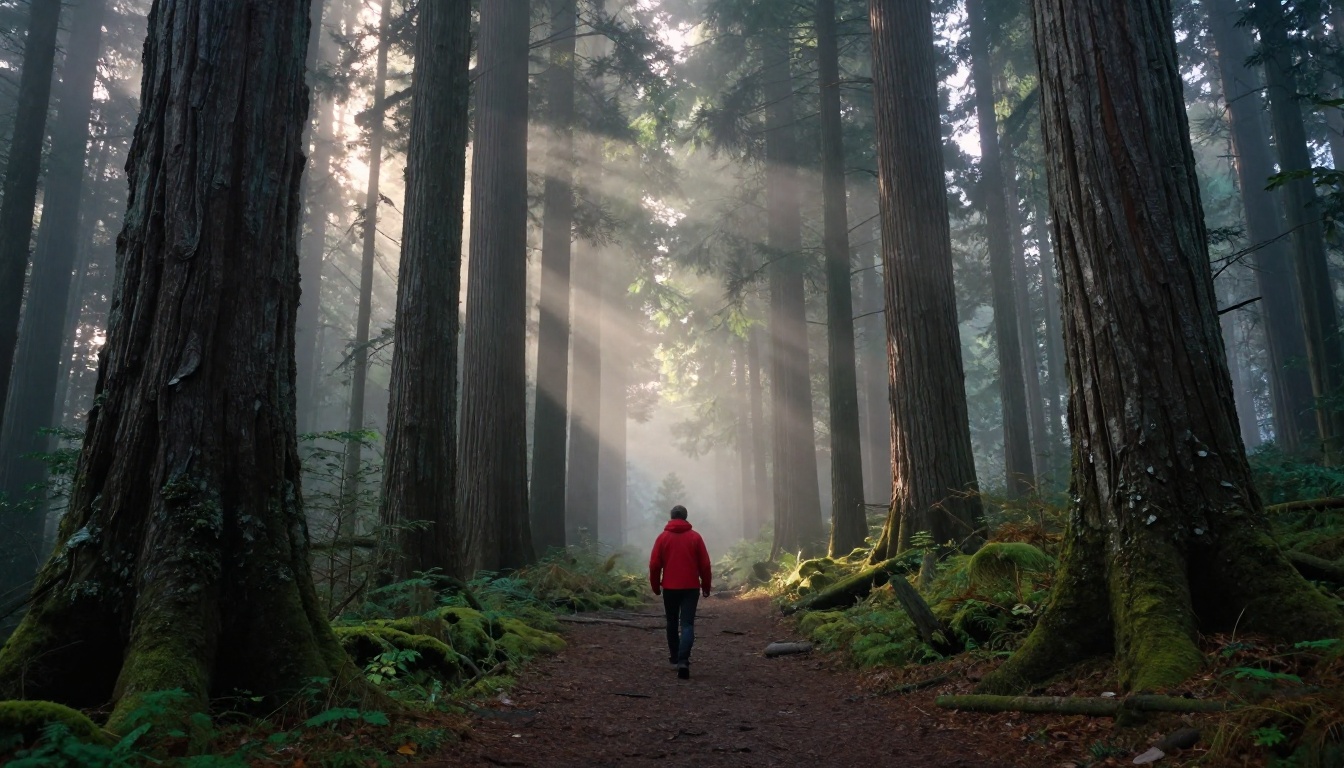
This is Sora 2 Pro's clearest, most consistent strength. When you describe a scene with a defined environment and a static or slowly moving camera, the model holds that environment together with exceptional stability. A forest at dawn stays a forest at dawn. Tree positions don't shift between frames. The light direction stays stable throughout the entire clip.
For landscape and establishing shot prompts, Sora 2 Pro routinely produces outputs that rival footage captured with a professional drone rig. Aerial shots over mountains, coastal terrain, urban skylines at dusk, open water at sunrise: these are its sweet spot. The model has clearly been trained on enormous quantities of cinematically composed footage, and it shows in every frame.
💡 Prompt tip: Describe the camera as if you're briefing a drone operator. "Slow push forward at 200ft altitude, looking south over a pine valley at 6am in early autumn" produces dramatically better results than "flying over forest."
Photorealistic Lighting
Where many text-to-video models produce footage that looks like a real-time game engine render, Sora 2 Pro handles natural light behavior with unusual accuracy. Indirect bounce light filling shadowed areas, atmospheric haze creating aerial perspective, the way morning fog diffuses a direct sun source into soft even illumination: these are complex optical phenomena that the model reproduces convincingly.
This makes it particularly reliable for:
- Exterior architectural shots: buildings in naturalistic light with proper shadow behavior
- Interior window-lit scenes: rooms with directional daylight and realistic falloff across surfaces
- Atmospheric and weather conditions: fog, overcast skies, rain-wet reflective surfaces
The limitation is artificial lighting. Scenes lit by practical fixtures, spots, neon, or studio setups: Sora 2 Pro handles these with less consistency, often producing light behavior that reads as approximated rather than physically grounded.
Long-Form Temporal Consistency
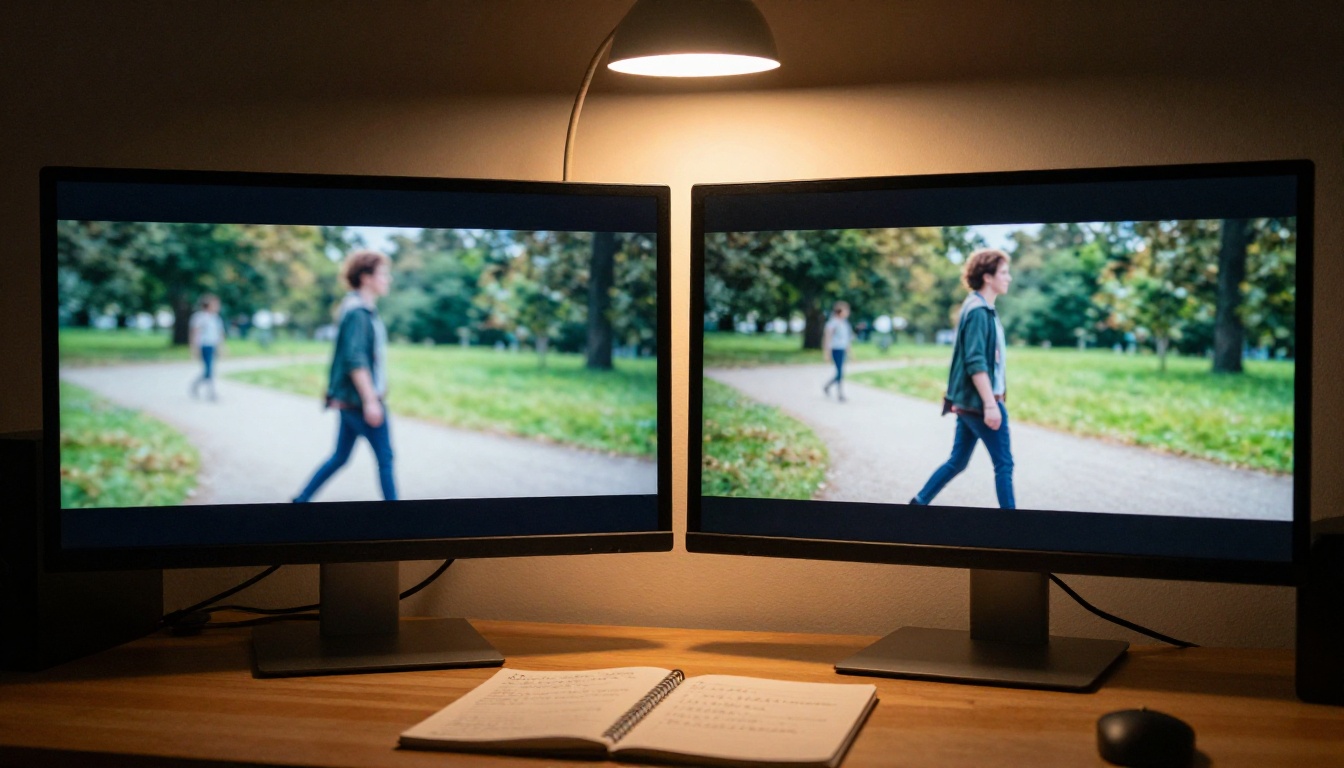
At 20 seconds, Sora 2 Pro is among the longest single-inference outputs available from any major platform. More importantly, it maintains subject consistency across that duration better than most competitors. A person walking across a courtyard in second two still looks like the same person in second eighteen: same hair color, same clothing, same build, all held stable without morphing or drifting.
This is technically non-trivial. It's where earlier generations of AI video models frequently failed in visible, distracting ways, and the improvement in Sora 2 Pro represents a real capability gap over many alternatives in this regard.
Prompt Fidelity
Sora 2 Pro reads physical descriptions literally and with spatial accuracy. If your prompt specifies a blue jacket, the subject wears a blue jacket. If you describe a red door on the left side of the frame, it appears on the left. Compositional relationships are honored in a way that more stylistically-oriented models often bypass in favor of visual impression over precision.
This makes it genuinely useful for storyboard visualization, product placement mockups, scene previsualization for real productions, and any scenario where a specific visual needs to look a specific way before committing to an actual shoot.
The Real Limits of Sora 2 Pro
The strengths above are real and reproducible. So are these limits. None of them are absolute dealbreakers depending on your use case, but entering with unchecked expectations leads to wasted compute budget and genuine frustration.
Physics Still Breaks Down
Sora 2 Pro handles macro-level physics well: gravity, atmospheric perspective, large-body fluid dynamics in open water. Micro-physics is where it fails, and these failures are immediately visible to any viewer.
Specific problem areas:
- Hands and fingers: The single most consistent failure point across all major video models, including Sora 2 Pro. Fingers merge, bend at unnatural angles, or disappear behind props in ways that read as wrong the instant you see them. The model knows a hand should look like a hand but doesn't always produce one that passes close inspection.
- Object interaction: When two objects need precise physical contact, a hand gripping a door handle, a ball bouncing on a surface, a person sitting in a chair, the interaction works cleanly roughly 60% of the time at Pro quality. The other 40% produces visible artifacts.
- Contained liquids: Water in a glass, coffee being poured into a cup. The model knows liquid should move in a certain way but frequently produces fluid dynamics that feel subtly wrong in ways that are hard to articulate but immediately recognizable as synthetic.
💡 Avoid prompts that require specific physical interactions between subjects and objects. Write subjects moving through environments, not interacting with props. "A woman walks along a canal" works. "A woman picks up a glass from the table" usually doesn't.
Text Rendering Failures
This is a known, persistent limitation across the entire class of video diffusion models. Text in frame does not render correctly. Signs, labels, storefront lettering, on-screen titles: anything requiring recognizable written characters will be garbled. The model knows a sign exists and should contain text. It does not know what that text should look like character by character.
If your production requires legible text anywhere in the video, plan to composite it in post-production using standard video tools. This is a hard constraint, not a prompt wording issue.
The Duration Ceiling
Twenty seconds is long by current AI video standards. It is also short by any production standard. A typical social media intro runs 5 to 10 seconds, which Sora 2 Pro handles well. A scene-length shot in commercial or narrative production runs 30 to 90 seconds, which it does not.
There is no native multi-scene stitching in Sora 2 Pro. A 60-second sequence requires generating three or four separate clips and cutting them together in a video editor, which introduces color, lighting, and continuity challenges at every edit point.
Pricing and Iteration Cost
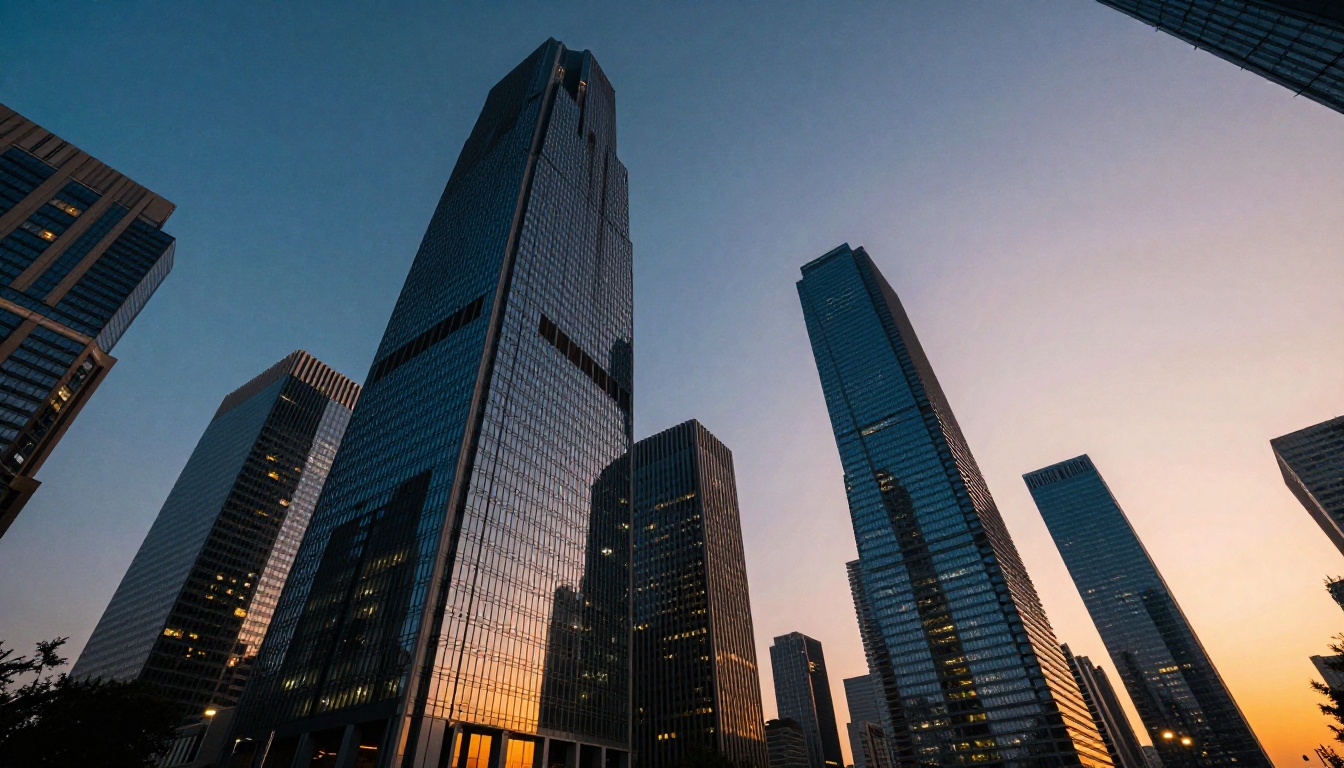
Sora 2 Pro costs significantly more per generation than standard-tier alternatives, and iteration is an inherent part of AI video creation. A final usable output often requires 5 to 10 prompt variations to get right. At Pro pricing, that iteration cost accumulates fast.
For high-volume content production, the cost-per-clip math frequently favors using a faster, cheaper model for the iteration phase and reserving Sora 2 Pro credits for confirmed final renders only.
How It Compares to Other Models
Sora 2 Pro doesn't exist in isolation. Several capable models have distinct profiles worth knowing before committing to a specific workflow.
Sora 2 Pro vs. Kling v3
Kling v3 from Kuaishou is the most direct quality-tier competitor. Both target cinematic 1080p output. Both handle complex, multi-element scenes. The differences lie in which capabilities each prioritizes.
| Criteria | Sora 2 Pro | Kling v3 |
|---|
| Scene coherence | Excellent | Very Good |
| Human motion | Good | Excellent |
| Lighting realism | Excellent | Good |
| Physics accuracy | Moderate | Good |
| Max duration | 20s | 10s |
| Prompt fidelity | High | High |
Kling v3 has a clear advantage in human motion, particularly facial expression and body movement across a full-length scene. If your content is character-driven, it often produces more natural, convincing results. If your content is environment-driven, Sora 2 Pro's lighting superiority shows clearly.
Sora 2 Pro vs. Veo 3
Veo 3 from Google introduces native audio generation alongside video output, something Sora 2 Pro does not offer. Synchronized ambient sound, background music, and spoken dialogue from a single prompt: if your production workflow needs this, Veo 3 has a structural advantage that visual quality alone cannot compensate for.
For purely visual work without audio requirements, Sora 2 Pro's environmental coherence and lighting accuracy give it the edge in head-to-head comparisons.
Other Models Worth Knowing
Seedance 1.5 Pro from ByteDance offers built-in audio and competitive visual quality at a different price point. For creators who need audio-video synchronization outside Google's ecosystem, it's a legitimate option worth testing. LTX 2 Pro from Lightricks outputs at 4K resolution, which surpasses Sora 2 Pro's 1080p ceiling, making it the right choice when final output resolution is the primary requirement rather than lighting fidelity.
For faster, higher-volume generation at 1080p, Kling v2.1 Master offers a strong quality-to-speed ratio that many professional content teams use for the bulk of their output.
How to Use Sora 2 Pro on PicassoIA
PicassoIA provides direct access to Sora 2 Pro without a separate OpenAI subscription or a waitlist. Here's how to work with it efficiently from day one.
Step-by-Step Workflow
- Open the model page: Navigate to Sora 2 Pro on PicassoIA and sign in to your account.
- Write a complete prompt: Use cinematographer-style language. Specify camera angle, light source, time of day, subject appearance, and environment detail. Vague prompts produce vague outputs, every time.
- Set duration conservatively: Start at 10 to 15 seconds for first iterations. Only go to 20 seconds once you've confirmed the scene reads well at shorter durations.
- Evaluate on a large screen: Download and watch on the largest display available. Compression artifacts and subtle physics errors that look acceptable on a phone are clearly visible on a monitor.
- Iterate with targeted changes: Note specifically what's wrong in each output: the lighting angle, subject position, camera speed, environmental detail. Change one variable at a time to isolate what's actually improving the result.
- Stitch in post for longer sequences: Use any standard video editor to combine clips. Match color grading across clips for visual continuity at cut points.
Prompt Patterns That Produce Results
- Name your light source and direction: "Late afternoon sun at 25 degrees from the left, casting long shadows east across cobblestone pavement"
- Describe the camera as hardware: "Handheld 35mm, slight organic shake, slow rack focus from foreground rock to midground figure"
- Specify the environment in full detail: Not "a beach" but "a pebble beach on an overcast morning in northern Scotland, kelp on the tideline, fog erasing the horizon at 300 meters"
- Avoid text, numbers, or required readable elements: These fail reliably regardless of how the prompt is worded
- Avoid specifying physical interactions between subjects and objects: Hands reaching, grasping, or pointing produce artifacts in most generations
💡 The strongest Sora 2 Pro prompts describe a held atmosphere with a camera moving through it, not a sequence of actions. Think in frames, not in scenes. A moment, not a narrative.
What Sora 2 Pro Can't Replace
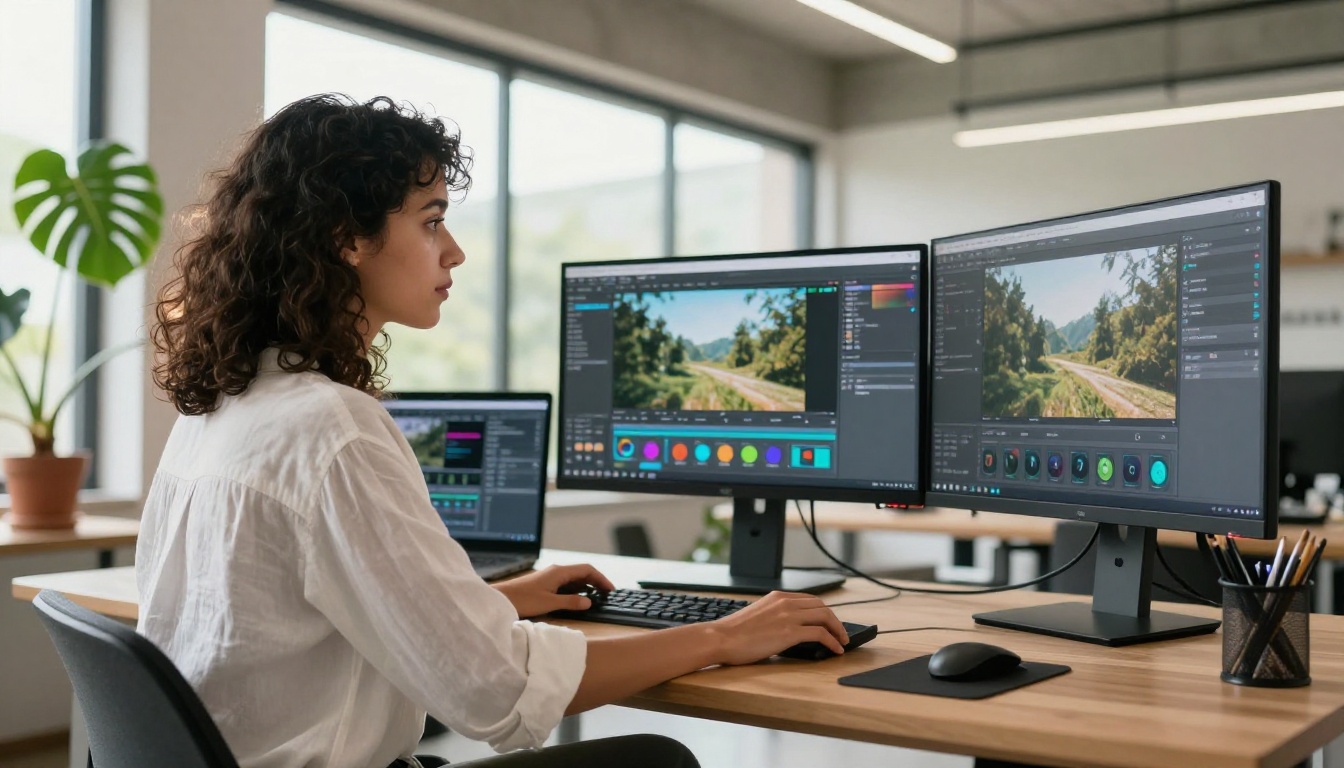
Sora 2 Pro is a footage synthesis tool. It is not a replacement for the following, regardless of how prompts are written:
- Video editing software: It cannot cut, splice, or composite existing footage into new arrangements
- Motion graphics or title tools: Typography, data visualization, animated infographics, and branded content with text are outside its capability
- Character animation with cross-clip consistency: Repeated characters in separate generations will not match reliably without additional tooling
- Content requiring factual visual accuracy: Medical, legal, technical, or documentary content needs human review at every frame before any use
For high-volume fast-iteration workflows, pairing Sora 2 Pro with a cheaper rapid-generation model is a practical and effective approach. LTX 2 Fast generates drafts in seconds, making it ideal for proving a composition concept before spending Pro-tier credits on the final version. Wan 2.7 T2V offers 1080p output at a lower price point for content where Sora's specific lighting coherence isn't the deciding factor. Seedance 2.0 adds built-in audio if sound is a requirement for the finished output.
When to Pick a Different Tool
Make Your First Cinematic Shot
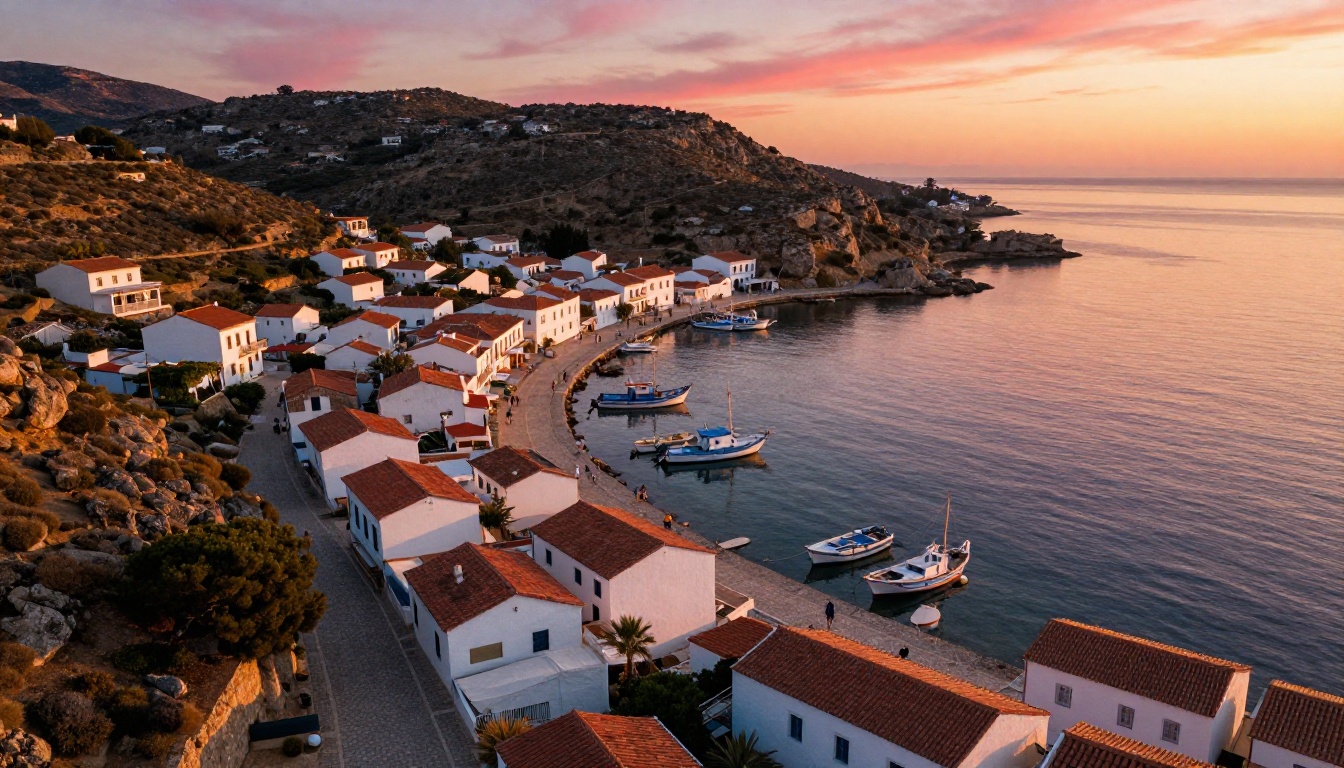
Sora 2 Pro produces its best results when the prompt gives it something worth rendering. Write prompts that describe atmosphere first, action second. Think about the quality of light, the time of day, what the camera can see in the background, and what emotional weight the frame should carry. The model responds to specificity the way a skilled cinematographer responds to a clear brief.
A practical two-stage workflow: use Ray Flash 2 720p or LTX 2 Fast to validate composition and pacing at low cost, then bring the refined, tested prompt to Sora 2 Pro for the final, high-resolution render. This approach saves credits and consistently produces better final outputs because the prompt has already been tested and tightened before it reaches the Pro model.
PicassoIA gives you access to over 87 text-to-video models, each with a different profile of speed, quality, style, and pricing. Sora 2 Pro sits at the premium end of that range for good reason. When lighting coherence, long temporal consistency, and precise prompt fidelity are what your project needs, it earns its place. When those aren't the primary requirements, another model on the platform will likely serve you better and faster.
Try Sora 2 Pro on PicassoIA and write a prompt that describes a single, cinematic moment in full detail. Start there. See what comes back.


