Two of the most talked-about AI video models of 2025 are finally facing each other in a test that actually matters: realism. Not artistic rendering, not animated stylization, not cinematic filtering. Pure, uncompromised photorealism. Sora 2 Pro arrives from OpenAI with heavyweight institutional backing and a reputation built on world-model physics. Kling v3 Video from Kuaishou has been quietly closing the gap with every iteration, and version 3.0 is where it finally starts competing at the highest tier. The question isn't which model looks better in a product demo. It's which one holds up under real-world conditions: people walking through space, skin catching light at an unexpected angle, water behaving like water, fabric pulling against gravity. That's where these two reveal exactly who they are.
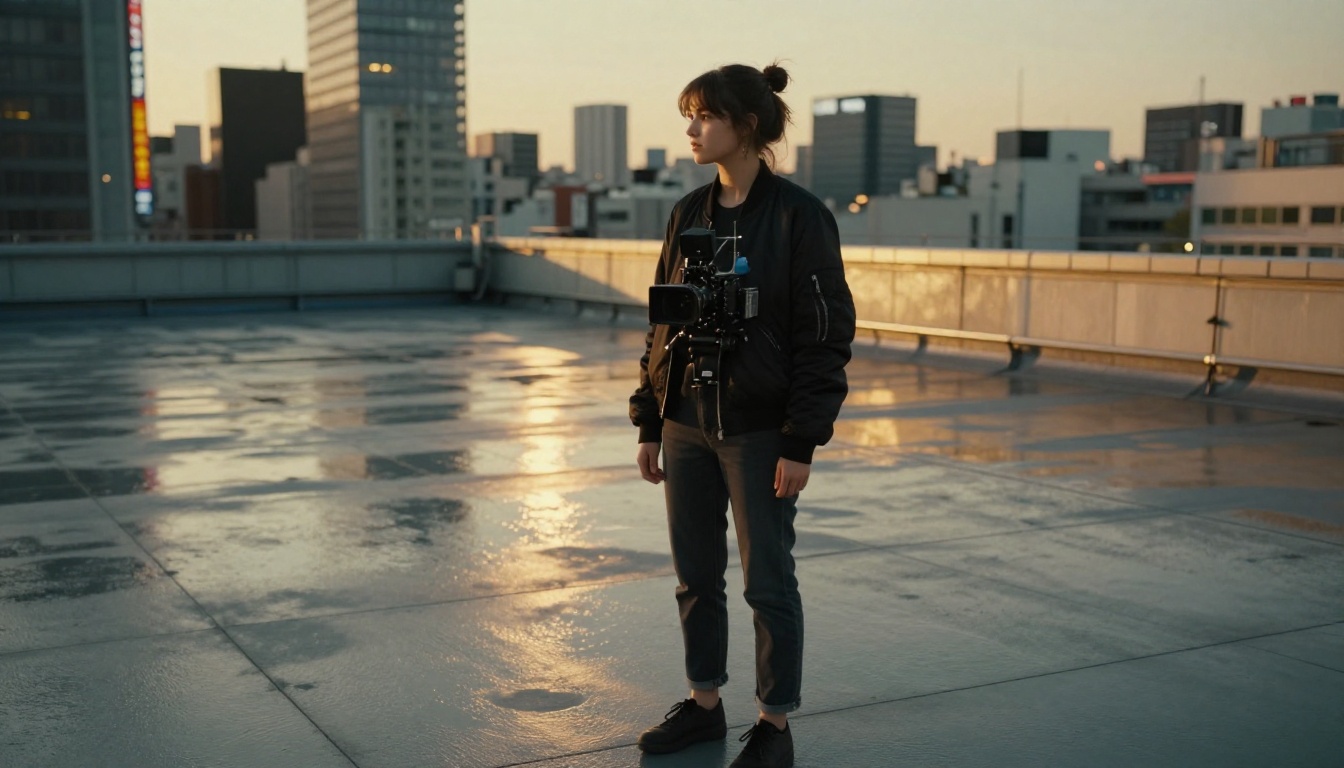
What "Realism" Means in AI Video
The word gets thrown around constantly, but photorealism in video generation has a specific technical definition. It's not about how beautiful a frame looks in isolation. It's about whether the output behaves like reality across time.
Temporal Consistency Matters Most
A single photorealistic frame is easy. The hard problem is making 24 of them per second, across 5 to 10 seconds, where every frame is consistent with the last. Objects don't flicker. Hair doesn't shift position between cuts. The light source doesn't teleport. This is called temporal consistency, and it's the single most important benchmark for AI video realism in 2025.
Both Sora 2 Pro and Kling v3 Video have made temporal consistency a core engineering focus. But they solve it differently, and those different solutions create different failure modes.
💡 Why this matters: Most AI video tools look impressive in a single screenshot. The real test is frame-by-frame consistency, especially in motion sequences with multiple moving subjects.
Physics and Lighting Coherence
Beyond frame consistency, truly realistic AI video needs to respect physics. Water must flow downhill. Shadows must match the position of light sources. Objects must have the right weight when they move — a heavy suitcase swings differently than a paper bag. Skin must catch light in a way that reads as human. These are the invisible rules the human eye has calibrated against since birth. Break one, and the whole illusion collapses.
This is where the comparison between Sora 2 Pro and Kling 3.0 gets genuinely interesting.

Sora 2 Pro — What It Gets Right
Sora 2 Pro is OpenAI's top-tier video model, and it shows in the output. What distinguishes it from other models isn't resolution or prompt adherence — it's scene-level understanding. Sora 2 Pro appears to build a mental model of the entire scene before rendering, which means objects relate to each other correctly from the very first frame.
Scene-Level Realism
When you prompt Sora 2 Pro with a complex scene — say, a crowded outdoor market at noon — it doesn't just generate bodies and stalls. It manages the interaction between those elements. Shadows fall correctly based on the implied sun position. People in the background aren't just blurs; they have implied volume and weight. Lighting bounces off surfaces in a way that creates spatial coherence.
This makes Sora 2 Pro exceptional for establishing shots and wide-angle sequences. Environments feel inhabited rather than assembled. It handles:
- Atmospheric depth: Distance haze, volumetric light shafts, and air quality that feels authentic
- Multi-object physics: When multiple things move at once, they don't interfere with each other unrealistically
- Material rendering: Glass, water, metal, and fabric each catch light differently, and Sora 2 Pro respects those differences consistently
The result is video that feels like it was shot, not generated.
Where Sora 2 Pro Struggles
The trade-off for that scene-level mastery is close-up human detail. Faces are Sora 2 Pro's most inconsistent element. At a distance, people look flawless. Move the camera in for a close-up, and small artifacts can appear: a slight shimmering in skin texture, inconsistent eyelid movement, or subtle changes in facial structure between frames.
It also handles fast motion less gracefully than Kling 3.0. Quick hand gestures, running at speed, or rapid head turns can create motion blur artifacts that don't quite match natural camera behavior.
💡 Best use case for Sora 2 Pro: Wide environmental shots, architectural scenes, nature, establishing sequences, and any scenario where the environment itself is the star.
Kling 3.0 — The Challenger's Edge
Kling v3 Video (also referred to as Kling 3.0) takes a fundamentally different approach. Where Sora 2 Pro builds outward from scene understanding, Kling 3.0 builds inward from human-centered detail. This is a model trained with an extraordinary focus on how humans look and move, and it shows in every frame that features a person.
Human Motion and Faces
Kling 3.0 produces the most believable human motion of any AI video model currently available for most use cases. The physics of walking look correct: weight shifts properly between steps, arms swing with natural counter-rotation, the slight bounce of a shoulder when a foot strikes the ground reads as genuinely human. More impressively, facial detail holds at close range in ways that Sora 2 Pro doesn't consistently manage.
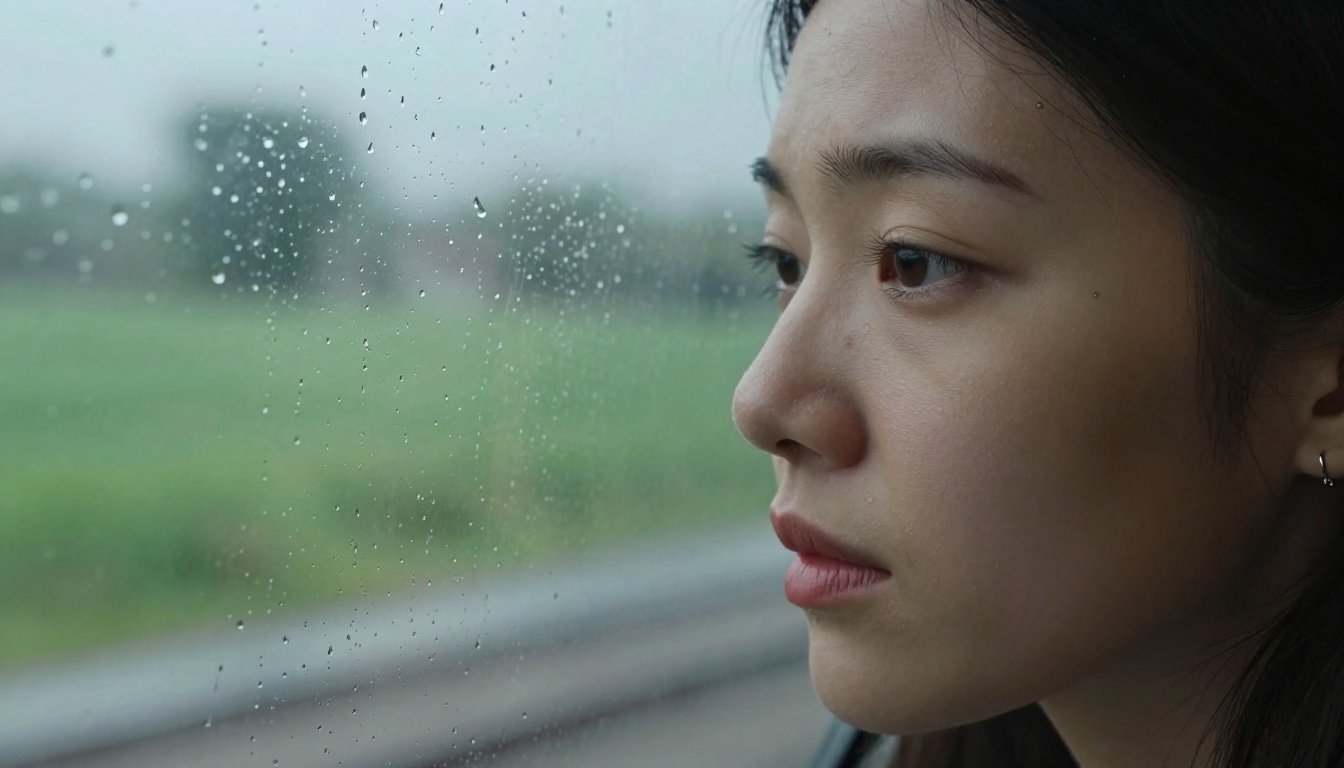
Skin texture under both direct and diffused light looks genuinely organic. Microexpressions — the small muscular movements around eyes and lips — track realistically across seconds of footage. For close-up portrait video, Kling 3.0 is the current benchmark.
The model also manages clothing remarkably well. Fabric moves with realistic inertia, creases appear in logical places, and the interaction between clothing and body movement follows believable physical rules.
For those who want even more control, Kling v3 Motion Control adds pose-guided generation, allowing you to direct exactly how a subject moves. And Kling v3 Omni Video extends this into multi-modal input territory for more complex production workflows.
Where Kling 3.0 Falls Short
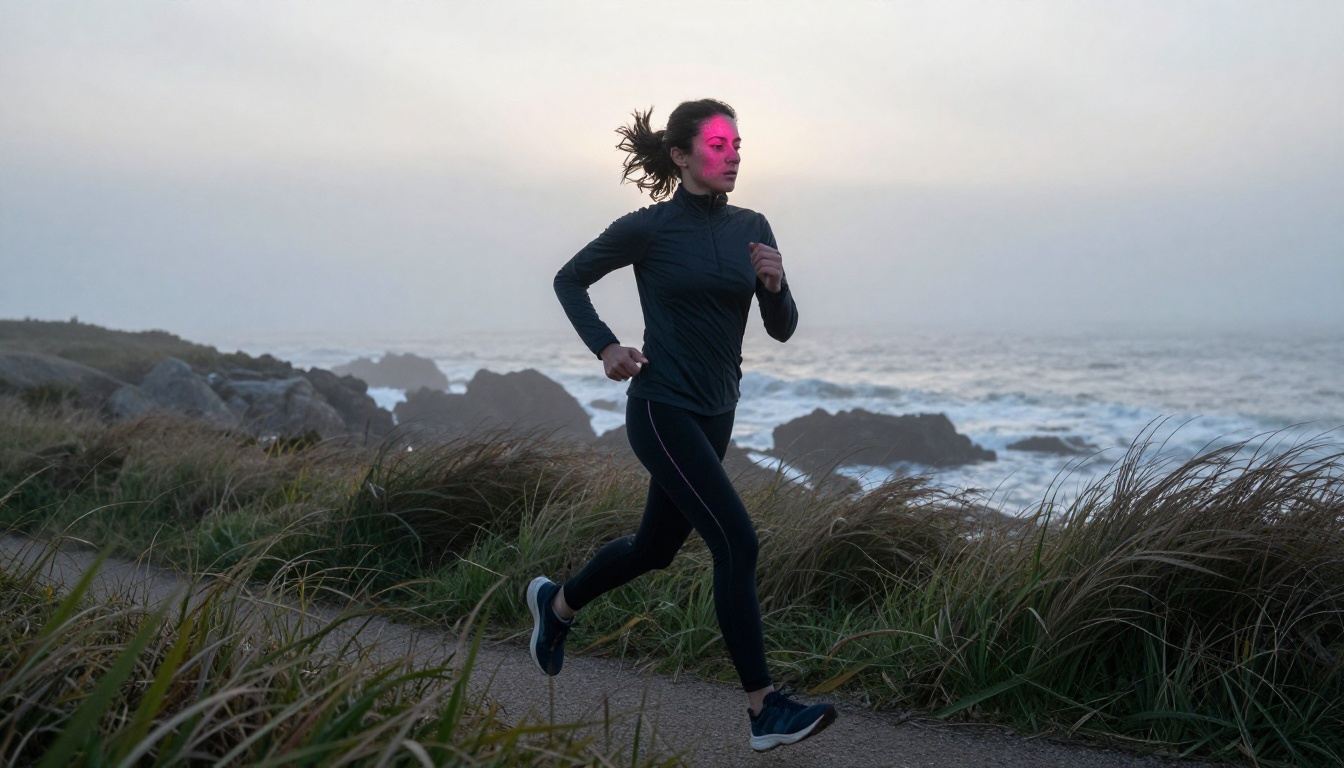
Kling 3.0's weakness is the inverse of Sora 2 Pro's strength. Wide environmental scenes with complex physics reveal the model's limits. Ocean waves don't quite behave like real water at scale. Large crowd scenes can look assembled rather than organic. Background elements sometimes have a quality of existing in their own space rather than integrating into a unified scene.
For prompts where the environment needs to carry as much visual weight as the subjects, Kling 3.0 requires more careful, detailed prompting to achieve the same coherence that Sora 2 Pro delivers almost automatically.
💡 Best use case for Kling 3.0: Close-up human footage, talking heads, fashion and beauty content, sports sequences, and any scenario where human subjects are the primary focus.
Head-to-Head Results
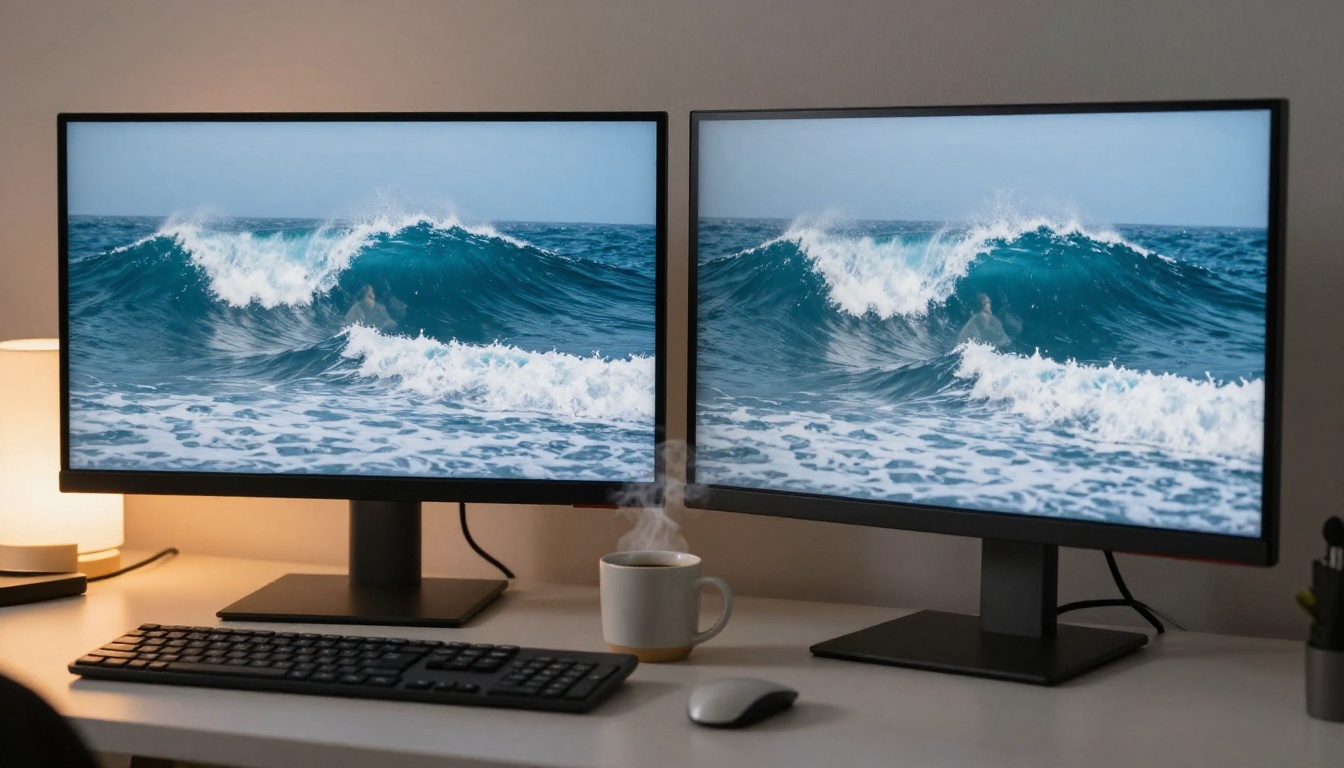
After extensive testing across multiple prompt categories, here's how the two models compare across the dimensions that matter most for realism:
Motion and Physics
| Test Scenario | Sora 2 Pro | Kling 3.0 |
|---|
| Walking in a crowd | ★★★★★ | ★★★★☆ |
| Water and fluid dynamics | ★★★★★ | ★★★☆☆ |
| Wind affecting vegetation | ★★★★★ | ★★★★☆ |
| Fast hand movements | ★★★☆☆ | ★★★★★ |
| Running and athletic motion | ★★★★☆ | ★★★★★ |
| Multi-object interaction | ★★★★★ | ★★★★☆ |
Skin, Faces, and Fine Detail
| Test Scenario | Sora 2 Pro | Kling 3.0 |
|---|
| Close-up portrait (stable) | ★★★☆☆ | ★★★★★ |
| Facial microexpressions | ★★★☆☆ | ★★★★★ |
| Skin texture under light | ★★★★☆ | ★★★★★ |
| Clothing and fabric physics | ★★★★☆ | ★★★★★ |
| Wide shot human figures | ★★★★★ | ★★★★☆ |
| Hair movement consistency | ★★★★☆ | ★★★★★ |
The pattern is clear: neither model dominates across every category. The right choice depends entirely on what you're creating.

Which One to Use for Your Project
Choose Sora 2 Pro If...
- Your video features complex natural environments: forests, oceans, weather, urban landscapes
- You need establishing shots where the environment carries narrative weight
- Your prompt involves multiple interacting objects with physics dependencies
- You're generating non-human subjects: animals, vehicles, architecture, nature
- Scene-wide atmospheric effects are important: fog, rain, sunlight shafts, reflections across surfaces
Sora 2 Pro also exists in a standard version, Sora 2, for shorter outputs and faster generation when you don't need the full Pro pipeline.
Choose Kling 3.0 If...
- Your video features people as the primary subject
- You need close-up facial footage that holds up under scrutiny
- You're producing fashion, beauty, lifestyle, or sports content
- Realistic clothing and fabric behavior matters for your output
- You want precise motion control through pose or reference inputs
Previous Kling versions like Kling v2.6 and Kling v2.1 Master remain excellent options if you want strong quality at a lower credit cost. Each version in the Kling lineage shows noticeable improvement in human realism.
How to Use Both on PicassoIA
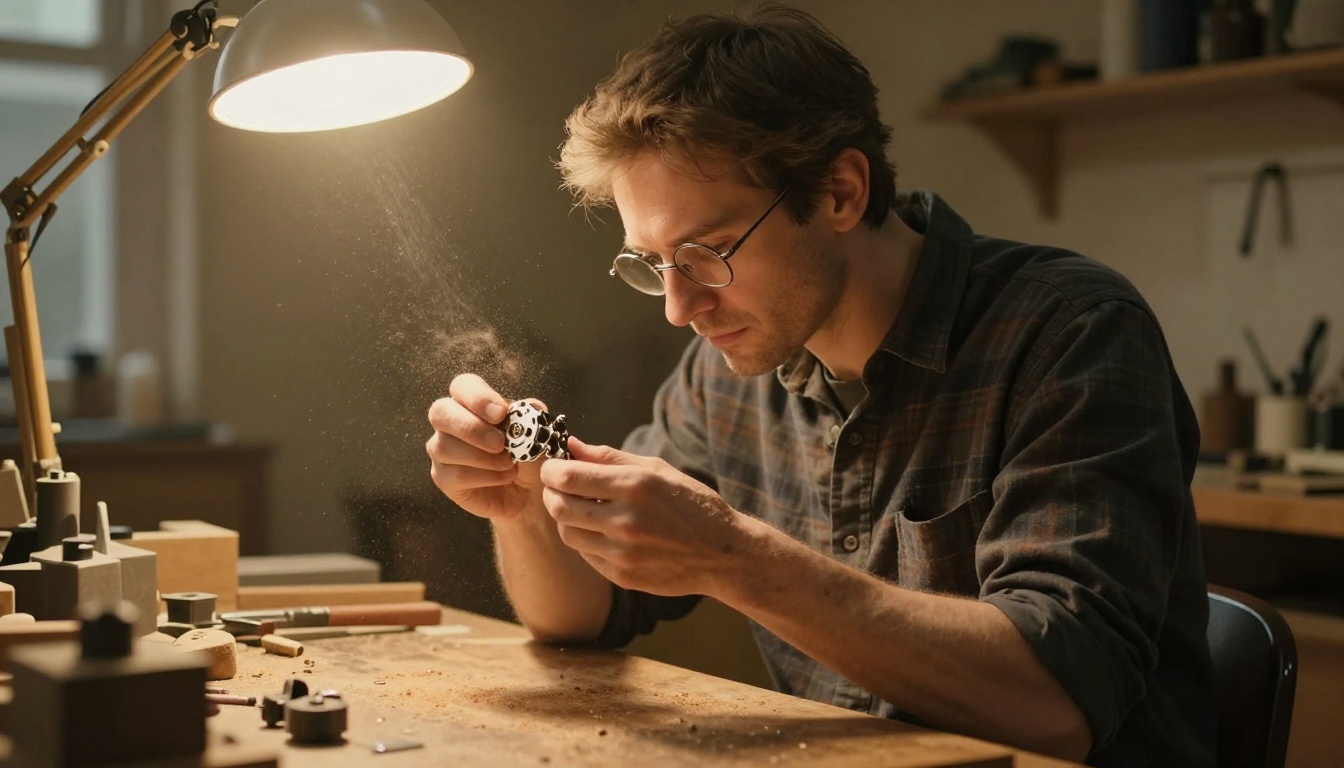
Both Sora 2 Pro and Kling v3 Video are available directly through PicassoIA, which means you can test both without API setup, billing configurations, or account management across multiple platforms.
Generating with Sora 2 Pro
- Go to the Sora 2 Pro model page on PicassoIA
- Write a detailed, scene-specific prompt — Sora 2 Pro responds well to environmental context: describe the location, time of day, light conditions, and atmospheric quality before mentioning the subject
- Set your duration (5 or 10 seconds) based on how much scene complexity you're including
- Specify aspect ratio: 16:9 for cinematic output, 9:16 for social-first content
- Use the style reference input if you want to constrain the visual aesthetic to a reference image
- Submit and review — Sora 2 Pro can take 2 to 4 minutes for full quality renders
Prompt tip: Front-load with environment details. Instead of "a woman walking in Paris," write "a cobblestone Paris street at golden hour, warm light cutting between Haussmann buildings, long shadows, a woman walking toward camera in a beige trench coat." The environment description is what Sora 2 Pro uses to anchor the physics of the entire scene.
Generating with Kling v3
- Open the Kling v3 Video model on PicassoIA
- Write a subject-first prompt — describe the person in precise physical detail before setting the scene
- Specify camera behavior: Kling 3.0 handles camera movement well, so include "slow push in," "arc left," or "static frame" to get the motion you want
- Use the negative prompt field to exclude artifacts: "blurry, deformed hands, morphing face, inconsistent lighting" are all worth adding
- If you want gesture-level control, switch to Kling v3 Motion Control and upload a reference pose
- Generation time is typically 1 to 3 minutes depending on length and settings
Prompt tip: Describe the subject's physical state in the moment, not their general appearance. Instead of "a woman with brown hair," write "a woman with shoulder-length brown hair slightly damp from rain, cheeks flushed, wearing a charcoal wool coat, looking slightly to the left of camera." Kling 3.0 rewards that level of specificity with noticeably sharper human detail.
💡 Pro tip: Run the same prompt through both models and compare the outputs before committing to a final render. The visual difference across use cases is dramatic, and seeing both side-by-side takes under 10 minutes on PicassoIA.
The Honest Verdict
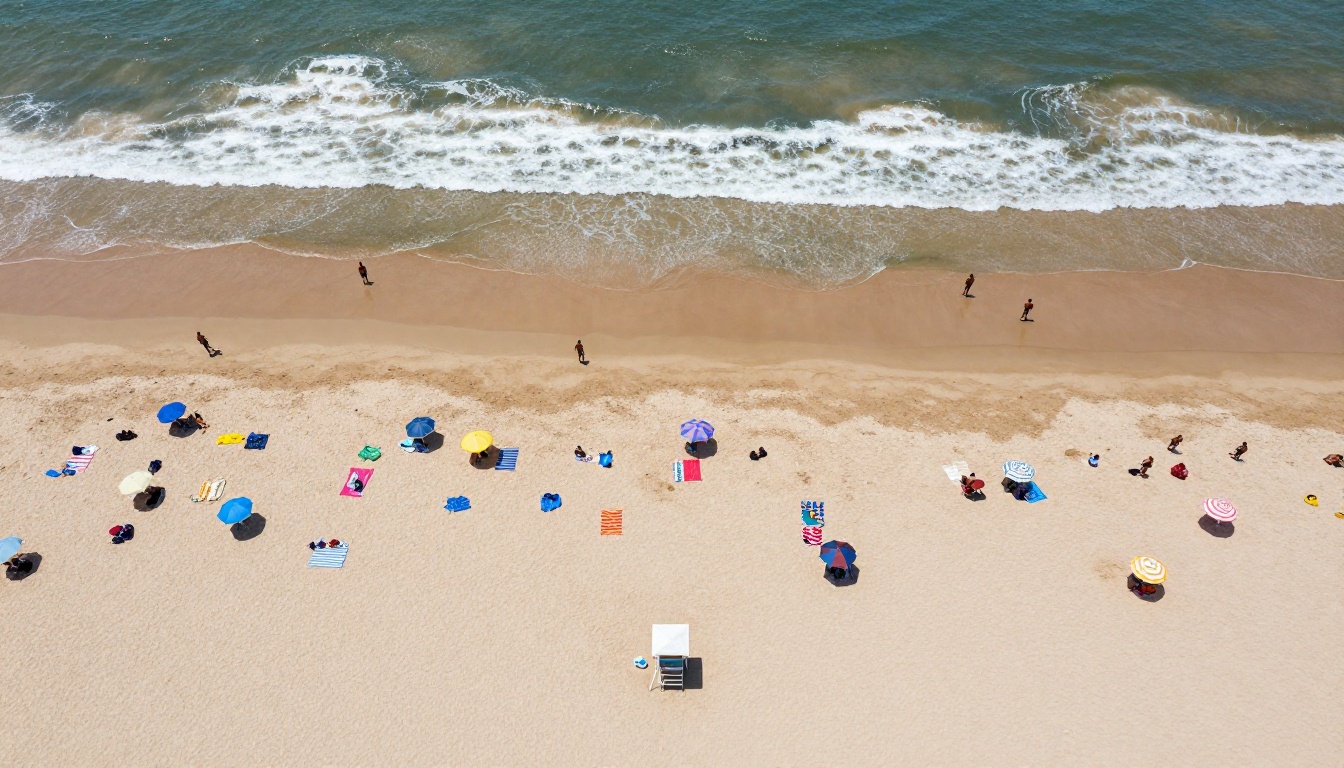
Neither Sora 2 Pro nor Kling 3.0 is definitively "more realistic." They're more accurately specialized. Sora 2 Pro owns the world: it builds environments and scenes with a physicality that no other model currently matches at its price point. Kling 3.0 owns the human: its subjects move, look, and behave in ways that make close-up footage feel genuinely captured rather than synthesized.
The professionals who will get the most out of 2027's AI video generation are the ones who stop treating this as a one-model question. A product video might start with Sora 2 Pro for the establishing street shot, cut to Kling 3.0 for the person walking into frame, and return to Sora 2 Pro for the wide closing shot. That kind of deliberate model selection is where the real quality gap between AI video creators will emerge.
For purely photorealistic output with people as subjects, Kling 3.0 currently holds the edge. For scene complexity and environmental realism, Sora 2 Pro is untouchable at this tier.
Start Creating Right Now
You don't need more comparisons to know which model fits your workflow. The fastest way to understand these models is to run your own prompts and see the output firsthand. Both Sora 2 Pro and Kling v3 Video are available on PicassoIA right now, with no API setup or platform juggling required.
Try the same prompt in both. Push the edges of what "realistic" means for your specific content. The difference won't be subtle — and once you've seen it, your prompt workflow will never go back to single-model thinking.


