Two years ago, animating a still photograph meant you were either paying a VFX studio or settling for the wobbling depth effects of cheap apps. In mid-2026, a single photorealistic image can become a five-second cinematic clip in under a minute, with synchronized ambient audio, controlled camera movement, and temporal coherence that holds up on a 4K screen. That shift happened fast, and if you haven't been tracking it weekly, the current landscape is almost unrecognizable.
This is a real look at where AI image-to-video stands right now: which models are actually worth your time, what they're still getting wrong, and how working creators are putting them to use.
How Far We've Come in 12 Months
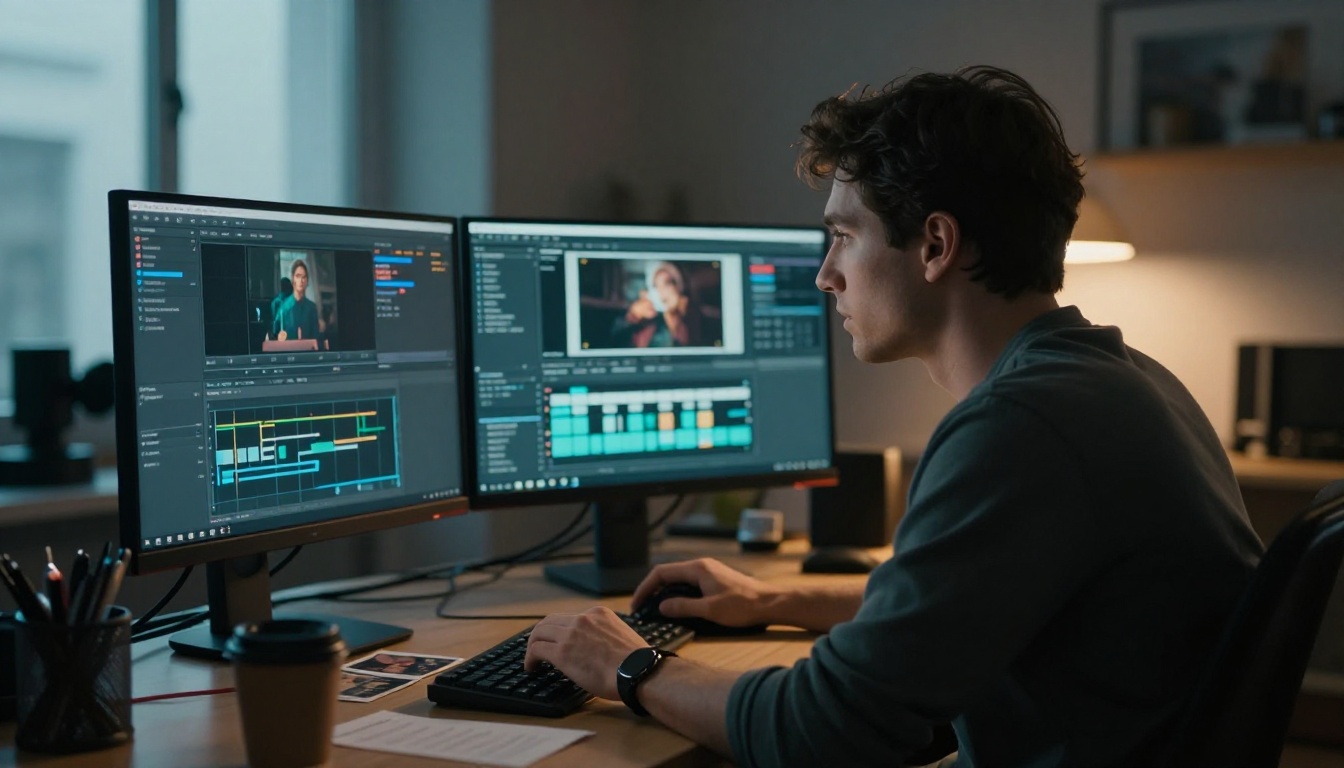
From Choppy Clips to Cinematic Output
Early 2025's best image-to-video tools were impressive for a demo. In production they were something else: flickering textures, drifting faces, motion blur that smeared rather than conveyed speed. The physics were approximate at best. Water didn't behave like water. Hair moved in unison rather than individually.
By mid-2026, a few things converged to change that. Training data scale crossed a threshold. Diffusion transformer architectures replaced older U-Net stacks and brought coherence across frames that wasn't possible before. And the race between ByteDance, Google, KwaiVGI, Runway, Luma, and a dozen open-source projects compressed what would have been two years of progress into roughly eight months.
The result: temporal consistency across five to ten seconds is now the baseline, not the achievement. What separates models today is the subtler stuff: how they handle micro-motion (a strand of hair, a ripple at the edge of a puddle), whether generated audio actually syncs to visible action, and how obediently the model follows a motion prompt without hallucinating new objects.
The Shift to Image-First Workflows
Twelve months ago, most video AI workflows started with text. You wrote a prompt, the model invented a scene. Image-to-video was a secondary feature, often an afterthought. In 2026, the workflow flipped. Image-first has become the default for professionals.
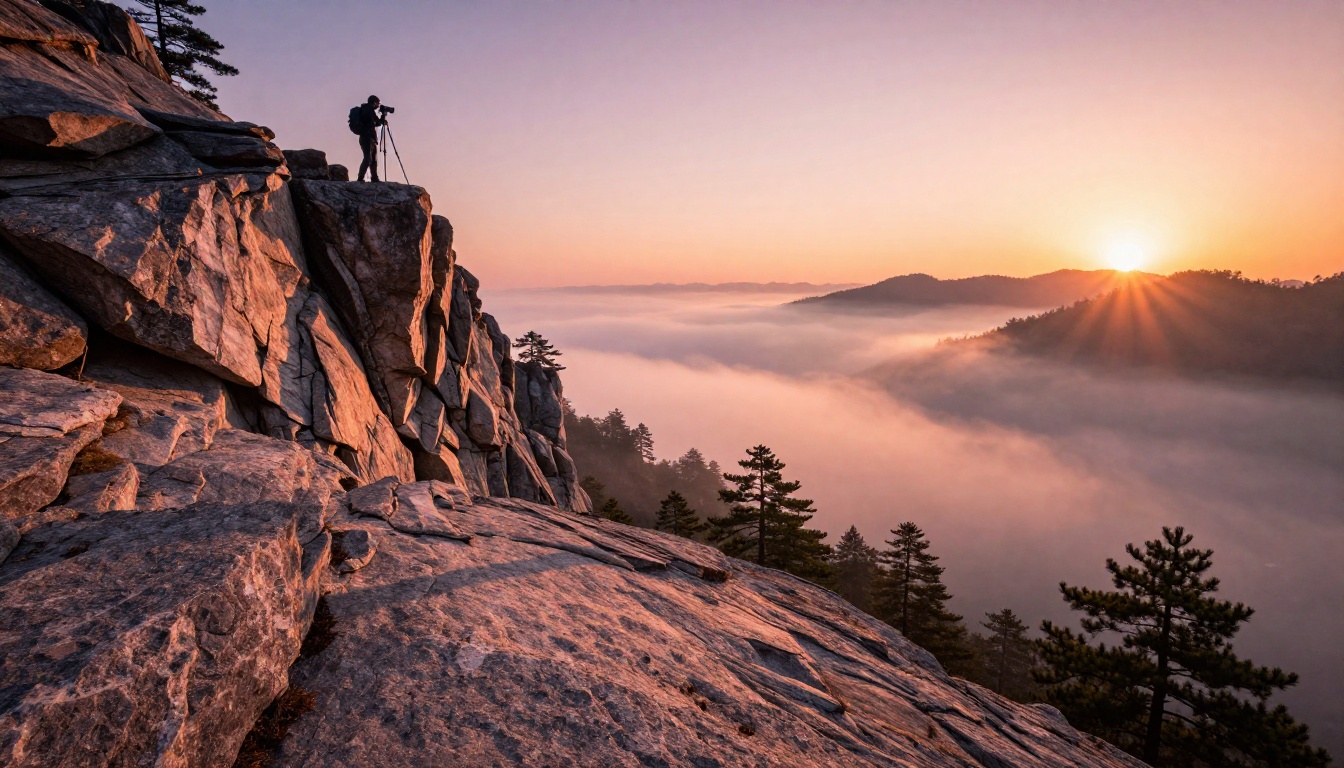
The reason is control. When you start with a specific image, you lock in the subject, the lighting, the composition. The model's job becomes animating what's already there rather than inventing everything from scratch. That narrower task produces dramatically better results. Photographers are turning single shots into atmospheric clips. Marketers are animating product photos. Short-film directors are using a single AI-generated still as the anchor for an entire scene.
The Models Defining 2027
Seedance 2.0 and the Audio Revolution
Seedance 2.0 from ByteDance was the model that made synchronized audio a standard expectation rather than a bonus feature. Previous tools tacked on ambient sound in post-processing. Seedance 2.0 generates audio alongside video in a single pass, and the sync is tight enough that wind sound matches visible grass movement, footstep timing aligns with visible gait cycles, and water audio tracks actual wave motion.
For social content and short-form video, this alone is worth the entry cost. The quality ceiling is 1080p and the motion control is strong. It does have one limitation: subject fidelity can drift on faces in motion, where fine features like eyelashes or dental detail smear slightly mid-clip. For wide and medium shots, though, it performs at a professional level.
The faster variant, Seedance 2.0 Fast, cuts generation time roughly in half at a modest quality cost. Worth knowing if you're iterating rapidly across many prompts.
Kling v3: Motion Control Gets Real
Kling v3 Video from KwaiVGI introduced camera path control that actually works. Older image-to-video models would drift unpredictably when given camera instructions. Kling v3 responds to "slow dolly in," "orbital shot," and "pan right" with precision you'd associate with a real cinematographer. The motion stays grounded; objects don't float.
For cinematic work, Kling v3 is the one to beat in mid-2026. Kling v2.6 is still widely used for its speed-to-quality ratio, and Kling v2.6 Motion Control gives you that earlier architecture with explicit camera path support. But v3 is where the ceiling sits.
💡 Tip: When animating a portrait with Kling v3, describe the camera motion before the subject action. "Slow push-in on face, eyes gradually open" outperforms "eyes gradually open, slow push-in." The order matters to how the model weights its attention.
Veo 3.1 and the 1080p Physics Standard
Google's Veo 3.1 delivers 1080p with native audio and some of the best physics simulation available in 2027. Fabric drapes correctly. Liquids displace with real weight. Particle systems (smoke, dust, sparks) follow plausible physics rather than the symmetrical eruptions of older models.
The Veo 3.1 Fast variant trades some physics fidelity for speed while keeping 1080p output. For most commercial workflows, the fast version is the right choice. The full version is worth the wait when your subject involves complex physical interactions: a person jumping into water, fire spreading across a surface, fabric caught by wind.
The Speed Race: LTX vs Wan vs P Video
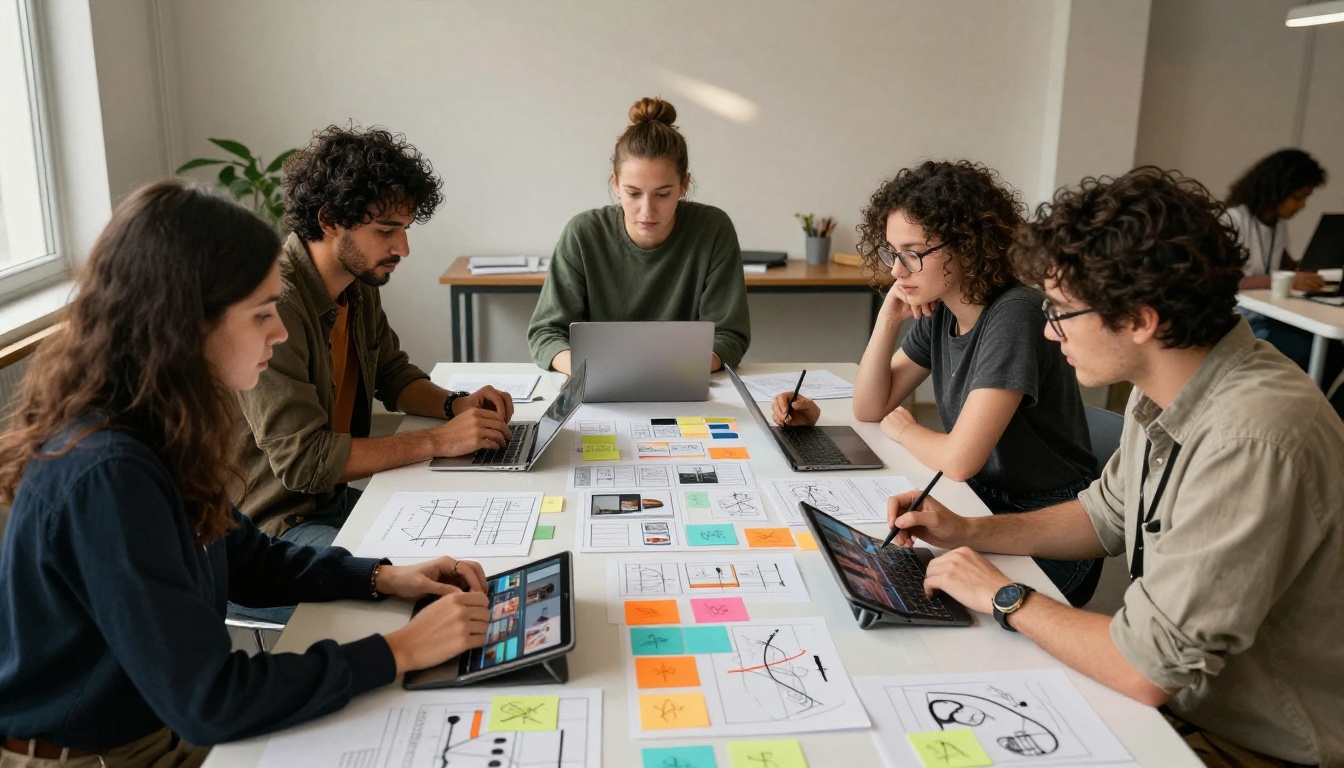
Speed is a genuine competitive variable in 2027, and three models own different positions on the quality-versus-time curve.
LTX 2.3 Fast from Lightricks generates 4K video from an image in seconds. The output is sharp and temporally coherent for simple motion, though it struggles with complex multi-element scenes. For product photography animation and atmospheric nature clips, it's often the first tool professionals reach for precisely because iteration is fast.
Wan 2.7 I2V sits at the opposite end: slower, but with some of the most detailed micro-motion available from any model. It handles hair, fabric, and water at a level of realism that's genuinely striking on a large monitor. Its text variant, Wan 2.7 T2V, brings the same fidelity to text-driven generation.
P Video from PrunaAI occupies the middle ground, with consistently reliable output and prompt-following accuracy that's notably higher than many competitors. When you need a model that does what you ask without creative interpretation, P Video is consistently among the most literal.
Image-to-Video: Why It Beats Text-to-Video
The text-to-video versus image-to-video debate has largely been settled by 2026. For any workflow where visual specificity matters, image-first wins.
What Makes a Good Source Image
The quality ceiling of your animation is determined almost entirely by your source image. This is both a constraint and a major advantage. A well-composed, photorealistic source image with clear subjects, defined lighting, and a static background gives the model clean information to work from.
Practically, this means:
- High contrast edges let the model track subject boundaries through motion
- Unambiguous depth information (foreground clearly separate from background) prevents Z-axis flickering
- Natural lighting without harsh digital post-processing produces more consistent ambient light in the animated output
- Single dominant subjects give the model a clear motion anchor
Overly busy scenes with multiple competing foregrounds confuse motion prediction and produce the kind of background drift that looks distinctly artificial.
Control You Actually Get
Image-to-video in 2027 gives you four meaningful axes of control:
- Camera path: dolly, pan, tilt, orbit, push-in
- Subject motion: the primary action described in the prompt
- Motion intensity: how much or how little the scene moves
- Temporal duration: most models work at five to ten seconds per clip
The one thing you still don't fully control is secondary motion: the ambient elements the model invents to fill space (background leaves rustling, crowd movement, atmospheric haze). This layer has gotten dramatically better but is still probabilistic. You can influence it with detailed prompts, but you can't fully prescribe it.
What Still Breaks
Honest reporting requires saying where the floor still sits.
Hands and Fingers in Motion
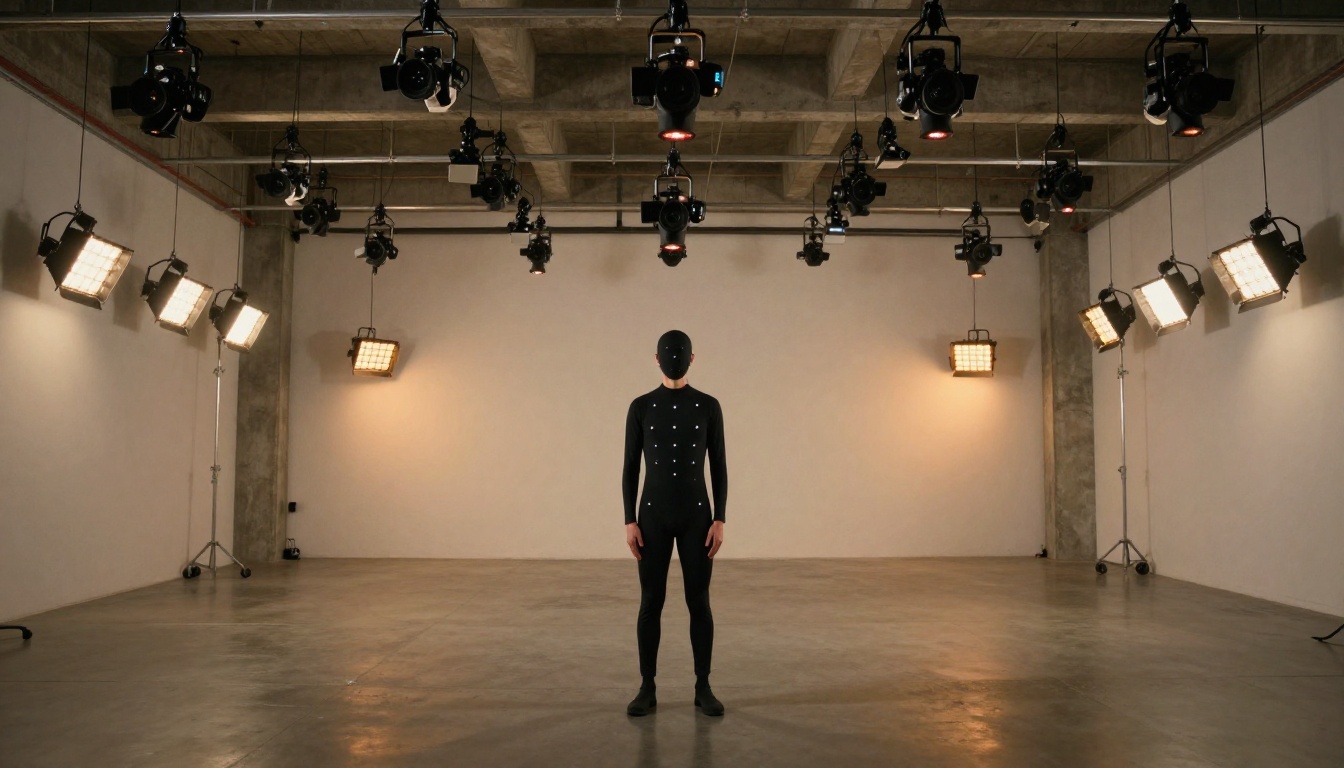
The hand problem hasn't been fully solved. At rest, hands in AI video look convincing. In motion, specifically when fingers need to articulate individually (typing, counting, picking up objects), the realism degrades. Models interpolate between keyframes rather than tracking actual joint structure, and the seams show. For hero shots involving detailed hand motion, human verification and selective retake are still necessary.
Clips Longer Than Eight Seconds
Most models generate five-second clips natively, with some capable of eight to ten. Beyond that, temporal drift becomes visible: a character's face subtly morphs, a background object shifts position, color temperature drifts between adjacent frames. Multi-clip stitching with careful transition design is the current workaround, but it requires editorial attention.
Prompt Sensitivity
The gap between what you write and what the model produces remains significant. Slight rephrasing of a motion prompt can produce wildly different results from the same source image. This isn't a regression from 2025, it's an inherent property of probabilistic generation. The practical implication: run three to five variants of every important generation before committing to one. The best result is rarely the first attempt.
💡 Workflow Tip: Save every prompt variant that produces a strong result. Model behavior can shift between versions, and a prompt that performs well today may need adjustment after an update.
| Model | Max Resolution | Native Audio | Best For | Speed |
|---|
| Seedance 2.0 | 1080p | Yes | Social, short-form, audio sync | Medium |
| Kling v3 Video | 1080p | No | Cinematic, camera control | Medium |
| Veo 3.1 | 1080p | Yes | Physics, realism, liquids | Slow |
| Wan 2.7 I2V | 1080p | No | Micro-detail, fabric, water | Slow |
| LTX 2.3 Fast | 4K | No | Rapid iteration, product shots | Fast |
| Hailuo 2.3 | 1080p | No | Portraits, faces | Medium |
| Pixverse v5.6 | 1080p | No | General purpose | Fast |
| Gen 4.5 | 1080p | No | Cinematic motion | Medium |
| Ray 2 720p | 720p | No | Quick drafts, social | Fast |
| Happyhorse 1.0 | 1080p | No | Scene-level motion | Medium |
How Creators Are Using This in 2027
Marketing Teams
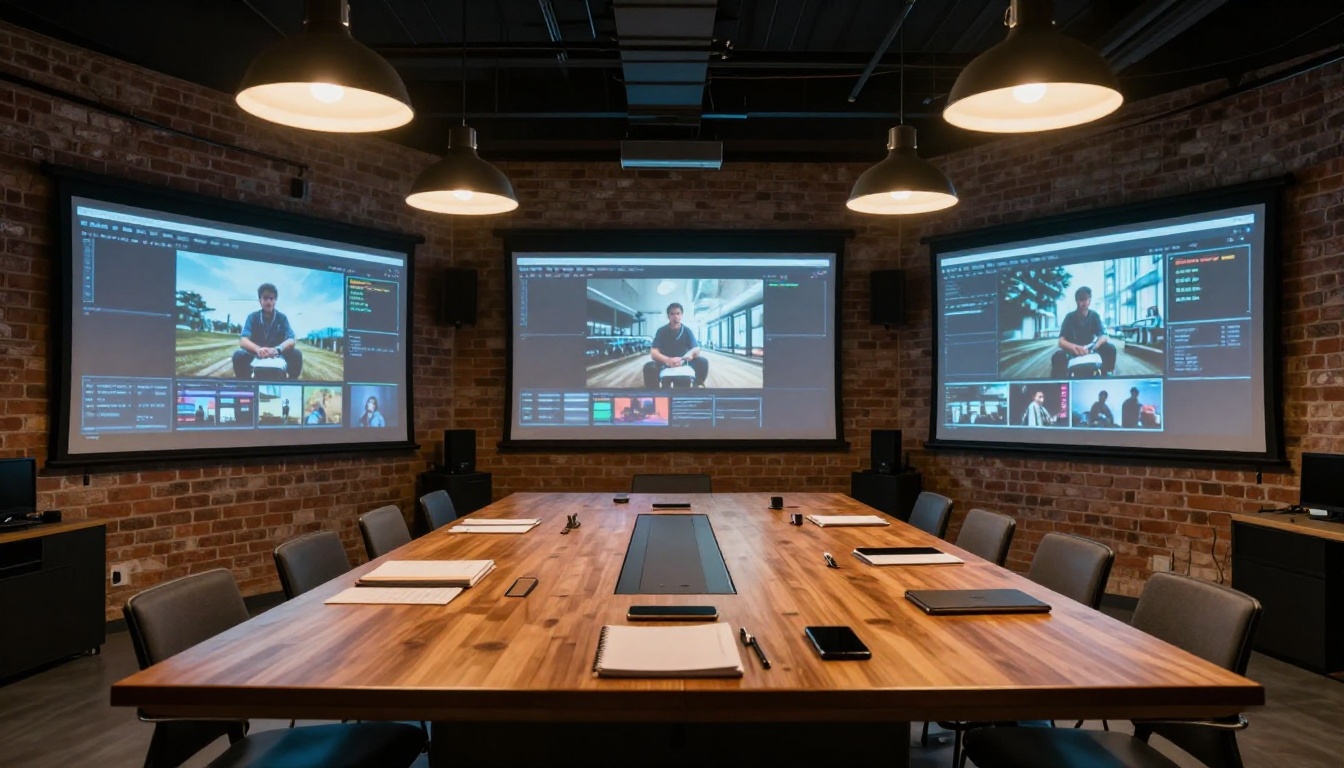
Brands that were running separate photography and video production workflows in 2024 have largely consolidated them. A single product photoshoot now yields both static hero images and animated clips from the same session. The photographer captures the still; the AI animates it. That collapses a two-week post-production cycle into a two-hour workflow.
The most common use case is product animation: a shoe sitting on a clean surface slowly rotating, a bottle of perfume with a fine mist dispersing around it, a laptop opening against a sunlit background. These are the clips appearing in digital ads and Instagram reels in 2027. Most of them were not filmed; they were animated from still photography using image-to-video AI.
Independent Filmmakers
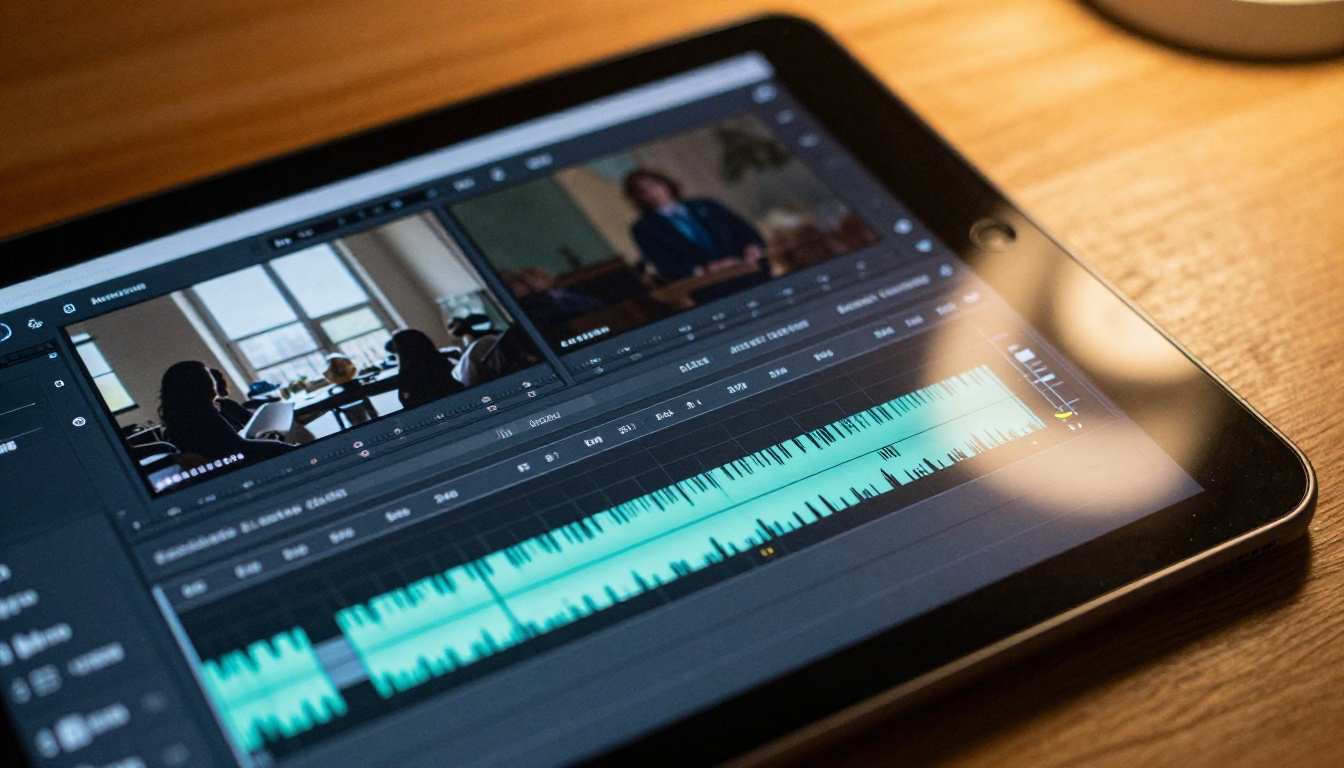
Single-person film productions are now genuinely viable. A filmmaker with a camera, a computer, and access to image-to-video AI can create short films with scene variety that would have required a crew in 2023. The workflow: shoot a handful of live-action anchor shots, generate additional establishing shots and cutaways from AI-animated stills, assemble in post.
Sora 2 has become a tool of choice for establishing wide shots and environmental B-roll specifically because of its spatial coherence. The camera doesn't drift, and wide exteriors maintain consistent depth across the full clip duration.
Social Media and Content Creators
For content creators, the main shift is output volume. A creator who could previously produce three to five short videos per week can now produce ten to twenty by animating still images rather than filming everything. The creative effort shifts from logistics (lighting, location, camera operation) to curation (selecting which images to animate and writing motion prompts).
💡 For social content: Clips between two and four seconds perform best on most platforms. Generate at five seconds and trim in post for a tighter feel with less temporal drift risk.
Accuracy, Realism, and What "Photorealistic" Means Now

"Photorealistic" has been applied so loosely in AI video marketing that it's nearly meaningless as a descriptor. In 2027, it's worth distinguishing between three levels:
Passable at a glance: The video looks real if you're not scrutinizing it. Most mid-tier models achieve this consistently.
Stands up to scrutiny: The video holds up at 1:1 on a 4K monitor with the ability to pause and examine individual frames. Top-tier models like Veo 3.1 and Wan 2.7 I2V reach this level on suitable source images.
Broadcast-ready: The video could air in a commercial without triggering a viewer's "that's AI" response. We are at the very beginning of this tier. A handful of outputs from the best models hit it on favorable subjects: landscapes, simple object animation, atmospheric wide shots. Complex human performance at close range still falls short.
The honest timeline: broadcast-ready AI video at scale is likely twelve to eighteen months away from being routine. The gap that remains is not capability, it's consistency. The best models already produce broadcast-quality clips. They just can't do it reliably on every generation.
The LTX 2.3 Pro release demonstrated that 4K generation with per-frame sharpness is achievable. Combined with Kling v3's camera control and Seedance 2.0's audio synthesis, a pipeline combining these tools already covers most of what broadcast production requires in isolated clips.
What's Coming in the Second Half of 2026
Three developments are shaping the remainder of 2026 and into 2027.
Longer clip duration without drift: The five-to-eight second wall is being attacked on multiple fronts. Models trained with longer temporal windows and hierarchical consistency mechanisms are in testing at multiple labs. Ten to thirty-second generation with stable subjects is the near-term target.
Near-real-time generation: LTX 2.3 Fast already demonstrates that fast generation is achievable without catastrophic quality loss. The direction is toward sub-ten-second generation for five-second clips, which would make real-time iteration practical.
Integrated audio design: Seedance 2.0 showed that native audio is achievable. Expect every top model to have it by the end of 2026. The challenge is not just syncing ambient sound but generating intentional sound design: a specific musical tone, a character's voice, sound effects timed to impact frames.
The open-source side is moving fast too. Wan 2.7 I2V and Wan 2.7 T2V represent the current ceiling of what's openly available for local deployment, and the gap between open-source and proprietary has narrowed to months rather than years.
Try Your Own Image Animations
The best way to understand where AI image-to-video stands in 2027 is to use it yourself, not just watch demos. The difference between a well-crafted source image and a mediocre one is immediately visible in the output. The difference between a precise motion prompt and a vague one is equally stark.
PicassoIA gives you access to over 100 video generation models in one place, including every top performer discussed here: Seedance 2.0, Kling v3 Video, Veo 3.1, Wan 2.7 I2V, LTX 2.3 Pro, Hailuo 2.3, Gen 4.5, and more. You can test the same source image across multiple models, compare outputs side by side, and build a feel for which tool fits which subject type.
Start with a clean, well-lit still photograph. Write a specific motion prompt. Run it through three different models. The differences in output will tell you more than any comparison article can.
Browse all available video models at picassoia.com/en/all-models and start building your own image-to-video workflow today.


