The AI video generation landscape in 2026 looks almost unrecognizable compared to what existed two years ago. The models that were setting benchmarks in 2024 are now outpaced by tools that produce cinematic, audio-synchronized, 4K clips in under two minutes. If you have not revisited your workflow recently, there is a real chance you are using something that has been quietly lapped.
This is not about hype or speculation. The shift has been measurable, documented, and felt by everyone from solo content creators to production studios. Native audio, physics-accurate motion, and multi-resolution output have all moved from "impressive demos" to standard expectations. The question now is not whether AI video works. It is which models you should actually be spending your time and credits on.
What Changed Between 2024 and 2026
In 2024, the typical workflow was: generate a muted video clip, export it, overlay audio separately in a dedicated editor, then stitch everything together. It worked. It was tedious. Most of the generation time was spent getting motion right at the expense of everything else.
Physics Stopped Being the Hard Part
By mid-2025, the major players had closed the motion gap. Cloth dynamics, water interaction, and hair physics that used to feel rubbery or looping now hold up to scrutiny. Models trained on dramatically larger and more diverse datasets began producing shots that, when trimmed to under three seconds, are nearly indistinguishable from live footage in many genres.
Native Audio Changed the Whole Calculus
The single biggest shift in 2026 is synchronized native audio. Models like Seedance 2.0 and Veo 3.1 do not just generate video. They generate video with ambient sound, dialogue approximations, and environmental audio composed at the same time as the visual output. The audio is not post-added. It is baked in and synchronized frame-by-frame.
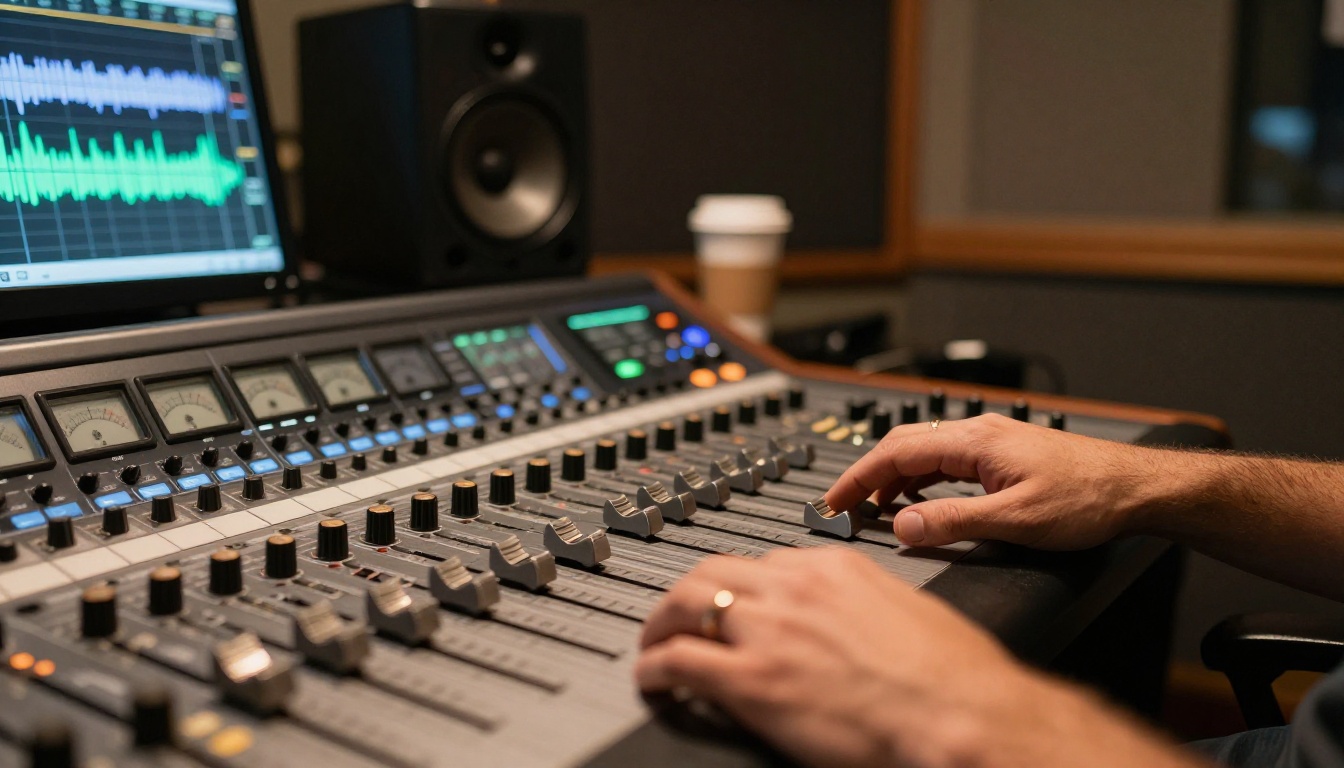
This matters enormously for short-form content, social video, and anything where the ratio of production time to output duration needs to stay lean. Stripping the audio post-processing step out of a 30-clip batch is not a small saving.
The Models Setting the Pace in 2027
Not every model in the space has kept up. The field has consolidated around a smaller cluster of serious performers, with the rest serving specific niche use cases or budget tiers.
Seedance 2.0 by ByteDance
Seedance 2.0 is the model that has drawn the most consistent praise from working creators in the first half of 2026. It outputs 1080p video with native synchronized audio, follows complex prompt structures reliably, and handles both text-to-video and image-to-video workflows. The fast variant, Seedance 2.0 Fast, sacrifices modest visual fidelity for dramatically shorter generation times, which makes it useful for iteration passes before committing to a full render.
Where Seedance 2.0 stands out is in cinematic consistency. Camera movement, depth of field behavior, and lighting logic hold across a five-second clip in ways that earlier models could not sustain past the two-second mark.

Veo 3.1 by Google
Google's Veo 3.1 is the strongest competitor to Seedance 2.0 in terms of raw output quality. It produces 1080p clips with native audio, but its particular strength is in photorealistic rendering of natural environments: forests, open water, architecture, and daylight scenes. The Veo 3.1 Fast variant runs significantly faster and is worth using for concept testing. The Veo 3.1 Lite drops resolution but handles high-volume generation tasks without the wait.
Veo 3 remains available and is still an excellent option for lower-stakes outputs where 3.1's marginal quality improvements do not justify the credit cost.
💡 The Veo models handle environmental audio exceptionally well. If your clip involves rain, wind, crowds, or nature sounds, Veo 3.1 tends to produce more convincing ambient soundscapes than most alternatives.
Kling v3 by Kuaishou
Kling v3 Video has been one of the more pleasant surprises of 2027. After two versions that were solid but uninspiring, version 3 delivers cinematic motion quality at 1080p with more nuanced character animation than most of its contemporaries. The Kling v3 Omni Video and Kling v3 Motion Control variants extend the base model with explicit camera control, which is something very few models offer in 2027. If you need to specify a dolly move, a crane shot, or a specific pan direction, the motion control tools in Kling v3 are worth the extra setup time.
Sora 2 Pro by OpenAI
Sora 2 Pro occupies a specific position: it is the model with the highest consistency ceiling, but also the slowest at premium quality. If you are producing a single hero clip for a campaign or a portfolio piece where rendering time is not a constraint, Sora 2 Pro outputs are among the most cinematically convincing available. The standard Sora 2 is faster, still very capable, and a better fit for most production workflows where throughput matters.
Pixverse v6
Pixverse v6 added native cinematic audio in its latest release and pushed output resolution to match the upper tier of the field. It processes prompts faster than Veo 3.1 at comparable quality for certain visual styles, particularly anything involving stylized realism, action sequences, or urban environments. For creators who work at high output volume, the speed-to-quality ratio of Pixverse v5.6 is also worth keeping in rotation.
Speed Tiers That Actually Matter
One underrated dimension of choosing an AI video model in 2027 is generation time. Many creators default to the highest-quality option available, not realizing that the time cost compounds badly at scale.
The Sub-60-Second Tier
Seedance 2.0 Fast, Veo 3.1 Fast, Hailuo 02 Fast, and Wan 2.7 T2V all operate in the sub-60-second range for standard 5-second clips. For iteration, client review drafts, or any workflow where speed is the primary variable, these are the models to reach for.

The 1-3 Minute Premium Tier
Sora 2 Pro, LTX 2.3 Pro, and Kling v3 Video sit in the 1-3 minute range depending on resolution and prompt complexity. The output quality difference is real and visible, but the time cost is significant if you are processing batches. A general rule: use this tier for final outputs only, not for iteration.
Audio in AI Video: No Longer Optional
A year ago, audio in AI-generated video was a novelty, something impressive in a demo but rarely reliable enough for actual use. That has changed considerably.
Who Does It Well
Seedance 2.0, Veo 3.1, Veo 3, Kling v3, Q3 Turbo, and Pixverse v6 all generate audio as part of the video output rather than as a separate process. The quality varies. Veo 3.1 is strongest for environmental and ambient audio. Seedance 2.0 handles rhythmic and urban audio well. Kling v3 manages character-adjacent audio including footsteps, cloth movement, and ambient speech in crowd scenes with more accuracy than its competitors.
Who Is Still Catching Up
The models that do not include native audio remain valid for purely visual content, particularly for workflows where audio will be handled in post-production. LTX 2.3 Pro, Wan 2.7 T2V, and Hailuo 02 produce exceptional visual output without audio baked in. The Lightricks Audio to Video tool is worth noting: it animates a static image in sync with a provided audio track, which solves a specific problem that native audio generation does not address.
💡 When precise audio synchronization matters, Wan 2.2 S2V generates audio-synced video from a sound file rather than from text, giving you exact control over the audio-visual relationship.
Image-to-Video Has Become the Standard Workflow
Text-to-video was the flashier announcement, but in production use, image-to-video has become the dominant workflow in 2027. Starting from a controlled, generated image gives you reliable consistency in subject appearance, color, and framing that pure text-to-video cannot match.
Wan 2.7 I2V
Wan 2.7 I2V animates any input image into 1080p video with strong motion coherence. Its predecessor versions built a reputation for handling complex scenes without introducing artifacts at frame boundaries. The 2.7 update sharpened both resolution and motion physics, making it one of the most reliable choices in the image-to-video category for general use.
Hailuo 02 and Hailuo 2.3
Hailuo 02 and Hailuo 2.3 from Minimax are particularly strong for portrait and character animation. If your source image contains a person, face, or detailed character subject, Hailuo's handling of micro-expressions, head movement, and fabric behavior is noticeably better than most text-first models. The Hailuo 2.3 Fast version is useful for high-volume social content.
Ray 2 720p from Luma
Ray 2 720p and Ray Flash 2 720p have maintained their position as strong image-to-video options with a specific advantage: they tend to produce motion that reads as cinematically intentional rather than physically simulated. For creative and artistic applications where the clip should feel directed rather than naturalistic, this is a meaningful difference.
Open Source vs. Closed Models in 2027
The open source video AI segment has made real progress. LTX 2.3 Pro and LTX 2.3 Fast from Lightricks output at 4K resolution and are available without proprietary API restrictions. Tencent's Hunyuan Video remains a respected open-weight option for researchers and developers who want to fine-tune on their own data.
The Case for LTX 2.3 Pro
LTX 2.3 Pro hits 4K output, which the closed API models mostly avoid committing to. If final output resolution matters for large-format display, broadcast, or professional archival, LTX 2.3 Pro is currently the most accessible route to genuinely 4K AI video without proprietary lock-in. The tradeoff is the absence of native audio and slightly longer generation times at maximum resolution.
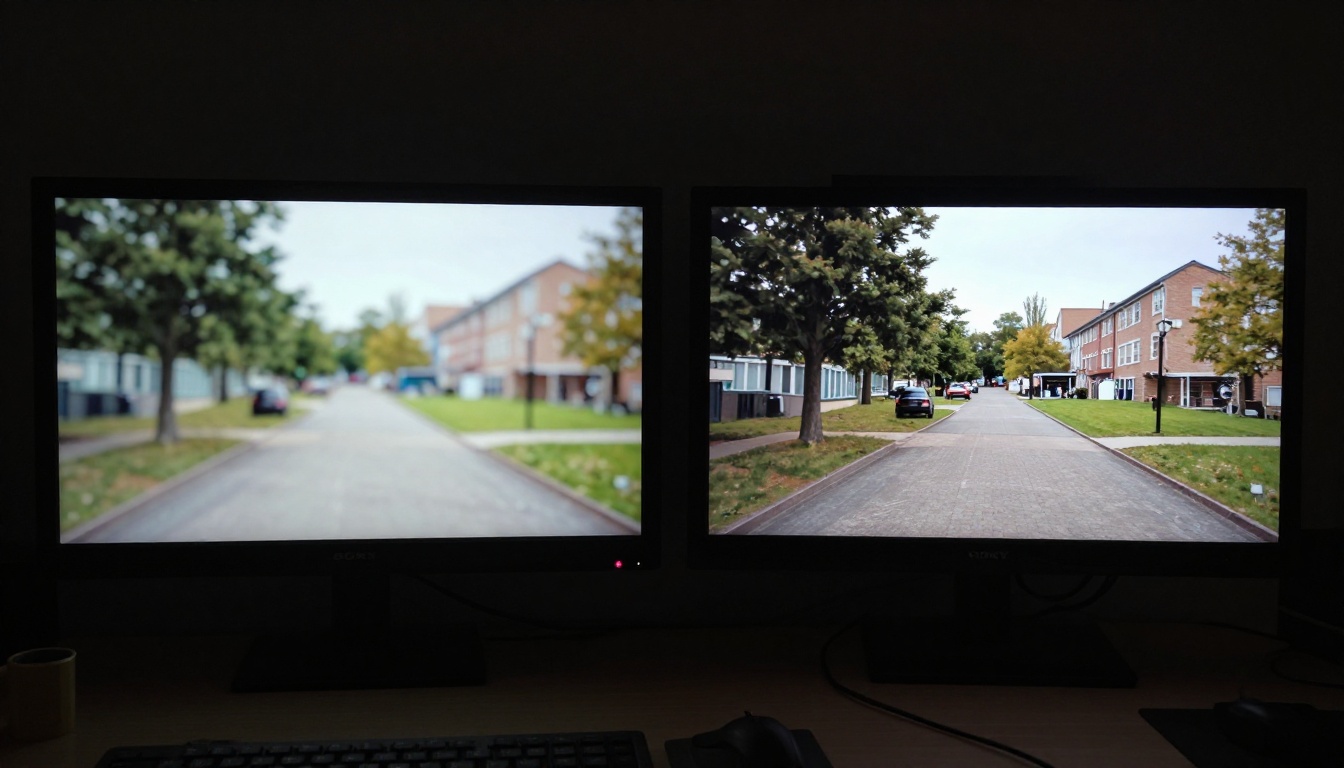
For post-production upscaling of any AI video output, Crystal Video Upscaler and Topaz Video Upscale are both solid options that can push existing 1080p AI video output toward 4K with good edge retention.
Top Model Picks by Use Case
Not every situation calls for the same model. Here is a breakdown organized by what you actually need:
How to Use Seedance 2.0 on PicassoIA
Since Seedance 2.0 is one of the standout performers of 2027 and is available directly on PicassoIA, here is a practical breakdown of how to get the best results from it.
Write Motion-Forward Prompts
Seedance 2.0 responds well to prompts that describe what is happening over time, not just what the scene looks like. Instead of "a woman walking on a beach," write "a woman walking slowly toward the camera along a wet sandy beach at low tide, her footprints filling with water behind her, morning light from the left." The difference in output quality between a static scene description and a motion-driven one is significant.
Set Your Source Image for I2V
Upload your source image directly when working in image-to-video mode. Seedance 2.0 preserves subject detail from the input image better than most alternatives. Use a high-resolution, well-lit input for best results. A blurry or low-contrast source image will produce a weaker output regardless of how strong your text prompt is.
Check Audio Before Downloading
The model generates audio automatically. Listen before downloading. If the audio does not match the scene well, re-running with a slightly adjusted prompt usually produces a better result in one or two passes.
Use Fast for Drafts, Full for Finals
Run your first pass with Seedance 2.0 Fast to verify composition, motion, and prompt alignment. Switch to the standard model only for your final output. This two-pass approach saves significant credits on complex projects without sacrificing final quality.
💡 Prompting tip: Including a camera movement description such as "slow dolly forward," "slight upward tilt," or "static locked-off" dramatically improves the cinematic feel of Seedance 2.0 outputs. The model handles directional camera intent exceptionally well.
Where the Space Is Heading
The consolidation that happened in 2025 has not stopped. The gap between the top five models and everything else has narrowed in terms of basic output quality, but widened in terms of capability features: audio synchronization, camera control, resolution ceiling, and multi-modal input support. The models worth watching for the second half of 2026 are the ones adding reliable audio alongside existing visual output, since that is still where most of the visible differentiation lies.
Gen 4.5 from Runway and Gen4 Turbo have been building toward more sophisticated cinematic motion and longer clip support. Q3 Turbo from Vidu pushes 1080p with audio at competitive speeds and belongs in any serious model comparison for 2027.
The tools that are not worth defaulting to anymore are the older generation models that have not received updates: any model still delivering 512p without audio should be treated as legacy at this point. They still have a place for specific stylized looks, but production workflows in 2027 belong elsewhere.
Try These Models on PicassoIA
Every model mentioned in this article is available on PicassoIA. You can run Seedance 2.0, Veo 3.1, Kling v3 Video, LTX 2.3 Pro, and more than 87 additional text-to-video models from a single platform without managing separate API credentials or local compute infrastructure.

If you are starting from a still image, Wan 2.7 I2V and Hailuo 2.3 are worth your first test. If you want to experiment with 4K output without committing credits to the premium tier, LTX 2.3 Fast is the fastest path to a 4K result.
The platform also includes video upscaling and restoration tools for anything already in your library. Crystal Video Upscaler can lift existing footage, Topaz Video Upscale adds frame interpolation and sharpening, and there are over 500 video effects available for stylized treatments on existing clips.
The barrier to producing professional-grade AI video in 2027 is lower than it has ever been. The models are there. The access is centralized. Pick one of the tools above, run your first prompt, and see what 2027-tier AI video actually looks like on your screen.


