Suno v5 arrived in early 2026 with changes that go much deeper than a version number bump. The vocal engine was rebuilt from scratch, audio output jumped to 48kHz, prompt control became genuinely predictable, and the model finally stopped writing lyrics that sound like they were auto-completed by a tired intern. For anyone who has been using Suno since v3 or v4, the gap is noticeable within the first 10 seconds of a generated track.

The Vocal Engine Is Completely Different
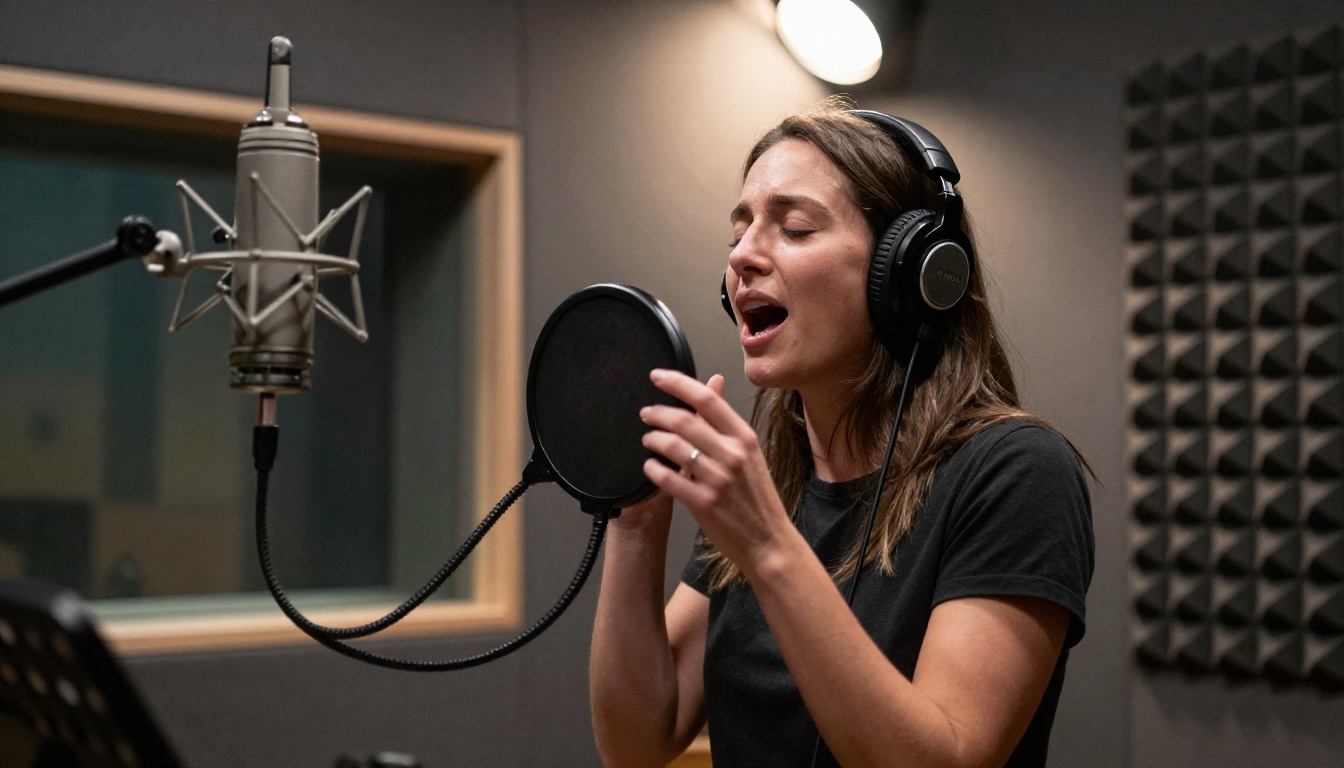
The most noticeable thing about Suno v5 is how voices behave. V4 produced vocals that sounded technically correct but weirdly flat, like a singer who knows all the notes but has never performed in front of an audience. V5 fixed that in a meaningful way.
Breath, Texture, and Tone
The new vocal model renders micro-details: the slight compression of a vowel before a consonant, the natural fade at the end of a phrase, the breath timing between lines. These are things human singers do instinctively. In v4, every vocal had the same mechanical delivery regardless of genre or tempo. In v5, a soul track breathes differently than a stadium pop song.
Tone shaping also improved significantly. You can now push prompts like "raspy baritone" or "warm alto with vibrato" and get something genuinely close to what you specified. The model is not just picking a voice sample and running it. It interpolates tone characteristics across the full track, maintaining consistency even through tempo changes and dynamic shifts.
Emotion registers more accurately too. Previous versions drifted toward a neutral delivery whenever the chord structure got complex. V5 ties emotional delivery to the lyric content more reliably, which means a sad line is sung differently than a celebratory one even within the same track.
Multi-Voice Arrangements Work Now
Harmony and call-and-response were theoretical features in v4. They appeared sometimes, disappeared at other times, and the pitch relationships between voices were unreliable. V5 made them stable and usable.
Prompting "four-part harmony chorus" now consistently produces four distinct voices with correct interval spacing. The voices remain coherent through the full song, not just in the opening bars. Background harmonies stay in tune relative to the lead vocal rather than drifting independently. This makes choir textures and stacked harmonies production-ready for the first time.
💡 Tip: When prompting multi-voice arrangements, specify the register for each voice. "Soprano, alto, tenor, bass four-part harmony" gives better separation than just "harmonies."
Audio Quality Finally Caught Up
Suno v4 had a ceiling of 44.1kHz stereo output, which was fine for casual listening but showed its limits on any decent playback system. V5 raised that ceiling in a way that changes the practical applications of AI-generated music.
48kHz Output Is Real
The new output standard is 48kHz at 320kbps. That is the professional standard for broadcast and streaming delivery. The difference is audible on anything better than earbuds, particularly in the high-frequency detail of acoustic instruments and the transient response of percussion. A hi-hat in v5 sounds like a hi-hat. In v4, it sounded like the model's best guess at one.
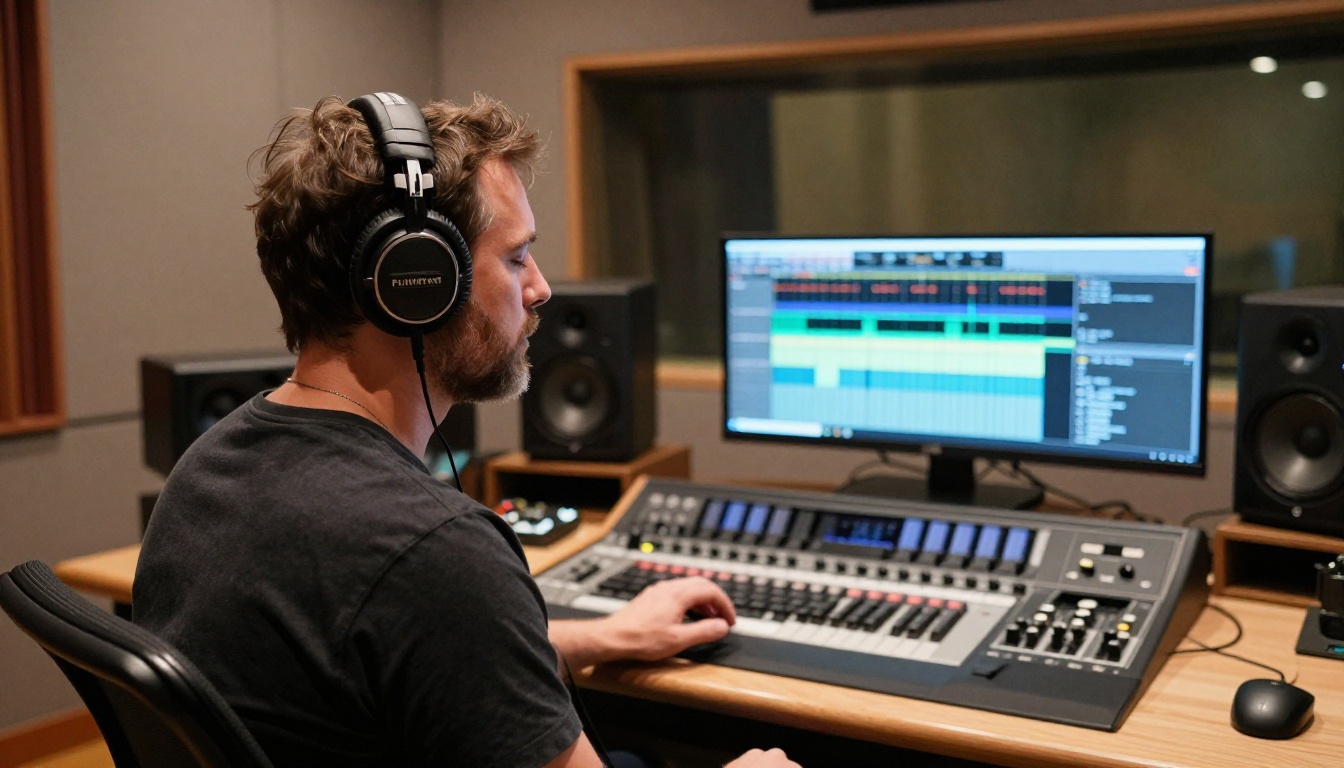
Beyond sample rate, the dynamic range improved substantially. V4 tracks had a tendency toward heavy limiting, with everything sitting at roughly the same loudness throughout. V5 generates tracks with real dynamic contrast, which makes them sound less like algorithm output and more like something recorded in a room with an engineer at the console.
The low-frequency handling also changed. Bass guitar and kick drum sit more cleanly in the mix, with less muddiness in the 100-200Hz range that was a frequent complaint in v4 output.
Stereo Width and Instrument Separation
The stereo image in v5 is wider and more defined. Instruments are placed spatially in a way that feels intentional rather than arbitrary. A rhythm guitar might sit at 9 o'clock, a piano at 3 o'clock, drums centered, vocals front and present. V4 mixed everything into a narrow, mono-adjacent field with reverb added to fake spatial depth. V5 actually pans.
Stem export also arrived in v5. You can now pull individual stems (vocals, drums, bass, and other instruments) from any generated track as separate audio files. That is a substantial workflow upgrade for anyone who wants to remix AI music, layer tracks under video content, or hand the instrumental off to a real vocalist. No other major AI music platform offers this natively at the moment.
Prompt Control Got a Real Upgrade
Prompting in v4 was more prayer than instruction. You would write a detailed style description and hope the model honored at least half of it past the first verse. V5 addressed this with a new architecture for how style context is maintained throughout a generation.
Style Tags That Hold Through a Song
The new architecture treats style tags as persistent context rather than an initialization hint that decays over time. If you specify "fingerpicked acoustic guitar, no drums, melancholic minor scale" at the start, the model holds that throughout the track instead of drifting into a full-band arrangement by verse two.
The list of supported style attributes expanded significantly. Genre, tempo in BPM, scale, time signature, instrument palette, production era, and mood are all addressable in a single prompt. The model does not honor every combination perfectly, but the fidelity to prompt is materially better than v4 in almost every case.
One notable addition is era-specific production style. Prompting "1970s soul production" now applies era-appropriate compression, reverb, and instrument tones rather than just influencing the genre selection. This is useful for anyone creating content with a specific aesthetic target.
Section Markers and Song Structure
V5 added explicit section-marker support. You can now define an intro, verse, pre-chorus, chorus, bridge, and outro as discrete structural elements, each with its own prompt context. The model follows this structure rather than generating one long undifferentiated piece and cutting it into sections afterward.
A practical example: you can specify a quiet, fingerpicked verse that builds into a full-band chorus with doubled vocals, then drops back to a stripped bridge with just piano. In v4, structural contrast like this was rare and unpredictable. In v5, it is reliable behavior when the structure is written clearly in the prompt.
💡 Tip: Use brackets to define sections in your custom lyrics: [Verse 1], [Chorus], [Bridge]. V5 reads these as hard structural markers, not suggestions.
Lyrics Coherence Was the Biggest Fix
If there was one thing v4 users complained about most consistently, it was lyrics. The model could generate something grammatically correct but semantically nonsensical, or start a coherent narrative and abandon it entirely after the first chorus.
Verses That Actually Make Sense
The v5 lyric engine maintains thematic consistency across a full song. A track about loss stays about loss. A track about summer roads does not wander into abstract philosophical territory by verse three. The model now treats the song as a single document with a narrative arc rather than generating each section independently and hoping they happen to cohere.
Rhyme scheme handling also improved in a way that matters for listenability. V4 forced rhymes that broke natural speech patterns, producing lyrics where the cadence felt awkward because word choice was dictated by the rhyme target. V5 prioritizes natural phrasing first and finds rhymes within that constraint. The result is lyrics that sound like they were written by someone who has actually listened to popular music.
Internal rhymes, half-rhymes, and assonance are now used more naturally alongside end rhymes, giving the lyric output a more sophisticated texture overall.
Custom Lyrics Mode
V5 expanded the custom lyrics feature substantially. You can now write full lyrics and have Suno generate music around them, including a mode where the model infers the song's mood, tempo, and instrumentation directly from the lyric content rather than requiring a separate style prompt. Drop in a lyric and the model makes production decisions that fit the emotional content of the words.
The custom lyrics mode also supports mixed input. You can write some sections and have the model generate others, specifying which sections are fixed and which are open. That is practical for anyone who writes strong choruses but wants help filling verses, or for producers who have a lyric hook but want the verses built around it.
What Suno v5 Still Cannot Do
Honesty matters here. V5 is a significant step, but it has real limits worth naming directly.
- Real-time generation is still not available. Tracks take between 15 and 90 seconds to generate depending on length and complexity.
- Instrument-specific control remains coarse. You can ask for piano, but you cannot specify voicing, articulation, or pedaling the way a working pianist would understand those terms.
- Emotional nuance at the phrase level is inconsistent. The overall mood of a track is reliable, but asking for a single line to carry a specific emotional shade within a track that has a different overall mood rarely works.
- Genre hybrids still drift. "Afrobeats meets bossa nova" lands somewhere in the middle but rarely captures either genre with the specificity a musician familiar with both would expect.
- Long-form coherence above four minutes starts to degrade. The model handles standard song lengths well but loses structural clarity in extended compositions.
These are real limitations, but they are smaller than they were in v4, and the trajectory is clear.
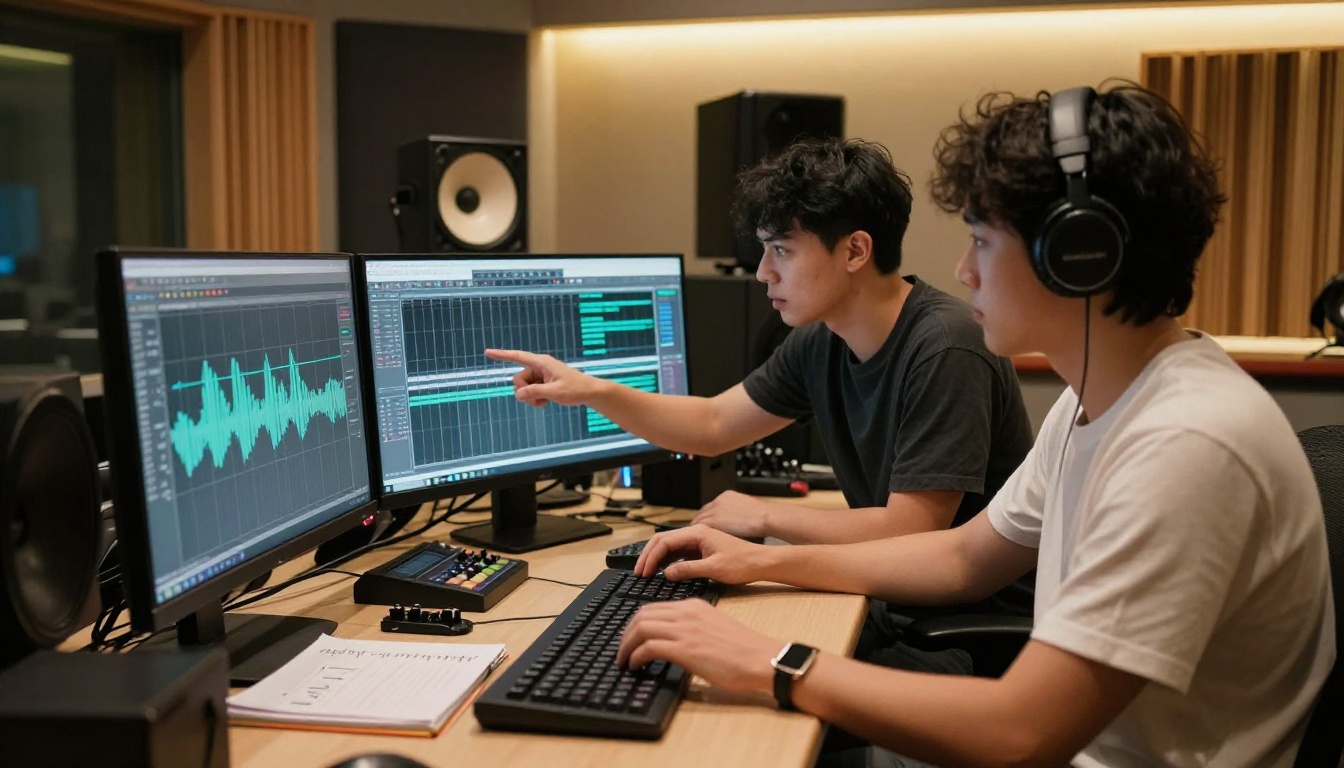
AI Music Generation on PicassoIA
PicassoIA hosts several of the strongest AI music generation models available right now, all accessible from one platform without managing API credentials or running local inference. For anyone building a production workflow around AI-generated music in 2026, these are worth knowing in detail.
Minimax Music 2.6 for Full Songs
Minimax Music 2.6 is the current workhorse for full-song generation with vocals. It takes a text prompt and returns a full track with sung lyrics, instrumentation, and a coherent song structure. The model handles pop, hip-hop, R&B, and electronic genres particularly well, with strong vocal quality throughout.
Minimax Music 2.5 is still available and slightly more predictable on simple prompts, while Minimax Music 01 is the starting point for users who want to write custom lyrics and receive a full production around them. For transforming existing tracks into new genres, Minimax's genre restyling model handles style conversion on uploaded audio.
Google Lyria 3 Pro for Instrumental
Google Lyria 3 Pro is the top choice for high-quality instrumental music. It excels at orchestral, cinematic, and acoustic genres where vocal quality is not the primary concern. The model generates tracks with strong compositional structure and impressive instrument separation across the stereo field.
Google Lyria 3 and Google Lyria 2 are both available for users who want to compare outputs or run multiple generations at different quality tiers depending on the project.
ElevenLabs Music for Soundtrack Work
ElevenLabs Music handles text-to-music generation with a focus on ambient and background tracks. It is particularly useful for content creators who need music that sits underneath dialogue or narration without competing with it. Stability AI Stable Audio 2.5 rounds out the platform's music generation options with strong control over genre and instrumentation detail.
Speech and Vocal Layers with PicassoIA
One of the most productive workflows that emerged around AI music generation in 2026 is combining AI-generated music with AI-generated speech. PicassoIA's text-to-speech models make this straightforward without switching platforms or dealing with separate tools.
Voice Sync on Your AI Tracks
If you want narration, podcast content, or a voiceover that sits on top of AI-generated music, ElevenLabs V3 delivers the most natural-sounding speech currently on the platform. The voice quality is close enough to human narration that the gap is not distracting even under critical listening conditions.
For multilingual content, ElevenLabs V2 Multilingual covers 30 or more languages with consistent quality across all of them. Minimax Speech 2.8 HD is the choice when studio-quality audio output is the top priority, with broadcast-standard fidelity.
Speed matters for iteration-heavy production workflows. ElevenLabs Flash v2.5 handles fast turnaround when the priority is cycle speed rather than maximum fidelity. For real-time voice generation, Inworld Realtime TTS 2 delivers sub-100ms latency, which is practical for interactive applications or live content production.
💡 Workflow idea: Generate an instrumental track with Lyria 3 Pro, write a short narration script, then record the voiceover with ElevenLabs V3. Export both as audio files and layer them in any standard audio editor. The entire production costs a few platform credits.

| Feature | Suno v5 | Udio | Lyria 3 Pro | Minimax Music 2.6 |
|---|
| Vocal quality | High | High | No vocals | High |
| Custom lyrics | Yes | Limited | No | Yes |
| Stem export | Yes | No | No | No |
| Instrumental control | Medium | Medium | High | Medium |
| Output quality | 48kHz | 44.1kHz | 48kHz | 44.1kHz |
| Genre range | Very wide | Wide | Instrumental only | Wide |
| Section markers | Yes | No | No | Limited |
| Prompt fidelity | High | Medium | High | High |
Suno v5's stem export is the standout capability no major competitor matches at this point. If your workflow requires pulling individual tracks from AI-generated music without post-processing, Suno is currently the only platform that provides this natively.
Google Lyria 3 Pro remains the stronger choice for pure instrumental work, particularly in orchestral and cinematic contexts where Suno's vocal architecture adds no value. For full-song production with vocals, Minimax Music 2.6 and Suno v5 are the two tools worth using seriously in 2026. They take different approaches to style control and lyric generation, and which performs better often comes down to the specific genre and use case.

Start Making Tracks Right Now
The tools are better in 2026 than they have ever been. Suno v5 is a real upgrade. The AI music generation models on PicassoIA span from full-song vocal production all the way to cinematic instrumental work. The combination of music and speech generation in one place opens up production workflows that did not exist two years ago.
The most productive thing you can do is generate something. Pick a prompt, run it through Minimax Music 2.6 or Google Lyria 3 Pro on PicassoIA, listen to the output, and adjust the prompt based on what you hear. The learning curve is short because the feedback loop is fast, and the credit cost per generation is low enough that iteration is practical from the start.
If you want vocal content alongside your tracks, pair music generation with ElevenLabs V3 or Minimax Speech 2.8 HD for narration or song-guide vocals. Having music and speech generation in the same platform, without switching between different tools and credential sets, is what makes PicassoIA practical for real production work rather than just experimentation.
Every model mentioned in this article is available at picassoia.com/en/all-models.


