Picking the wrong AI music tool costs you more than money. It costs you time, creative momentum, and sometimes the rights to your own work. Suno v5 and AIVA are two of the most capable AI music generators available right now, but they were built with entirely different users in mind. One rewards speed and simplicity. The other rewards patience and precision. Knowing which one fits your workflow before you start could save you weeks of frustration.
Two Different Bets on What Music Should Be
The debate over Suno v5 vs AIVA is really a debate over what AI music generation should feel like. Both tools produce audio that would have seemed impossible five years ago, but they reach that result through opposing philosophies.
Suno v5: Speed as the Core Feature
Suno v5 is a text-to-music AI system built around a single premise: you describe the music you want in plain language, and it generates a full song, complete with vocals, instrumentation, and structure, in under two minutes. The model behind v5 is a significant step up from previous versions. Vocal realism has improved dramatically, the harmonic coherence between sections is tighter, and genre accuracy is sharp enough that a prompt like "upbeat indie pop with punchy drums and female vocals" will give you something that genuinely sounds like it belongs in that genre.
The platform is entirely browser-based, requires no music theory knowledge, and has no DAW integration requirements. It is, by design, the most accessible AI song generator you can use in 2027.
AIVA's Philosophy
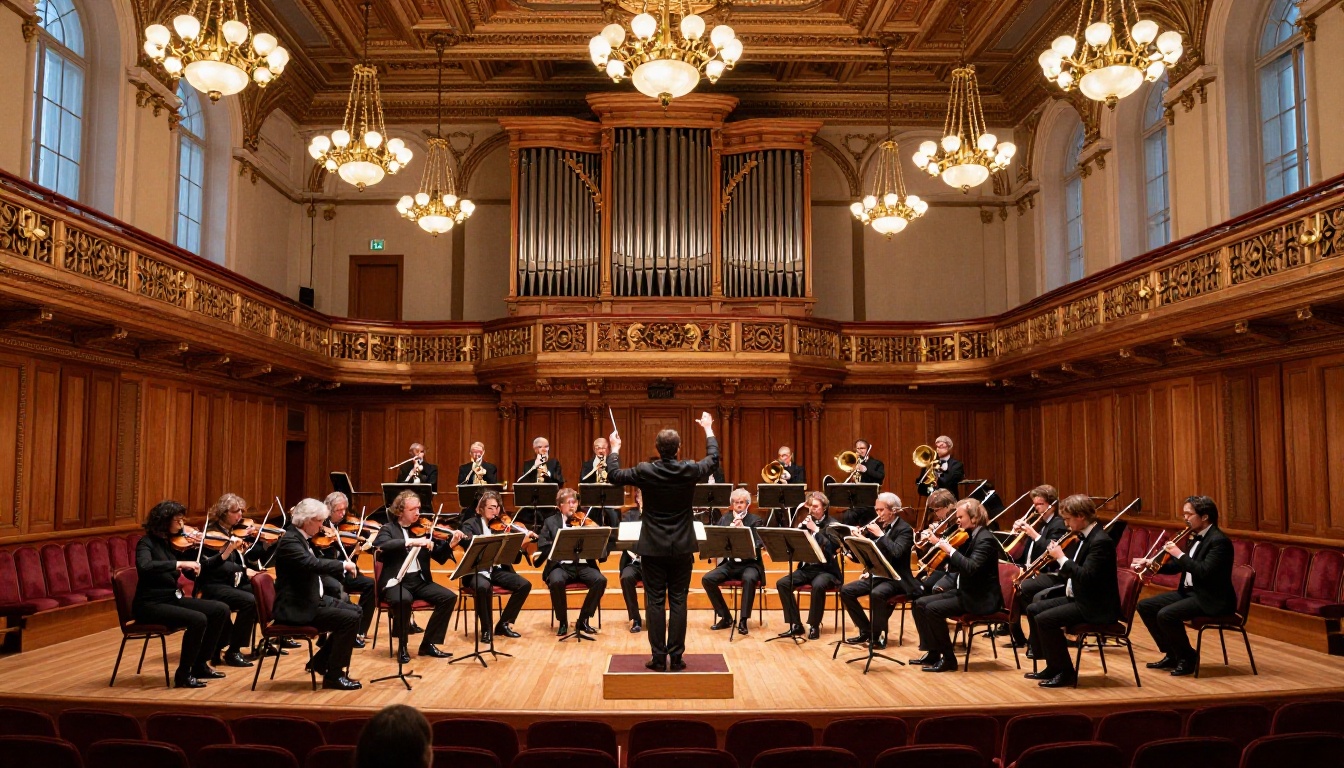
AIVA (Artificial Intelligence Virtual Artist) approaches music generation from the other direction. It started as a tool for composing orchestral and cinematic music, and that origin still shapes everything about the platform. Where Suno v5 treats music as a content output, AIVA treats it as a composition process.
You can input MIDI, adjust harmonic progressions, select time signatures, and control instrumentation at a level of detail that Suno v5 simply does not offer. AIVA is not a pure text-prompt system in the same way; it works more like a collaborator that helps you build a musical structure rather than generating one from scratch on your behalf.
What You Actually Get From Each
Output quality between these two tools is genuinely impressive, but "quality" means different things depending on what you are making.
Suno v5 Audio Output
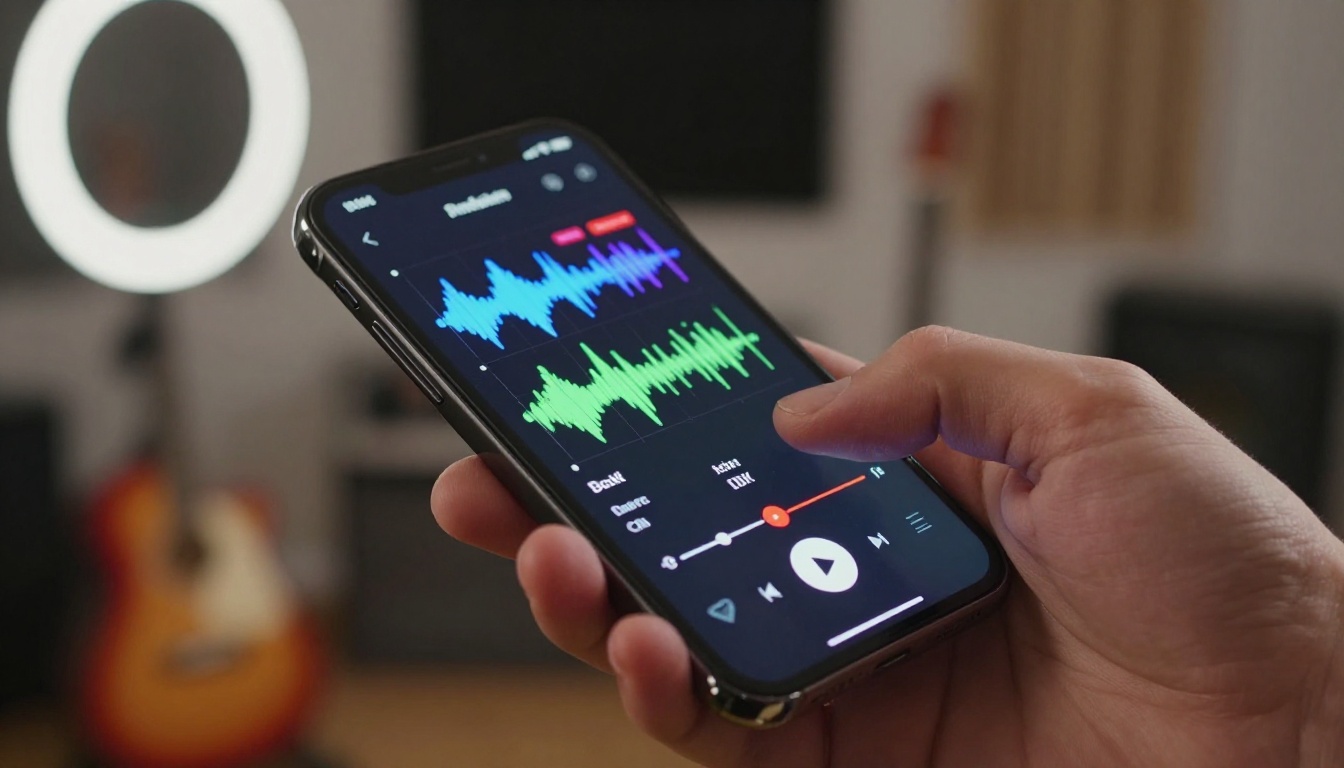
Suno v5 produces finished tracks. Songs have intros, verses, choruses, bridges, and outros. Vocals are intelligible and often surprisingly emotional. For content creation, social media soundtracks, YouTube video backgrounds, or quick demo ideas, the output clears the bar easily. The v5 improvement is most noticeable in vocal clarity and in the way the model handles song structure; earlier versions sometimes produced tracks that felt disjointed, while v5 output feels cohesive from start to finish.
The limitation is creative control. You can iterate by regenerating or adjusting your text prompt, but you cannot go into the track and edit a specific instrument, change a chord progression mid-song, or isolate stems for external mixing.
AIVA's Precision and Control
AIVA's output is strongest in the film score and orchestral space. If you need a 90-second dramatic cue for a cinematic piece, a tense string arrangement for a corporate presentation, or a layered ambient track for a game environment, AIVA's control over those elements is hard to match. The AI composition tool can generate motifs and then let you develop them manually, which makes it useful not just as a generator but as a compositional assistant.
The cost is time. Getting exactly what you want from AIVA typically requires iteration and adjustment in ways that Suno v5 does not. It is a more powerful tool in the hands of someone who understands music theory, but that power comes with a steeper investment.
How Easy Each One Is to Use
The usability gap between Suno v5 and AIVA is one of the most important factors when choosing between them.
Suno v5: Three Steps, Done
Suno v5's workflow is straightforward: type a description, click generate, download the result. If the first output is not quite right, you adjust the prompt and regenerate. There are style tags and mood descriptors you can include to steer the output, and v5's model is responsive enough that small prompt changes produce meaningfully different results. For anyone without a music background, this is the natural starting point for AI-generated songs.

💡 Suno v5 tip: Be specific about tempo, emotional tone, and instrumentation in your prompt. "A melancholic acoustic guitar ballad at 70 BPM with soft piano and a female breathy vocal" will outperform "sad song" every time.
AIVA Takes More Setup
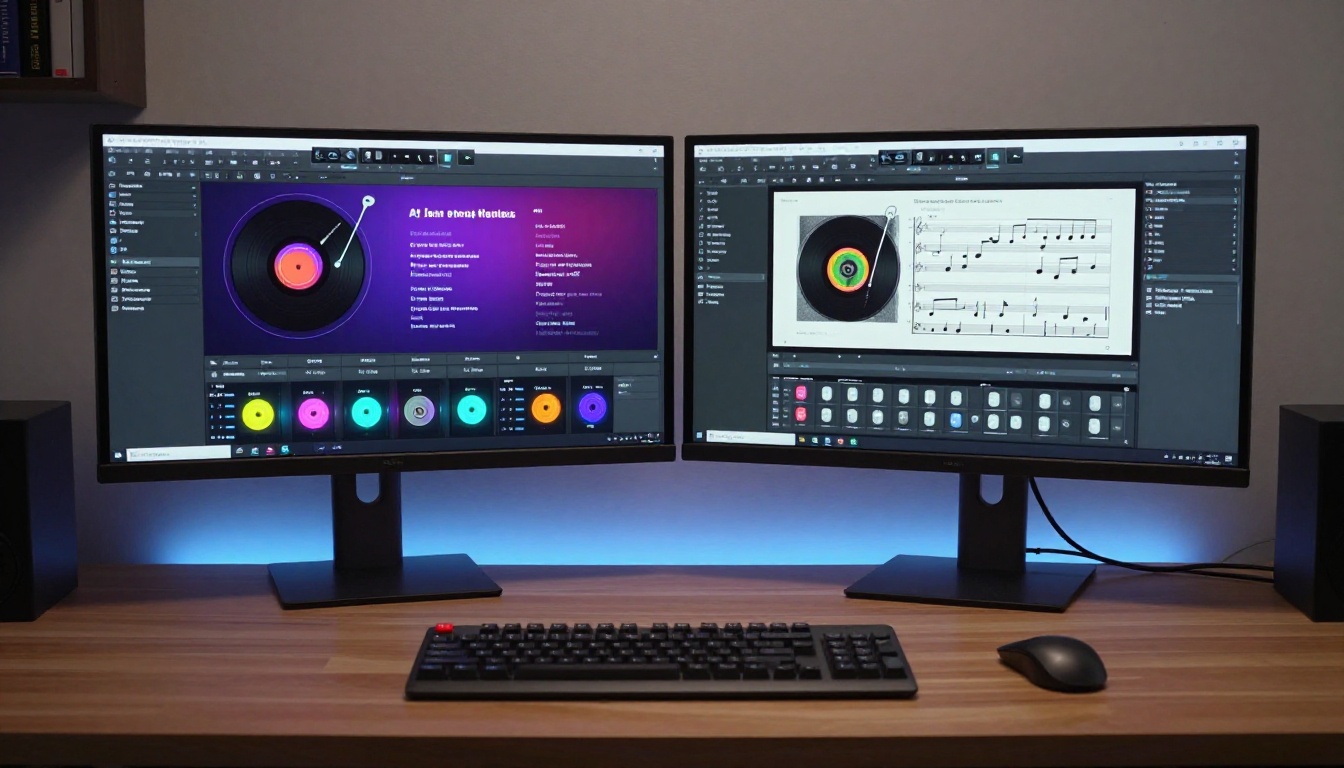
AIVA has a proper interface with timelines, instruments, sections, and editing tools. First-time users without music production experience will spend time working out what those controls mean before they get full value from them. AIVA provides presets and templates that reduce this barrier, but the tool genuinely rewards investment in understanding music structure. For users who already work in DAWs or who have music theory knowledge, that investment pays off quickly.
Pricing That Fits Your Budget
Pricing structures for both platforms have been refined over the past year, and both Suno v5 and AIVA offer tiered models worth looking at carefully.
Suno v5 Costs
Suno operates on a credit system. The free tier gives you a limited number of generations per day, which is enough to evaluate the tool but not enough for regular production work. Paid plans start around $8 per month for basic usage and scale to around $24 per month for a Pro tier that includes commercial licensing rights and higher generation limits. The commercial licensing point matters more than most people realize: on the free tier, you cannot legally use Suno output for monetized projects.
AIVA Costs
AIVA's free plan allows a limited number of audio downloads per month and restricts commercial use. The Standard plan opens up more downloads and commercial access. The Pro plan is required if you want copyright ownership of the music you generate. AIVA's pricing is competitive for what it offers in the orchestral and cinematic space, making it attractive for indie filmmakers and game developers who need high-quality instrumental music on a budget.
| Feature | Suno v5 | AIVA |
|---|
| Free Tier | Yes, limited daily credits | Yes, limited monthly downloads |
| Commercial License | Paid plans only | Standard and Pro plans |
| Estimated Monthly Cost | $8 to $24 | $11 to $33 |
| Output Format | MP3 and WAV | MP3, WAV, and MIDI |
| MIDI Export | No | Yes |
| Vocal Generation | Yes | No |

Licensing: The Deciding Factor
Licensing is where AI music tools differ most in ways that actually matter for professional use, and it is the area where people most often get caught out.
Suno v5's licensing terms grant commercial rights on paid plans, but the ownership situation has some legal nuance. Suno maintains that users own the output for practical purposes on paid plans, but the platform reserves certain rights in its terms. For most content creators and small businesses, this works fine in practice. For anyone licensing music to major productions, broadcast, or advertising agencies, it is worth reviewing the current terms carefully before committing.
AIVA explicitly grants copyright ownership to users on the Pro plan. If you generate a track in AIVA and you are on the Pro tier, you can license that track, sell it, include it in commercial productions, and register it with collecting societies. That clarity has made AIVA a preferred AI composition tool for professionals who need unambiguous ownership rights.
💡 Always check current licensing terms directly on each platform. Terms for AI-generated content are evolving rapidly. Do not base a major commercial decision on information that may be months out of date.

Choosing between Suno v5 and AIVA comes down to your specific use case, not which tool is objectively better. They serve different creators at different points in their workflow.
Pick Suno v5 When You Need:
- Fast output for content creation: YouTube videos, TikTok, Instagram Reels, podcast intros
- Vocal tracks with real character: Suno's vocal AI is well ahead of AIVA in this area
- No music knowledge required: The entire value proposition is prompt-in, song-out simplicity
- Genre variety: Pop, hip-hop, electronic, folk, and rock are all accessible with text prompts
- Speed over precision: When turnaround time matters more than deep creative control
Pick AIVA When You Need:
- Orchestral or cinematic music: Film scores, game soundtracks, documentary music
- MIDI export: For further editing in Logic Pro, Ableton, or FL Studio
- Clear copyright ownership: No ambiguity on who owns the output
- Instrumental-only music: No unwanted AI vocals in your tracks
- Harmonic and structural control: If you know music theory and want to apply it directly
Side-by-Side Numbers
| Feature | Suno v5 | AIVA |
|---|
| Generation Speed | Under 2 minutes | 2 to 5 minutes |
| Vocal Generation | Yes | No |
| Text Prompt Input | Yes | Limited |
| MIDI Input and Output | No | Yes |
| Orchestral Quality | Moderate | Excellent |
| Genre Range | Very wide | Classical-focused |
| Stem Separation | No | No |
| Mobile App | Yes | No |
| Commercial Rights | Paid plans | Standard and Pro plans |
| Copyright Ownership | Partial clarity | Clear on Pro plan |
| API Access | Yes | Yes |
💡 Both platforms offer API access, which means developers can integrate either tool into their own applications. Suno's API is optimized for high-volume generation; AIVA's suits structured, repeatable composition workflows better.
Other AI Music Models Worth Testing
The AI music generation space has expanded rapidly, and Suno v5 and AIVA are not the only capable options. If neither fits exactly right, these models are worth evaluating alongside them.
Google Lyria 3 Pro represents some of the most significant research-backed AI music generation available today. Lyria 3 generates original tracks with strong harmonic coherence, and the Pro version adds more refined controls for professional workflows. Both are accessible on PicassoIA without needing separate API credentials.
Minimax Music 2.6 competes directly with Suno v5 in the text-to-song space. The output handles a wide range of vocal styles and genres with consistently high quality. Music 2.5 remains a strong alternative when sung vocals with expressive delivery are the priority.
For reshaping existing material, Minimax's genre-restyle model lets you change a track's genre and mood without replacing its original structure entirely. That is a practical capability that neither Suno nor AIVA offers natively.
ElevenLabs Music brings the voice-quality focus that ElevenLabs is known for into the music space, composing AI songs from text prompts with a strong emphasis on vocal authenticity and emotional tone.
Stable Audio 2.5 from Stability AI is worth testing for sound design and ambient music. It is particularly strong in non-vocal, texture-heavy audio output suited to film, game, and relaxation contexts.
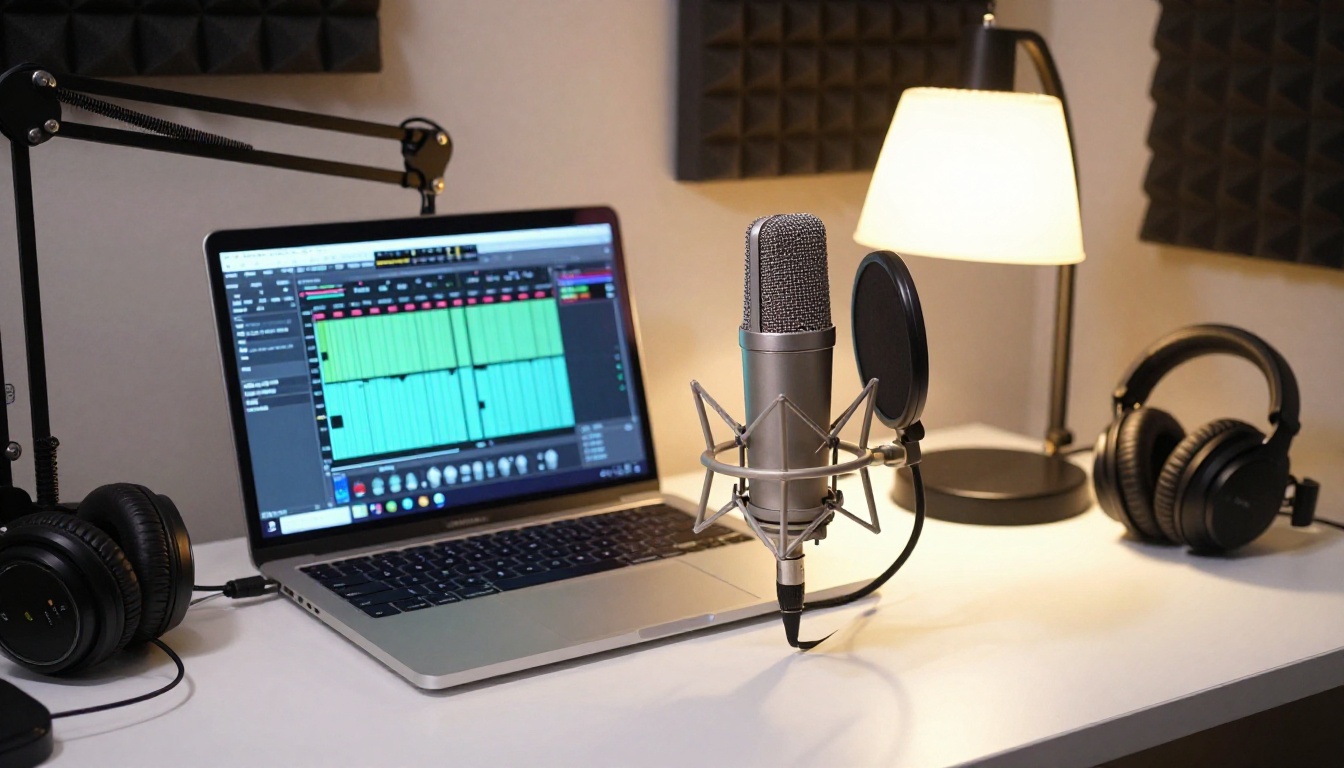
How to Use AI Music Generation on PicassoIA
PicassoIA gives you access to multiple AI music models in one place, without juggling separate accounts or platform limitations. Here is how to work with the most capable options available right now.
Generating original tracks with Google Lyria 3 Pro:
- Go to Lyria 3 Pro on PicassoIA
- Type a description of the music you want, including genre, mood, tempo, and instrumentation
- Click generate and wait for the full-length track output
- Download the result in MP3 or WAV for use in your project
Turning lyrics into a song with Minimax Music 01:
- Go to Music 01 on PicassoIA
- Paste your lyrics into the lyrics field
- Select a vocal style and genre from the available options
- Generate the track and refine with prompt adjustments if the first output needs work
Parameter tips for better results:
- Specify BPM ranges (e.g., "80 to 100 BPM") for better tempo control
- Include mood descriptors alongside genre ("melancholic indie folk" rather than just "folk")
- For instrumentals, explicitly state "no vocals" or "instrumental only"
- Use Google Lyria 2 for experimental, ambient results where strict genre adherence is not the goal
- Minimax Music 1.5 is a solid option when you want reliable full-song output without investing time in parameter tuning

The answer to Suno v5 vs AIVA is not about which tool wins in general. It is about what you are making. Suno v5 wins on speed, vocals, and accessibility. AIVA wins on orchestral quality, MIDI control, and licensing clarity. Both have clear use cases and neither replaces the other. The most practical approach for most creators is to know both exist, use the right one for each project, and test the alternatives on PicassoIA when neither feels exactly right for the job at hand.


