The pace of change in AI creative tools has stopped being surprising. It has become something closer to relentless. Every few weeks a new model ships that makes the previous one feel dated. What was cutting-edge six months ago is now the free tier. That cycle is accelerating in 2026, and the tools that are pulling ahead are doing so by wide margins.
This isn't a list of every tool that launched. It's a breakdown of the categories that matter, the specific models producing real work, and an honest look at where the value actually sits for creative professionals in 2027.

What Changed Since Last Year
The most significant shift in 2026 isn't raw quality. It's the collapse of friction. A year ago, running an AI image generation workflow meant juggling multiple platforms, waiting on API queues, managing credits across four or five services, and then manually stitching results together into something usable.
That friction is largely gone. The platforms that are winning in 2027 are the ones that absorbed the complexity. They run the models at scale, handle the queue management, let you swap between 50 different generators without changing your workflow, and return results in seconds rather than minutes.
The other shift is audio. Video AI without audio was a toy. Video AI with native synchronized audio is a production tool. That transition happened fast in 2025 and by 2026 it's the baseline expectation for any serious video generation model.
💡 Benchmark shift: The test in 2026 isn't "can this model produce a good image?" They all can. The test is "how fast, at what resolution, and with how little effort?"
The Three Categories That Matter
AI creative tools in 2027 break into three categories that have genuinely changed what's possible:
- Photorealistic image generation at speed and scale
- Cinematic video generation with native audio
- Visual effects and style transfer applied to existing footage
Everything else, the chat assistants, the writing tools, the productivity wrappers, those are useful. But these three categories are where the creative industry is being reshaped in real time.
The Image Generation Models Running the Field

Image generation has matured to the point where the interesting question isn't whether a model can produce a photorealistic image. Almost every major model can. The interesting question is which models give you control, speed, and resolution without sacrificing quality.
Why Photorealism Is the New Baseline
Two years ago, photorealistic image generation was the headline feature. In 2027, it's table stakes. The models that are drawing serious creative professionals aren't the ones with the most impressive single-shot demos. They're the ones that produce consistent results across a wide variety of prompts, handle edge cases without collapsing into artifacting, and maintain quality at 4K and above.
The gap that remains is in specificity. Prompting a model to produce a generic landscape is trivial. Prompting it to produce a specific type of light, at a specific focal length, with a specific subject interaction, and having that come out right the first time, that's where the real differences emerge.
Speed vs. Quality Tradeoffs in 2026
| Category | Best for | Typical resolution | Generation time |
|---|
| Fast models | Drafting, iteration | 512px-1024px | Under 5 seconds |
| Standard models | Production assets | 1024px-2048px | 10-30 seconds |
| Pro models | Print, large format | 2K-4K+ | 30-90 seconds |
The fast models have gotten remarkably good. What was "fast but lower quality" in 2024 is now "fast and entirely usable" in 2026. The standard tier is where most professional work happens day to day.
💡 Practical tip: Run fast models for layout and composition decisions. Switch to pro models only for the final asset. This cuts your iteration time by 80% without sacrificing output quality.
Video AI That's Actually Producing Work

Video generation is where the most dramatic shift happened between 2024 and 2026. The jump wasn't incremental. Models went from producing wobbly, clearly-AI clips to generating footage that sits comfortably alongside professional b-roll.
The Models Defining Cinematic Video in 2026
Seedance 2.0 from ByteDance is the model that surprised everyone. It delivers native synchronized audio, handles complex motion without the typical swimming artifacts, and generates at resolutions that work in actual production timelines. The audio integration alone puts it ahead of competitors who are still treating sound as an afterthought.
Veo 3.1 from Google represents what happens when research capacity meets production deployment. The 1080p output with native audio is the headline, but the real advantage is prompt adherence. Veo 3.1 consistently produces footage that matches a detailed text description rather than approximating it.
Kling v3 from Kwai has built a reputation for cinematic motion quality. Camera movements feel grounded. Subject motion follows physics. For footage that needs to feel like it was shot rather than generated, Kling v3 is consistently in the conversation.
Sora 2 Pro from OpenAI delivers on the original Sora promise with better temporal consistency and HD output that holds up on large screens. The Pro tier gives you the quality ceiling that the standard model occasionally bumped into.
LTX 2.3 Pro from Lightricks is the 4K option for projects where resolution is non-negotiable. It's slower than the fast variants but the detail retention at 4K is genuinely impressive.
Native Audio Changed Everything
The transition to native audio in video generation was faster than most people expected. By mid-2025 it was a differentiator. By 2026 it's a baseline requirement. A video clip that requires a separate audio pass to feel complete is a clip that needs an extra step in your pipeline.
Models like Seedance 2.0, Veo 3, and Wan 2.7 T2V generate ambient sound, voice, and effects that match the visual content without a separate pass. That removes an entire layer of post-production work that used to be mandatory.
💡 Production note: When specifying audio in video prompts, describe the acoustic environment explicitly. "Quiet office ambient sound" and "busy city street audio" will produce very different results than leaving audio description to the model's interpretation.
The Case for Video at Scale

One thing that doesn't get discussed enough is what happens when video generation becomes fast enough to use at volume. Individual creative professionals were the first adopters. But the economics change significantly when a content team can produce dozens of distinct video clips in a day rather than a week.
Where Speed Matters Most
Seedance 2.0 Fast and LTX 2.3 Fast are built for this use case. The fast variants sacrifice some resolution ceiling but deliver results in a fraction of the time. For social media content, drafts, and iterative work, fast generation at acceptable quality beats perfect generation at slow speed every time.
Wan 2.7 I2V (image-to-video) is particularly valuable for teams that already have image assets. Take a static product shot or campaign image and animate it. The motion output from Wan 2.7 I2V treats the source image as a first frame and builds realistic motion from there, which means your existing visual assets become starting points for video content.
Image-to-Video as a Workflow, Not a Feature
The platforms that have figured this out treat image-to-video not as a single button but as a workflow component. You generate an image, refine it, then animate it with a motion prompt. Each step is deliberate. The output is something you'd actually use, not a demo clip.
Pixverse v6 and Hailuo 02 from MiniMax both handle this workflow well, with Hailuo 02 specifically known for generating 1080p output with reliable motion quality across a range of source image types.
Visual Effects and the Style Transfer Category
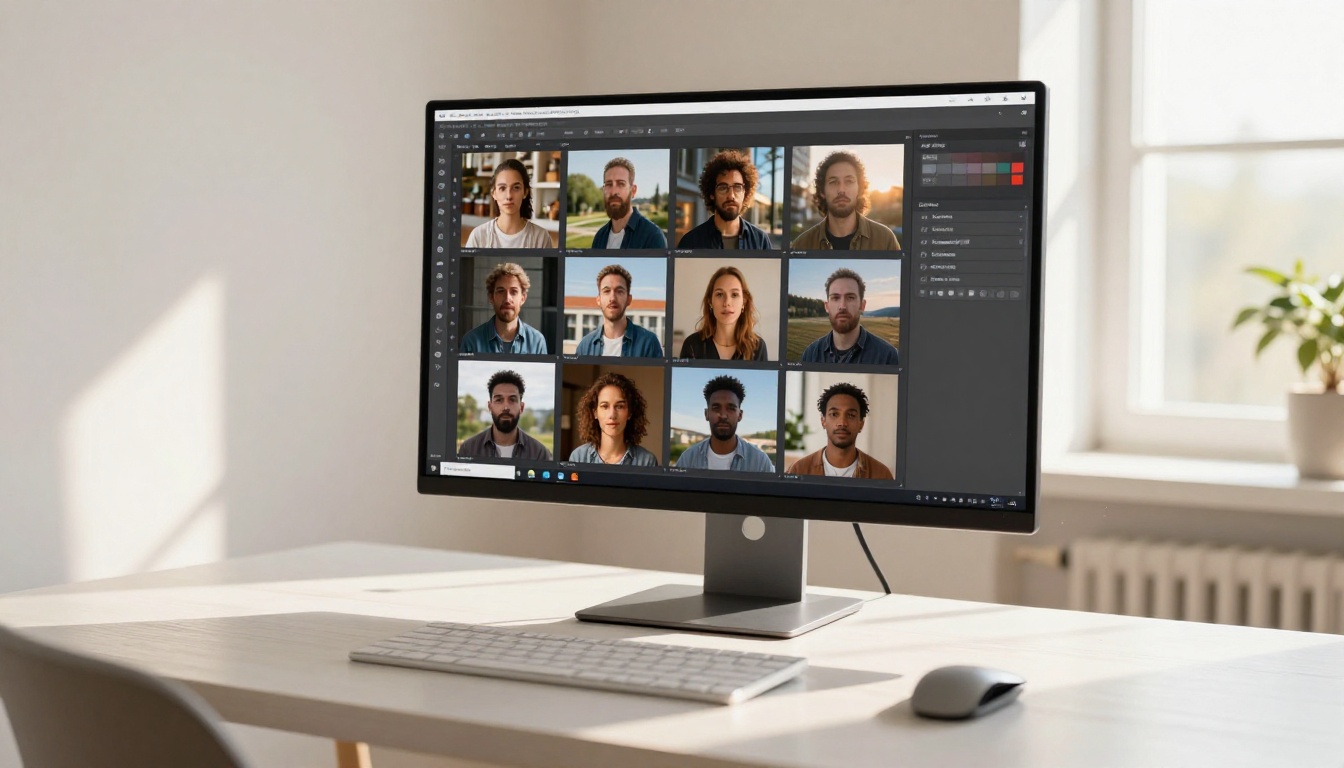
Visual effects and style transfer represent the third major category in 2027. These aren't generation tools in the traditional sense. They take existing content and reshape it: changing lighting, applying styles, replacing objects, enhancing resolution, or synchronizing lip movements to new audio.
What's Actually Useful Here
Background removal is one of those tools that became so good it stopped being remarkable. The models running background removal in 2027 handle hair, glass, and transparent materials at a level that would have required expensive post-production work three years ago.
Super resolution (upscaling 2x to 4x) is similarly mature. The models have learned what high-resolution detail should look like rather than simply interpolating pixels. The output is genuinely sharper, not just bigger.
Lipsync is where things get creatively interesting. The ability to take existing footage of a person speaking and synchronize it to new audio, whether translated dialogue, a different take, or generated speech, has opened up production workflows that didn't exist before. The quality in 2027 is at a point where lipsync output sits comfortably in professional video.
💡 Effects stack: The most powerful effect pipelines in 2027 combine multiple tools: super resolution on the base image, background replacement, then motion applied via image-to-video. Each step compounds the previous one.
How PicassoIA Organizes This Landscape
The problem with the 2027 AI tools landscape isn't quality. It's fragmentation. The best image model for portraits might be different from the best model for landscapes. The best video model for smooth motion might be different from the best model for realistic physics. Keeping track of which model to use for which job, while managing API keys and billing across dozens of platforms, is its own full-time work.
PicassoIA's approach is to absorb that complexity. The platform runs over 200 AI models across every major category: text-to-image, text-to-video, image-to-video, super resolution, background removal, lipsync, effects, and more. You access them through a single interface without managing individual API relationships.
Switching Models Without Switching Platforms
The practical value is that you can test Seedance 2.0 against Kling v3 on the same prompt in the same session. You can run an image through Wan 2.7 I2V and then upscale the result, all without leaving the platform or navigating a different billing system.
For creative professionals who work across image and video regularly, this consolidation has real value. The alternative is managing relationships with five or six different services, each with different pricing models, different interfaces, different API formats, and different quality characteristics across different model versions.
The Model Catalog at a Glance
| Category | Models available | Notable names |
|---|
| Text to Image | 91+ models | Flux, Seedream, Ideogram, SDXL |
| Text to Video | 107+ models | Seedance 2.0, Veo 3.1, Kling v3, Sora 2 |
| Image to Video | Multiple | Wan 2.7 I2V, Hailuo 02, Pixverse v6 |
| Super Resolution | Multiple | 2x-4x upscaling |
| Lipsync | Multiple | Realistic audio sync |
| Effects | 500+ | Visual effects library |
| Background Removal | Multiple | Handles hair and glass |
The depth in video is where the catalog stands out: 107 text-to-video models means that when a new model ships, it's usually available on PicassoIA within the platform's regular update cycle rather than requiring a separate integration.
The most useful thing to know about AI tools in 2027 isn't which model wins a benchmark. It's how working professionals are actually using them.
The Social Content Workflow
A typical social content workflow in 2026 runs something like this:
- Generate 10-15 image variations using a fast image model, testing different compositions and lighting
- Pick the 2-3 strongest and refine them with more detailed prompts on a higher-quality model
- Apply super resolution to the final picks for large-format output
- Animate 1-2 of them using image-to-video for video placements
- Extract any background elements that need to be isolated
This workflow, which used to require a photography shoot, stock licensing, a video production pass, and multiple tools, now runs in a single platform session in a few hours.
The Production Asset Workflow
For production-grade work:
- Use a high-resolution image model (4K capable) for source material
- Apply lipsync or audio sync to any talent footage
- Run effects for grade and atmosphere
- Upscale final outputs for print or broadcast spec
The Gen 4.5 from RunwayML and LTX 2.3 Pro from Lightricks handle the high-resolution video end of this workflow, while image generation models handle the static asset production.
💡 Prompt discipline: The professionals getting the best results in 2027 treat AI prompting like creative briefs. They specify subject, environment, lighting direction, camera angle, and atmosphere explicitly rather than relying on the model to fill in gaps.
The Video Models Worth Benchmarking Right Now
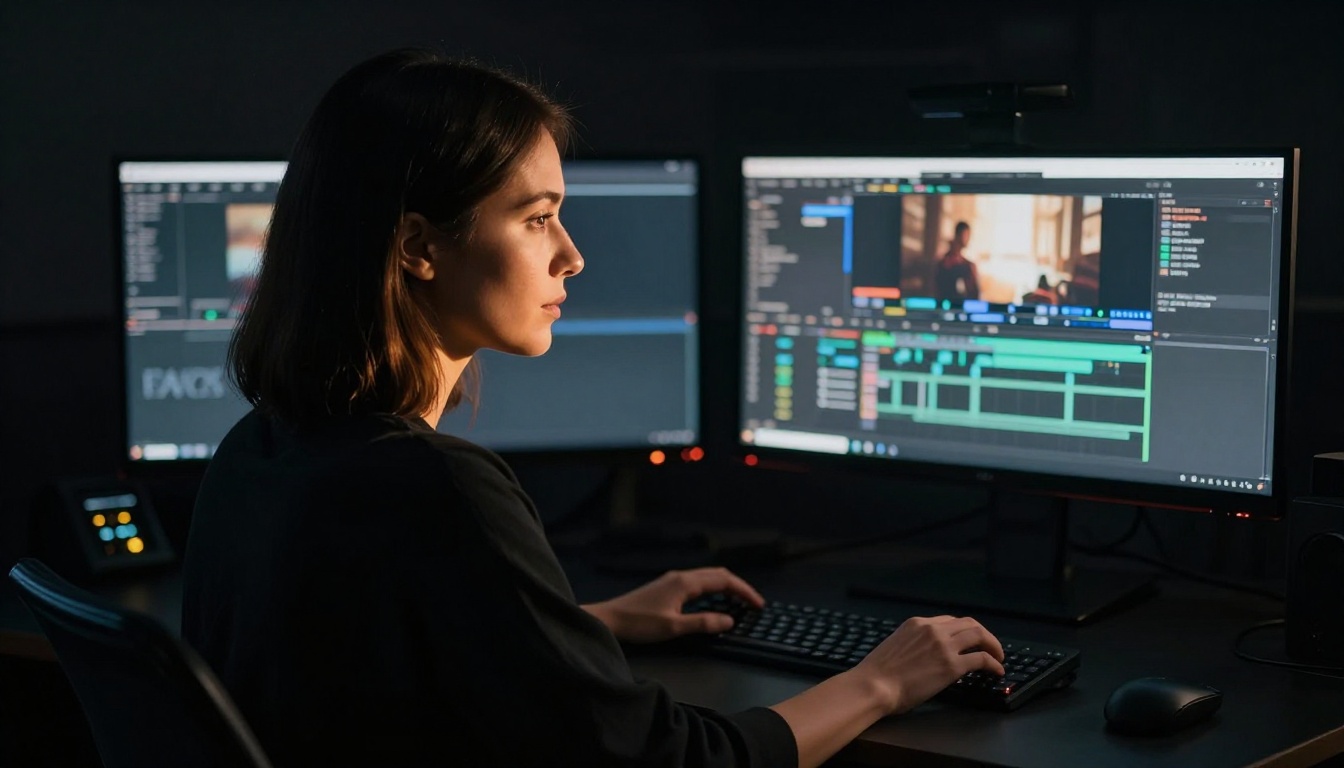
If you're evaluating video generation tools in mid-2026, these are the models worth spending time with:
For cinematic quality: Kling v3 and Veo 3.1 are the benchmarks. Both produce footage that holds up at full screen on a 4K monitor.
For speed at acceptable quality: Seedance 2.0 Fast and Wan 2.7 T2V are where most iterative work happens. Fast generation that you'd actually use beats slower generation you'd use only for finals.
For image-to-video: Wan 2.7 I2V and Hailuo 02 are the workhorses. They handle source images reliably and produce motion that makes sense physically.
For resolution ceiling: LTX 2.3 Pro is the model for projects where 4K is a hard requirement.
For audio-forward work: Seedance 2.0 and Veo 3 lead on native audio quality. When the audio environment matters as much as the visual, these are the models to evaluate first.
Motion Control as a Differentiator
One feature that's become a real differentiator in 2027 is motion control: the ability to specify camera movement rather than leaving it to the model's interpretation. Kling v2.6 Motion Control and Kling v3 Motion Control bring this to the Kling lineage. Being able to specify "slow dolly toward subject" or "pan right at constant speed" gives directors the kind of control that separates useful b-roll from footage that happens to look nice.
Which Models Are Getting the Most Use

Usage patterns in 2027 reveal something interesting: the models getting the most professional use aren't always the models with the highest quality ceiling. They're the ones that hit a quality threshold and then prioritize speed and reliability.
The fast tiers of major model families (Seedance 2.0 Fast, LTX 2.3 Fast, Wan 2.7 fast variants) are doing more total production work than the pro tiers, because creative workflows require iteration and iteration requires speed. The pro models are there when you need the ceiling. Fast models are there for the 90% of work that happens before you need the ceiling.
The Consolidation Advantage
Platforms that consolidate model access also consolidate the learning curve. If you understand how to write a strong video prompt for Kling v3, that knowledge transfers when you try Seedance 2.0. The underlying principles of specifying subject, motion, camera angle, lighting, and atmosphere are consistent across models even when the outputs differ.
This is why a platform like PicassoIA, with 107 text-to-video models accessible in the same interface, creates a different kind of creative leverage than having to learn five separate platforms to access five separate models. The platform-switching overhead disappears. The model-comparison effort stays.
💡 Starting point: If you're new to video generation in 2027, start with Seedance 2.0. The native audio integration and accessible prompt behavior make it a strong first model for establishing your baseline. Then compare against Kling v3 for the same prompts to understand where the tradeoffs sit.
Start Generating Now
The tools that will define 2026 are already running. They're accessible through platforms like PicassoIA today without specialized hardware, without API keys for half a dozen services, and without the friction that made this category feel experimental in 2023.
The professional creative work that required a production team, a studio, and a multi-week timeline can now be prototyped in hours and produced in days. That doesn't mean AI replaces the creative direction, the strategic thinking, or the taste that makes work good. It means the execution barrier dropped far enough that the ideas matter more than the budget.
The models referenced in this article are available at picassoia.com/en/all-models. You can compare them side by side, run the same prompt through multiple generators, and find the combination that fits your specific workflow without committing to any single tool.
The only way to know which tools will define your 2027 is to start using them. Pick a prompt you care about, run it through Seedance 2.0 and Veo 3.1, and compare what comes back. The answer will be more informative than any benchmark.


