Three dimensional modeling was, for a long time, one of the most skill-gated disciplines in digital creation. Working in Blender or Maya took months of practice before you could produce anything passable. AI changed that trajectory completely. Today, there are tools that accept a text prompt, a reference image, or even a short video clip and return a fully textured, export-ready 3D model in under two minutes. These tools exist right now, and the quality has crossed a threshold where real production pipelines are adopting them.
If you are building game assets, prototyping product designs, staging architectural visualizations, or just starting with 3D for the first time, the options available in 2027 are genuinely impressive. This article breaks down the top AI 3D model generators, what each one does well, and where each one falls short.
Why 3D Generation Took Off So Fast
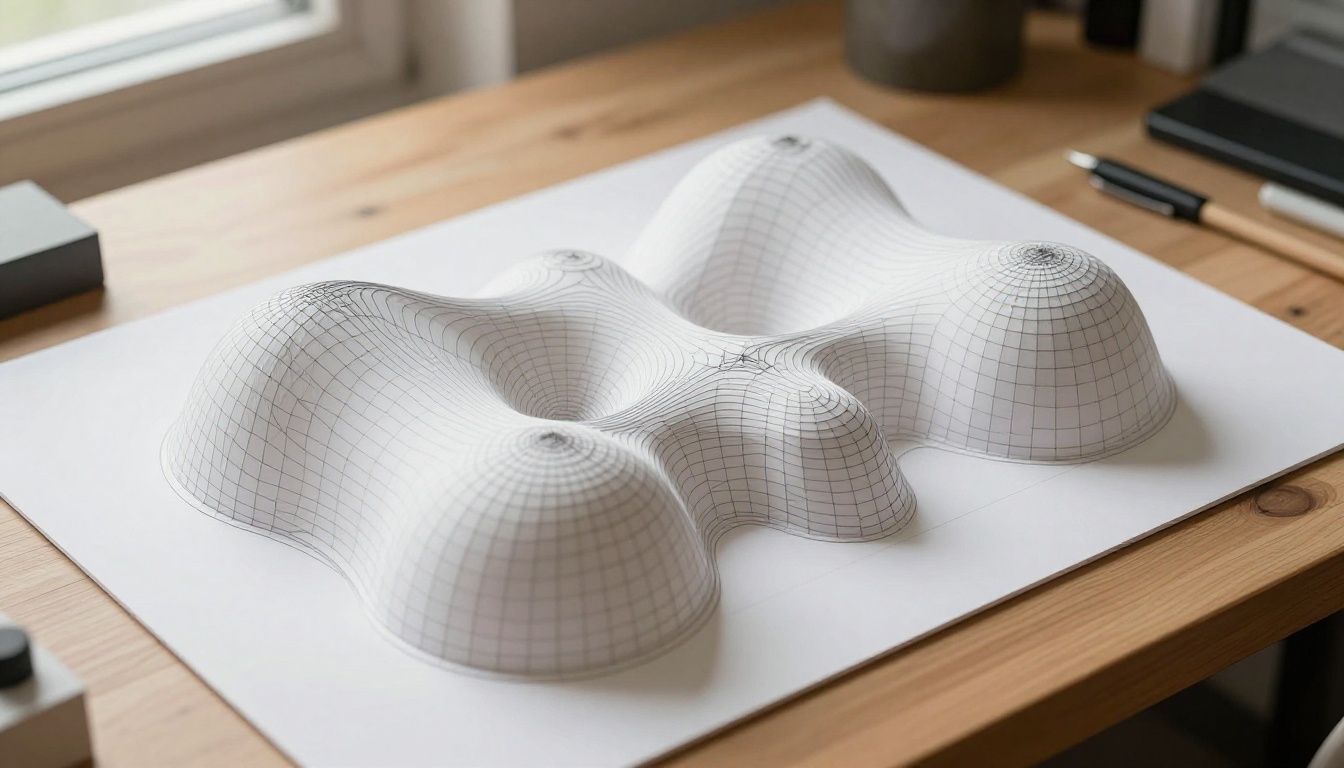
The jump in AI 3D generation quality over the last two years comes down to a few parallel breakthroughs. First, diffusion models, originally built for 2D image synthesis, were adapted to reason about spatial geometry. Researchers figured out how to condition these models on 3D coordinate systems rather than pixel grids, allowing them to reason about depth, occlusion, and surface normals in ways that earlier approaches could not.
Second, large-scale 3D training datasets became available. The Objaverse dataset, which contains over 800,000 annotated 3D objects, gave models the raw material to learn what things look like from every angle. Combined with multi-view consistency losses, which penalize models for generating geometry that contradicts itself when viewed from different perspectives, the outputs became dramatically more coherent.
Third, the hardware got fast enough. Inference that used to take 45 minutes on a high-end workstation now runs in 90 seconds on a consumer GPU, making these tools practical rather than experimental.
The result is a new class of tools that non-specialists can use productively, and that working professionals are integrating into real pipelines.
Top AI 3D Model Generators Right Now
There is no single winner here. Different tools dominate different use cases. What matters is matching the tool to your specific output requirements and workflow, not chasing the one with the best marketing copy.
1. Meshy AI
Meshy is one of the most polished consumer-facing AI 3D generators available today. It accepts text prompts and reference images, and outputs textured OBJ, FBX, and GLB files that are ready to import into Blender, Unity, or Unreal Engine without heavy cleanup.
What separates Meshy from earlier tools is its texture quality. Most AI 3D generators produce passable geometry but flat, unconvincing surfaces. Meshy's proprietary texture synthesis pipeline applies physically-based rendering materials that respond realistically to light. A leather chair looks like leather. A ceramic mug shows specular highlights in the right places. That quality gap is visible immediately.
What Meshy does well:
- High-quality PBR textures out of the box
- Multiple export formats: OBJ, FBX, GLB, USDZ
- Fast generation, under 2 minutes for most objects
- Reliable on organic shapes and hard-surface objects alike
Where it falls short:
- Complex scenes with multiple interacting objects
- Limited topology control, so polycount optimization is still needed for real-time use
💡 Meshy works best for isolated objects with clear silhouettes. If your pipeline ends in a real-time game engine, budget time for LOD optimization after export.

2. TripoSG
TripoSG, developed by VAST, represents the current state of the art in image-to-3D conversion. Feed it a single photo of an object against a clean background and it returns a high-quality 3D mesh with remarkable geometric accuracy.
The model uses a rectified flow transformer architecture trained on over one billion 3D shape-image pairs. That training scale shows in the outputs. TripoSG preserves fine surface detail, handles irregular shapes well, and maintains silhouette accuracy that earlier models totally failed at.
What TripoSG does well:
- Best-in-class image-to-3D conversion
- Excellent silhouette and surface detail preservation
- Very fast inference, roughly 8 seconds per model
- Open weights available for self-hosting without subscription costs
Where it falls short:
- Text-to-3D is weaker compared to its image-to-3D performance
- Works best with clean, isolated subject photos on neutral backgrounds
💡 Shoot your reference photo against a white or grey background with even lighting. A dark or cluttered background will confuse TripoSG's segmentation step and degrade geometry quality noticeably.
3. TRELLIS by Microsoft
TRELLIS is Microsoft's open-source 3D generation model, and it takes a different technical approach than the others. It uses Structured LAtent (SLAT) representation, which separates geometry from appearance during the generation process. This means you can modify the shape independently of the texture and vice versa, something most other tools cannot do.
TRELLIS accepts both text and image inputs and outputs radiance fields, 3D Gaussians, or meshes depending on what your downstream workflow needs. That format flexibility is a genuine advantage if you work across different rendering pipelines. A Gaussian splat output from TRELLIS is directly usable in Unreal Engine 5.3, for example, without a conversion step.
What TRELLIS does well:
- Flexible output: meshes, Gaussian splats, radiance fields
- Independent geometry and texture control
- Strong performance on architectural and product shapes
- Open-source with an active development community
Where it falls short:
- Requires technical setup to self-host
- Less polished interface compared to commercial alternatives like Meshy
4. Shap-E by OpenAI
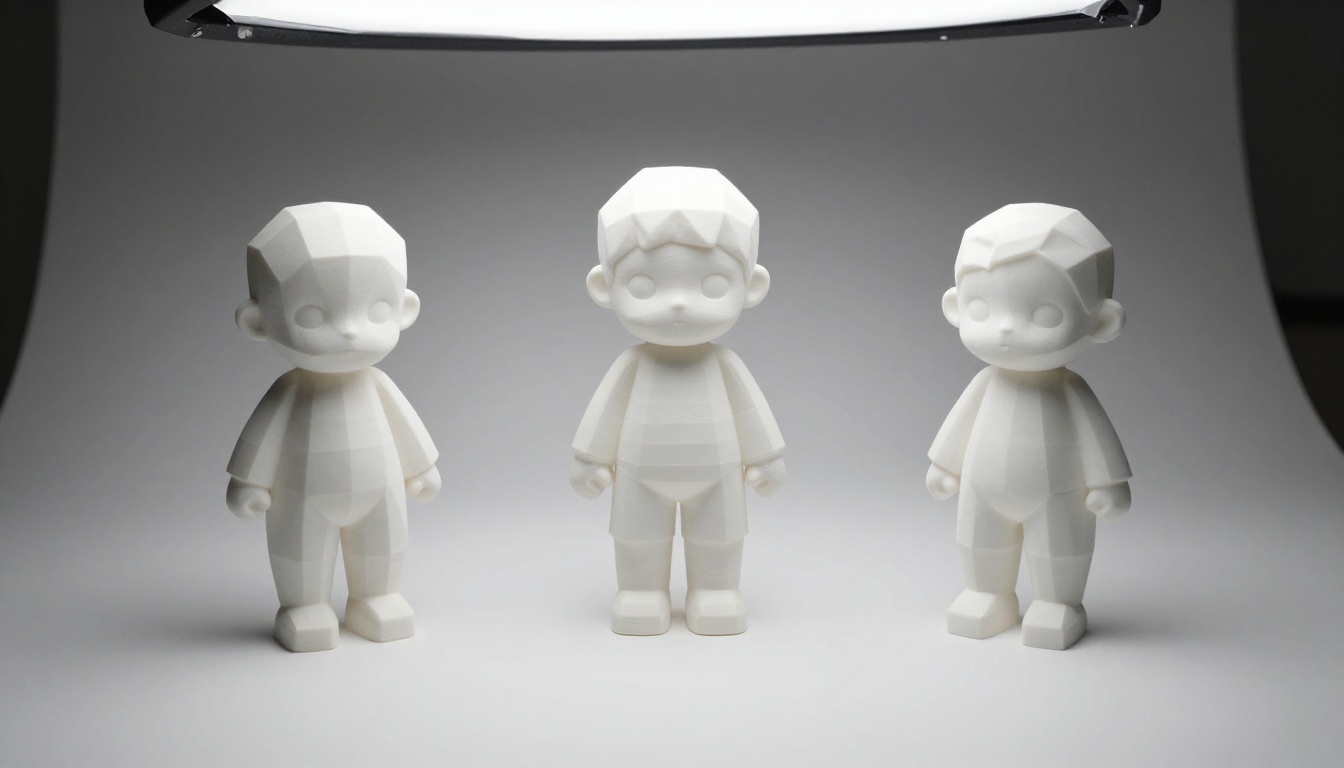
Shap-E was one of OpenAI's early forays into 3D generation, released as open-source. It generates both implicit neural functions and textured 3D meshes from text prompts in seconds.
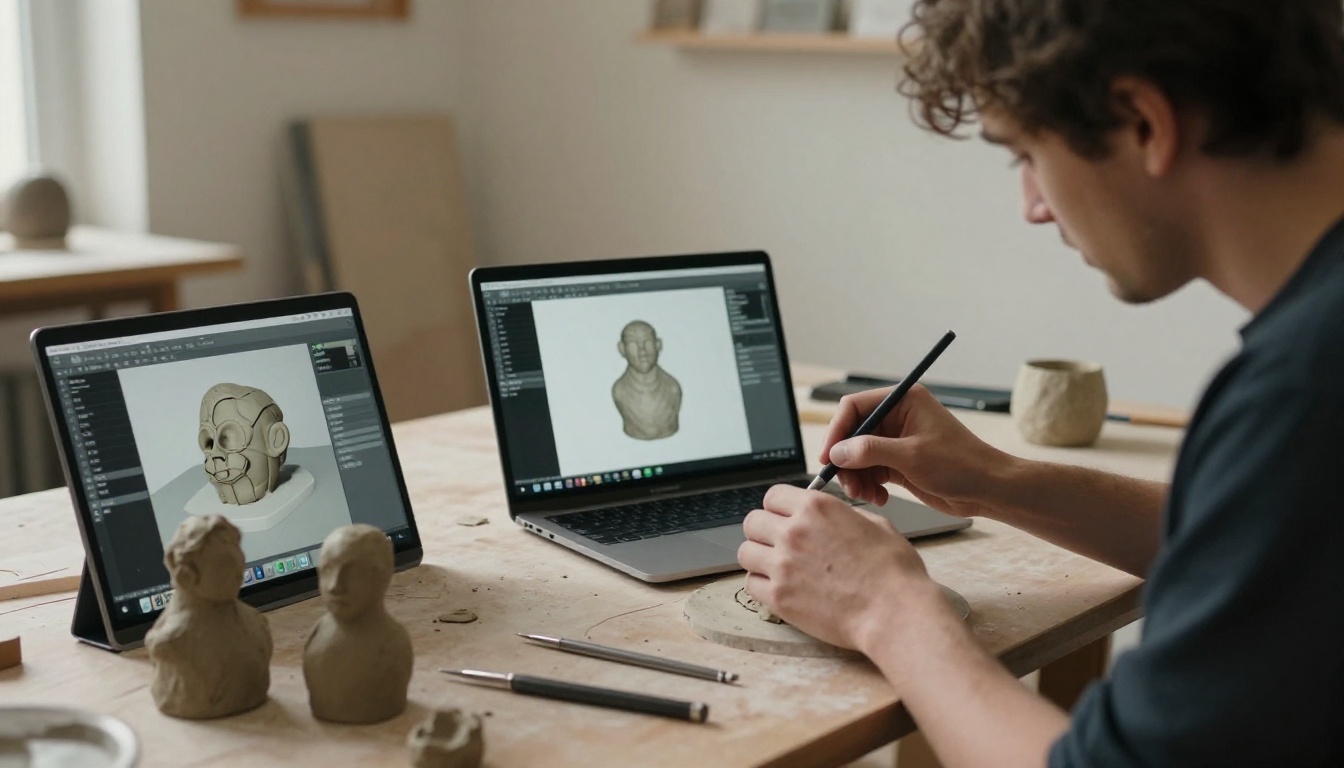
While Shap-E has been surpassed in geometric quality by newer models, it remains genuinely useful for the speed of iteration it allows. You can run hundreds of prompt variations in an hour to survey 3D concept space before committing to higher-fidelity generation. It is also the easiest model in this list to run locally on modest hardware.
What Shap-E does well:
- Extremely fast, a few seconds per generation
- Good for rapid concept iteration before committing to production tools
- Open-source and free to run locally
- Reliable for simple, well-defined shapes
Where it falls short:
- Lower geometric detail compared to newer models
- Textures are sometimes flat or visually unconvincing
- Not production-ready without significant post-processing work
💡 Use Shap-E as a concept validation tool in early ideation. Generate 20 rough shapes to pick a direction, then use Meshy or TripoSG for the final production asset.
5. Stable Zero123
Stable Zero123 from Stability AI is a specialized model for novel view synthesis: given a single image, it generates that same object from arbitrary new viewpoints with strong visual consistency.
This capability is foundational to photogrammetry-style 3D reconstruction, and Stable Zero123 does it with impressive coherence. It builds on the original Zero123 architecture but was trained on a much larger and more diverse dataset, substantially improving multi-view output consistency. The generated views feed into a sparse 3D reconstruction pipeline to produce full meshes from the multi-view predictions.
What Stable Zero123 does well:
- Excellent novel view synthesis from a single reference photo
- Strong multi-view consistency across full 360-degree rotation
- Good integration into broader photogrammetry reconstruction pipelines
- Open weights, runs locally without usage fees
Where it falls short:
- Does not directly output final meshes, so a reconstruction step is required
- Quality drops for objects with complex transparency or very thin structures
Knowing the underlying mechanics helps you use these tools better and anticipate where they will fail before you waste generation credits.
All current AI 3D generators fall into one of two technical families:
Score Distillation Sampling (SDS): The model optimizes a 3D representation by repeatedly asking whether it looks like the input prompt when rendered from a given angle. It scores each rendered view using a 2D diffusion model and adjusts the 3D representation to improve those scores. This approach is flexible but slow and can produce Janus problems, where an object has features duplicated across multiple faces. A human head with a face on both front and back is the classic example.
Feed-Forward Generation: Newer models including TripoSG and TRELLIS use a single forward pass to produce 3D output directly from the input, similar to how modern image generators work. This is dramatically faster and avoids Janus artifacts entirely, but requires massive training data to generalize well across object types.
Most production-quality tools today use feed-forward generation for the initial shape, then optionally apply SDS-style refinement to sharpen texture and surface detail. That hybrid approach explains why newer tools are both faster and higher-quality than their predecessors.
Output Quality: What to Expect
Being honest about current output quality matters if you are planning a real production pipeline around these tools.
| Tool | Geometry | Textures | Speed | Best For |
|---|
| Meshy | Good | Excellent | Fast | Product and character assets |
| TripoSG | Excellent | Good | Very Fast | Image-to-3D reconstruction |
| TRELLIS | Very Good | Good | Fast | Flexible multi-format output |
| Shap-E | Fair | Fair | Very Fast | Concept sketching |
| Stable Zero123 | Good | N/A | Fast | View synthesis, pipeline input |
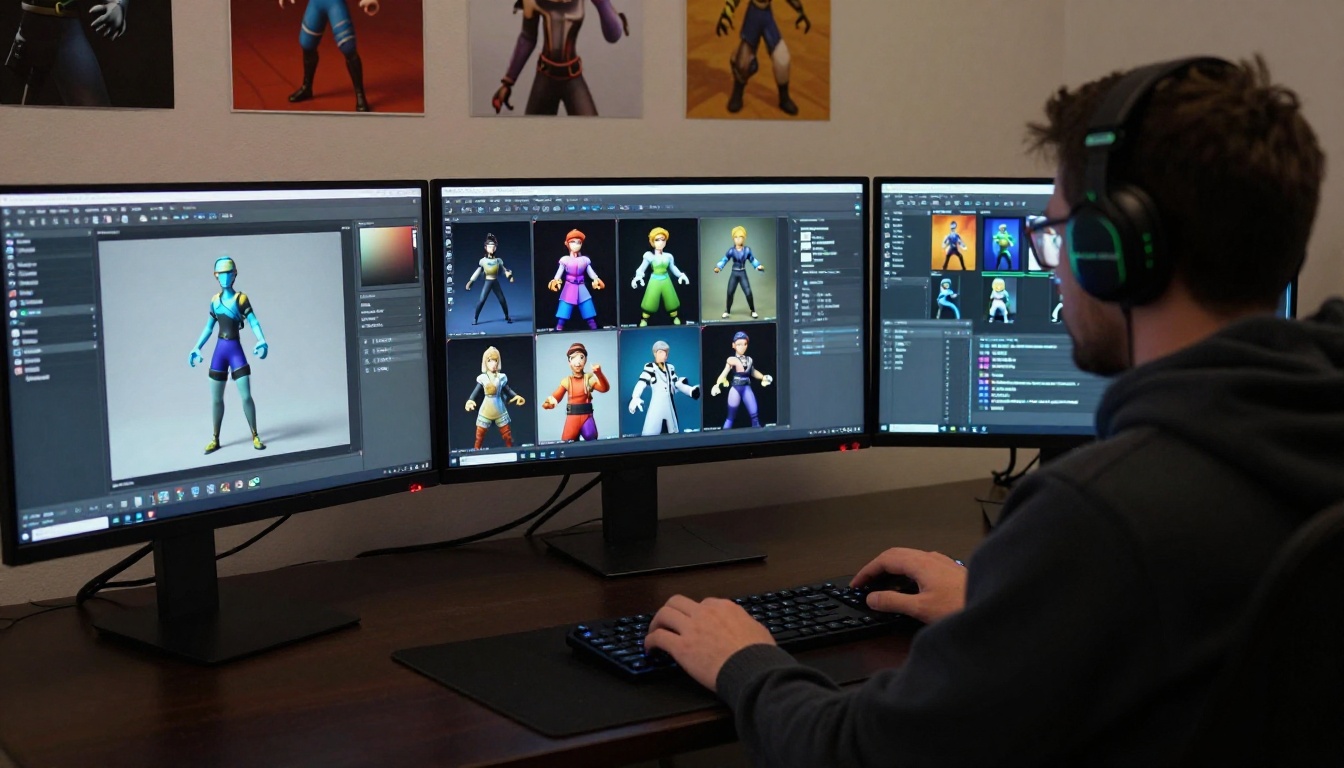
The honest answer: no AI 3D generator currently produces output that goes directly into a AAA game or film production without cleanup. What they produce is a strong starting point that dramatically compresses the time needed to get from idea to finished asset. The cleanup and polish still happen in Blender, ZBrush, or Substance Painter. The difference is that you are polishing rather than building from scratch.
💡 A skilled 3D artist using Meshy or TripoSG can produce production-ready assets roughly 4 to 6 times faster than modeling from scratch. That is the real productivity gain, not zero-effort generation.
Best Use Cases by Field
Game Asset Pipelines
AI 3D generation fits naturally into the prop and environment asset pipeline. Background objects, decorative furniture, crates, rocks, and secondary character elements are exactly where these tools shine. They have well-defined shapes, do not require complex facial rigs, and the quality threshold for background props is lower than for hero assets.
Studios are currently using Meshy and TripoSG to generate initial geometry for props, then passing them through standard QA pipelines for polycount optimization, collision mesh generation, and LOD creation. The generator handles the geometry blocking; the artist handles production polish.
For game-ready character generation, the tools are not quite there yet. Humanoid topology requirements, including edge loops for deformation and proper joint placement, are too specific for current generators to handle reliably. But for static characters, background figures, and stylized designs, the gap is narrowing with each model release.
Product Design and E-Commerce
This is arguably the strongest current commercial application for AI 3D generation. Product teams need 3D models of physical products for e-commerce visualization, marketing renders, and augmented reality try-on experiences.
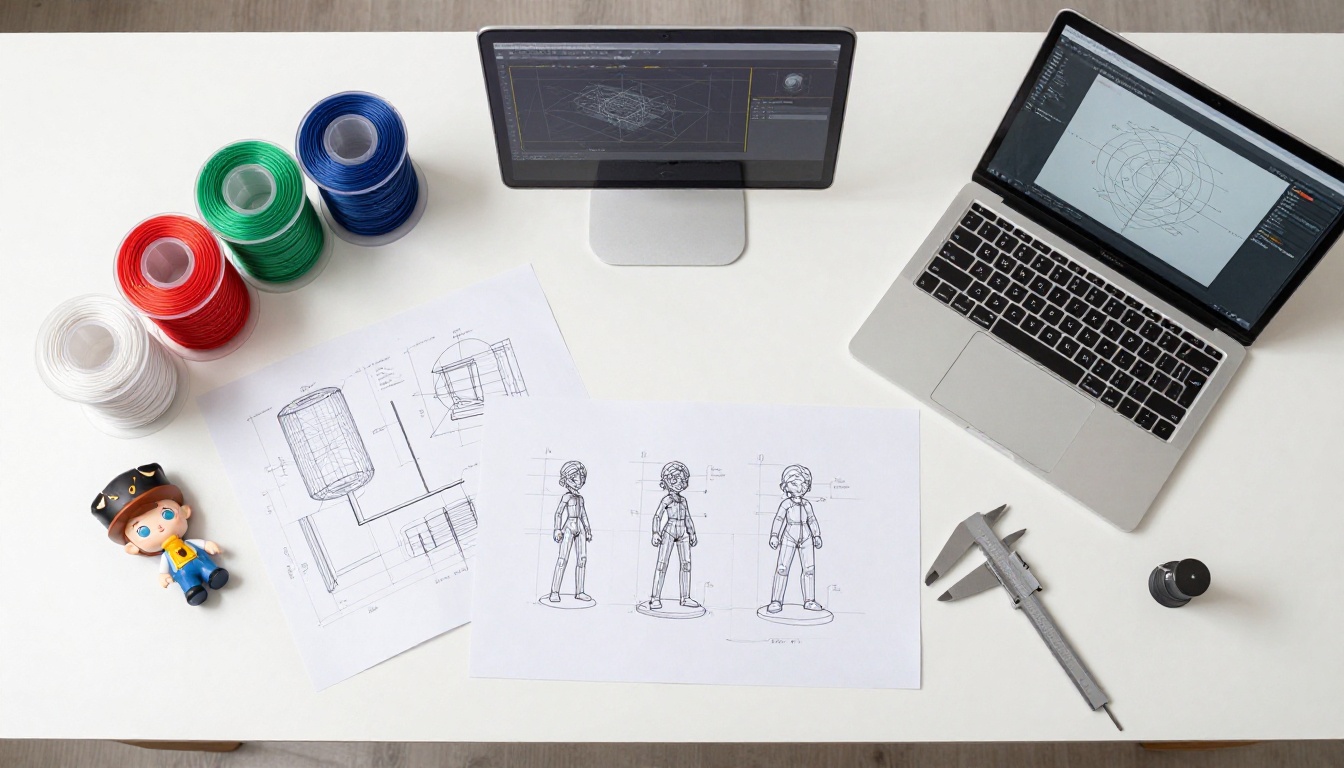
The workflow proving most effective: photograph the product from multiple angles against a clean background, use TripoSG or Meshy to generate the initial mesh, refine the result in Blender for any geometry errors, then generate high-quality marketing renders. Total time from photo to polished render can drop from two days to two hours.
For concept validation earlier in the product design process, Shap-E lets designers test form factors in hours rather than days, which accelerates the ideation phase without requiring a 3D specialist in the room.
Architectural Visualization
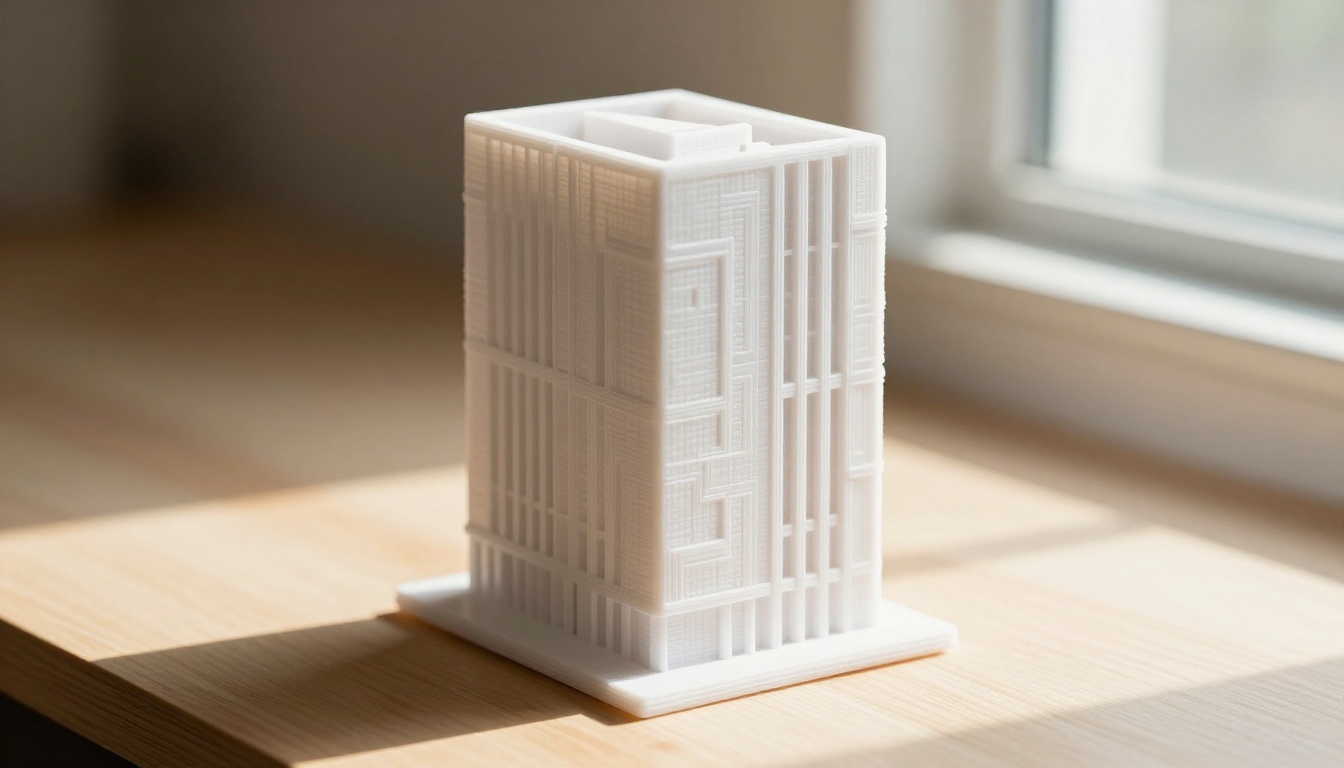
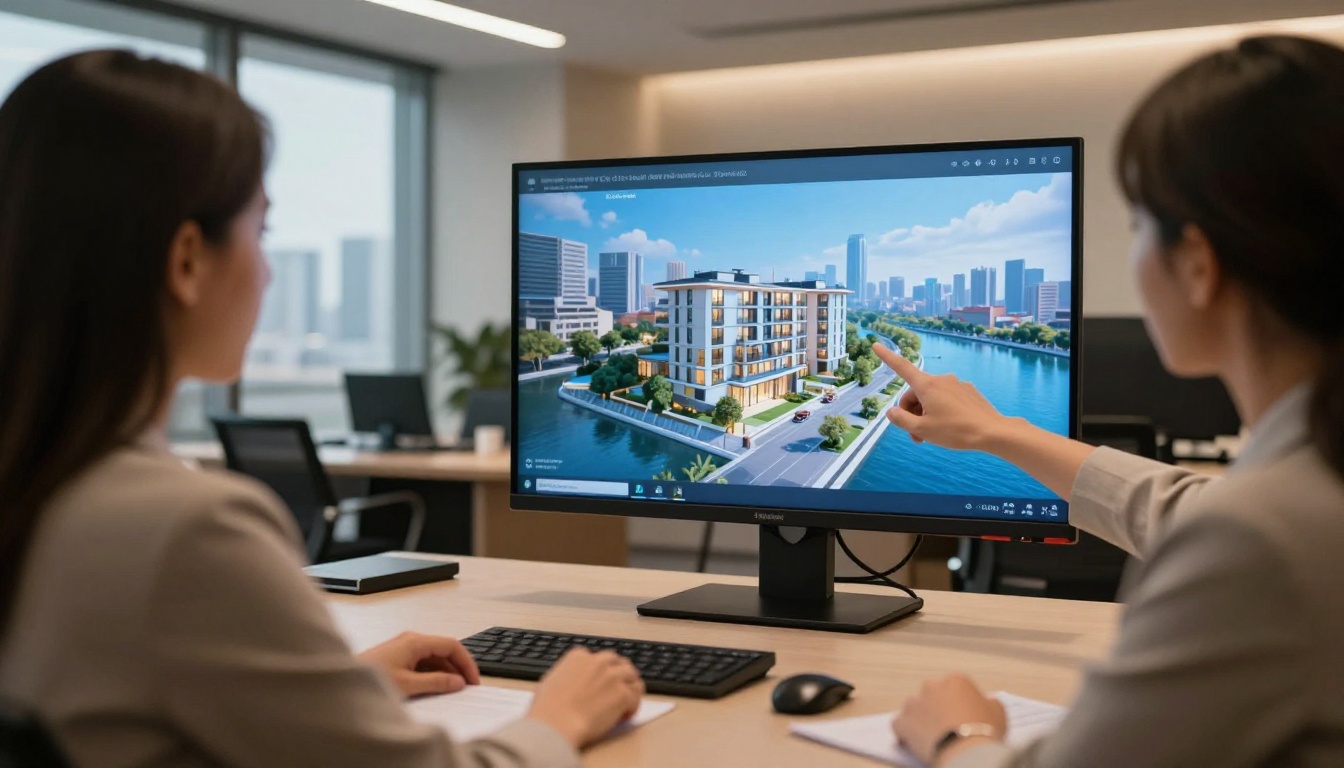
Architecture firms and interior designers are using AI 3D generation for two distinct purposes. First, generating furniture and fixture models from manufacturer product photos, populating scenes faster than licensing individual models from 3D asset stores. Second, using novel view synthesis to see what a space will look like from camera angles that were not in the original design documents.
TRELLIS is particularly well-suited for architectural work because of its flexible output formats. Firms using Unreal Engine for real-time visualization can request Gaussian splat output directly from TRELLIS, bypassing the mesh conversion step entirely.
Common architectural use cases:
- Furniture and appliance model generation from product photography
- Interior material and surface visualization
- Exterior facade variation studies
- Site context modeling from aerial photography
The right choice depends on three variables: your input type, your required output format, and how much manual cleanup your pipeline can absorb.
If you have a clear reference photo: Start with TripoSG. Its image-to-3D performance is the strongest available and the speed means you can iterate quickly without burning through credits.
If you are working from text prompts only: Meshy gives the best balance of geometric quality and texture quality for prompt-driven generation. For raw concept iteration, Shap-E is faster and cheaper.
If you need format flexibility: TRELLIS is the only major tool that outputs Gaussian splats, radiance fields, and meshes in a single pipeline. No other tool currently matches this versatility, especially for teams working across multiple rendering environments.
If budget is the constraint: Shap-E, Stable Zero123, and TRELLIS are all open-source and run locally without usage fees. Meshy and TripoSG have free tiers with generation limits that are reasonable for personal projects.
If you are new to 3D entirely: Meshy's interface is the most approachable for non-technical users. You can go from a text prompt to a downloadable GLB file without touching a terminal or configuring a Python environment. That accessibility matters if you are coming from a 2D creative background.
Pair 3D with Powerful Image Generation
3D model generation and 2D image generation are increasingly part of the same creative workflow. Artists use 3D models as pose references and lighting rigs for 2D image synthesis, getting structural consistency that pure text prompting cannot reliably deliver. The 3D layer provides geometry and spatial accuracy. The AI image generator provides photorealistic surface quality, lighting, and atmosphere.
On Picasso IA, you can work with powerful image generation models that pair naturally with the 3D workflows described above. Flux Redux Dev is excellent for generating high-detail visual variations from a concept reference, which is particularly useful when you want to see how a 3D-designed product reads across different environments and lighting scenarios. GPT Image 2 gives you precise prompt control for marketing renders and product photography simulations. Stable Diffusion 3 is a solid option for rapid iteration when you need volume and variety in your outputs. And PicassoIA Image offers an accessible entry point for generating reference imagery before you commit to a full 3D build.
The workflow many creators are landing on right now: generate the 3D base mesh with Meshy or TripoSG, use rendered views as structural references, then feed those into a text-to-image model on Picasso IA to produce final visual assets with photorealistic quality and artistic polish. The 3D model handles geometry accuracy. The image generator handles everything that makes a visual feel real.
If you have not tried combining 3D generation with AI image synthesis, Picasso IA is a natural starting point. With over 91 text-to-image models available, you can produce concept imagery, generate marketing visuals from 3D renders, or test visual styles before committing to a full production asset pipeline. Start generating on Picasso IA and see how far a single prompt can take your creative process.