Anime and illustration AI has come a long way from the blurry, inconsistent outputs of early diffusion models. Today, dedicated fine-tuned models and LoRA adapters produce anime-style artwork that rivals hand-drawn illustrations, and in some cases surpasses what most amateur artists could create in hours. The question is no longer can AI do anime but which model does it best.
This breakdown covers the top AI models available right now for anime and illustration: from instant photo-to-anime converters to text-based character creators and custom LoRA trainers. All of them are accessible directly on PicassoIA, no local GPU or complex setup required.
Why Anime Generation Is Harder Than It Looks
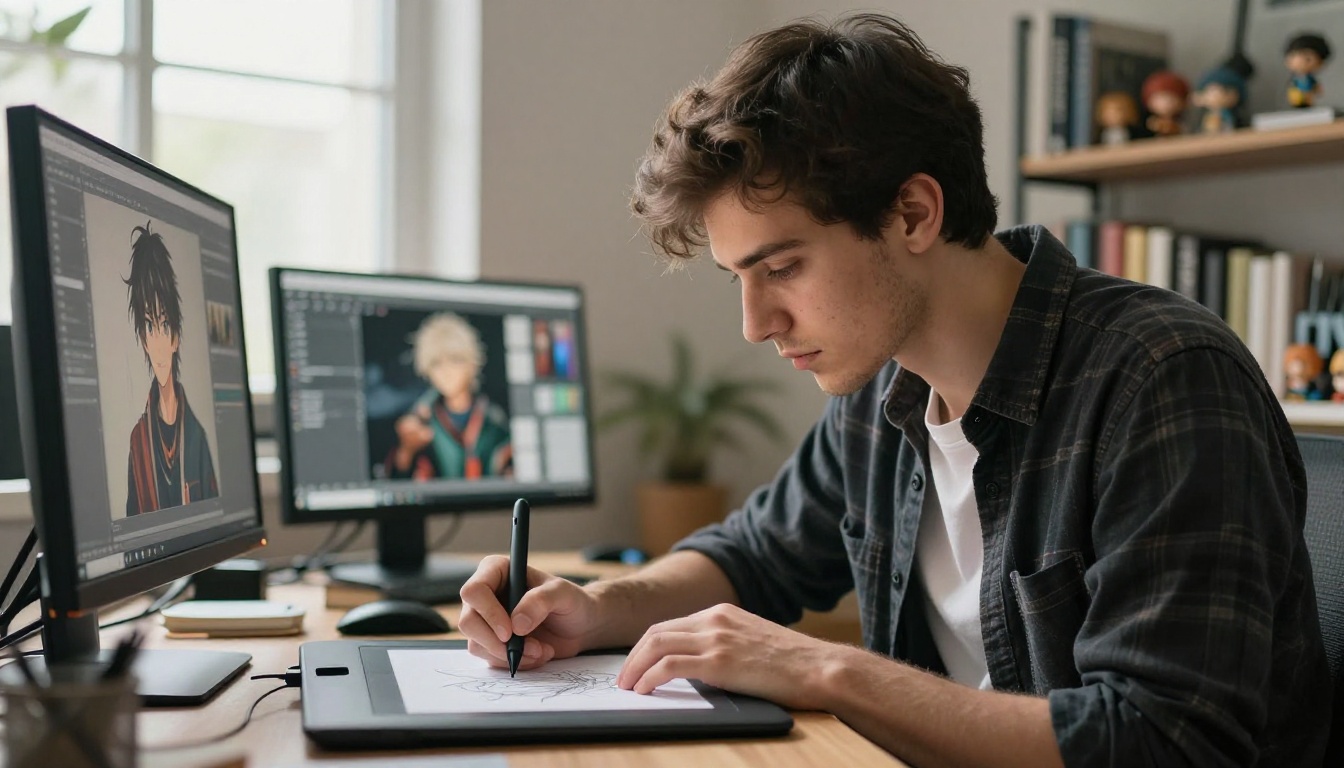
Most general-purpose image models struggle with anime because anime is a highly specific visual language. It has its own rules for proportions, shading, line weight, eye design, and color palette. A model trained primarily on general photography or realistic art cannot reliably follow those rules without explicit fine-tuning on curated anime datasets.
The gap becomes obvious when you compare outputs side by side. A generic model asked to generate an "anime girl with blue hair" often produces something that reads more like a stylized painting than genuine anime art. The eye proportions are off, the cel shading is absent, and the linework lacks the crispness that defines the aesthetic. Dedicated anime models do not have this problem because they have been trained specifically to recognize and reproduce those visual conventions.
The Style Consistency Problem
The biggest challenge in anime AI is style consistency. Generating one impressive image is relatively easy. Generating a character that looks the same across ten images, with the same face, hair design, and color palette, is where most models break down completely.
This is why models built specifically for anime, or adapted with anime-focused LoRAs, outperform generic models on this task. They have absorbed the visual vocabulary deeply enough to maintain it across varied prompts and changing scene contexts. If you are building a visual novel, webtoon, or any project requiring the same character to appear in multiple situations, style consistency is the most important factor to evaluate when choosing a model.
What Good Anime AI Actually Needs
| Quality Factor | What to Look For |
|---|
| Line clarity | Sharp, clean edges with consistent weight |
| Eye rendering | Detailed irises, correct exaggerated proportions |
| Hair stylization | Flowing strands with directional grouping and color banding |
| Color palette | Saturated, high-contrast hues typical of the genre |
| Prompt adherence | Accurate translation of text descriptions to visual output |
| Speed | Fast iteration matters for character design work |
| Resolution | Enough detail for clothing patterns and accessory detail |
💡 The most capable anime models have been fine-tuned on curated datasets or adapted with LoRA targeting specific sub-styles like shonen action, shojo romance, isekai fantasy, or chibi art. Generic models without that training background rarely match them.
Photo to Anime: The Fastest Route
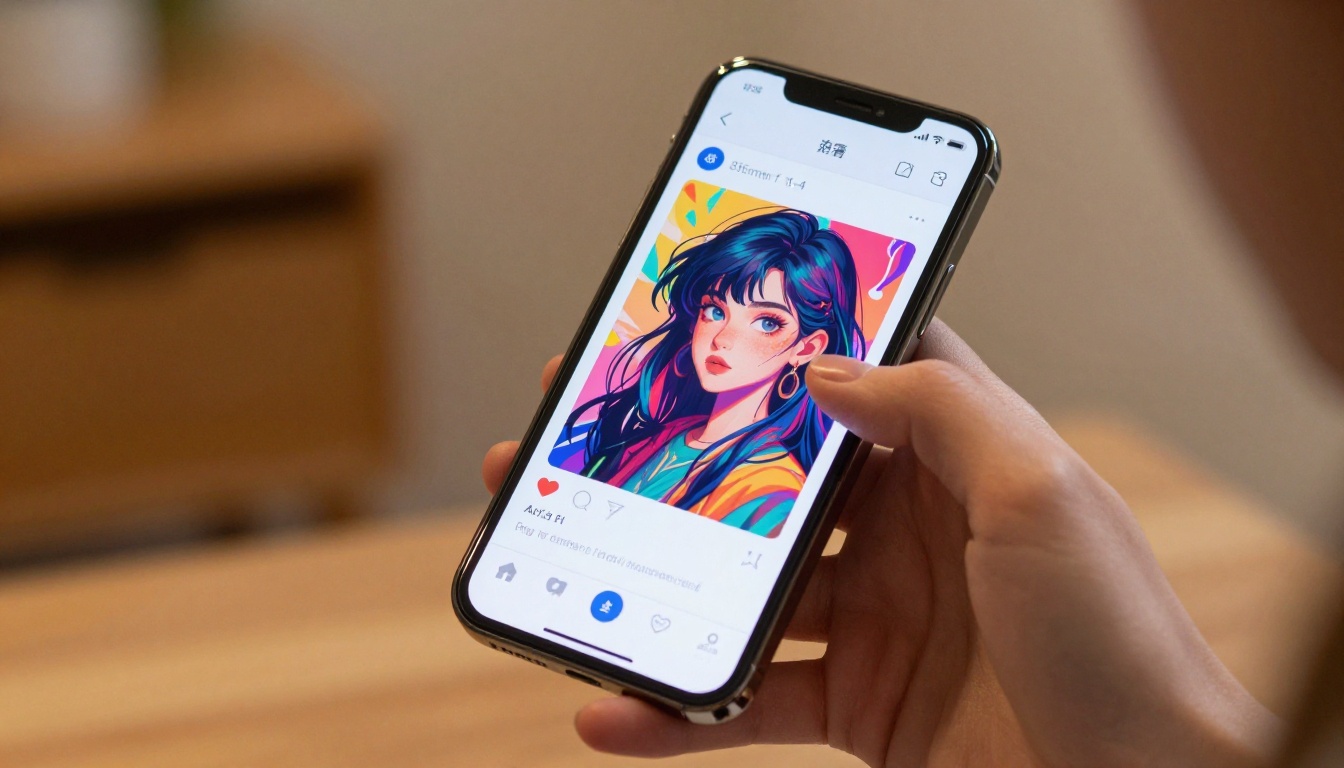
If you already have a photo of a person, a character reference, or even a landscape, the fastest path to anime art is a photo-to-anime conversion model. These models take your source image and re-render it in an anime visual style while preserving the underlying composition and subject identity. No prompt engineering required to get started.
Qwen Image Edit Plus LoRA Photo to Anime
The Qwen Image Edit Plus LoRA Photo to Anime model on PicassoIA is one of the most direct tools for this workflow. It takes a real photograph as input and applies an anime-style conversion trained specifically to preserve facial structure and core details while adapting the visual characteristics toward anime art.
What sets it apart from generic style transfer tools is the LoRA fine-tuning. It was not just prompted to "make this look like anime" but trained on the actual relationship between realistic photos and their anime counterparts. The result is a much more coherent output where proportions stay right, eyes become properly stylized, and backgrounds adapt to the flatter, more graphic look of illustrated anime environments.
Best use cases for this model:
- Converting real portraits to anime avatars for social media
- Creating anime versions of character reference photos for game development
- Building visual novel character assets from photography
- Profile picture generation with authentic anime aesthetics
- Turning personal photos into stylized illustrated portraits
How Results Differ by Input Photo
The quality of your output depends heavily on the input image quality and composition. Here is what consistently produces the best results:
- Clear facial visibility: Front-facing or 3/4 angle shots with unobstructed faces give the model the most to work with
- Good lighting: Even, diffused light lets the model read facial geometry accurately before stylizing it
- Simple backgrounds: Plain or softly blurred backgrounds convert cleanly without introducing compositional artifacts
- High resolution input: More pixel data means more detail preserved during the anime stylization process
- Neutral expression: Subtle expressions tend to convert more cleanly than extreme ones in the initial pass
💡 Try a portrait with soft natural window lighting as your first test. The model handles skin tones and facial geometry best under those conditions, which sets a strong baseline before you start iterating.
Best Models for Text-to-Anime Creation
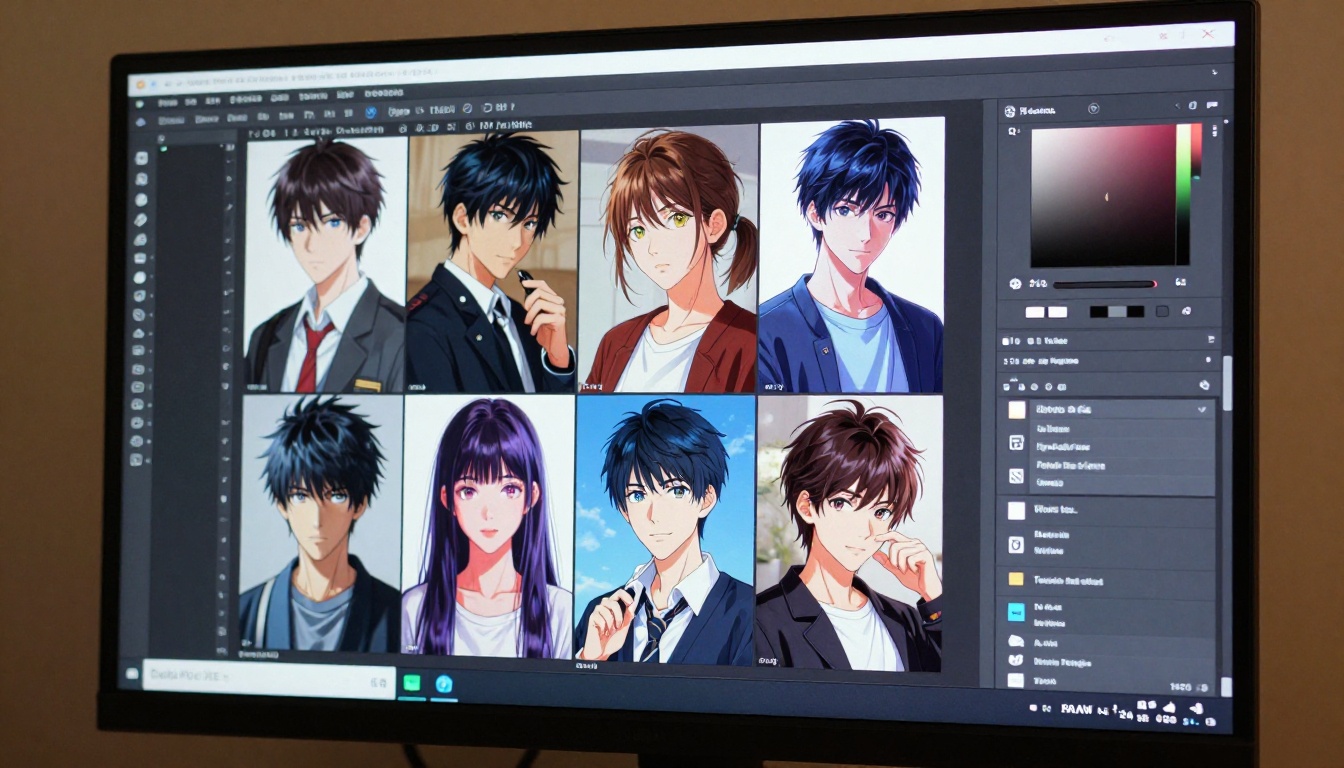
When you want to create anime characters entirely from scratch using text prompts, rather than converting existing photos, you need models with strong prompt adherence and anime-specific visual training. The following three models cover the spectrum from fast ideation to high-resolution final output.
Flux Redux Dev for Consistent Style Variations
Flux Redux Dev is primarily an image variation model, but it is extraordinarily valuable for anime character design work. The workflow is simple: generate one strong base image with your character's design, then use Flux Redux Dev to create variations of that character in different poses, expressions, lighting conditions, and scene contexts, all while maintaining visual consistency.
For illustration workflows, this directly solves the character consistency problem that plagues most anime AI projects. You establish the character once, then iterate around that visual foundation. The model preserves the core visual identity (face, hair, outfit) while adapting the surrounding context to your needs.
Practical tips for Flux Redux Dev with anime:
- Keep the base image simple and high contrast for best variation consistency
- Use it for pose variations after locking in the character design
- Works especially well with characters that have distinctive hair colors, unusual outfits, or strong silhouettes
- Combine with a written style prompt to push the variation in a specific aesthetic direction
Flux Schnell LoRA for Speed and Custom Style
Flux Schnell LoRA is the speed-focused entry in the Flux family, and its LoRA adapter support makes it particularly powerful for anime work. LoRA adapters trained on specific anime styles, whether moe aesthetics, shonen action sequences, or soft watercolor illustration, can be loaded to shift the model's default output toward that aesthetic.
The primary advantage here is iteration speed. Character designers typically need to generate 20 to 50 variations before settling on a creative direction. Flux Schnell LoRA's fast generation throughput lets you move through that ideation phase in minutes rather than hours, without sacrificing the LoRA-driven style accuracy you need for anime work.
Seedream 4.5 for 4K Character Detail
Seedream 4.5 from ByteDance is a text-to-image model built for high-resolution character art. When you need 4K output with fine detail in clothing, accessories, facial features, and background environment, this model delivers consistently across a wide range of anime-adjacent prompt styles.
Illustration work in particular benefits from the extra resolution since linework and fabric patterns read far better at higher pixel counts. A detailed kimono, intricate armor, or layered school uniform shows significantly more craft at 4K than at standard 1080p output.
💡 Use Seedream 4.5 when you need print-ready illustration quality. The 4K output handles fine hair strands, intricate costume patterns, and environmental background detail far better than lower-resolution alternatives. It is the right choice for final production assets, not rapid ideation.
Illustration Styles Beyond Anime
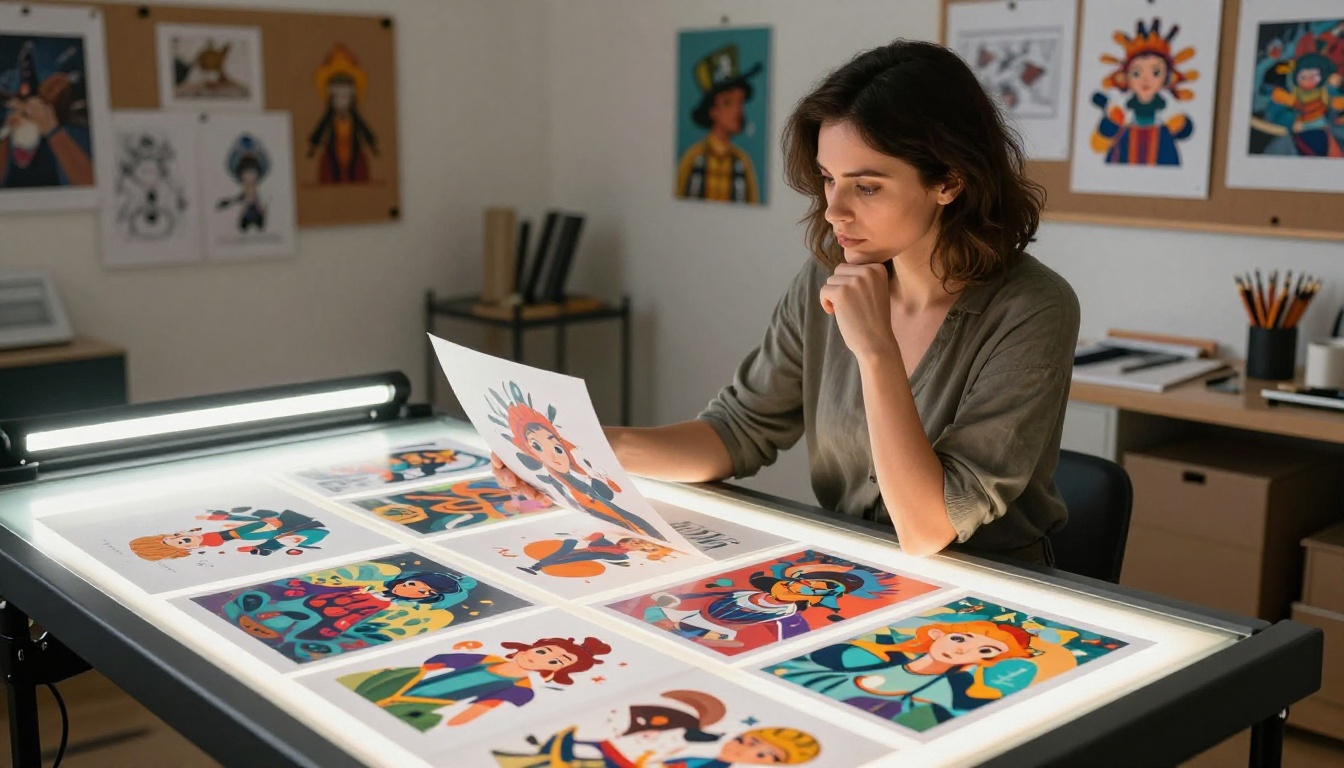
Not every illustration project targets classic Japanese anime aesthetics. Webtoon styles, European graphic novel art, concept art for games, and fantasy illustration all operate within their own distinct visual grammars. Several models on PicassoIA handle these broader illustration categories with impressive results.
Flux Krea Dev for Non-AI Aesthetics
One of the persistent problems with AI illustration is what practitioners call the "AI look": an uncanny smoothness, slightly oversaturated colors, and compositional patterns that trained eyes immediately identify as machine-generated. Flux Krea Dev was specifically developed to address this issue.
Flux Krea Dev outputs images that look more like genuine creative work from a human illustrator. For projects where the AI origin needs to be less conspicuous, or where you want a more organic, hand-crafted aesthetic, this model produces results that sit closer to the human end of the spectrum. It is particularly effective for concept art that needs to feel like it came from a real artist's sketchbook.
Hunyuan Image 2.1 for Rich Color Illustrations
Hunyuan Image 2.1 from Tencent excels at color-rich illustration work. Its training consistently produces vibrant, saturated palettes with strong compositional choices. For fantasy illustration, adventure scene composition, and character art that prioritizes visual impact over photorealism, Hunyuan Image 2.1 is reliably strong.
The 2K output resolution hits a practical sweet spot between generation speed and detail quality for most illustration use cases, making it a solid daily-use model for illustrators working on recurring projects.
GPT Image 2 for Complex Scene Prompts
GPT Image 2 brings exceptional prompt comprehension to illustration work. When you have complex, multi-element scene descriptions that specify character placement, environmental details, lighting conditions, and mood simultaneously, this model is more reliable at placing all described elements correctly in the final composition.
For concept art where the brief contains specific requirements about scene construction, that accuracy matters enormously. You spend less time fighting the model and more time refining the output.
Building Custom Anime LoRAs
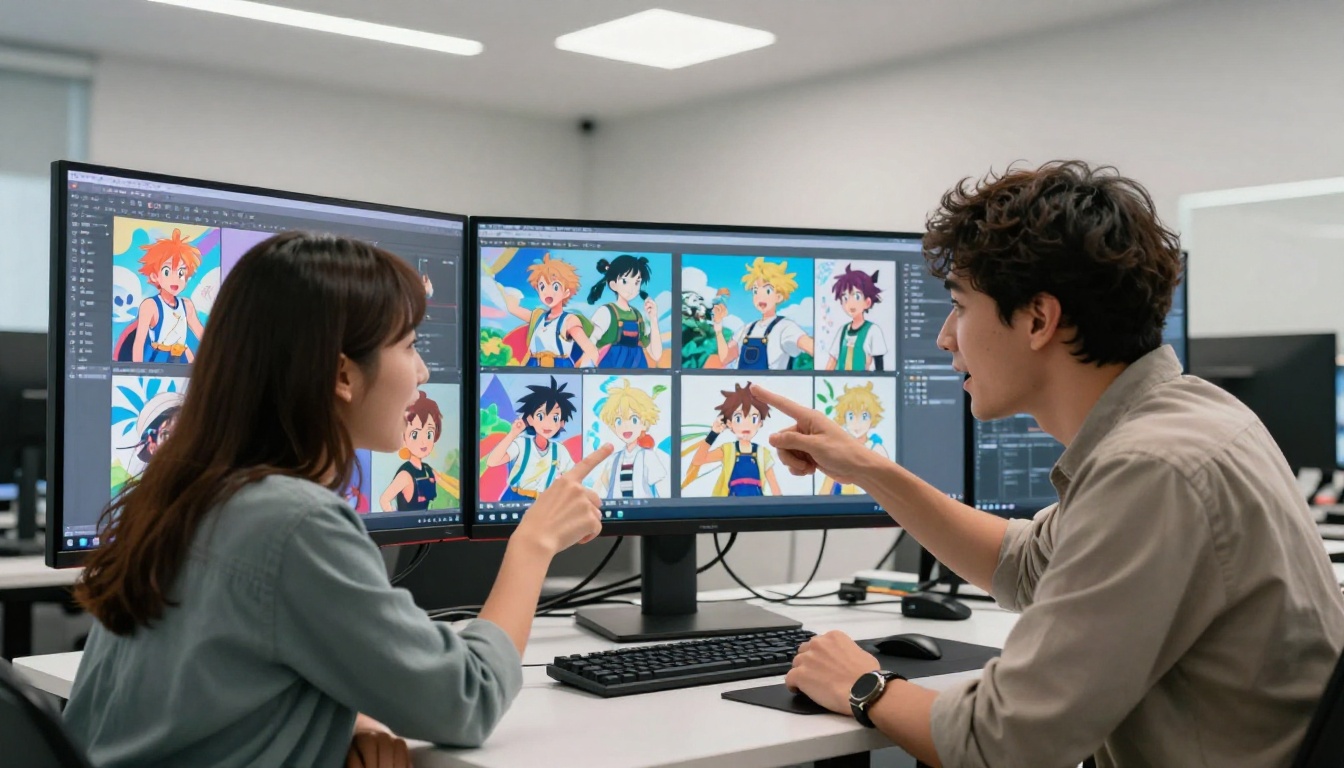
Off-the-shelf models cover the vast majority of anime and illustration needs, but the most powerful workflows involve training custom LoRA models on your own character designs or preferred art styles. This is where AI art moves from tool use to genuine creative ownership.
P Image Trainer for Style Cloning
The P Image Trainer on PicassoIA lets you train a custom LoRA using your own image dataset. For anime creators, this means feeding the trainer a set of images featuring your original character and producing a model that generates that specific character reliably across any scene or pose.
The training workflow is straightforward:
- Prepare 15 to 30 images of your character or target art style
- Caption each image with descriptive text (the trainer uses these for visual-text associations)
- Run the training job with your chosen step count and learning rate
- Apply the resulting LoRA to any compatible base model for character-specific generation
This is how professional character designers and webtoon artists use AI to accelerate production pipelines without surrendering creative ownership of their original designs. The character stays yours. The AI just handles the rendering volume.
Flux 2 Klein LoRA for Fine-Tuning
Flux 2 Klein 9B Base LoRA provides the base architecture for LoRA fine-tuning at a larger parameter count. The 9B variant handles complex style information more accurately than smaller models, making it the right choice when your target anime style has intricate details or when you are trying to capture a very specific artist's visual signature with high fidelity.
For lighter fine-tuning tasks or faster iteration cycles, Flux 2 Klein 4B Base LoRA offers a practical balance between output quality and generation speed that suits most character design projects.
Choosing the right LoRA base:
| LoRA Base | Best For | Training Time |
|---|
| Flux 2 Klein 9B | Detailed style capture, precise character identity | Longer |
| Flux 2 Klein 4B | Quick style tests, broader aesthetic training | Faster |
Quick Comparison: 8 Models Side by Side
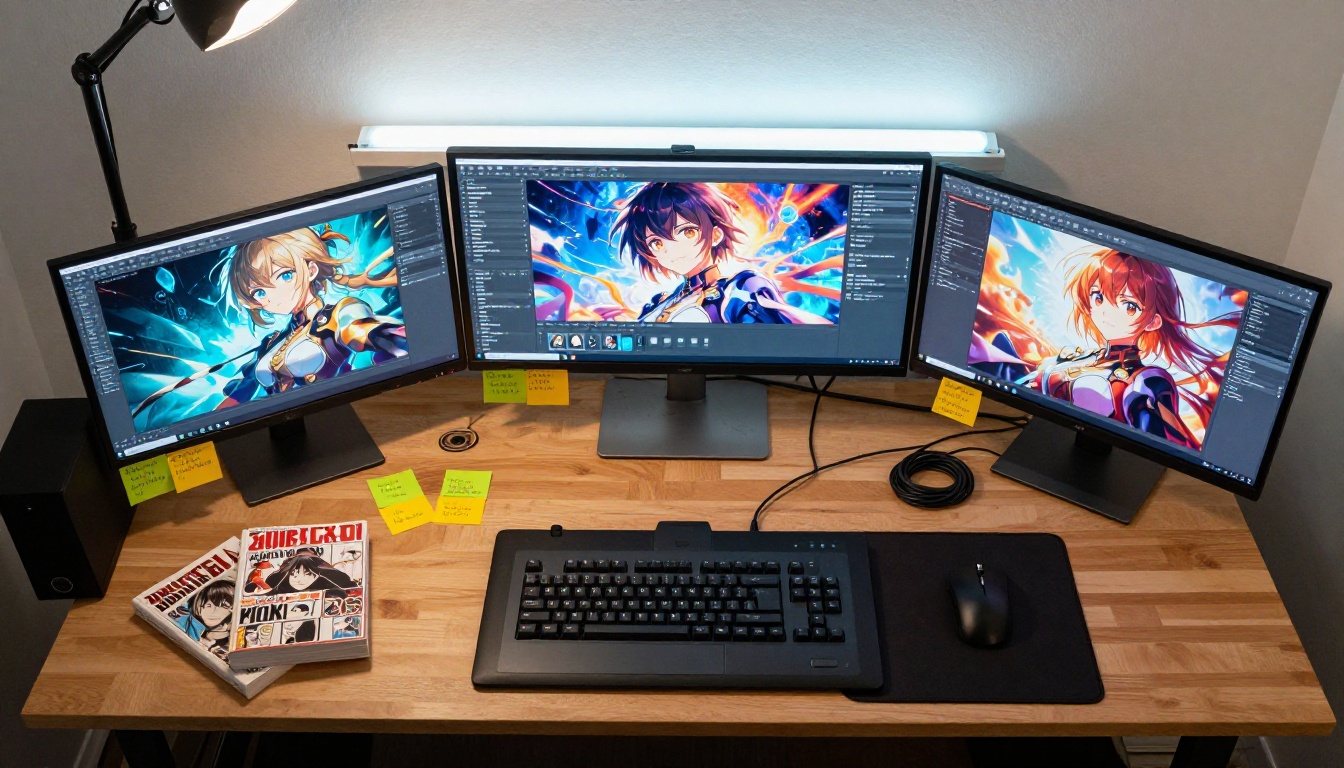
💡 Start with Qwen Photo to Anime if you have a reference photo. Start with Seedream 4.5 if you are building from text prompts. Reach for P Image Trainer when you need a model that knows your specific character.
How to Use Photo-to-Anime on PicassoIA
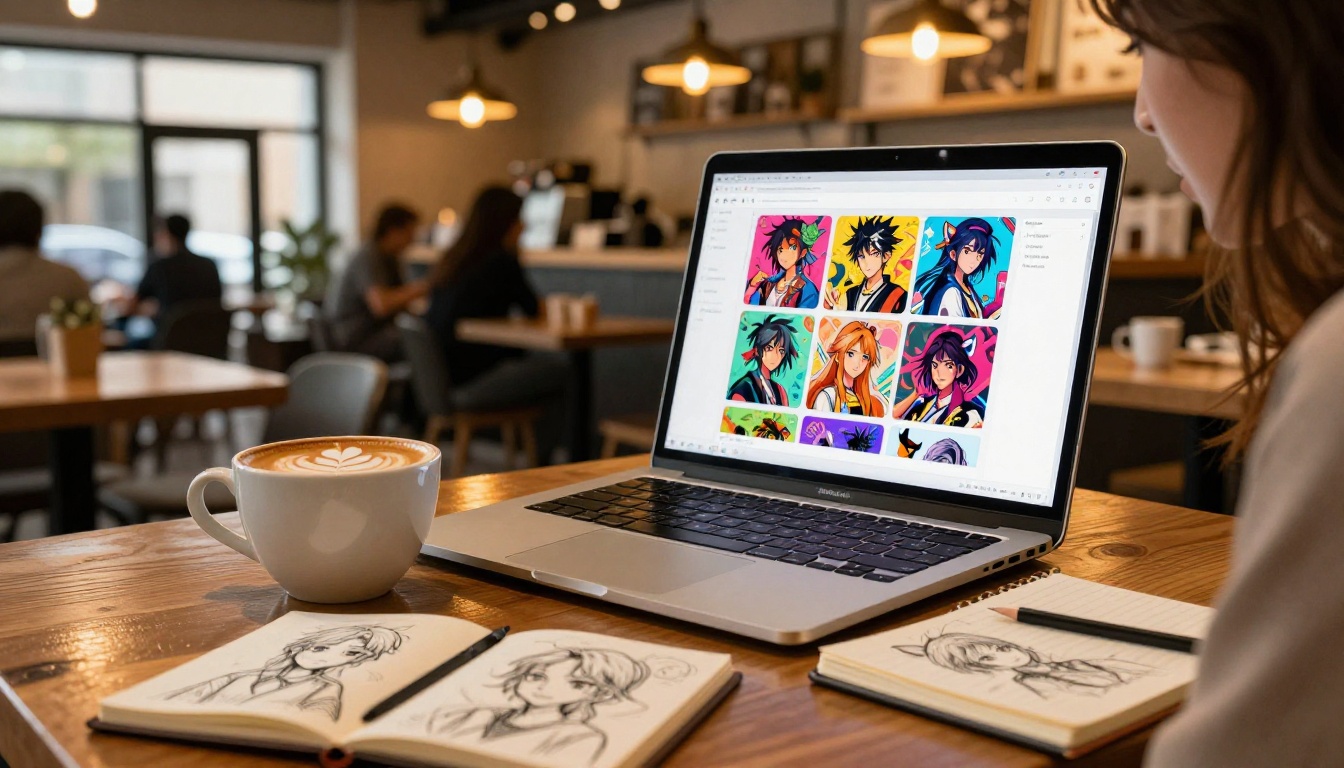
The Qwen Image Edit Plus LoRA Photo to Anime model is the easiest entry point for anime art on PicassoIA. Here is the exact step-by-step process:
Step 1: Open the model
Go to Qwen Image Edit Plus LoRA Photo to Anime on PicassoIA. You will see the image upload panel and the text prompt input field side by side.
Step 2: Upload your source photo
Use a clear portrait or character photo. Front-facing shots with defined facial features work best. Minimum recommended resolution is 512x512 pixels; higher resolution inputs give the model more facial information to preserve during stylization.
Step 3: Write your style prompt
Add a descriptive prompt to guide the anime style output. Examples that work well:
"anime style portrait, vibrant colors, detailed expressive eyes, soft cel shading""manga character illustration, clean line art, expressive features, pastel color tones""shojo anime style, large detailed eyes, soft watercolor palette, gentle lighting""shonen action style, bold linework, high contrast, dynamic expression"
Step 4: Set your generation parameters
- Guidance scale: Higher values (7 to 9) give more weight to your text prompt and push the output harder toward the described style. Lower values (4 to 6) allow the model to follow the source image more closely, preserving facial resemblance better.
- Steps: 20 to 30 steps produces the best quality-to-speed ratio for most input photos.
Step 5: Generate and refine
Run the first generation, review the output, then refine your prompt based on what needs improvement. Adding specific style descriptors like bokeh background, soft rim lighting, vibrant saturated palette, or cel shading with sharp shadows often sharpens the result significantly with no other changes needed.
💡 If the face loses resemblance to the original photo, lower the guidance scale by 1 to 2 points and increase the step count to 30 or 35. This gives the model more room to preserve facial structure during the stylization process while still applying the anime aesthetic.
Step 6: Upscale with Super Resolution
Once you have a satisfying anime output, run it through PicassoIA's Super Resolution tools to upscale to 4K. The combination of anime stylization followed by 4x upscaling consistently produces print-ready, professional-quality results from a simple source photograph.
Start Creating Your Own Anime Art
Every model covered in this article is available right now on PicassoIA. No local GPU installation, no complex configuration, and no hours of reading technical documentation. These models are ready to use in a browser from any device.
The fastest path to anime art is Qwen Photo to Anime if you have a reference photo to start from. If you are building entirely from text prompts, start with Seedream 4.5 for its combination of strong prompt accuracy and 4K output quality. For professional production workflows that require a custom character appearing consistently across many images, the P Image Trainer combined with Flux 2 Klein 9B Base LoRA gives you full creative ownership of a character's visual identity at scale.
For those who want the organic look of human-made illustration without the telltale AI aesthetic, Flux Krea Dev is worth testing first. And when you need consistent character variations across a project, Flux Redux Dev and Flux Redux Schnell give you two speed tiers to work with depending on your iteration needs.
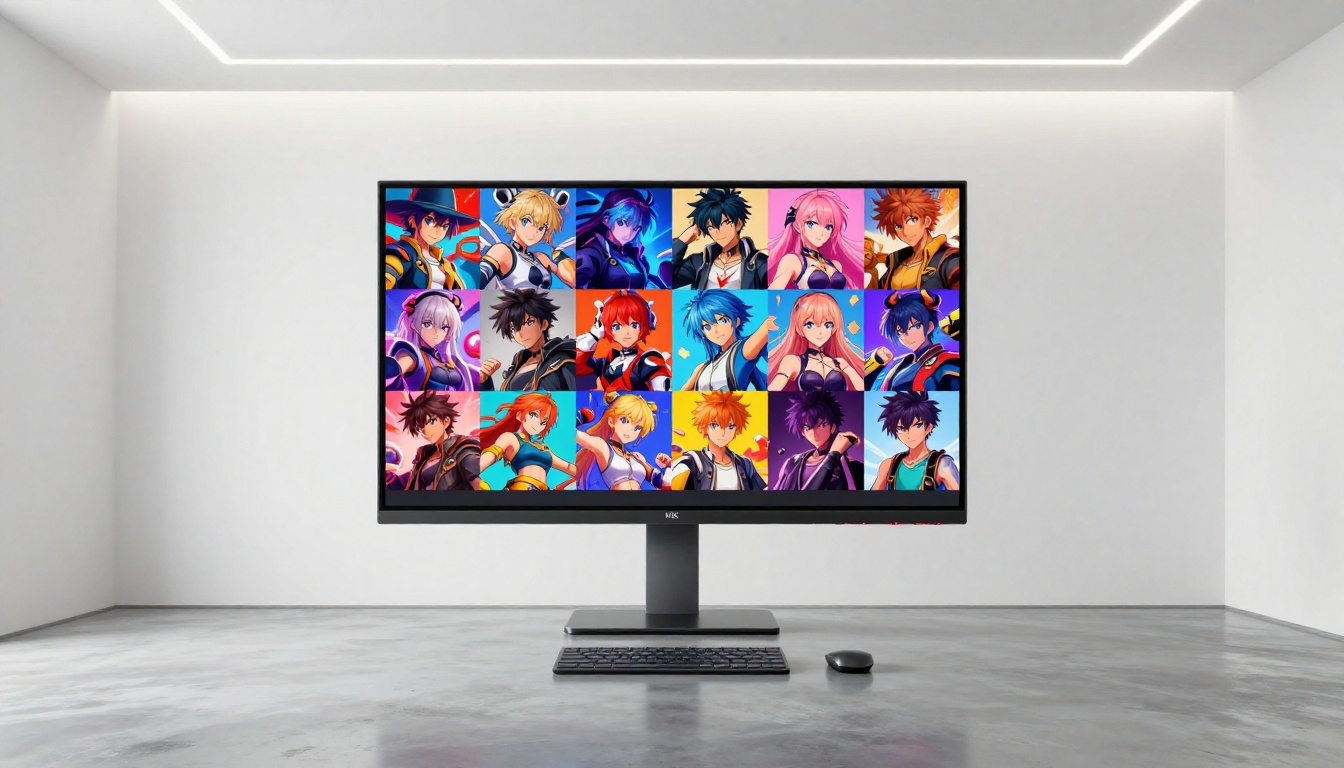
The barrier to creating professional-grade anime and illustration art with AI has dropped to near zero. What used to require a team of specialized artists or months of study now takes a well-crafted prompt and the right model selection. PicassoIA puts over 90 text-to-image models in one platform, including all the anime-focused tools covered here. Pick one, write your first prompt, and see what you can produce today.


